kit0

Blue App Store screenshots

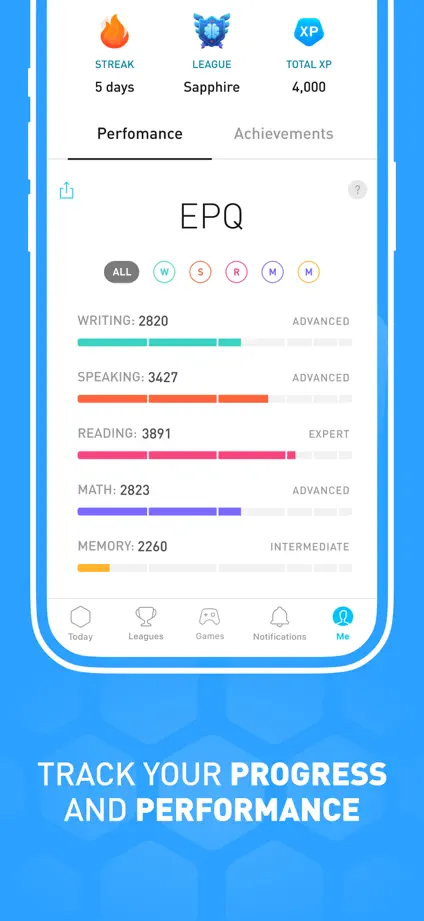
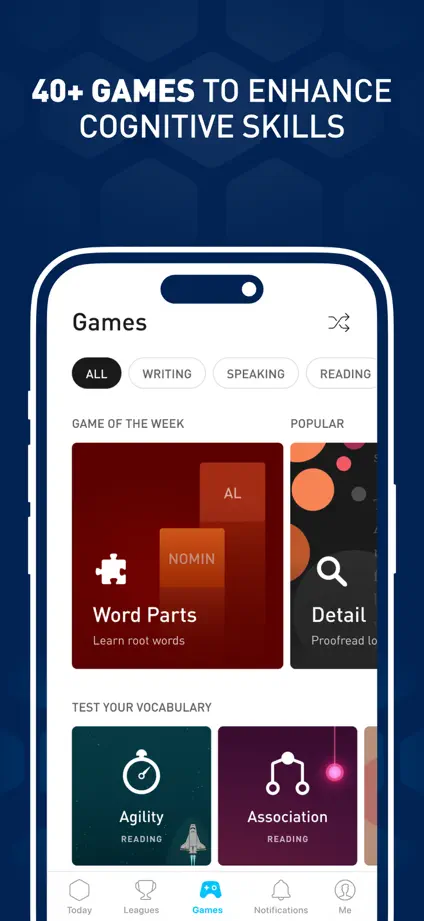
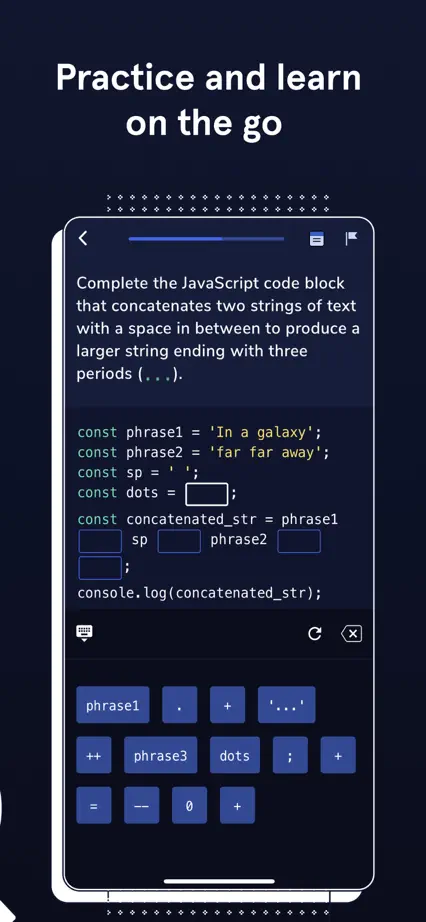
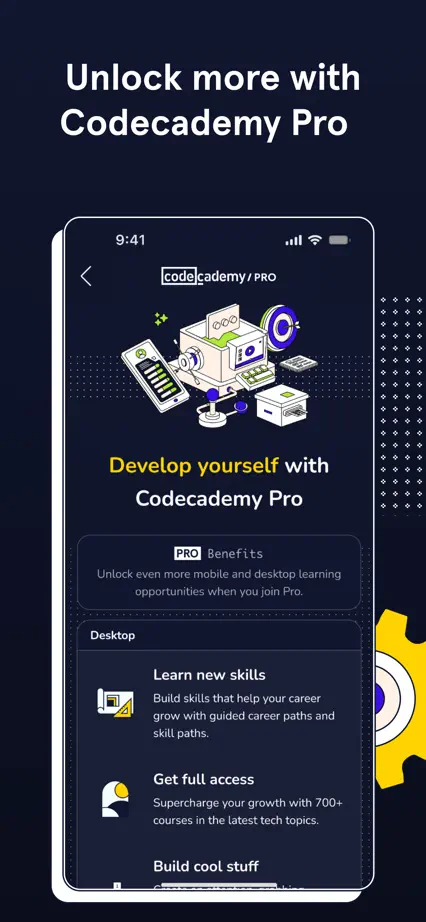
88 screenshot sets where blue is the dominant background color, from Things 3, Bear and Slopes. Mostly education, productivity and health & fitness apps, often using repeated layout and interface close-ups.

88 appsShow all

Busuu

Education · 10 frames

Blue and teal backgrounds repeat behind lesson screens, while progress illustrations and community examples provide variety within the same layout.

Busuu, App Store screenshot 1
Busuu, App Store screenshot 2
Busuu, App Store screenshot 3
Busuu, App Store screenshot 4
Busuu, App Store screenshot 5
Busuu, App Store screenshot 6
Busuu, App Store screenshot 7
Busuu, App Store screenshot 8
Busuu, App Store screenshot 9
Busuu, App Store screenshot 10

Memrise

Education · 9 frames

Bold type and solid color changes separate the opening promise, learning methods, lesson screens and a closing testimonial.

Memrise, App Store screenshot 1
Memrise, App Store screenshot 2
Memrise, App Store screenshot 3
Memrise, App Store screenshot 4
Memrise, App Store screenshot 5
Memrise, App Store screenshot 6
Memrise, App Store screenshot 7
Memrise, App Store screenshot 8
Memrise, App Store screenshot 9

Pimsleur

Education · 6 frames

An enlarged angled device connects the first two frames, followed by repeated blue panels that isolate lesson, audio and conversation screens.

Pimsleur, App Store screenshot 1
Pimsleur, App Store screenshot 2
Pimsleur, App Store screenshot 3
Pimsleur, App Store screenshot 4
Pimsleur, App Store screenshot 5
Pimsleur, App Store screenshot 6

Lingvist

Education · 9 frames

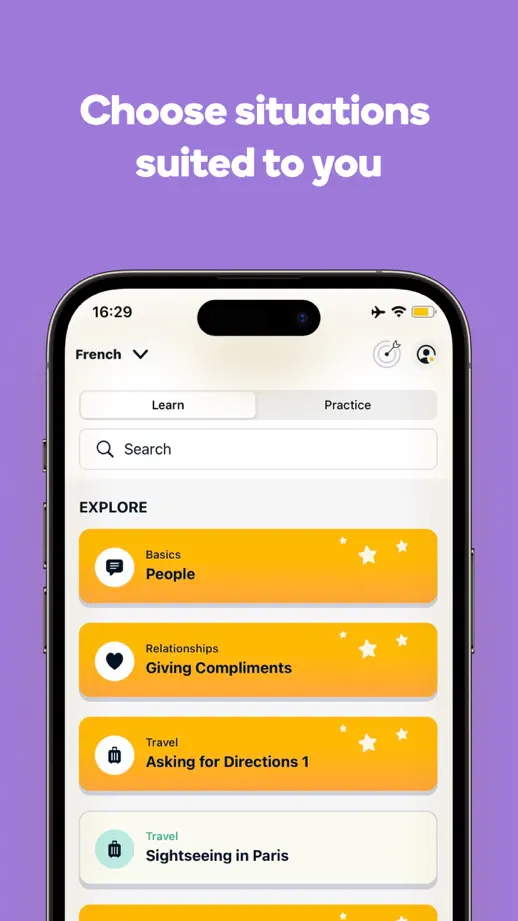
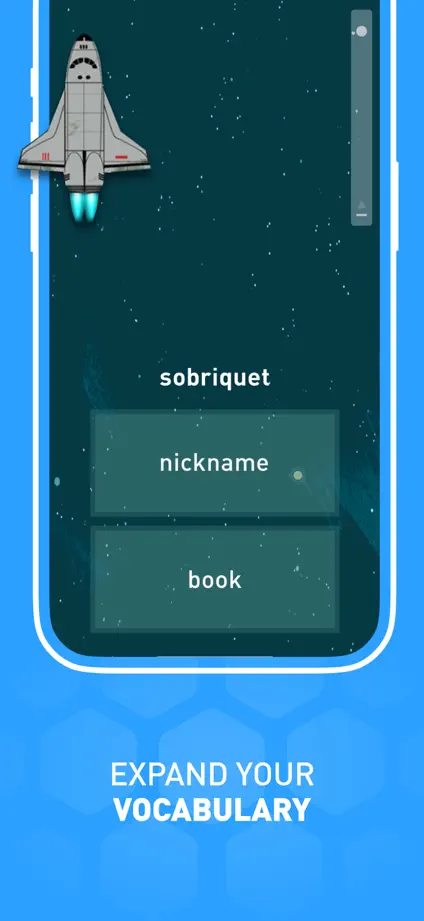
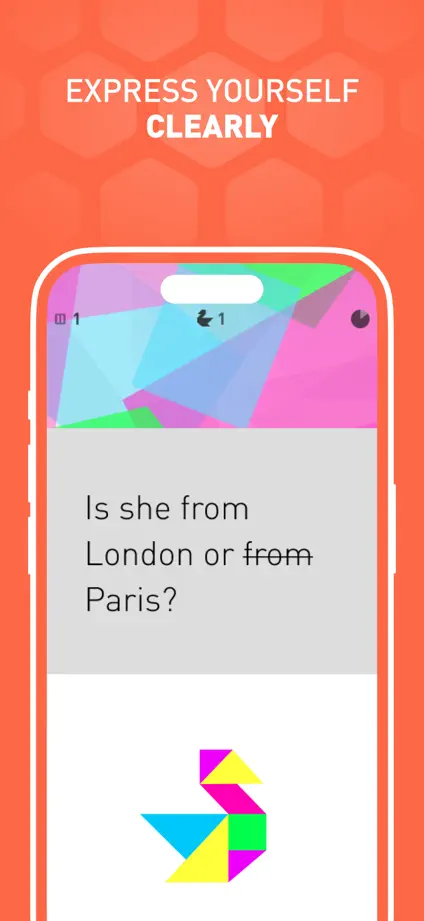
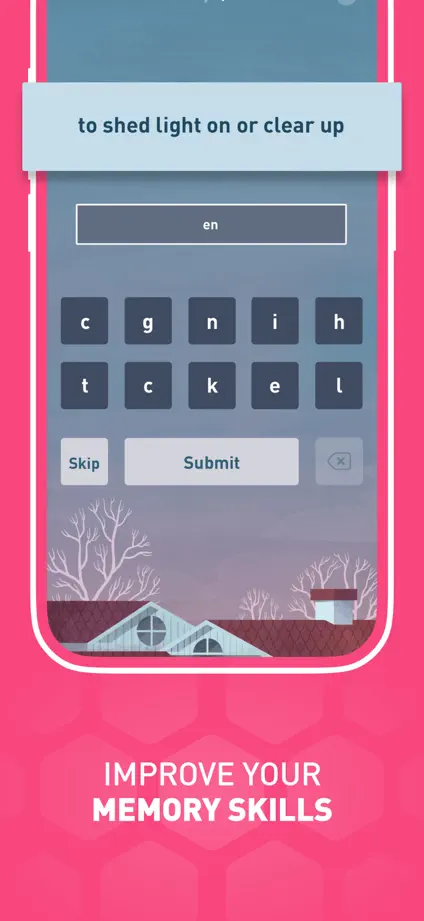
Alternating purple and blue panels repeat an upright phone, with rounded background blocks echoing the icon and selected lesson details pulled forward.

Lingvist, App Store screenshot 1
Lingvist, App Store screenshot 2
Lingvist, App Store screenshot 3
Lingvist, App Store screenshot 4
Lingvist, App Store screenshot 5
Lingvist, App Store screenshot 6
Lingvist, App Store screenshot 7
Lingvist, App Store screenshot 8
Lingvist, App Store screenshot 9

Tandem

Education · 6 frames

An oversized phone spans the opening blue panels, followed by large message, map and call views that keep the social interactions visible.

Tandem, App Store screenshot 1
Tandem, App Store screenshot 2
Tandem, App Store screenshot 3
Tandem, App Store screenshot 4
Tandem, App Store screenshot 5
Tandem, App Store screenshot 6

Quizlet

Education · 6 frames

Bright geometric backgrounds change color between features, while large cropped learning cards and small handwritten marks keep attention on the study material.

Quizlet, App Store screenshot 1
Quizlet, App Store screenshot 2
Quizlet, App Store screenshot 3
Quizlet, App Store screenshot 4
Quizlet, App Store screenshot 5
Quizlet, App Store screenshot 6

Photomath

Education · 5 frames

Pink, blue and yellow blocks connect transparent device outlines, equation steps and black-and-white student cutouts across the sequence.

Photomath, App Store screenshot 1
Photomath, App Store screenshot 2
Photomath, App Store screenshot 3
Photomath, App Store screenshot 4
Photomath, App Store screenshot 5

Elevate

Education · 8 frames

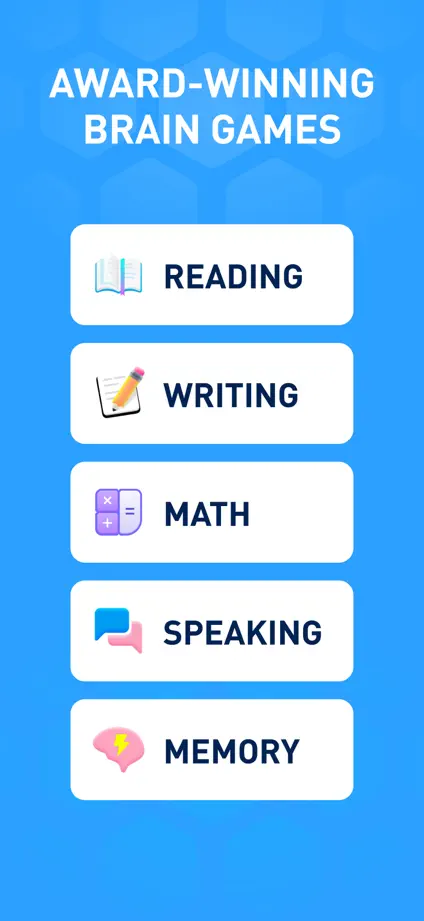
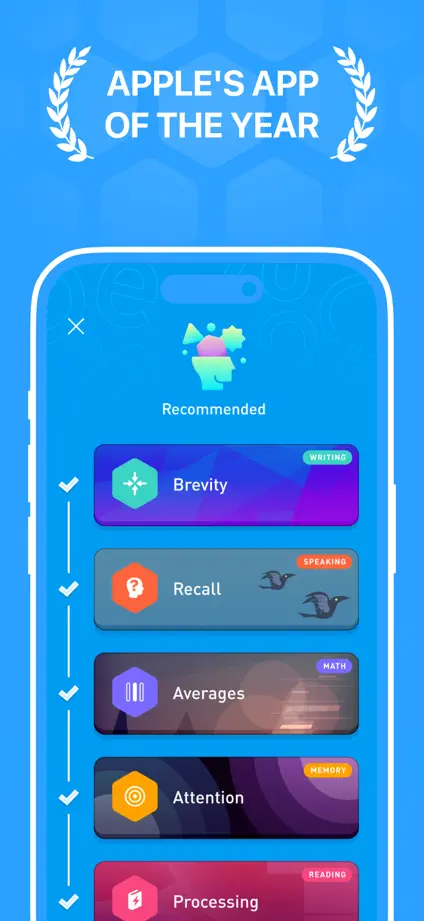
A typographic category overview leads into colorful exercise screens, alternating device placement and background color before a dark closing frame.
Elevate, App Store screenshot 1
Elevate, App Store screenshot 2
Elevate, App Store screenshot 3
Elevate, App Store screenshot 4
Elevate, App Store screenshot 5
Elevate, App Store screenshot 6
Elevate, App Store screenshot 7
Elevate, App Store screenshot 8

Sololearn

Education · 8 frames

An angled phone spans the opening panels, followed by enlarged code editors, lesson cards and a certificate against a pale illustrated background.

Sololearn, App Store screenshot 1
Sololearn, App Store screenshot 2
Sololearn, App Store screenshot 3
Sololearn, App Store screenshot 4
Sololearn, App Store screenshot 5
Sololearn, App Store screenshot 6
Sololearn, App Store screenshot 7
Sololearn, App Store screenshot 8

Codecademy Go

Education · 5 frames

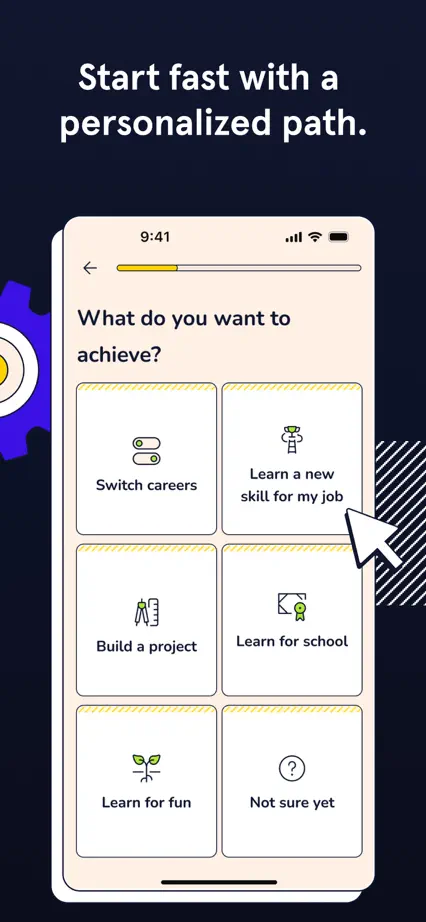
Navy panels, pale screens and bright yellow accents maintain a consistent coding identity, with cursor illustrations directing attention to specific controls.
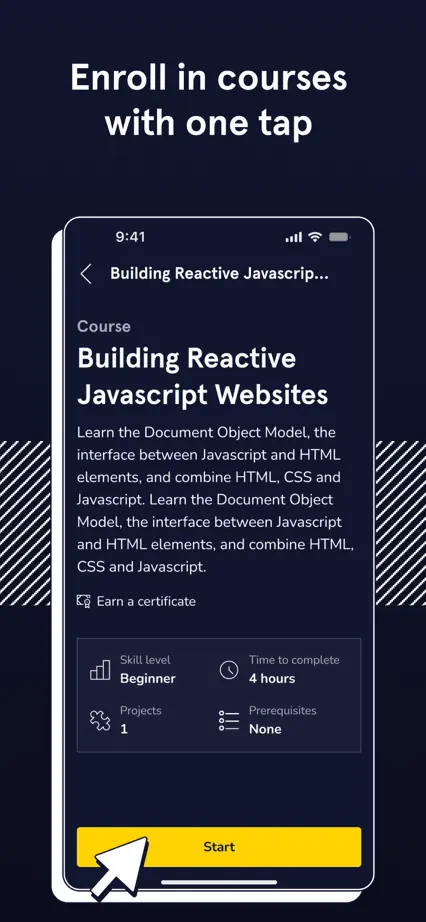
Codecademy Go, App Store screenshot 1
Codecademy Go, App Store screenshot 2
Codecademy Go, App Store screenshot 3
Codecademy Go, App Store screenshot 4
Codecademy Go, App Store screenshot 5

N26

Finance · 9 frames

Deep teal panels alternate with lifestyle photographs, while enlarged balance, card and support controls sit in front of the phones.

N26, App Store screenshot 1
N26, App Store screenshot 2
N26, App Store screenshot 3
N26, App Store screenshot 4
N26, App Store screenshot 5
N26, App Store screenshot 6
N26, App Store screenshot 7
N26, App Store screenshot 8
N26, App Store screenshot 9

Emma

Finance · 5 frames

Navy panels, turquoise heading emphasis and purple interface accents create a consistent contrast, ending with a separate press-logo frame.

Emma, App Store screenshot 1
Emma, App Store screenshot 2
Emma, App Store screenshot 3
Emma, App Store screenshot 4
Emma, App Store screenshot 5

Add to collection

New collection