2026.2023 Nov 2026
- You can now use Slopes on your Insta360 Data Dashboard.
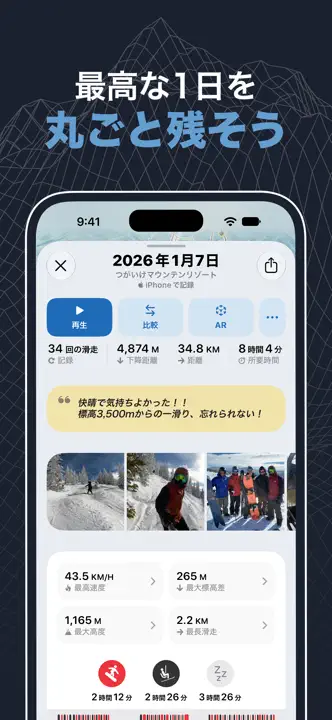
- New Runs table on the daily summary screen making it easy to analyze every runs' stats at a glance.
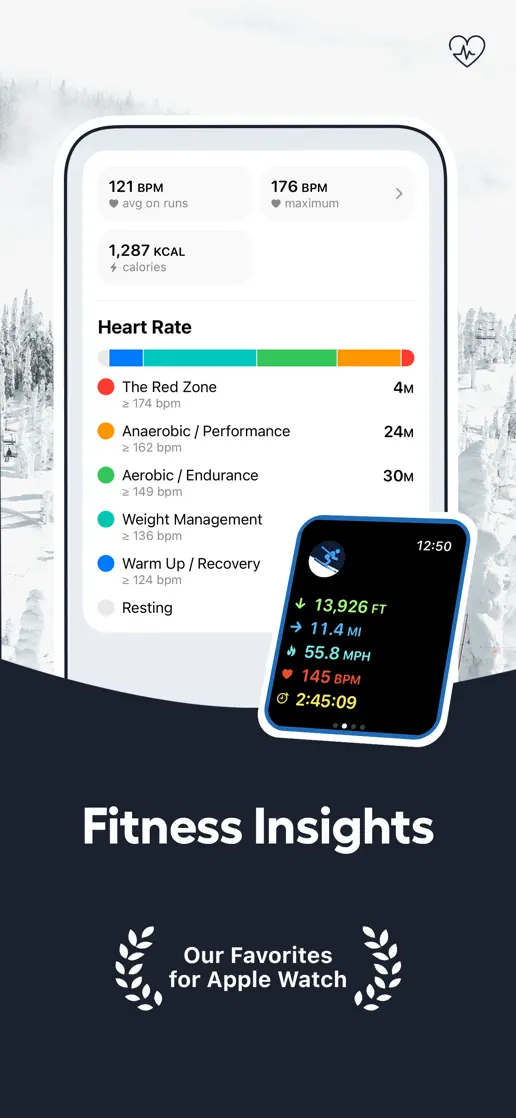
- Revamped fitness session on the daily summary screen, showing an overview of your heart rate over the entire day.
- When you didn't ride with any friends, the Rode With block is now much smaller.
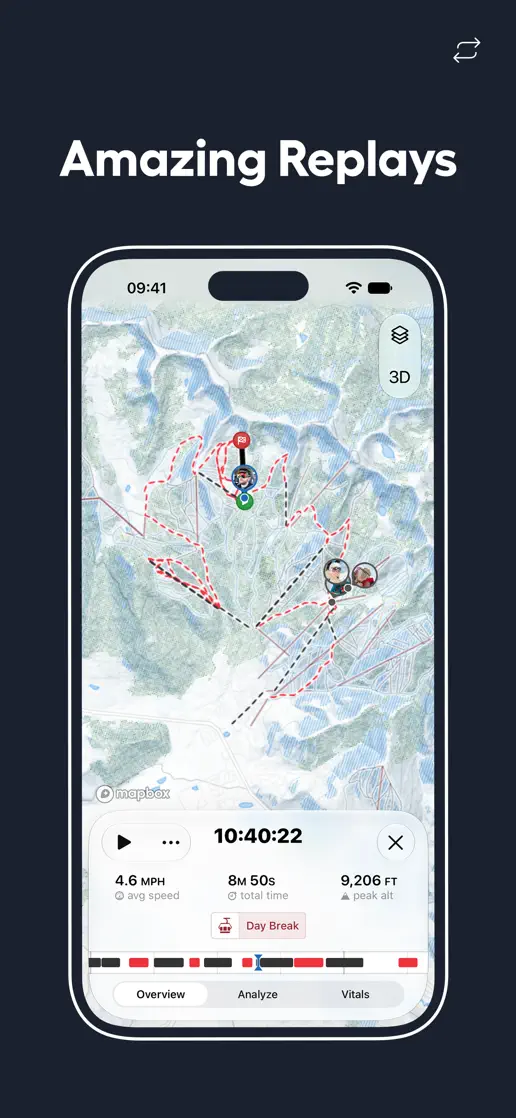
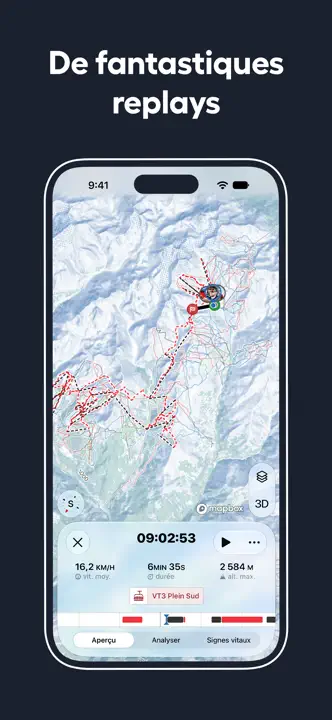
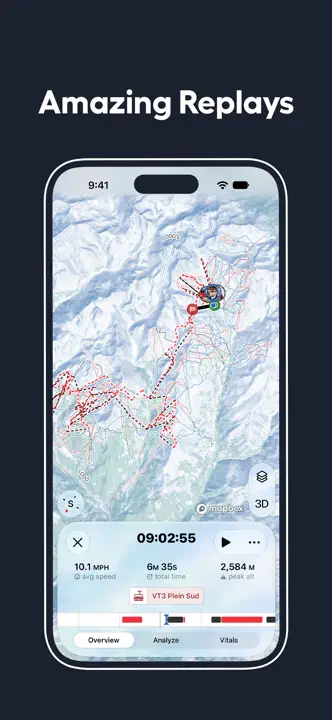
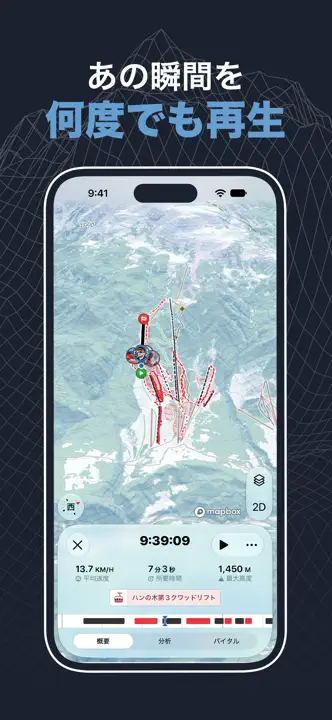
- Smoother animation when switching between overview and analyze/vitals on the playback screen.
- Fixed a crash when switching season comparisons on the season's trend charts.
- Fixed a case where bad GPS data wasn't filtered after being indoors for a bit, which would cause the drive-away detection to fire.
2026.1917 Nov 2026
- Live Activities now stick around as your Watch transfers the recording. This will replace the "Your stats for today are now available!" notification.
- Smoother avatar movement on the playback & AR screens.
- Improved mountain detail in the 3D share card.
- Improved loading performance on the daily summary screen.
- Duplicating a route/place will now also copy the icon/color.
- Fixed the stats widget having a blank map.
- Fixed the compare screen showing resort names in free mode.
- Fixed another case where the trip's date picker could cut off part of the calendar.
- Fixed heart rate data not showing on Watch.
2026.1812 Nov 2026
- Type in a country / state / pass name to filter resorts on the global search screen.
- Synced up the design of the map on the stats widget to match the logbook better.
- See how many days you recorded at a resort in the resort's stat header. Tap to see a list of those days.
- Fixed being able to remove people from your family.
- Fixed the date picker on the trip edit screen getting cut off.
- Fixed the stats widget not updating after a new activity in a weird race condition.
- Fixed not being able to start recording via recording smart reminders on Watch.
- Fixed a case where a speed heatmap gradient might not render.
- Fixed speed gradients in the compare screen sometimes being wrong after long breaks mid-run.
- Fixed the compare screen not fully unlocking for day passes.
- Fixed the "..." menu on the daily summary screen getting cut off in Dutch.
- Fixed not being able to save a 1-day trip after trying to re-edit it.
- Fixed a crash on iOS 18 when you rotated your phone to landscape.
- Fixed crashes for people still on early iOS 27.0 and 27.2 betas. You have been judged.
- Fixed a crash that could occur when viewing the season summary screen.
2026.1710 Nov 2026
We've been working on so much stuff since March, this is a big one! Lets start with "free for everyone!" goodies:
- Guide (formerly the Resorts tab) is now home for your own places and routes, not just resorts:
- Import points, areas, tracks, and routes from other apps.
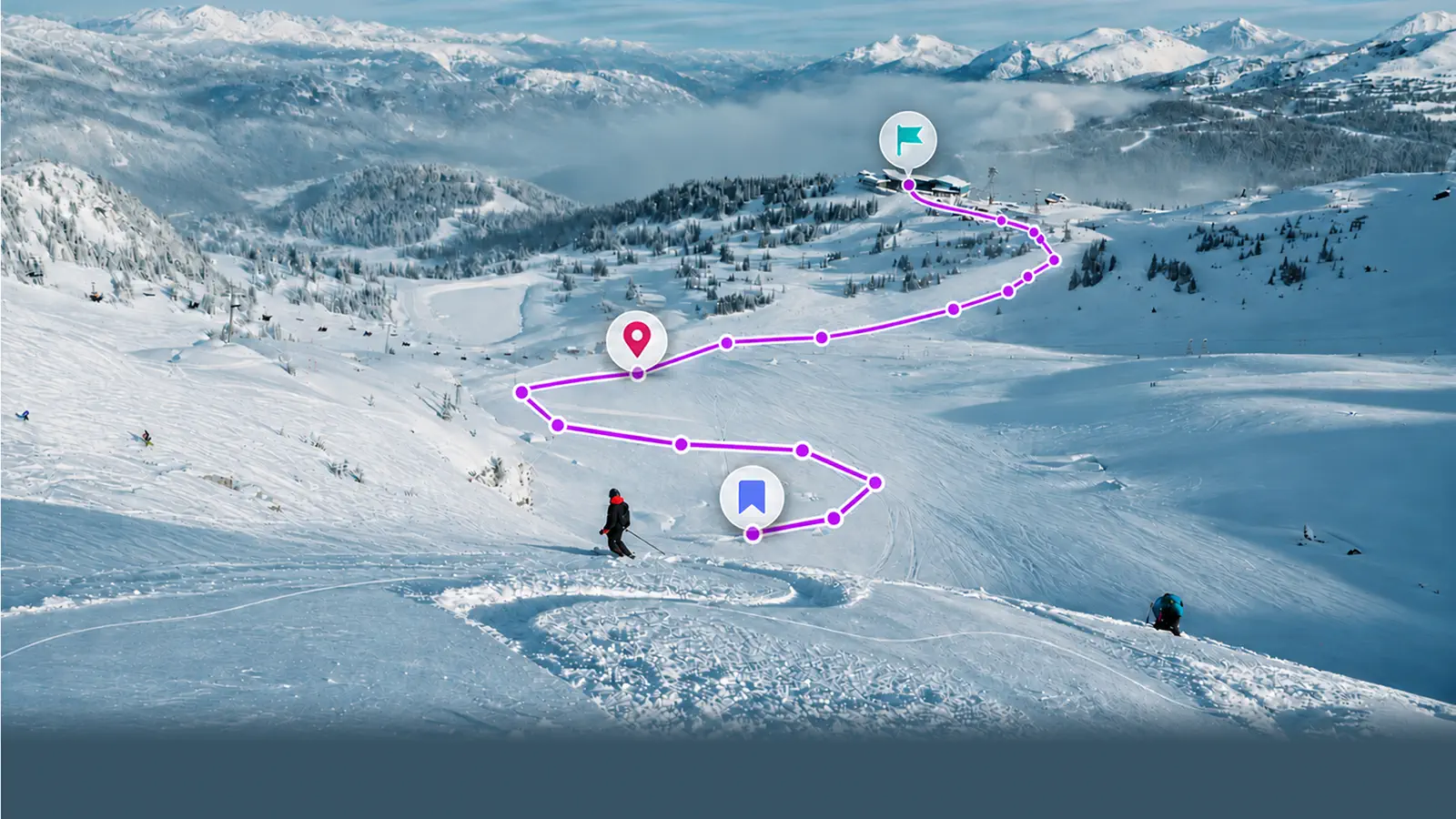
- Turn any lift or run from a past activity into a saved route from the "..." menu in playback.
- Long-press the map to drop a custom place or start a route there.
- Group areas, places, and routes into Collections.
- Export anything to GPX, GeoJSON, or KML.
- Weather & conditions:
- Forecasts right in the Guide resort list, which you can customize with your favorites.
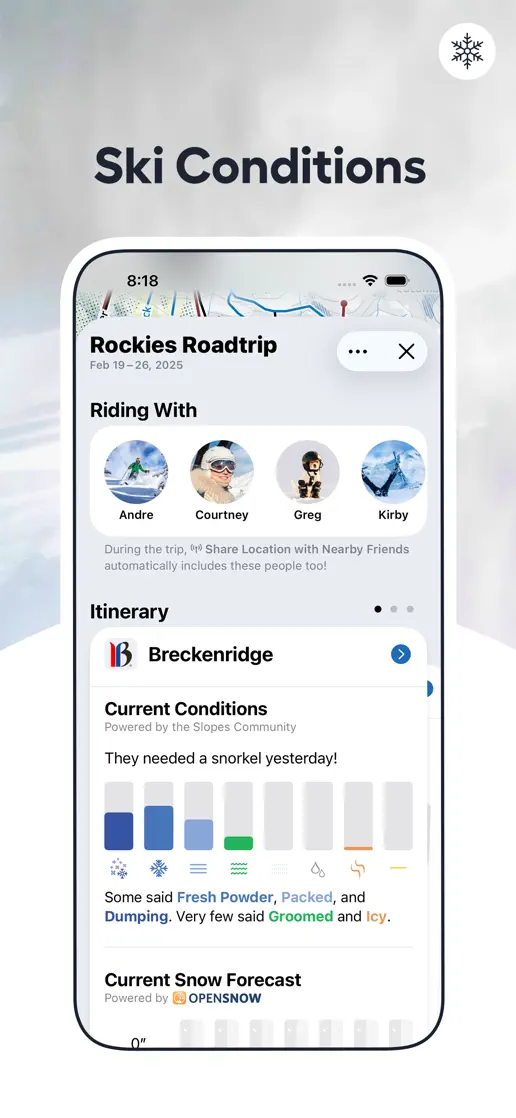
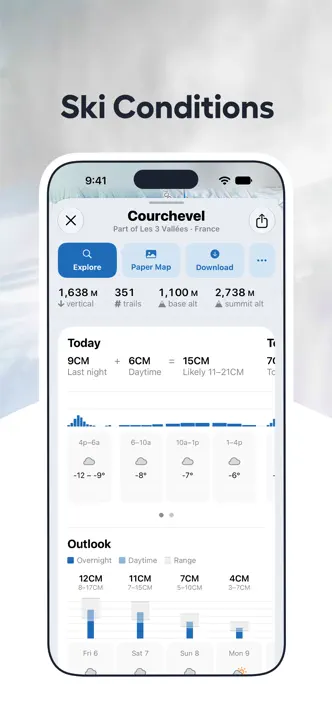
- Snowfall split into overnight (4pm–6am) and while you're riding, so you know what's fresh and what's already tracked out.
- Call-outs only when they matter: overnight freezes, daytime thaws, strong gusts, and more.
- A revamped "How it rides" section that combines community votes with all of this weather data.
- Snowpack metrics wherever SNOTEL stations are available.
- Avalanche forecasts from 73 forecast centers in 20 countries, shown as a map overlay and as a banner on your routes.
- Revamped conditions & forecast widgets, and new SNOTEL widget.
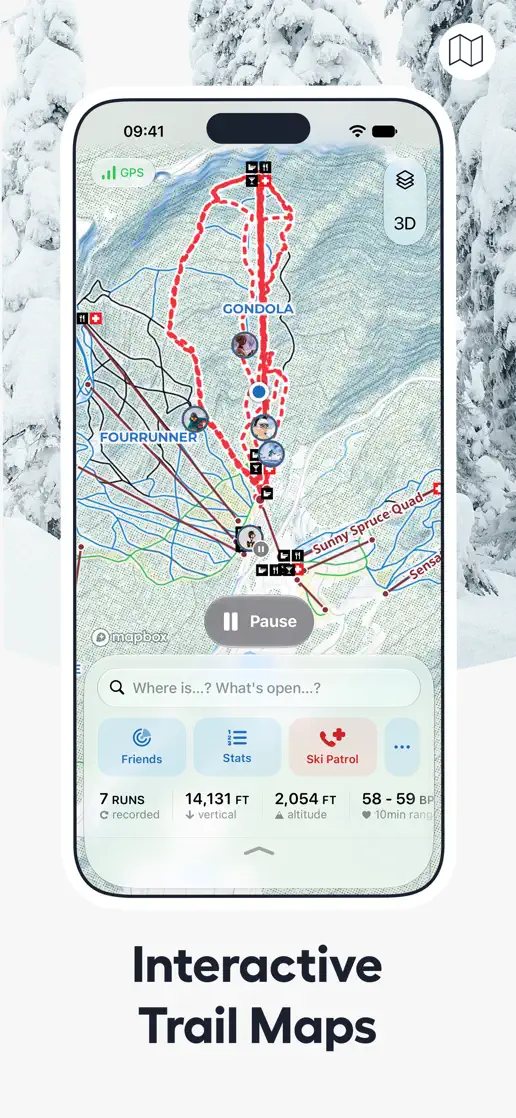
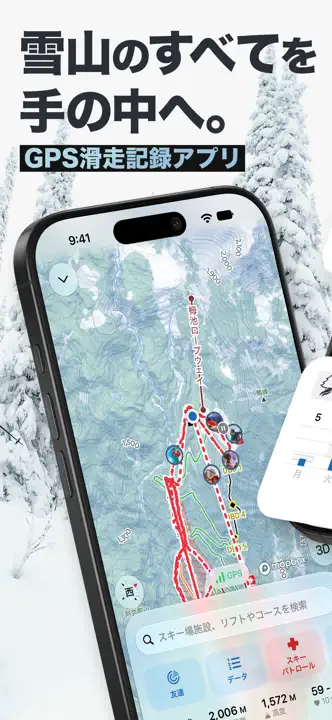
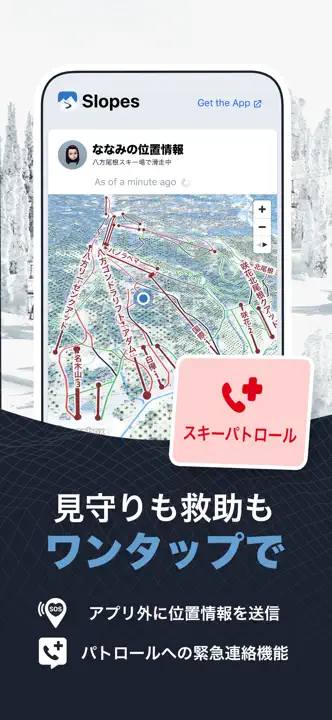
- A new ski patrol screen while recording shows your exact lat/lon and makes it easier to share your location when you need help.
- A new unified search letting you find activities, resorts, or backcountry locations on the map quickly.
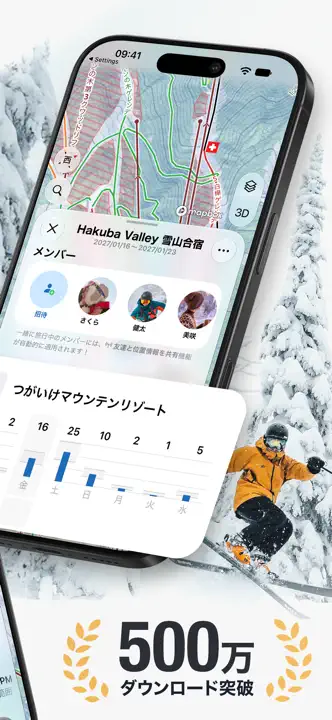
- You can look at previous seasons' leaderboards on the Friends tab.
- Improved the terrain rendering for 2d and 3d share cards.
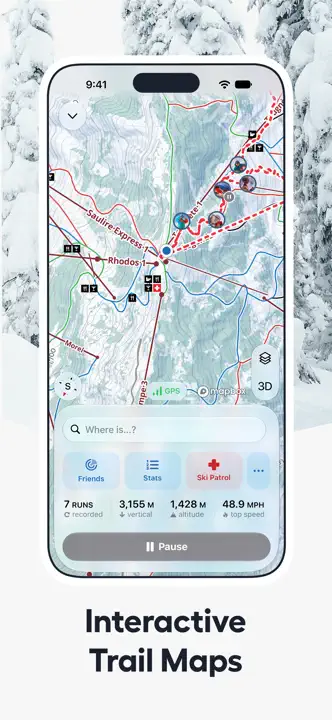
- When runs and lifts overlap on the map, tapping now lets you choose which one you meant.
Next, upgrades for existing subscribers:
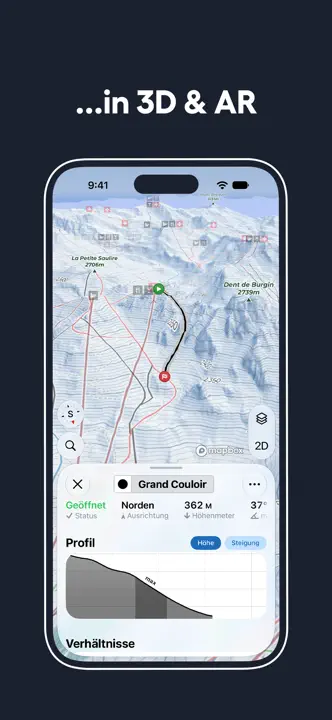
- 3D terrain and hillshade (2D and 3D) are now powered by 1–10m elevation data for most resorts worldwide, for much *much* sharper terrain.
- Redesigned basemaps focusing on topography, legibility, and discovery.
- Our topo maps use our new HD trees layer for much greater detail and expanded coverage.
- Offline resort downloads now include elevation data, so overlays, 3D rendering, and altitude graphs work without a signal.
- Trail cards flag flat sections where you might need to unstrap and walk.
- Peak labels and contour elevation readouts are back, with localized values.
And lastly, Slopes Explore: a new subscription tier with serious terrain and snow tools for powder days, backcountry tours, and everything in between.
- Map overlays:
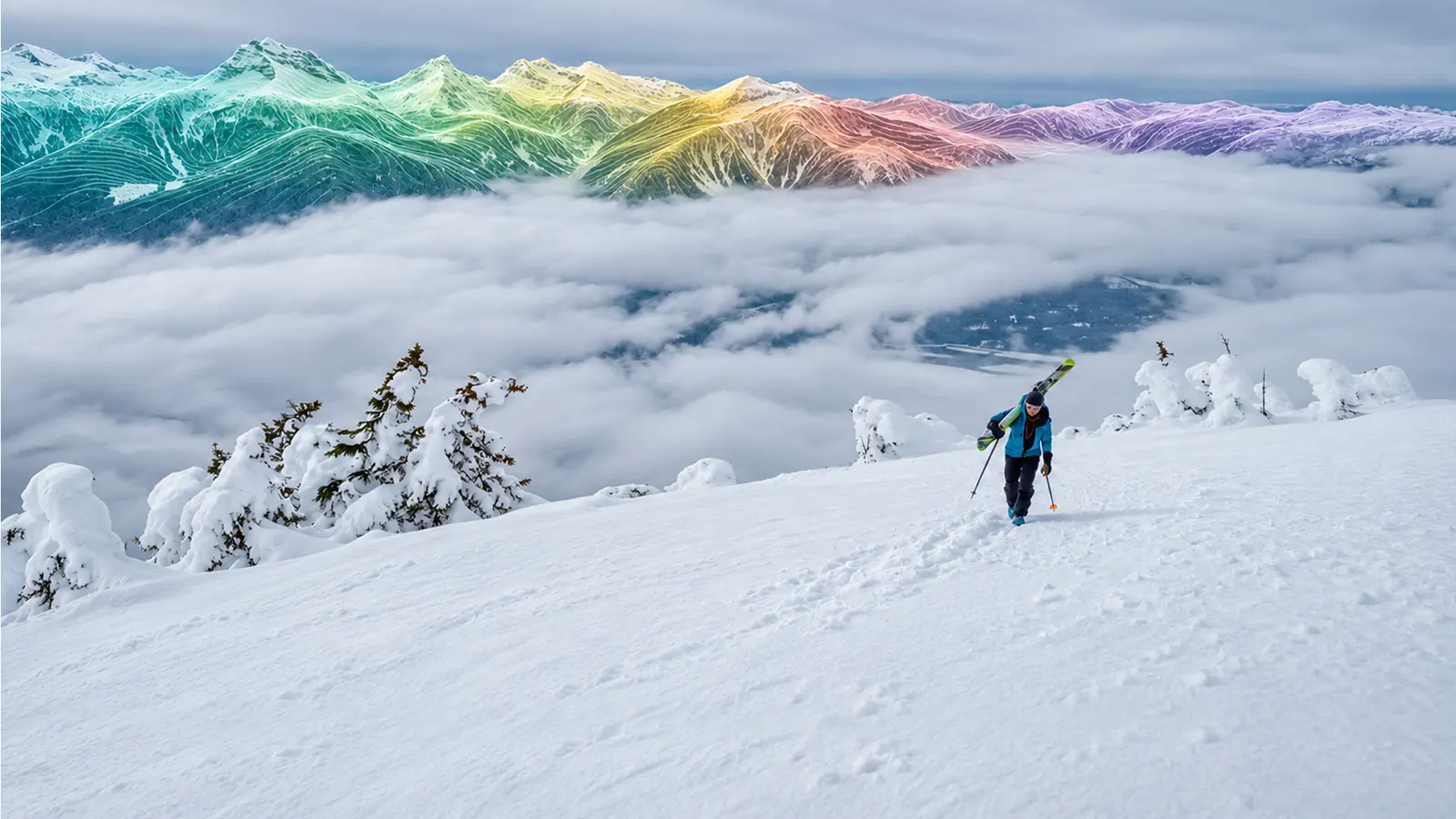
- Aspect, steepness, flats, and extreme terrain.
- (Finally!) A personal heat map of everywhere you've ever recorded.
- First sun, snow preservation, and a sunlight simulator for any date and time.
- Terrain curvature to spot troughs and ridges, plus a wind-loading simulator to estimate where powder collects.
- Sun exposure graphs on route, place, and trail cards so you can time your runs.
- Draw your own routes by tapping or with Apple Pencil, and validate your plan with altitude, grade, and steepness graphs of your route.
- Download custom offline regions for any backcountry area, with or without satellite imagery.
2026.1610 Oct 2026
Slopes is optimized for the iPhone Duo! Use a compact interface with a smaller map when the Duo is folded, or open the Duo to take advantage of much larger full-screen maps.
2026.1517 Sept 2026
- Quick fix for a crasher where bad recordings that had been silently failing to upload in the past were now crashing the sync engine.
----
Previous release notes for our iOS 27 release:
- Huge improvements to the recording engine moving Slopes beyond just lifts & runs at resorts:
- When you start in uphill/skinning mode, Slopes now shows live ascent stats.
- A new dedicated cat ski mode for the backcountry that's tuned specifically for identifying cat rides vs skiing.
- In regular downhill ski mode, hiking is detected separately from lifts. Hikes show live ascent stats, and post-recording totals them separate from lifts.
- Better suppression of "phantom runs" during small uphill segments of runs. We'd merge them back into the main run in the end, but your run count could look inflated mid-run if you checked your stats.
- Improved our "trim the fat" logic we apply to the start/end of runs to better cut out lift-lines & time waiting for friends at the top of the lift.
- Slopes now works in landscape on iPhone, with a wider layout that makes the most of the extra room.
- The Overview / Analyze / Vitals switcher is back on the playback card instead of only being accessible under the "..." menu.
- You can now pinch to zoom into live photos.
- Slopes will now use the heart rate zone ranges in Apple Health when available (iOS 27+).
- Fixed a case where drive-away detection could fire if you were bombing a run mid-day.
- Fixed searching for seasons, where '2025' only matched '2025/25' and not '2024/25'.
- Fixed several peak altitude issues: the value in your season summary now matches the activity and the 3D scene shows the right peak.
- Fixed "solo days" counting individual solo recordings instead of actual solo days, and a streak day-count that could be off by one for skiers outside GMT.
- Fixed snow conditions where "dumping" and "fresh powder" could get swapped.
- Offline map fixes: updating a digital map no longer forces a full re-download, "Erase all" now fully clears your paper maps, and we resolved a couple of related crashes.
- Fixed an upcoming trip itinerary that could stay stale after you edited it.
- Fixed Logbook lifetime stats not counting up on first appearance, and missing run-number indicators during playback on iOS 17/18.
- Fixed some cases where the map could get stuck in a loading state, never showing activity data.
- Fixed a case where trip attendees could appear duplicated.
- Squashed several crashes.
Going forward Slopes now requires iOS 18 or watchOS 11.
2026.1414 Sept 2026
- Huge improvements to the recording engine moving Slopes beyond just lifts & runs at resorts:
- When you start in uphill/skinning mode, Slopes now shows live ascent stats.
- A new dedicated cat ski mode for the backcountry that's tuned specifically for identifying cat rides vs skiing.
- In regular downhill ski mode, hiking is detected separately from lifts. Hikes show live ascent stats, and post-recording totals them separate from lifts.
- Better suppression of "phantom runs" during small uphill segments of runs. We'd merge them back into the main run in the end, but your run count could look inflated mid-run if you checked your stats.
- Improved our "trim the fat" logic we apply to the start/end of runs to better cut out lift-lines & time waiting for friends at the top of the lift.
- Slopes now works in landscape on iPhone, with a wider layout that makes the most of the extra room.
- The Overview / Analyze / Vitals switcher is back on the playback card instead of only being accessible under the "..." menu.
- You can now pinch to zoom into live photos.
- Slopes will now use the heart rate zone ranges in Apple Health when available (iOS 27+).
- Fixed a case where drive-away detection could fire if you were bombing a run mid-day.
- Fixed searching for seasons, where '2025' only matched '2025/25' and not '2024/25'.
- Fixed several peak altitude issues: the value in your season summary now matches the activity and the 3D scene shows the right peak.
- Fixed "solo days" counting individual solo recordings instead of actual solo days, and a streak day-count that could be off by one for skiers outside GMT.
- Fixed snow conditions where "dumping" and "fresh powder" could get swapped.
- Offline map fixes: updating a digital map no longer forces a full re-download, "Erase all" now fully clears your paper maps, and we resolved a couple of related crashes.
- Fixed an upcoming trip itinerary that could stay stale after you edited it.
- Fixed Logbook lifetime stats not counting up on first appearance, and missing run-number indicators during playback on iOS 17/18.
- Fixed some cases where the map could get stuck in a loading state, never showing activity data.
- Fixed a case where trip attendees could appear duplicated.
- Squashed several crashes.
Going forward Slopes now requires iOS 18 or watchOS 11 (Watch Series 4 is the only hardware dropped as a result of this).
2026.134 May 2026
- Lots of UX improvements for the timeline editor:
- Added a movement heat-bar to help you set the start/end of lifts/runs and avoid including time in lift lines.
- Added labels ("Run #1") and duration to the lift/run blocks.
- Live-updating of the lift/run's GPS path on the map while you drag the start or end to a new time.
- Higher contrast for the full day's GPS path and the action you're editing.
- Switched to Slopes's custom resort maps so it is easier to snap to lifts.
- UI tweaks to modernize the screen and bring it more inline with iOS 26.
- Slopes will no longer re-open to a recording or resort you looked at days ago. Instead we now only restore the last thing you were doing if it was within the past 10 hours or so.
- Improved GPS recovery logic for rescuing briefly-lost location points.
- Fixed multiple crashes on launch, including one that was sending some iOS 26 users into a crash loop.
- Fixed a couple of crashes that could happen during or at the end of a recording session.
- Fixed a crash for Ask to Buy users: if a parent approved an in-app purchase while you were waiting, the app could crash.
- Fixed several crashes that could happen seemingly at random — loading resort details, network activity, and smart recording reminders.
- Fixed crashes in the daily AR playback scene on iOS 26, usually related to opening and closing it multiple times.