kit0

Sports App Store screenshots

12 complete App Store screenshot sets from sports apps, including Slopes, Box Box Club and NFL. The most common techniques here are repeated layout, device mockups and photography.

12 appsShow all

Slopes

Sports · 10 frames

Snow photography and terrain maps connect the opening to a detailed tour of ski statistics.

Slopes, App Store screenshot 1
Slopes, App Store screenshot 2
Slopes, App Store screenshot 3
Slopes, App Store screenshot 4
Slopes, App Store screenshot 5
Slopes, App Store screenshot 6
Slopes, App Store screenshot 7
Slopes, App Store screenshot 8
Slopes, App Store screenshot 9
Slopes, App Store screenshot 10

Box Box Club

Sports · 10 frames

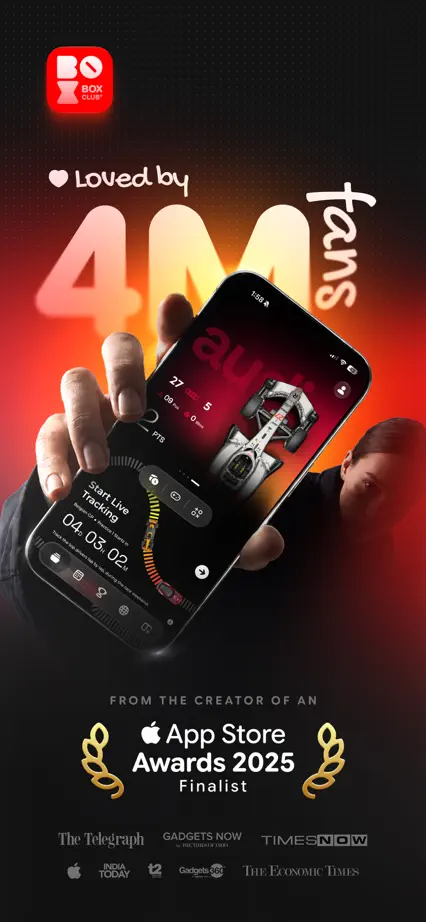
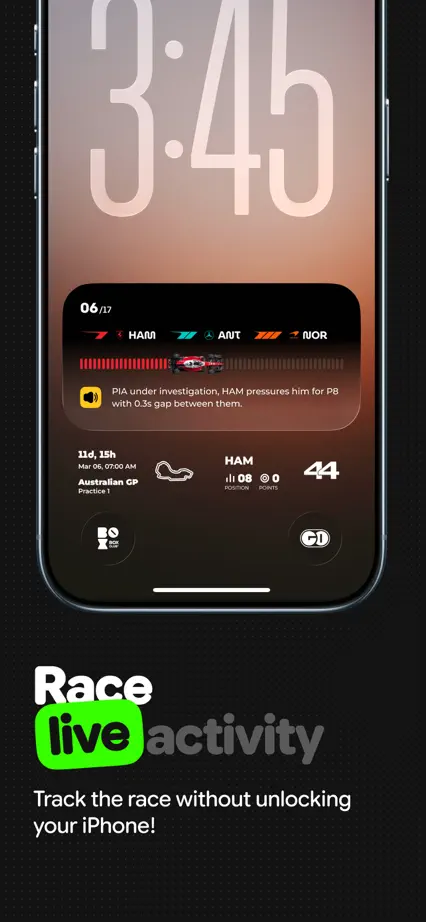
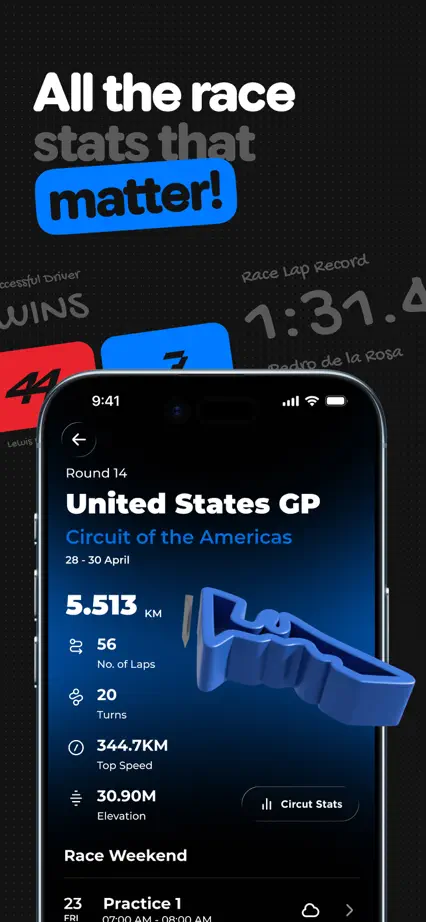
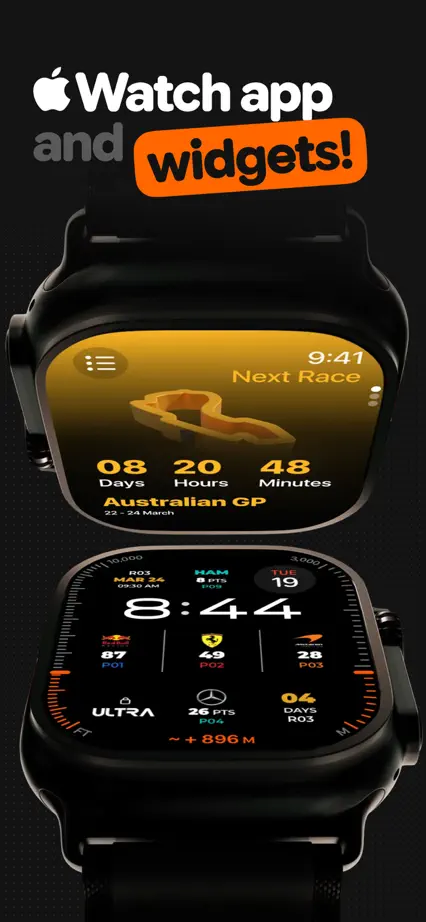
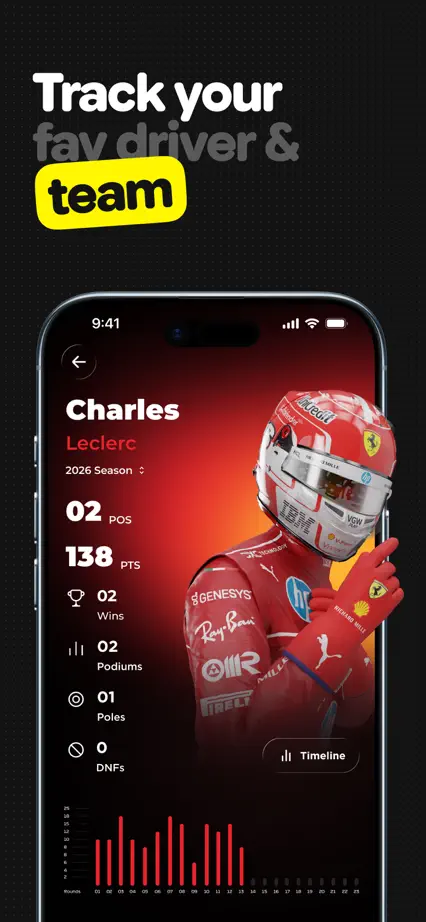
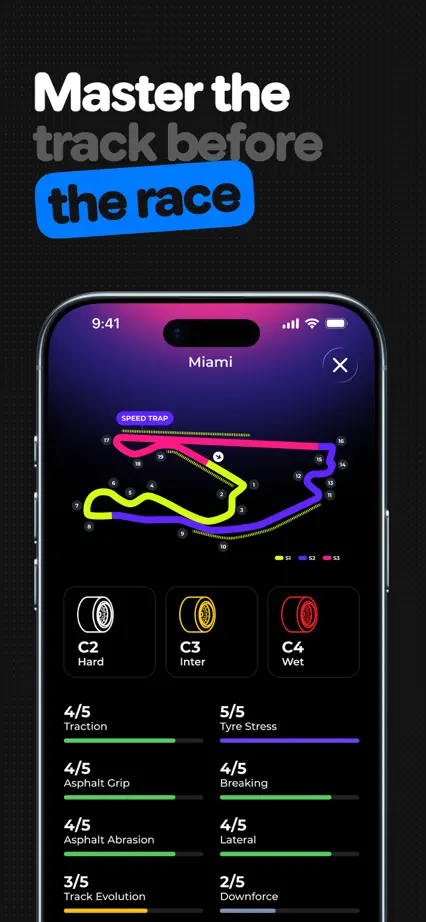
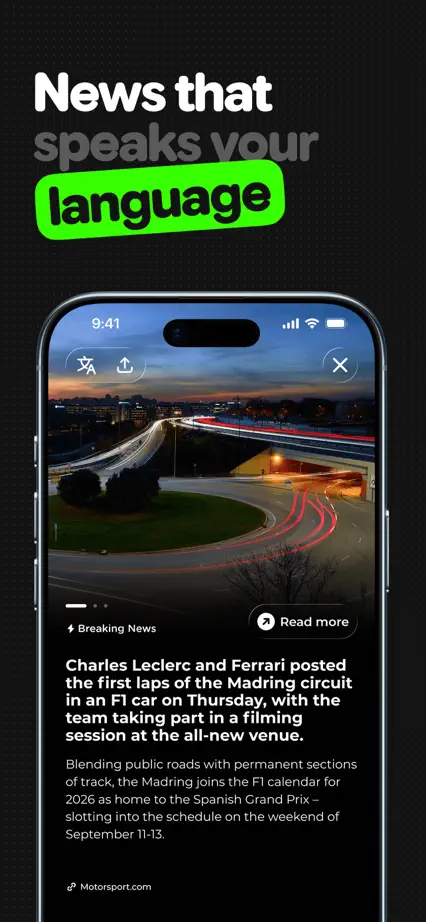
Dimensional racing graphics and neon word highlights link a dark feature tour.

Box Box Club, App Store screenshot 1
Box Box Club, App Store screenshot 2
Box Box Club, App Store screenshot 3
Box Box Club, App Store screenshot 4
Box Box Club, App Store screenshot 5
Box Box Club, App Store screenshot 6
Box Box Club, App Store screenshot 7
Box Box Club, App Store screenshot 8
Box Box Club, App Store screenshot 9
Box Box Club, App Store screenshot 10

NFL

Sports · 9 frames

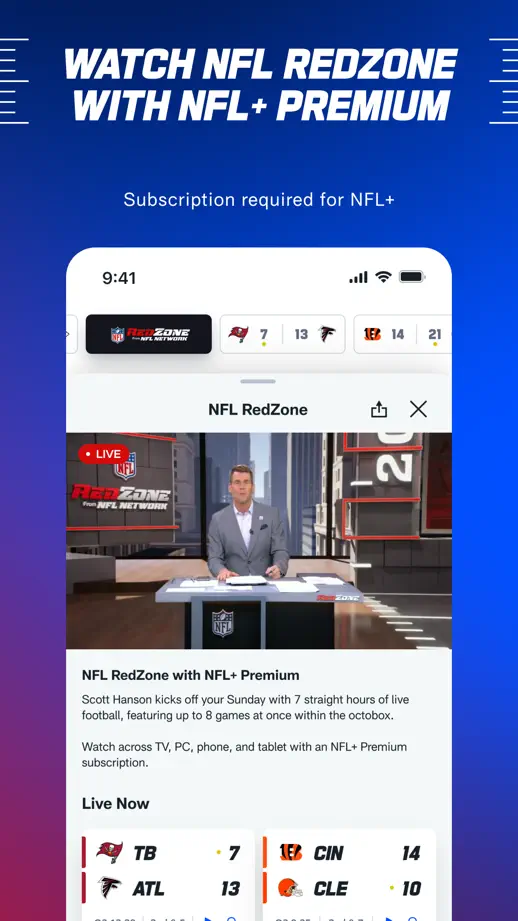
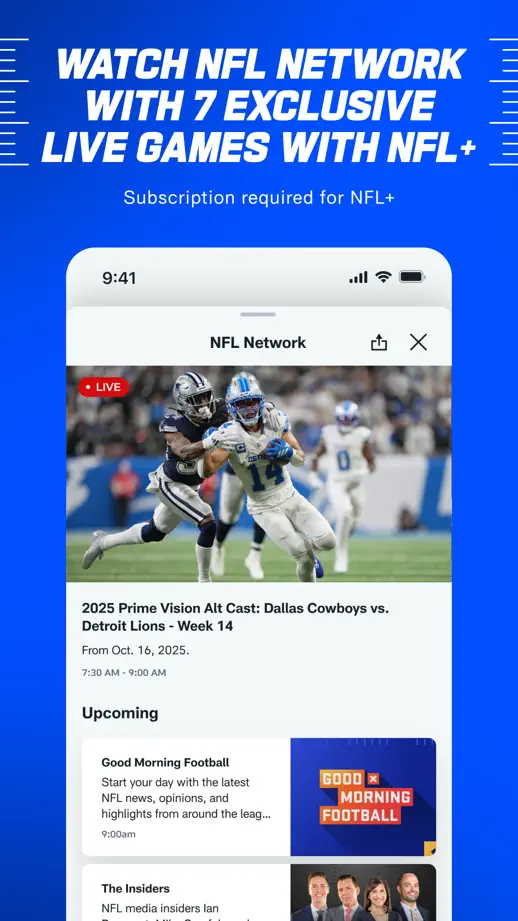
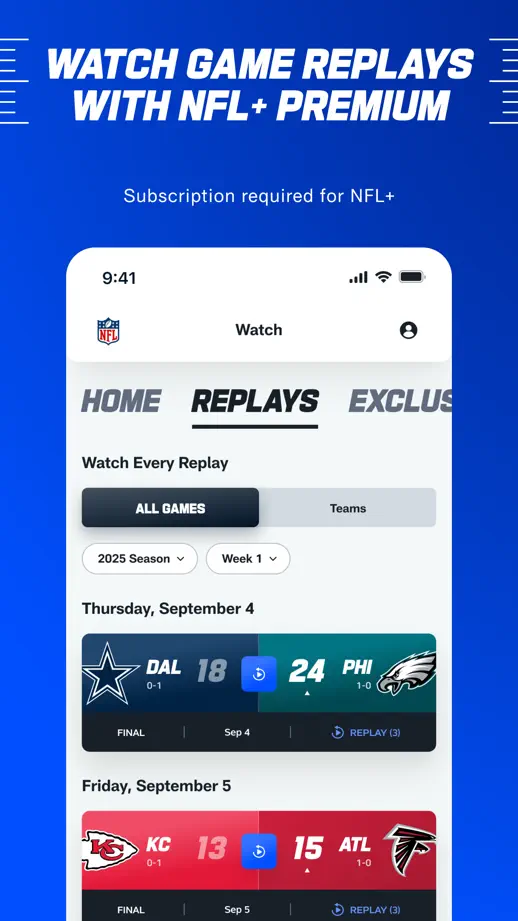
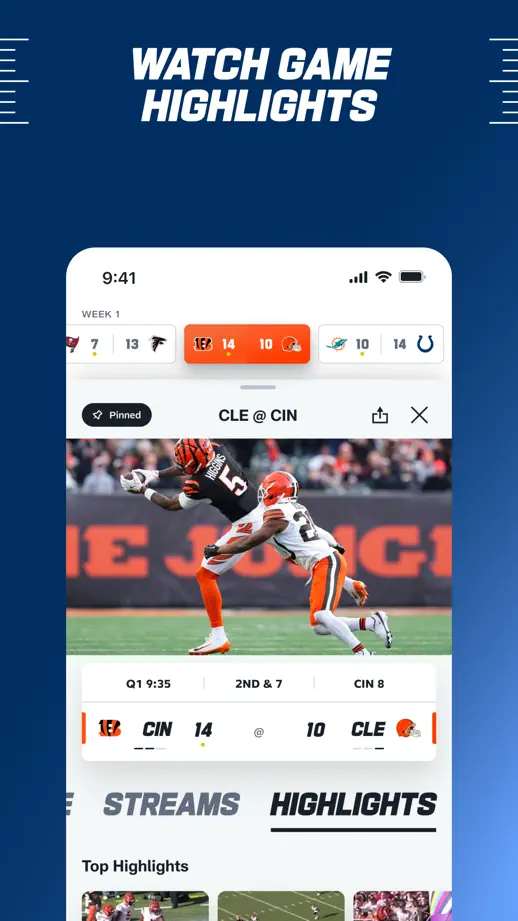
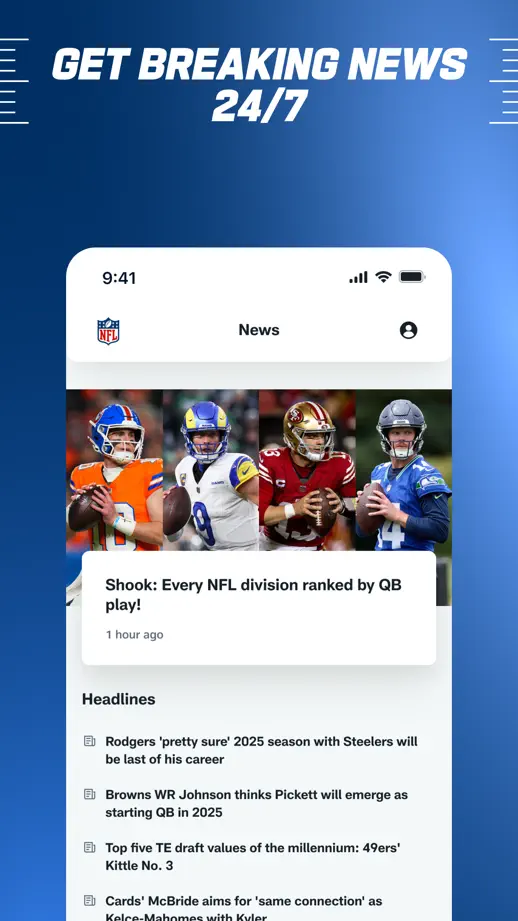
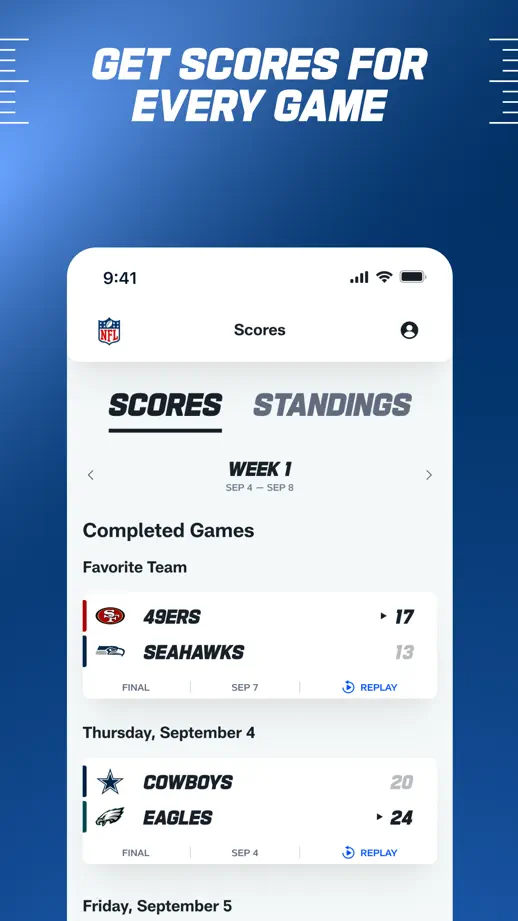
Athlete cutouts lead into a repeated blue feature tour, using cropped white screens and slanted uppercase headings to sustain the sports identity.

NFL, App Store screenshot 1
NFL, App Store screenshot 2
NFL, App Store screenshot 3
NFL, App Store screenshot 4
NFL, App Store screenshot 5
NFL, App Store screenshot 6
NFL, App Store screenshot 7
NFL, App Store screenshot 8
NFL, App Store screenshot 9

F1 TV

Sports · 5 frames

Five landscape panels pair large white labels with horizontal video screens on a consistent red background.

F1 TV, App Store screenshot 1
F1 TV, App Store screenshot 2
F1 TV, App Store screenshot 3
F1 TV, App Store screenshot 4
F1 TV, App Store screenshot 5

FotMob

Sports · 10 frames

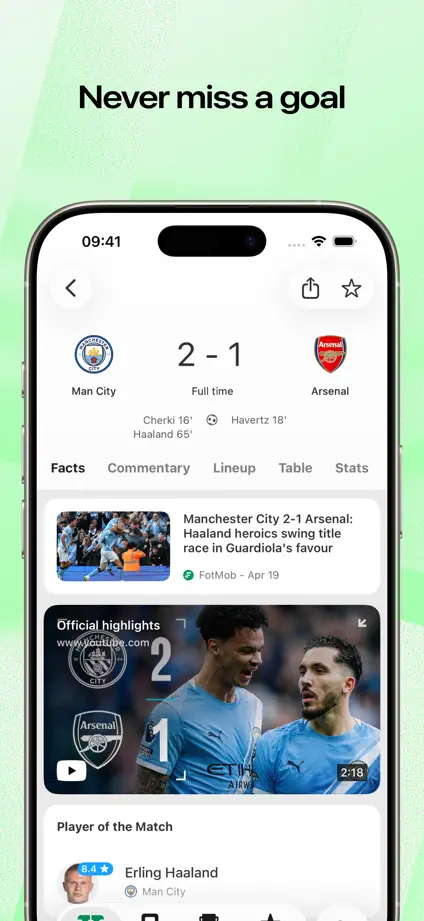
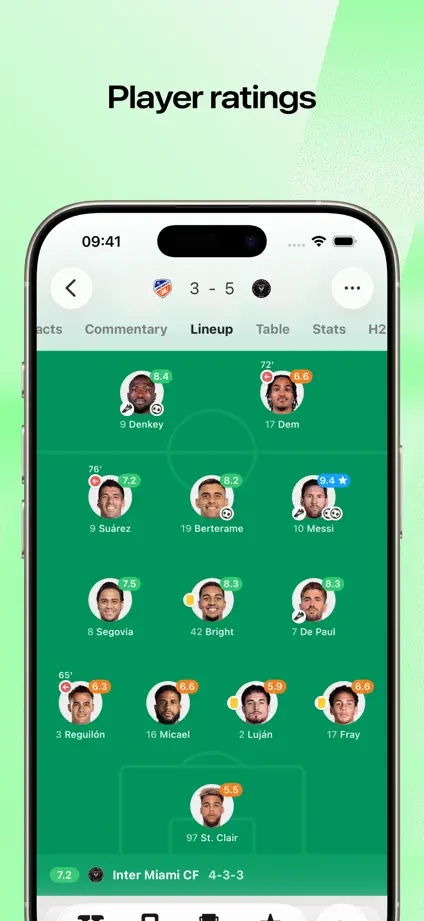
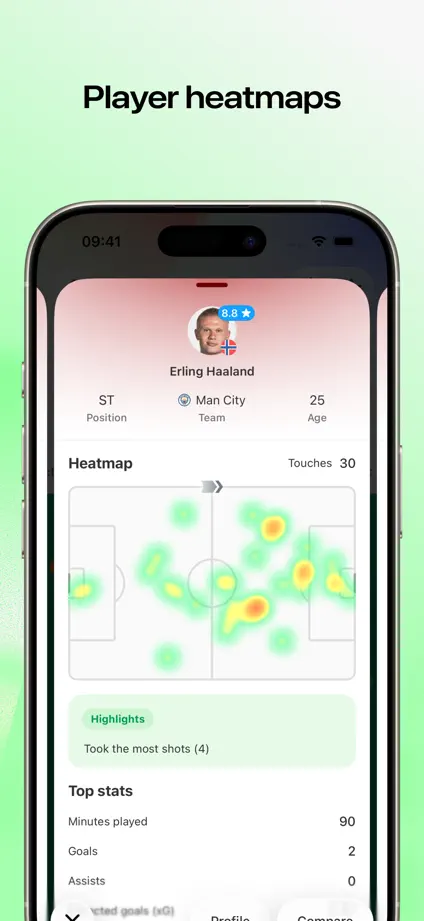
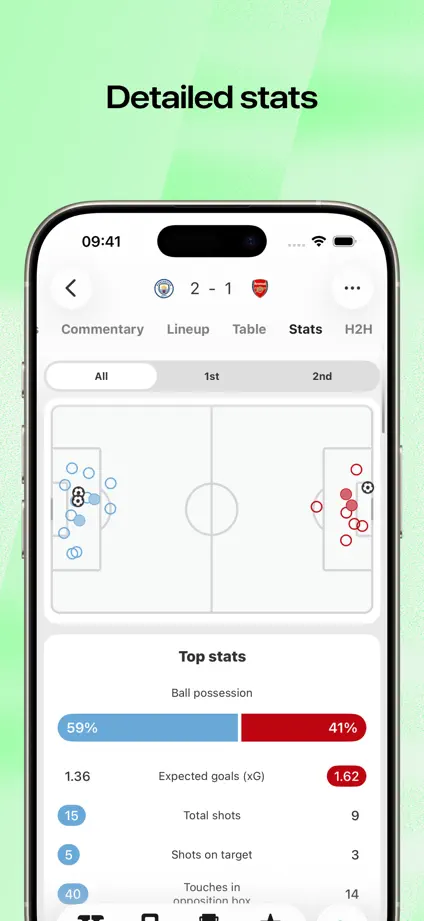
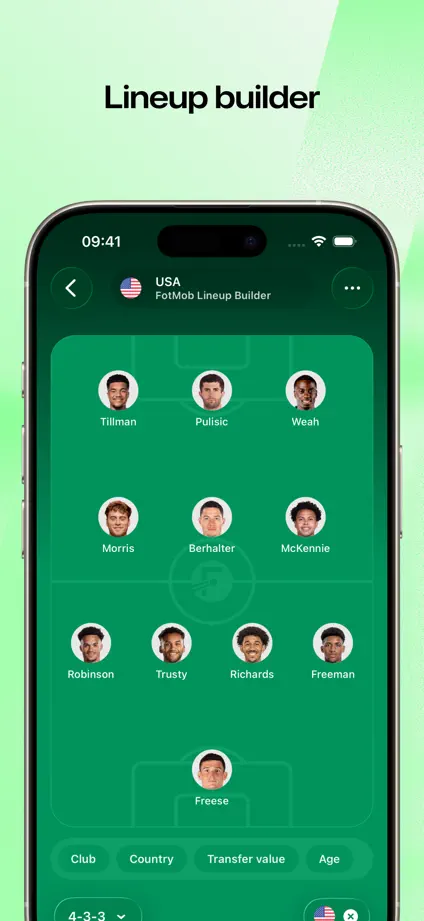
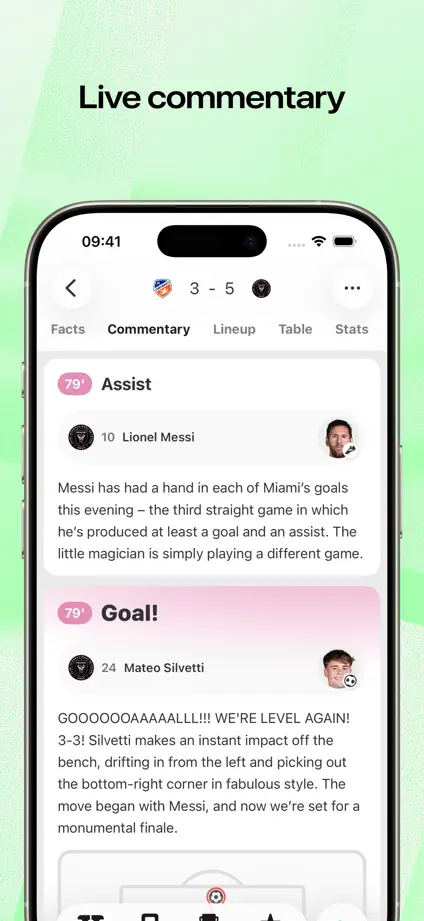
Pale green backgrounds support large phone crops, with live-activity and widget examples breaking up the run of scores, lineups and statistics.
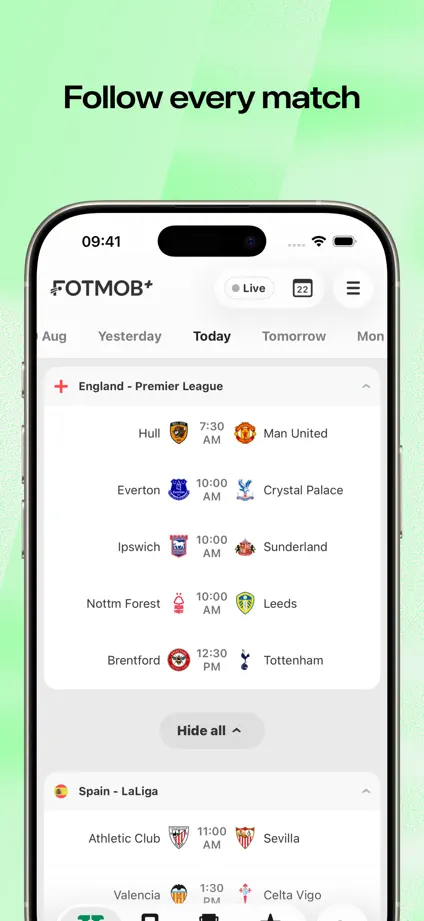
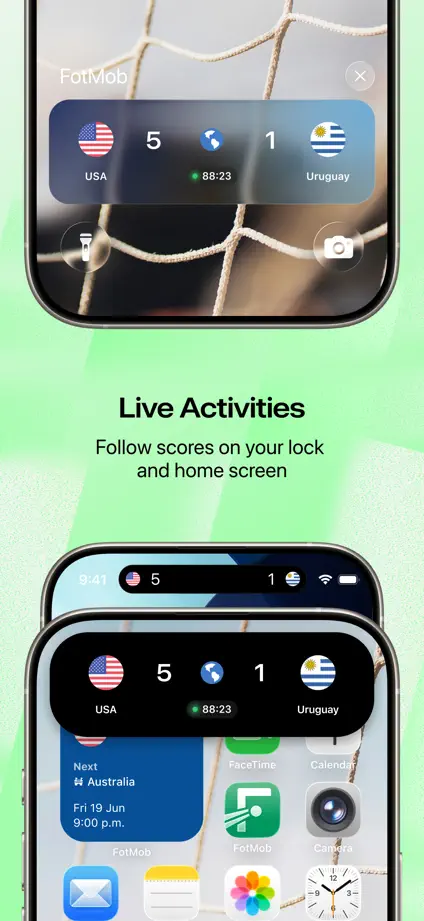
FotMob, App Store screenshot 1
FotMob, App Store screenshot 2
FotMob, App Store screenshot 3
FotMob, App Store screenshot 4
FotMob, App Store screenshot 5
FotMob, App Store screenshot 6
FotMob, App Store screenshot 7
FotMob, App Store screenshot 8
FotMob, App Store screenshot 9
FotMob, App Store screenshot 10

Sofascore

Sports · 8 frames

A large typographic opening leads into blue textured panels where phones alternate vertical position and short feature labels sit above or below them.

Sofascore, App Store screenshot 1
Sofascore, App Store screenshot 2
Sofascore, App Store screenshot 3
Sofascore, App Store screenshot 4
Sofascore, App Store screenshot 5
Sofascore, App Store screenshot 6
Sofascore, App Store screenshot 7
Sofascore, App Store screenshot 8

The Athletic

Sports · 9 frames

Serif headlines and dark article screens repeat over a continuous black-and-white horizontal stripe, with angled phones introducing the opening pair.

The Athletic, App Store screenshot 1
The Athletic, App Store screenshot 2
The Athletic, App Store screenshot 3
The Athletic, App Store screenshot 4
The Athletic, App Store screenshot 5
The Athletic, App Store screenshot 6
The Athletic, App Store screenshot 7
The Athletic, App Store screenshot 8
The Athletic, App Store screenshot 9

NHL

Sports · 8 frames

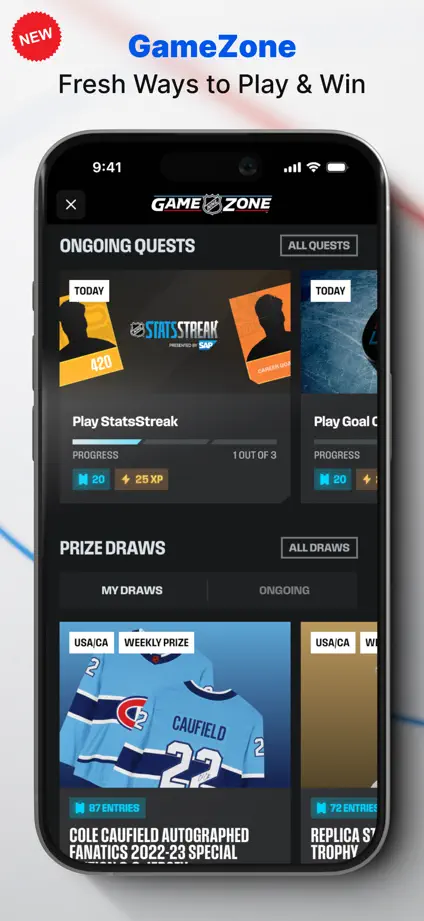
Dark phones on pale backgrounds keep the content prominent, with blue headline emphasis and a lock-screen frame separating the live-update feature.
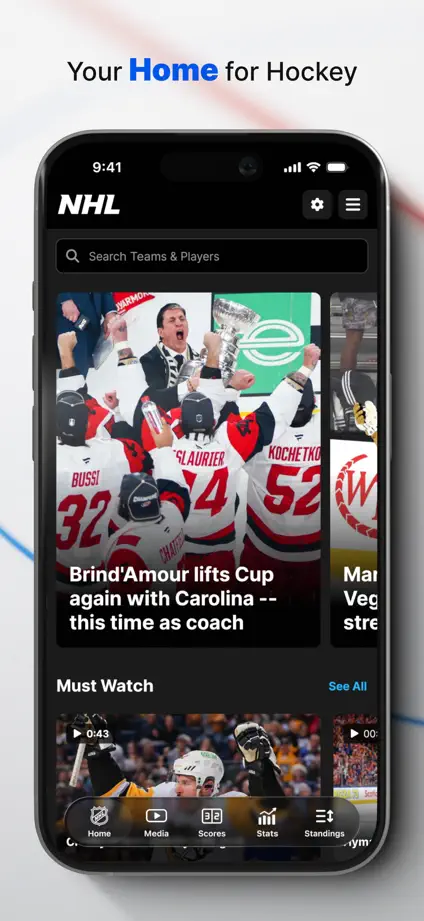
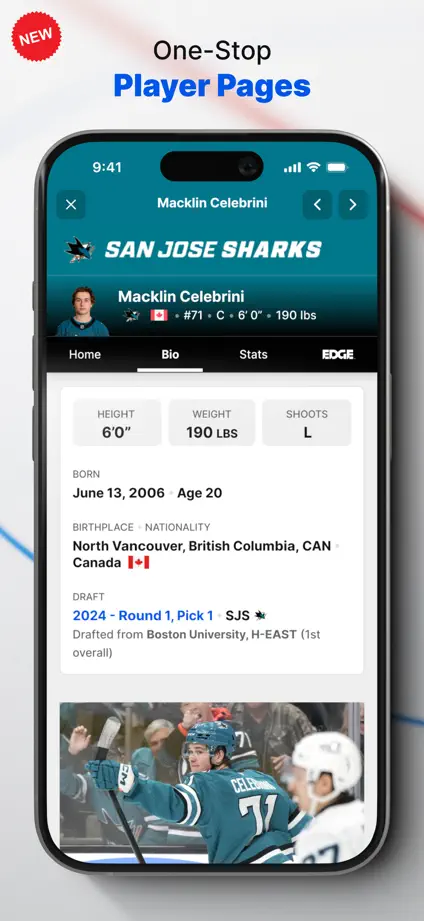
NHL, App Store screenshot 1
NHL, App Store screenshot 2
NHL, App Store screenshot 3
NHL, App Store screenshot 4
NHL, App Store screenshot 5
NHL, App Store screenshot 6
NHL, App Store screenshot 7
NHL, App Store screenshot 8

SwingVision

Sports · 10 frames

Bright green backgrounds contrast with dark sports screens, with court views, statistics and charts enlarged into floating detail panels.

SwingVision, App Store screenshot 1
SwingVision, App Store screenshot 2
SwingVision, App Store screenshot 3
SwingVision, App Store screenshot 4
SwingVision, App Store screenshot 5
SwingVision, App Store screenshot 6
SwingVision, App Store screenshot 7
SwingVision, App Store screenshot 8
SwingVision, App Store screenshot 9
SwingVision, App Store screenshot 10

Golfshot

Sports · 8 frames

Dark backgrounds and angled phones repeat through the sequence, pairing watch screens with maps and swing diagrams where the feature needs both.

Golfshot, App Store screenshot 1
Golfshot, App Store screenshot 2
Golfshot, App Store screenshot 3
Golfshot, App Store screenshot 4
Golfshot, App Store screenshot 5
Golfshot, App Store screenshot 6
Golfshot, App Store screenshot 7
Golfshot, App Store screenshot 8

18Birdies

Sports · 10 frames

An angled phone and watch introduce the set before blue panels repeat a centered device for course maps, swing video and performance charts.

18Birdies, App Store screenshot 1
18Birdies, App Store screenshot 2
18Birdies, App Store screenshot 3
18Birdies, App Store screenshot 4
18Birdies, App Store screenshot 5
18Birdies, App Store screenshot 6
18Birdies, App Store screenshot 7
18Birdies, App Store screenshot 8
18Birdies, App Store screenshot 9
18Birdies, App Store screenshot 10

DAZN

Sports · 7 frames

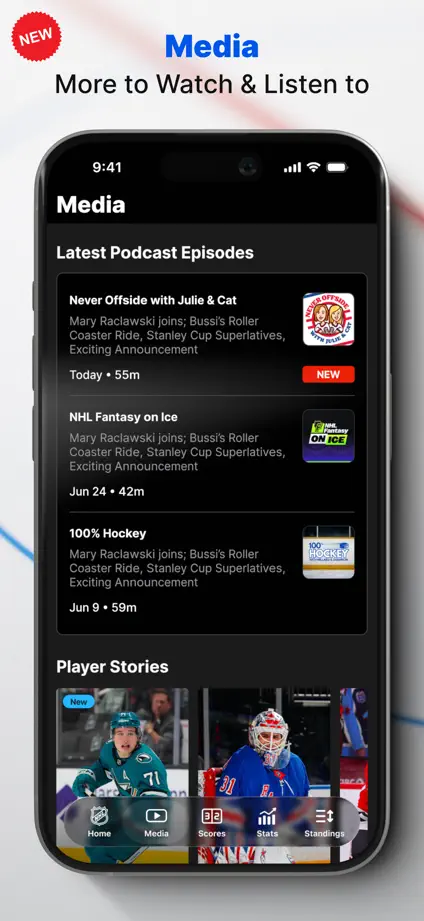
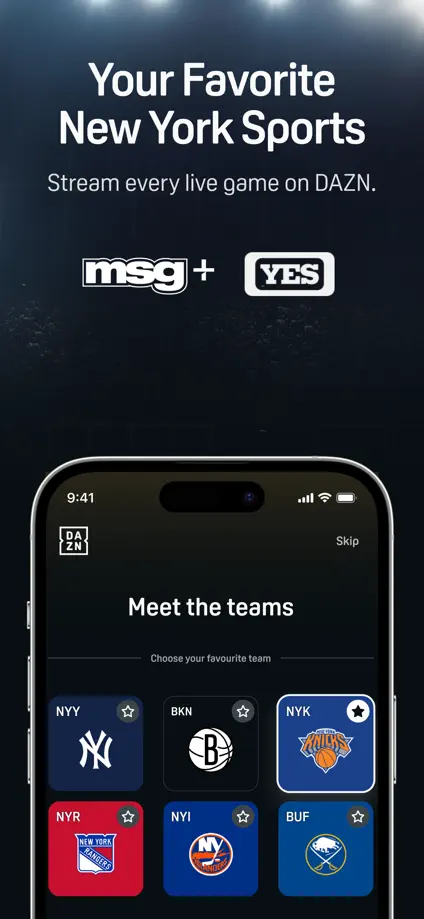
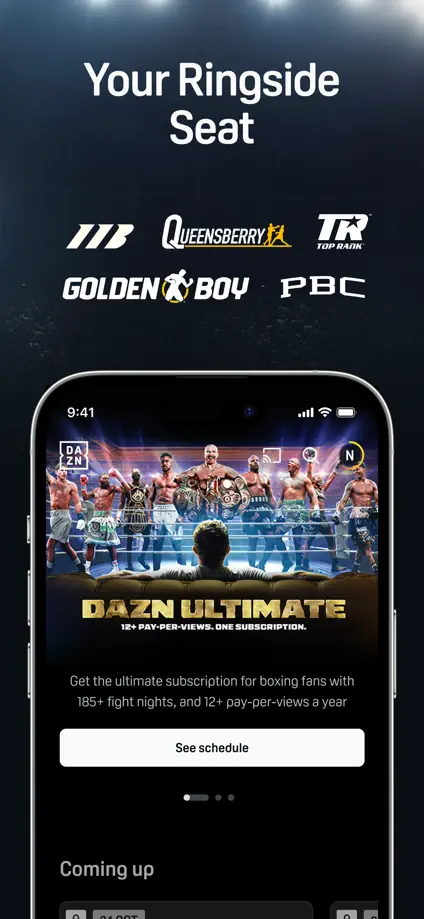
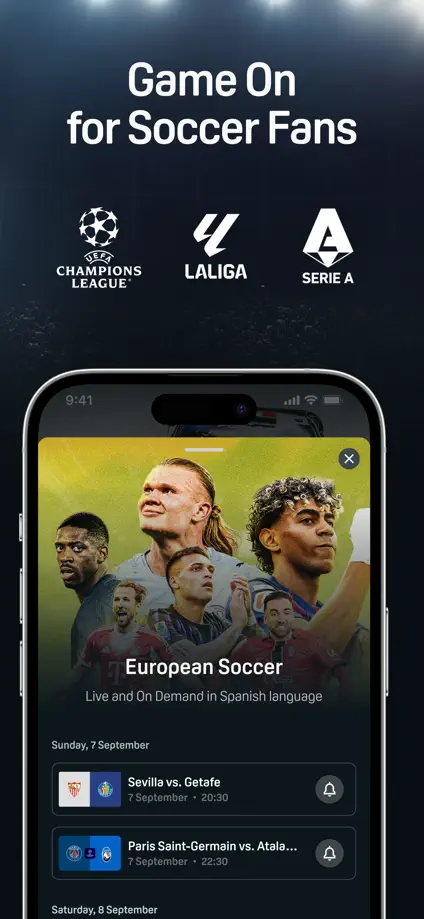
Athlete imagery opens the dark sequence, followed by league marks and cropped phones that distinguish different viewing and news sections.

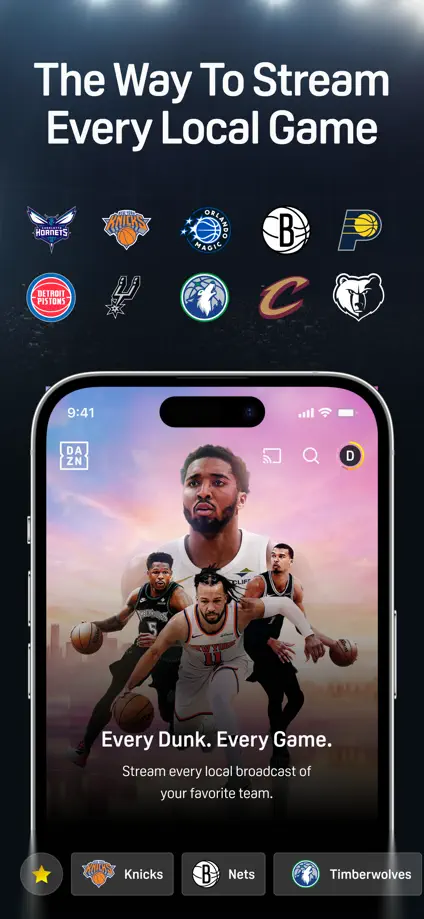
DAZN, App Store screenshot 1
DAZN, App Store screenshot 2
DAZN, App Store screenshot 3
DAZN, App Store screenshot 4
DAZN, App Store screenshot 5
DAZN, App Store screenshot 6
DAZN, App Store screenshot 7

Add to collection

New collection