kit0

Colorful App Store screenshots

130 App Store screenshot sets with saturated, colorful backgrounds across the sequence, from Things 3, Bear and Gentler Streak. Common techniques: repeated layout, device mockups and photography.

130 appsShow all

Lingvist

Education · 9 frames

Alternating purple and blue panels repeat an upright phone, with rounded background blocks echoing the icon and selected lesson details pulled forward.

Lingvist, App Store screenshot 1
Lingvist, App Store screenshot 2
Lingvist, App Store screenshot 3
Lingvist, App Store screenshot 4
Lingvist, App Store screenshot 5
Lingvist, App Store screenshot 6
Lingvist, App Store screenshot 7
Lingvist, App Store screenshot 8
Lingvist, App Store screenshot 9

Tandem

Education · 6 frames

An oversized phone spans the opening blue panels, followed by large message, map and call views that keep the social interactions visible.

Tandem, App Store screenshot 1
Tandem, App Store screenshot 2
Tandem, App Store screenshot 3
Tandem, App Store screenshot 4
Tandem, App Store screenshot 5
Tandem, App Store screenshot 6

Quizlet

Education · 6 frames

Bright geometric backgrounds change color between features, while large cropped learning cards and small handwritten marks keep attention on the study material.

Quizlet, App Store screenshot 1
Quizlet, App Store screenshot 2
Quizlet, App Store screenshot 3
Quizlet, App Store screenshot 4
Quizlet, App Store screenshot 5
Quizlet, App Store screenshot 6

Photomath

Education · 5 frames

Pink, blue and yellow blocks connect transparent device outlines, equation steps and black-and-white student cutouts across the sequence.

Photomath, App Store screenshot 1
Photomath, App Store screenshot 2
Photomath, App Store screenshot 3
Photomath, App Store screenshot 4
Photomath, App Store screenshot 5

Elevate

Education · 8 frames

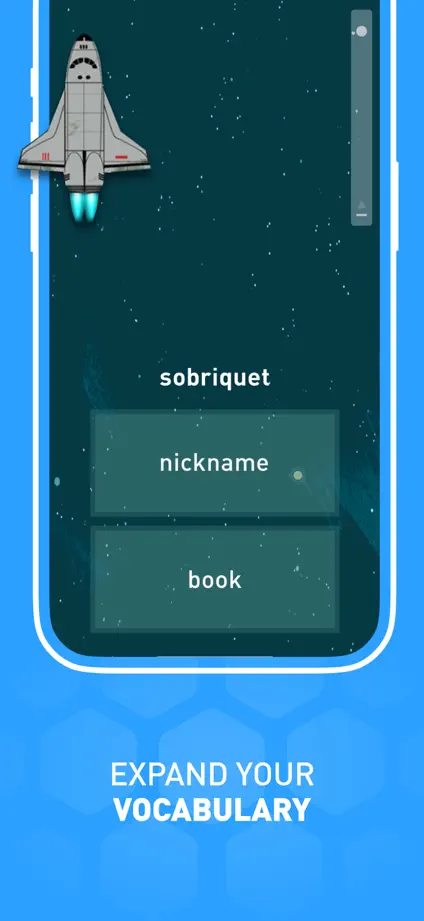
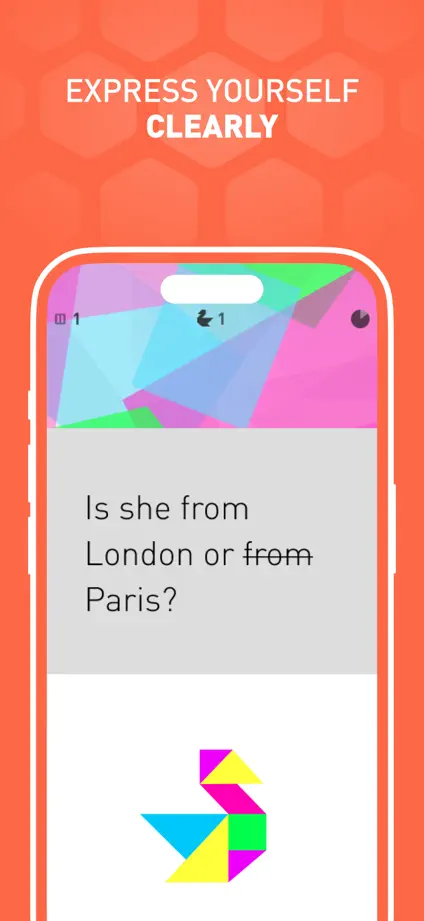
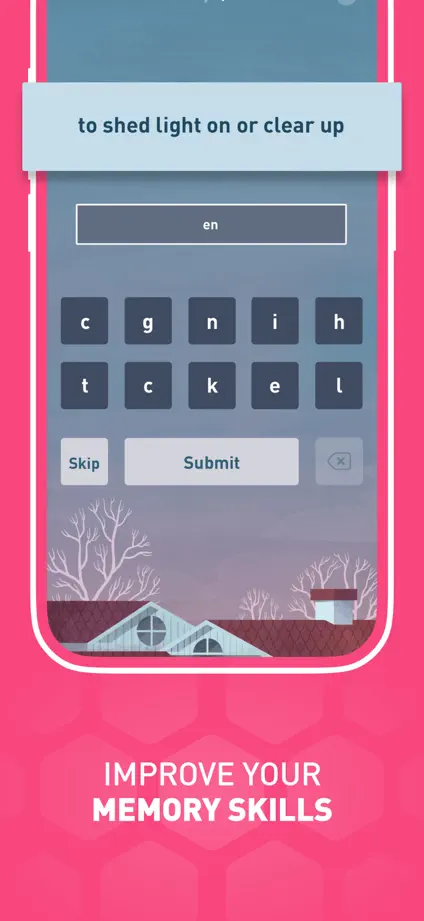
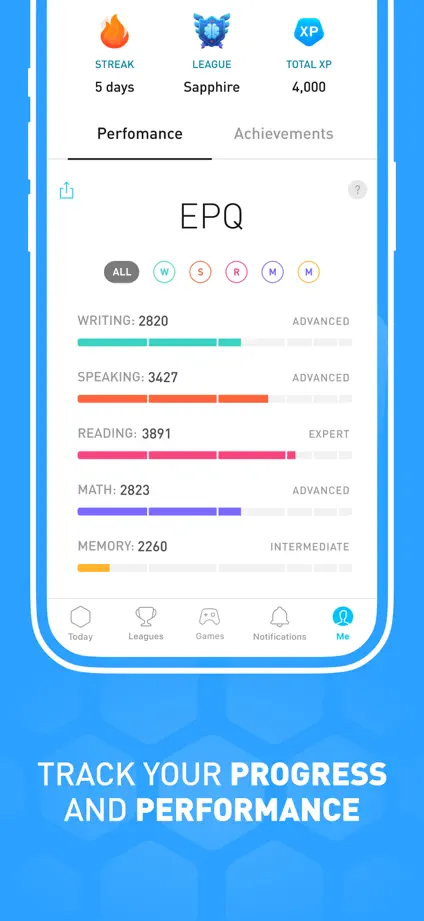
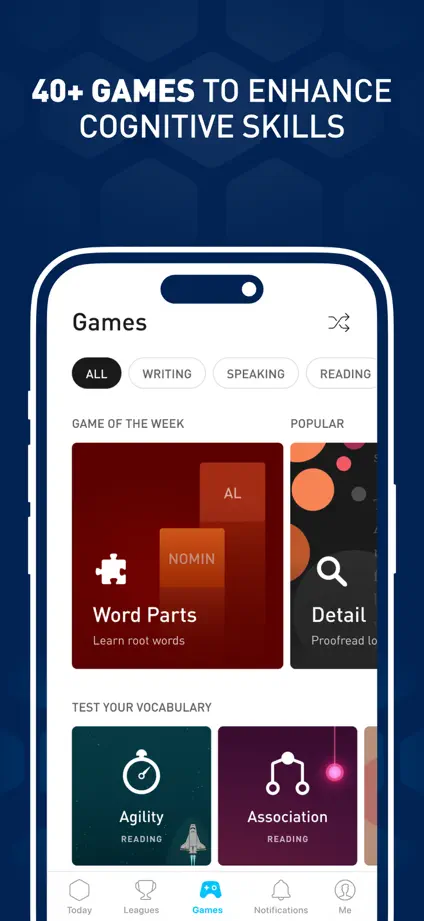
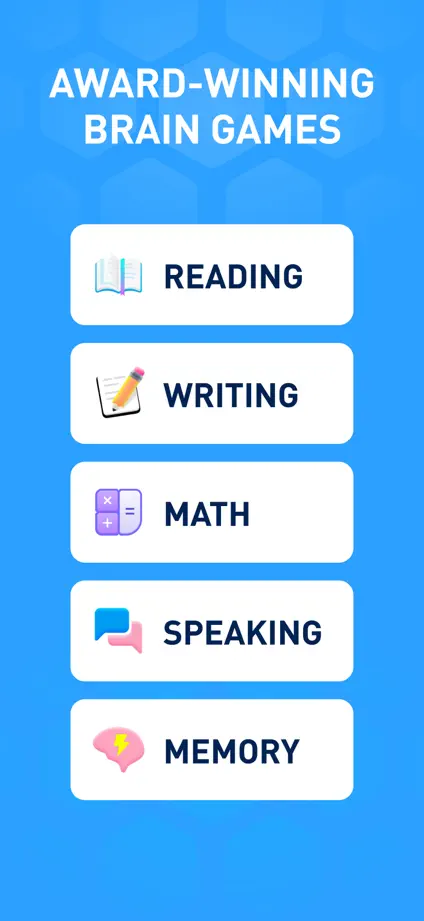
A typographic category overview leads into colorful exercise screens, alternating device placement and background color before a dark closing frame.
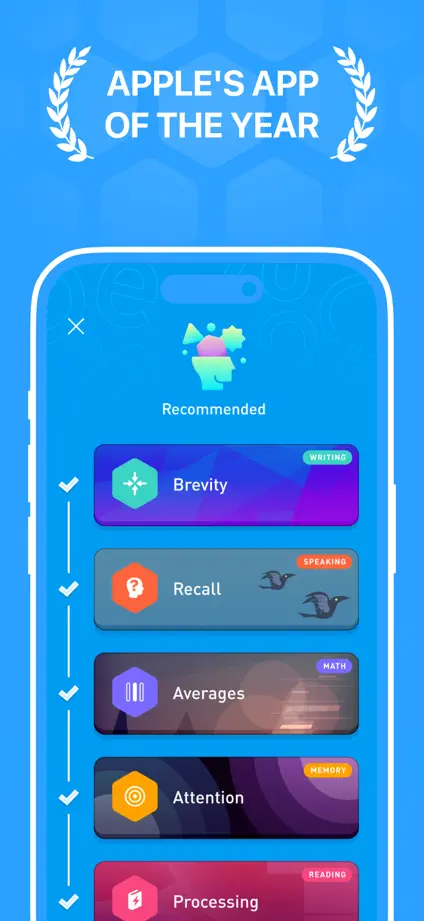
Elevate, App Store screenshot 1
Elevate, App Store screenshot 2
Elevate, App Store screenshot 3
Elevate, App Store screenshot 4
Elevate, App Store screenshot 5
Elevate, App Store screenshot 6
Elevate, App Store screenshot 7
Elevate, App Store screenshot 8

Coursera

Education · 7 frames

The sequence moves from white introductory panels to black feature panels, mixing angled devices, credential photography and isolated system controls.

Coursera, App Store screenshot 1
Coursera, App Store screenshot 2
Coursera, App Store screenshot 3
Coursera, App Store screenshot 4
Coursera, App Store screenshot 5
Coursera, App Store screenshot 6
Coursera, App Store screenshot 7

Merlin Bird ID

Education · 8 frames

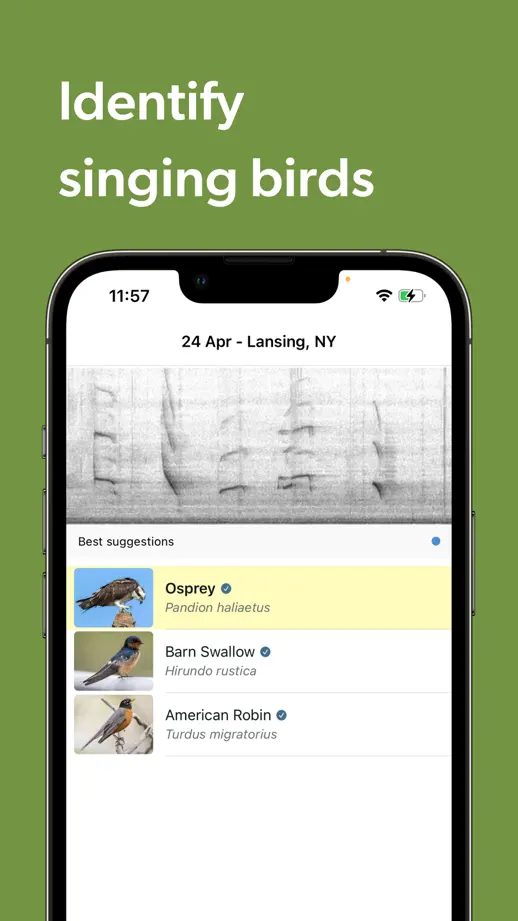
A large bird photograph spans the opening panels, followed by olive-green feature frames showing sound identification, species lists and camera guidance.

Merlin Bird ID, App Store screenshot 1
Merlin Bird ID, App Store screenshot 2
Merlin Bird ID, App Store screenshot 3
Merlin Bird ID, App Store screenshot 4
Merlin Bird ID, App Store screenshot 5
Merlin Bird ID, App Store screenshot 6
Merlin Bird ID, App Store screenshot 7
Merlin Bird ID, App Store screenshot 8

Seek by iNaturalist

Education · 6 frames

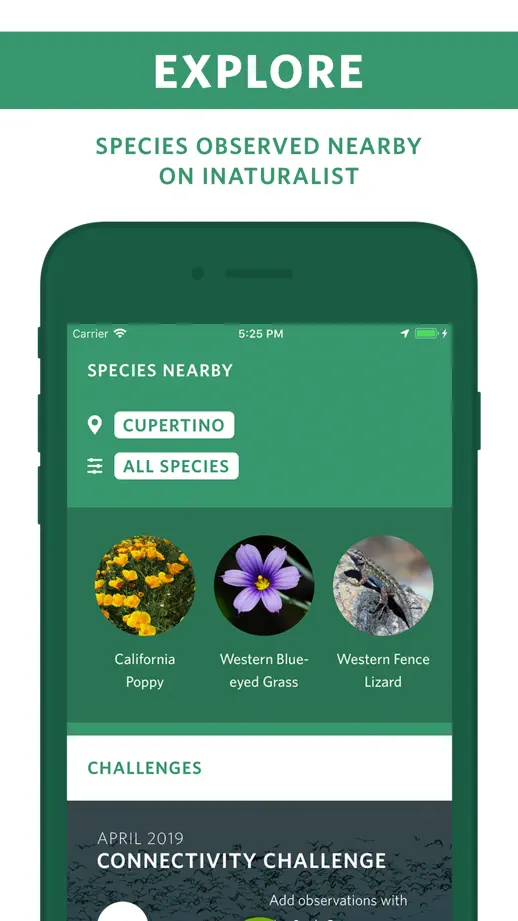
Circular wildlife photographs introduce the set before green phone frames and uppercase labels organize identification, badges and exploration screens.

Seek by iNaturalist, App Store screenshot 1
Seek by iNaturalist, App Store screenshot 2
Seek by iNaturalist, App Store screenshot 3
Seek by iNaturalist, App Store screenshot 4
Seek by iNaturalist, App Store screenshot 5
Seek by iNaturalist, App Store screenshot 6

Fidelity Investments

Finance · 8 frames

Two-tone green backgrounds and repeated white screen crops organize a straightforward feature tour from account overview to trading and support.

Fidelity Investments, App Store screenshot 1
Fidelity Investments, App Store screenshot 2
Fidelity Investments, App Store screenshot 3
Fidelity Investments, App Store screenshot 4
Fidelity Investments, App Store screenshot 5
Fidelity Investments, App Store screenshot 6
Fidelity Investments, App Store screenshot 7
Fidelity Investments, App Store screenshot 8

Microsoft Teams

Business · 9 frames

A dimensional opening scene spans two frames, followed by a repeated pale-purple layout with large meeting, chat and calendar screens.

Microsoft Teams, App Store screenshot 1
Microsoft Teams, App Store screenshot 2
Microsoft Teams, App Store screenshot 3
Microsoft Teams, App Store screenshot 4
Microsoft Teams, App Store screenshot 5
Microsoft Teams, App Store screenshot 6
Microsoft Teams, App Store screenshot 7
Microsoft Teams, App Store screenshot 8
Microsoft Teams, App Store screenshot 9

Adobe Scan

Business · 10 frames

A blue backdrop ties the sequence together while white devices and pulled-out document details keep each feature readable.

Adobe Scan, App Store screenshot 1
Adobe Scan, App Store screenshot 2
Adobe Scan, App Store screenshot 3
Adobe Scan, App Store screenshot 4
Adobe Scan, App Store screenshot 5
Adobe Scan, App Store screenshot 6
Adobe Scan, App Store screenshot 7
Adobe Scan, App Store screenshot 8
Adobe Scan, App Store screenshot 9
Adobe Scan, App Store screenshot 10

Fiverr

Business · 8 frames

Portraits alternate with marketplace screens, using bold background colors to give the sequence a clear rhythm.

Fiverr, App Store screenshot 1
Fiverr, App Store screenshot 2
Fiverr, App Store screenshot 3
Fiverr, App Store screenshot 4
Fiverr, App Store screenshot 5
Fiverr, App Store screenshot 6
Fiverr, App Store screenshot 7
Fiverr, App Store screenshot 8

Add to collection

New collection