kit0

Colorful App Store screenshots

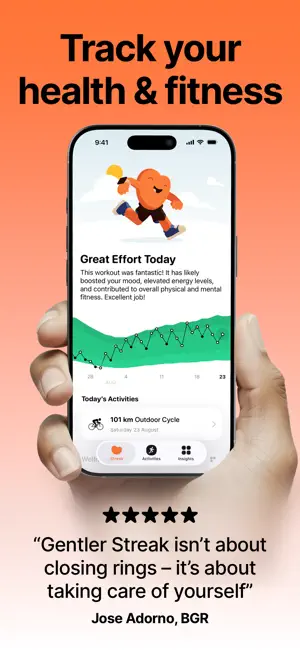
130 App Store screenshot sets with saturated, colorful backgrounds across the sequence, from Things 3, Bear and Gentler Streak. Common techniques: repeated layout, device mockups and photography.

130 appsShow all

Depop

Shopping · 8 frames

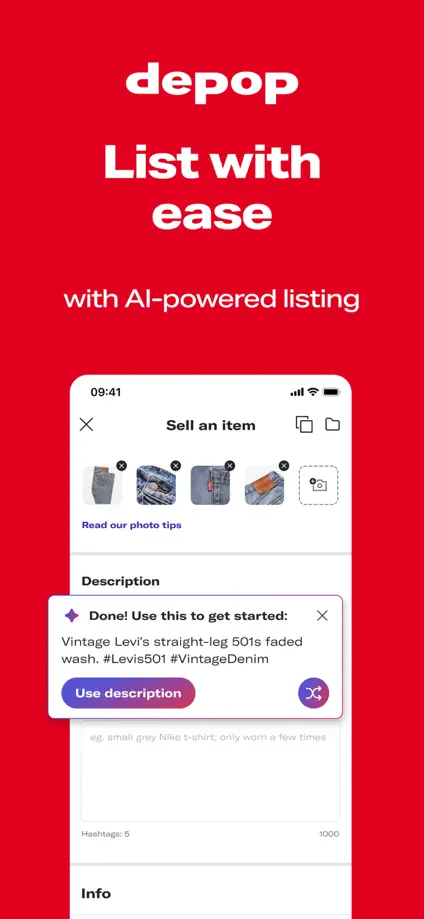
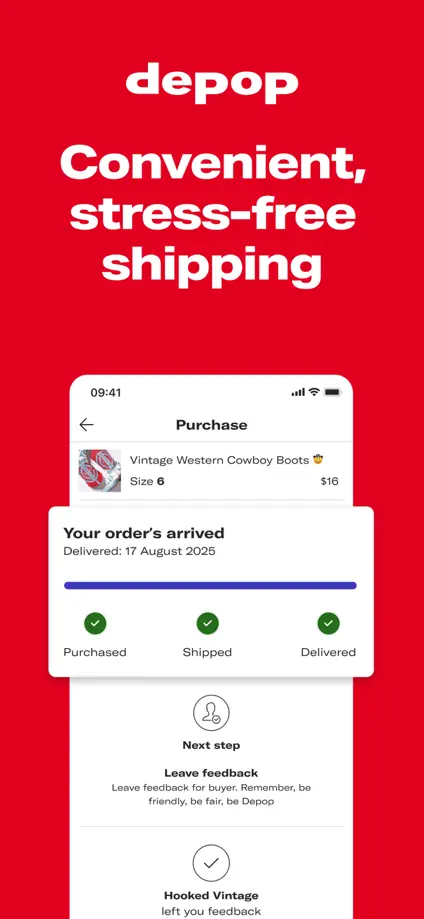
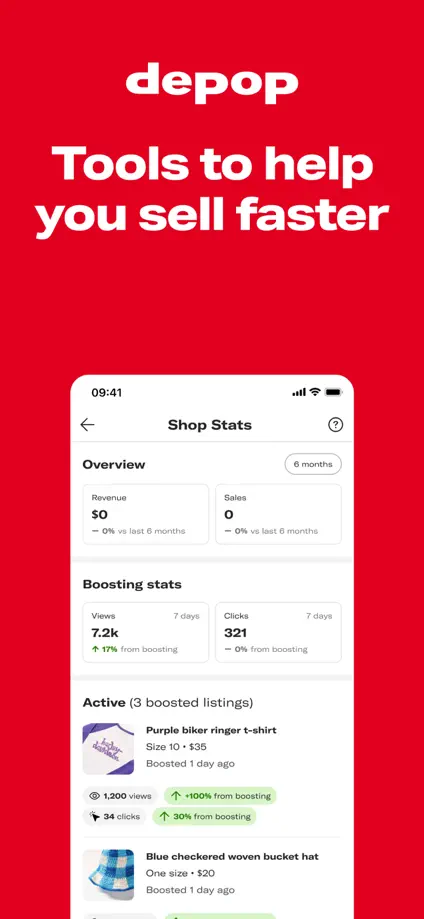
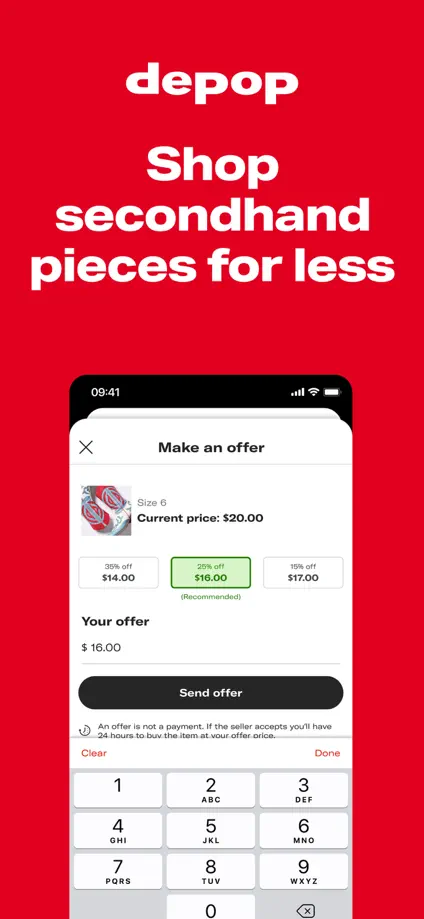
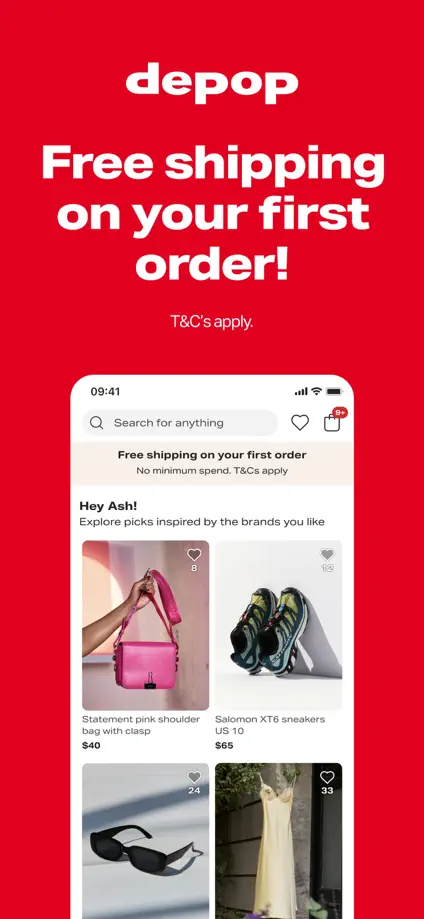
Red feature panels alternate with full-height lifestyle photographs, using bold centered headings and cropped screens to maintain a recognizable rhythm.

Depop, App Store screenshot 1
Depop, App Store screenshot 2
Depop, App Store screenshot 3
Depop, App Store screenshot 4
Depop, App Store screenshot 5
Depop, App Store screenshot 6
Depop, App Store screenshot 7
Depop, App Store screenshot 8

UNIQLO

Shopping · 9 frames

A two-frame fashion image leads into repeated red headline panels above cropped shopping screens, tying the tour to the brand color.

UNIQLO, App Store screenshot 1
UNIQLO, App Store screenshot 2
UNIQLO, App Store screenshot 3
UNIQLO, App Store screenshot 4
UNIQLO, App Store screenshot 5
UNIQLO, App Store screenshot 6
UNIQLO, App Store screenshot 7
UNIQLO, App Store screenshot 8
UNIQLO, App Store screenshot 9

Target

Shopping · 9 frames

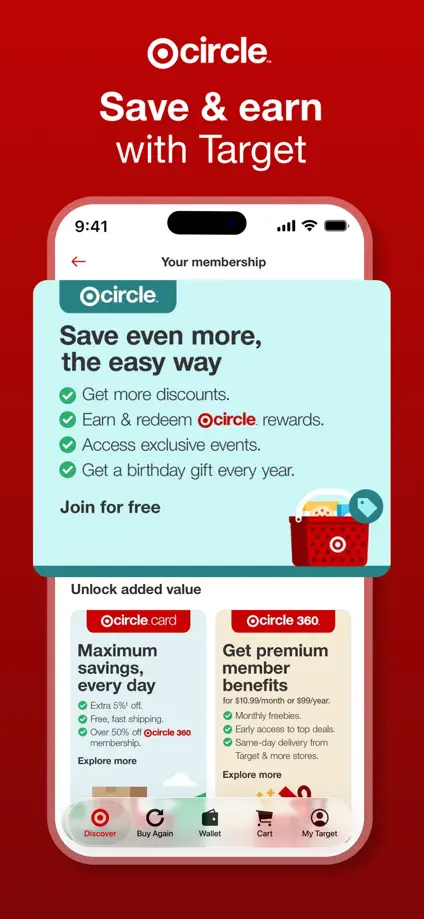
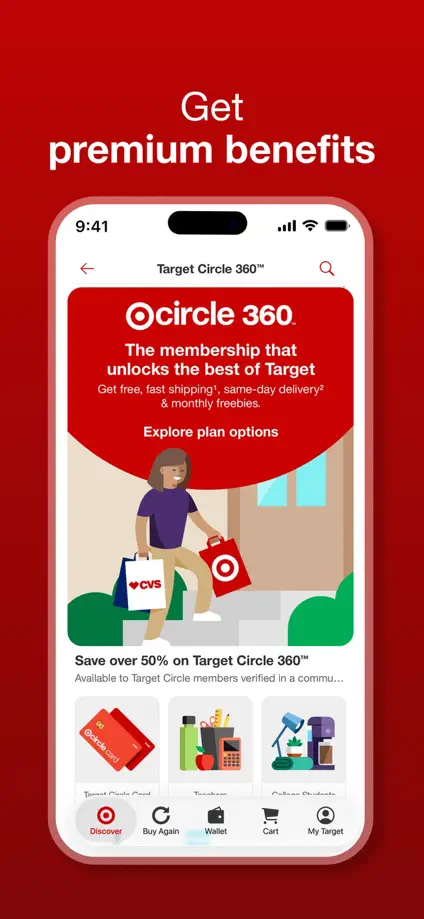
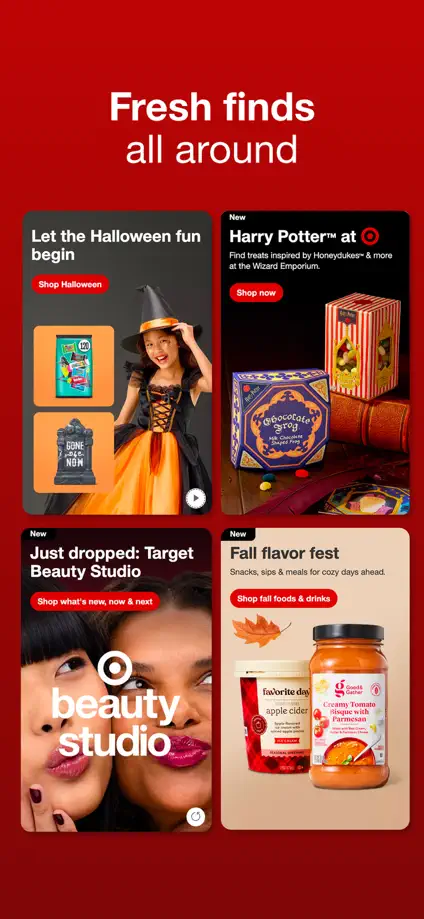
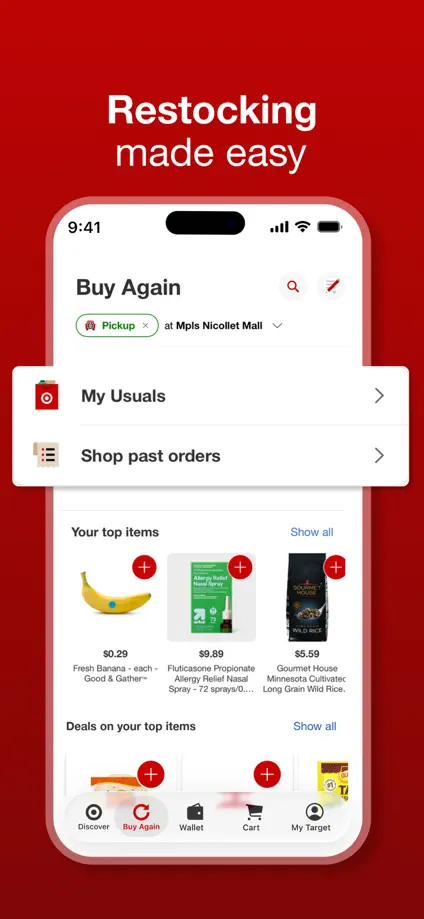
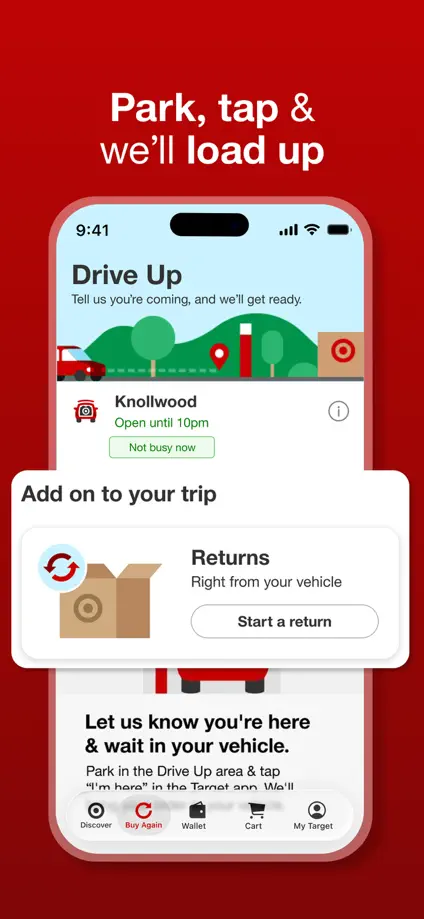
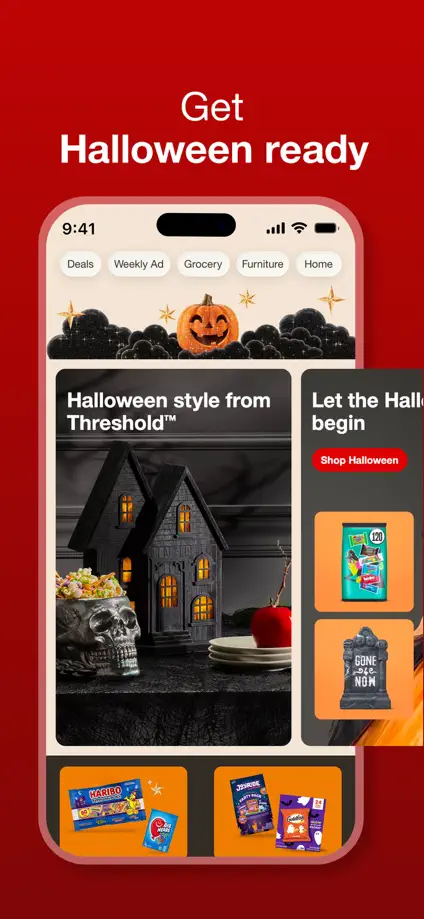
A repeated red background links seasonal product photography, shopping screens and enlarged membership cards across the feature tour.
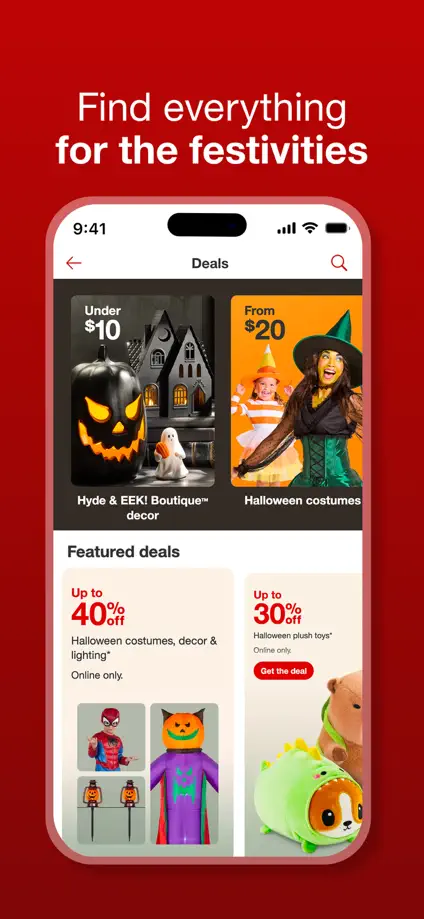
Target, App Store screenshot 1
Target, App Store screenshot 2
Target, App Store screenshot 3
Target, App Store screenshot 4
Target, App Store screenshot 5
Target, App Store screenshot 6
Target, App Store screenshot 7
Target, App Store screenshot 8
Target, App Store screenshot 9

FARFETCH

Shopping · 7 frames

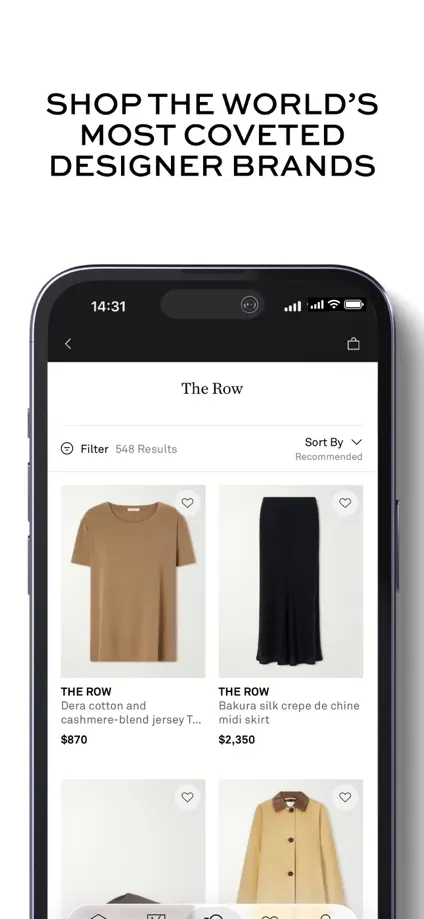
Full-height fashion photography alternates with overlapping phones and shopping screens, preserving the editorial images as the main visual anchor.

FARFETCH, App Store screenshot 1
FARFETCH, App Store screenshot 2
FARFETCH, App Store screenshot 3
FARFETCH, App Store screenshot 4
FARFETCH, App Store screenshot 5
FARFETCH, App Store screenshot 6
FARFETCH, App Store screenshot 7

Vestiaire Collective

Shopping · 6 frames

Serif headlines sit over warm photography and orange panels, while enlarged offer, price and authentication cards explain individual interactions.

Vestiaire Collective, App Store screenshot 1
Vestiaire Collective, App Store screenshot 2
Vestiaire Collective, App Store screenshot 3
Vestiaire Collective, App Store screenshot 4
Vestiaire Collective, App Store screenshot 5
Vestiaire Collective, App Store screenshot 6

NET-A-PORTER

Shopping · 10 frames

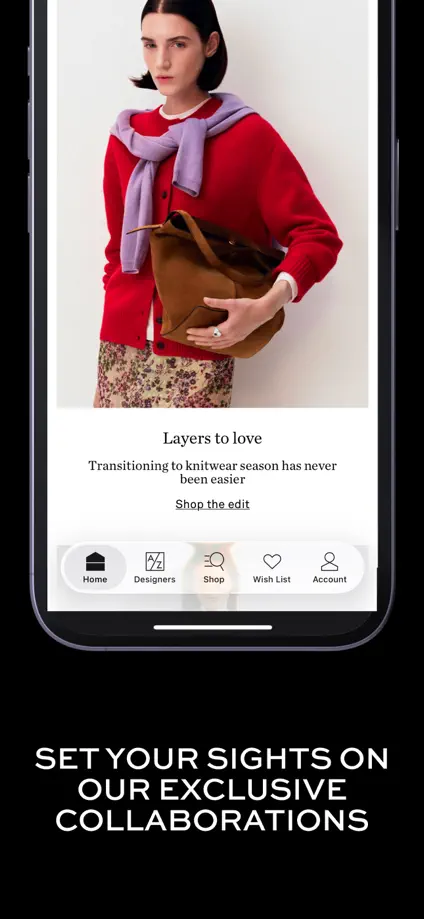
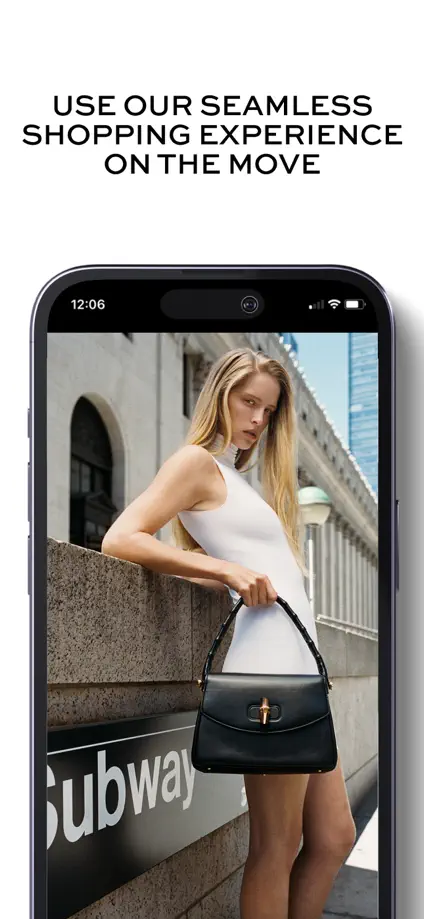
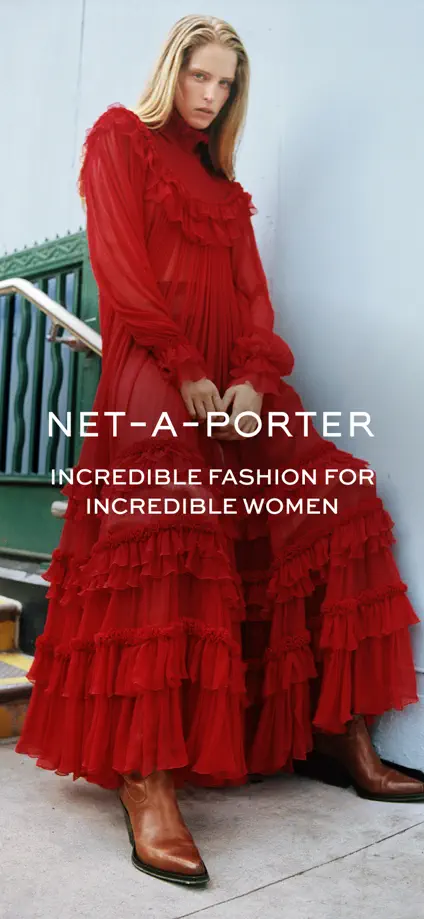
Black and white headline panels alternate with fashion photography, varying phone scale while maintaining a spare editorial palette.
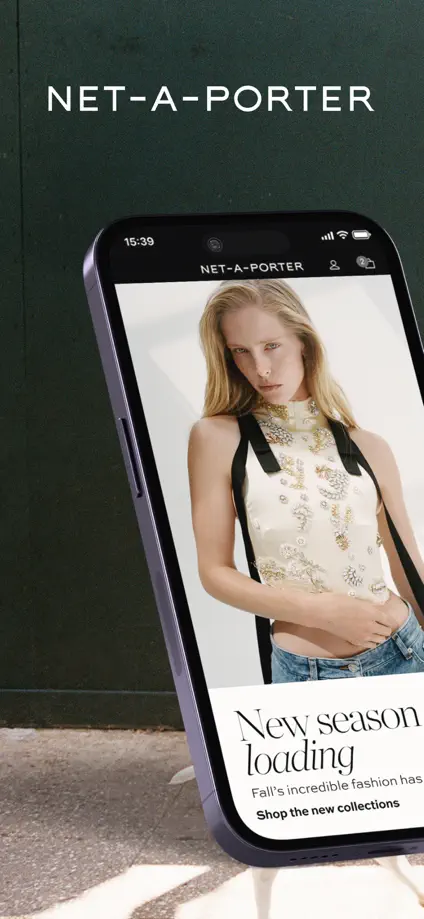
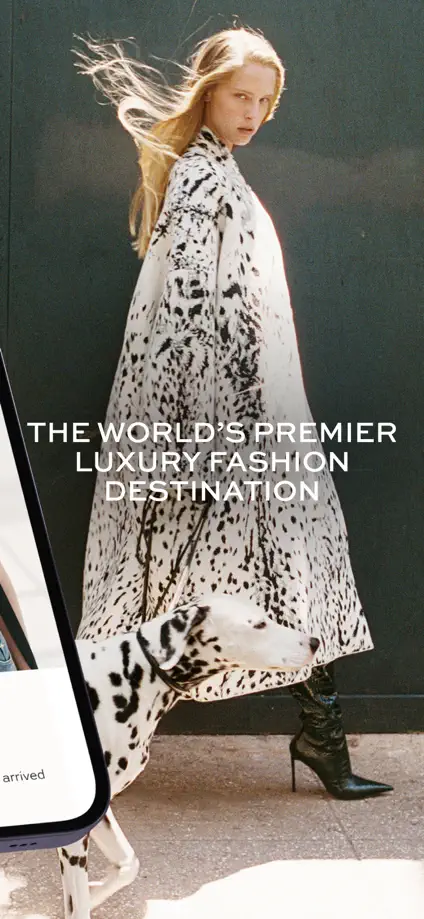
NET-A-PORTER, App Store screenshot 1
NET-A-PORTER, App Store screenshot 2
NET-A-PORTER, App Store screenshot 3
NET-A-PORTER, App Store screenshot 4
NET-A-PORTER, App Store screenshot 5
NET-A-PORTER, App Store screenshot 6
NET-A-PORTER, App Store screenshot 7
NET-A-PORTER, App Store screenshot 8
NET-A-PORTER, App Store screenshot 9
NET-A-PORTER, App Store screenshot 10

NYT Cooking

Food & Drink · 7 frames

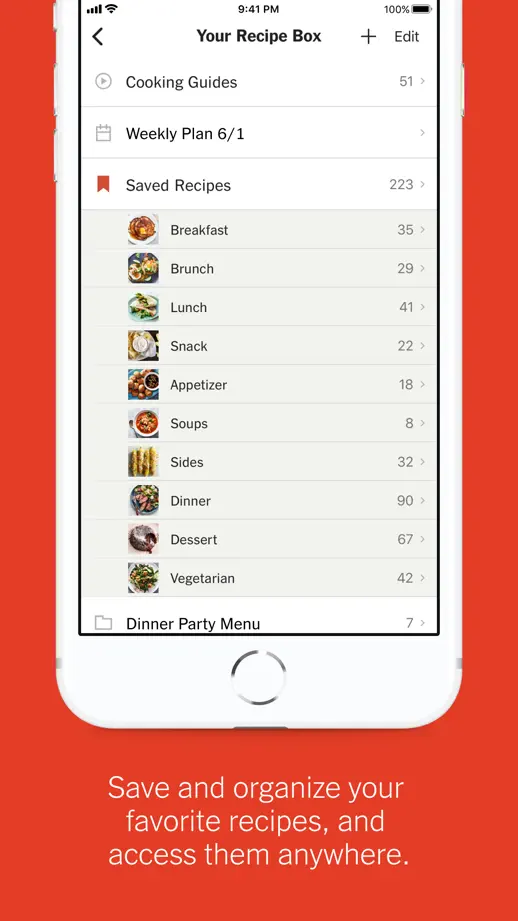
Orange-red panels alternate the vertical position of white phones, moving through recipe discovery, search, instructions and saved lists.

NYT Cooking, App Store screenshot 1
NYT Cooking, App Store screenshot 2
NYT Cooking, App Store screenshot 3
NYT Cooking, App Store screenshot 4
NYT Cooking, App Store screenshot 5
NYT Cooking, App Store screenshot 6
NYT Cooking, App Store screenshot 7

Samsung Food

Food & Drink · 8 frames

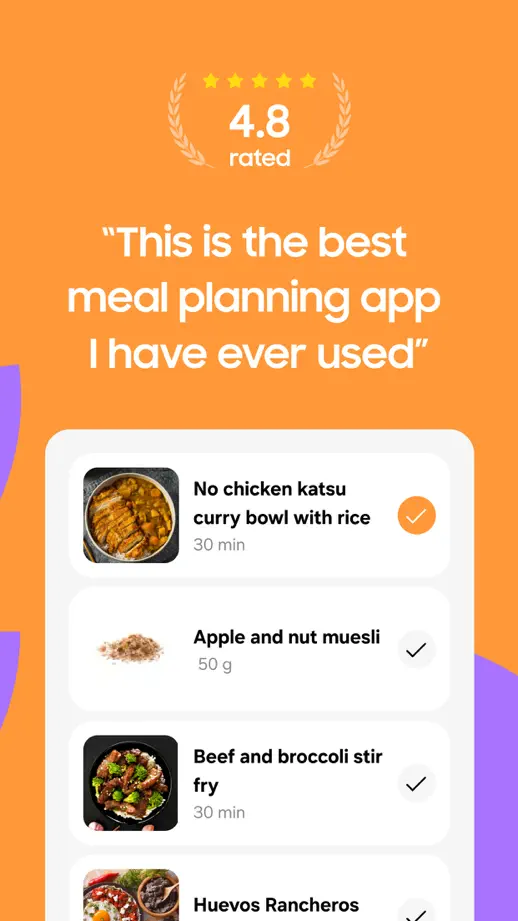
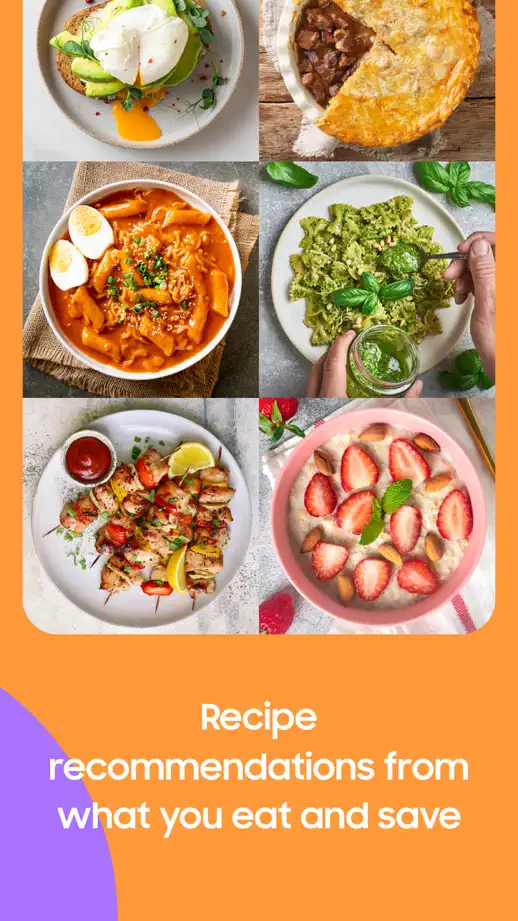
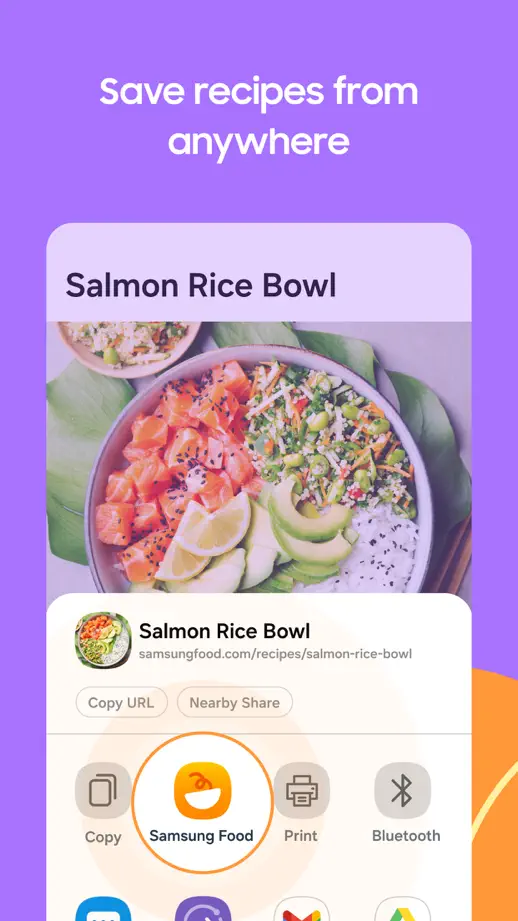
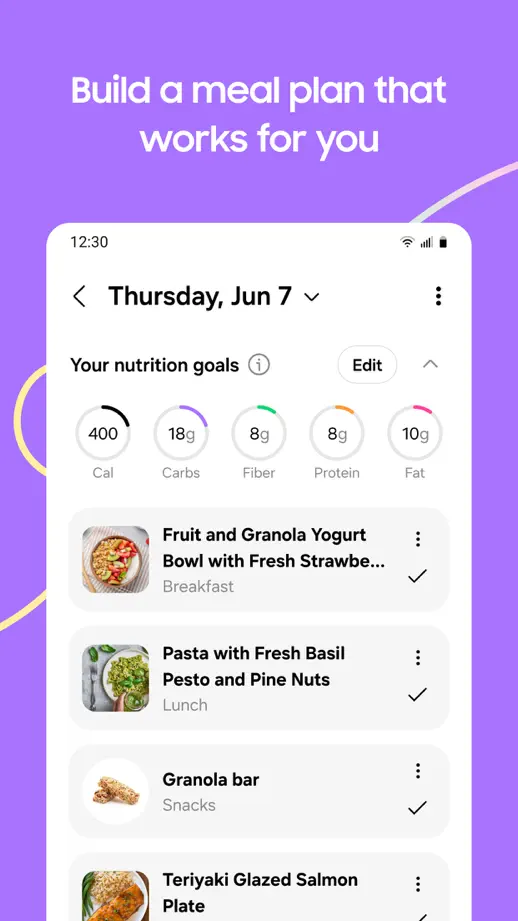
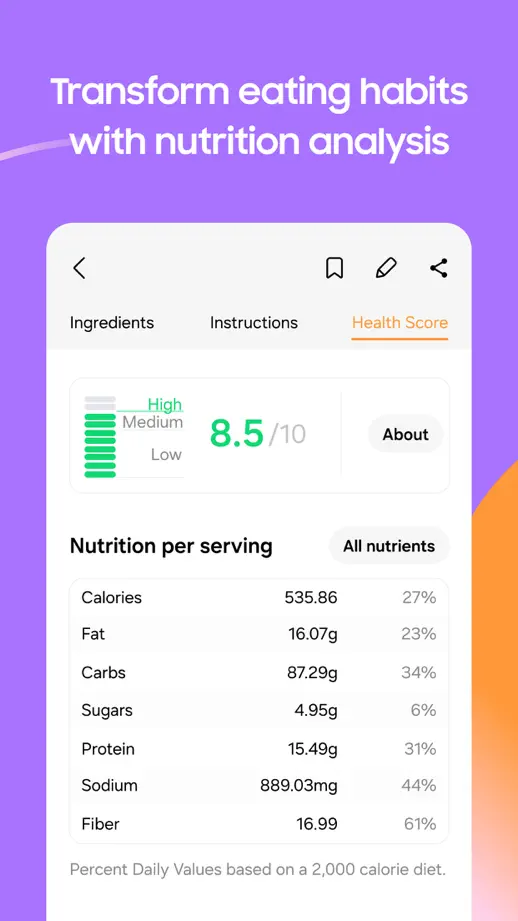
Orange opening panels give way to purple feature panels, with food photography and enlarged planning screens connecting the two sections.
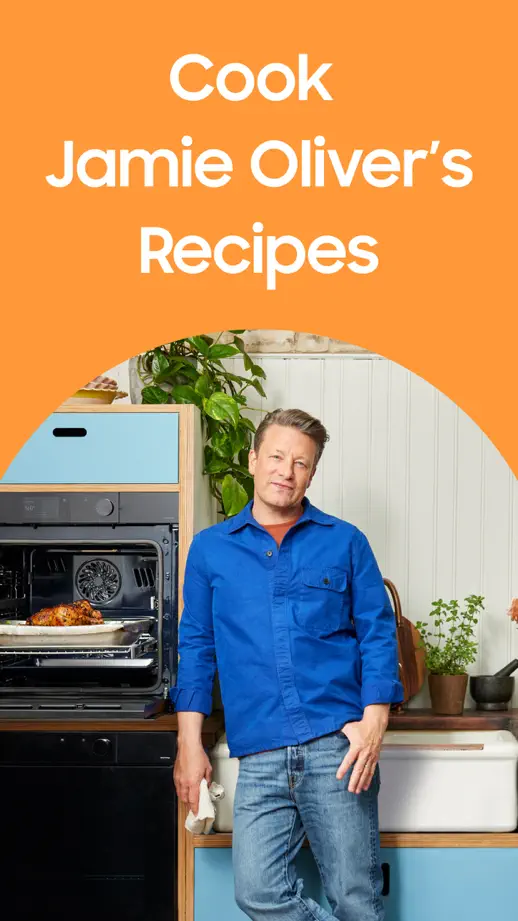
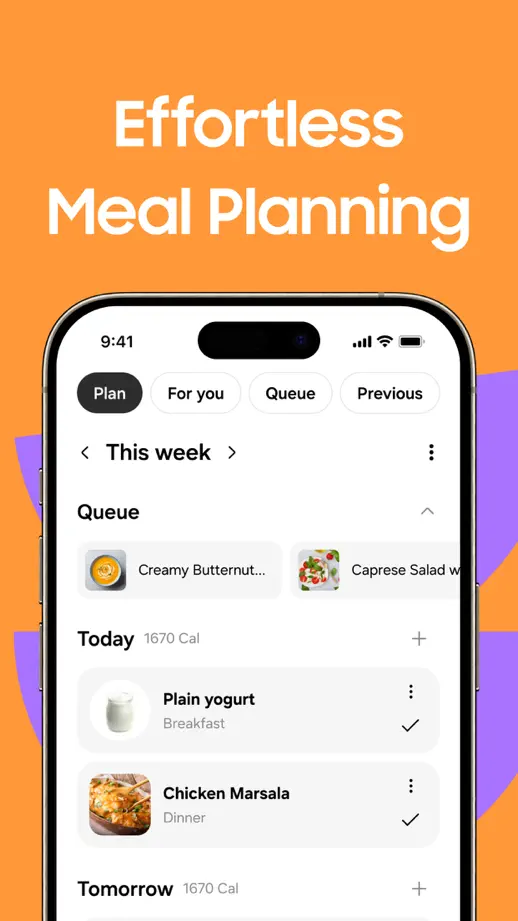
Samsung Food, App Store screenshot 1
Samsung Food, App Store screenshot 2
Samsung Food, App Store screenshot 3
Samsung Food, App Store screenshot 4
Samsung Food, App Store screenshot 5
Samsung Food, App Store screenshot 6
Samsung Food, App Store screenshot 7
Samsung Food, App Store screenshot 8

Sidekick

Food & Drink · 7 frames

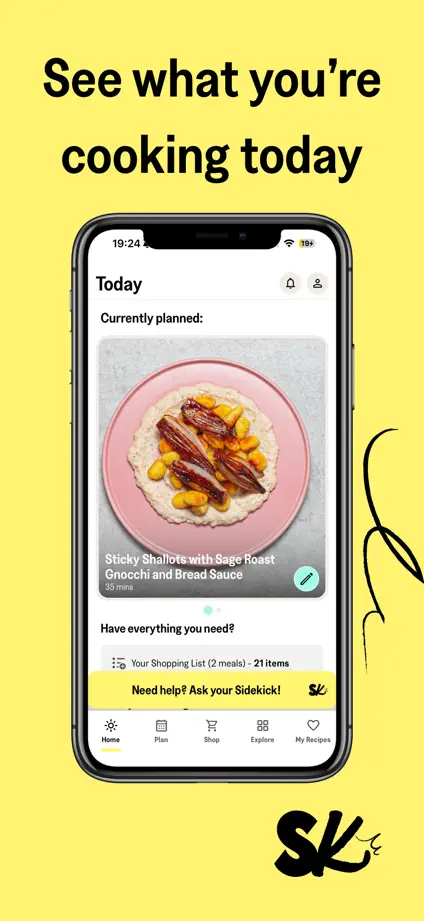
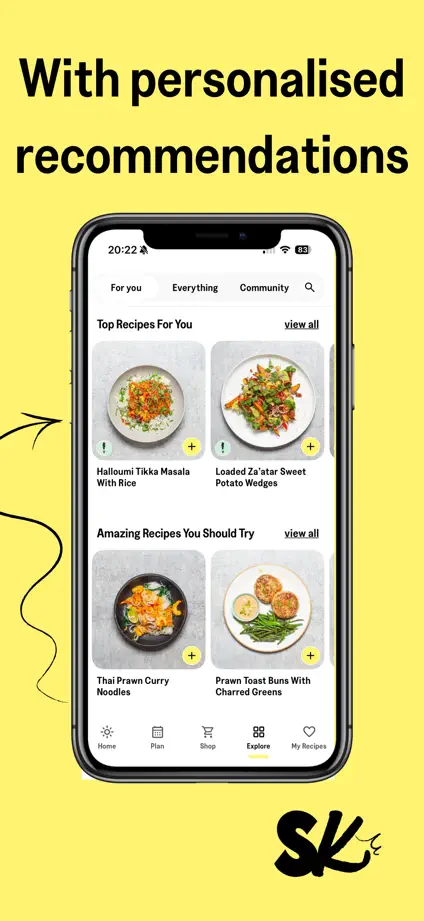
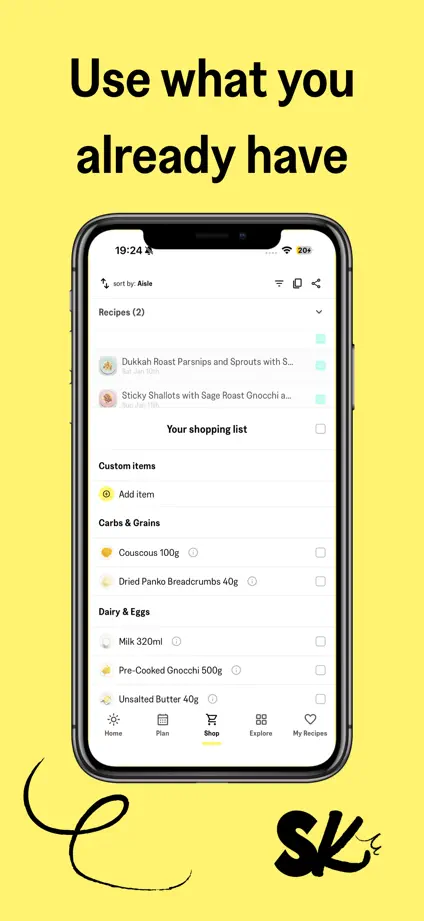
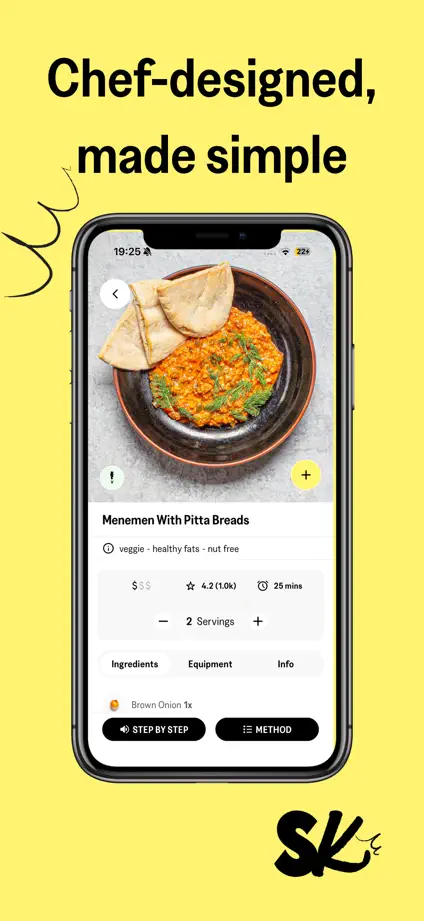
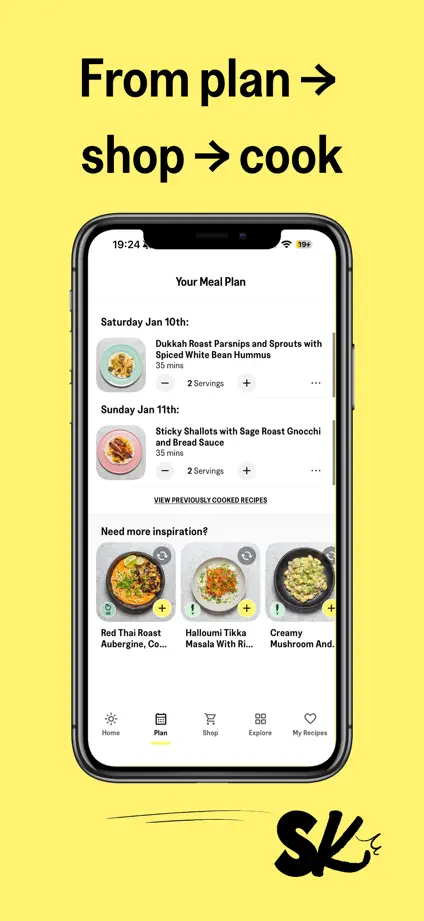
Yellow backgrounds, black handwritten accents and repeated upright phones give each cooking feature a consistent, recognizable frame.

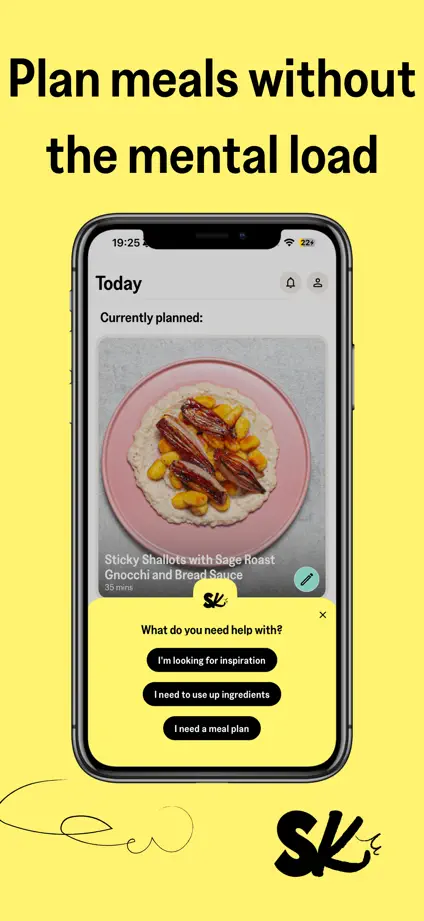
Sidekick, App Store screenshot 1
Sidekick, App Store screenshot 2
Sidekick, App Store screenshot 3
Sidekick, App Store screenshot 4
Sidekick, App Store screenshot 5
Sidekick, App Store screenshot 6
Sidekick, App Store screenshot 7

Mealime

Food & Drink · 10 frames

Bright green panels alternate headline placement around enlarged recipe, grocery and cooking cards, with food illustrations at the edges.

Mealime, App Store screenshot 1
Mealime, App Store screenshot 2
Mealime, App Store screenshot 3
Mealime, App Store screenshot 4
Mealime, App Store screenshot 5
Mealime, App Store screenshot 6
Mealime, App Store screenshot 7
Mealime, App Store screenshot 8
Mealime, App Store screenshot 9
Mealime, App Store screenshot 10

AnyList

Food & Drink · 10 frames

A steady blue background and large white headings organize a thorough feature tour, with shopping lists and recipe screens filling most of each frame.

AnyList, App Store screenshot 1
AnyList, App Store screenshot 2
AnyList, App Store screenshot 3
AnyList, App Store screenshot 4
AnyList, App Store screenshot 5
AnyList, App Store screenshot 6
AnyList, App Store screenshot 7
AnyList, App Store screenshot 8
AnyList, App Store screenshot 9
AnyList, App Store screenshot 10

Starbucks

Food & Drink · 9 frames

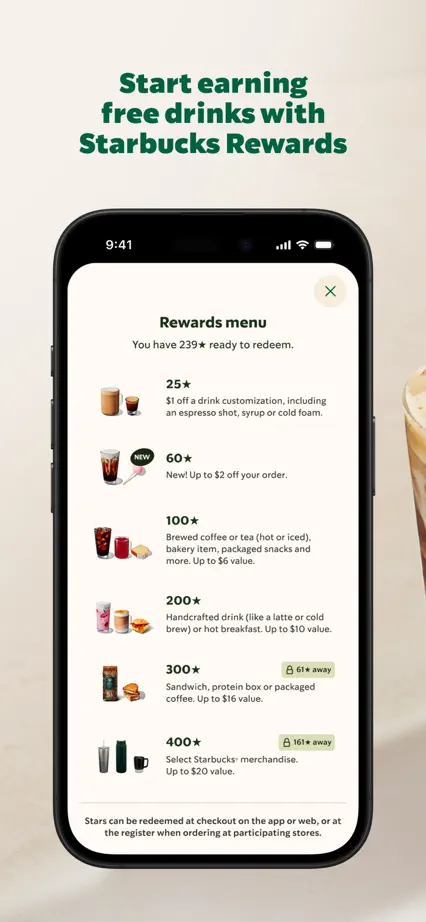
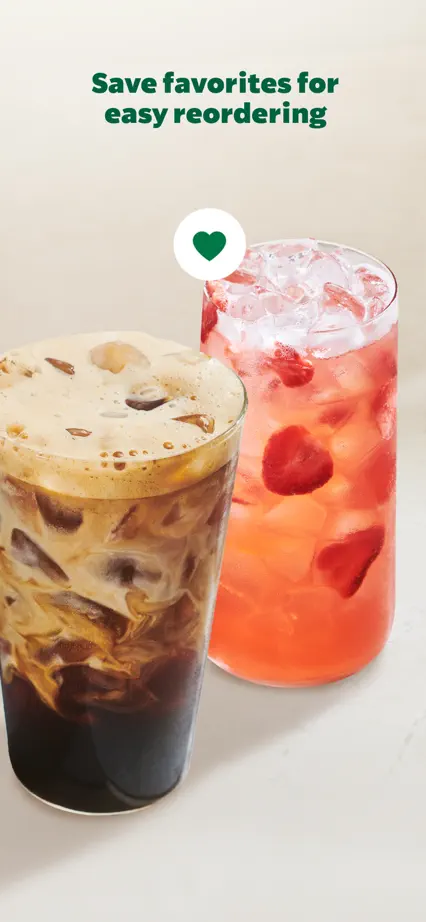
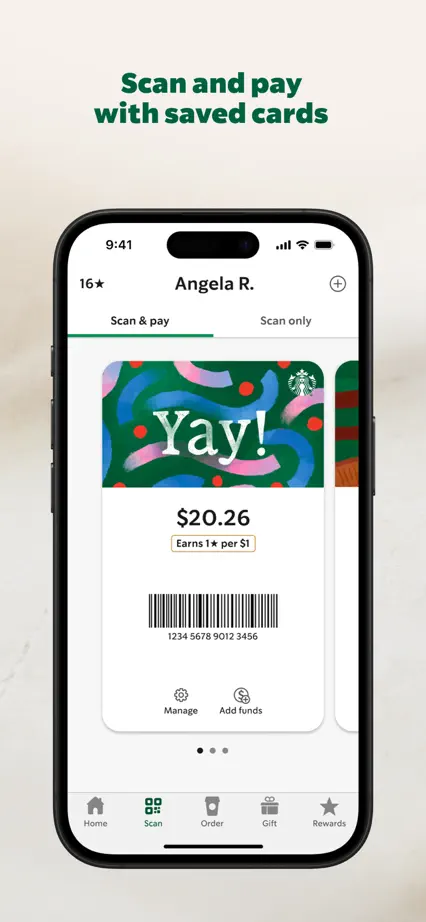
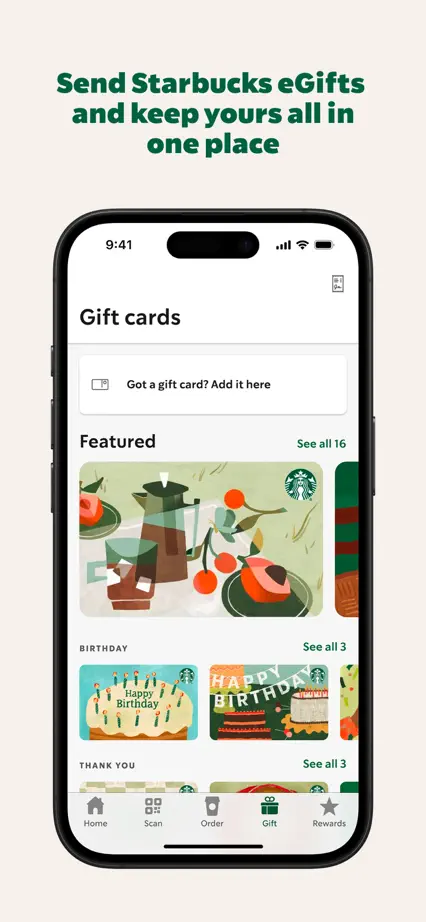
Cream backgrounds and green headings alternate with drink and lifestyle photographs, keeping the upright phone tour visually tied to the brand.
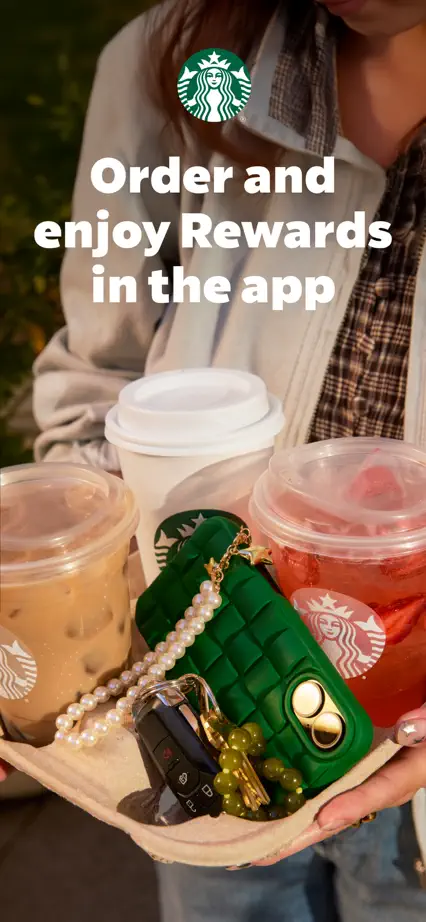
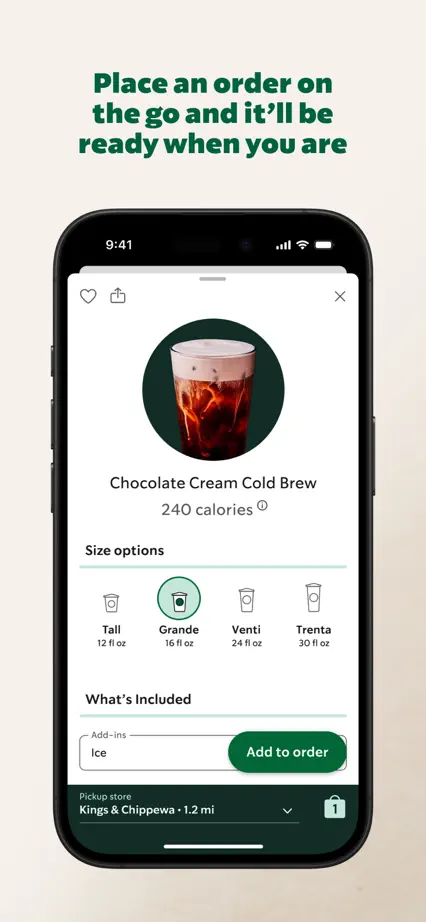
Starbucks, App Store screenshot 1
Starbucks, App Store screenshot 2
Starbucks, App Store screenshot 3
Starbucks, App Store screenshot 4
Starbucks, App Store screenshot 5
Starbucks, App Store screenshot 6
Starbucks, App Store screenshot 7
Starbucks, App Store screenshot 8
Starbucks, App Store screenshot 9

Add to collection

New collection