kit0

Colorful App Store screenshots

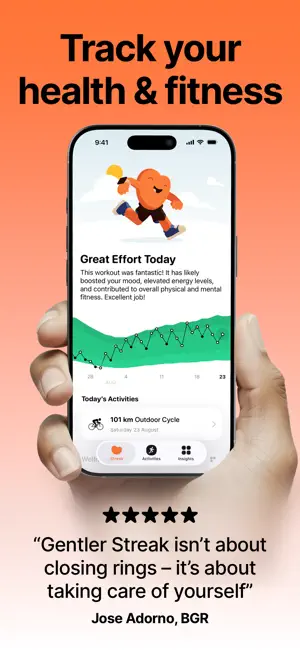
130 App Store screenshot sets with saturated, colorful backgrounds across the sequence, from Things 3, Bear and Gentler Streak. Common techniques: repeated layout, device mockups and photography.

130 appsShow all

Waze

Navigation · 10 frames

Blue panels repeat a bold headline above an isolated screen, mixing maps with customization and car-display examples before a simple brand closing.

Waze, App Store screenshot 1
Waze, App Store screenshot 2
Waze, App Store screenshot 3
Waze, App Store screenshot 4
Waze, App Store screenshot 5
Waze, App Store screenshot 6
Waze, App Store screenshot 7
Waze, App Store screenshot 8
Waze, App Store screenshot 9
Waze, App Store screenshot 10

what3words

Navigation · 6 frames

A photograph and angled phone connect the opening pair; blue panels then isolate destination, sharing, camera and voice-entry examples.

what3words, App Store screenshot 1
what3words, App Store screenshot 2
what3words, App Store screenshot 3
what3words, App Store screenshot 4
what3words, App Store screenshot 5
what3words, App Store screenshot 6

NFL

Sports · 9 frames

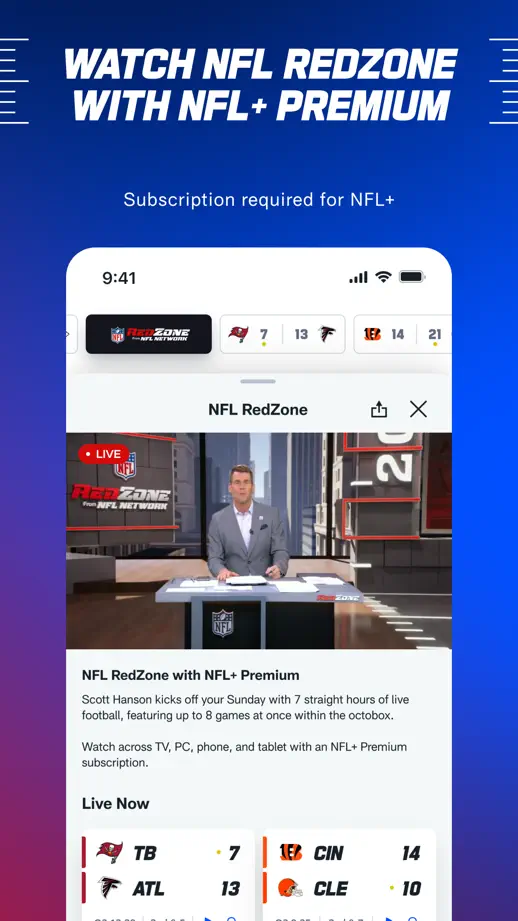
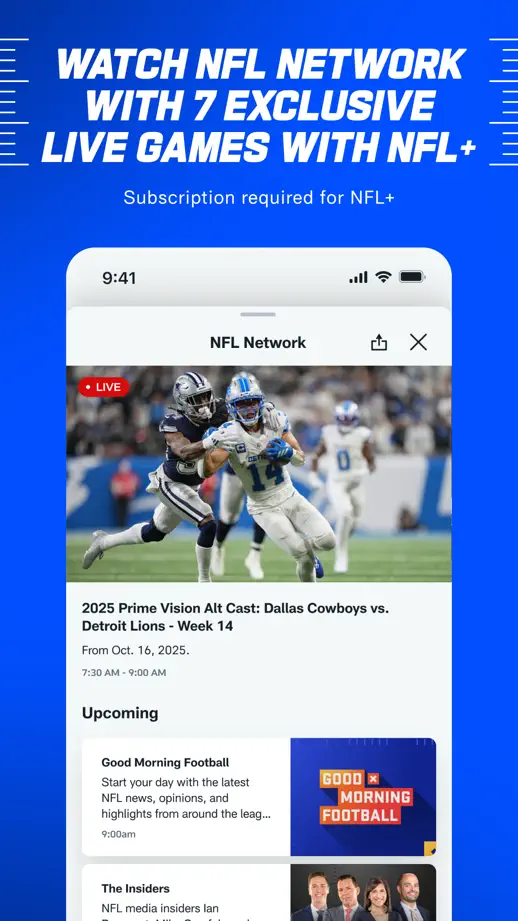
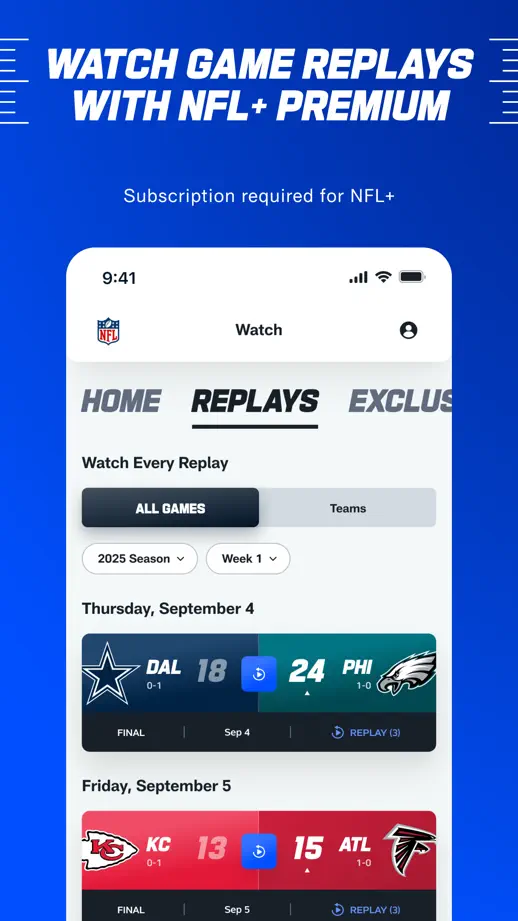
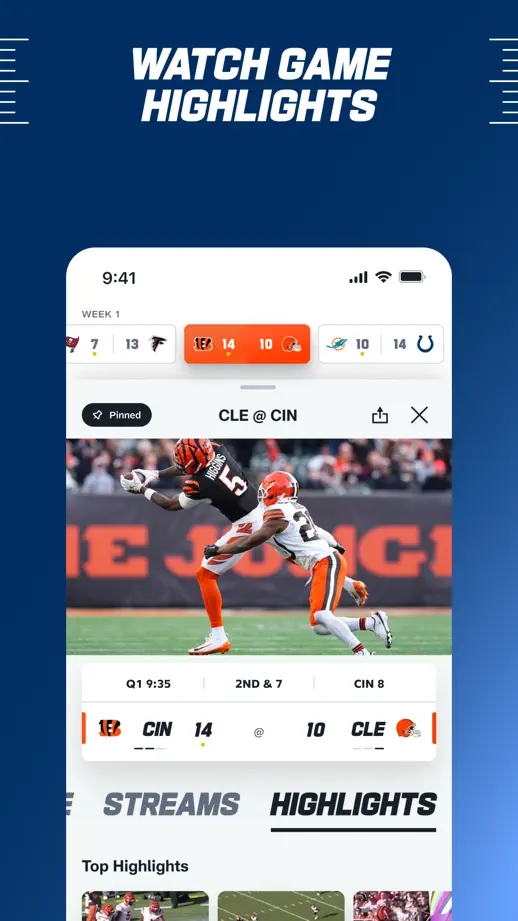
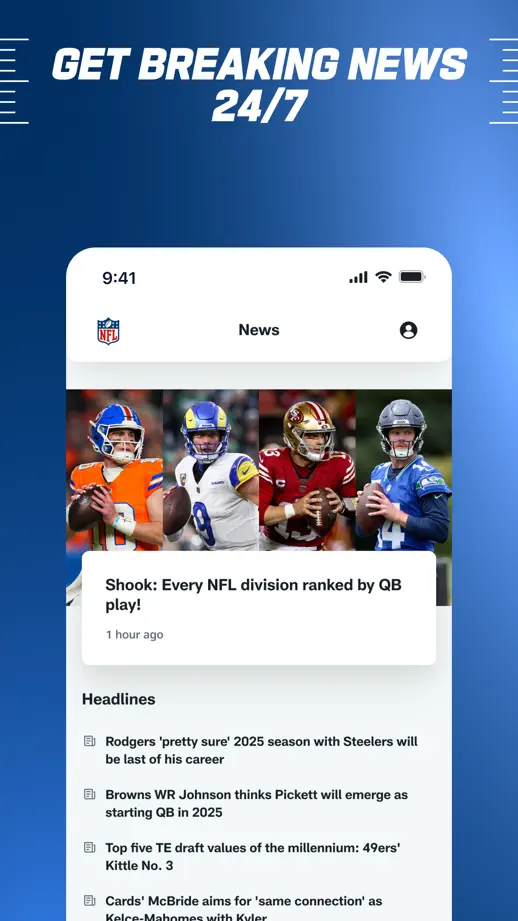
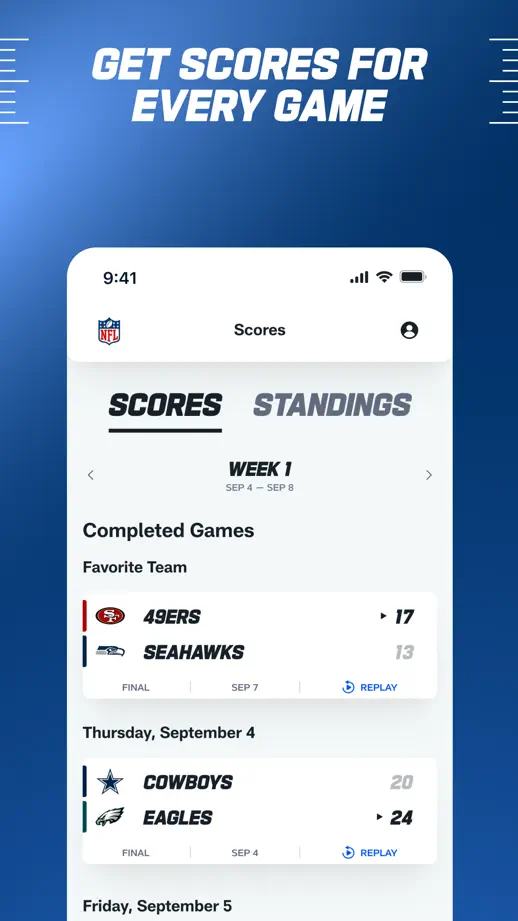
Athlete cutouts lead into a repeated blue feature tour, using cropped white screens and slanted uppercase headings to sustain the sports identity.

NFL, App Store screenshot 1
NFL, App Store screenshot 2
NFL, App Store screenshot 3
NFL, App Store screenshot 4
NFL, App Store screenshot 5
NFL, App Store screenshot 6
NFL, App Store screenshot 7
NFL, App Store screenshot 8
NFL, App Store screenshot 9

F1 TV

Sports · 5 frames

Five landscape panels pair large white labels with horizontal video screens on a consistent red background.

F1 TV, App Store screenshot 1
F1 TV, App Store screenshot 2
F1 TV, App Store screenshot 3
F1 TV, App Store screenshot 4
F1 TV, App Store screenshot 5

Sofascore

Sports · 8 frames

A large typographic opening leads into blue textured panels where phones alternate vertical position and short feature labels sit above or below them.

Sofascore, App Store screenshot 1
Sofascore, App Store screenshot 2
Sofascore, App Store screenshot 3
Sofascore, App Store screenshot 4
Sofascore, App Store screenshot 5
Sofascore, App Store screenshot 6
Sofascore, App Store screenshot 7
Sofascore, App Store screenshot 8

SwingVision

Sports · 10 frames

Bright green backgrounds contrast with dark sports screens, with court views, statistics and charts enlarged into floating detail panels.

SwingVision, App Store screenshot 1
SwingVision, App Store screenshot 2
SwingVision, App Store screenshot 3
SwingVision, App Store screenshot 4
SwingVision, App Store screenshot 5
SwingVision, App Store screenshot 6
SwingVision, App Store screenshot 7
SwingVision, App Store screenshot 8
SwingVision, App Store screenshot 9
SwingVision, App Store screenshot 10

18Birdies

Sports · 10 frames

An angled phone and watch introduce the set before blue panels repeat a centered device for course maps, swing video and performance charts.

18Birdies, App Store screenshot 1
18Birdies, App Store screenshot 2
18Birdies, App Store screenshot 3
18Birdies, App Store screenshot 4
18Birdies, App Store screenshot 5
18Birdies, App Store screenshot 6
18Birdies, App Store screenshot 7
18Birdies, App Store screenshot 8
18Birdies, App Store screenshot 9
18Birdies, App Store screenshot 10

Babbel

Education · 8 frames

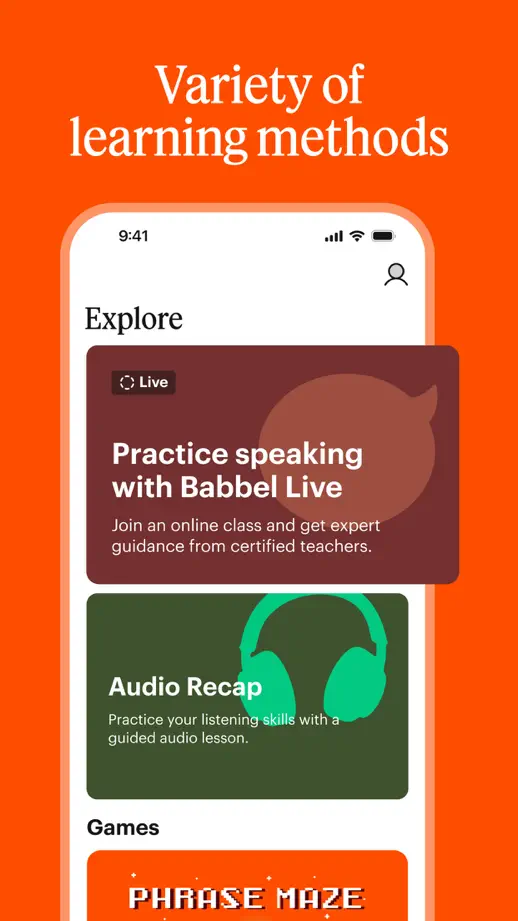
A typographic opening leads into alternating orange and cream panels, with serif headings and pulled-out lesson cards maintaining a clear hierarchy.

Babbel, App Store screenshot 1
Babbel, App Store screenshot 2
Babbel, App Store screenshot 3
Babbel, App Store screenshot 4
Babbel, App Store screenshot 5
Babbel, App Store screenshot 6
Babbel, App Store screenshot 7
Babbel, App Store screenshot 8

Busuu

Education · 10 frames

Blue and teal backgrounds repeat behind lesson screens, while progress illustrations and community examples provide variety within the same layout.

Busuu, App Store screenshot 1
Busuu, App Store screenshot 2
Busuu, App Store screenshot 3
Busuu, App Store screenshot 4
Busuu, App Store screenshot 5
Busuu, App Store screenshot 6
Busuu, App Store screenshot 7
Busuu, App Store screenshot 8
Busuu, App Store screenshot 9
Busuu, App Store screenshot 10

Memrise

Education · 9 frames

Bold type and solid color changes separate the opening promise, learning methods, lesson screens and a closing testimonial.

Memrise, App Store screenshot 1
Memrise, App Store screenshot 2
Memrise, App Store screenshot 3
Memrise, App Store screenshot 4
Memrise, App Store screenshot 5
Memrise, App Store screenshot 6
Memrise, App Store screenshot 7
Memrise, App Store screenshot 8
Memrise, App Store screenshot 9

Drops

Education · 8 frames

Angled screen crops and vivid purple, blue and teal panels bring the vocabulary illustrations forward, with a separate typographic press panel.

Drops, App Store screenshot 1
Drops, App Store screenshot 2
Drops, App Store screenshot 3
Drops, App Store screenshot 4
Drops, App Store screenshot 5
Drops, App Store screenshot 6
Drops, App Store screenshot 7
Drops, App Store screenshot 8

Pimsleur

Education · 6 frames

An enlarged angled device connects the first two frames, followed by repeated blue panels that isolate lesson, audio and conversation screens.

Pimsleur, App Store screenshot 1
Pimsleur, App Store screenshot 2
Pimsleur, App Store screenshot 3
Pimsleur, App Store screenshot 4
Pimsleur, App Store screenshot 5
Pimsleur, App Store screenshot 6

Add to collection

New collection