Music App Store screenshots
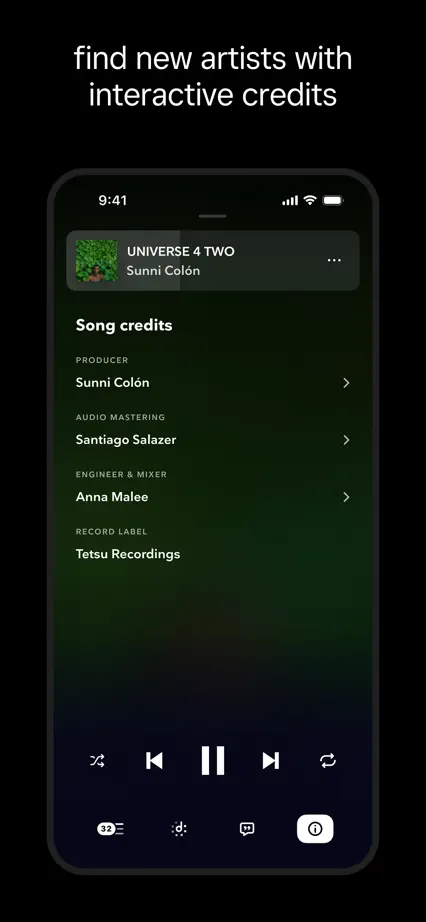
19 complete App Store screenshot sets from music apps, including Poolsuite FM, NowPlaying and BandLab. The most common techniques here are repeated layout, device mockups and photography.


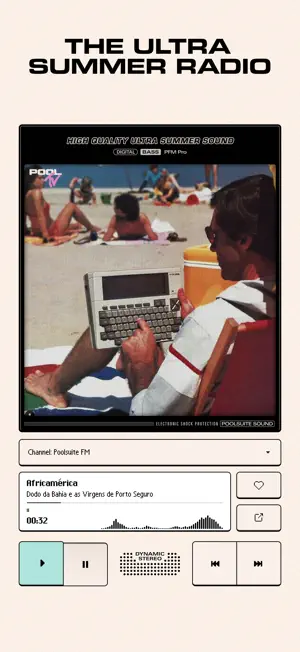
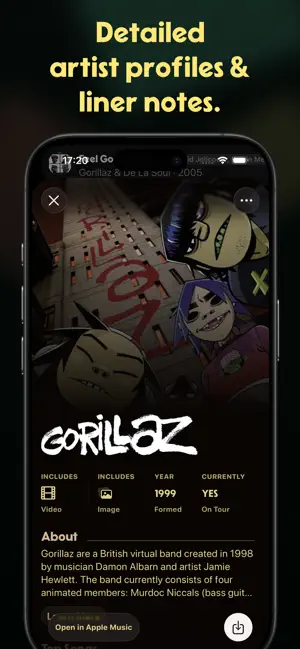


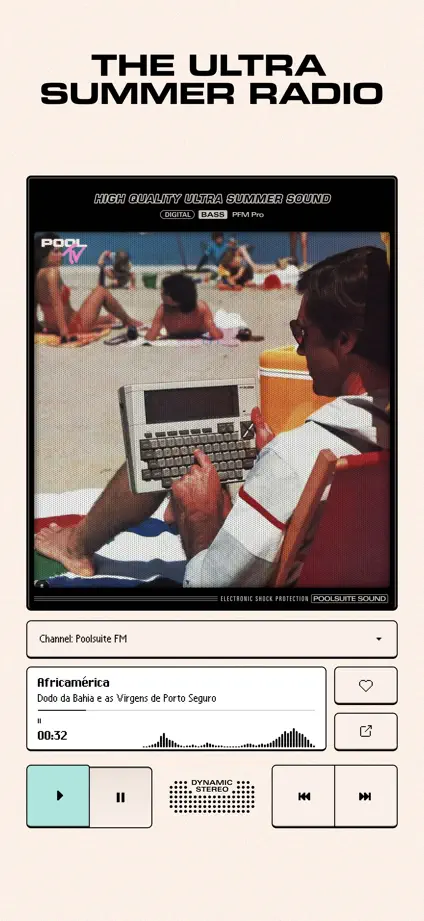
Retro player controls, a compact disc and holiday photography build a distinctive summer-radio sequence.
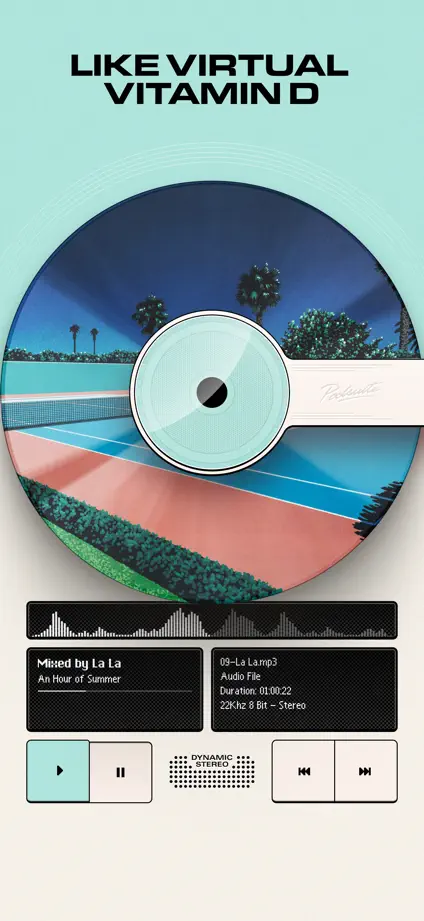
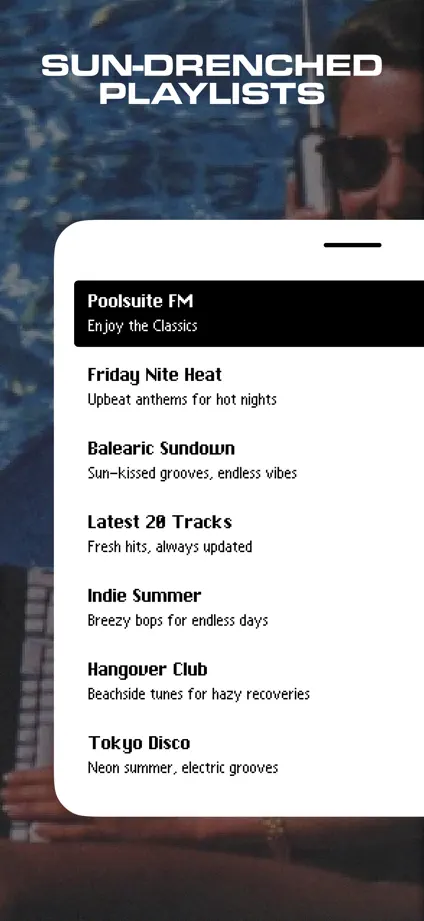
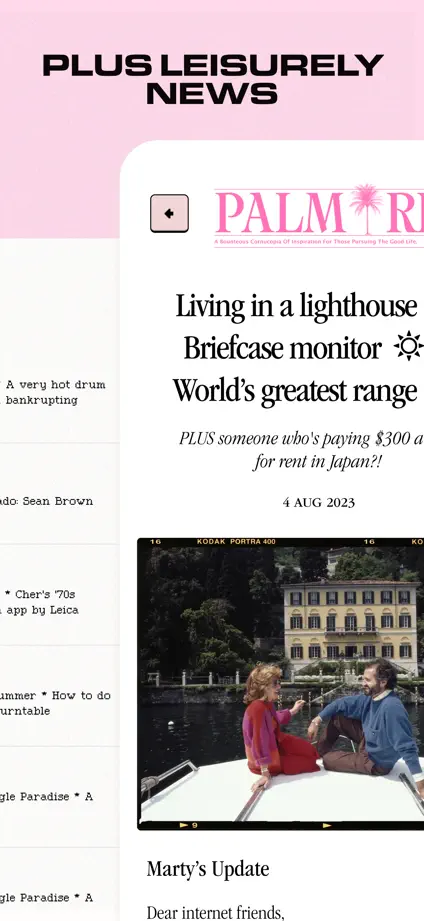

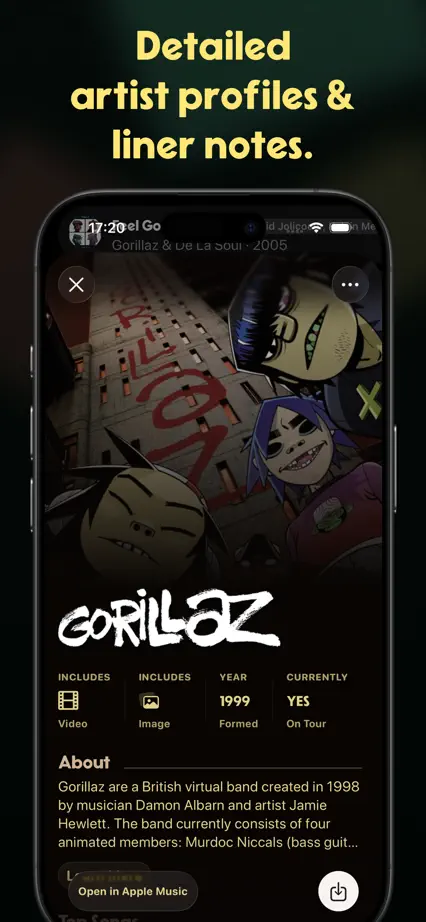
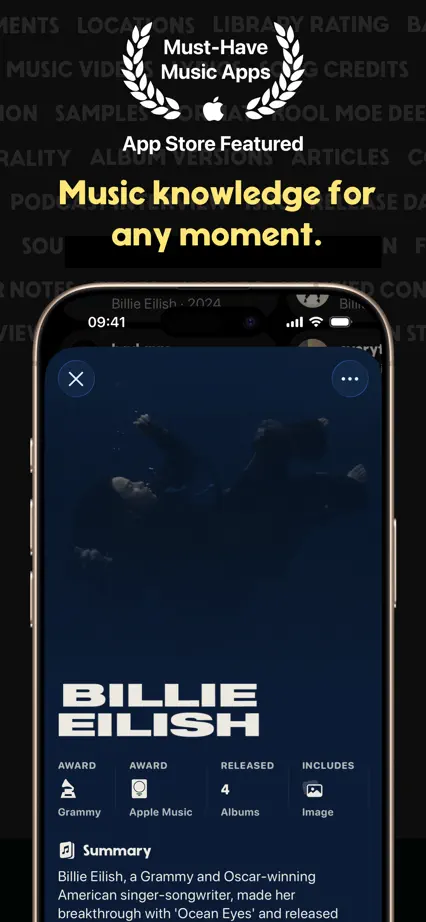
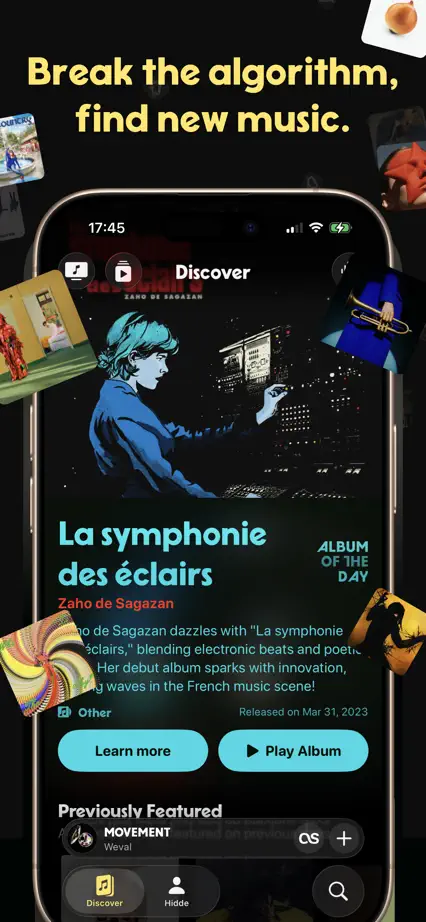
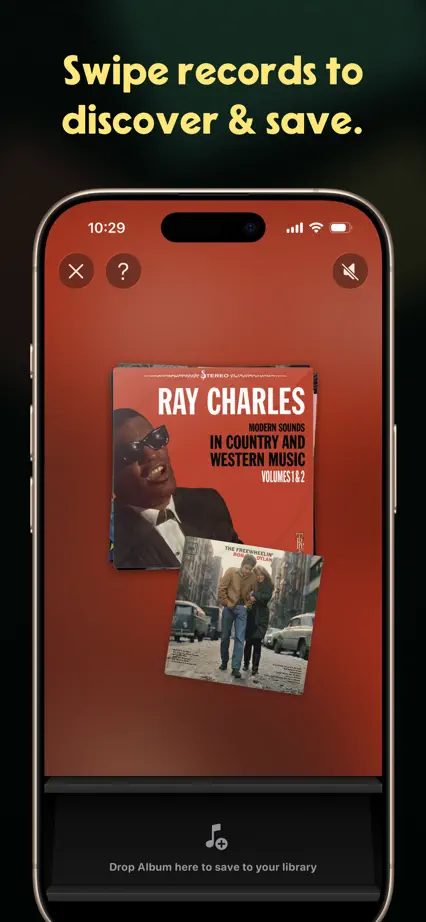
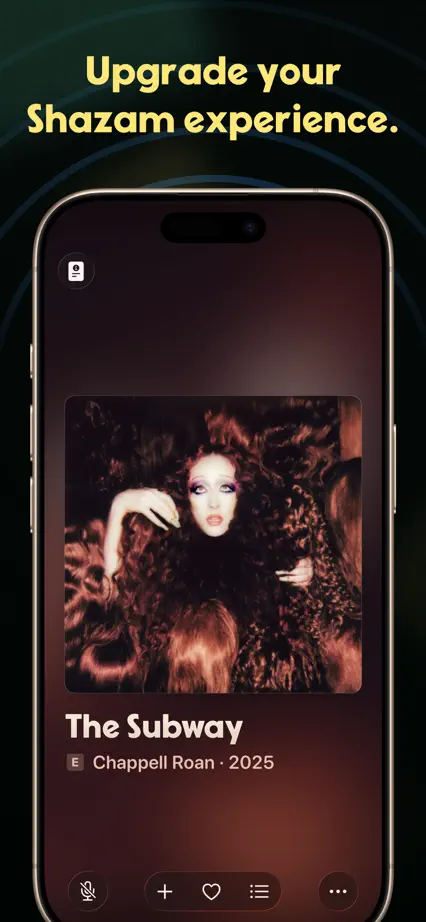
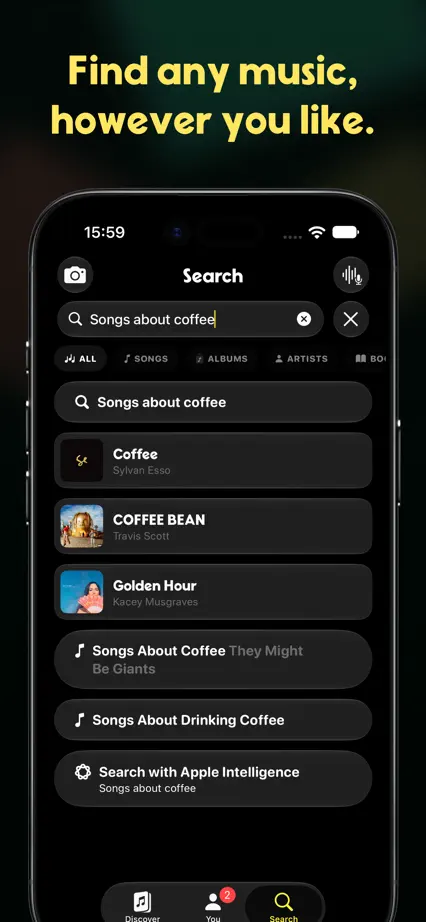


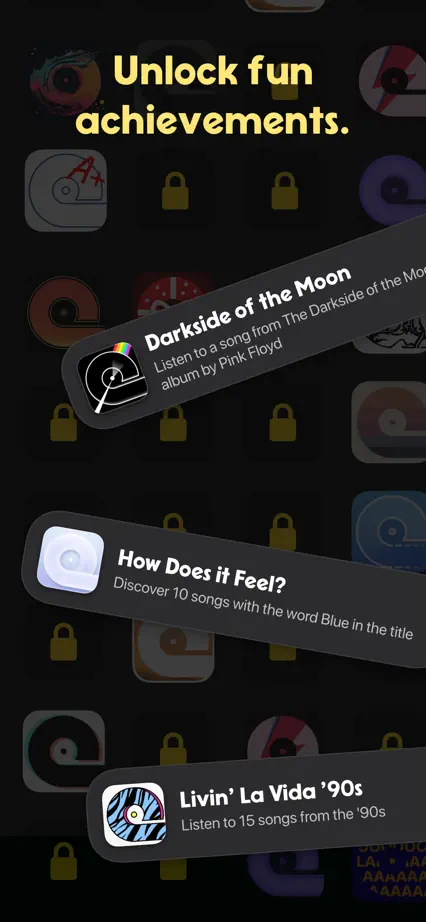
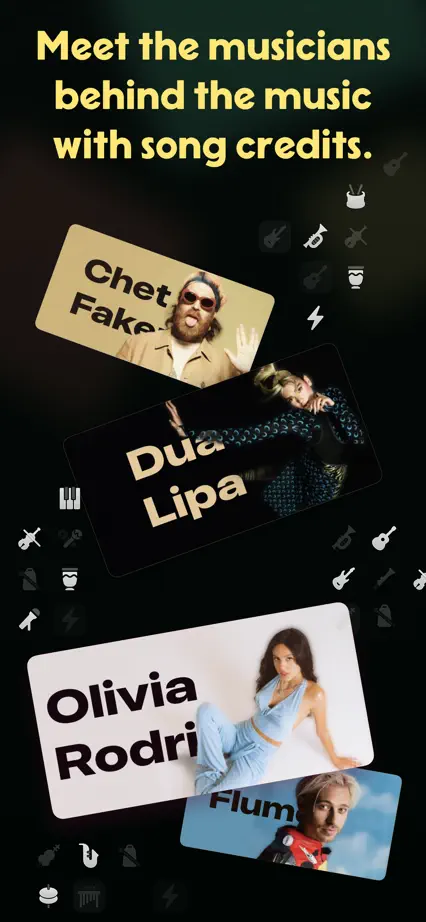

Bright color fields separate music tools, with compact white caption panels below each phone.
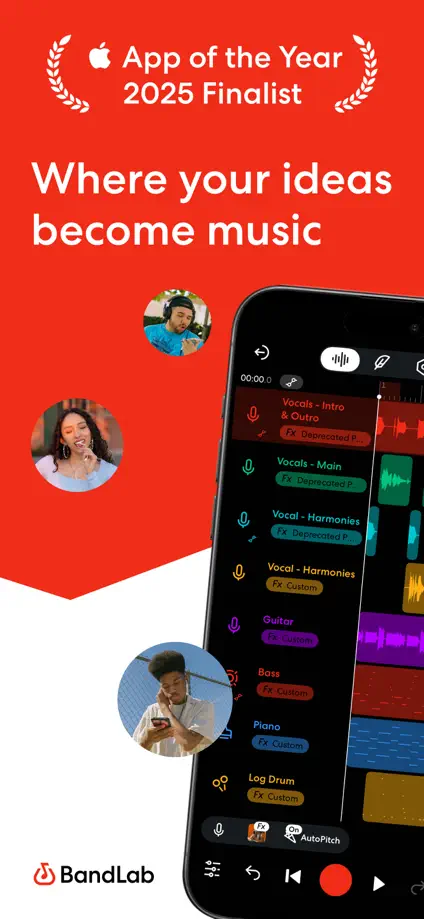
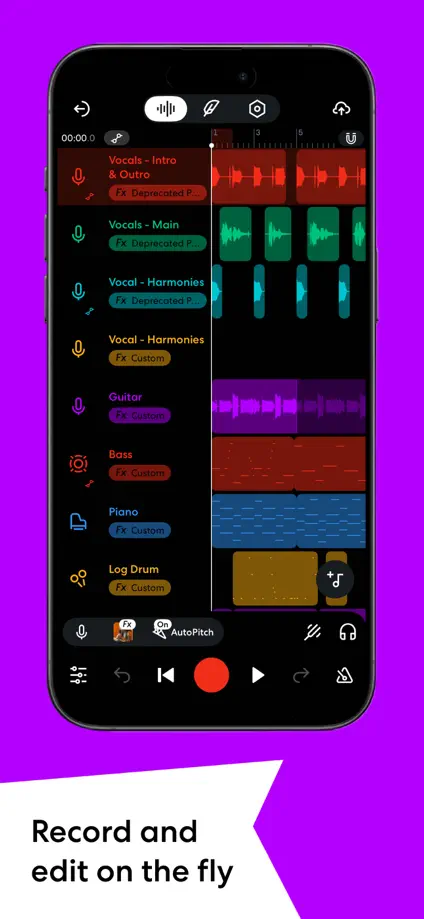
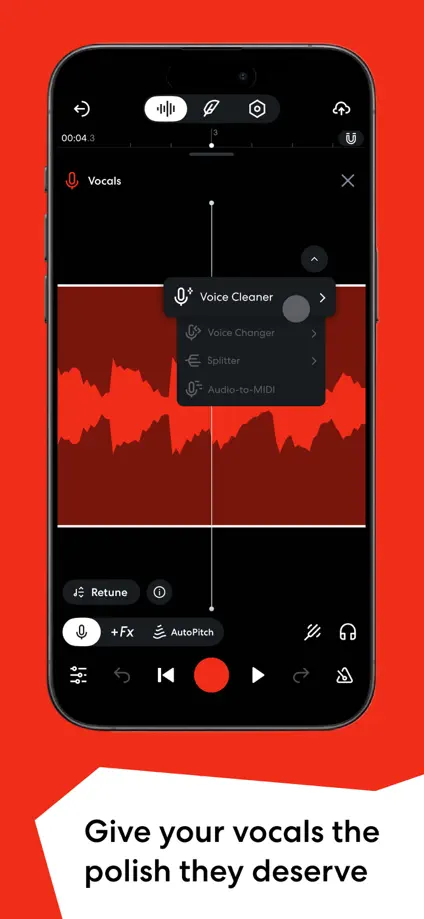
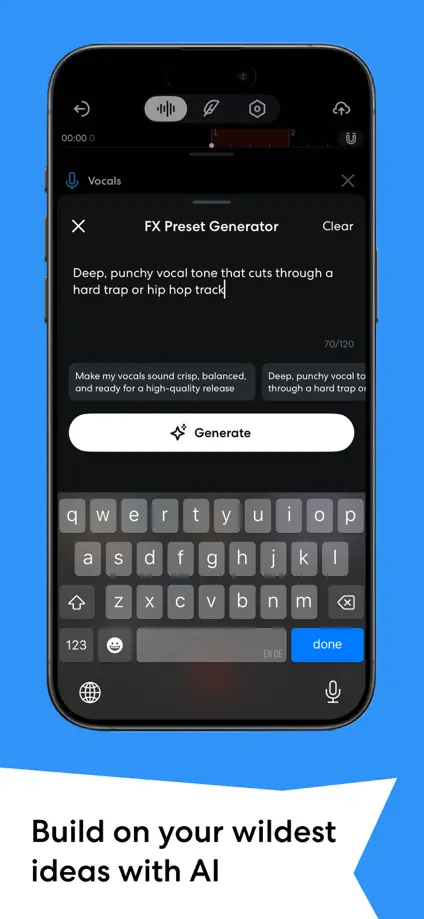
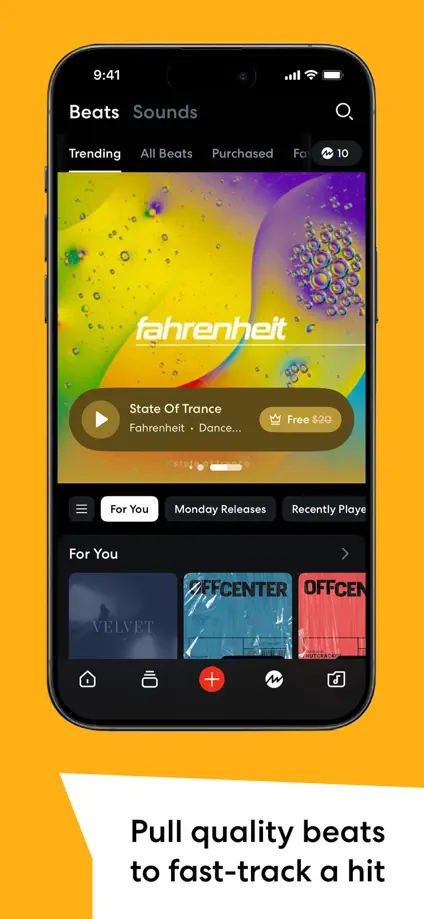
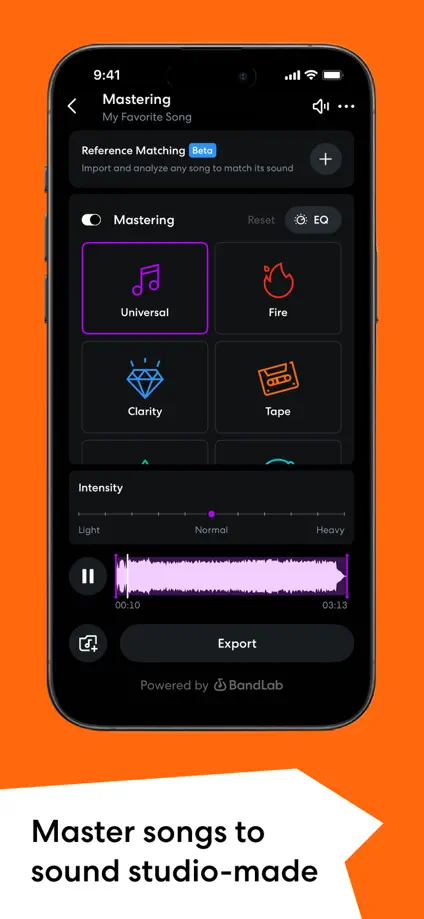
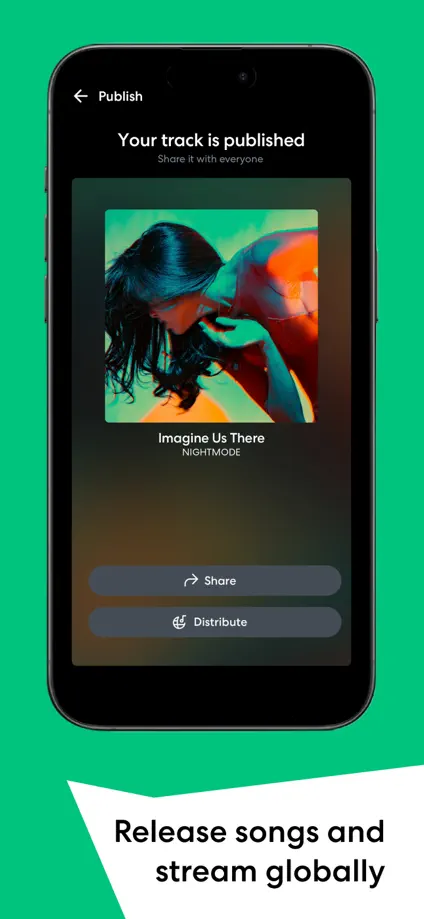
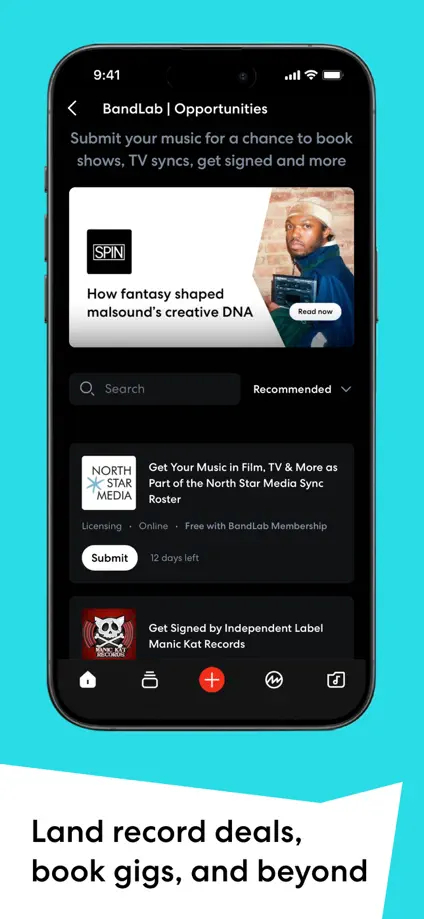


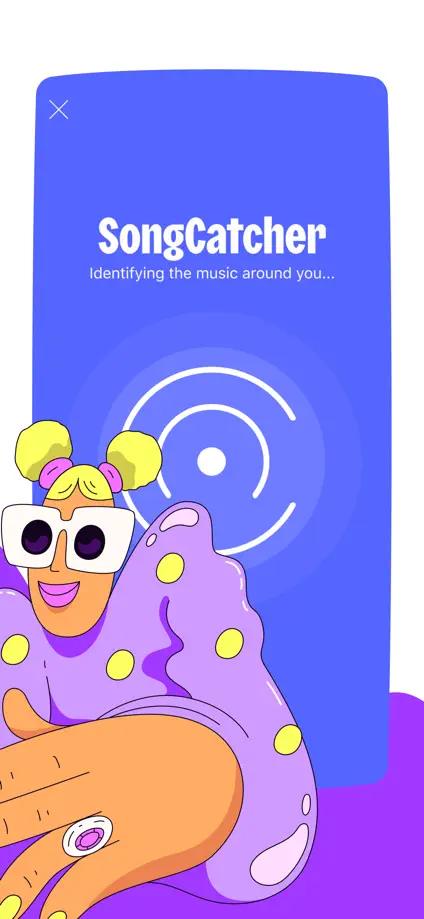

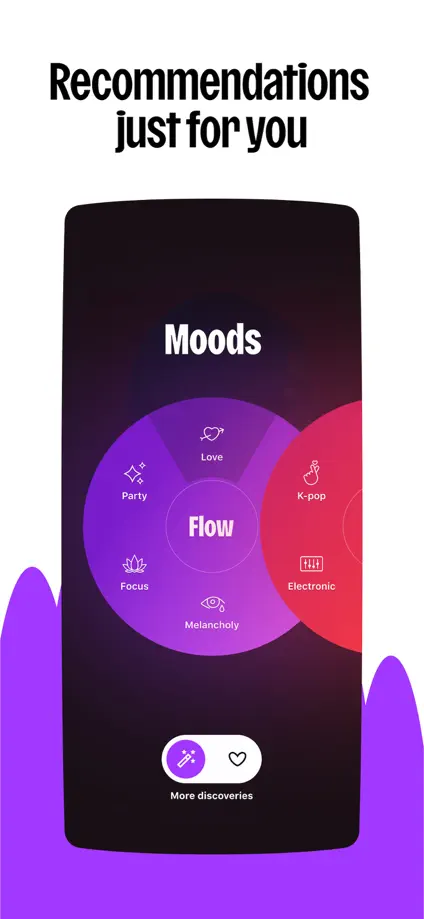

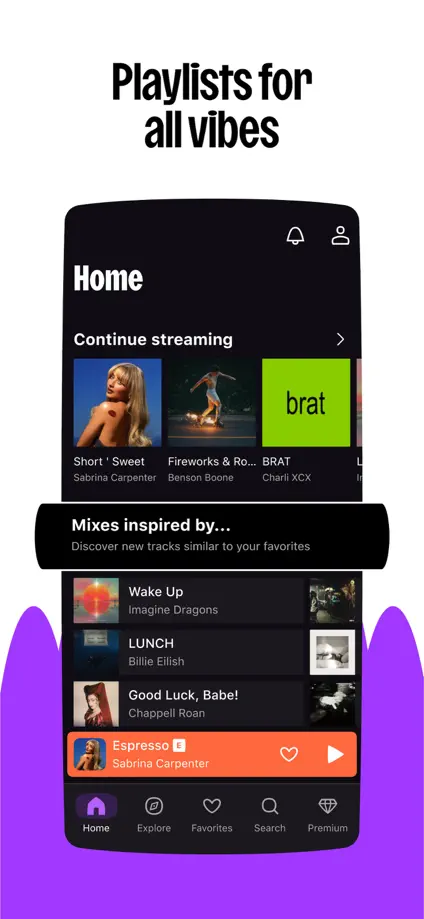
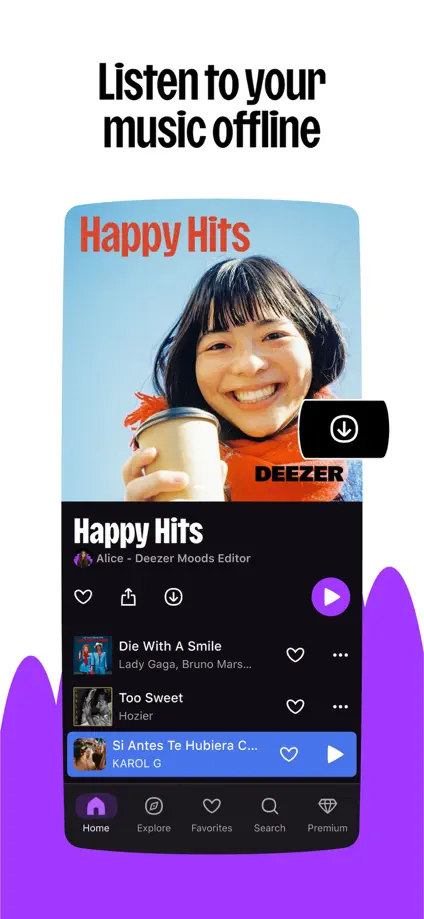
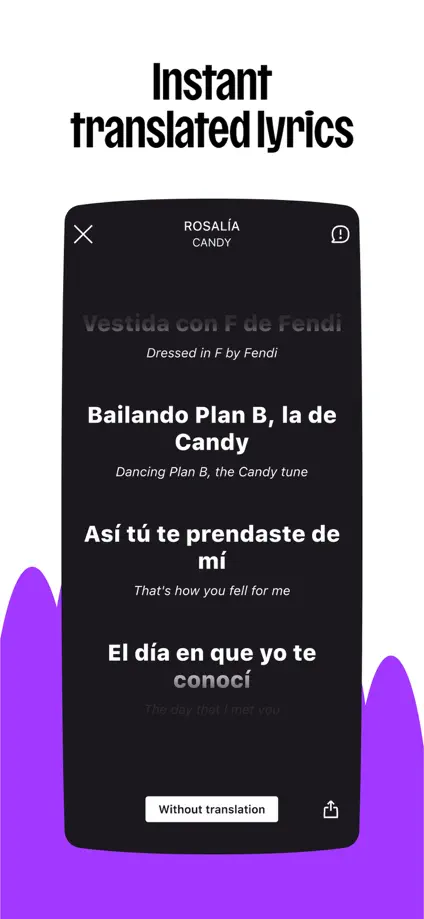
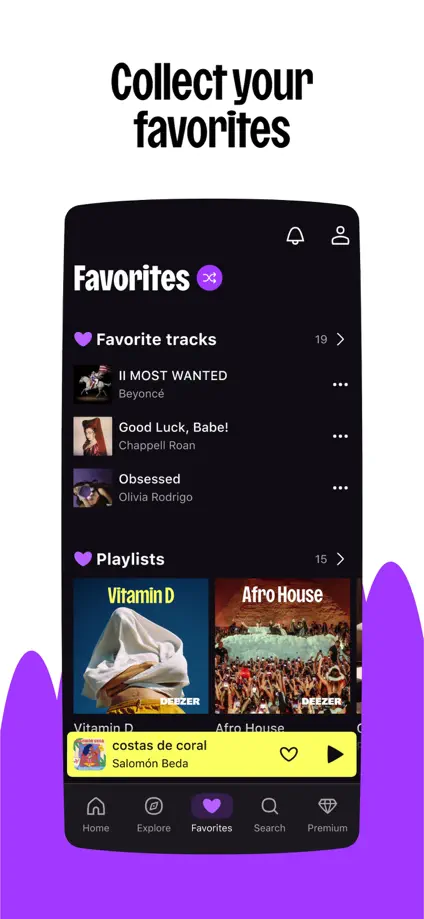

Before-and-after playlist covers demonstrate the result before the tour moves into editing controls.

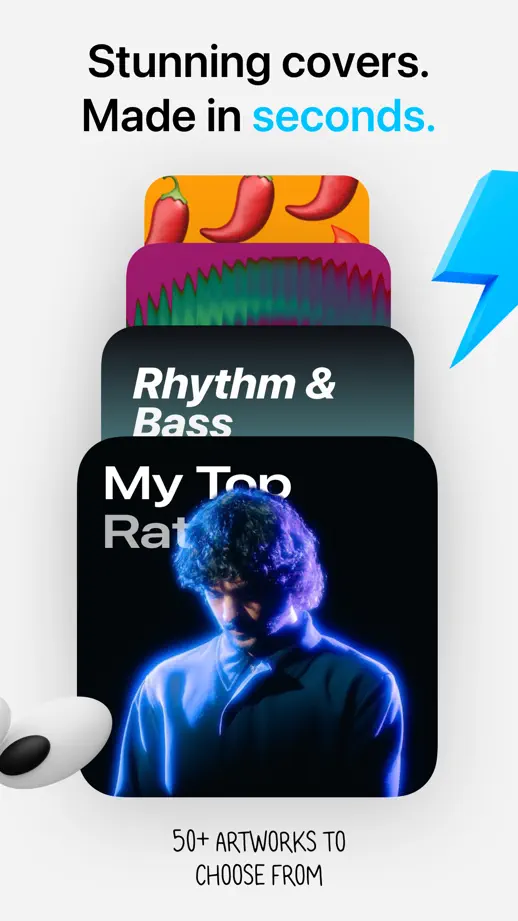


A record-filled opening leads into a black-and-white interface tour, with album covers supplying color.


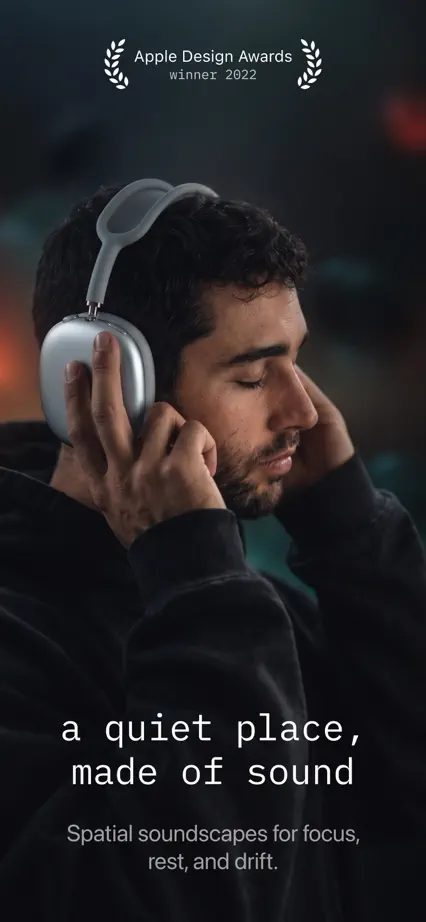
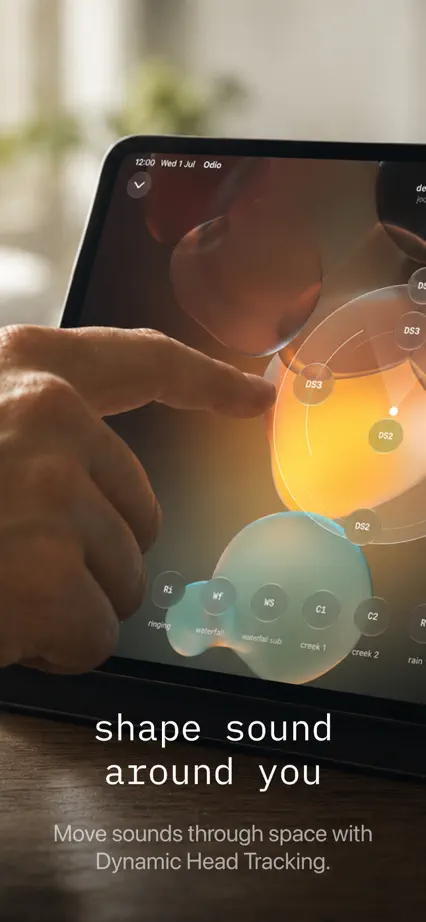
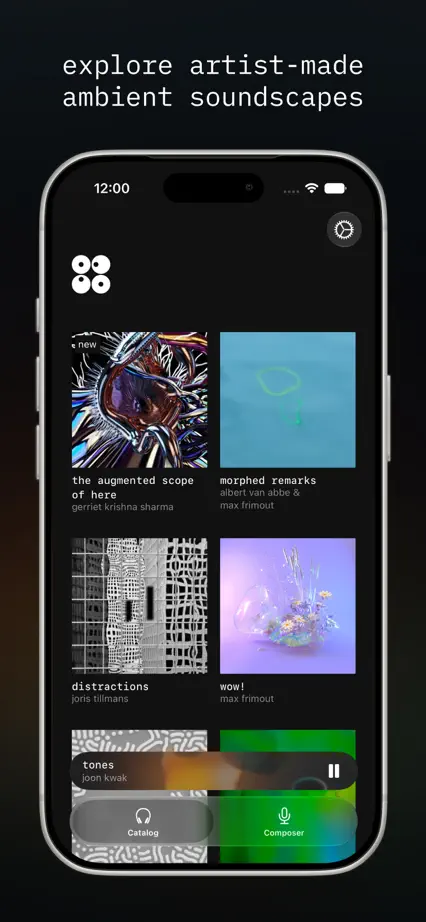
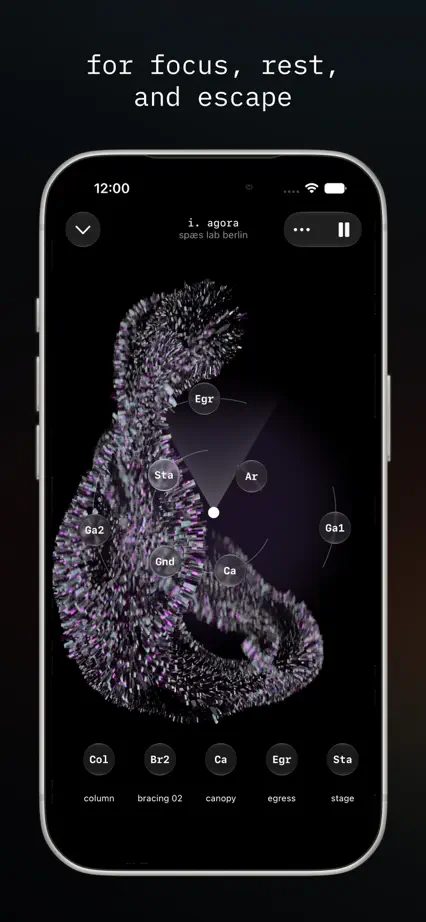
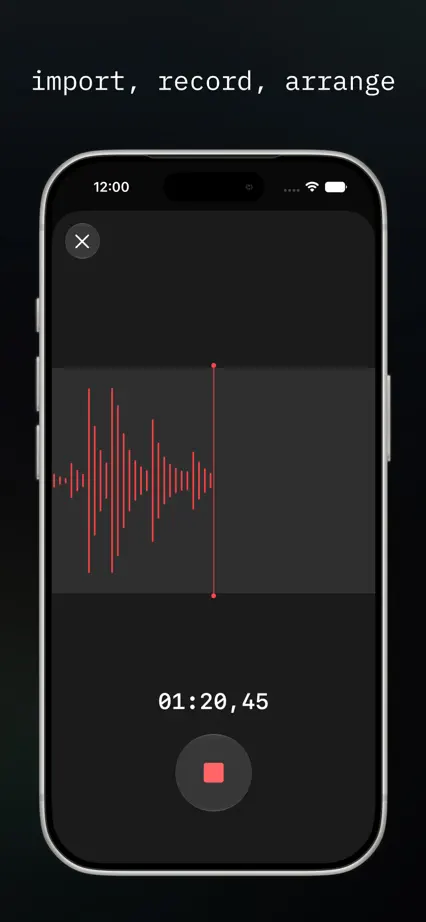
Photography of listening gives way to dark screens, sound sculptures and compact monospaced captions.

A blue-to-pink gradient shifts across the frames behind dark album-grid screens, closing with tilted phones and a laptop.
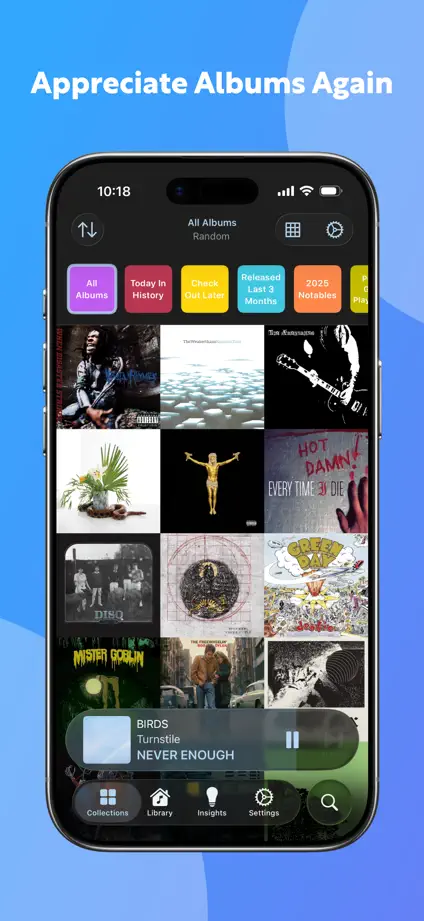
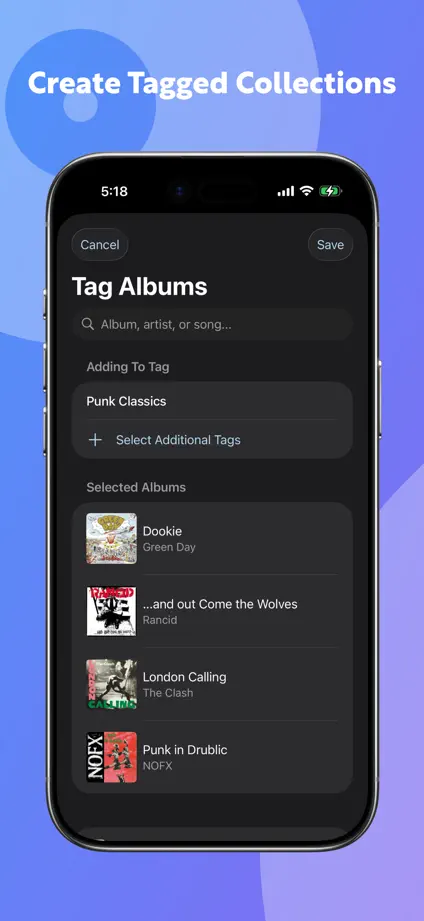
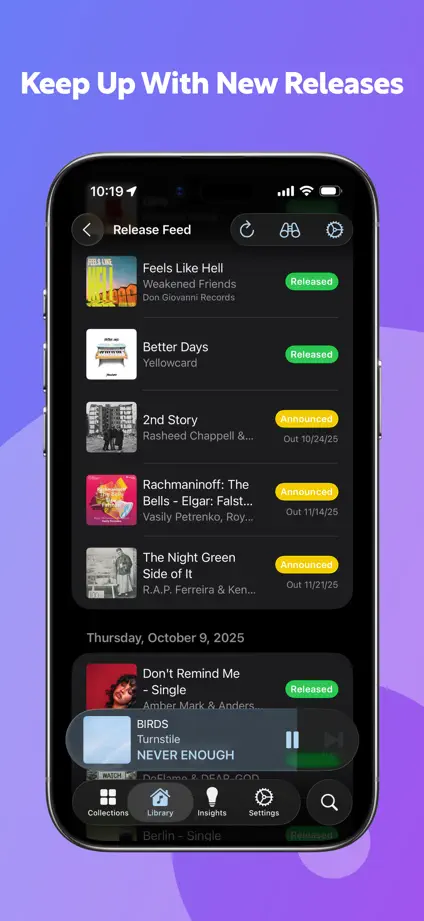
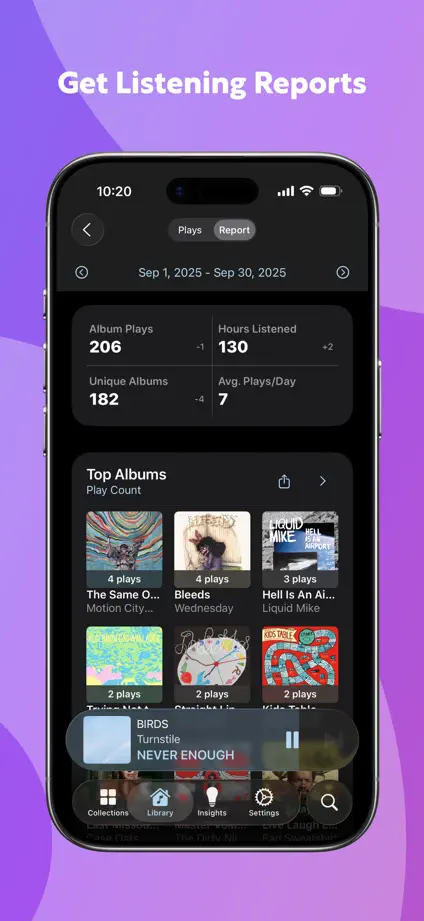
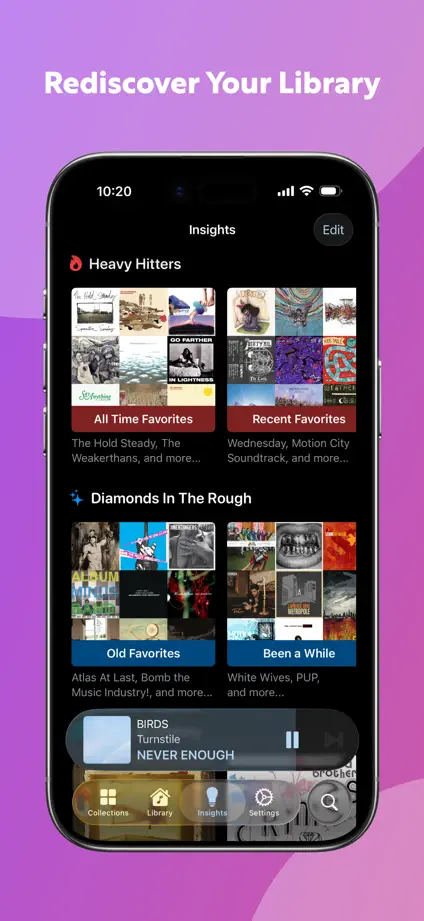
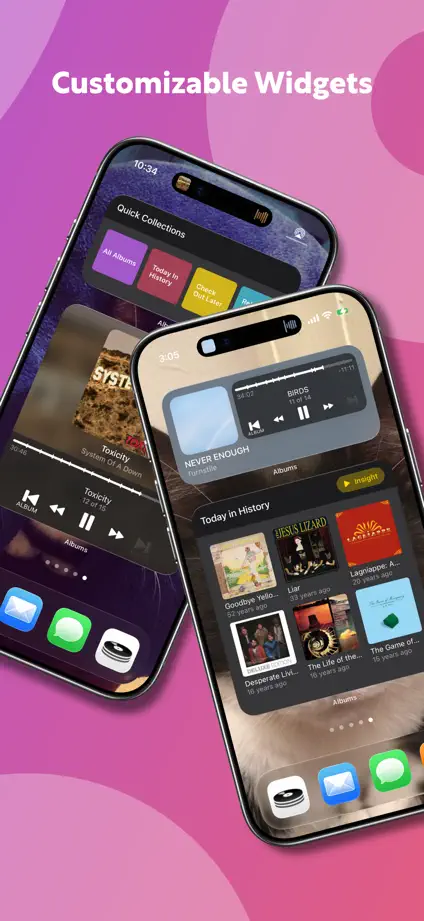
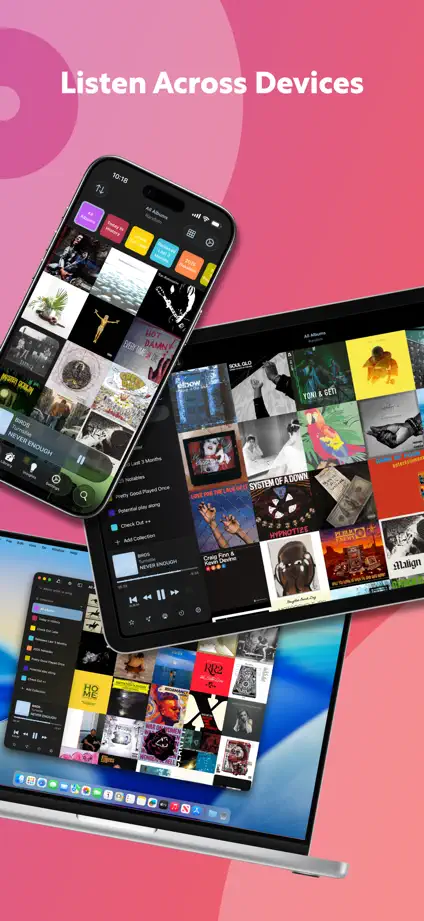

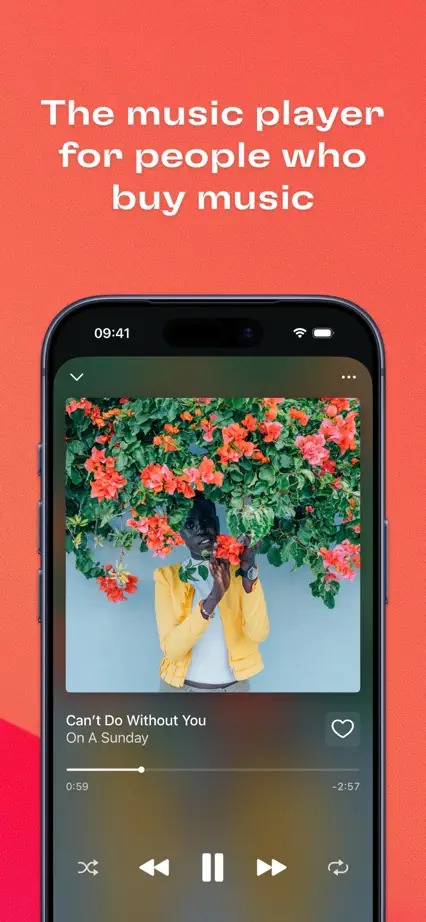
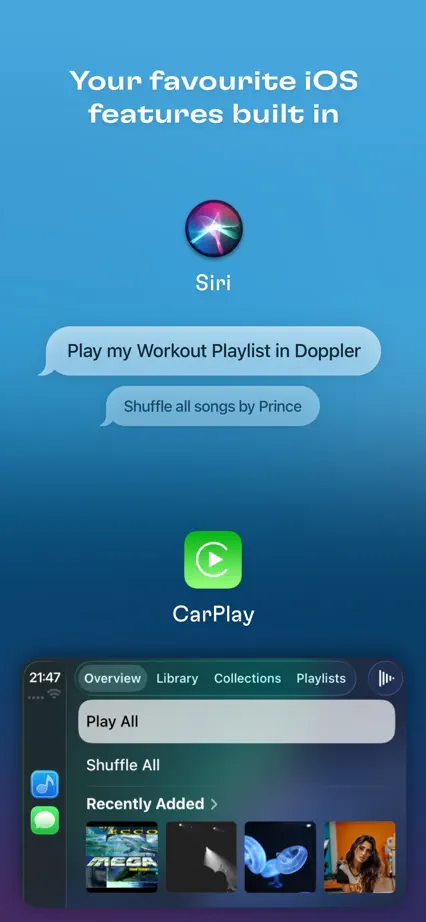
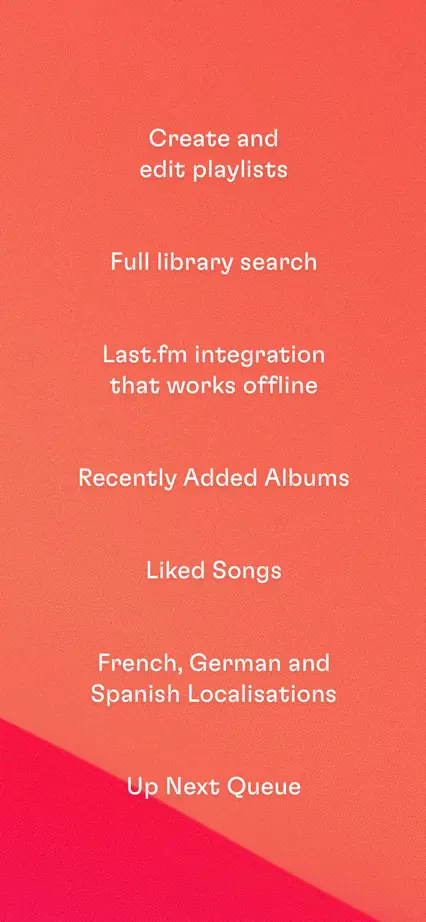
Red, orange and blue gradients sweep behind dark player screens with rounded bold headlines, ending on a phone-free list of features.
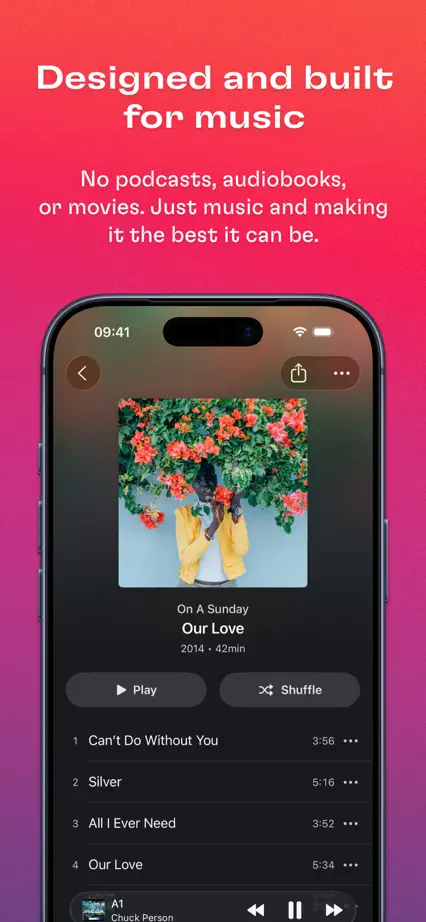

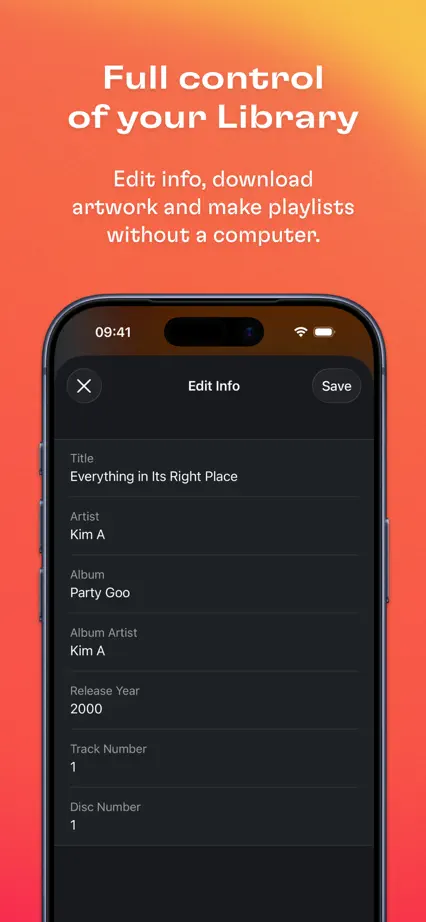
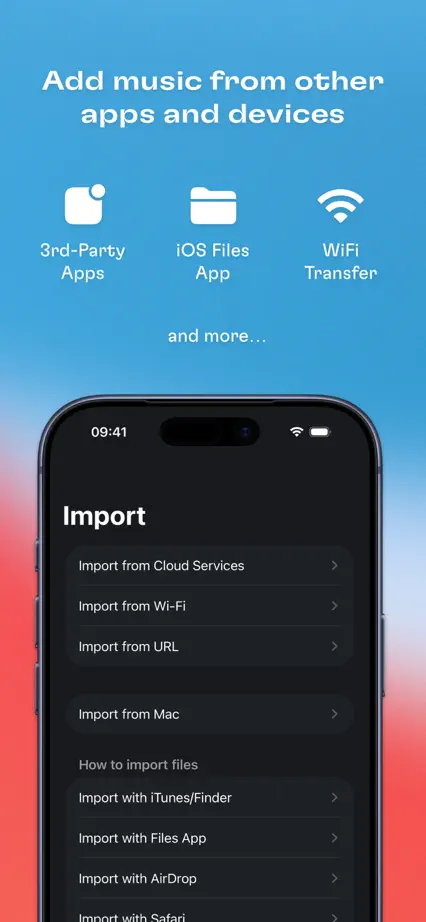
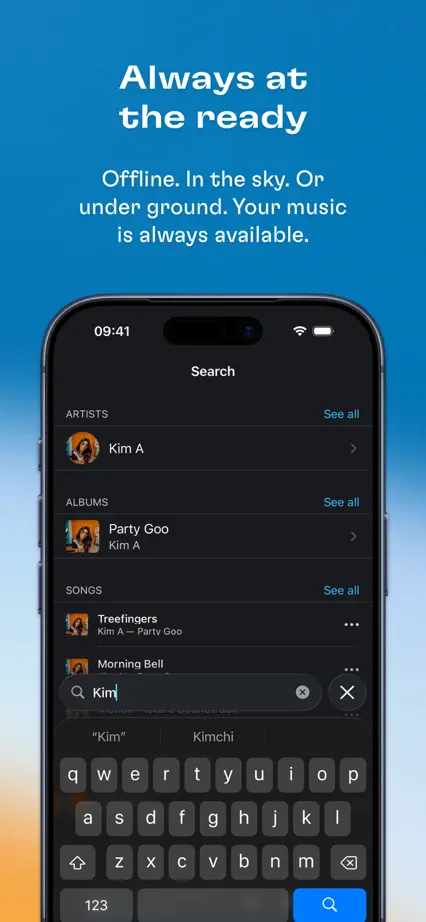

Older home-button phones sit on a cyan gradient, with devices cut across frame edges so pairs of screens read as one strip.


Pink panels with green borders provide a consistent frame for oversized dark devices, including a tilted opening podcast view.


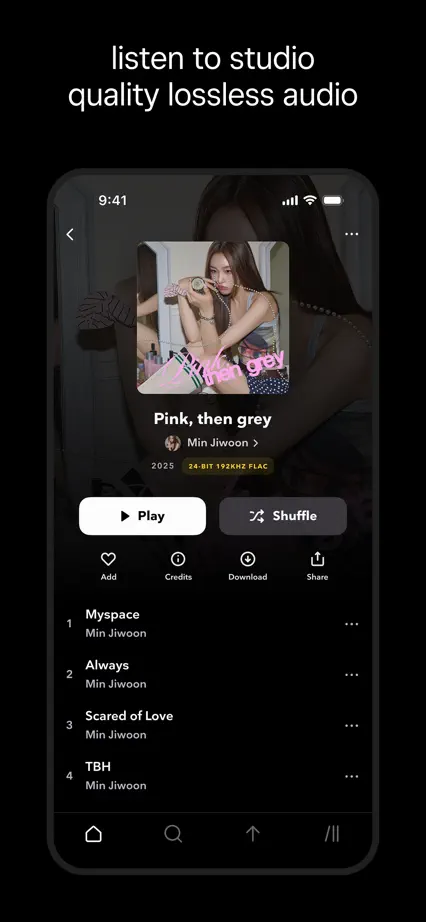
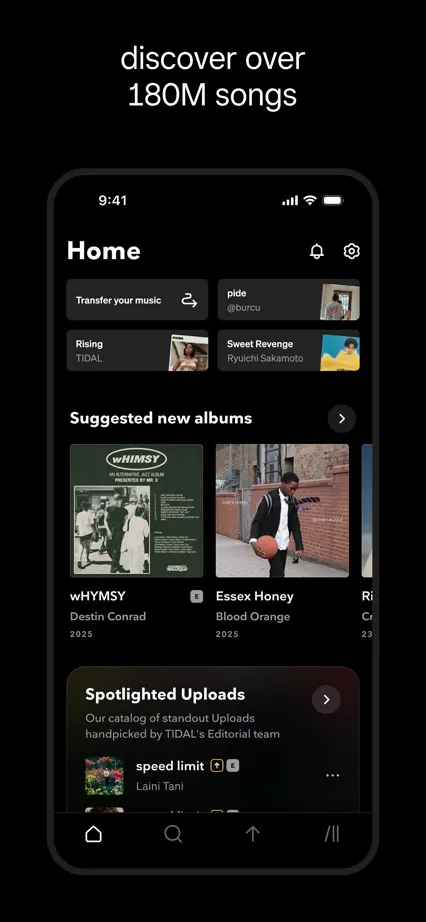
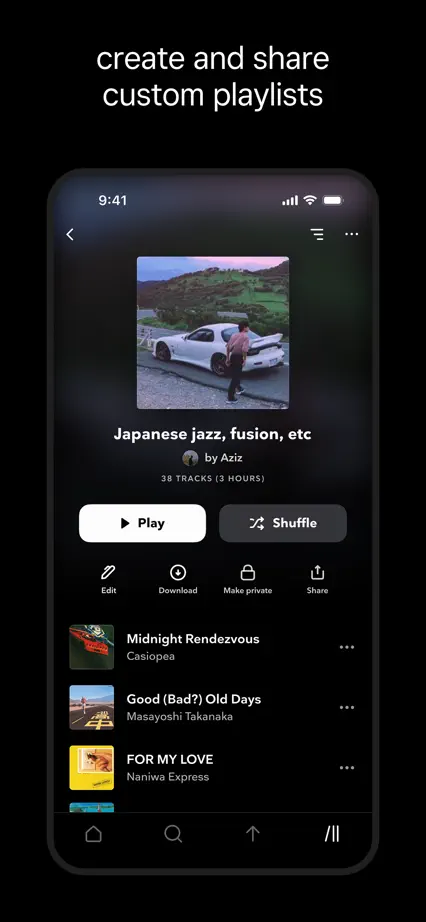
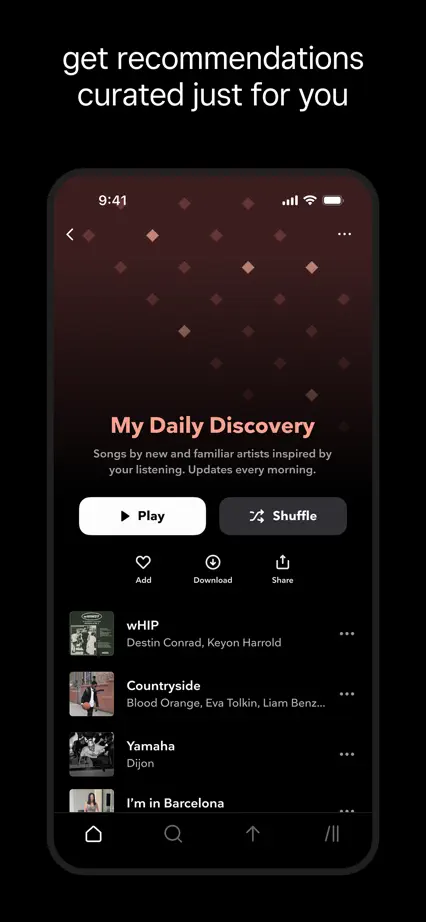
A restrained black sequence lets album artwork provide color, with an angled opening device followed by consistent upright views.