kit0

App Store screenshots using photography

111 listings that build their frames around photographs, from Flighty, (Not Boring) Camera and AllTrails. Most are photo & video, shopping and health & fitness apps.

111 appsShow all

NYT Cooking

Food & Drink · 7 frames

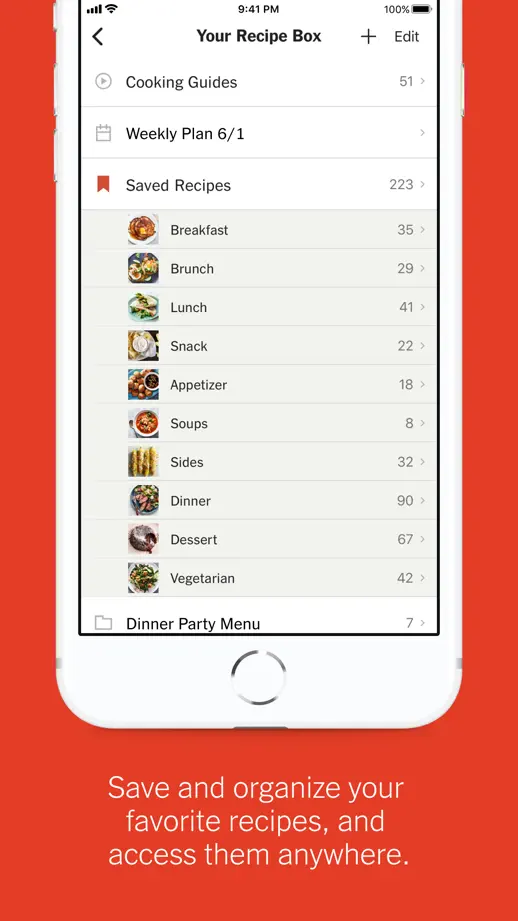
Orange-red panels alternate the vertical position of white phones, moving through recipe discovery, search, instructions and saved lists.

NYT Cooking, App Store screenshot 1
NYT Cooking, App Store screenshot 2
NYT Cooking, App Store screenshot 3
NYT Cooking, App Store screenshot 4
NYT Cooking, App Store screenshot 5
NYT Cooking, App Store screenshot 6
NYT Cooking, App Store screenshot 7

Kitchen Stories

Food & Drink · 9 frames

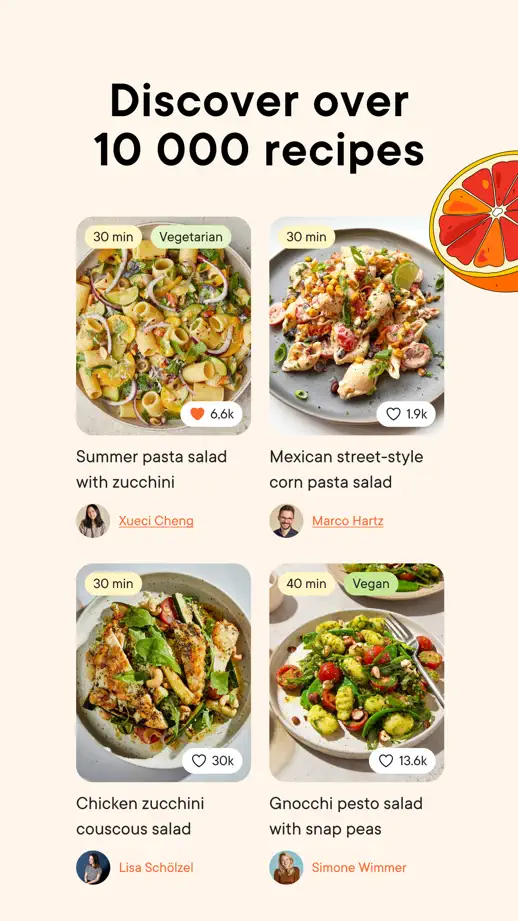
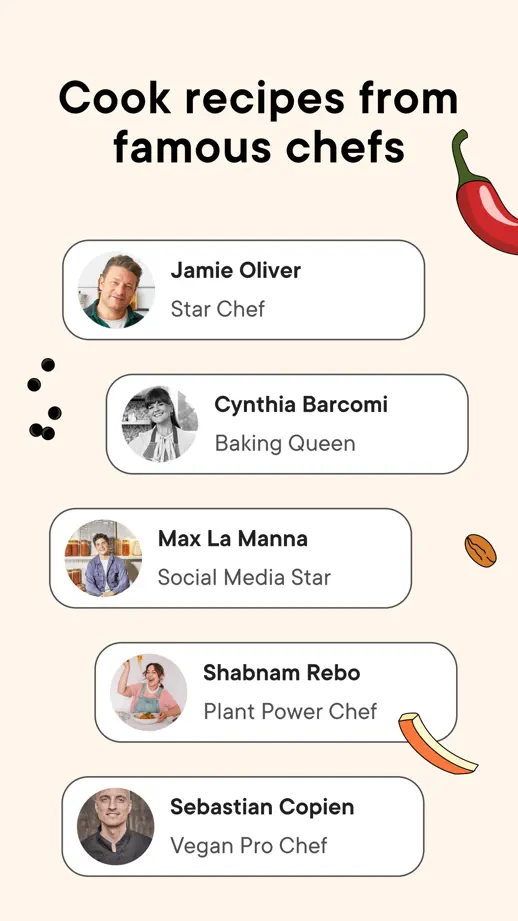
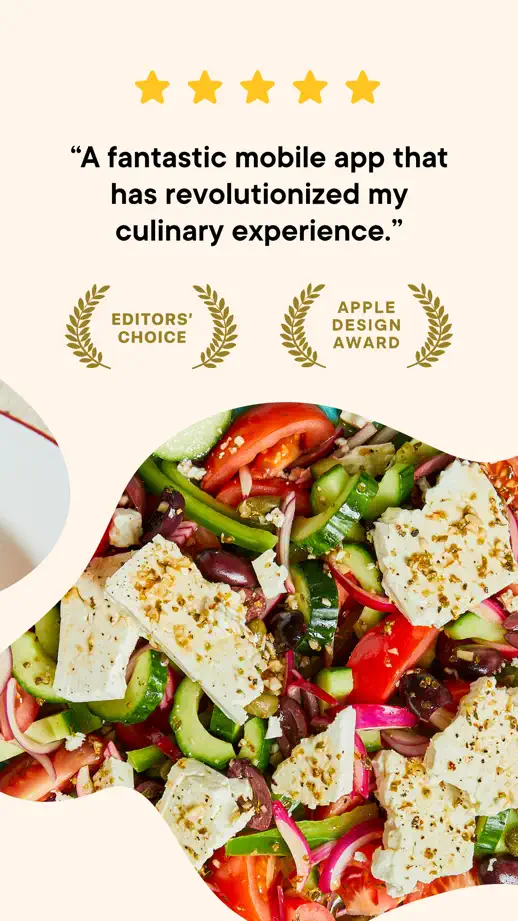
Large food photographs introduce the set before cream panels, ingredient illustrations and cropped interface cards guide the feature tour.

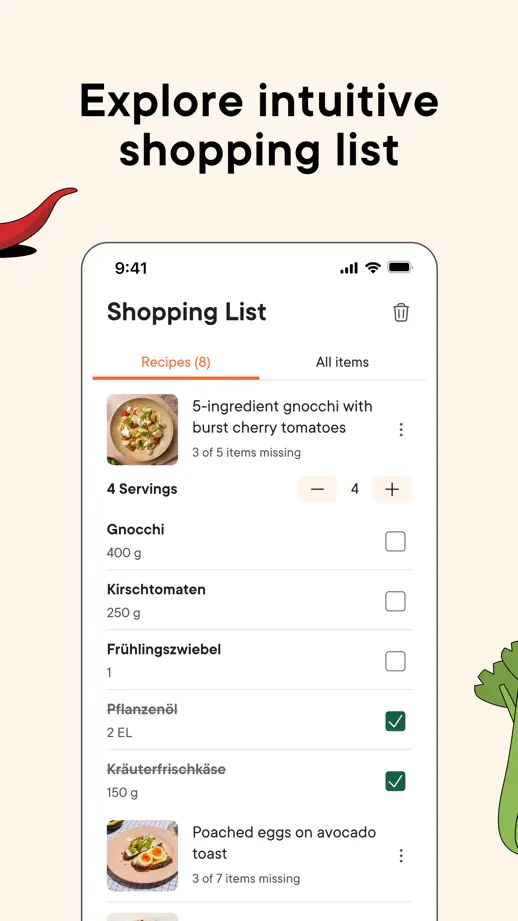
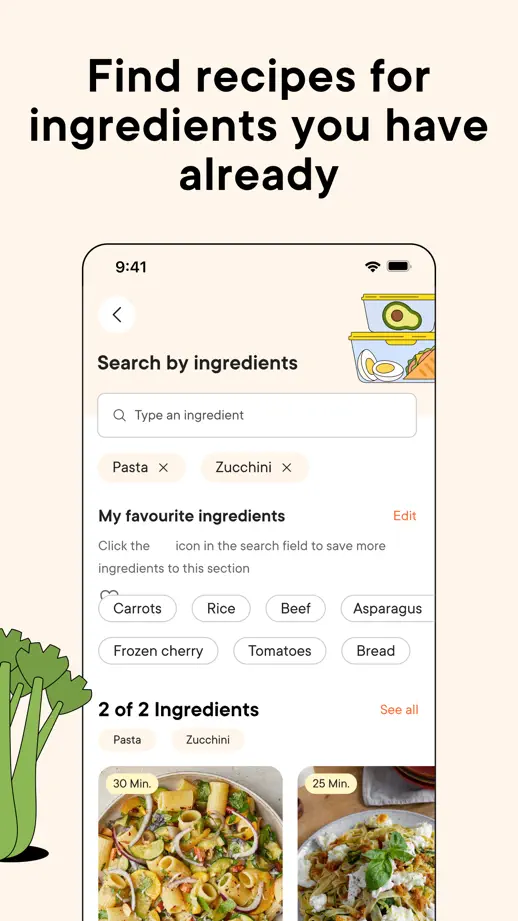
Kitchen Stories, App Store screenshot 1
Kitchen Stories, App Store screenshot 2
Kitchen Stories, App Store screenshot 3
Kitchen Stories, App Store screenshot 4
Kitchen Stories, App Store screenshot 5
Kitchen Stories, App Store screenshot 6
Kitchen Stories, App Store screenshot 7
Kitchen Stories, App Store screenshot 8
Kitchen Stories, App Store screenshot 9

Samsung Food

Food & Drink · 8 frames

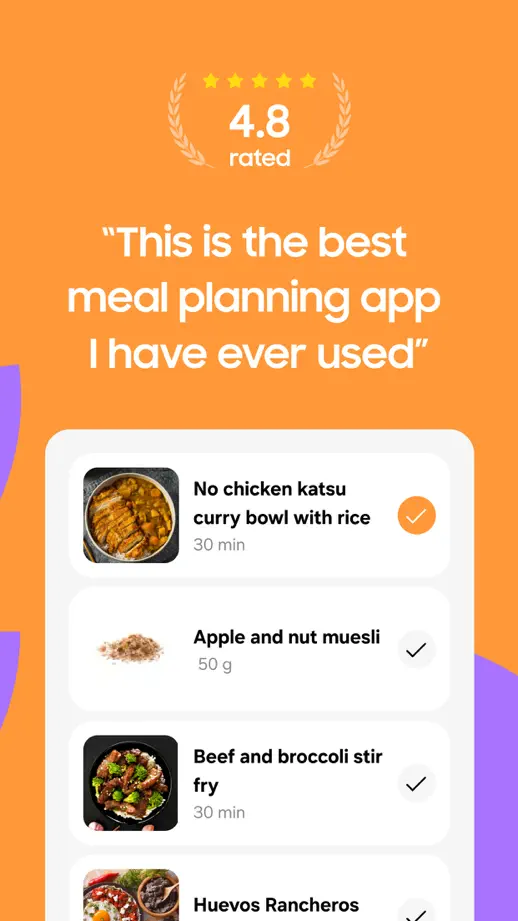
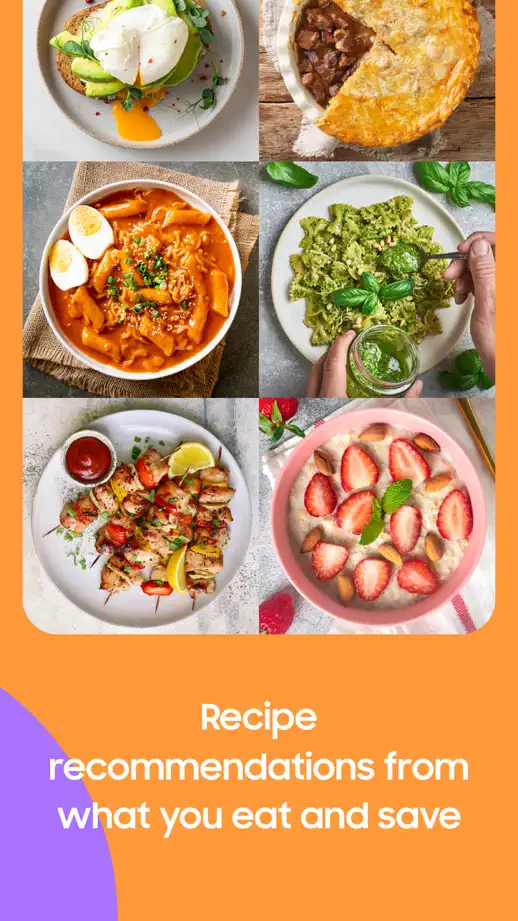
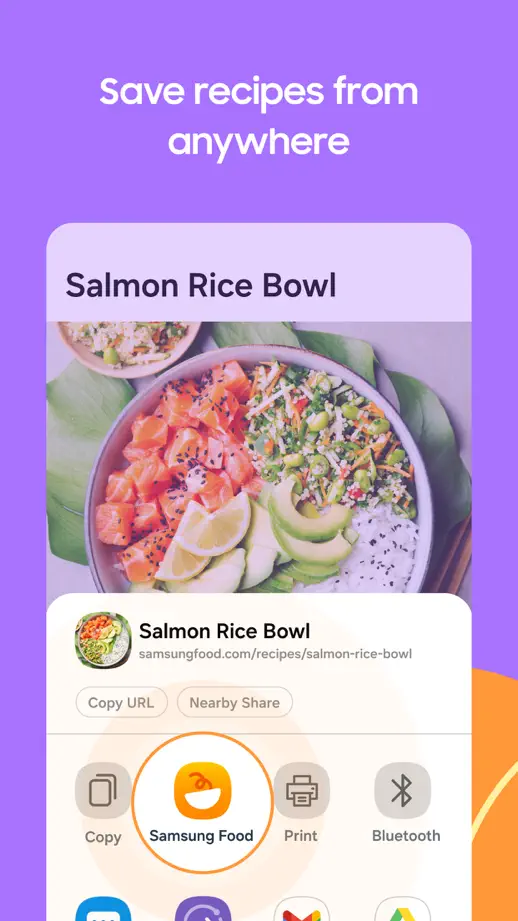
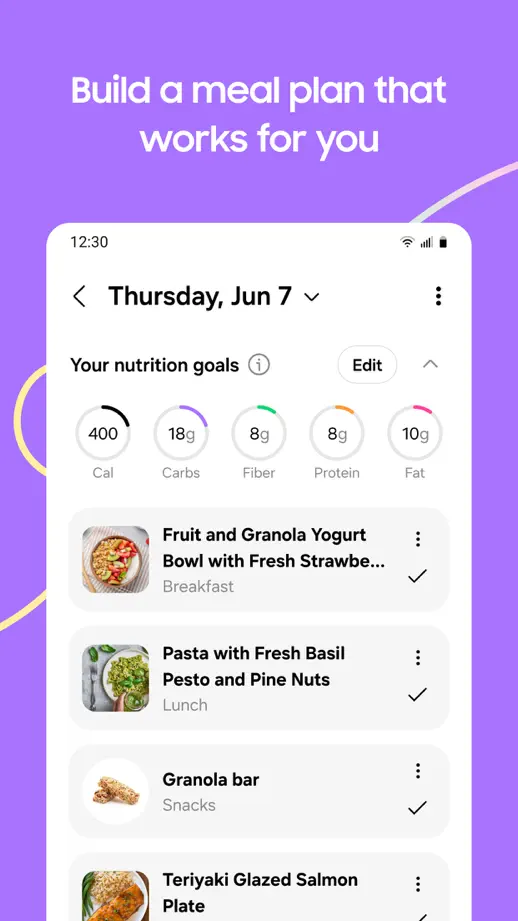
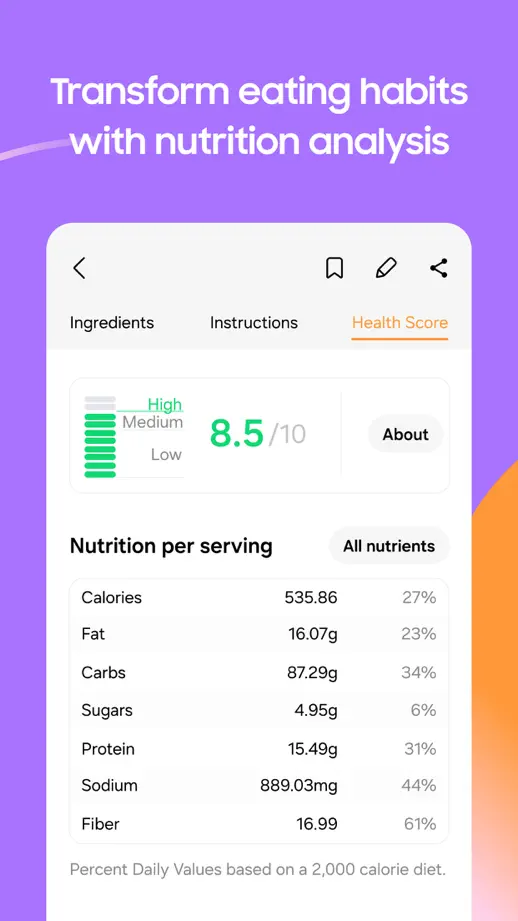
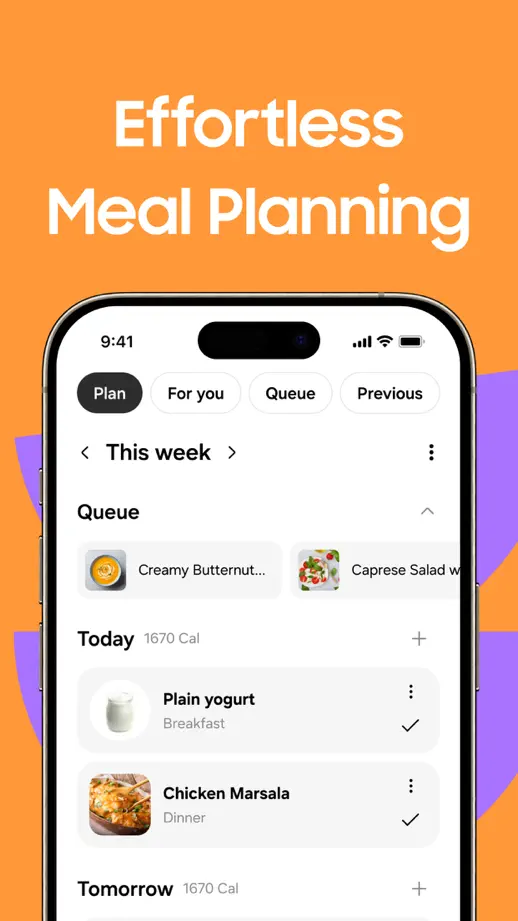
Orange opening panels give way to purple feature panels, with food photography and enlarged planning screens connecting the two sections.

Samsung Food, App Store screenshot 1
Samsung Food, App Store screenshot 2
Samsung Food, App Store screenshot 3
Samsung Food, App Store screenshot 4
Samsung Food, App Store screenshot 5
Samsung Food, App Store screenshot 6
Samsung Food, App Store screenshot 7
Samsung Food, App Store screenshot 8

OpenTable

Food & Drink · 9 frames

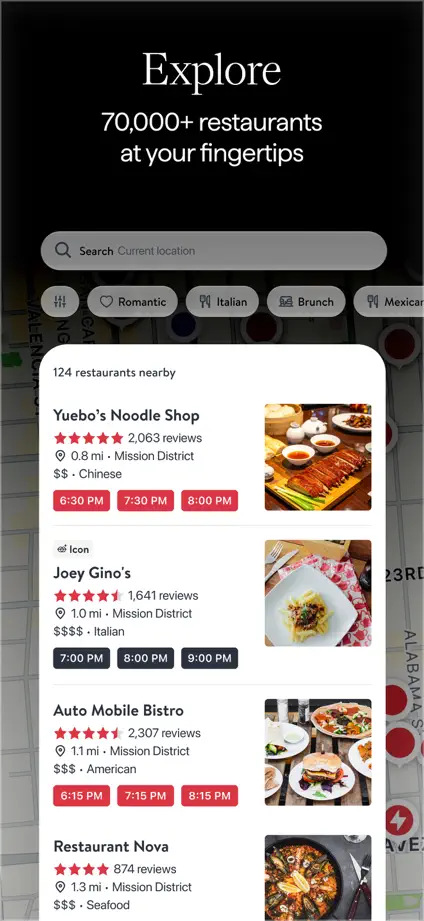
A dark photographic opening transitions into black feature panels, using white interface cards and red booking controls as the recurring contrast.

OpenTable, App Store screenshot 1
OpenTable, App Store screenshot 2
OpenTable, App Store screenshot 3
OpenTable, App Store screenshot 4
OpenTable, App Store screenshot 5
OpenTable, App Store screenshot 6
OpenTable, App Store screenshot 7
OpenTable, App Store screenshot 8
OpenTable, App Store screenshot 9

Vivino

Food & Drink · 8 frames

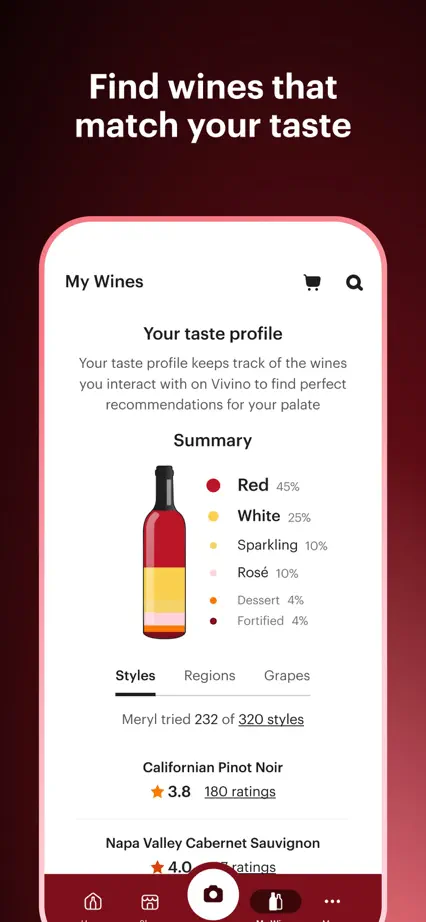
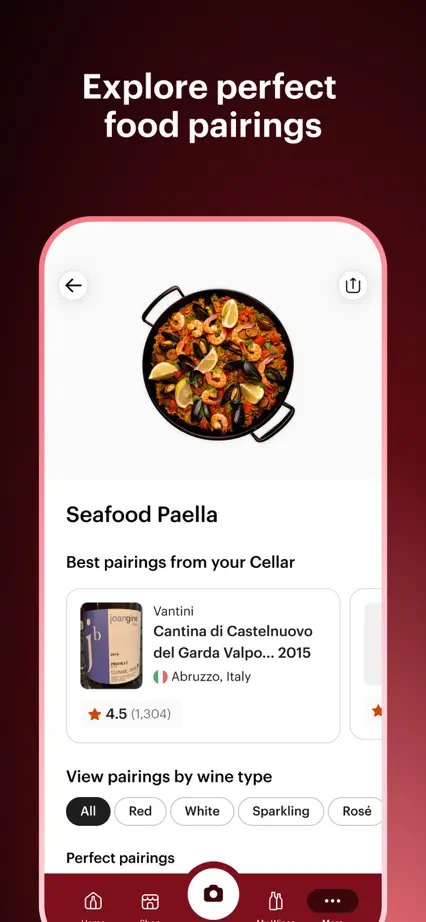
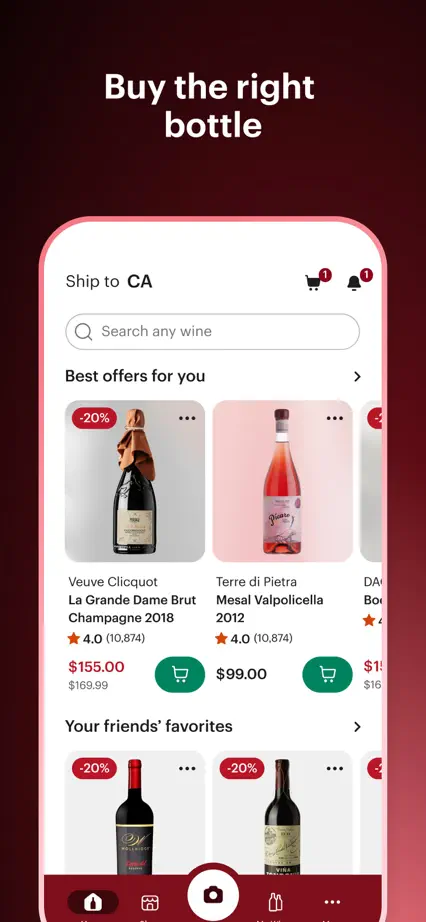
Wine-colored gradients unify the sequence, with a bottle scan, taste profile, review cards and food photography introducing different tasks.
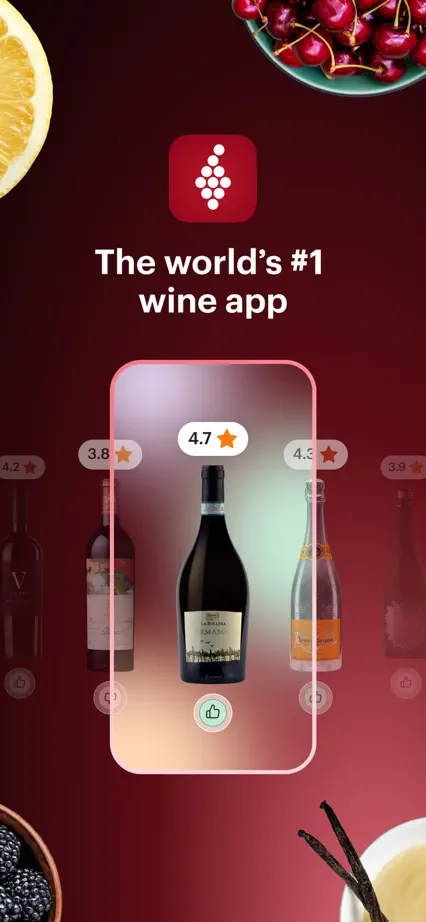
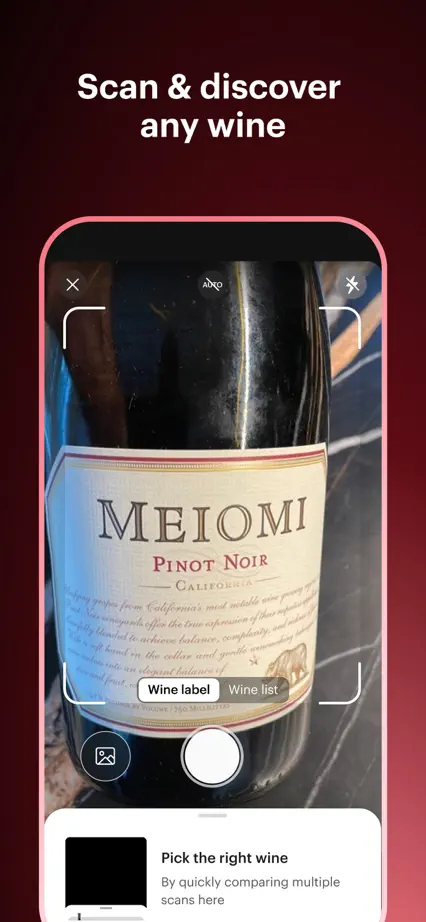
Vivino, App Store screenshot 1
Vivino, App Store screenshot 2
Vivino, App Store screenshot 3
Vivino, App Store screenshot 4
Vivino, App Store screenshot 5
Vivino, App Store screenshot 6
Vivino, App Store screenshot 7
Vivino, App Store screenshot 8

Starbucks

Food & Drink · 9 frames

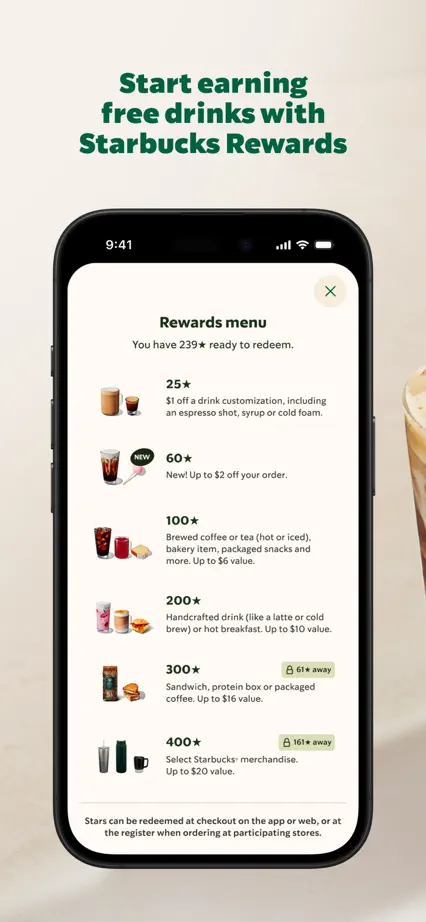
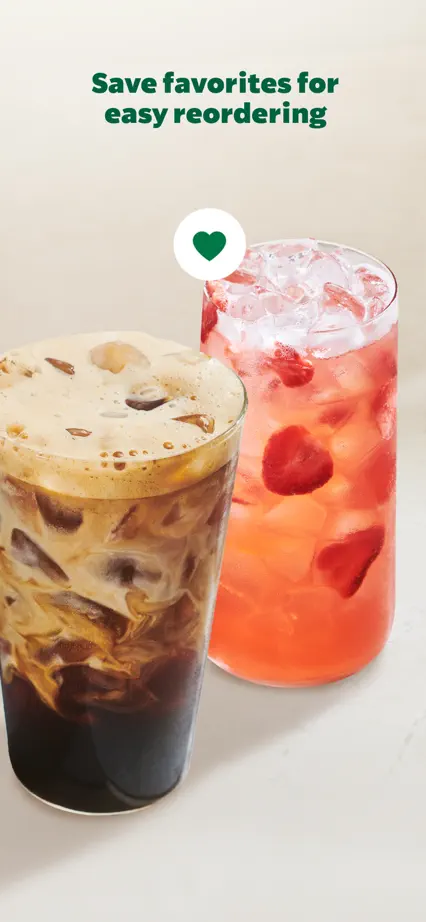
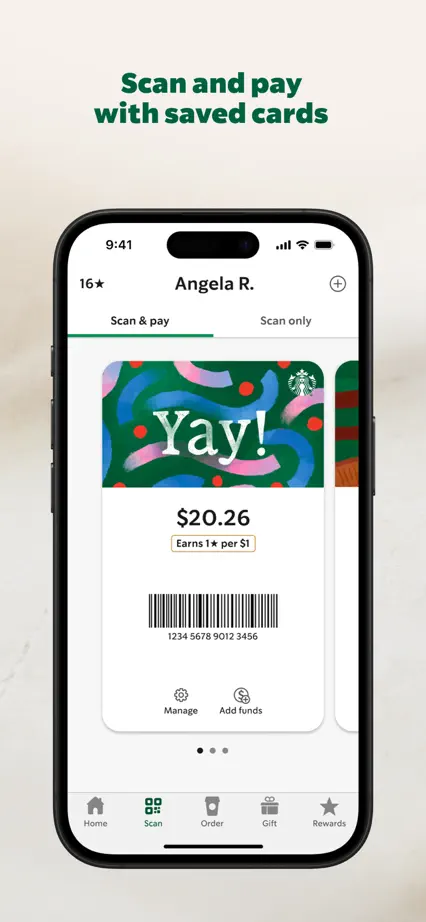
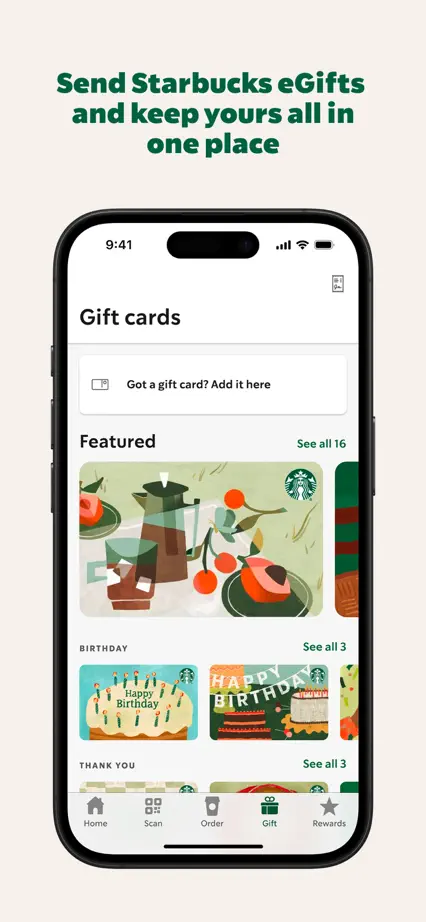
Cream backgrounds and green headings alternate with drink and lifestyle photographs, keeping the upright phone tour visually tied to the brand.

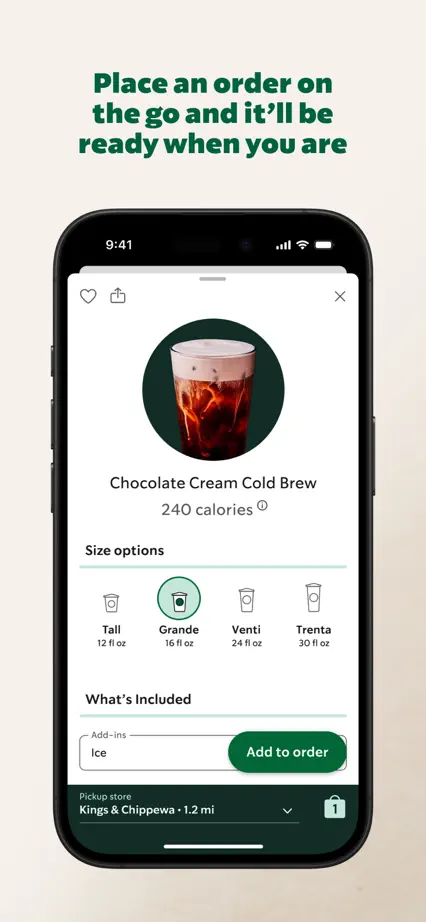
Starbucks, App Store screenshot 1
Starbucks, App Store screenshot 2
Starbucks, App Store screenshot 3
Starbucks, App Store screenshot 4
Starbucks, App Store screenshot 5
Starbucks, App Store screenshot 6
Starbucks, App Store screenshot 7
Starbucks, App Store screenshot 8
Starbucks, App Store screenshot 9

Blue Bottle Coffee

Food & Drink · 3 frames

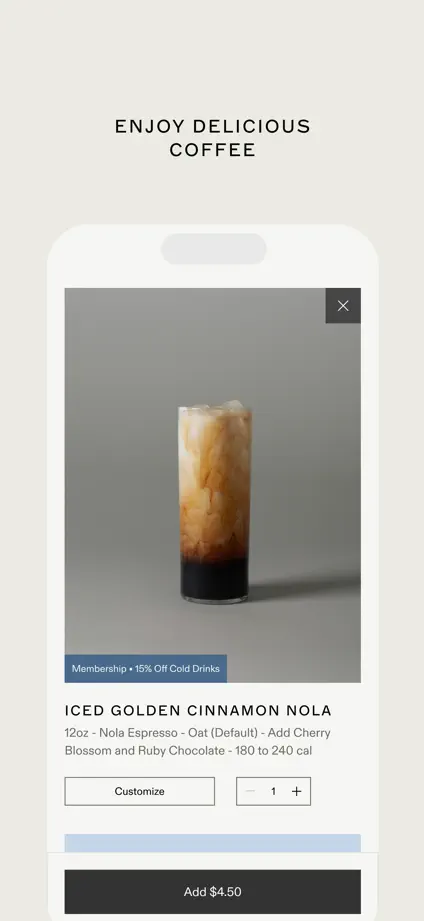
Three restrained panels pair small uppercase headings with pale phones, progressing from a cafe page to ordering and an individual drink.

Blue Bottle Coffee, App Store screenshot 1
Blue Bottle Coffee, App Store screenshot 2
Blue Bottle Coffee, App Store screenshot 3

Footpath

Navigation · 8 frames

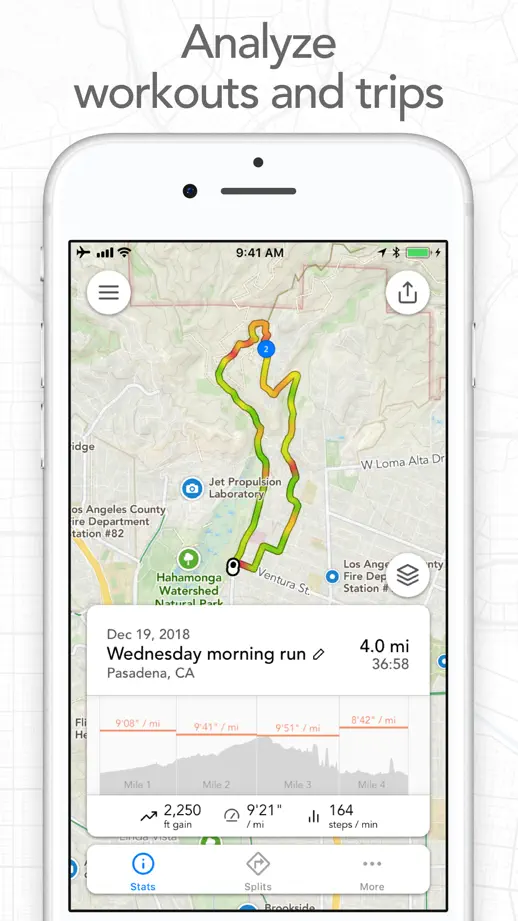
White backgrounds and fine map lines support close interface views, with a pointing hand, paired watches and terrain imagery explaining different interactions.
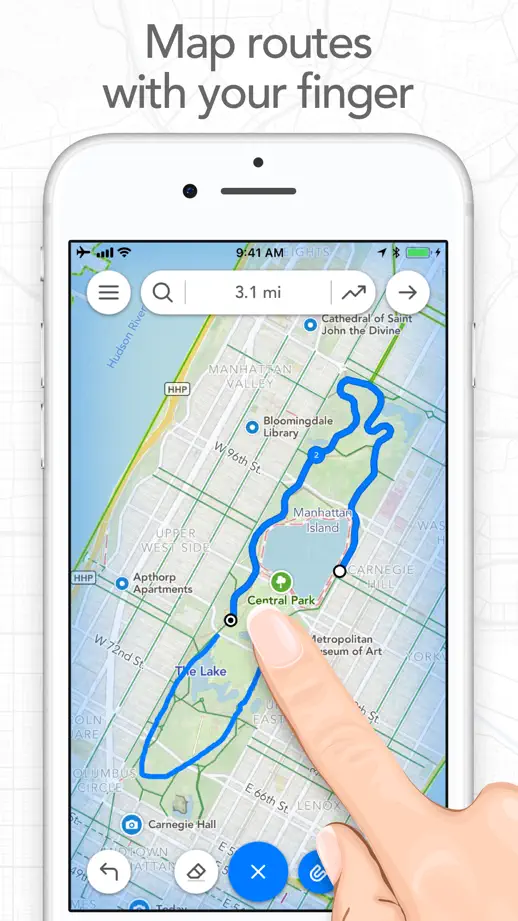
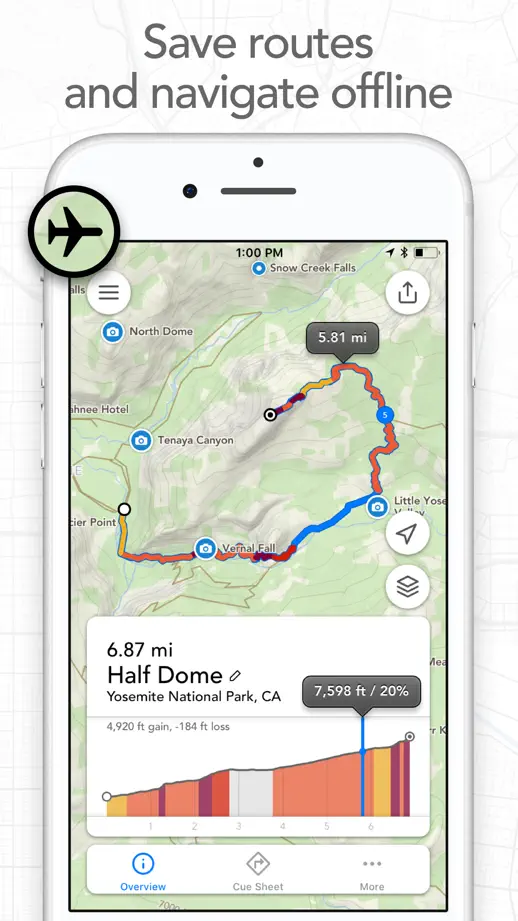
Footpath, App Store screenshot 1
Footpath, App Store screenshot 2
Footpath, App Store screenshot 3
Footpath, App Store screenshot 4
Footpath, App Store screenshot 5
Footpath, App Store screenshot 6
Footpath, App Store screenshot 7
Footpath, App Store screenshot 8

what3words

Navigation · 6 frames

A photograph and angled phone connect the opening pair; blue panels then isolate destination, sharing, camera and voice-entry examples.

what3words, App Store screenshot 1
what3words, App Store screenshot 2
what3words, App Store screenshot 3
what3words, App Store screenshot 4
what3words, App Store screenshot 5
what3words, App Store screenshot 6

MAPS.ME

Navigation · 7 frames

Outdoor photographs introduce the maps, while oversized route controls, location markers and interface cards bring individual tools forward.

MAPS.ME, App Store screenshot 1
MAPS.ME, App Store screenshot 2
MAPS.ME, App Store screenshot 3
MAPS.ME, App Store screenshot 4
MAPS.ME, App Store screenshot 5
MAPS.ME, App Store screenshot 6
MAPS.ME, App Store screenshot 7

NFL

Sports · 9 frames

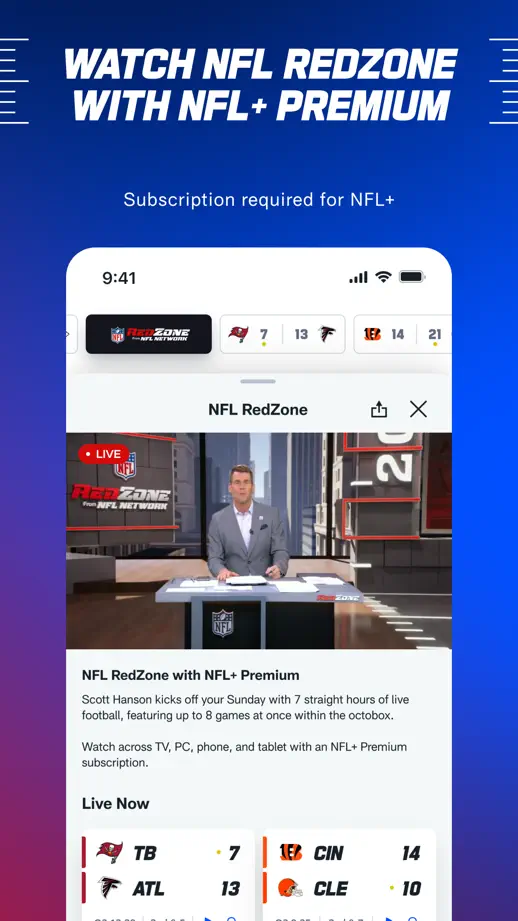
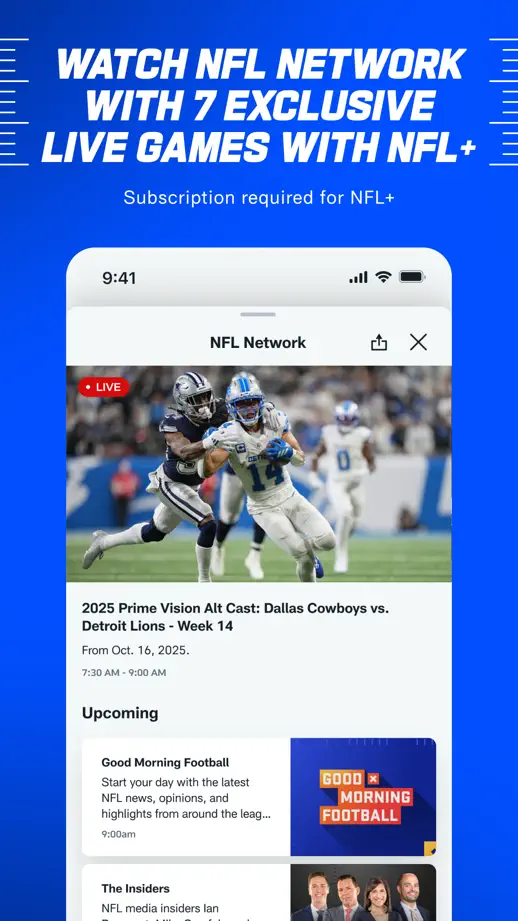
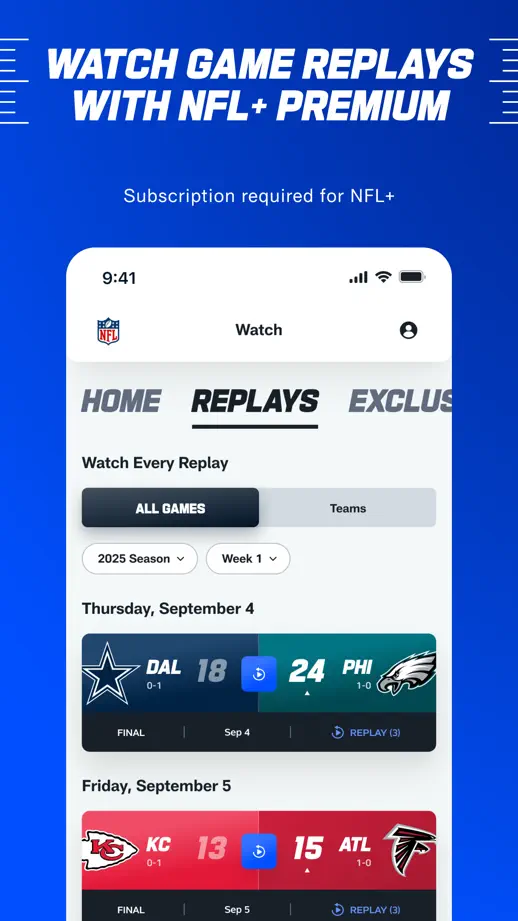
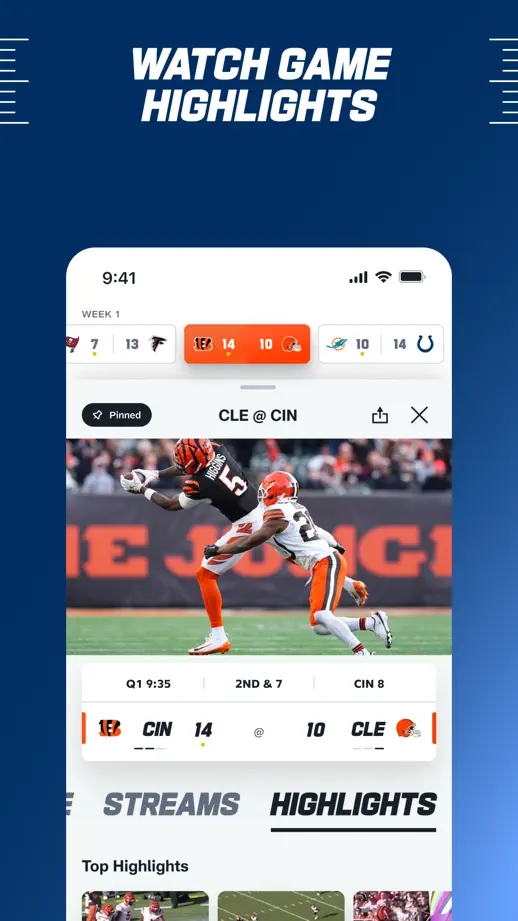
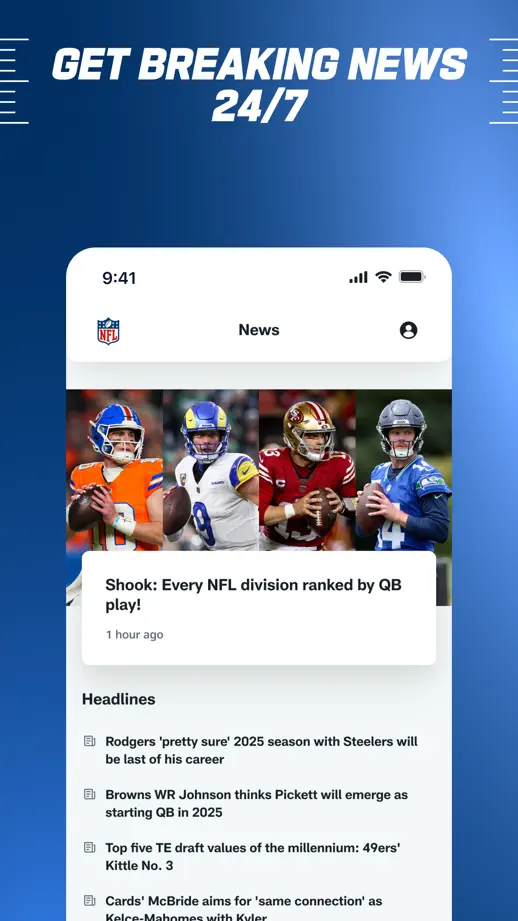
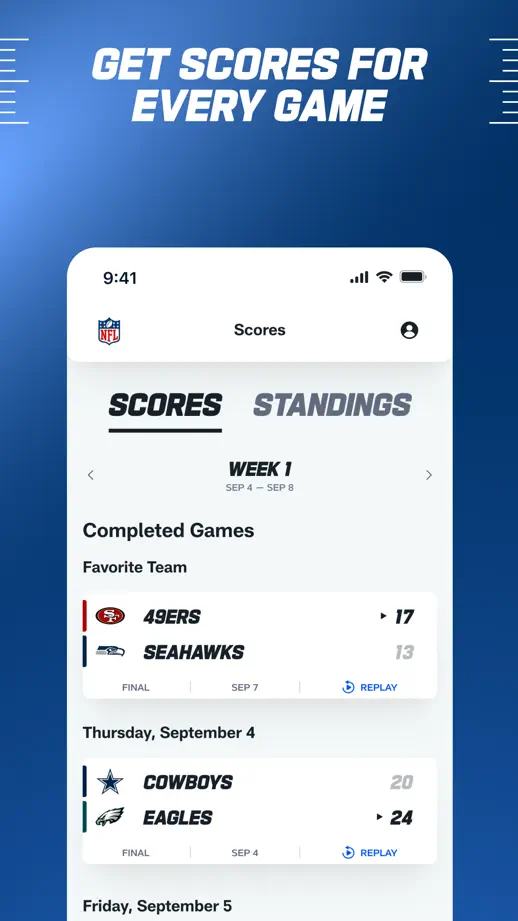
Athlete cutouts lead into a repeated blue feature tour, using cropped white screens and slanted uppercase headings to sustain the sports identity.

NFL, App Store screenshot 1
NFL, App Store screenshot 2
NFL, App Store screenshot 3
NFL, App Store screenshot 4
NFL, App Store screenshot 5
NFL, App Store screenshot 6
NFL, App Store screenshot 7
NFL, App Store screenshot 8
NFL, App Store screenshot 9

DAZN

Sports · 7 frames

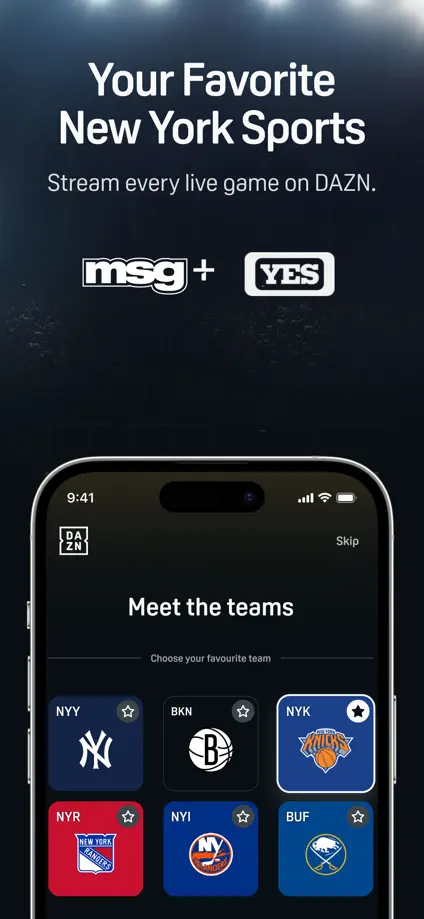
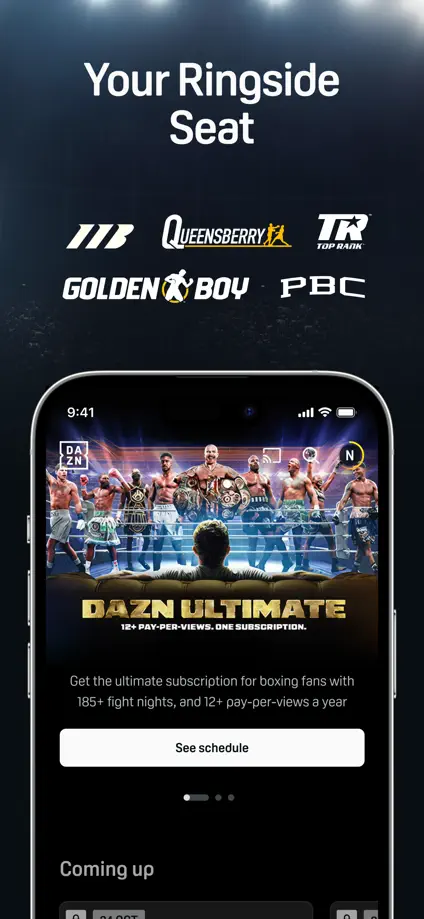
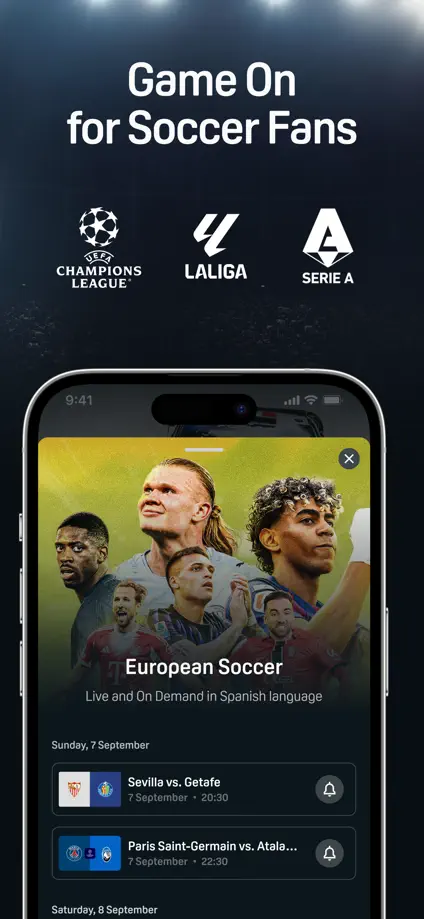
Athlete imagery opens the dark sequence, followed by league marks and cropped phones that distinguish different viewing and news sections.

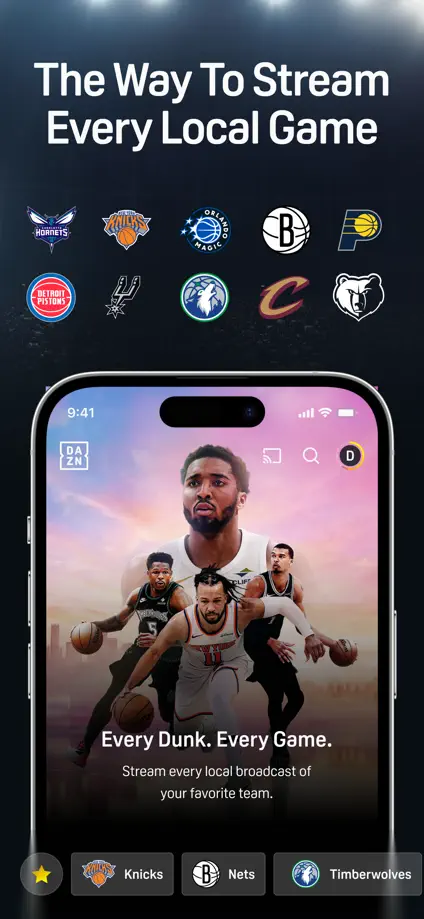
DAZN, App Store screenshot 1
DAZN, App Store screenshot 2
DAZN, App Store screenshot 3
DAZN, App Store screenshot 4
DAZN, App Store screenshot 5
DAZN, App Store screenshot 6
DAZN, App Store screenshot 7

Add to collection

New collection