kit0

Light App Store screenshots

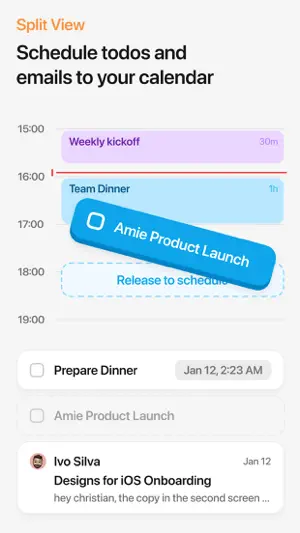
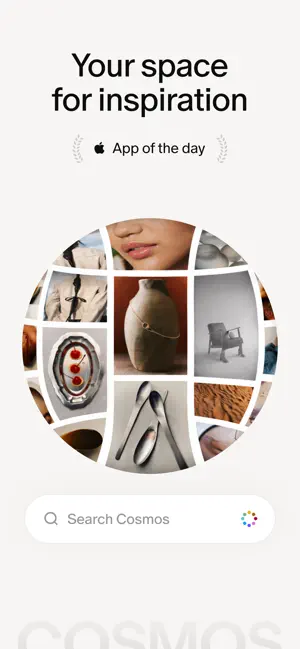
106 App Store screenshot sets with light backgrounds across the sequence, from Amie, Cosmos and Sofa. Common techniques: repeated layout, interface close-ups and illustration.

106 appsShow all

Goodreads

Book · 8 frames

Warm yellow panels pair literary serif headings with reader illustrations, book photography and large interface crops.

Goodreads, App Store screenshot 1
Goodreads, App Store screenshot 2
Goodreads, App Store screenshot 3
Goodreads, App Store screenshot 4
Goodreads, App Store screenshot 5
Goodreads, App Store screenshot 6
Goodreads, App Store screenshot 7
Goodreads, App Store screenshot 8

Substack

Reading · 7 frames

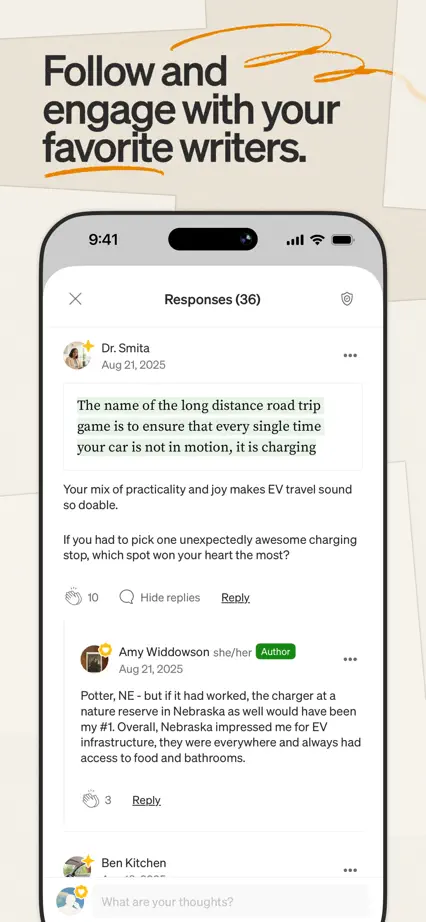
Short serif headings and generous gray margins create a quiet, consistent frame around white and dark devices.

Substack, App Store screenshot 1
Substack, App Store screenshot 2
Substack, App Store screenshot 3
Substack, App Store screenshot 4
Substack, App Store screenshot 5
Substack, App Store screenshot 6
Substack, App Store screenshot 7

Medium

Reading · 7 frames

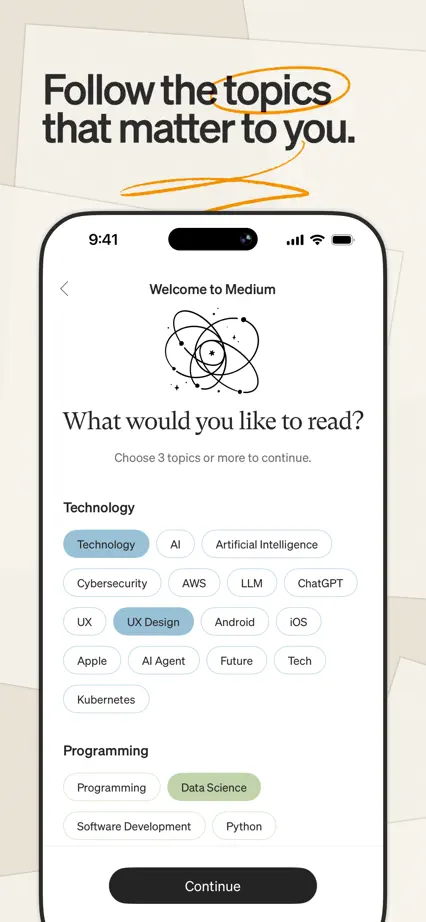
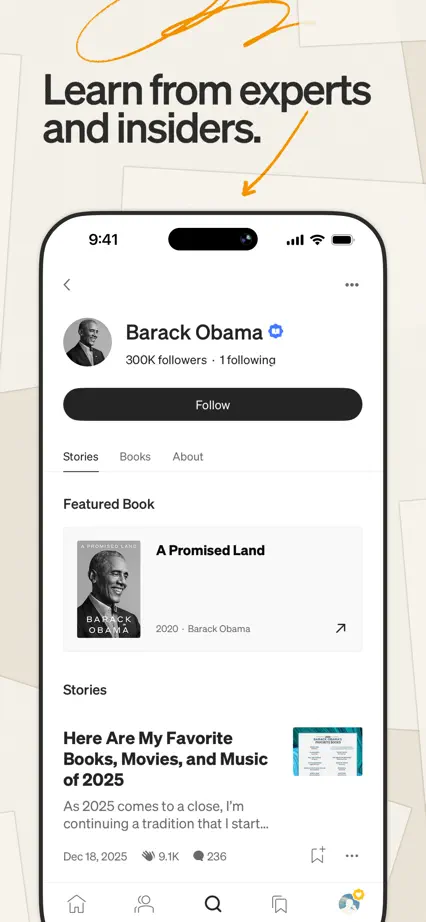
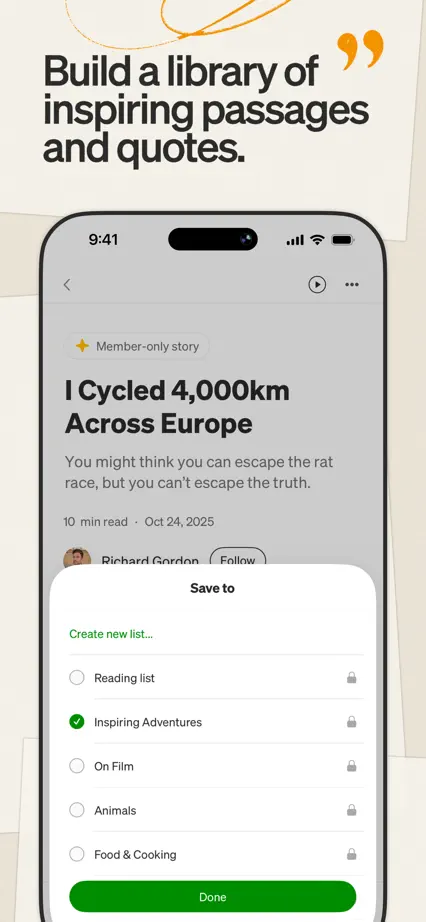
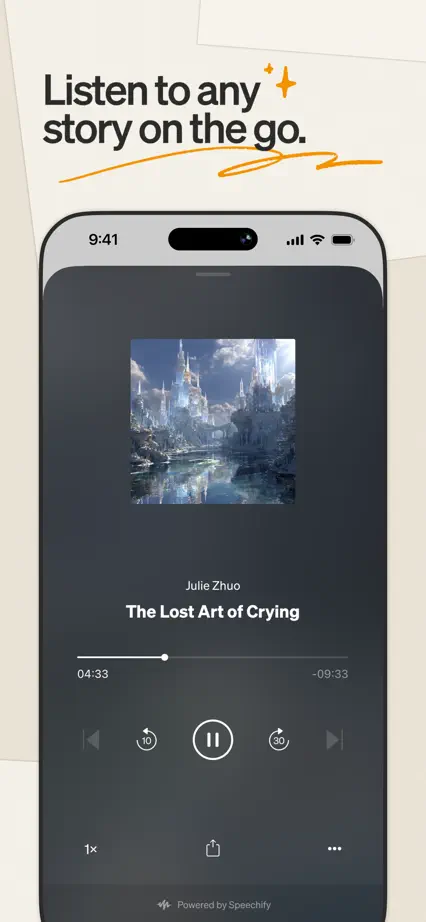
Paper-like backgrounds and loose yellow annotations give a repeating device layout an editorial character.
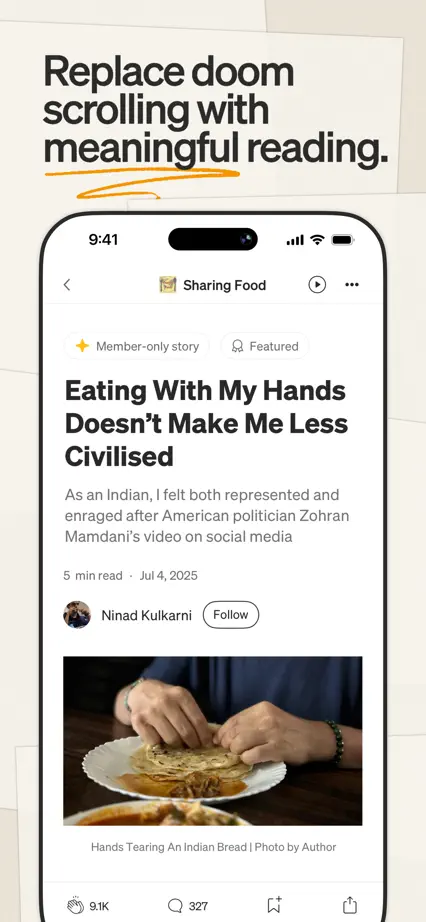
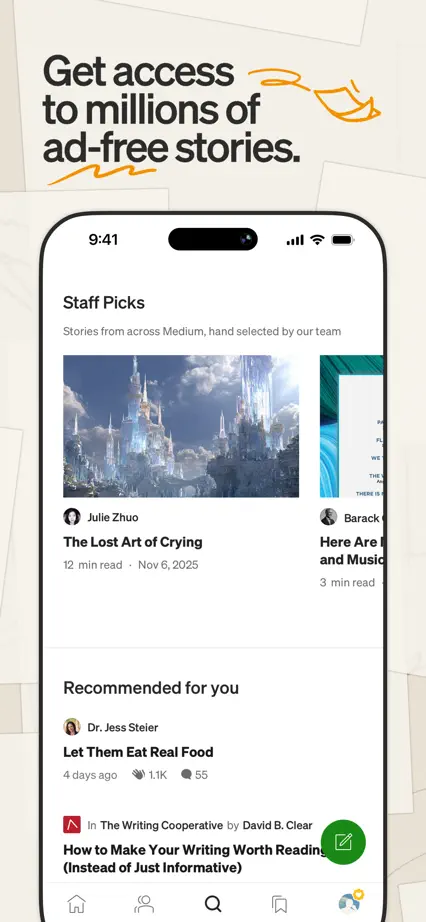
Medium, App Store screenshot 1
Medium, App Store screenshot 2
Medium, App Store screenshot 3
Medium, App Store screenshot 4
Medium, App Store screenshot 5
Medium, App Store screenshot 6
Medium, App Store screenshot 7

Are.na

Lifestyle · 6 frames

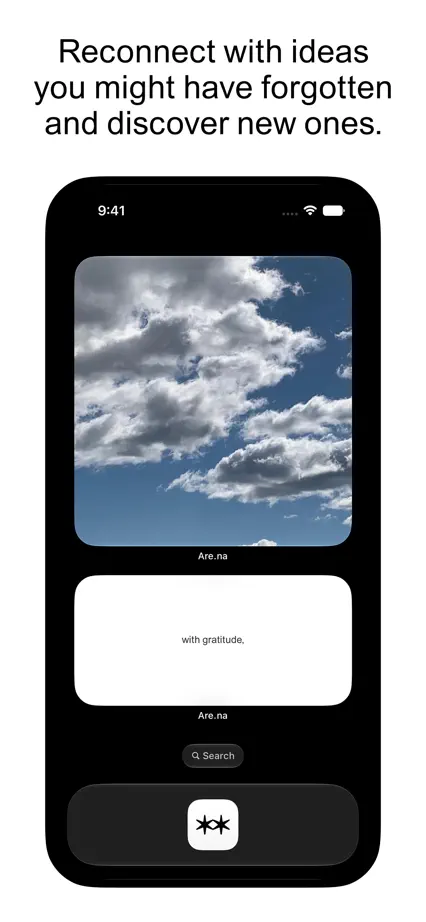
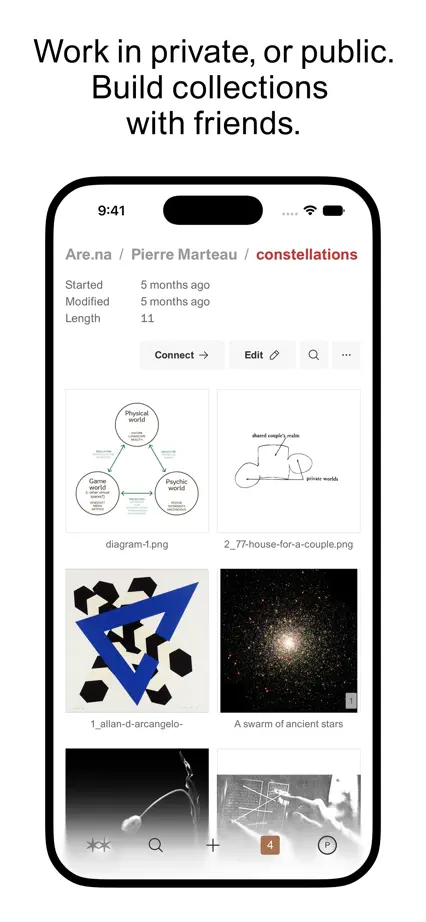
Wide white margins and small centered captions leave alternating light and dark devices as the main visual element.
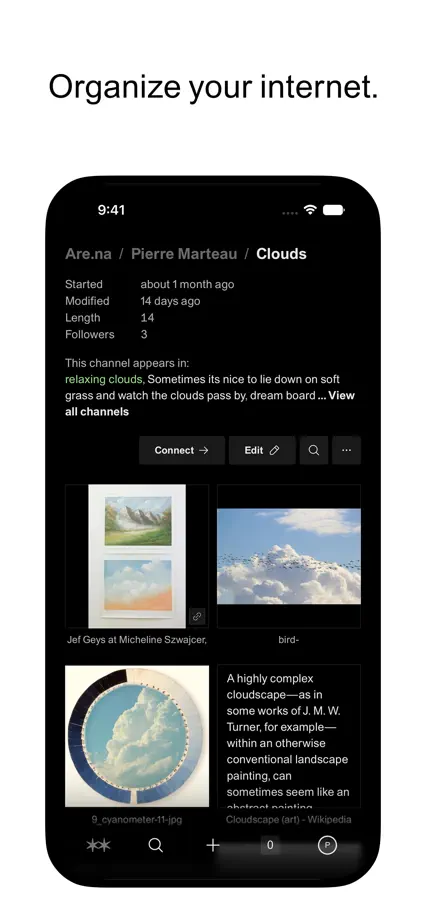
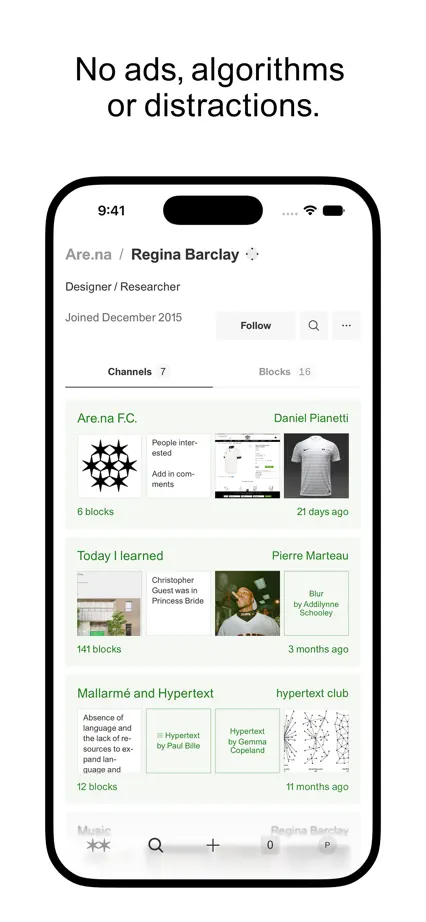
Are.na, App Store screenshot 1
Are.na, App Store screenshot 2
Are.na, App Store screenshot 3
Are.na, App Store screenshot 4
Are.na, App Store screenshot 5
Are.na, App Store screenshot 6

Rover

Lifestyle · 8 frames

Cream and green panels mix pet photography, maps and simple cards, keeping the same horizontal color split throughout.

Rover, App Store screenshot 1
Rover, App Store screenshot 2
Rover, App Store screenshot 3
Rover, App Store screenshot 4
Rover, App Store screenshot 5
Rover, App Store screenshot 6
Rover, App Store screenshot 7
Rover, App Store screenshot 8

Huckleberry

Lifestyle · 10 frames

A pale blue sequence combines angled devices, small illustrations and enlarged tracking details, with distinct spacing around each feature.
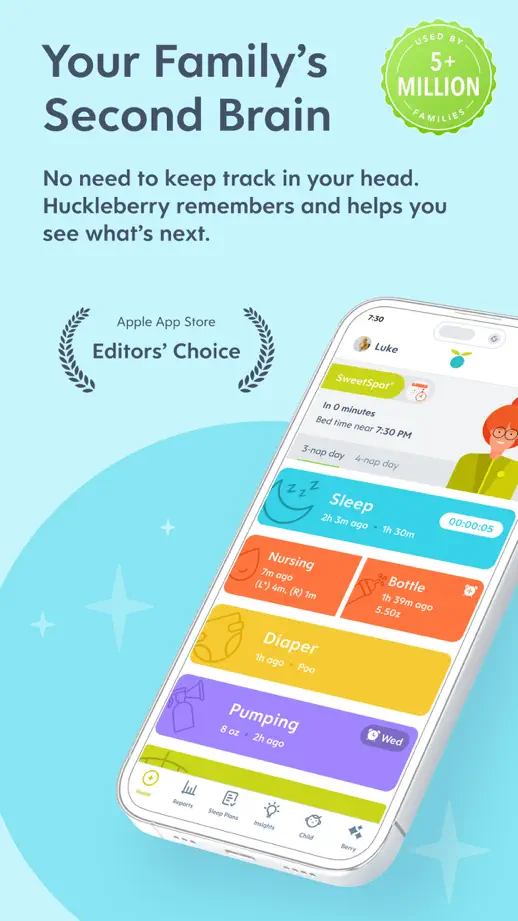
Huckleberry, App Store screenshot 1
Huckleberry, App Store screenshot 2
Huckleberry, App Store screenshot 3
Huckleberry, App Store screenshot 4
Huckleberry, App Store screenshot 5
Huckleberry, App Store screenshot 6
Huckleberry, App Store screenshot 7
Huckleberry, App Store screenshot 8
Huckleberry, App Store screenshot 9
Huckleberry, App Store screenshot 10

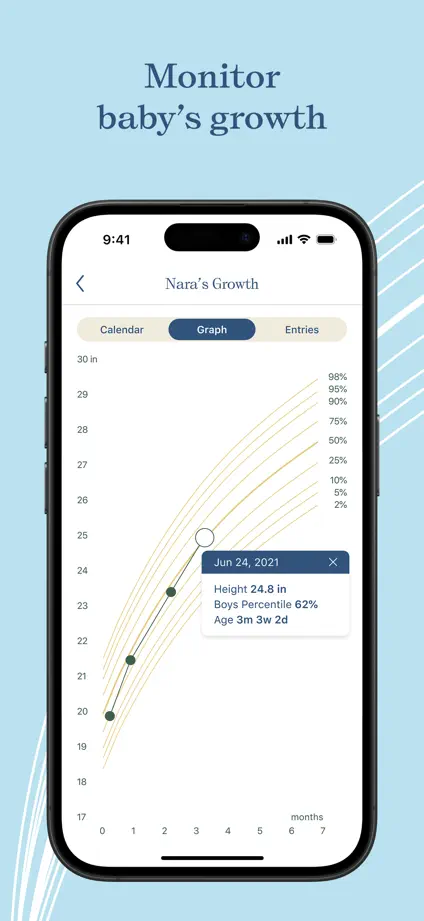
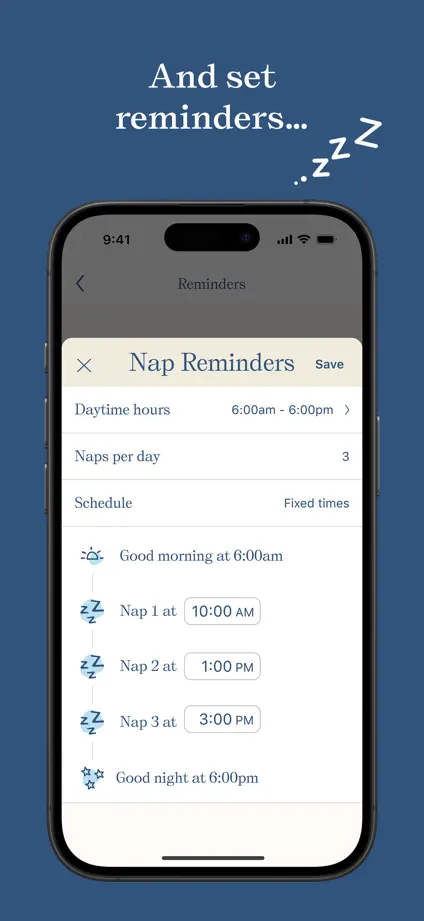
Nara Baby

Lifestyle · 10 frames

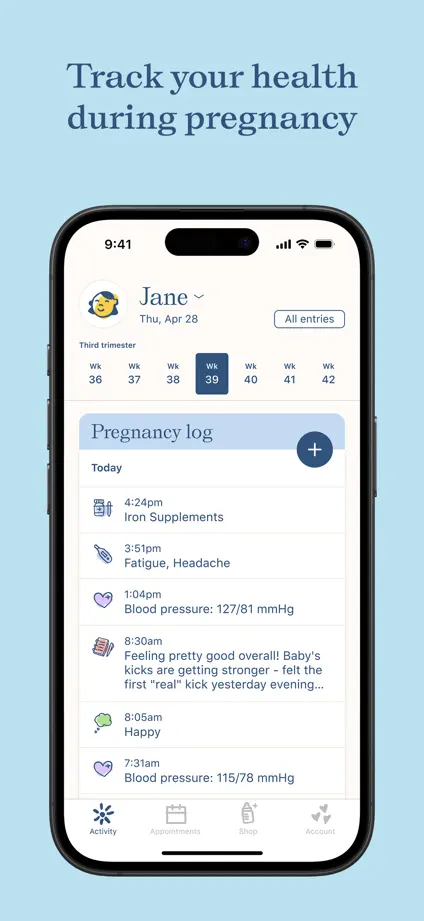
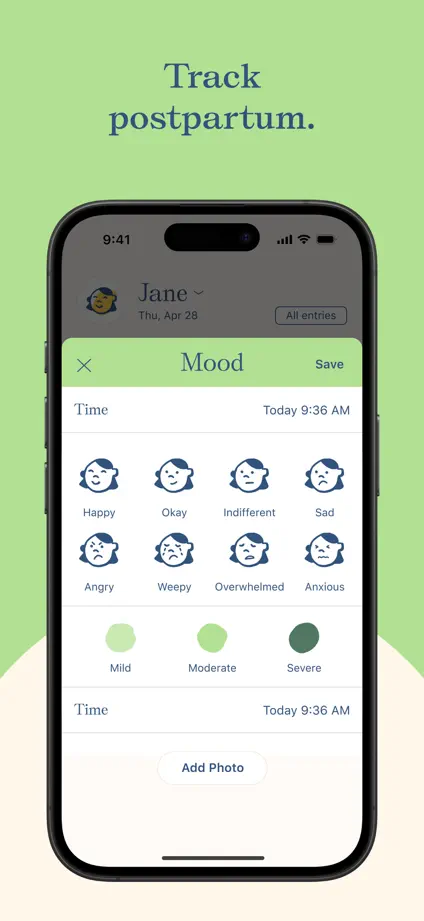
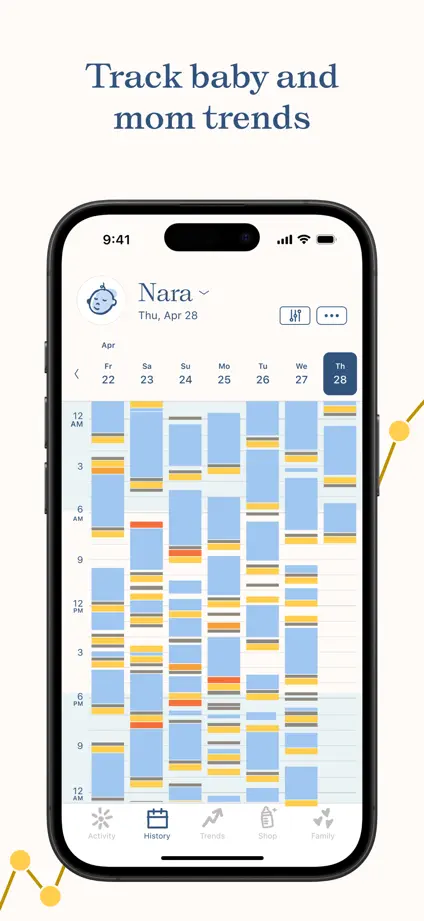
Soft pastel backgrounds and small serif headings frame a consistent device sequence, beginning with an angled overlapping pair.

Nara Baby, App Store screenshot 1
Nara Baby, App Store screenshot 2
Nara Baby, App Store screenshot 3
Nara Baby, App Store screenshot 4
Nara Baby, App Store screenshot 5
Nara Baby, App Store screenshot 6
Nara Baby, App Store screenshot 7
Nara Baby, App Store screenshot 8
Nara Baby, App Store screenshot 9
Nara Baby, App Store screenshot 10

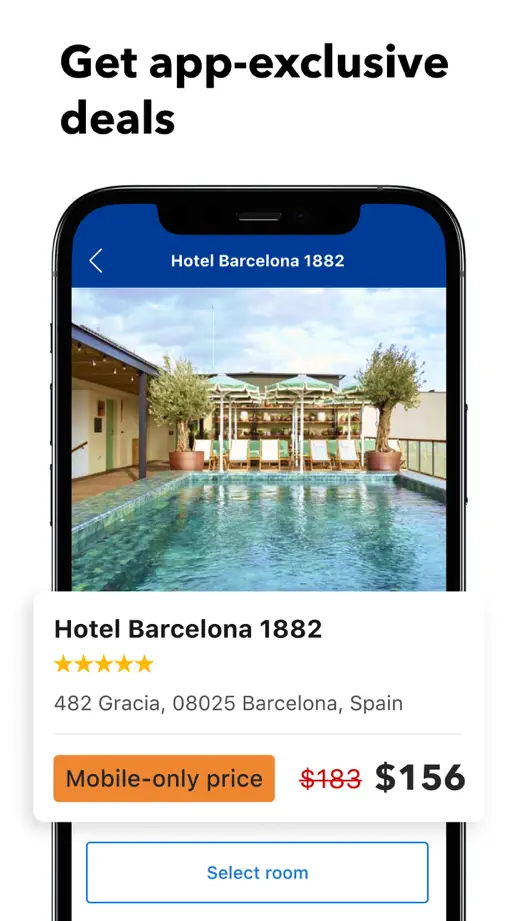
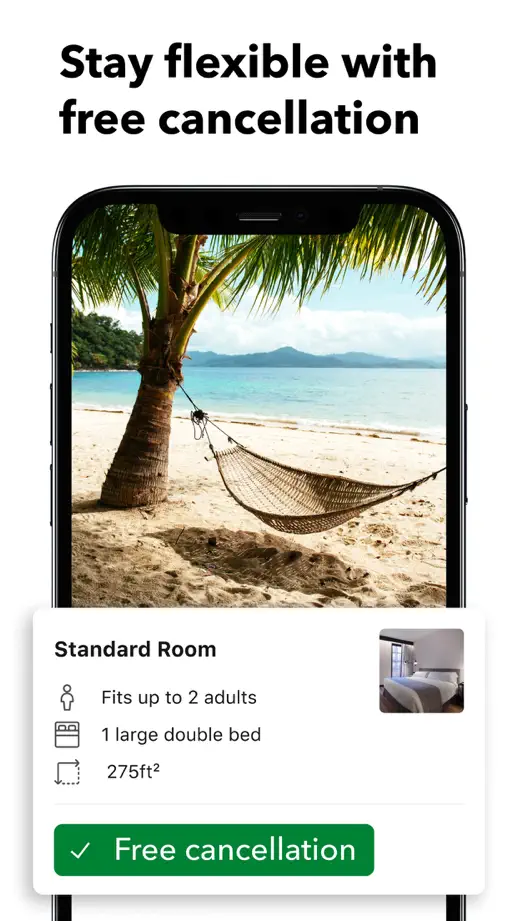
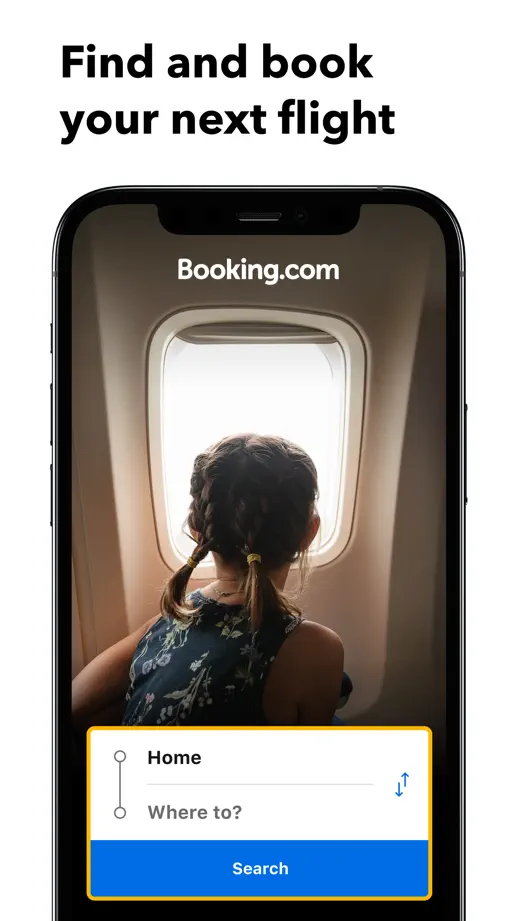
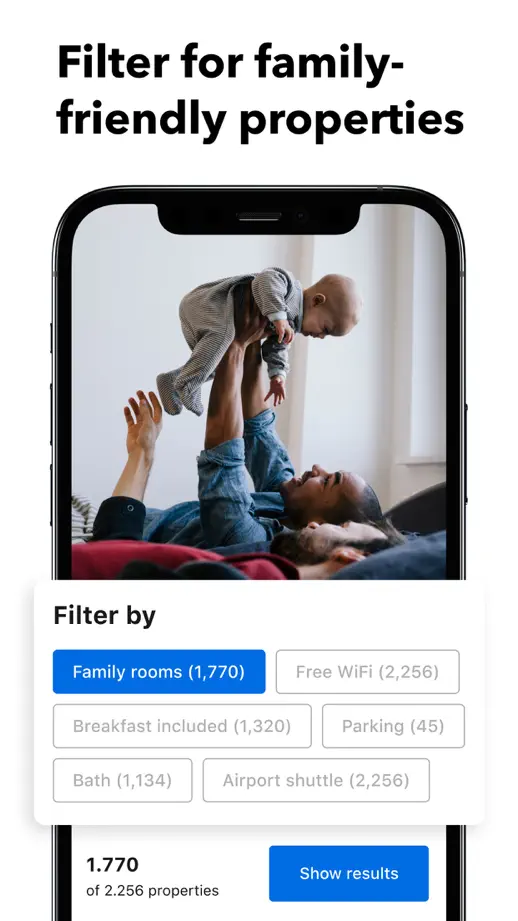
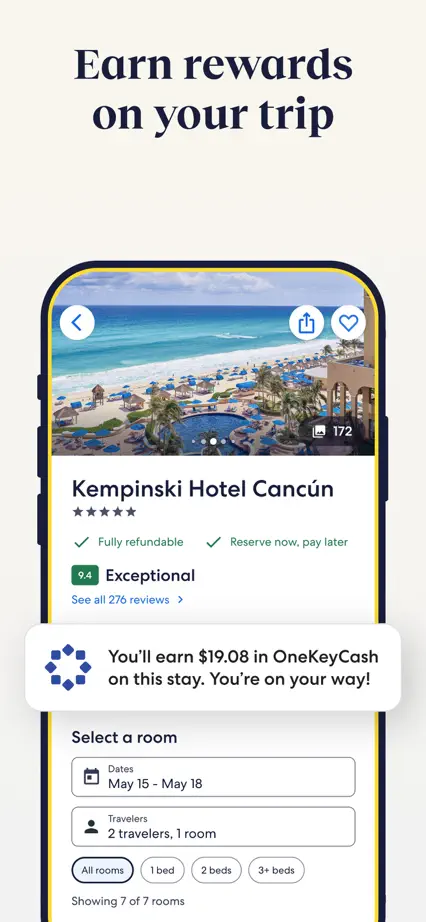
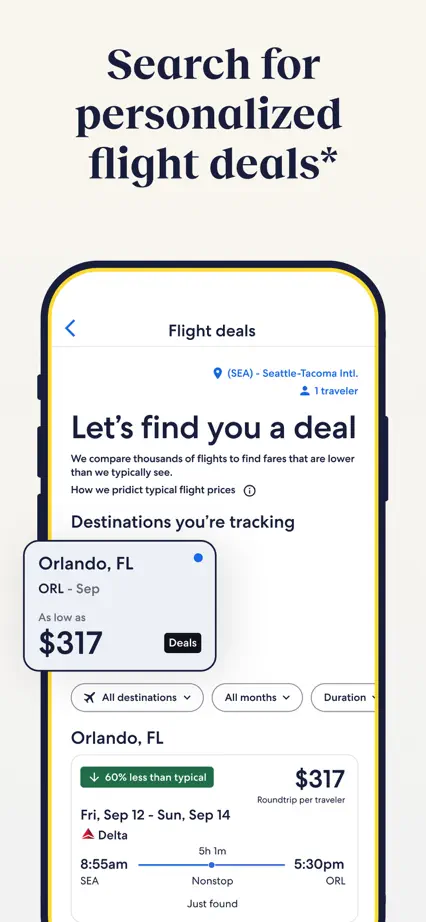
Booking.com

Travel · 9 frames

Large white interface cards overlap devices and travel photography, highlighting one booking interaction per panel.

Booking.com, App Store screenshot 1
Booking.com, App Store screenshot 2
Booking.com, App Store screenshot 3
Booking.com, App Store screenshot 4
Booking.com, App Store screenshot 5
Booking.com, App Store screenshot 6
Booking.com, App Store screenshot 7
Booking.com, App Store screenshot 8
Booking.com, App Store screenshot 9

Expedia

Travel · 8 frames

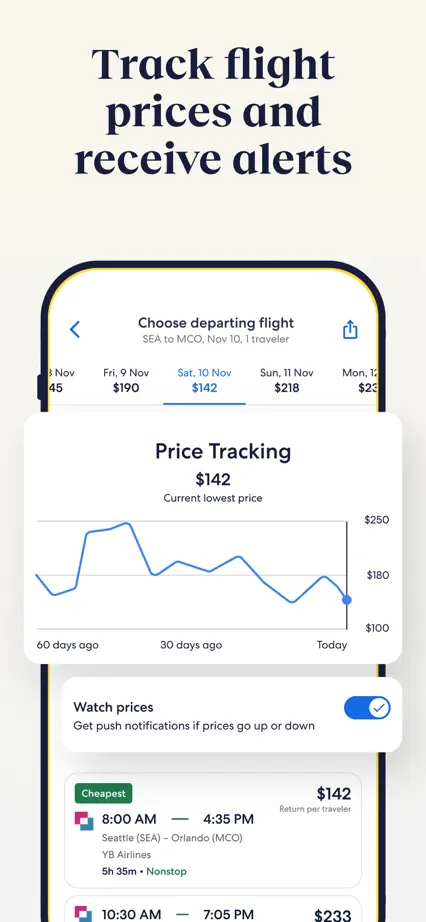
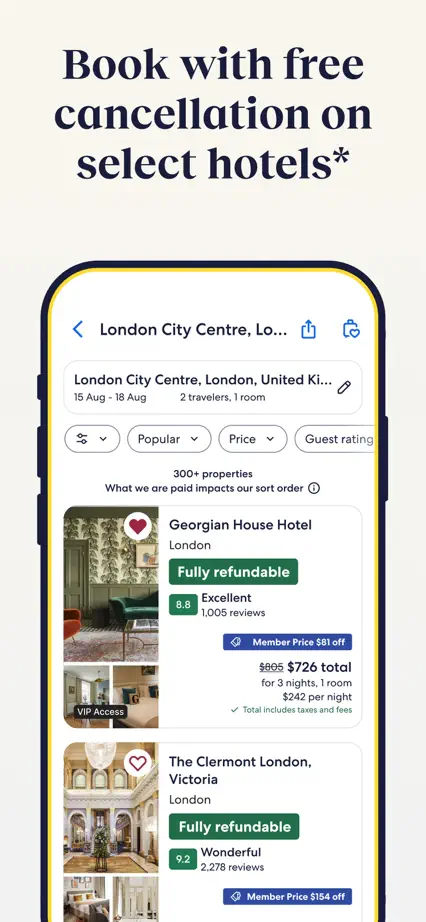
Navy serif headings and cream space soften a repeated device layout, while enlarged white cards highlight selected controls.
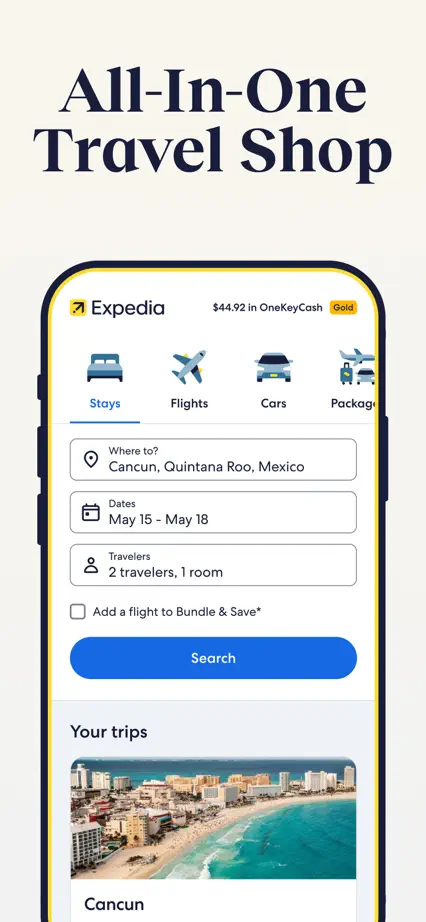
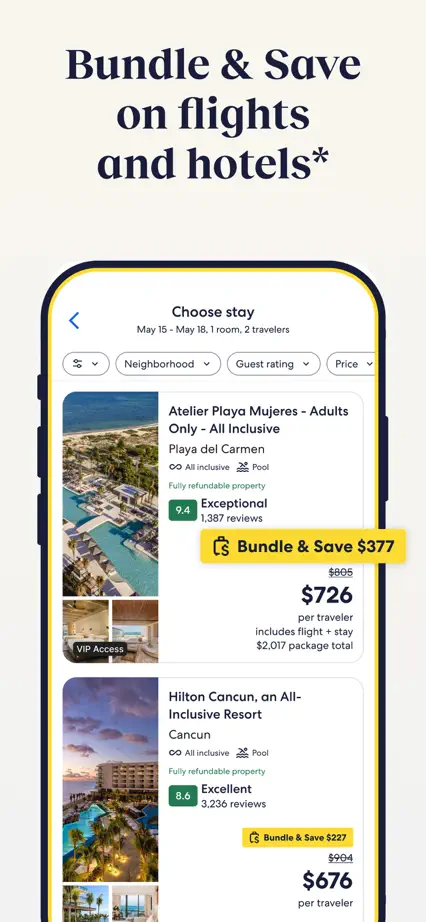
Expedia, App Store screenshot 1
Expedia, App Store screenshot 2
Expedia, App Store screenshot 3
Expedia, App Store screenshot 4
Expedia, App Store screenshot 5
Expedia, App Store screenshot 6
Expedia, App Store screenshot 7
Expedia, App Store screenshot 8

KAYAK

Travel · 6 frames

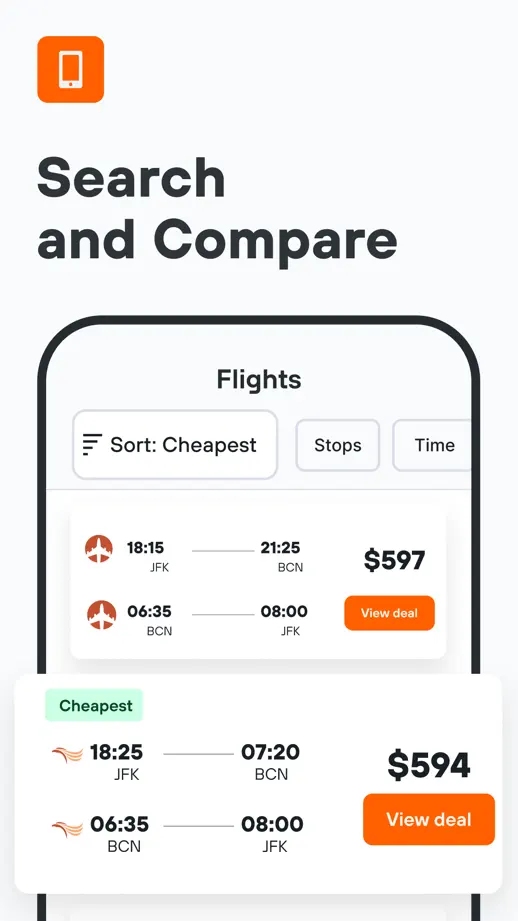
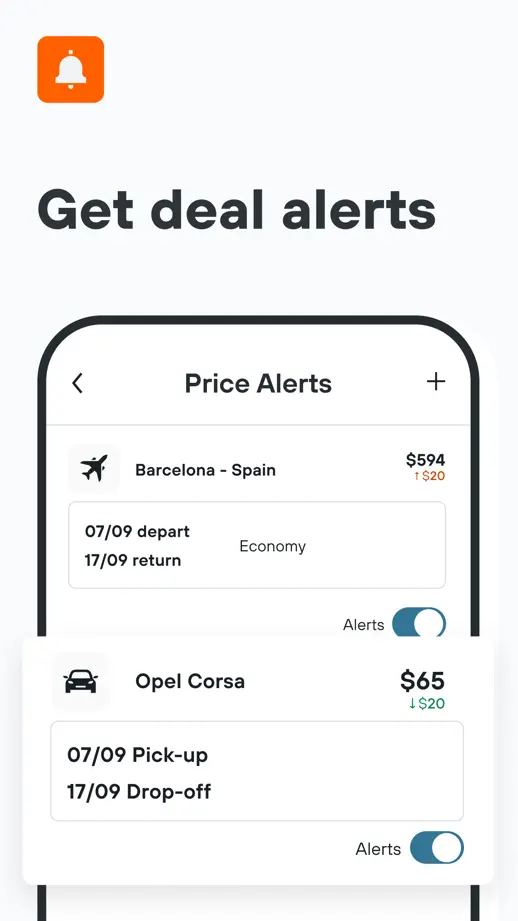
Small orange icons and bold headings anchor a simple white sequence, with selected interface cards pulled out of devices.
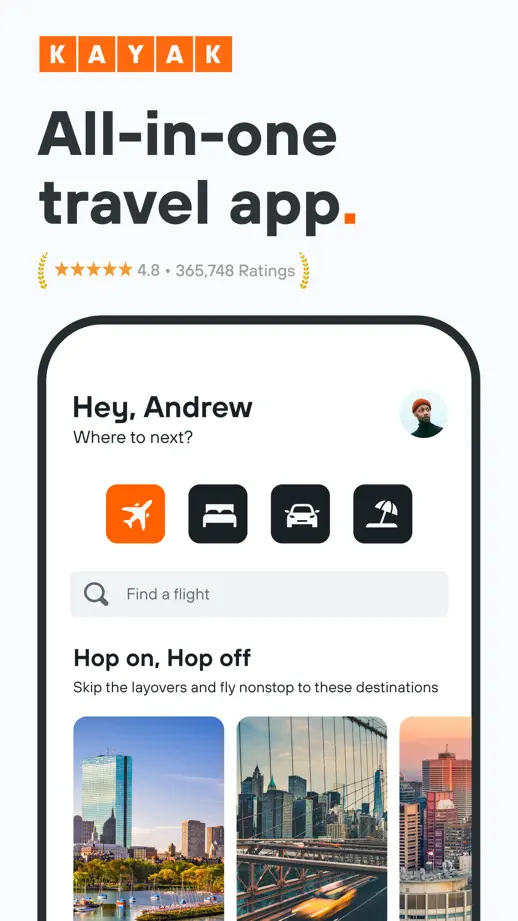
KAYAK, App Store screenshot 1
KAYAK, App Store screenshot 2
KAYAK, App Store screenshot 3
KAYAK, App Store screenshot 4
KAYAK, App Store screenshot 5
KAYAK, App Store screenshot 6

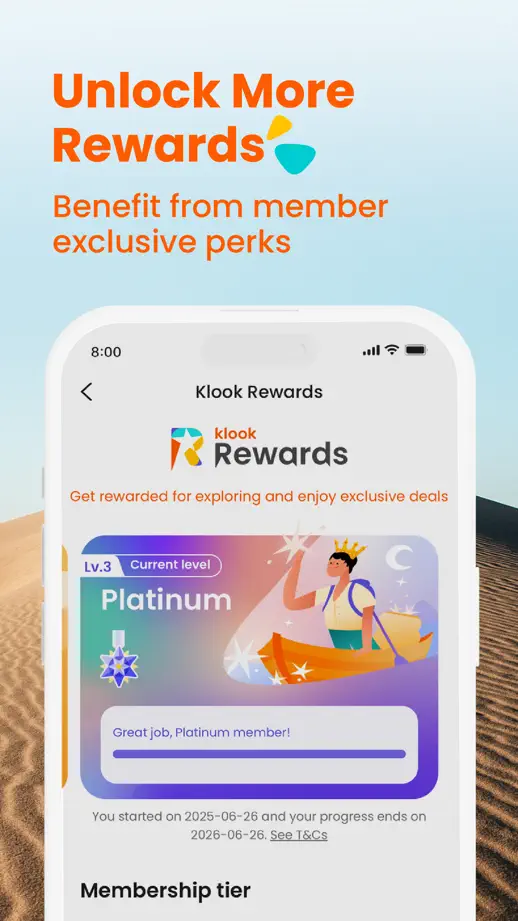
Klook

Travel · 6 frames

Orange headings stand over pale destination photographs, while floating cards bring booking and support details forward.

Klook, App Store screenshot 1
Klook, App Store screenshot 2
Klook, App Store screenshot 3
Klook, App Store screenshot 4
Klook, App Store screenshot 5
Klook, App Store screenshot 6

Culture Trip

Travel · 5 frames

Quiet green illustrations fill the margins around small devices, keeping the destination photography within the interface prominent.

Culture Trip, App Store screenshot 1
Culture Trip, App Store screenshot 2
Culture Trip, App Store screenshot 3
Culture Trip, App Store screenshot 4
Culture Trip, App Store screenshot 5

Add to collection

New collection