kit0

Light App Store screenshots

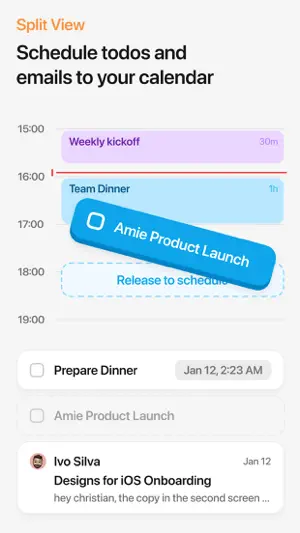
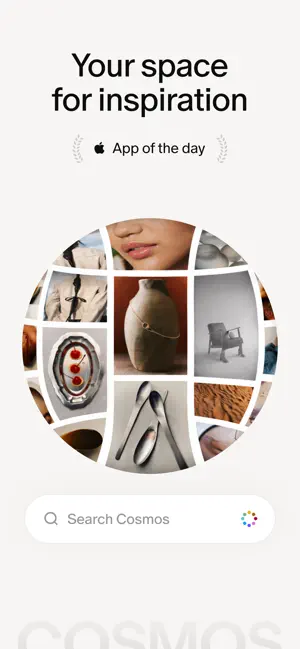
106 App Store screenshot sets with light backgrounds across the sequence, from Amie, Cosmos and Sofa. Common techniques: repeated layout, interface close-ups and illustration.

106 appsShow all

Tasty

Food & Drink · 9 frames

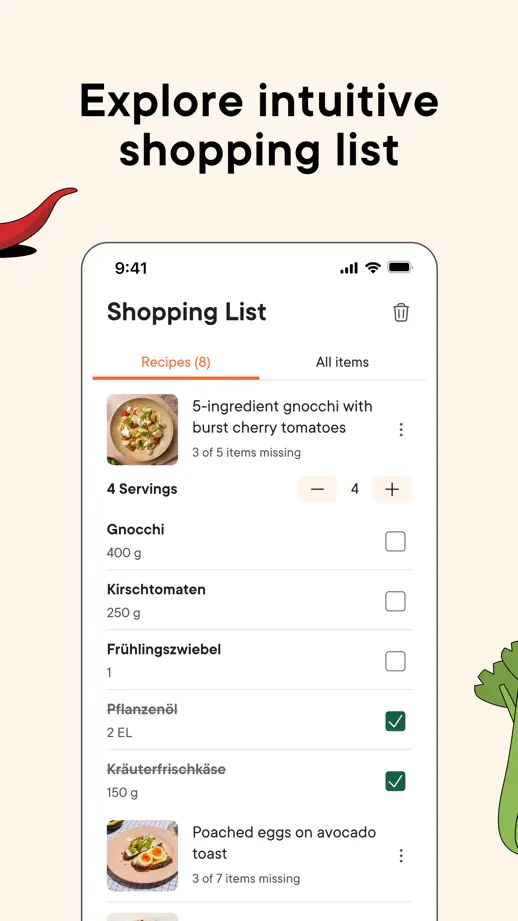
Pale blue panels and small food illustrations frame a consistent tour of recipe grids, community posts, shopping lists and meal planning.

Tasty, App Store screenshot 1
Tasty, App Store screenshot 2
Tasty, App Store screenshot 3
Tasty, App Store screenshot 4
Tasty, App Store screenshot 5
Tasty, App Store screenshot 6
Tasty, App Store screenshot 7
Tasty, App Store screenshot 8
Tasty, App Store screenshot 9

Kitchen Stories

Food & Drink · 9 frames

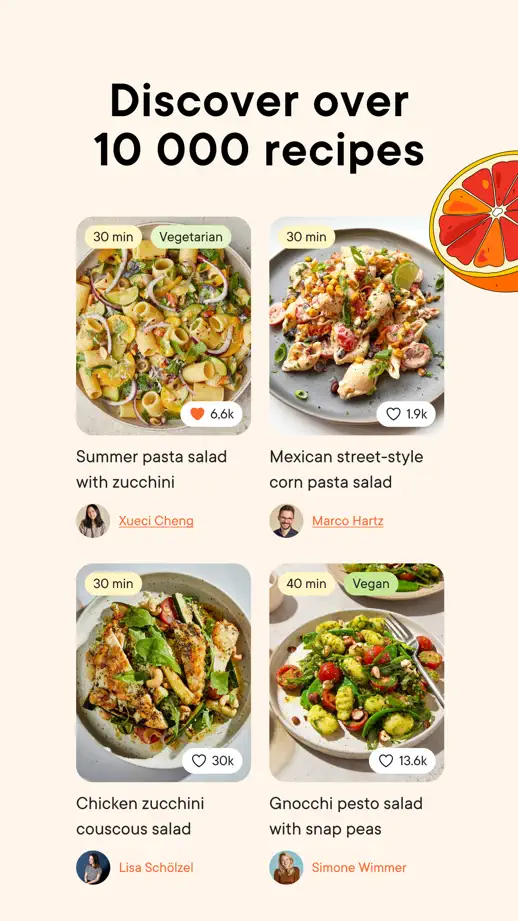
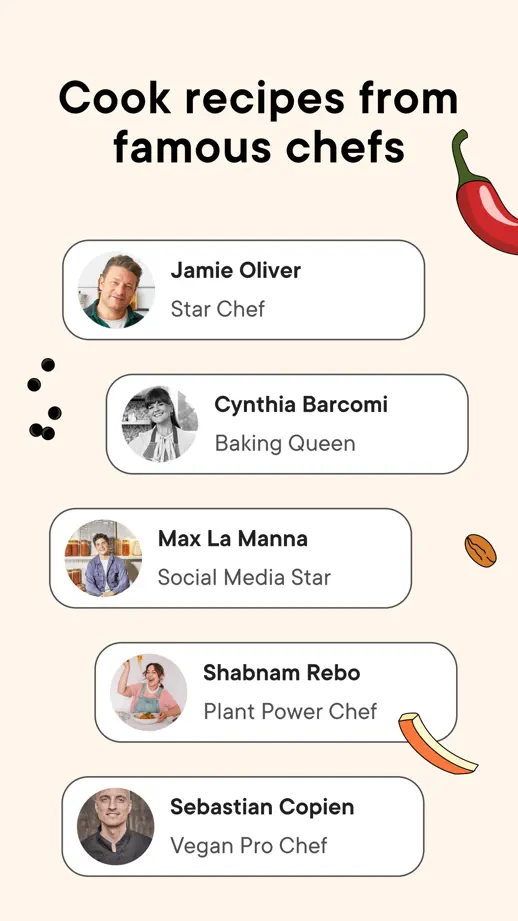
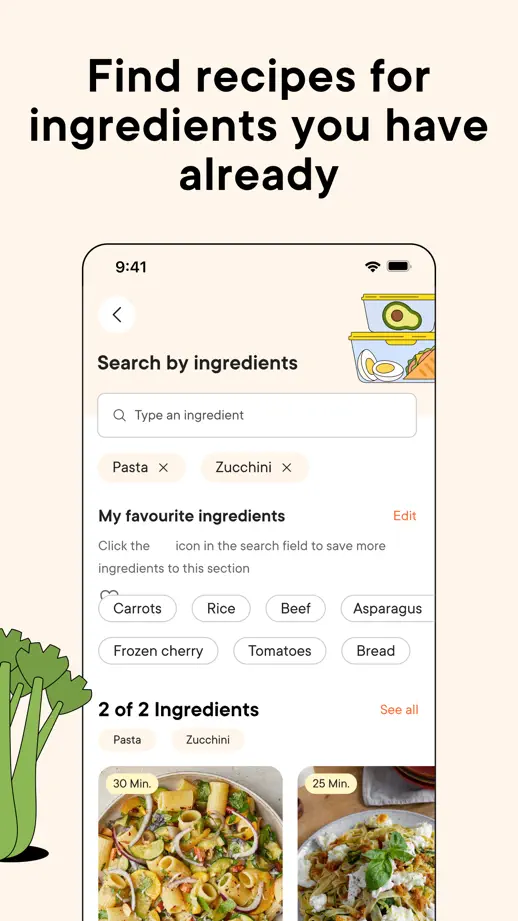
Large food photographs introduce the set before cream panels, ingredient illustrations and cropped interface cards guide the feature tour.

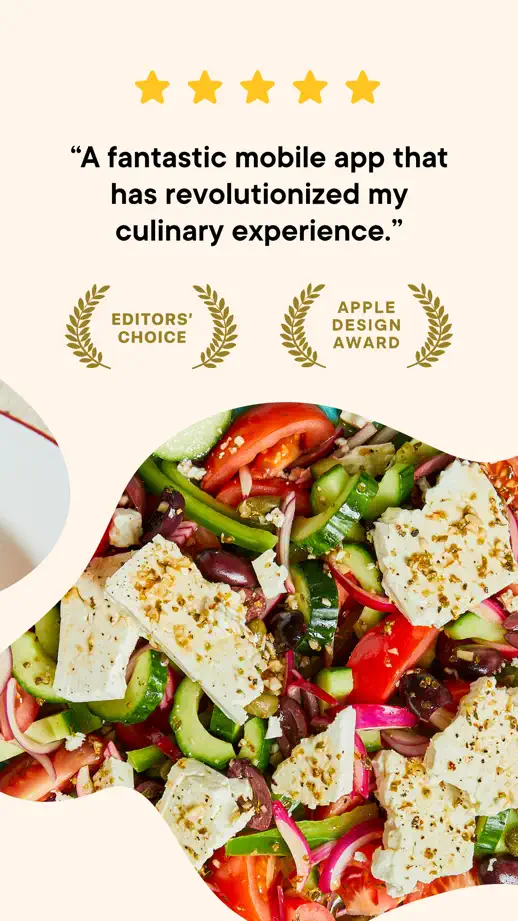
Kitchen Stories, App Store screenshot 1
Kitchen Stories, App Store screenshot 2
Kitchen Stories, App Store screenshot 3
Kitchen Stories, App Store screenshot 4
Kitchen Stories, App Store screenshot 5
Kitchen Stories, App Store screenshot 6
Kitchen Stories, App Store screenshot 7
Kitchen Stories, App Store screenshot 8
Kitchen Stories, App Store screenshot 9

Pestle

Food & Drink · 9 frames

Green text accents and dotted paths connect angled phones, recipe cards and system-interface examples across a mostly white sequence.

Pestle, App Store screenshot 1
Pestle, App Store screenshot 2
Pestle, App Store screenshot 3
Pestle, App Store screenshot 4
Pestle, App Store screenshot 5
Pestle, App Store screenshot 6
Pestle, App Store screenshot 7
Pestle, App Store screenshot 8
Pestle, App Store screenshot 9

HappyCow

Food & Drink · 8 frames

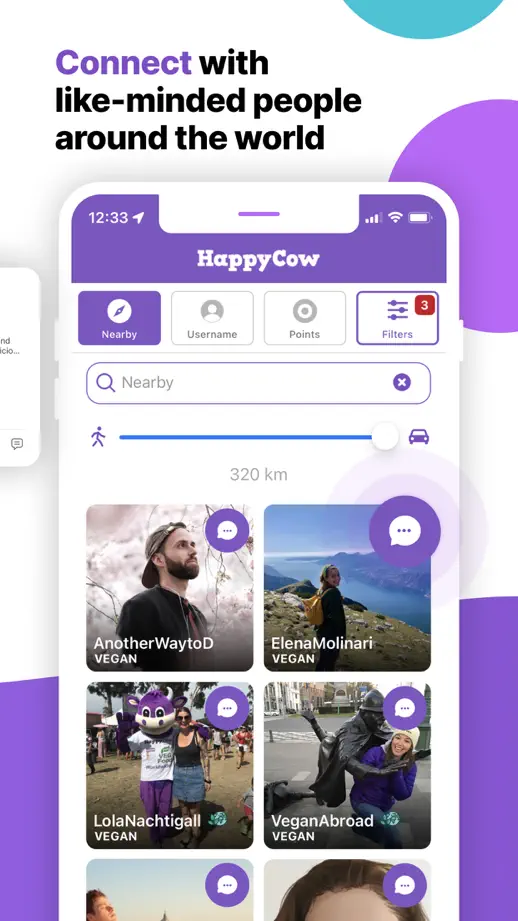
Purple shapes connect the frames while map search bars, reviews and restaurant cards are pulled forward from the underlying screens.

HappyCow, App Store screenshot 1
HappyCow, App Store screenshot 2
HappyCow, App Store screenshot 3
HappyCow, App Store screenshot 4
HappyCow, App Store screenshot 5
HappyCow, App Store screenshot 6
HappyCow, App Store screenshot 7
HappyCow, App Store screenshot 8

Blue Bottle Coffee

Food & Drink · 3 frames

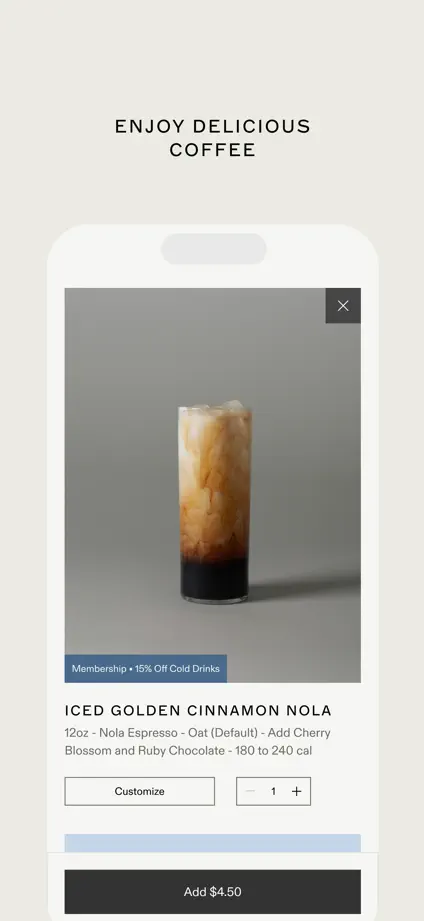
Three restrained panels pair small uppercase headings with pale phones, progressing from a cafe page to ordering and an individual drink.

Blue Bottle Coffee, App Store screenshot 1
Blue Bottle Coffee, App Store screenshot 2
Blue Bottle Coffee, App Store screenshot 3

Google Maps

Navigation · 9 frames

Large phone crops on white backgrounds show routes, discovery, saved places and map layers before ending with street imagery and a car display.

Google Maps, App Store screenshot 1
Google Maps, App Store screenshot 2
Google Maps, App Store screenshot 3
Google Maps, App Store screenshot 4
Google Maps, App Store screenshot 5
Google Maps, App Store screenshot 6
Google Maps, App Store screenshot 7
Google Maps, App Store screenshot 8
Google Maps, App Store screenshot 9

HERE WeGo

Navigation · 9 frames

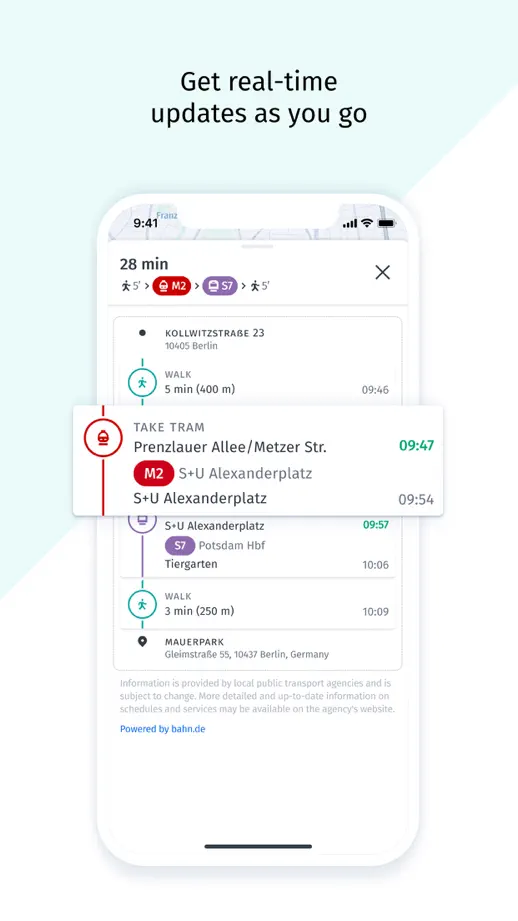
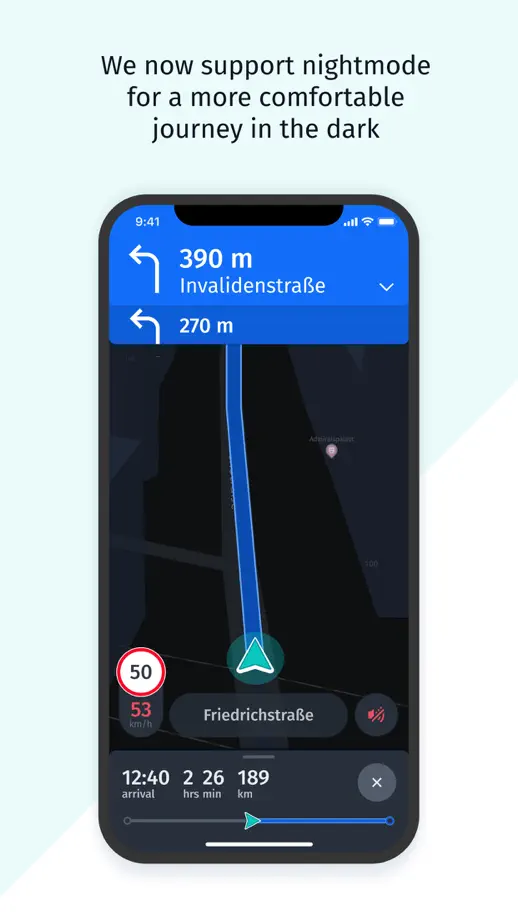
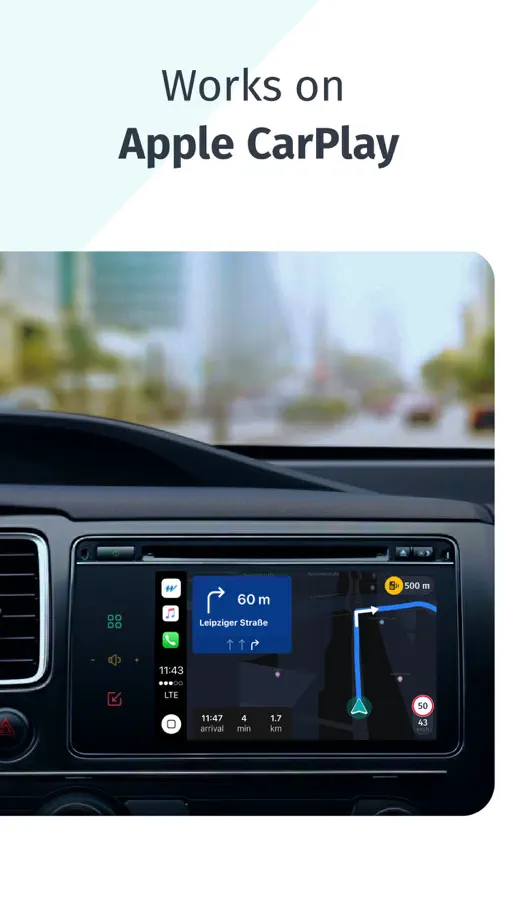
An angled phone spans the blue opening panels before a pale, consistent feature tour moves from route guidance to offline maps and car navigation.

HERE WeGo, App Store screenshot 1
HERE WeGo, App Store screenshot 2
HERE WeGo, App Store screenshot 3
HERE WeGo, App Store screenshot 4
HERE WeGo, App Store screenshot 5
HERE WeGo, App Store screenshot 6
HERE WeGo, App Store screenshot 7
HERE WeGo, App Store screenshot 8
HERE WeGo, App Store screenshot 9

Footpath

Navigation · 8 frames

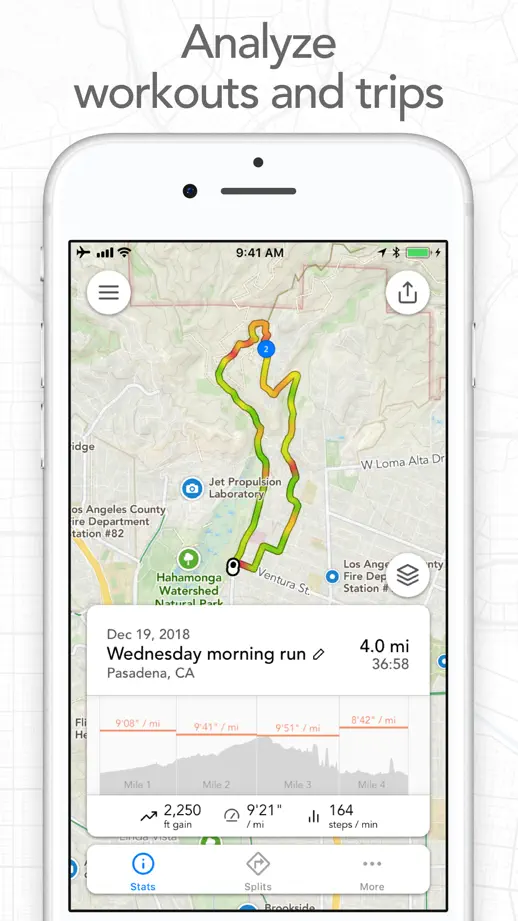
White backgrounds and fine map lines support close interface views, with a pointing hand, paired watches and terrain imagery explaining different interactions.
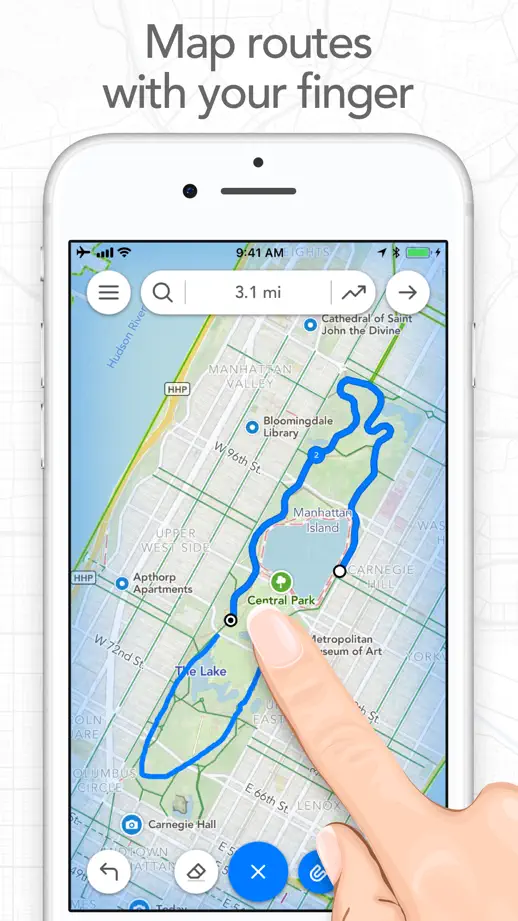
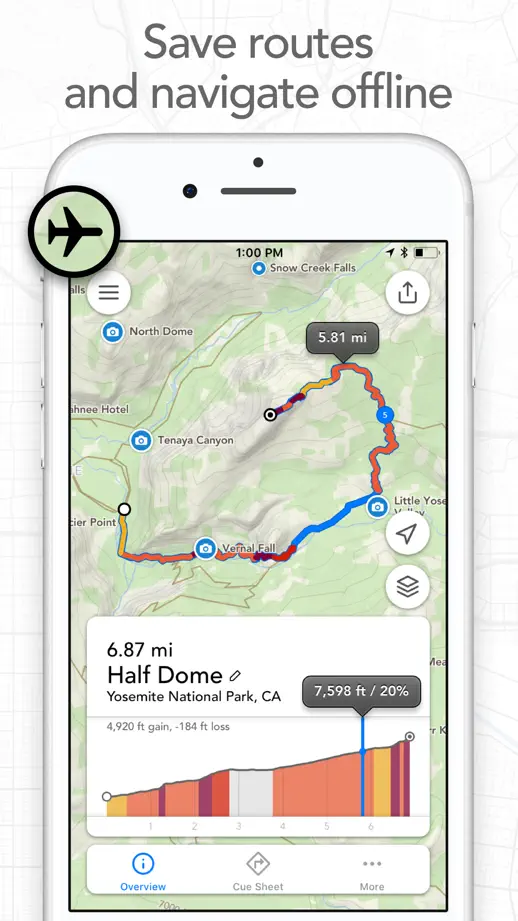
Footpath, App Store screenshot 1
Footpath, App Store screenshot 2
Footpath, App Store screenshot 3
Footpath, App Store screenshot 4
Footpath, App Store screenshot 5
Footpath, App Store screenshot 6
Footpath, App Store screenshot 7
Footpath, App Store screenshot 8

MAPS.ME

Navigation · 7 frames

Outdoor photographs introduce the maps, while oversized route controls, location markers and interface cards bring individual tools forward.

MAPS.ME, App Store screenshot 1
MAPS.ME, App Store screenshot 2
MAPS.ME, App Store screenshot 3
MAPS.ME, App Store screenshot 4
MAPS.ME, App Store screenshot 5
MAPS.ME, App Store screenshot 6
MAPS.ME, App Store screenshot 7

FotMob

Sports · 10 frames

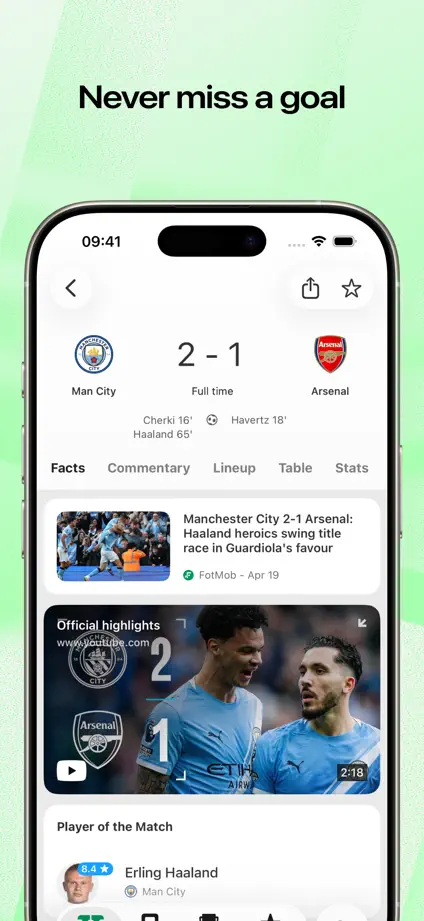
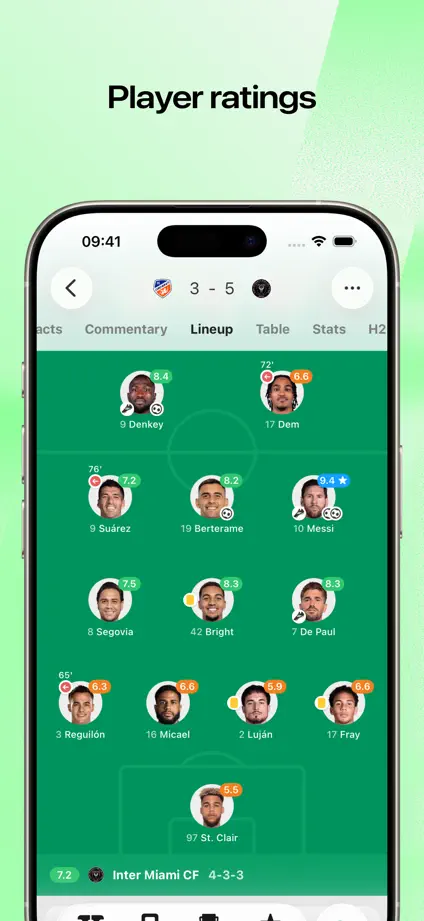
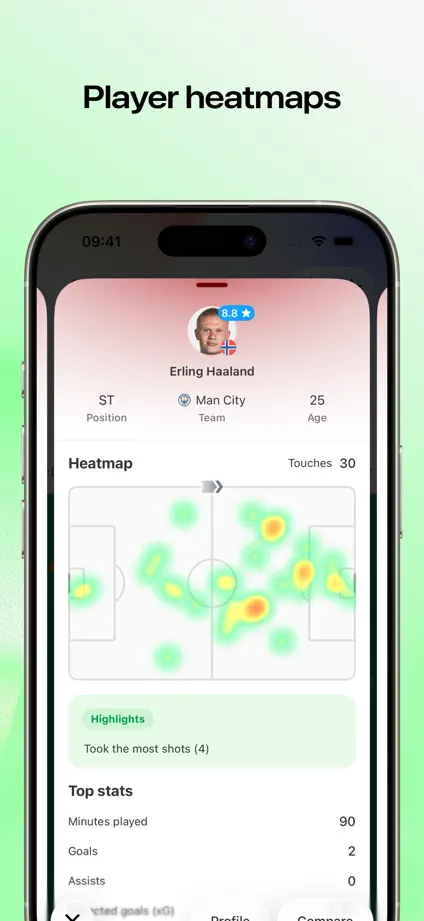
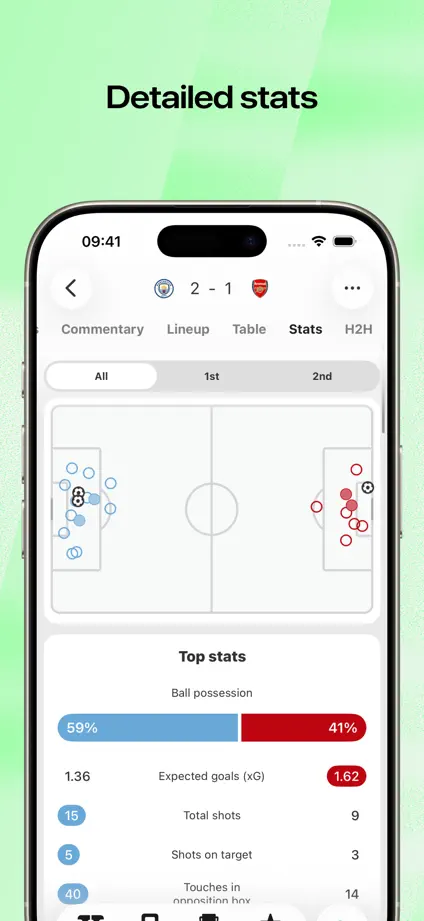
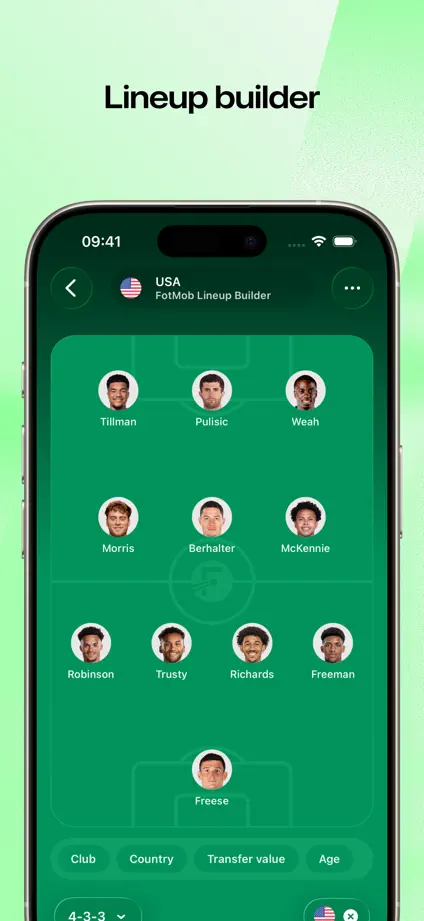
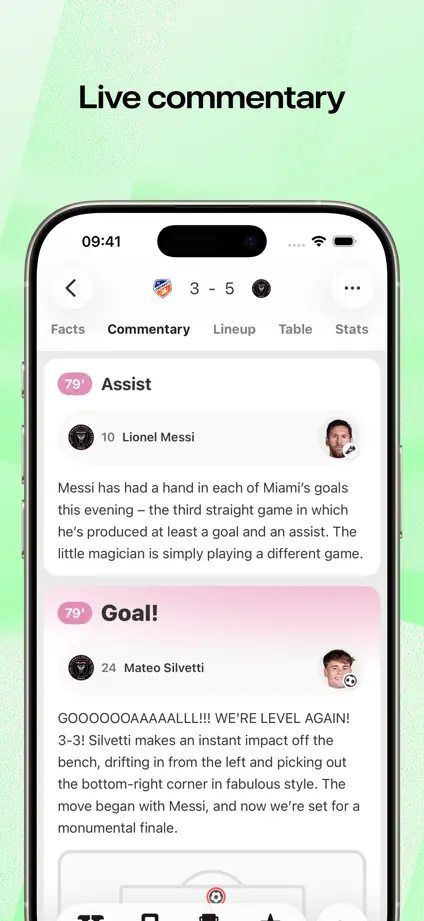
Pale green backgrounds support large phone crops, with live-activity and widget examples breaking up the run of scores, lineups and statistics.
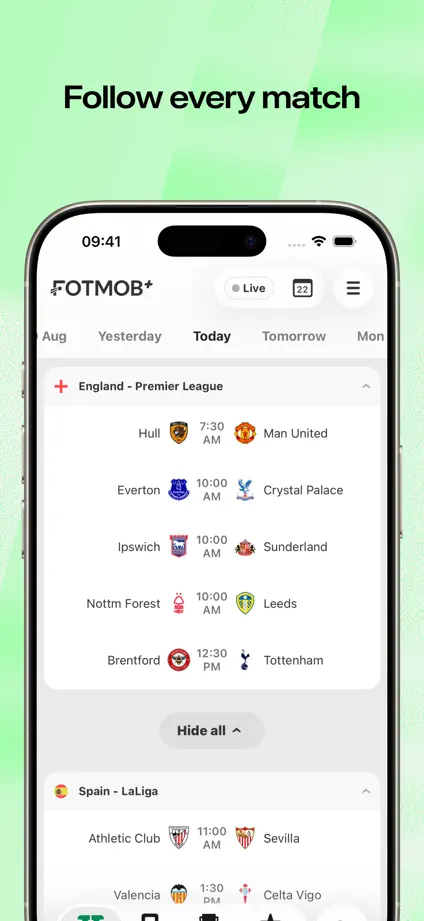
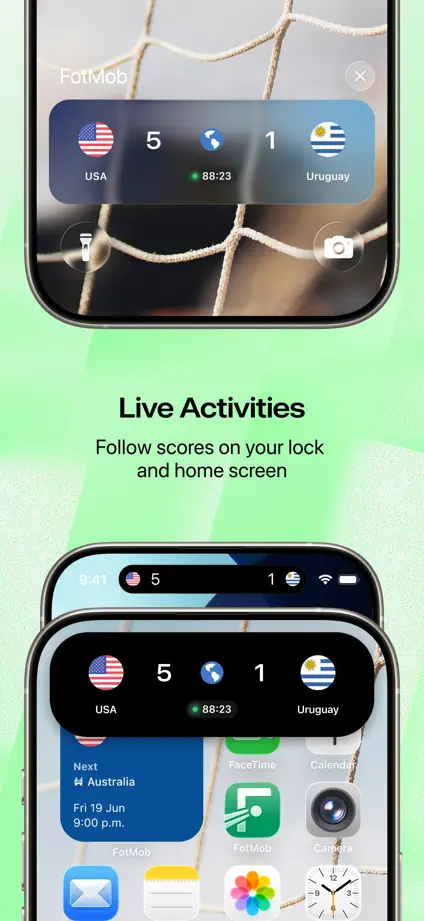
FotMob, App Store screenshot 1
FotMob, App Store screenshot 2
FotMob, App Store screenshot 3
FotMob, App Store screenshot 4
FotMob, App Store screenshot 5
FotMob, App Store screenshot 6
FotMob, App Store screenshot 7
FotMob, App Store screenshot 8
FotMob, App Store screenshot 9
FotMob, App Store screenshot 10

NHL

Sports · 8 frames

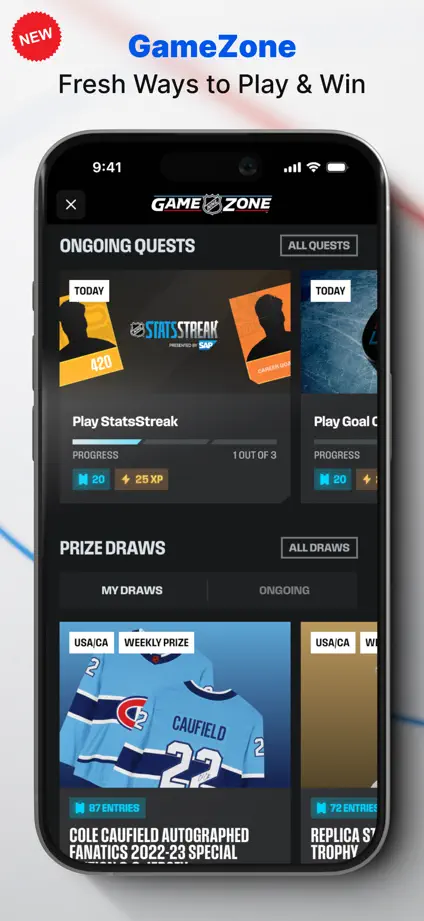
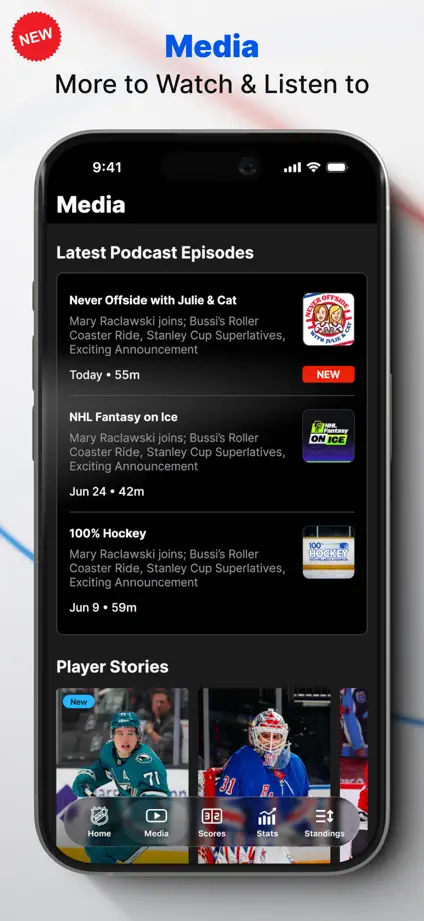
Dark phones on pale backgrounds keep the content prominent, with blue headline emphasis and a lock-screen frame separating the live-update feature.
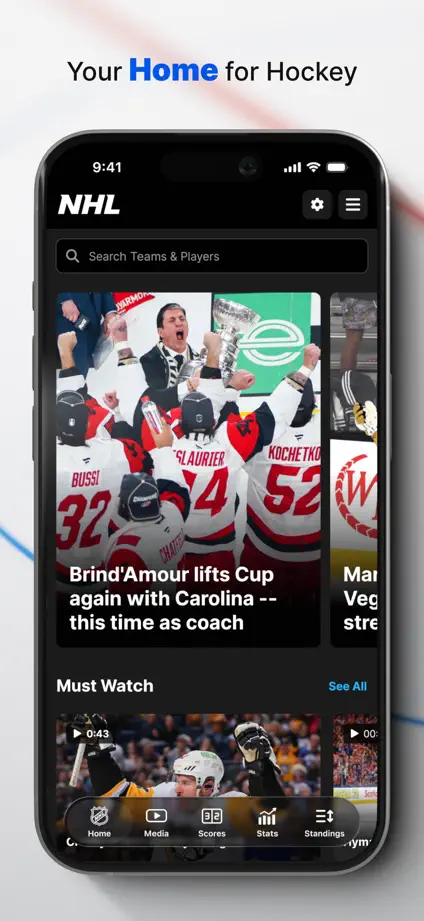
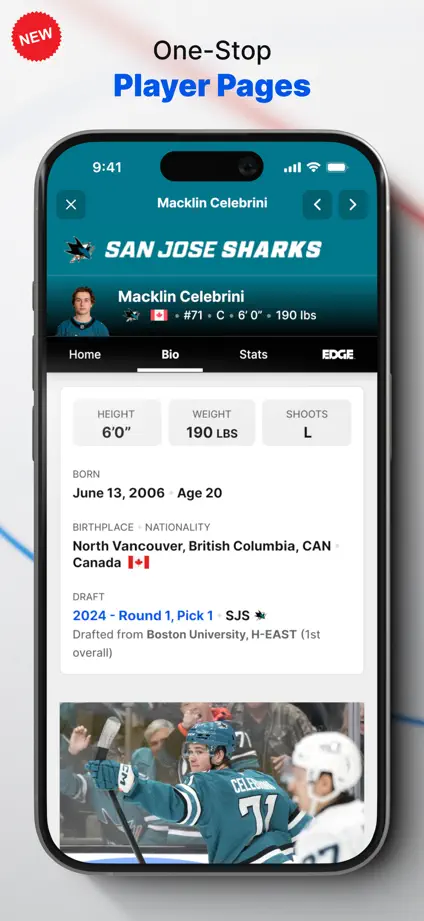
NHL, App Store screenshot 1
NHL, App Store screenshot 2
NHL, App Store screenshot 3
NHL, App Store screenshot 4
NHL, App Store screenshot 5
NHL, App Store screenshot 6
NHL, App Store screenshot 7
NHL, App Store screenshot 8

HelloTalk

Education · 7 frames

Profile photographs establish the social theme, then purple accents and enlarged messaging tools connect chat, partner discovery and live-room screens.

HelloTalk, App Store screenshot 1
HelloTalk, App Store screenshot 2
HelloTalk, App Store screenshot 3
HelloTalk, App Store screenshot 4
HelloTalk, App Store screenshot 5
HelloTalk, App Store screenshot 6
HelloTalk, App Store screenshot 7

Add to collection

New collection