kit0

Dark App Store screenshots

99 App Store screenshot sets with dark backgrounds across the sequence, from Flighty, (Not Boring) Camera and Raycast. Common techniques: repeated layout, photography and interface close-ups.

99 appsShow all

StockX

Shopping · 8 frames

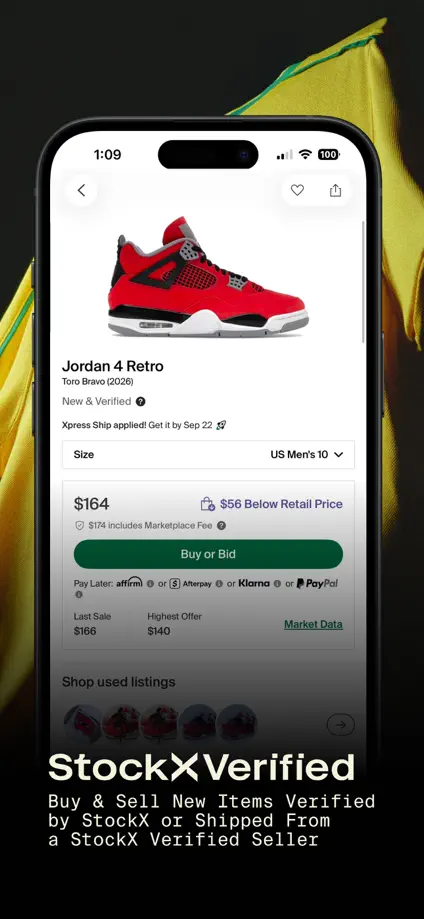
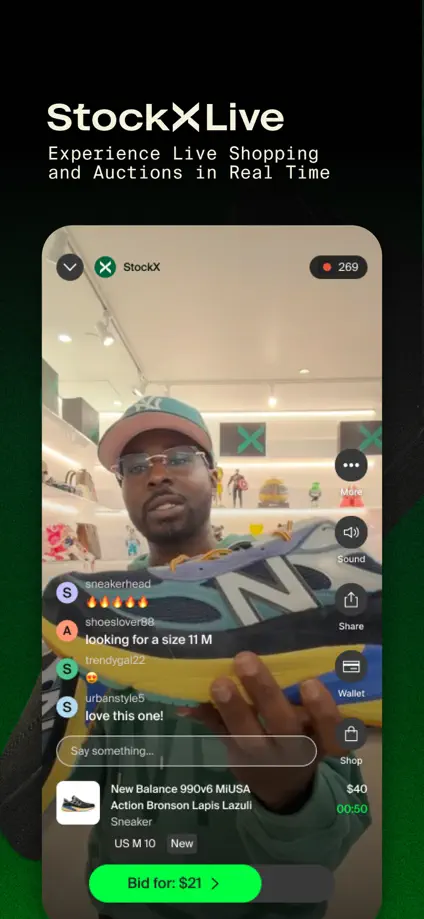
An angled phone and product collage open the set before dark backgrounds and enlarged shopping screens introduce individual features.

StockX, App Store screenshot 1
StockX, App Store screenshot 2
StockX, App Store screenshot 3
StockX, App Store screenshot 4
StockX, App Store screenshot 5
StockX, App Store screenshot 6
StockX, App Store screenshot 7
StockX, App Store screenshot 8

OpenTable

Food & Drink · 9 frames

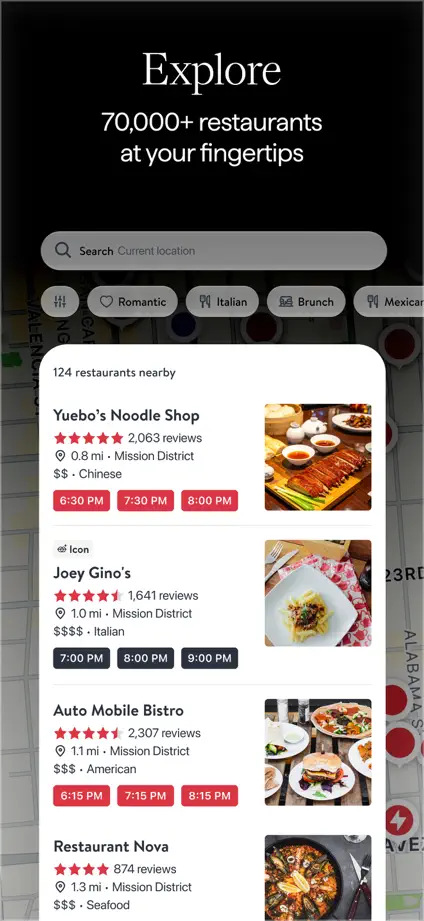
A dark photographic opening transitions into black feature panels, using white interface cards and red booking controls as the recurring contrast.

OpenTable, App Store screenshot 1
OpenTable, App Store screenshot 2
OpenTable, App Store screenshot 3
OpenTable, App Store screenshot 4
OpenTable, App Store screenshot 5
OpenTable, App Store screenshot 6
OpenTable, App Store screenshot 7
OpenTable, App Store screenshot 8
OpenTable, App Store screenshot 9

Vivino

Food & Drink · 8 frames

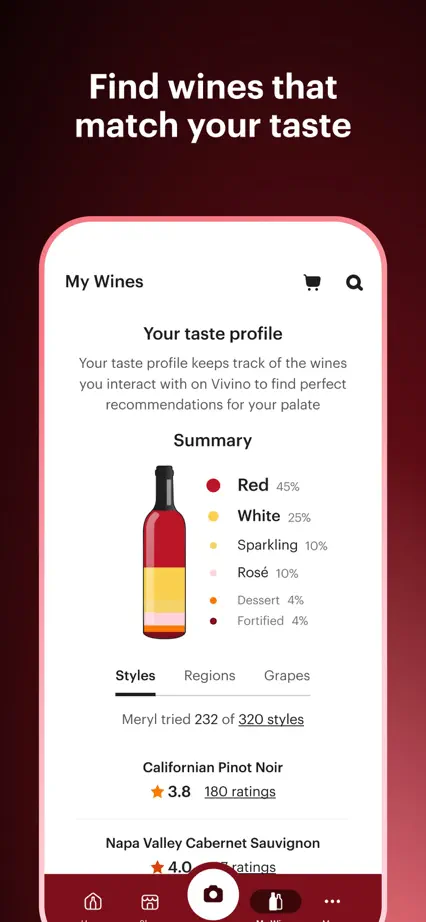
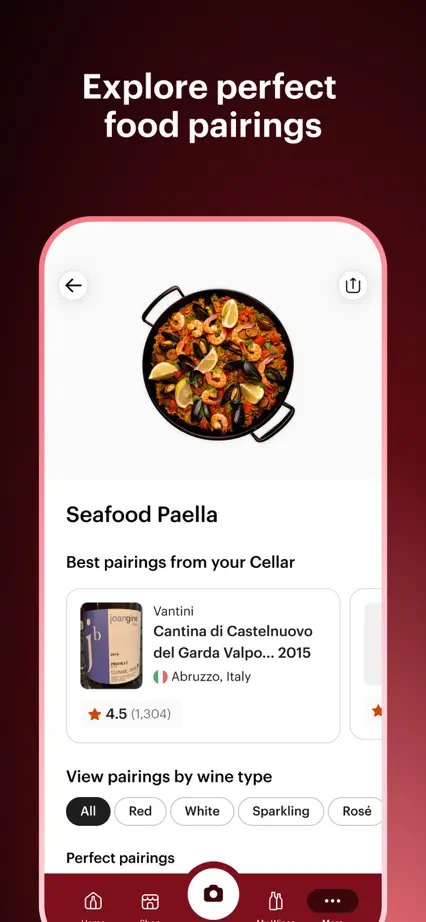
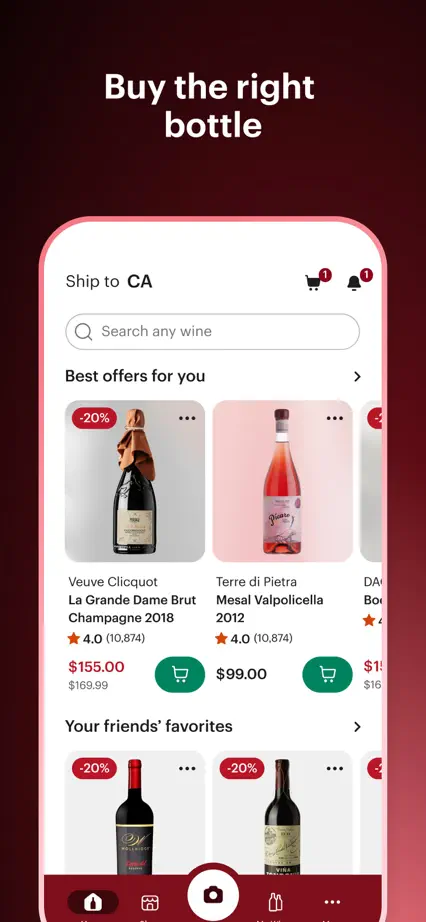
Wine-colored gradients unify the sequence, with a bottle scan, taste profile, review cards and food photography introducing different tasks.

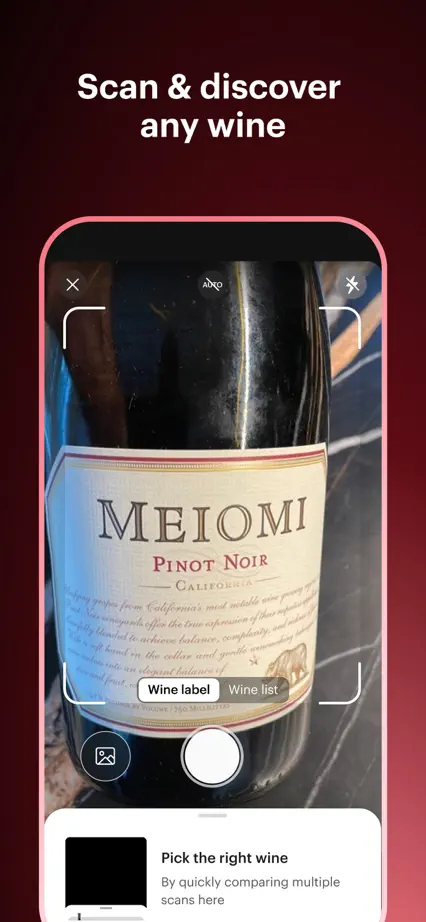
Vivino, App Store screenshot 1
Vivino, App Store screenshot 2
Vivino, App Store screenshot 3
Vivino, App Store screenshot 4
Vivino, App Store screenshot 5
Vivino, App Store screenshot 6
Vivino, App Store screenshot 7
Vivino, App Store screenshot 8

Organic Maps

Navigation · 10 frames

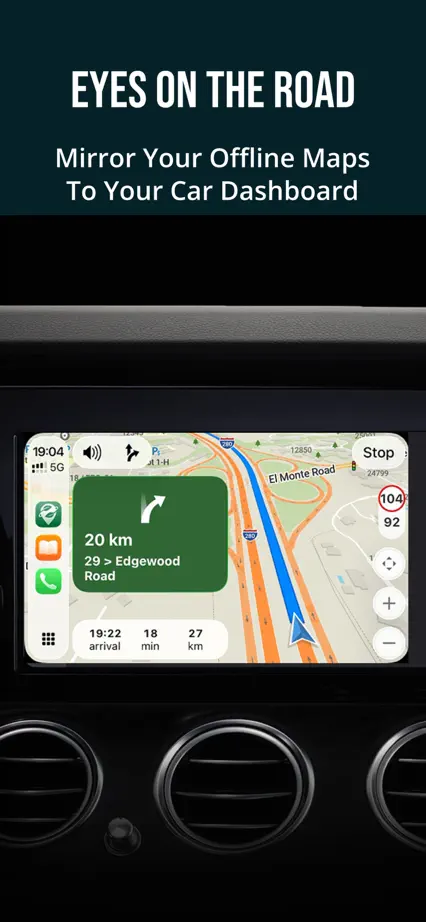
Dark teal panels and condensed headings keep the maps prominent, with occasional icon-only panels interrupting the repeated phone layout.
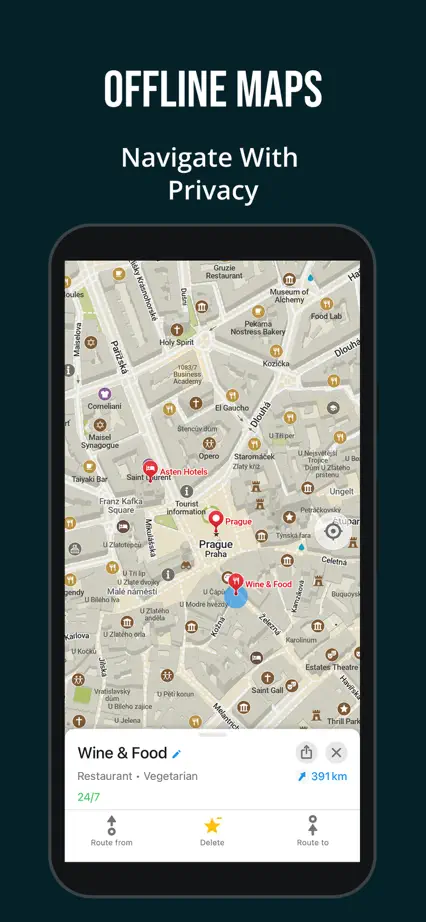
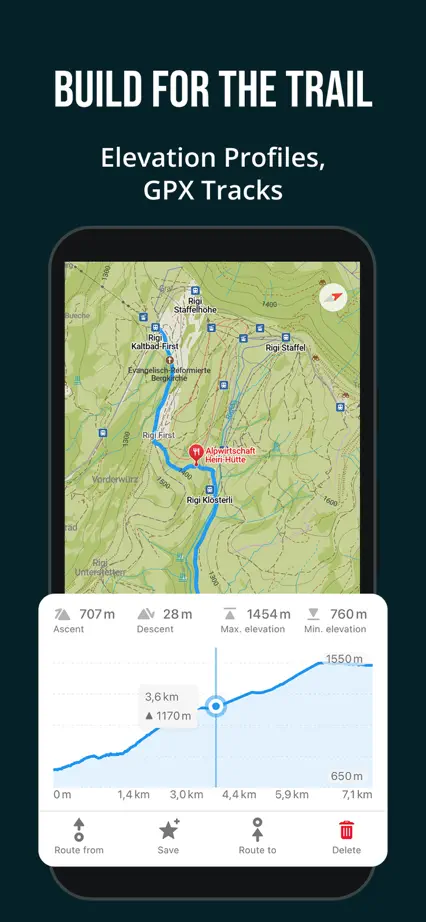
Organic Maps, App Store screenshot 1
Organic Maps, App Store screenshot 2
Organic Maps, App Store screenshot 3
Organic Maps, App Store screenshot 4
Organic Maps, App Store screenshot 5
Organic Maps, App Store screenshot 6
Organic Maps, App Store screenshot 7
Organic Maps, App Store screenshot 8
Organic Maps, App Store screenshot 9
Organic Maps, App Store screenshot 10

onX Hunt

Navigation · 10 frames

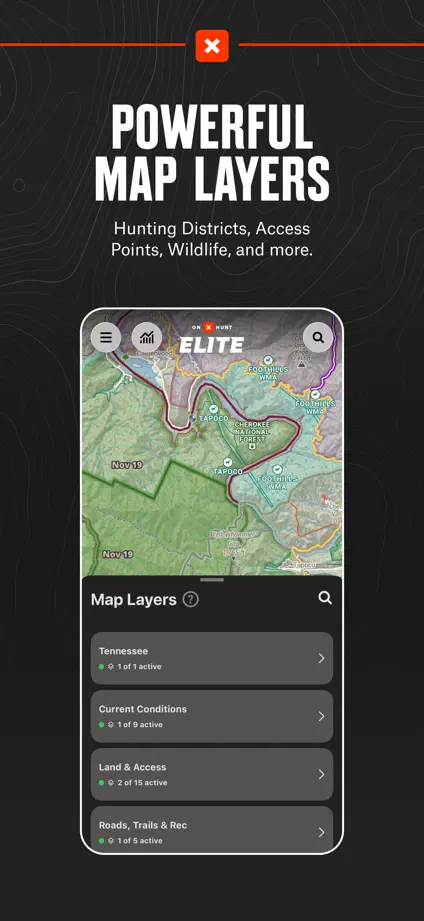
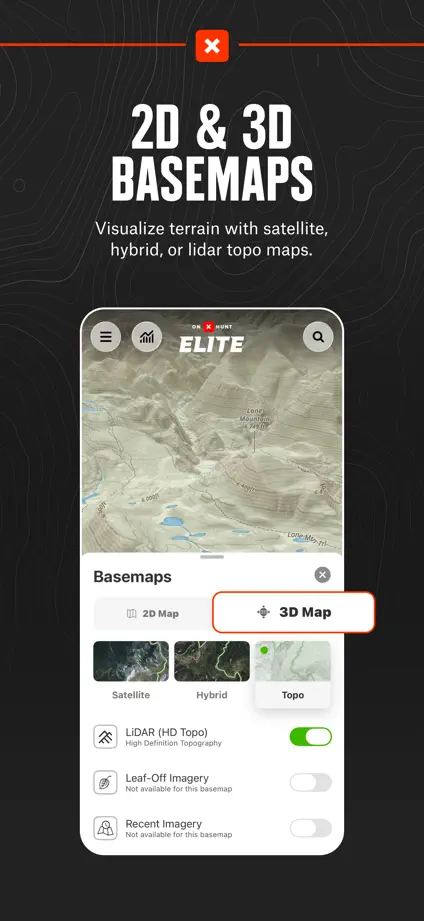
Condensed white headings on charcoal panels establish a consistent feature tour, with map layers and selected controls enlarged outside the phones.

onX Hunt, App Store screenshot 1
onX Hunt, App Store screenshot 2
onX Hunt, App Store screenshot 3
onX Hunt, App Store screenshot 4
onX Hunt, App Store screenshot 5
onX Hunt, App Store screenshot 6
onX Hunt, App Store screenshot 7
onX Hunt, App Store screenshot 8
onX Hunt, App Store screenshot 9
onX Hunt, App Store screenshot 10

The Athletic

Sports · 9 frames

Serif headlines and dark article screens repeat over a continuous black-and-white horizontal stripe, with angled phones introducing the opening pair.

The Athletic, App Store screenshot 1
The Athletic, App Store screenshot 2
The Athletic, App Store screenshot 3
The Athletic, App Store screenshot 4
The Athletic, App Store screenshot 5
The Athletic, App Store screenshot 6
The Athletic, App Store screenshot 7
The Athletic, App Store screenshot 8
The Athletic, App Store screenshot 9

Golfshot

Sports · 8 frames

Dark backgrounds and angled phones repeat through the sequence, pairing watch screens with maps and swing diagrams where the feature needs both.

Golfshot, App Store screenshot 1
Golfshot, App Store screenshot 2
Golfshot, App Store screenshot 3
Golfshot, App Store screenshot 4
Golfshot, App Store screenshot 5
Golfshot, App Store screenshot 6
Golfshot, App Store screenshot 7
Golfshot, App Store screenshot 8

DAZN

Sports · 7 frames

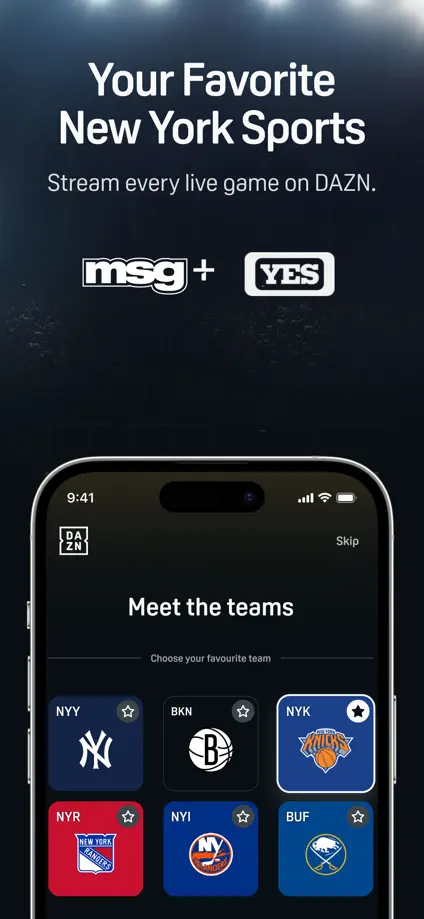
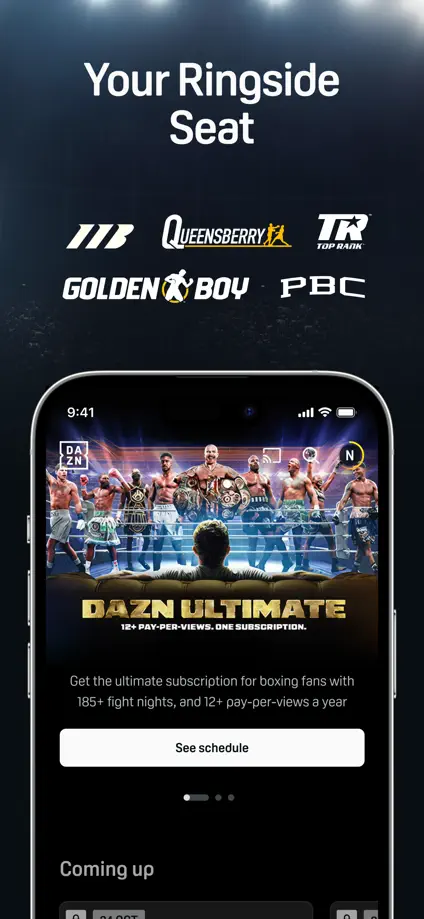
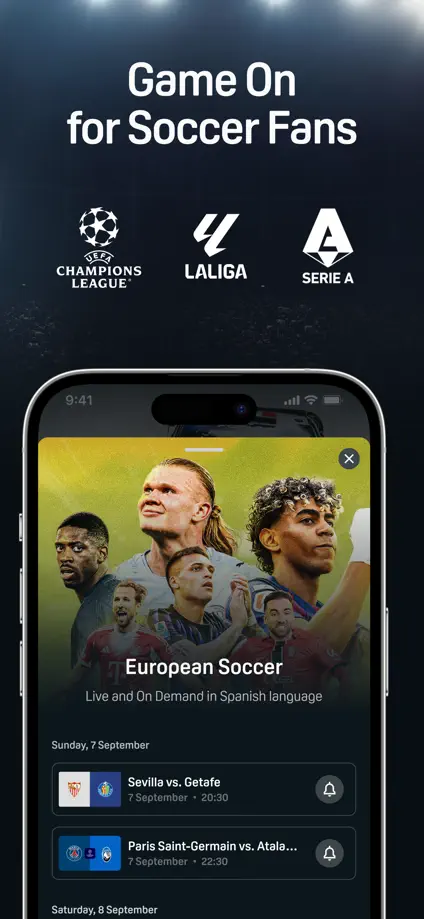
Athlete imagery opens the dark sequence, followed by league marks and cropped phones that distinguish different viewing and news sections.

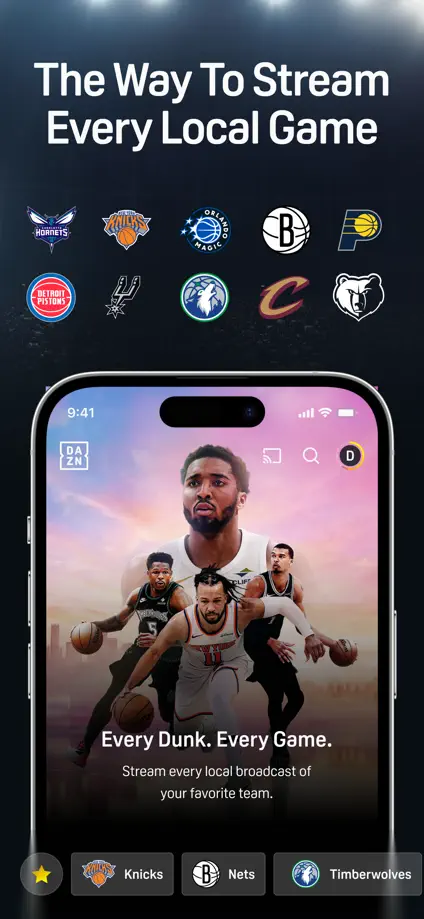
DAZN, App Store screenshot 1
DAZN, App Store screenshot 2
DAZN, App Store screenshot 3
DAZN, App Store screenshot 4
DAZN, App Store screenshot 5
DAZN, App Store screenshot 6
DAZN, App Store screenshot 7

ELSA Speak

Education · 9 frames

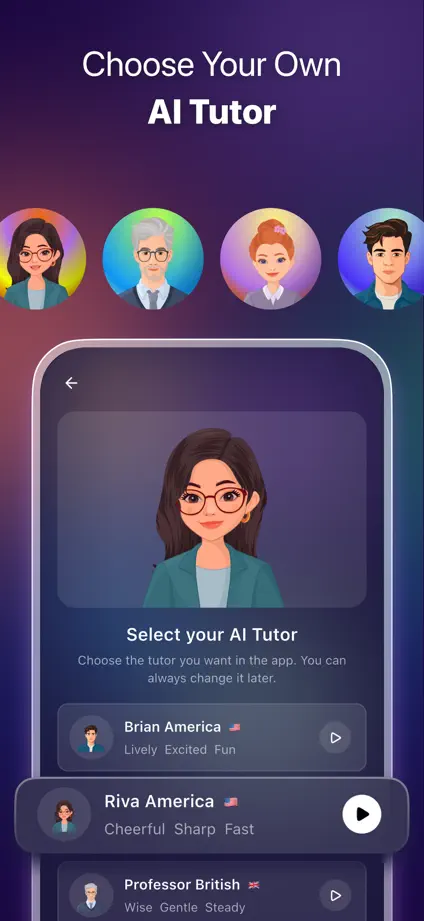
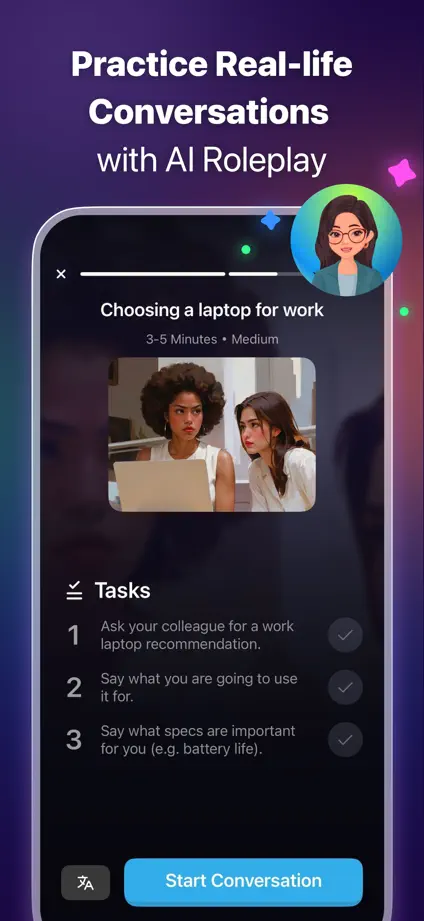
Dark purple panels connect dimensional tutor characters, angled devices and close-up coaching screens, ending with comparison and company-logo panels.

ELSA Speak, App Store screenshot 1
ELSA Speak, App Store screenshot 2
ELSA Speak, App Store screenshot 3
ELSA Speak, App Store screenshot 4
ELSA Speak, App Store screenshot 5
ELSA Speak, App Store screenshot 6
ELSA Speak, App Store screenshot 7
ELSA Speak, App Store screenshot 8
ELSA Speak, App Store screenshot 9

Codecademy Go

Education · 5 frames

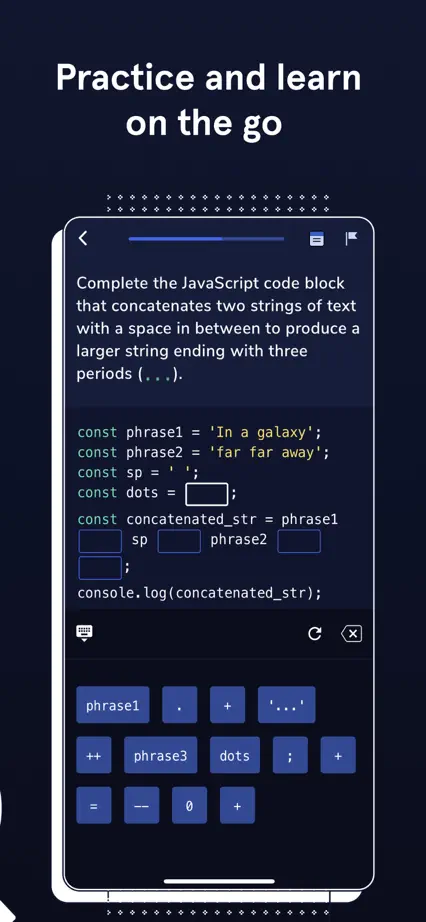
Navy panels, pale screens and bright yellow accents maintain a consistent coding identity, with cursor illustrations directing attention to specific controls.
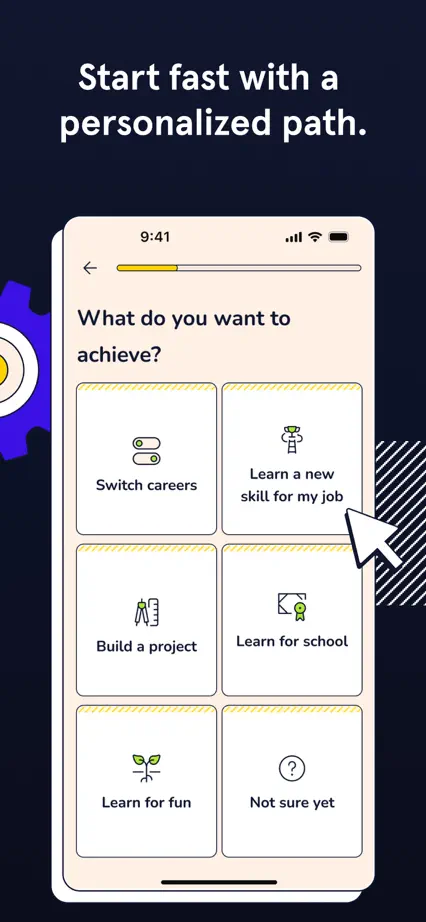

Codecademy Go, App Store screenshot 1
Codecademy Go, App Store screenshot 2
Codecademy Go, App Store screenshot 3
Codecademy Go, App Store screenshot 4
Codecademy Go, App Store screenshot 5

Stellarium Mobile

Education · 10 frames

Dark full-height sky views repeat beneath compact purple headline bars, moving from constellations and planets to detailed observation screens.

Stellarium Mobile, App Store screenshot 1
Stellarium Mobile, App Store screenshot 2
Stellarium Mobile, App Store screenshot 3
Stellarium Mobile, App Store screenshot 4
Stellarium Mobile, App Store screenshot 5
Stellarium Mobile, App Store screenshot 6
Stellarium Mobile, App Store screenshot 7
Stellarium Mobile, App Store screenshot 8
Stellarium Mobile, App Store screenshot 9
Stellarium Mobile, App Store screenshot 10

N26

Finance · 9 frames

Deep teal panels alternate with lifestyle photographs, while enlarged balance, card and support controls sit in front of the phones.

N26, App Store screenshot 1
N26, App Store screenshot 2
N26, App Store screenshot 3
N26, App Store screenshot 4
N26, App Store screenshot 5
N26, App Store screenshot 6
N26, App Store screenshot 7
N26, App Store screenshot 8
N26, App Store screenshot 9

Add to collection

New collection