kit0

Creativity App Store screenshots

8 complete App Store screenshot sets from creativity apps, including Procreate Pocket, Linearity Curve and Savee. The most common techniques here are illustration, interface close-ups and repeated layout.

8 appsShow all

Procreate Pocket

Creativity · 9 frames

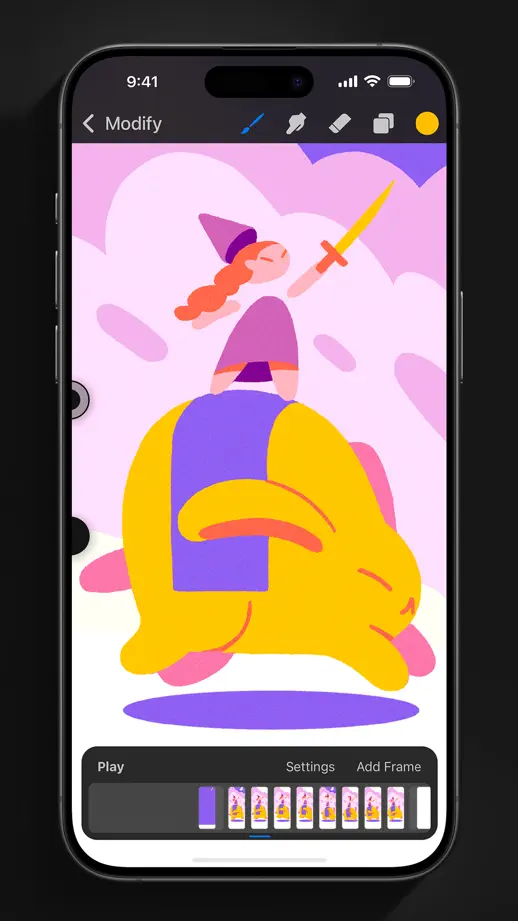
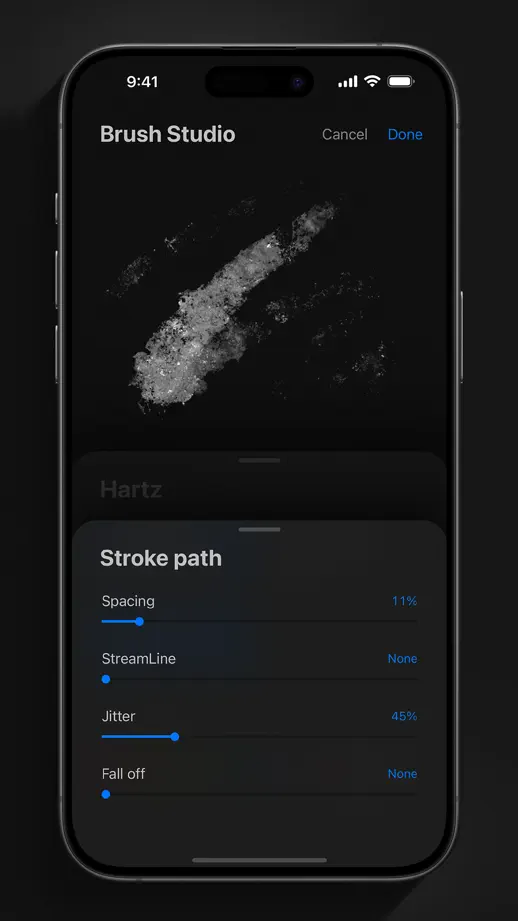
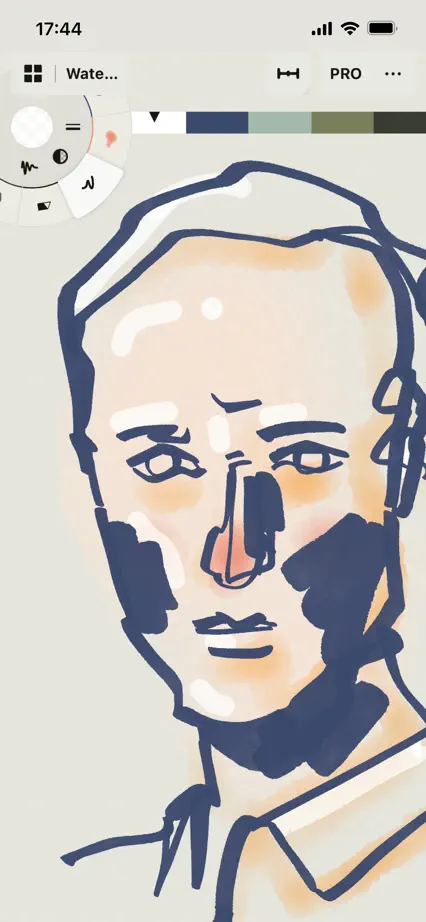
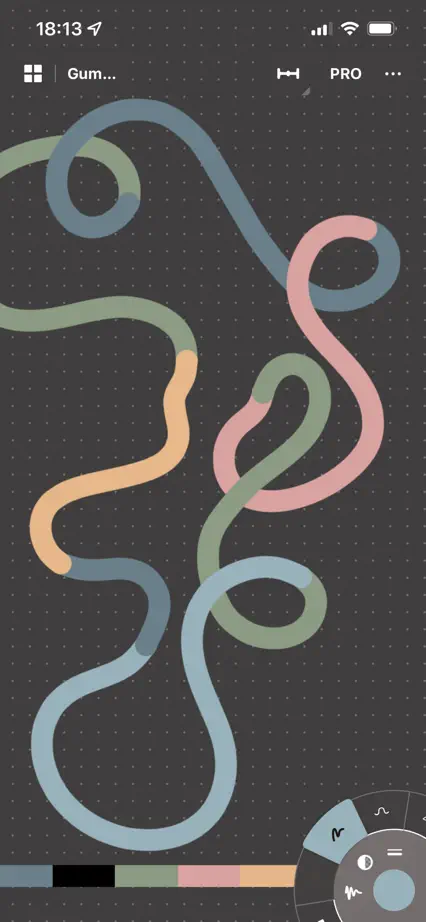
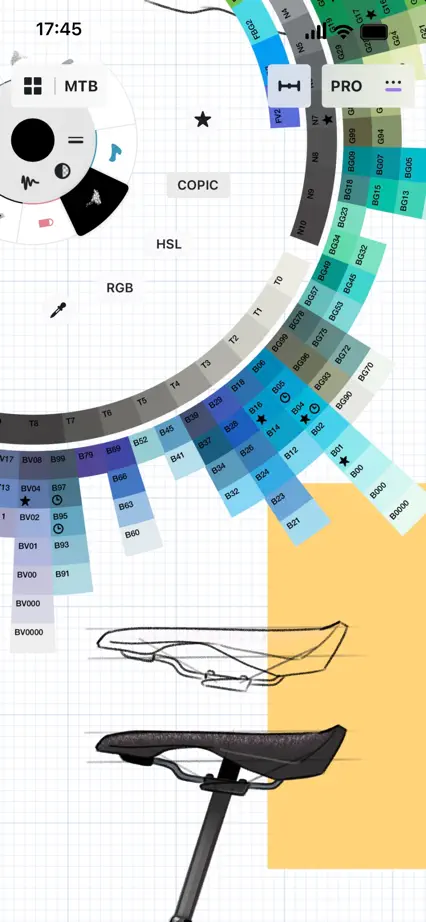
Original artwork and drawing controls fill complete phones on black, without additional promotional headings.

Procreate Pocket, App Store screenshot 1
Procreate Pocket, App Store screenshot 2
Procreate Pocket, App Store screenshot 3
Procreate Pocket, App Store screenshot 4
Procreate Pocket, App Store screenshot 5
Procreate Pocket, App Store screenshot 6
Procreate Pocket, App Store screenshot 7
Procreate Pocket, App Store screenshot 8
Procreate Pocket, App Store screenshot 9

Linearity Curve

Creativity · 9 frames

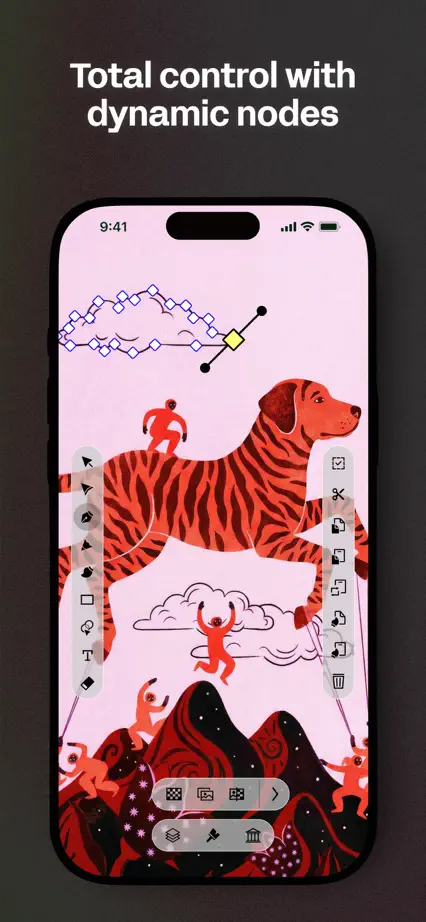
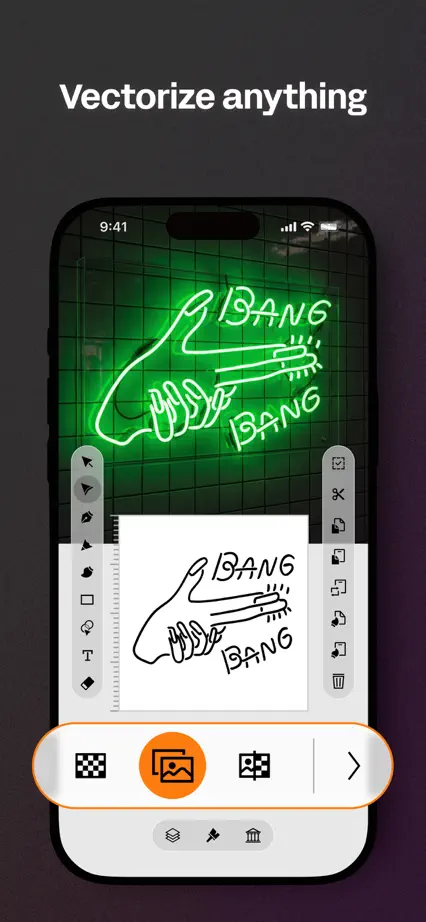
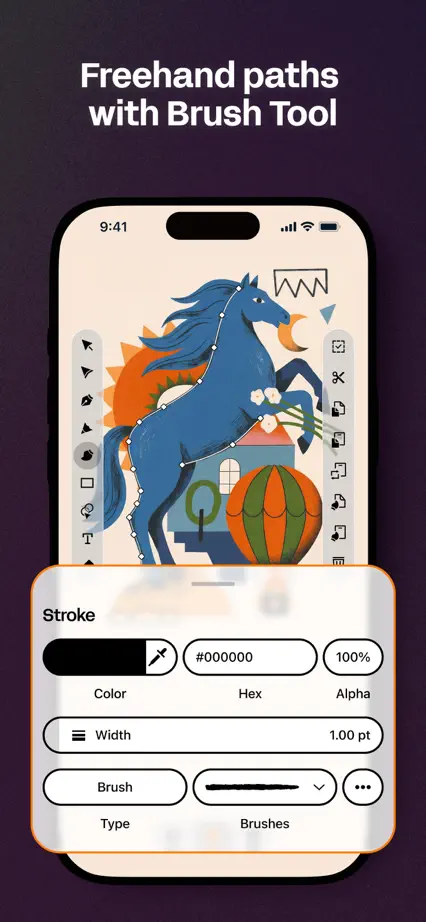
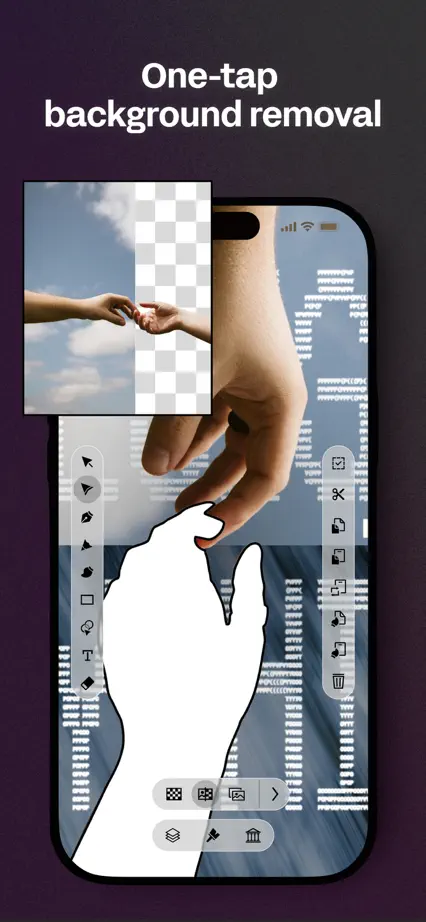
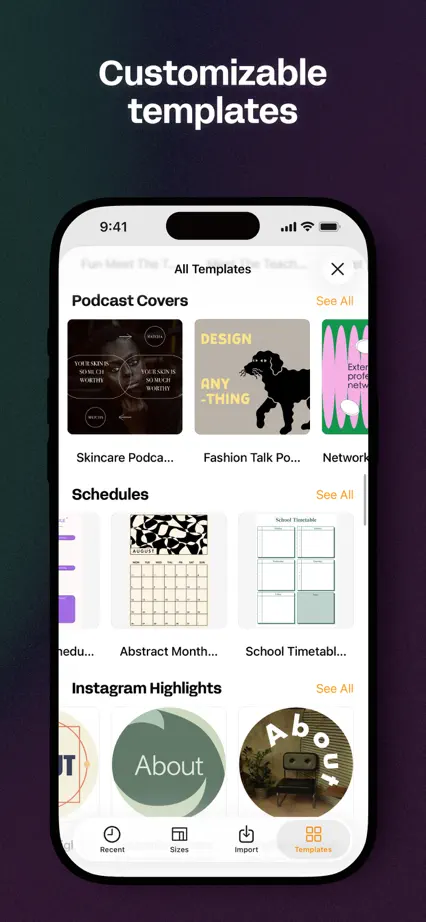
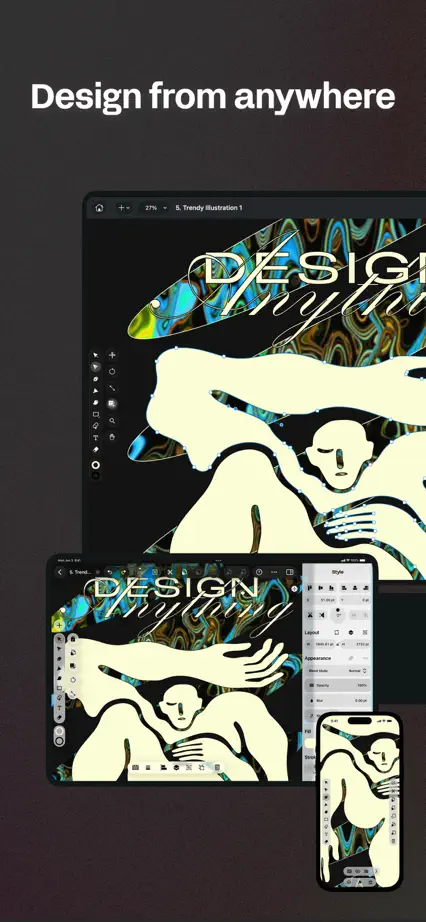
Bright vector artwork extends beyond phone screens against a consistently dark background.
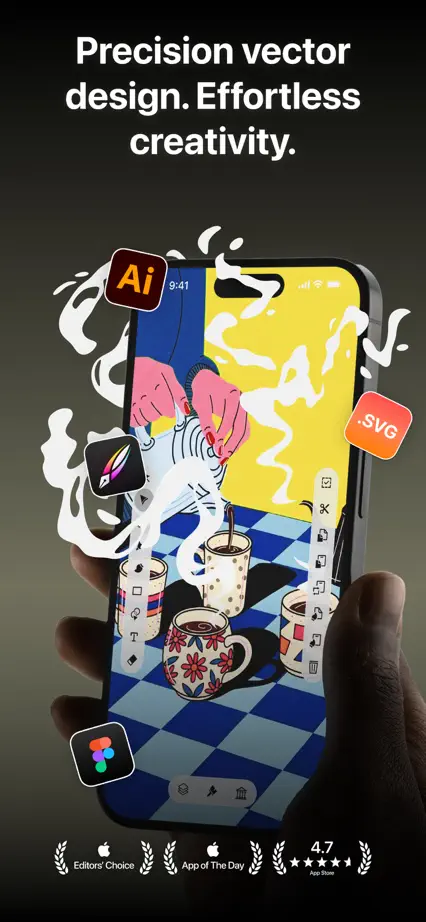
Linearity Curve, App Store screenshot 1
Linearity Curve, App Store screenshot 2
Linearity Curve, App Store screenshot 3
Linearity Curve, App Store screenshot 4
Linearity Curve, App Store screenshot 5
Linearity Curve, App Store screenshot 6
Linearity Curve, App Store screenshot 7
Linearity Curve, App Store screenshot 8
Linearity Curve, App Store screenshot 9

Savee

Creativity · 6 frames

Brief headings and largely black backgrounds let artwork grids dominate each frame.

Savee, App Store screenshot 1
Savee, App Store screenshot 2
Savee, App Store screenshot 3
Savee, App Store screenshot 4
Savee, App Store screenshot 5
Savee, App Store screenshot 6

Adobe Express

Creativity · 8 frames

Pastel gradients and large editing screens keep finished artwork prominent, with selected controls and objects crossing the device edge.

Adobe Express, App Store screenshot 1
Adobe Express, App Store screenshot 2
Adobe Express, App Store screenshot 3
Adobe Express, App Store screenshot 4
Adobe Express, App Store screenshot 5
Adobe Express, App Store screenshot 6
Adobe Express, App Store screenshot 7
Adobe Express, App Store screenshot 8

Sketchbook

Creativity · 6 frames

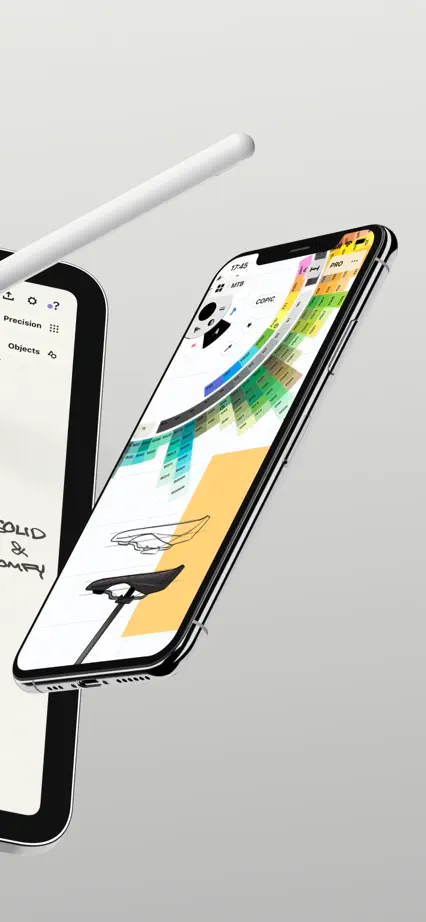
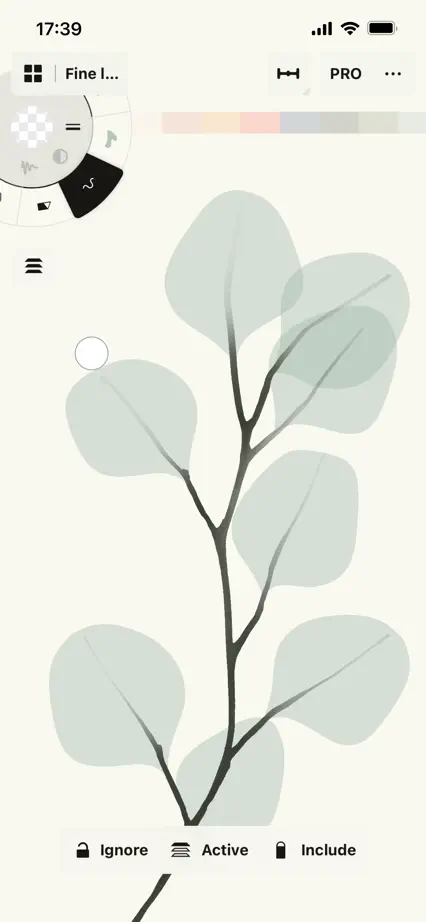
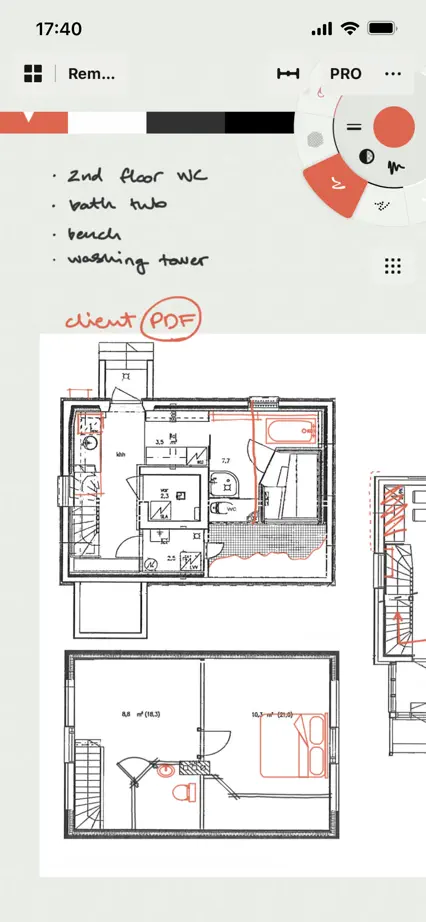
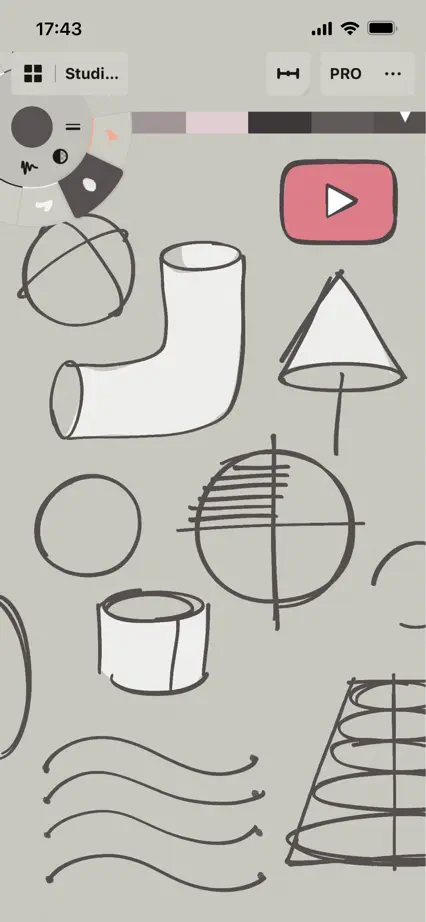
A quiet gray frame and repeated device placement let varied illustrations and drawing controls carry the sequence.

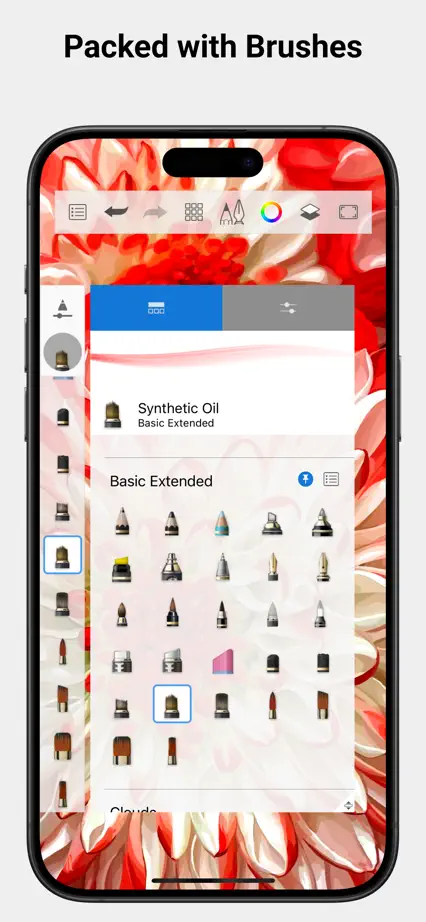
Sketchbook, App Store screenshot 1
Sketchbook, App Store screenshot 2
Sketchbook, App Store screenshot 3
Sketchbook, App Store screenshot 4
Sketchbook, App Store screenshot 5
Sketchbook, App Store screenshot 6

Concepts

Creativity · 10 frames

An expansive device composition spans the first three frames, then full-height drawing examples show line, texture and color without captions.
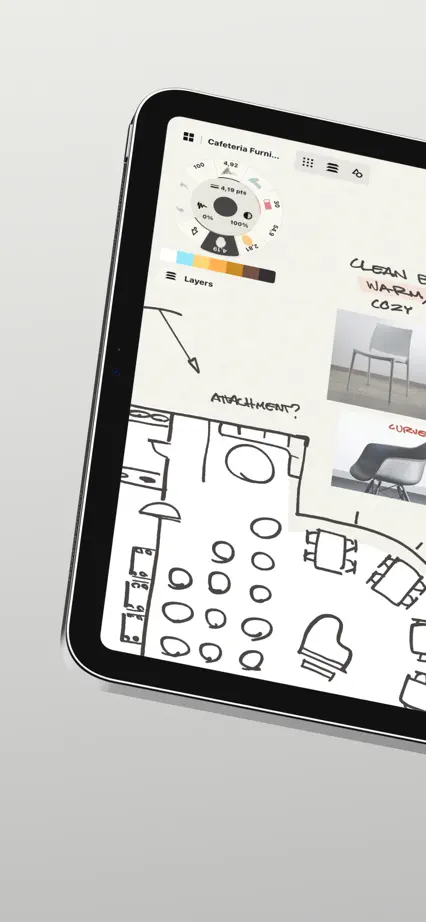
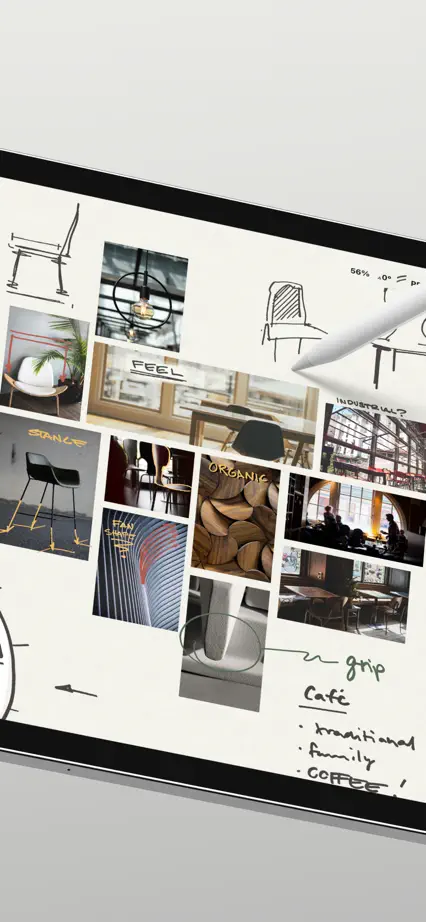
Concepts, App Store screenshot 1
Concepts, App Store screenshot 2
Concepts, App Store screenshot 3
Concepts, App Store screenshot 4
Concepts, App Store screenshot 5
Concepts, App Store screenshot 6
Concepts, App Store screenshot 7
Concepts, App Store screenshot 8
Concepts, App Store screenshot 9
Concepts, App Store screenshot 10

Tayasui Sketches

Creativity · 9 frames

Colorful panels pair illustrated artwork with oversized drawing tools and interface details, giving each technique its own palette.

Tayasui Sketches, App Store screenshot 1
Tayasui Sketches, App Store screenshot 2
Tayasui Sketches, App Store screenshot 3
Tayasui Sketches, App Store screenshot 4
Tayasui Sketches, App Store screenshot 5
Tayasui Sketches, App Store screenshot 6
Tayasui Sketches, App Store screenshot 7
Tayasui Sketches, App Store screenshot 8
Tayasui Sketches, App Store screenshot 9

Adobe Fresco

Creativity · 10 frames

Finished illustrations dominate large interface crops on a neutral background, with varied angles and loose drawn accents.

Adobe Fresco, App Store screenshot 1
Adobe Fresco, App Store screenshot 2
Adobe Fresco, App Store screenshot 3
Adobe Fresco, App Store screenshot 4
Adobe Fresco, App Store screenshot 5
Adobe Fresco, App Store screenshot 6
Adobe Fresco, App Store screenshot 7
Adobe Fresco, App Store screenshot 8
Adobe Fresco, App Store screenshot 9
Adobe Fresco, App Store screenshot 10

Add to collection

New collection