kit0

Education App Store screenshots

27 complete App Store screenshot sets from education apps, including Deepstash, Duolingo and Greg. The most common techniques here are illustration, interface close-ups and color progression.

27 appsShow all

Drops

Education · 8 frames

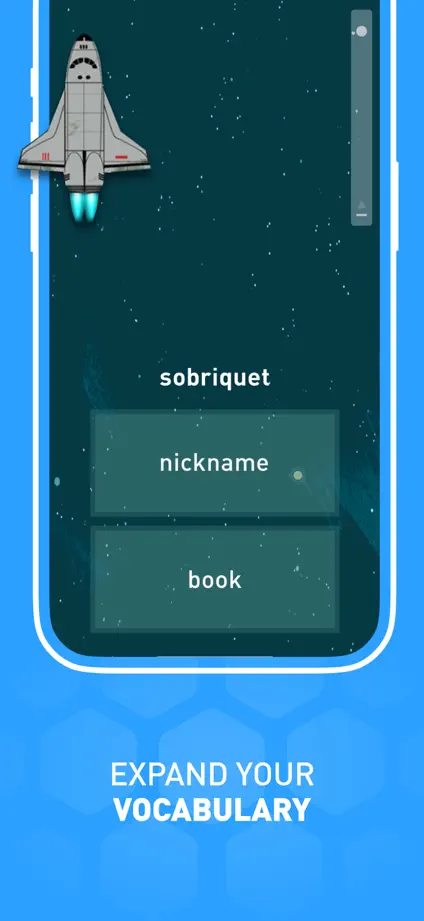
Angled screen crops and vivid purple, blue and teal panels bring the vocabulary illustrations forward, with a separate typographic press panel.

Drops, App Store screenshot 1
Drops, App Store screenshot 2
Drops, App Store screenshot 3
Drops, App Store screenshot 4
Drops, App Store screenshot 5
Drops, App Store screenshot 6
Drops, App Store screenshot 7
Drops, App Store screenshot 8

Pimsleur

Education · 6 frames

An enlarged angled device connects the first two frames, followed by repeated blue panels that isolate lesson, audio and conversation screens.

Pimsleur, App Store screenshot 1
Pimsleur, App Store screenshot 2
Pimsleur, App Store screenshot 3
Pimsleur, App Store screenshot 4
Pimsleur, App Store screenshot 5
Pimsleur, App Store screenshot 6

Lingvist

Education · 9 frames

Alternating purple and blue panels repeat an upright phone, with rounded background blocks echoing the icon and selected lesson details pulled forward.

Lingvist, App Store screenshot 1
Lingvist, App Store screenshot 2
Lingvist, App Store screenshot 3
Lingvist, App Store screenshot 4
Lingvist, App Store screenshot 5
Lingvist, App Store screenshot 6
Lingvist, App Store screenshot 7
Lingvist, App Store screenshot 8
Lingvist, App Store screenshot 9

ELSA Speak

Education · 9 frames

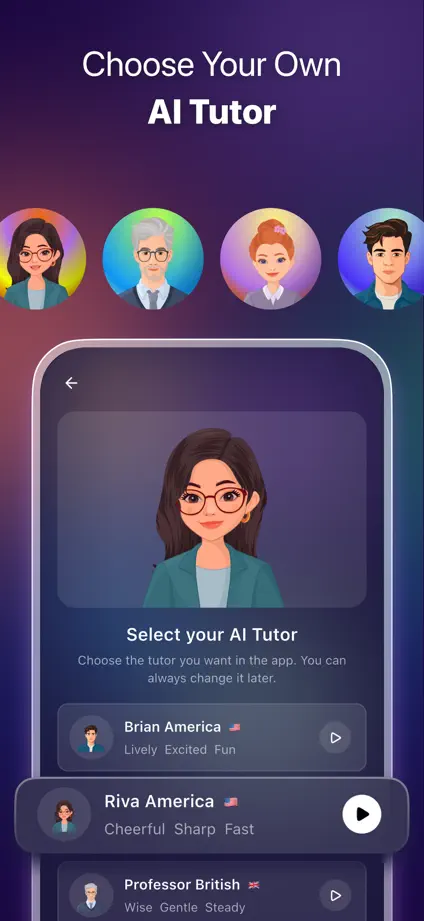
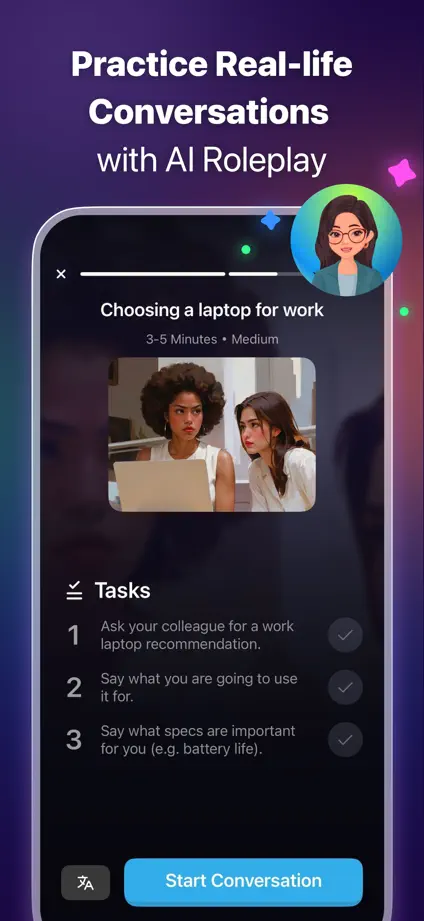
Dark purple panels connect dimensional tutor characters, angled devices and close-up coaching screens, ending with comparison and company-logo panels.
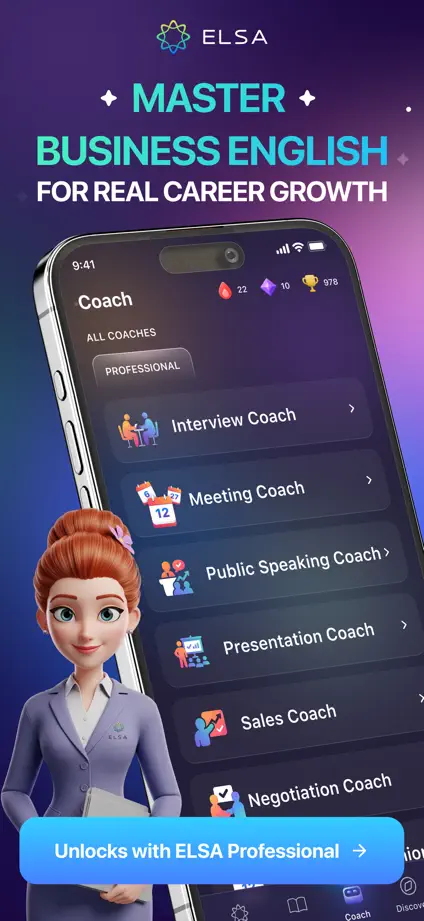
ELSA Speak, App Store screenshot 1
ELSA Speak, App Store screenshot 2
ELSA Speak, App Store screenshot 3
ELSA Speak, App Store screenshot 4
ELSA Speak, App Store screenshot 5
ELSA Speak, App Store screenshot 6
ELSA Speak, App Store screenshot 7
ELSA Speak, App Store screenshot 8
ELSA Speak, App Store screenshot 9

HelloTalk

Education · 7 frames

Profile photographs establish the social theme, then purple accents and enlarged messaging tools connect chat, partner discovery and live-room screens.

HelloTalk, App Store screenshot 1
HelloTalk, App Store screenshot 2
HelloTalk, App Store screenshot 3
HelloTalk, App Store screenshot 4
HelloTalk, App Store screenshot 5
HelloTalk, App Store screenshot 6
HelloTalk, App Store screenshot 7

Tandem

Education · 6 frames

An oversized phone spans the opening blue panels, followed by large message, map and call views that keep the social interactions visible.

Tandem, App Store screenshot 1
Tandem, App Store screenshot 2
Tandem, App Store screenshot 3
Tandem, App Store screenshot 4
Tandem, App Store screenshot 5
Tandem, App Store screenshot 6

Quizlet

Education · 6 frames

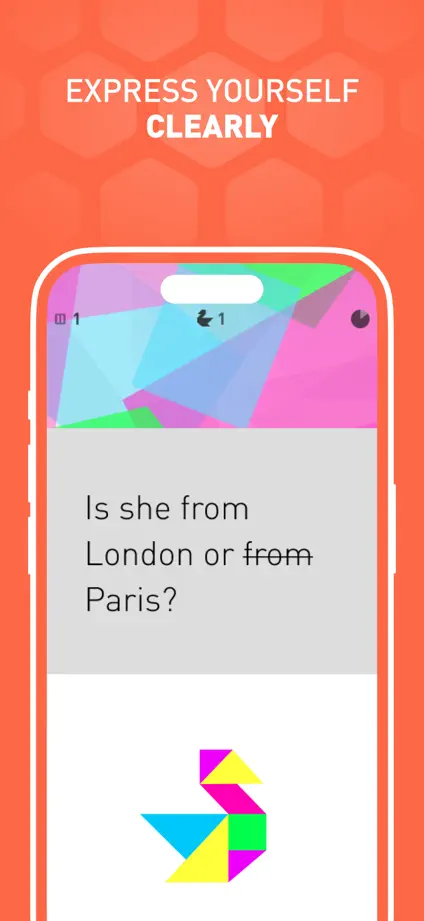
Bright geometric backgrounds change color between features, while large cropped learning cards and small handwritten marks keep attention on the study material.

Quizlet, App Store screenshot 1
Quizlet, App Store screenshot 2
Quizlet, App Store screenshot 3
Quizlet, App Store screenshot 4
Quizlet, App Store screenshot 5
Quizlet, App Store screenshot 6

Photomath

Education · 5 frames

Pink, blue and yellow blocks connect transparent device outlines, equation steps and black-and-white student cutouts across the sequence.

Photomath, App Store screenshot 1
Photomath, App Store screenshot 2
Photomath, App Store screenshot 3
Photomath, App Store screenshot 4
Photomath, App Store screenshot 5

Elevate

Education · 8 frames

A typographic category overview leads into colorful exercise screens, alternating device placement and background color before a dark closing frame.
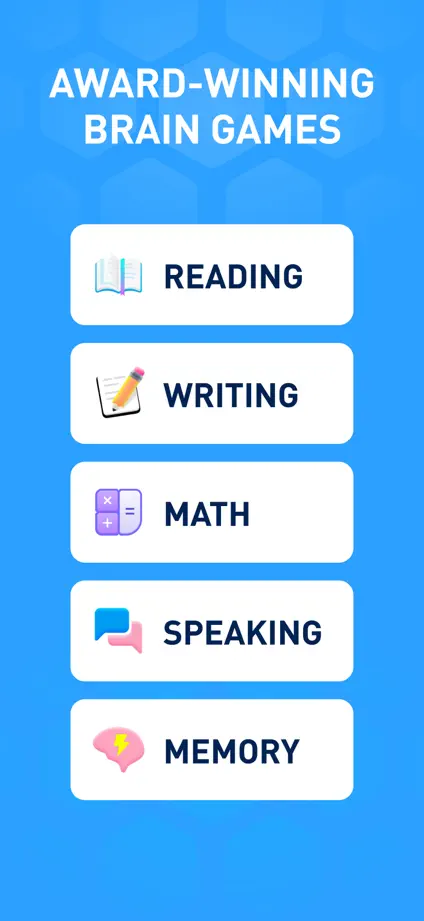
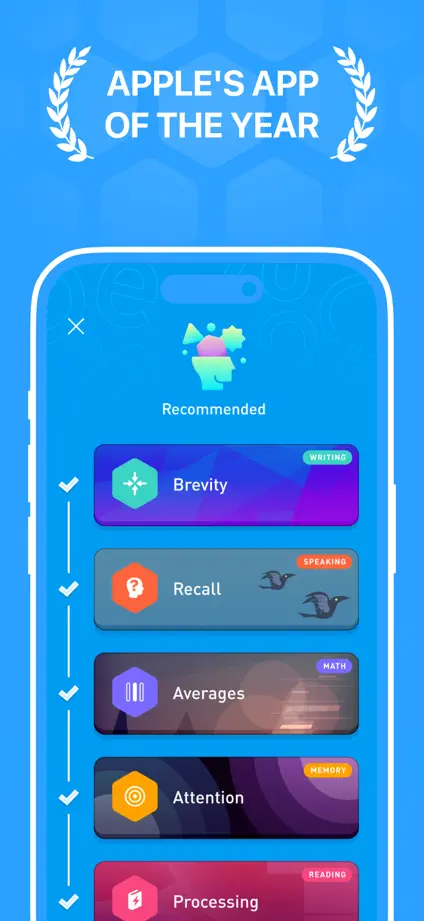
Elevate, App Store screenshot 1
Elevate, App Store screenshot 2
Elevate, App Store screenshot 3
Elevate, App Store screenshot 4
Elevate, App Store screenshot 5
Elevate, App Store screenshot 6
Elevate, App Store screenshot 7
Elevate, App Store screenshot 8

Sololearn

Education · 8 frames

An angled phone spans the opening panels, followed by enlarged code editors, lesson cards and a certificate against a pale illustrated background.

Sololearn, App Store screenshot 1
Sololearn, App Store screenshot 2
Sololearn, App Store screenshot 3
Sololearn, App Store screenshot 4
Sololearn, App Store screenshot 5
Sololearn, App Store screenshot 6
Sololearn, App Store screenshot 7
Sololearn, App Store screenshot 8

Codecademy Go

Education · 5 frames

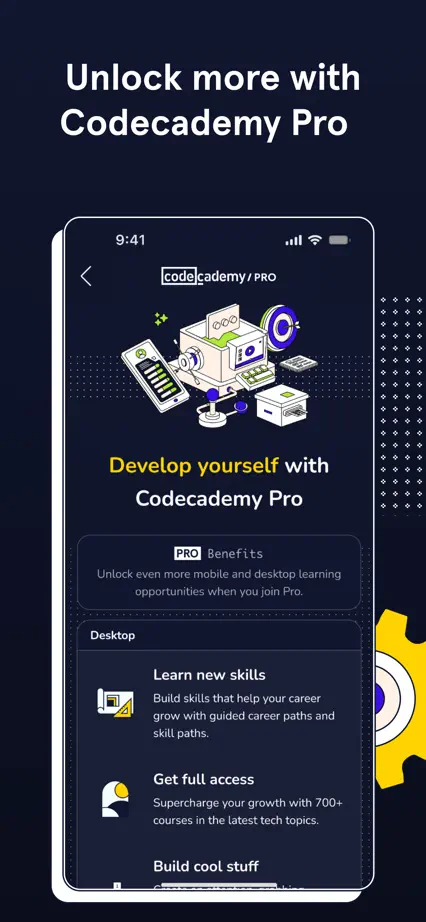
Navy panels, pale screens and bright yellow accents maintain a consistent coding identity, with cursor illustrations directing attention to specific controls.
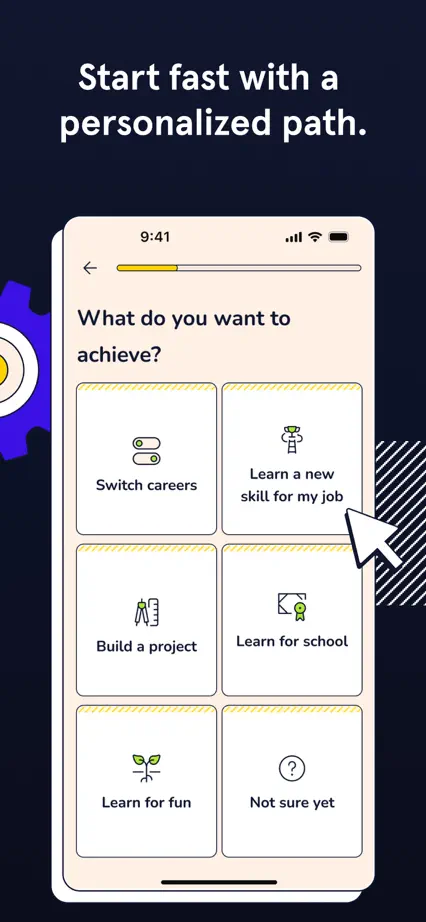
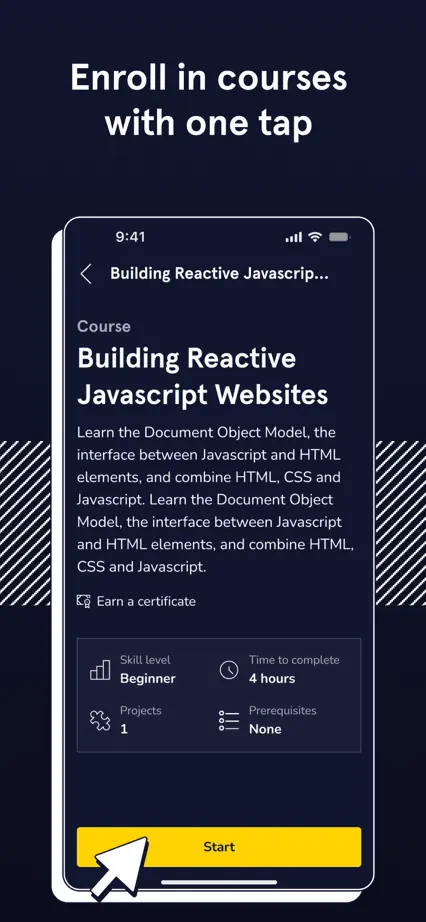
Codecademy Go, App Store screenshot 1
Codecademy Go, App Store screenshot 2
Codecademy Go, App Store screenshot 3
Codecademy Go, App Store screenshot 4
Codecademy Go, App Store screenshot 5

Coursera

Education · 7 frames

The sequence moves from white introductory panels to black feature panels, mixing angled devices, credential photography and isolated system controls.

Coursera, App Store screenshot 1
Coursera, App Store screenshot 2
Coursera, App Store screenshot 3
Coursera, App Store screenshot 4
Coursera, App Store screenshot 5
Coursera, App Store screenshot 6
Coursera, App Store screenshot 7

Add to collection

New collection