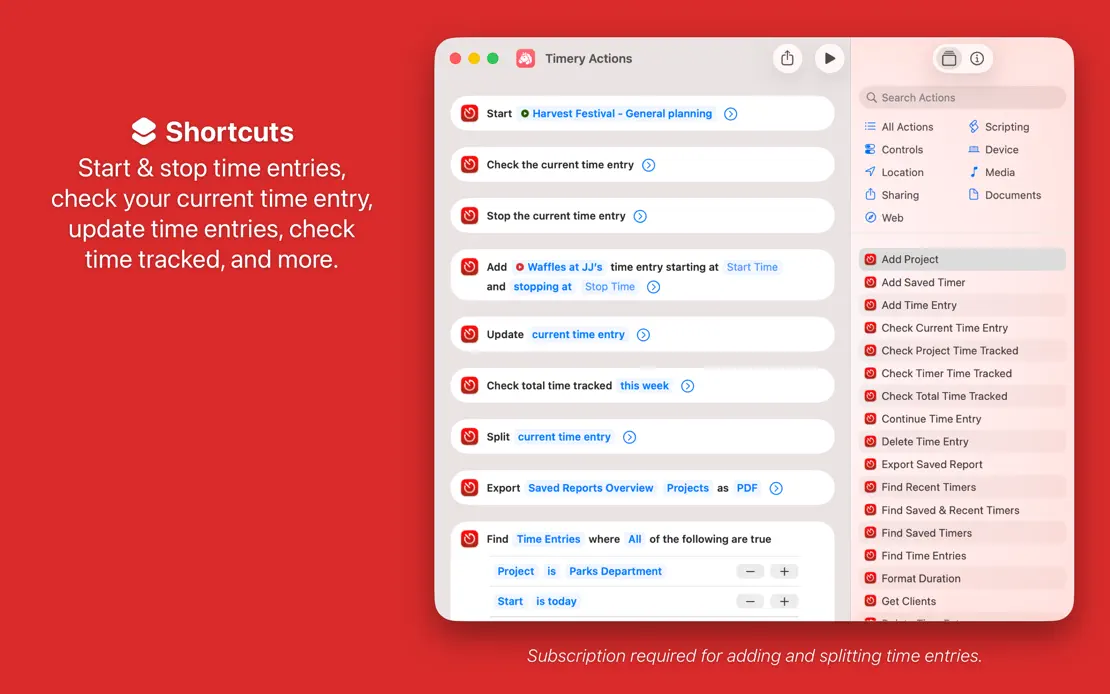
Mac App Store screenshots with a repeated layout
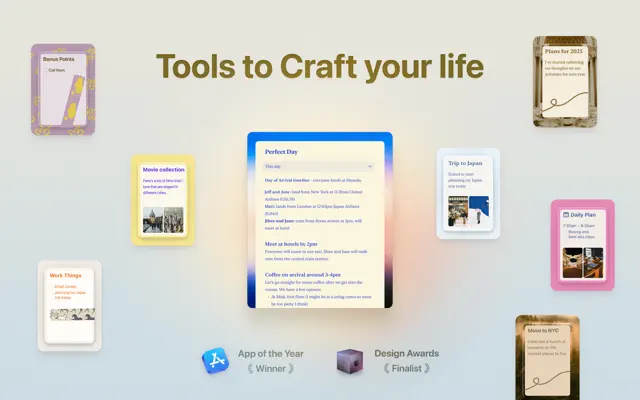
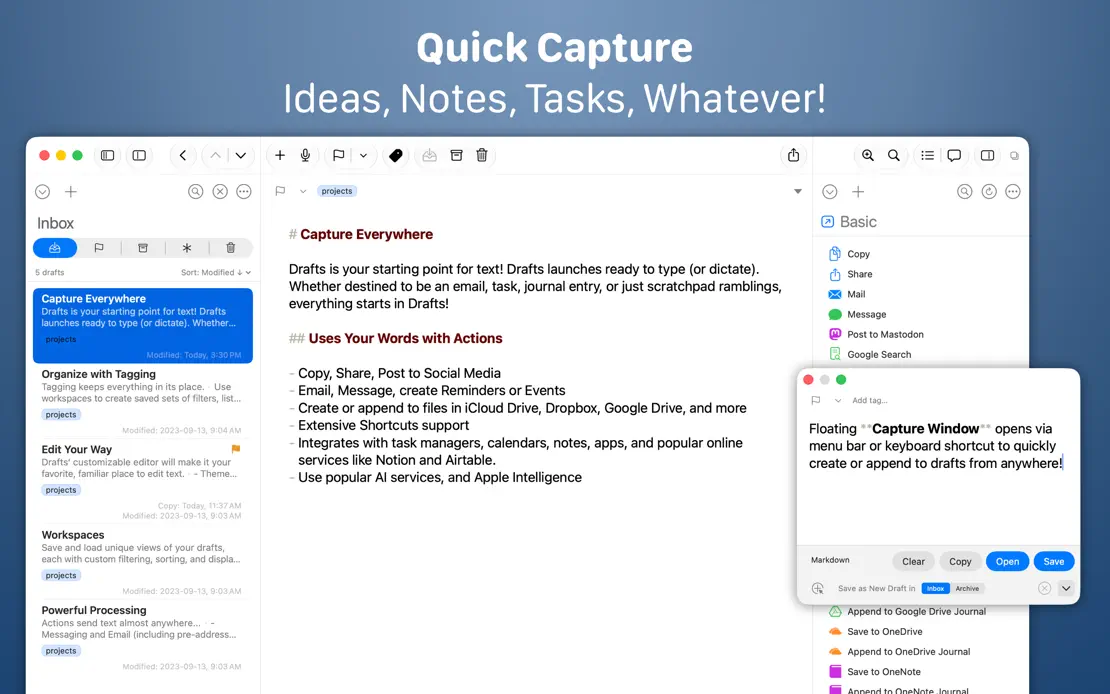
20 listings that keep one layout and let the content change, from Things 3, Craft and Sofa. Most are productivity, utilities and lifestyle apps.


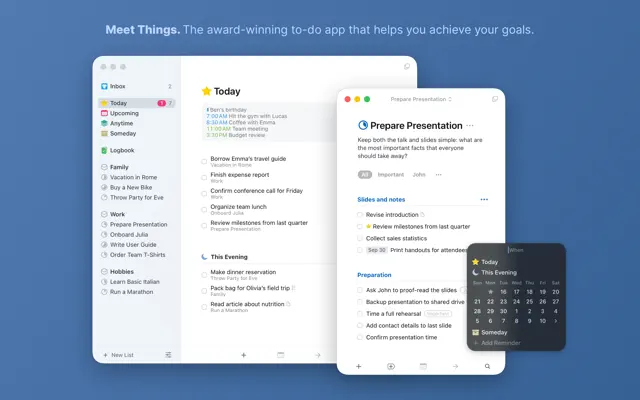


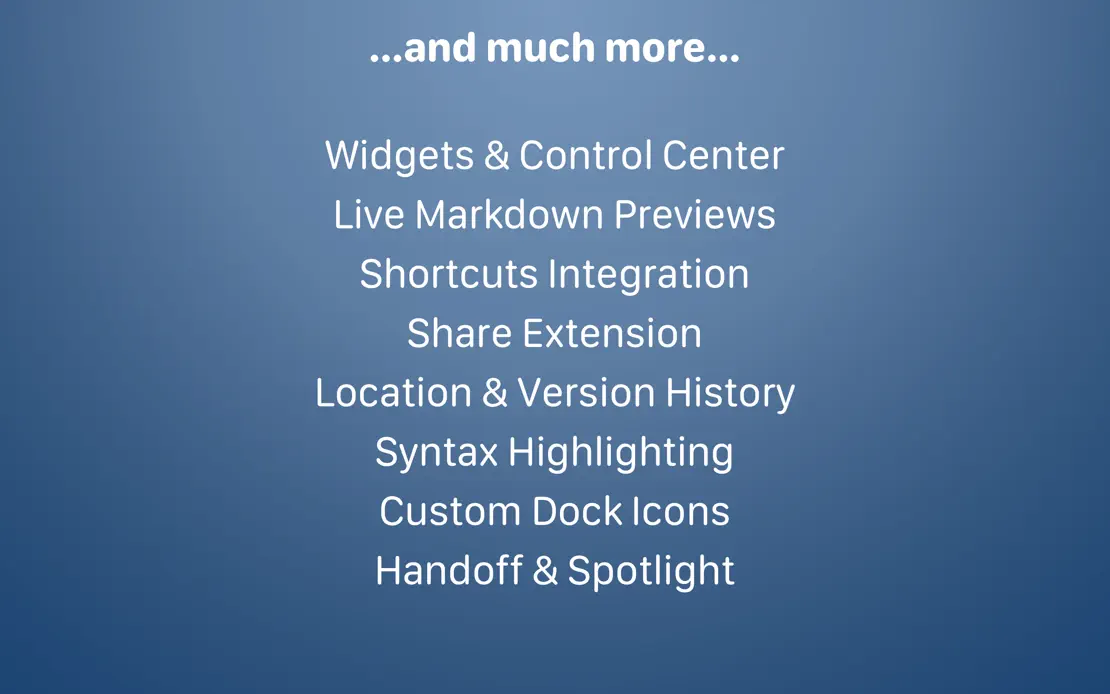
Two-line white headlines crown full-width editor windows on a navy gradient, moving to Mac, iPad, iPhone and Watch before a centered text-only feature list.
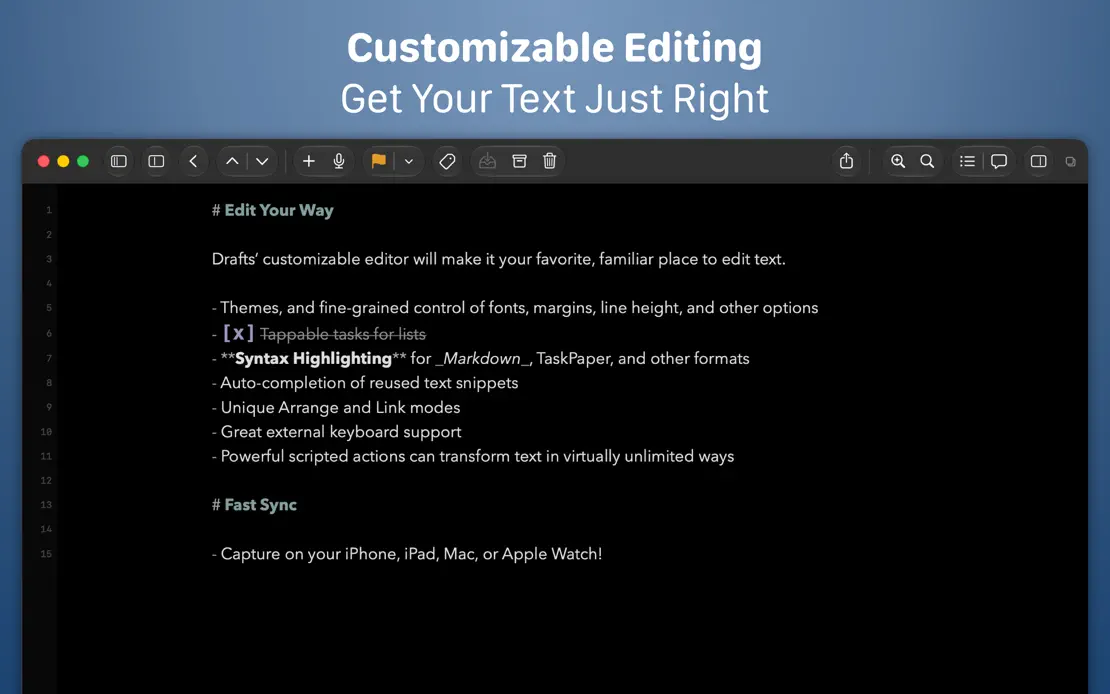
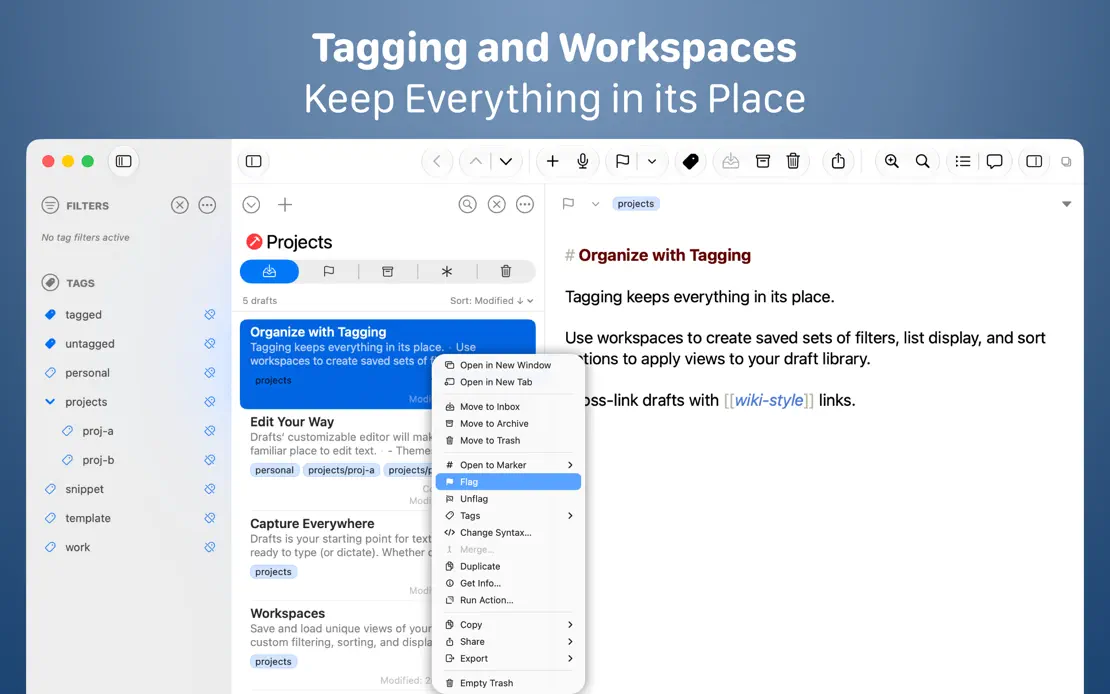

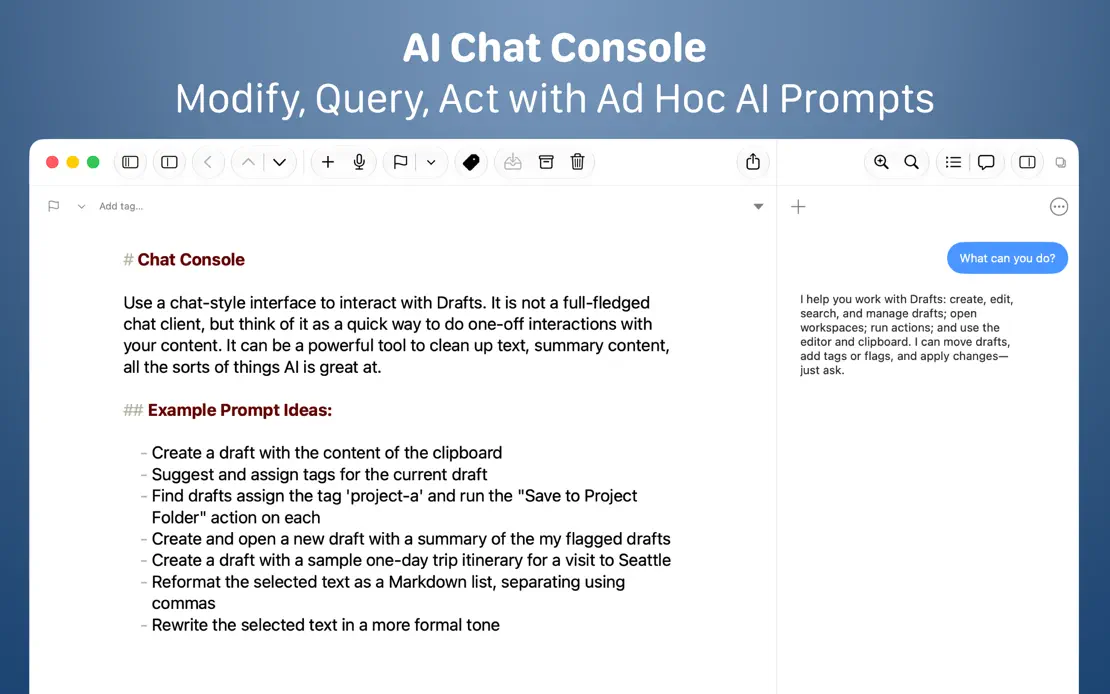
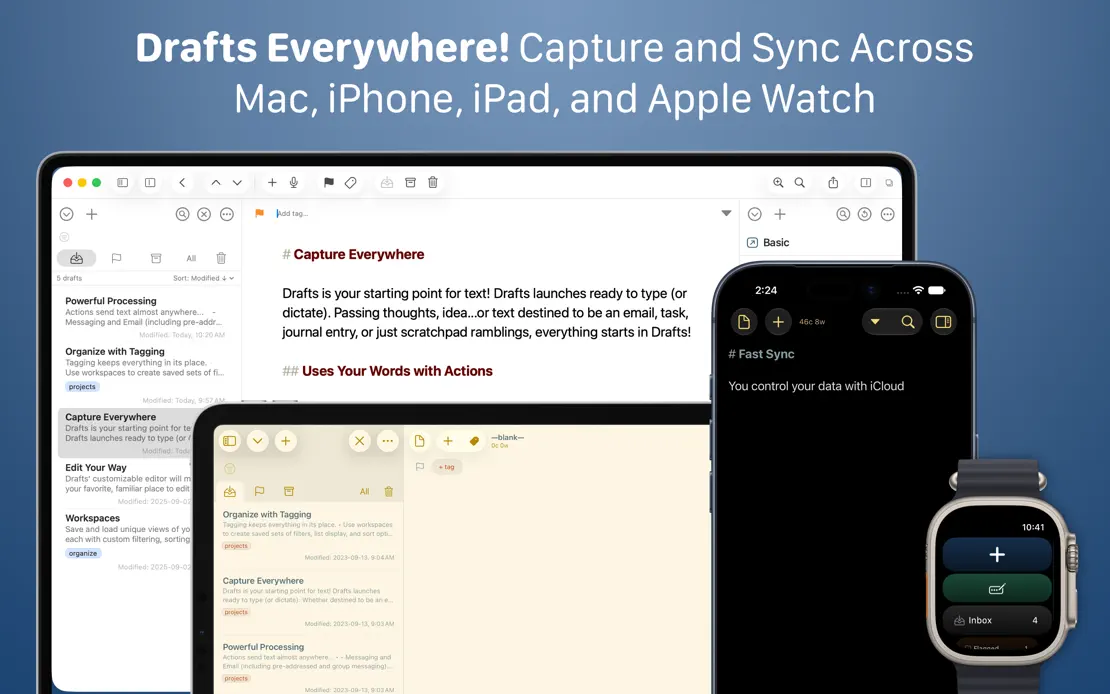

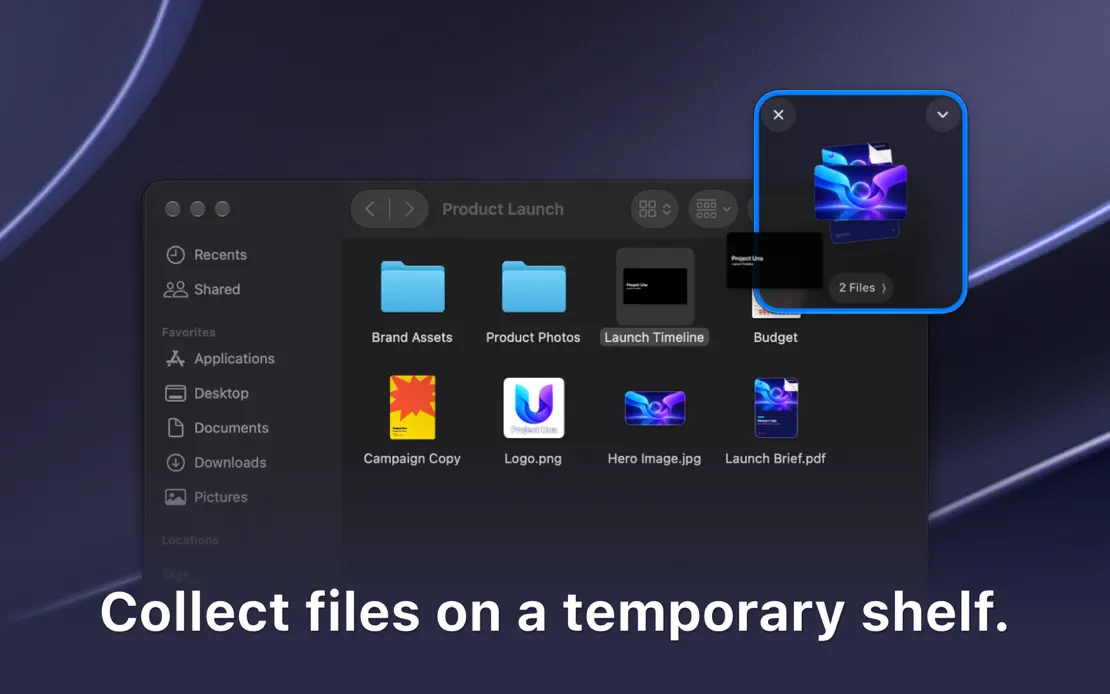
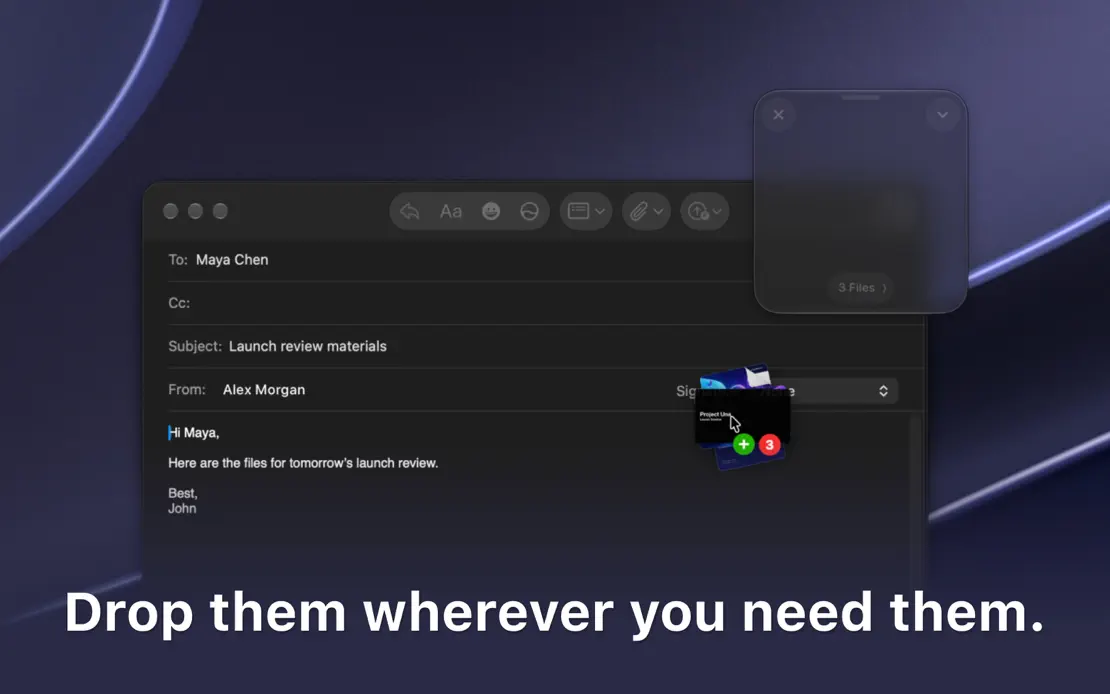
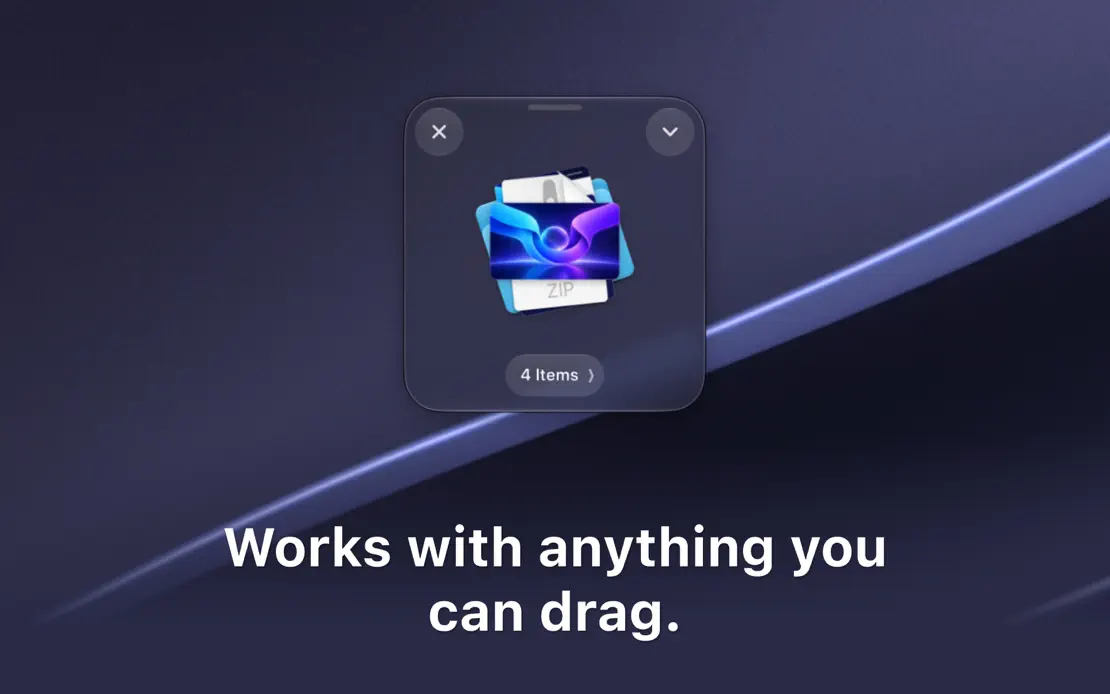
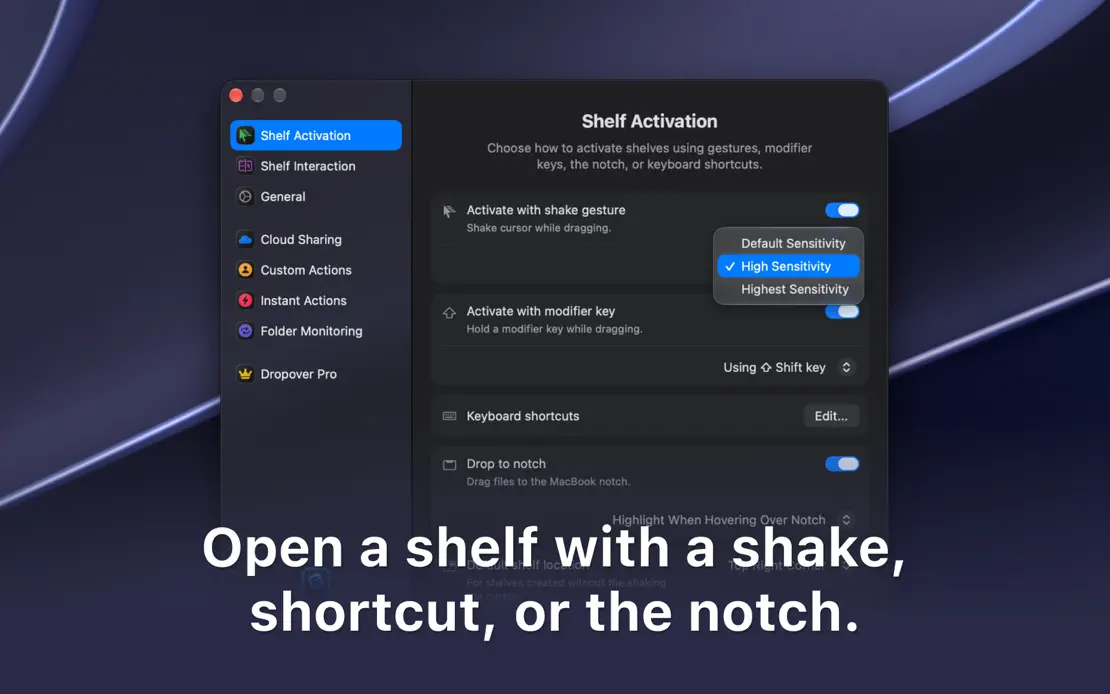
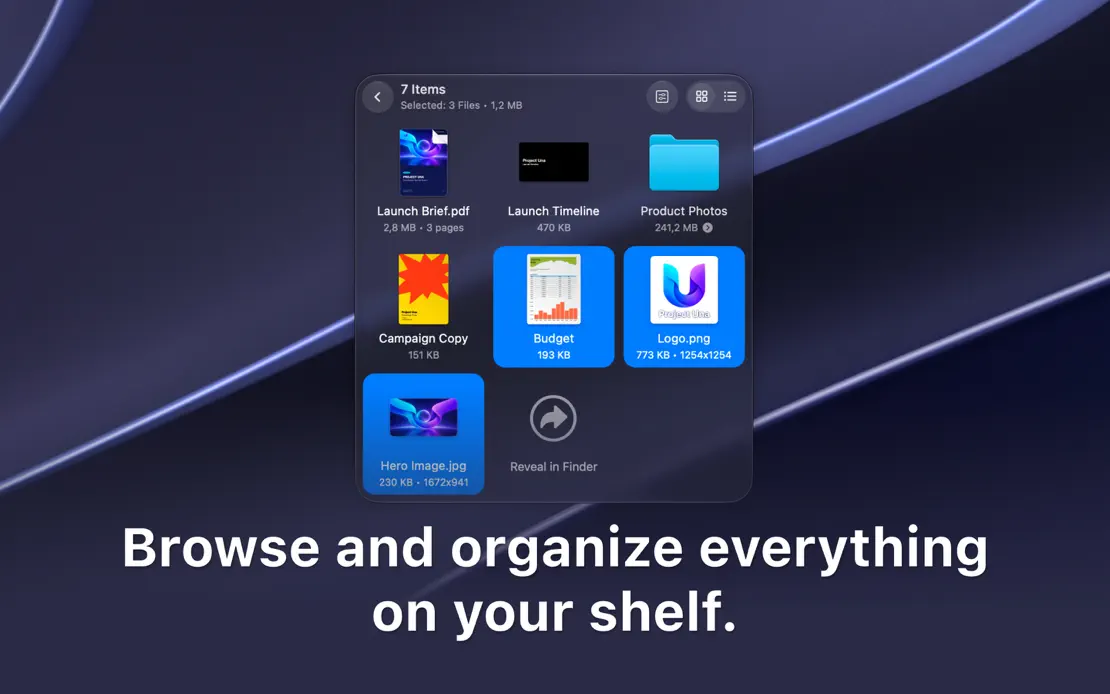
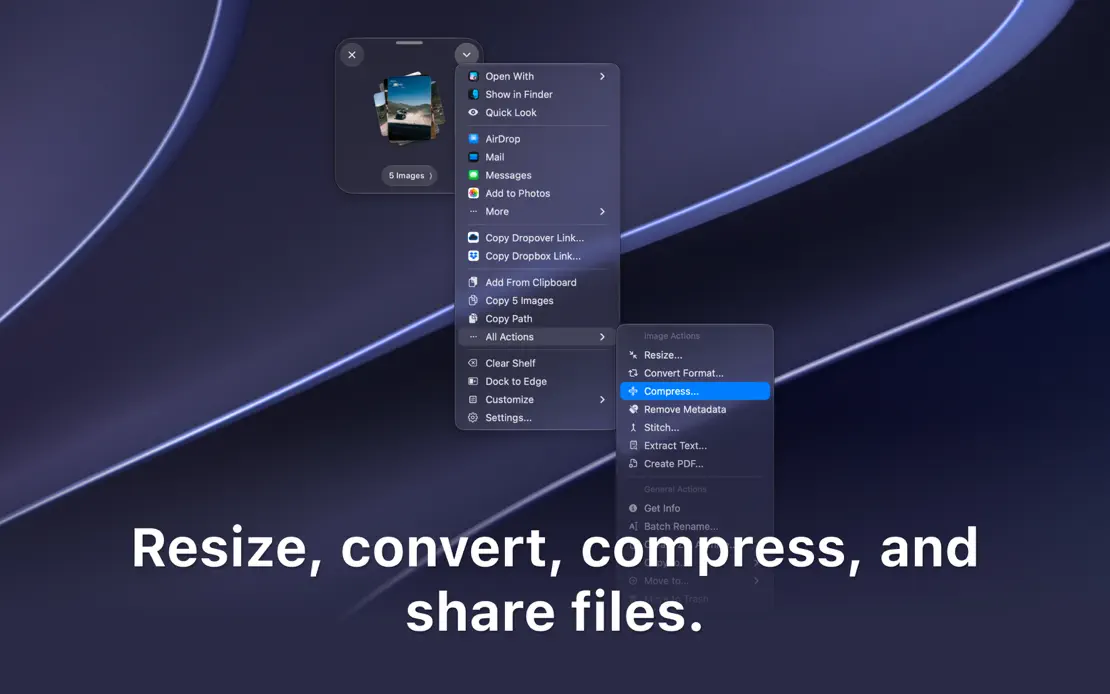
Cropped dark windows and floating shelves drift over the same purple-gray macOS wallpaper, each paired with a centered bottom caption.



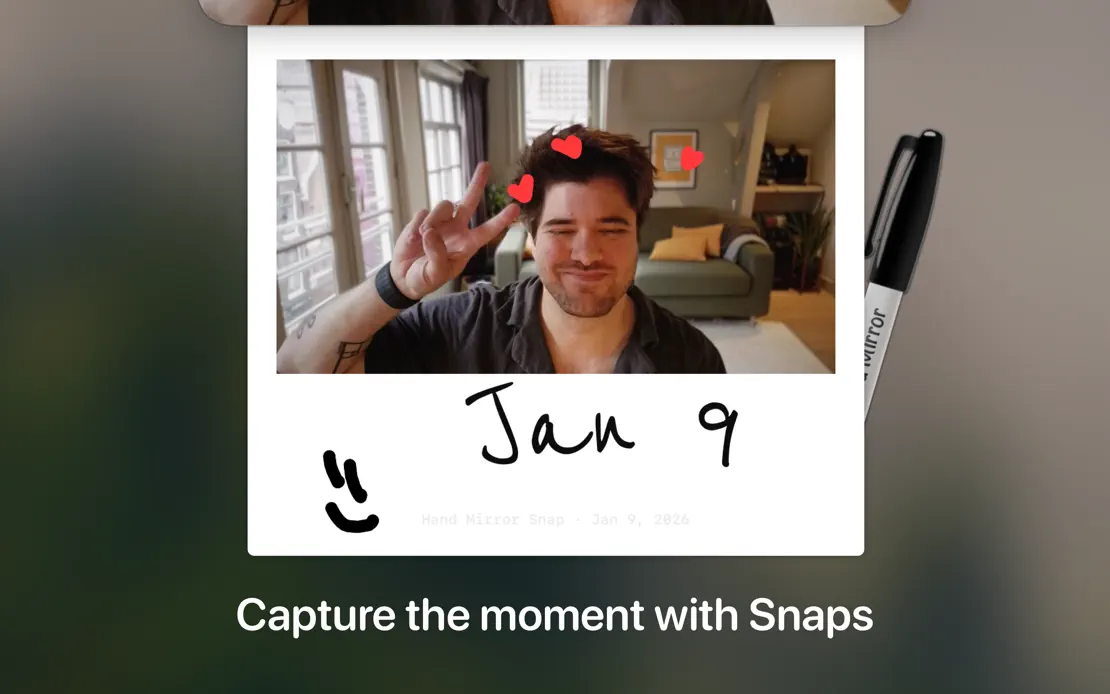
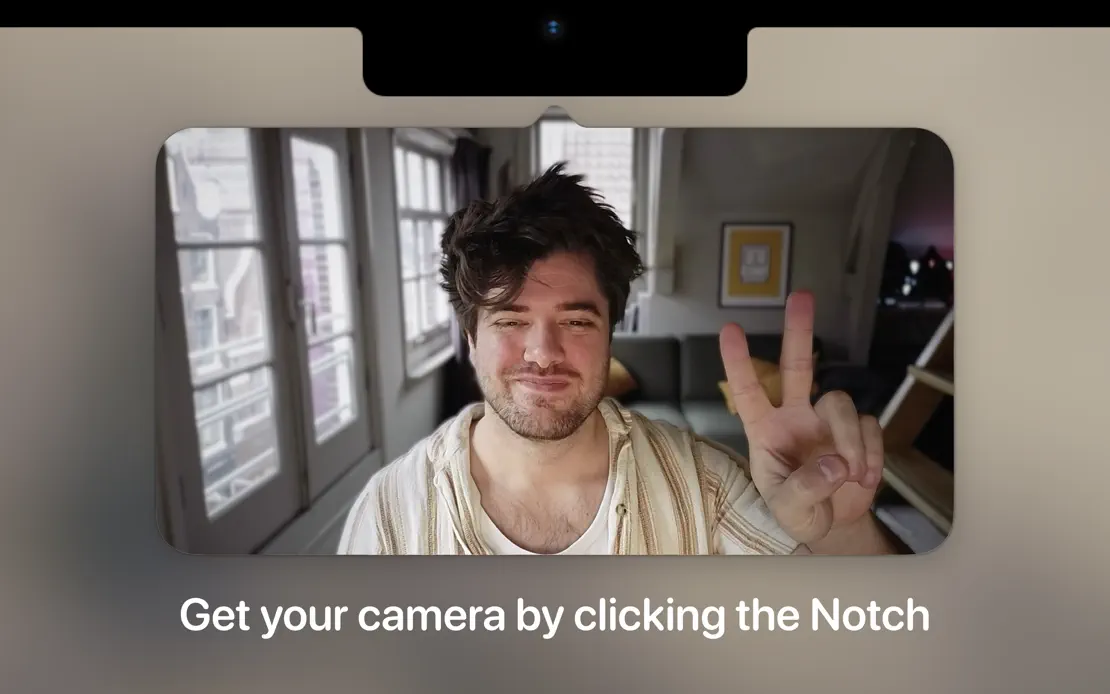
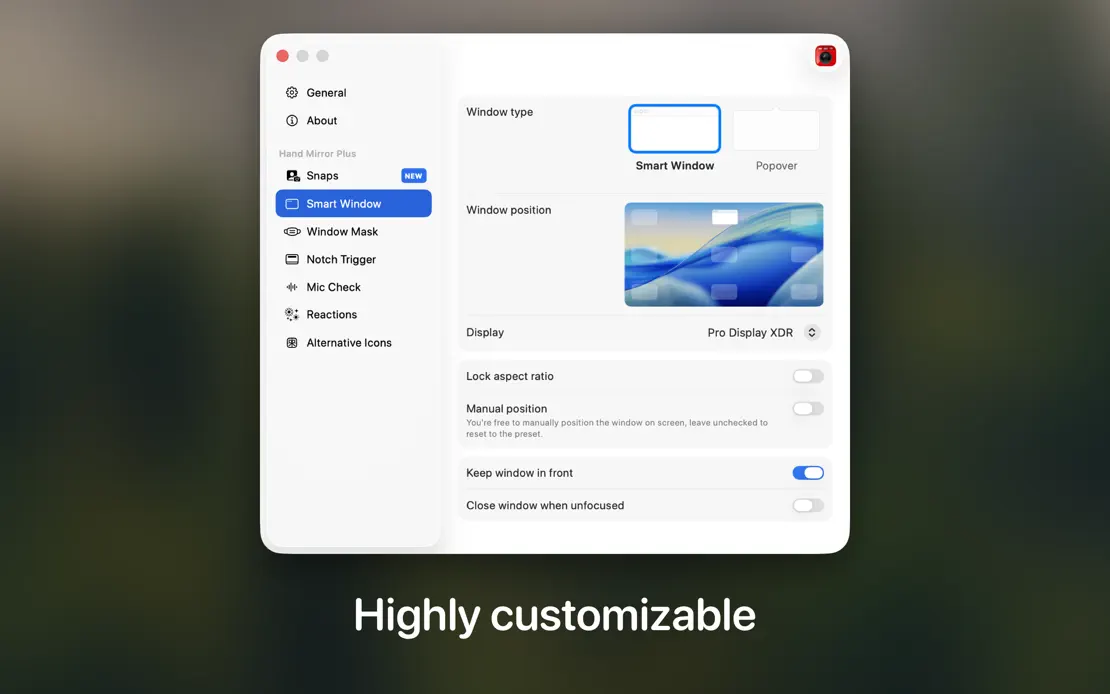
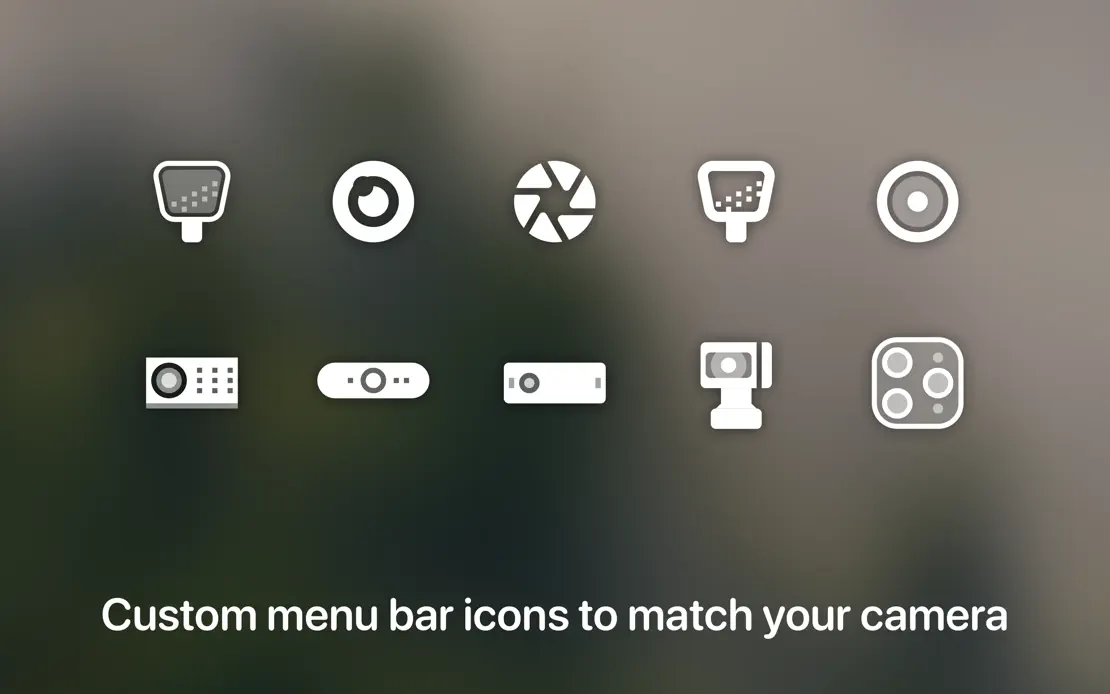
Blurred dark room photography backs cropped camera previews, a notch detail and a menu bar, each captioned with one short line at the bottom.




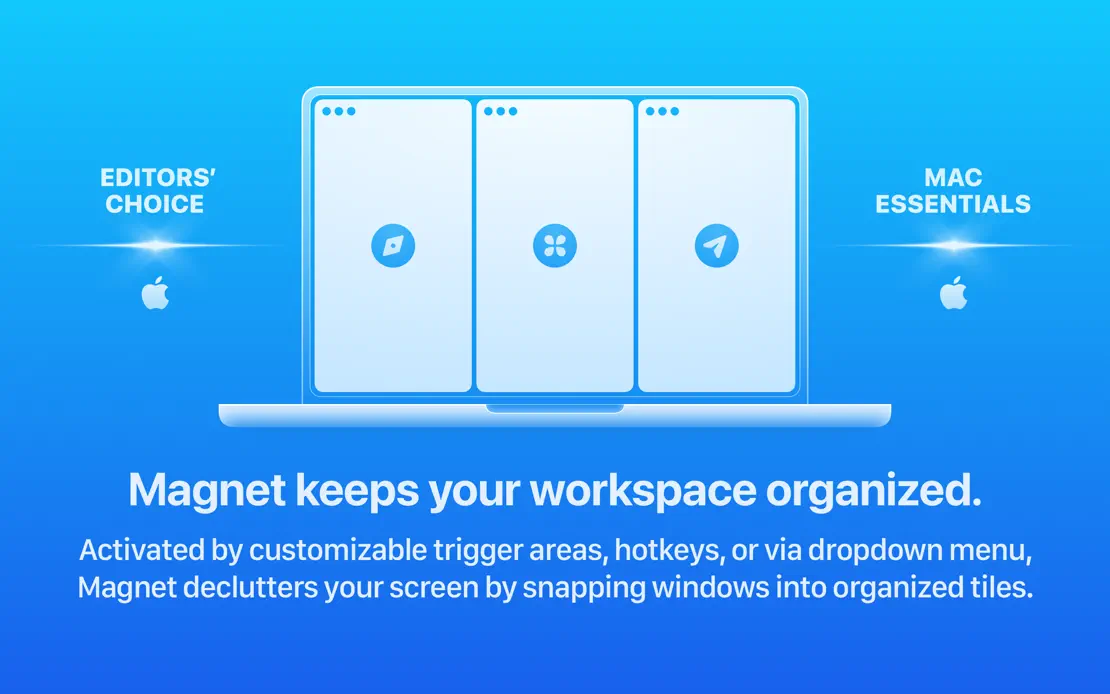
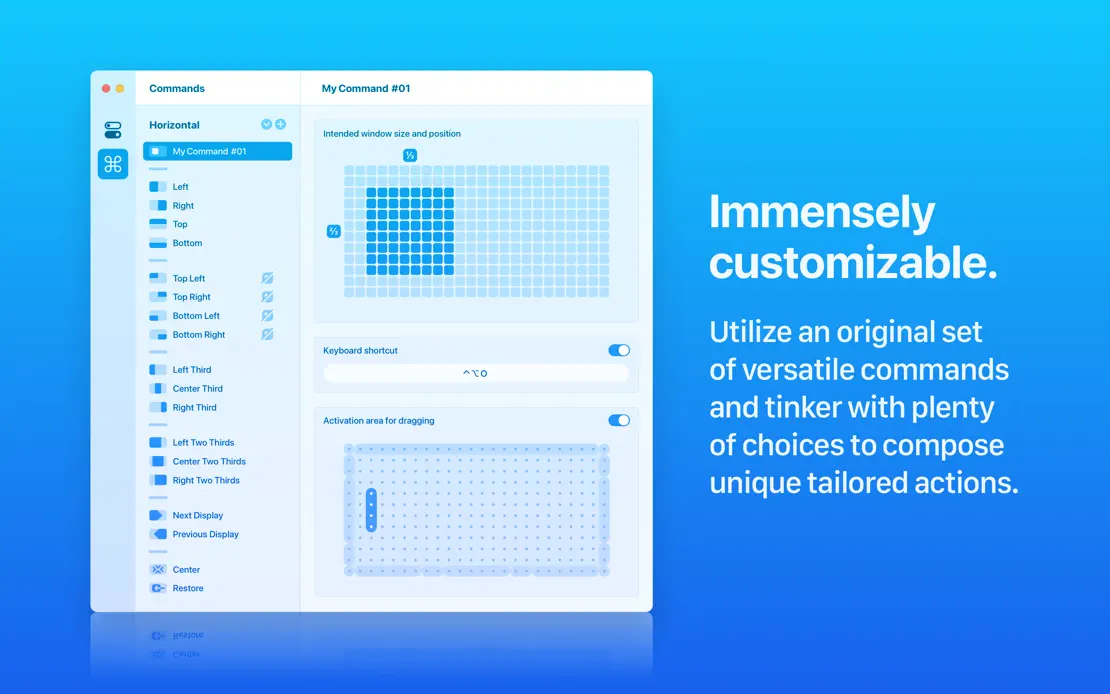
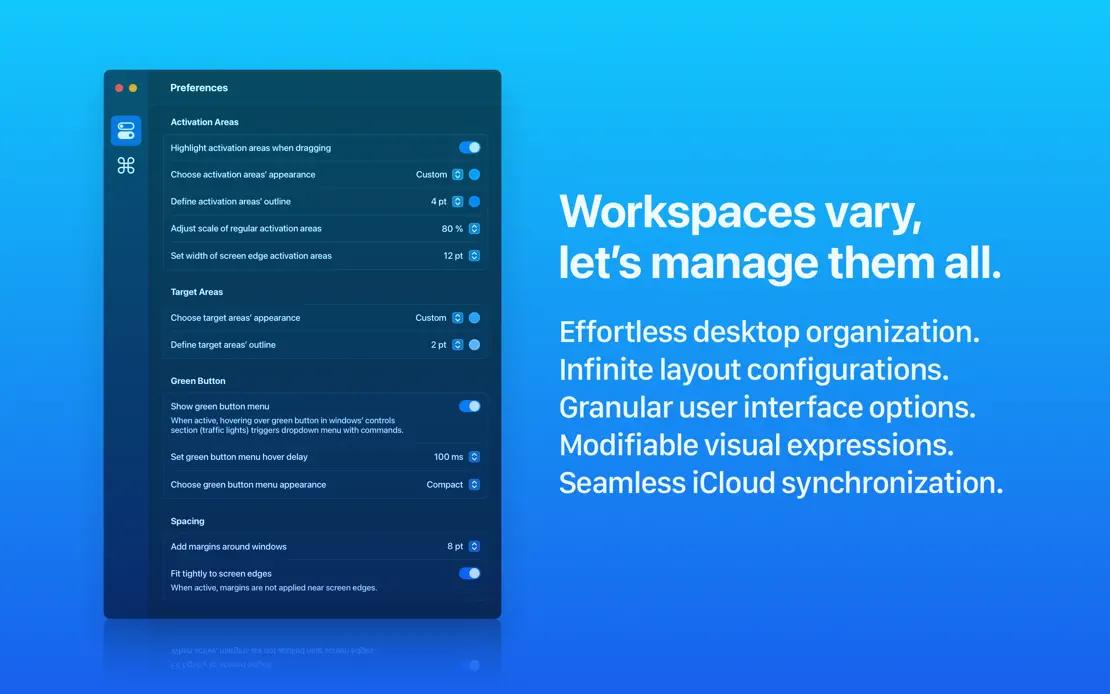
A bright blue gradient runs across three wide frames, pairing large white headlines with a window-tiling illustration and preference panels.

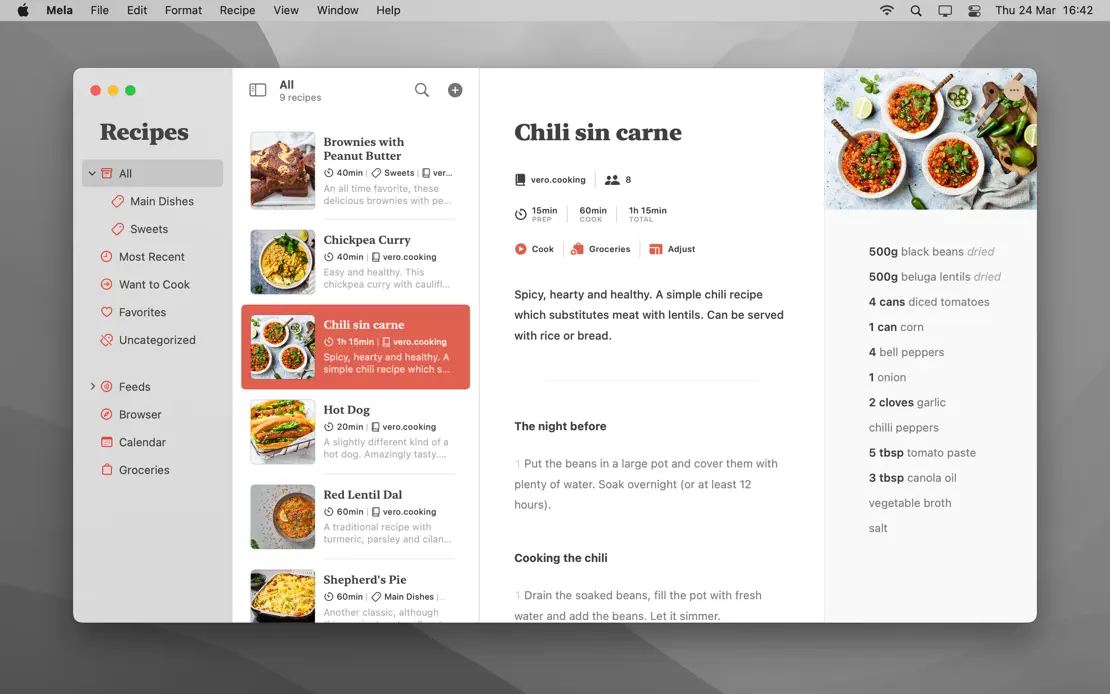
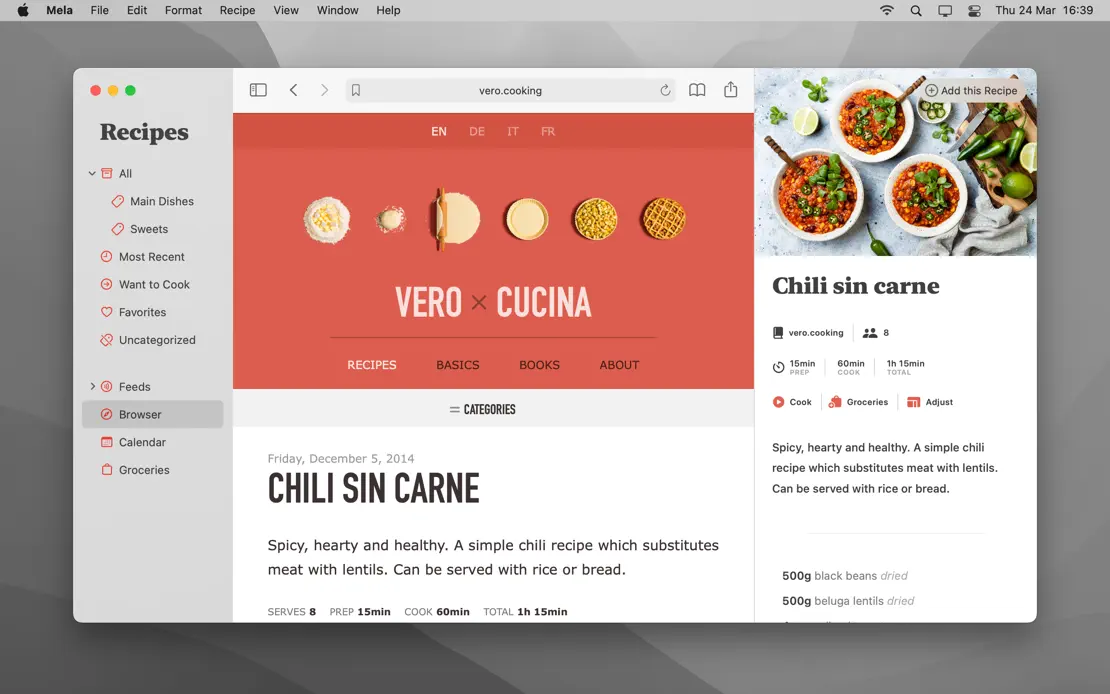
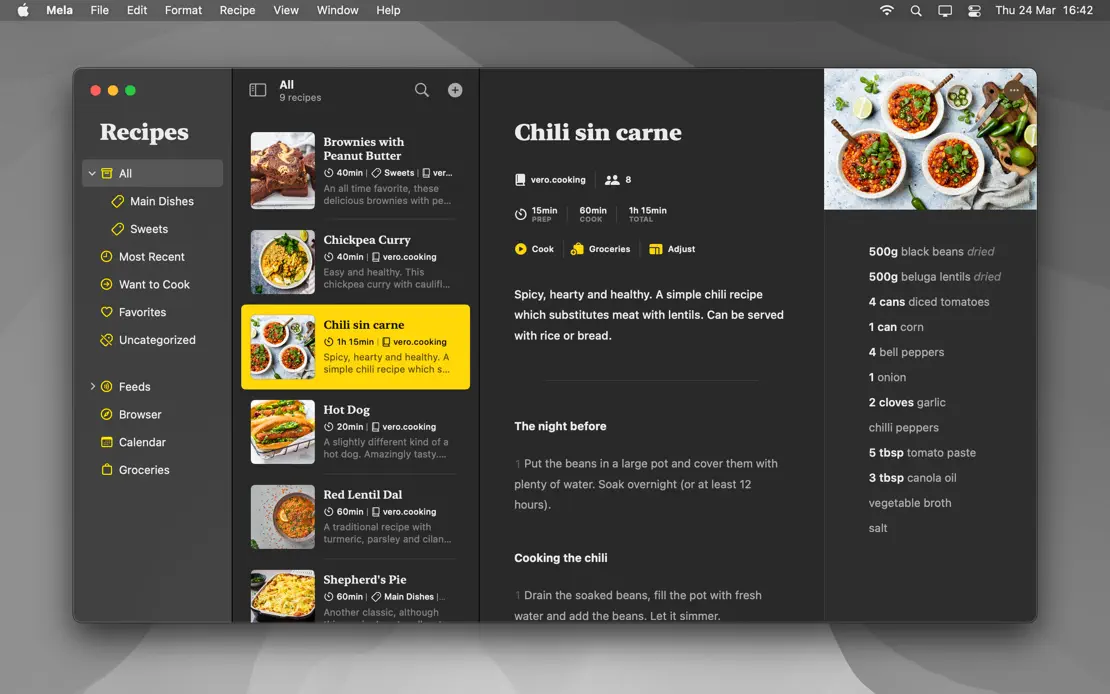
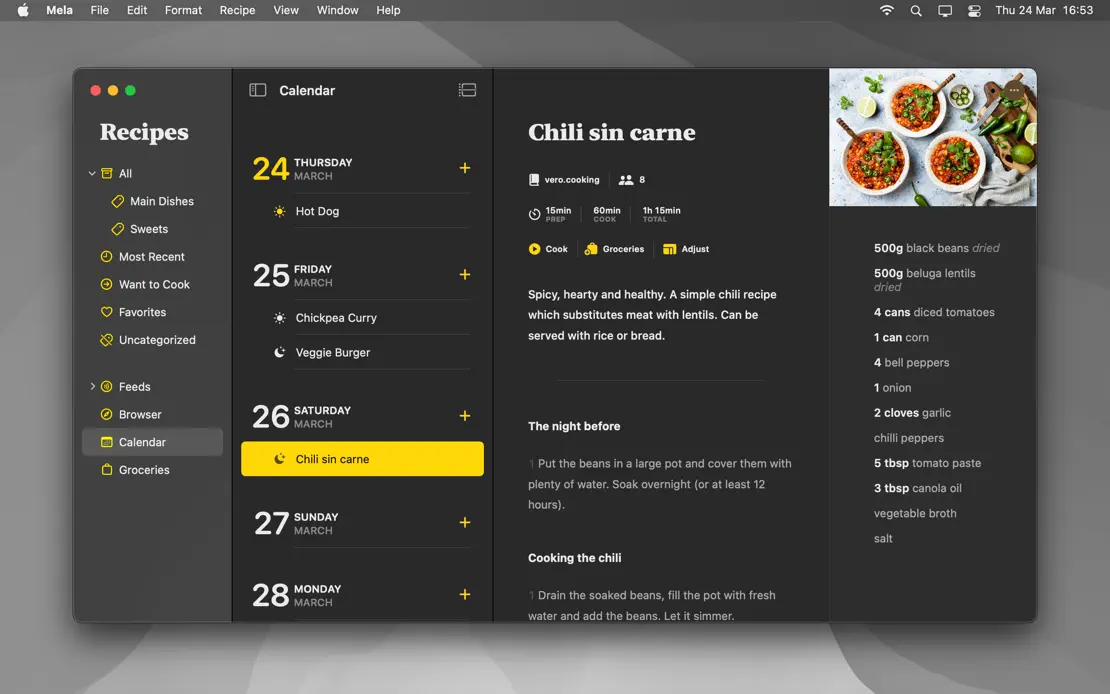
Headline-free full-screen captures on a gray wallpaper, menu bar included, repeat the same chili recipe in light mode, then Dark Mode with yellow accents.





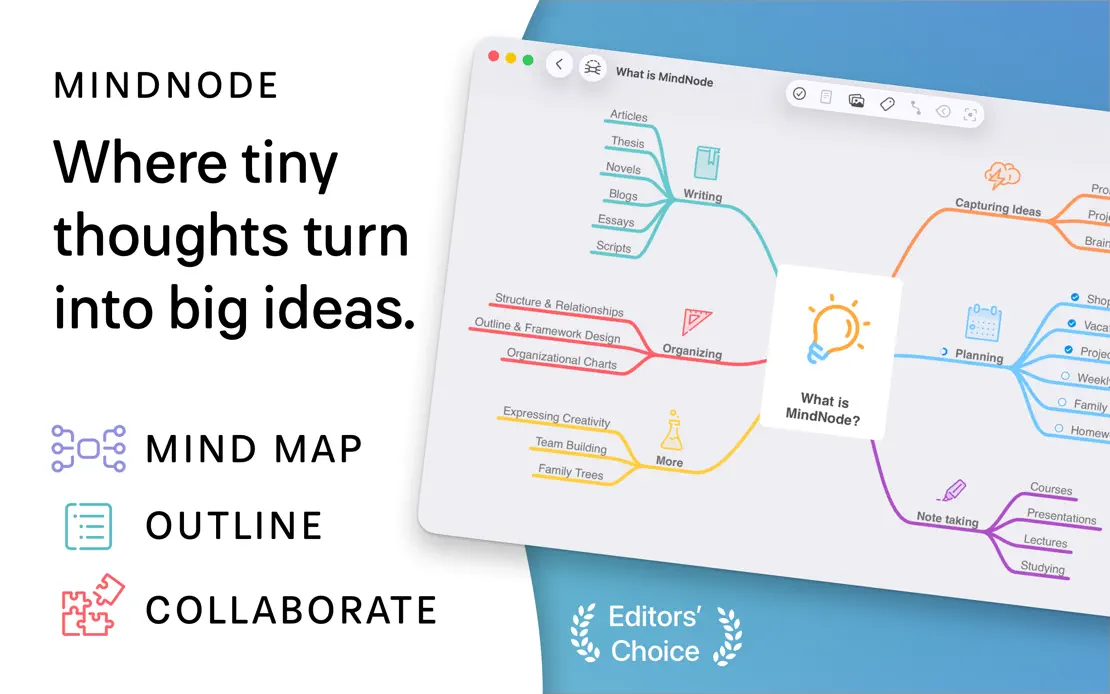
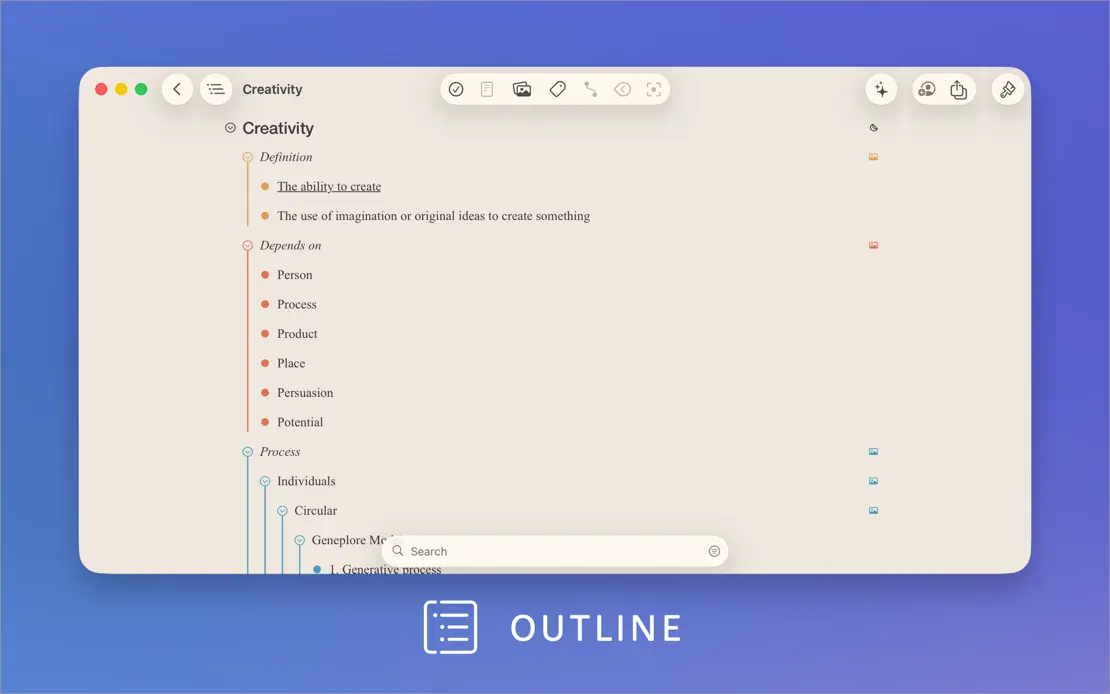
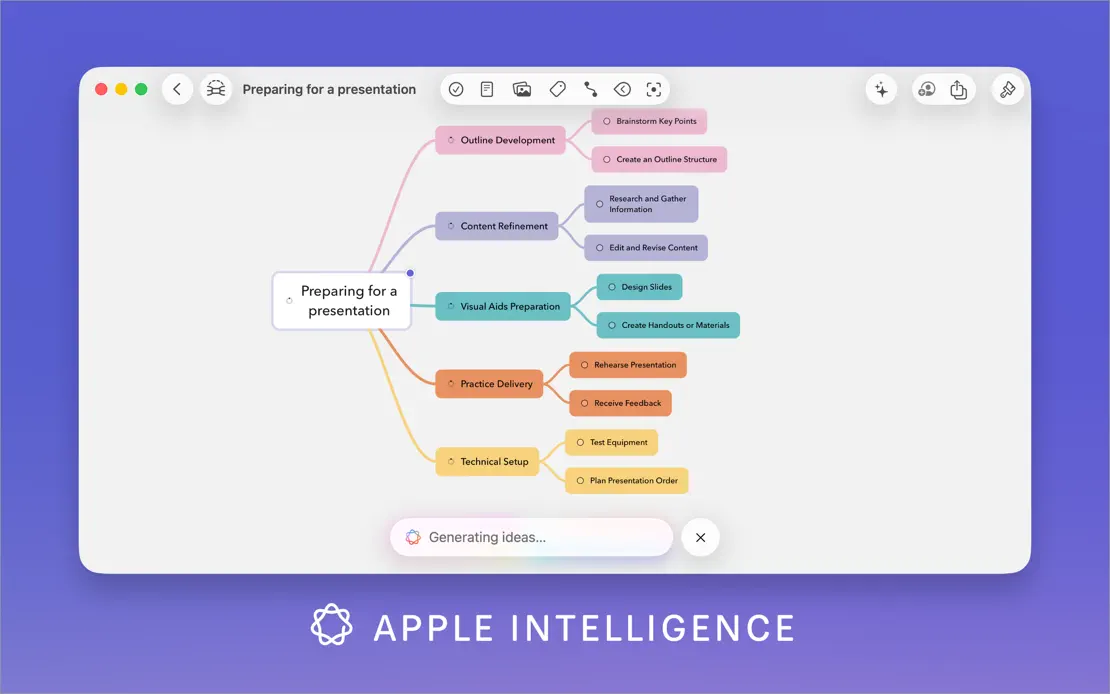
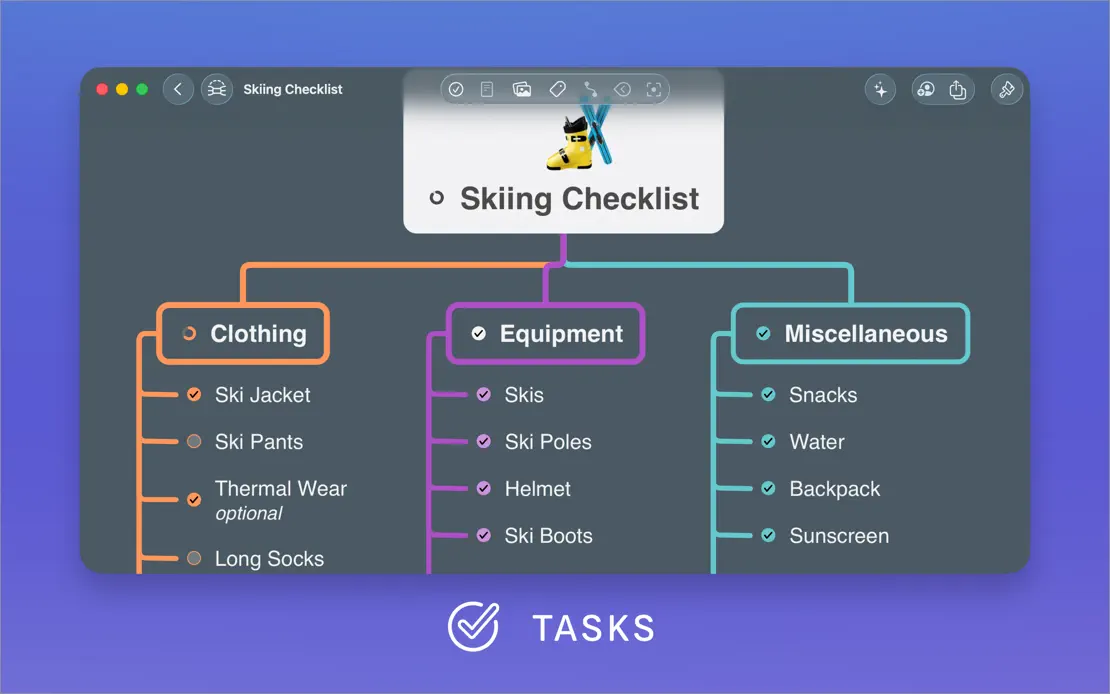
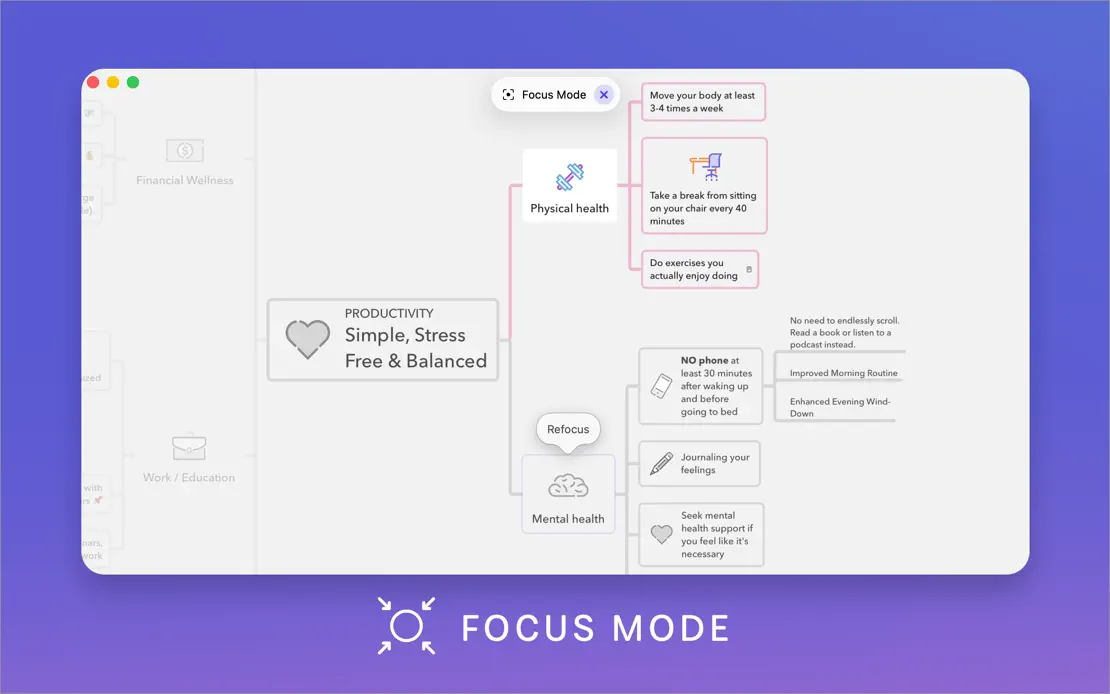
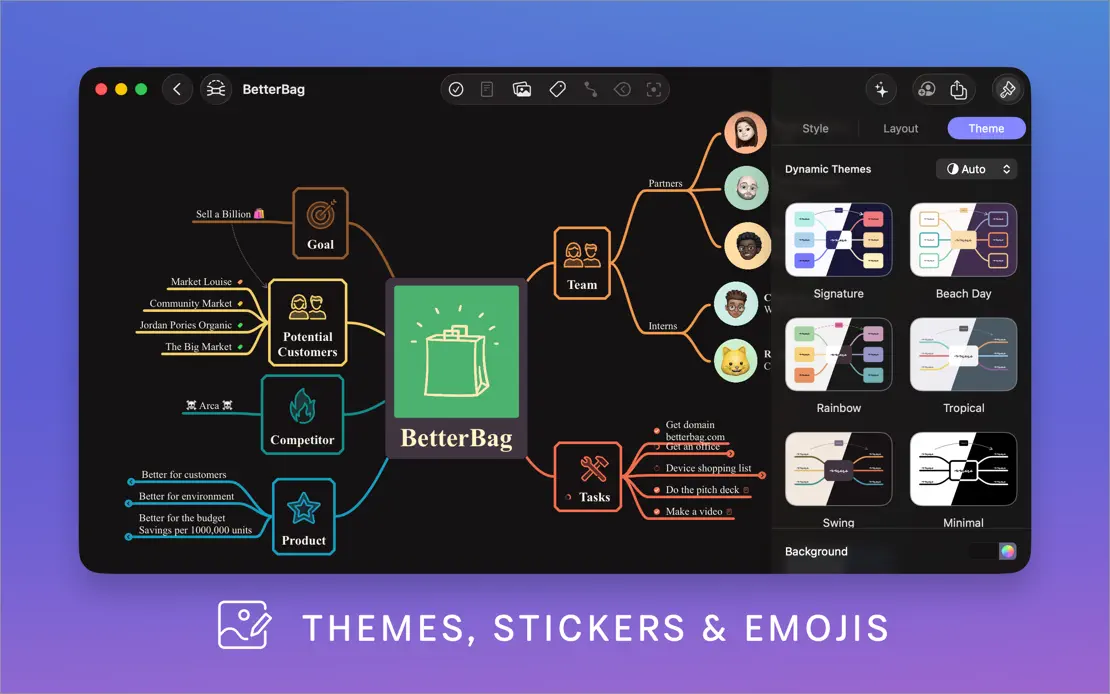
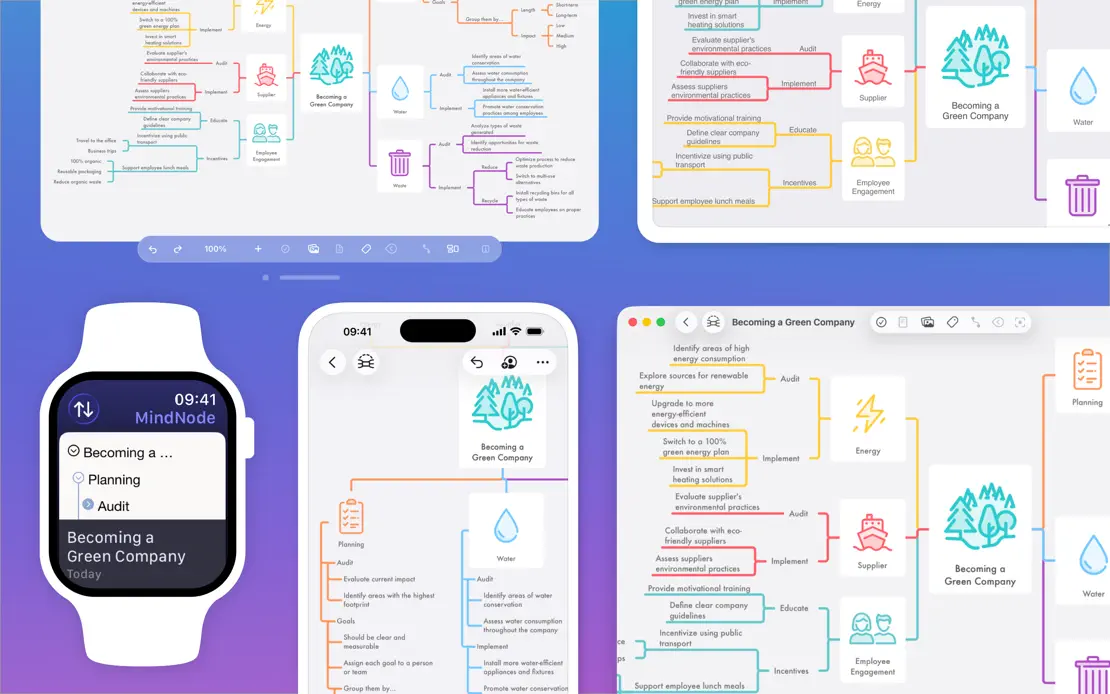
A white intro panel with a feature list gives way to large map windows on a blue-to-violet gradient, each labeled by an icon caption.




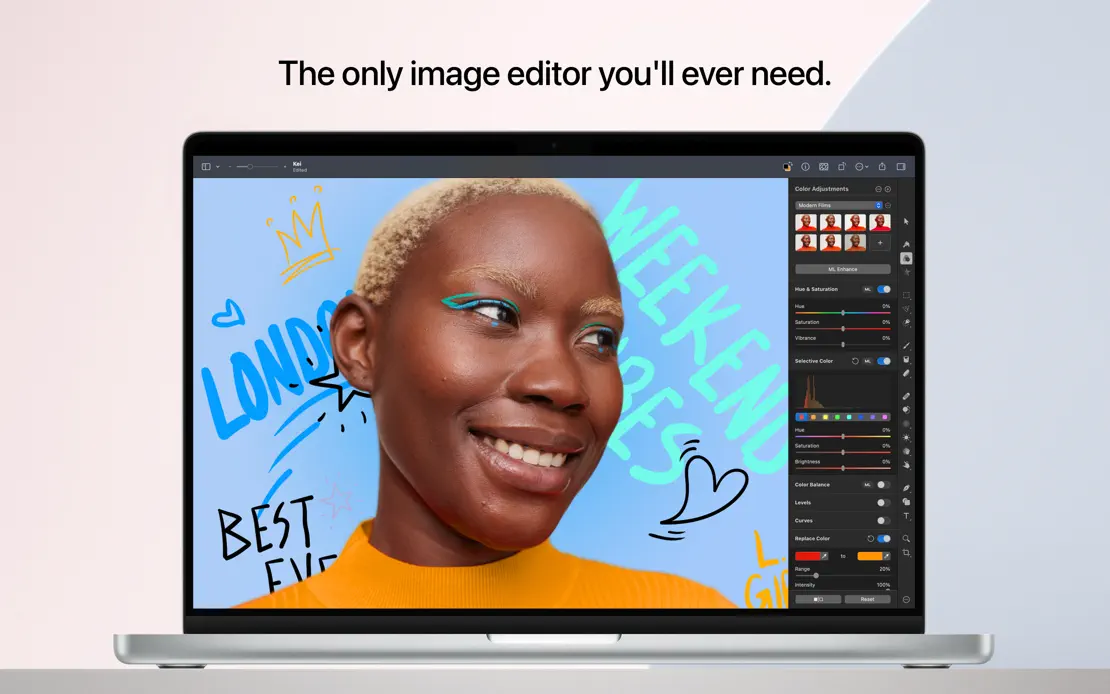
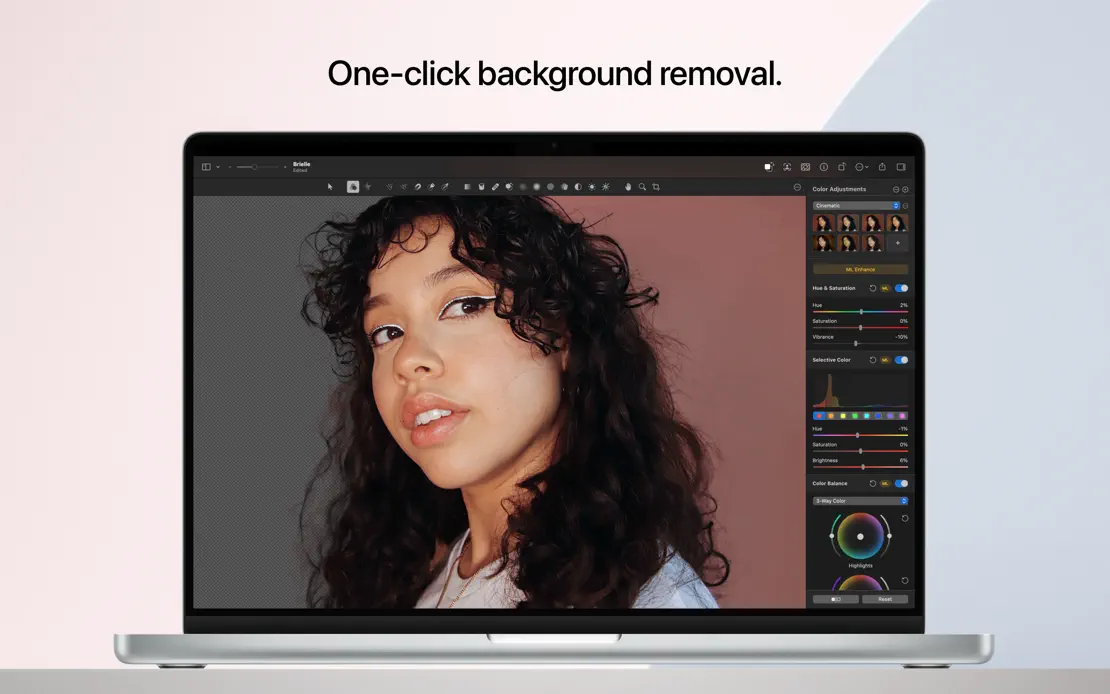
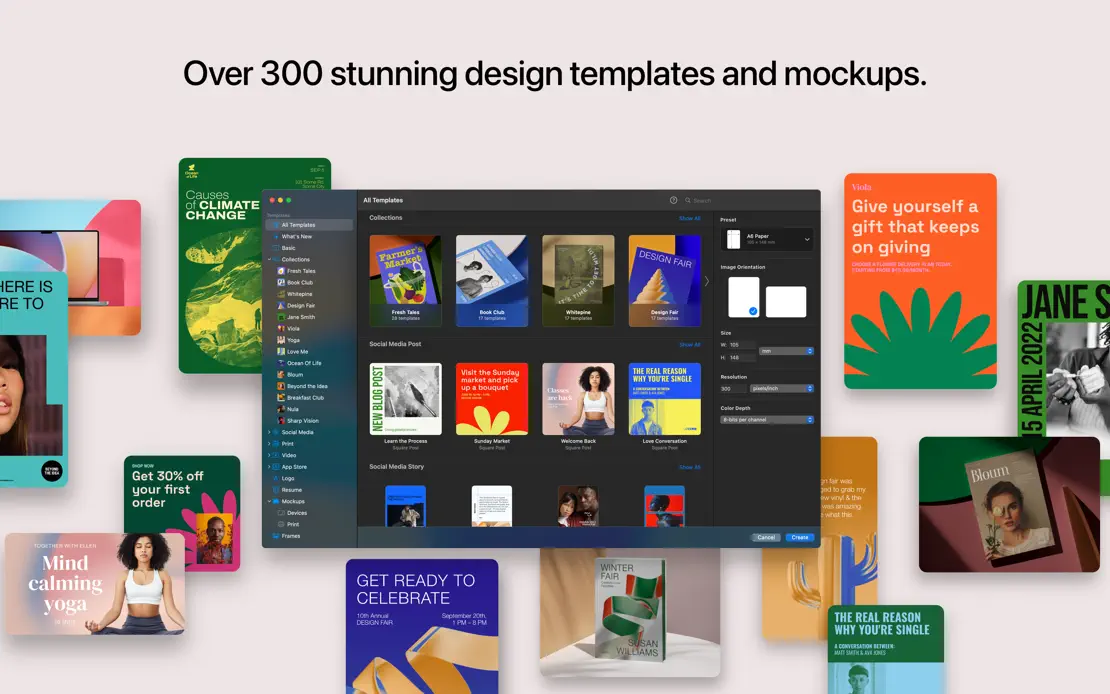
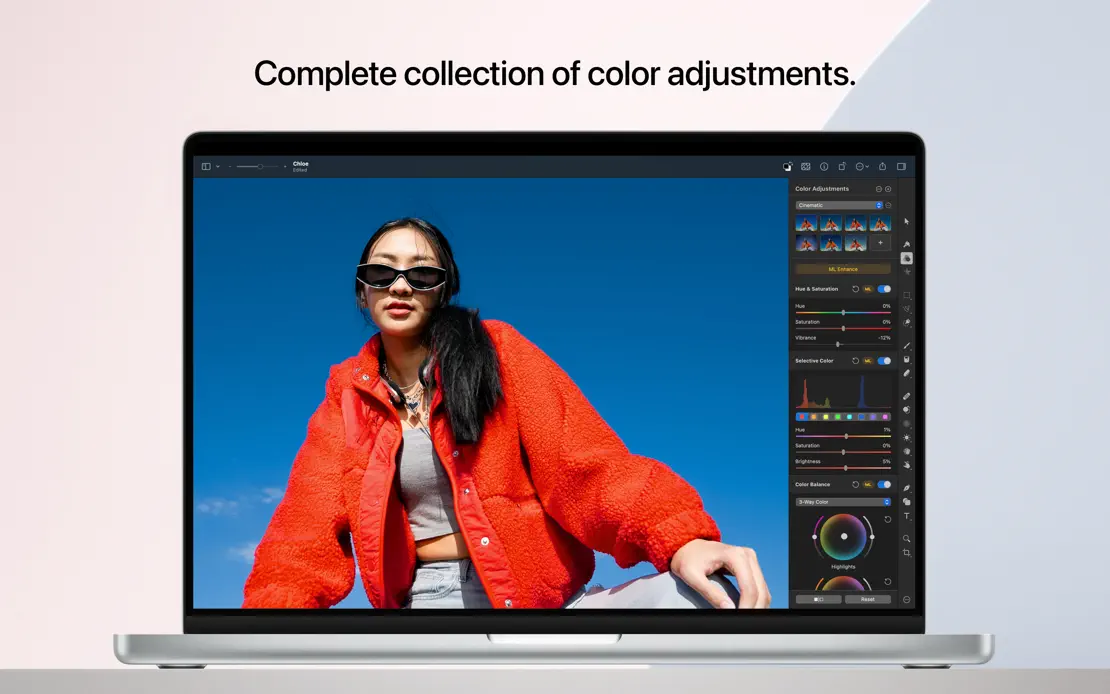
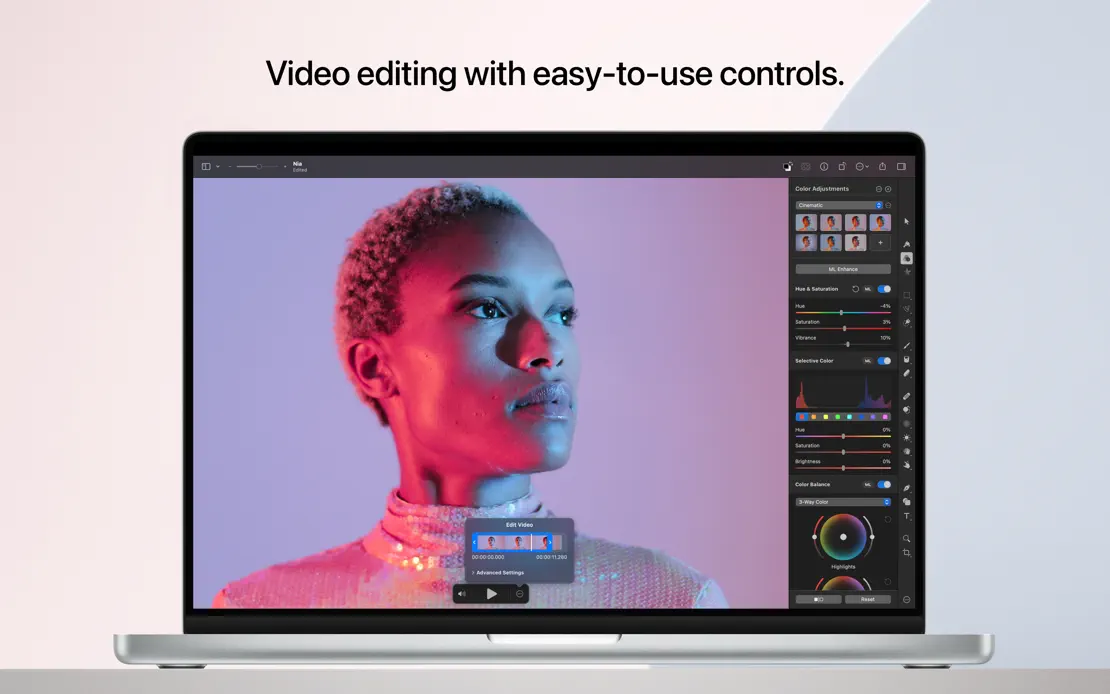
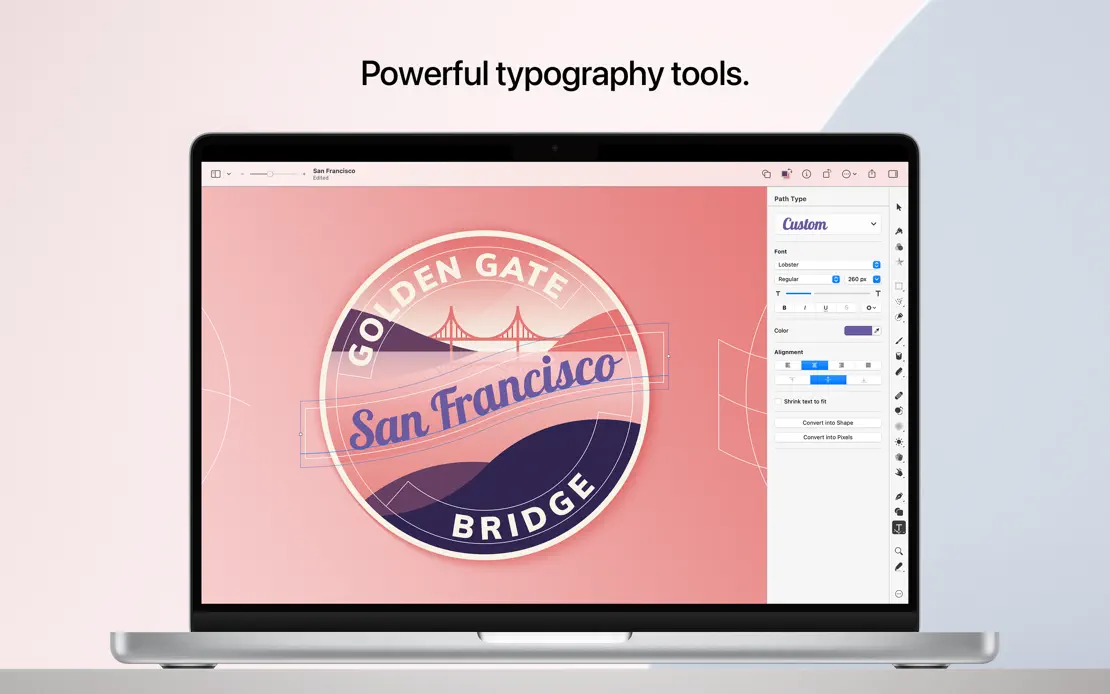
A front-facing MacBook repeats under short centered headlines on a pale pink backdrop, broken once by scattered templates and closed by an icon grid.




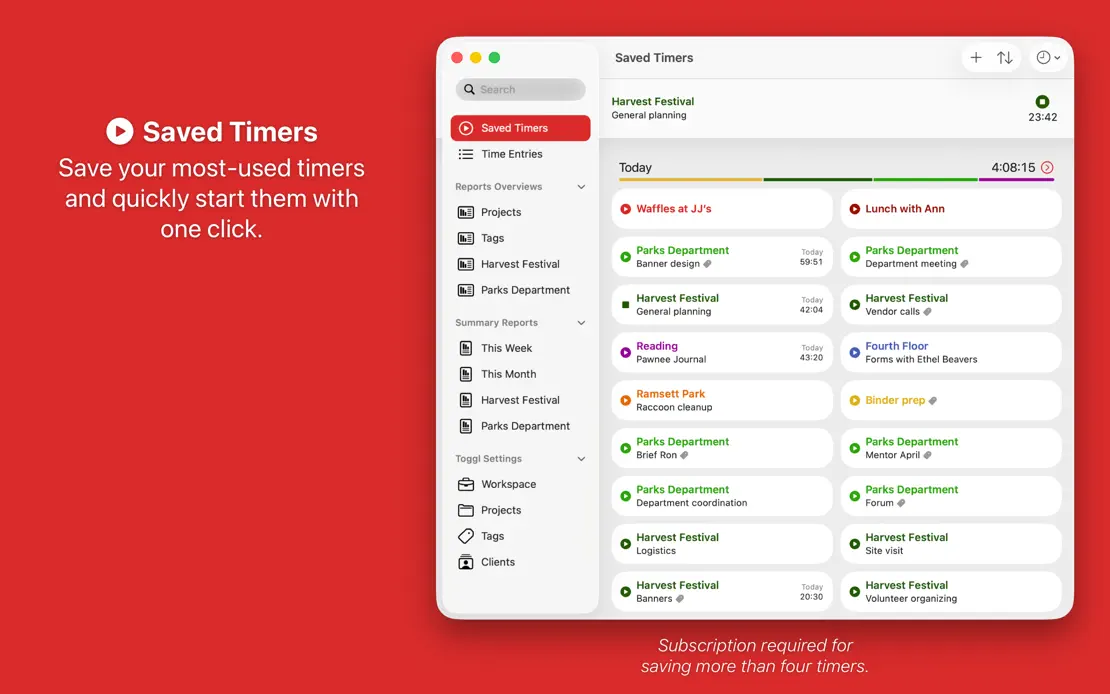
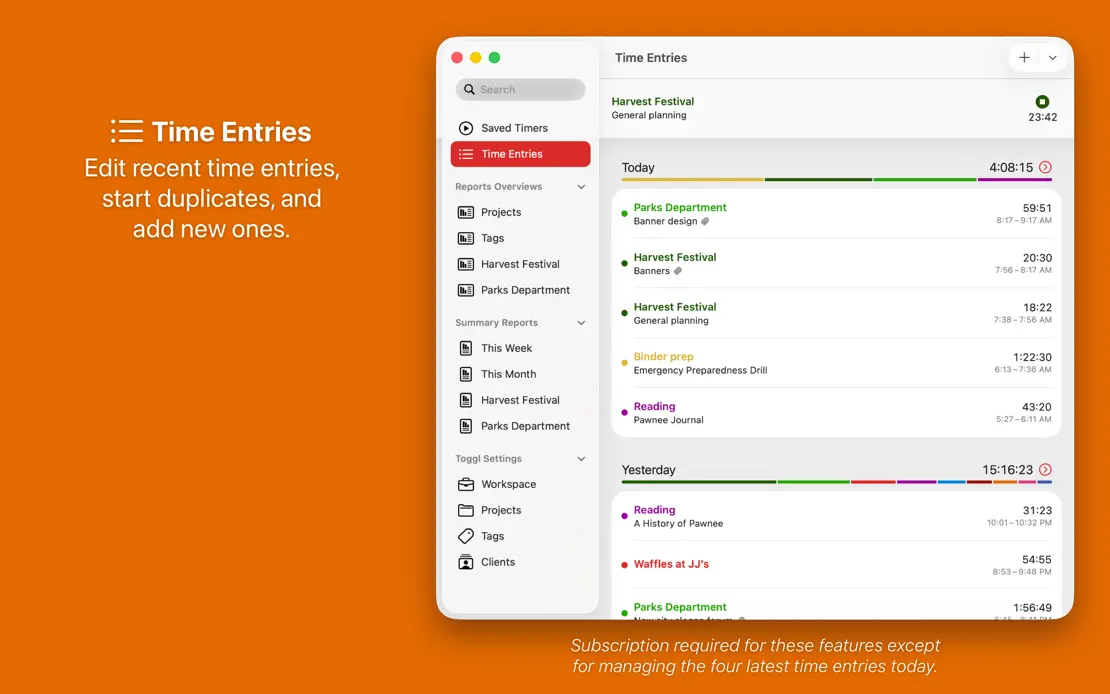
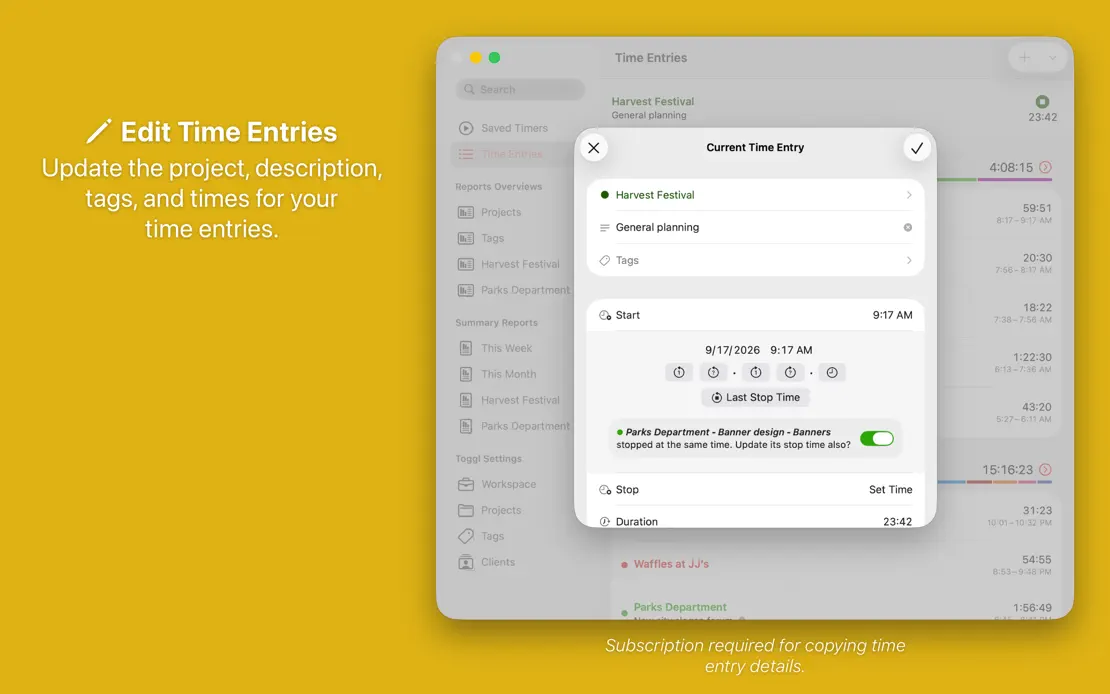
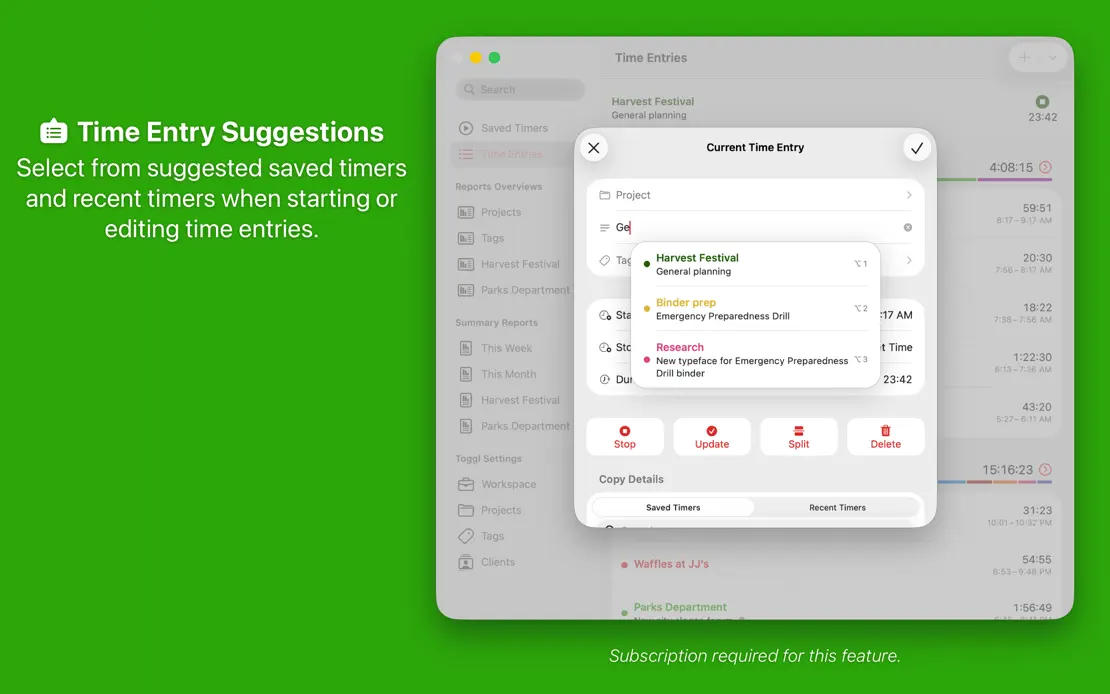
Every frame repeats a centered caption and window on a new saturated color, cycling from red through the spectrum and back to red.