
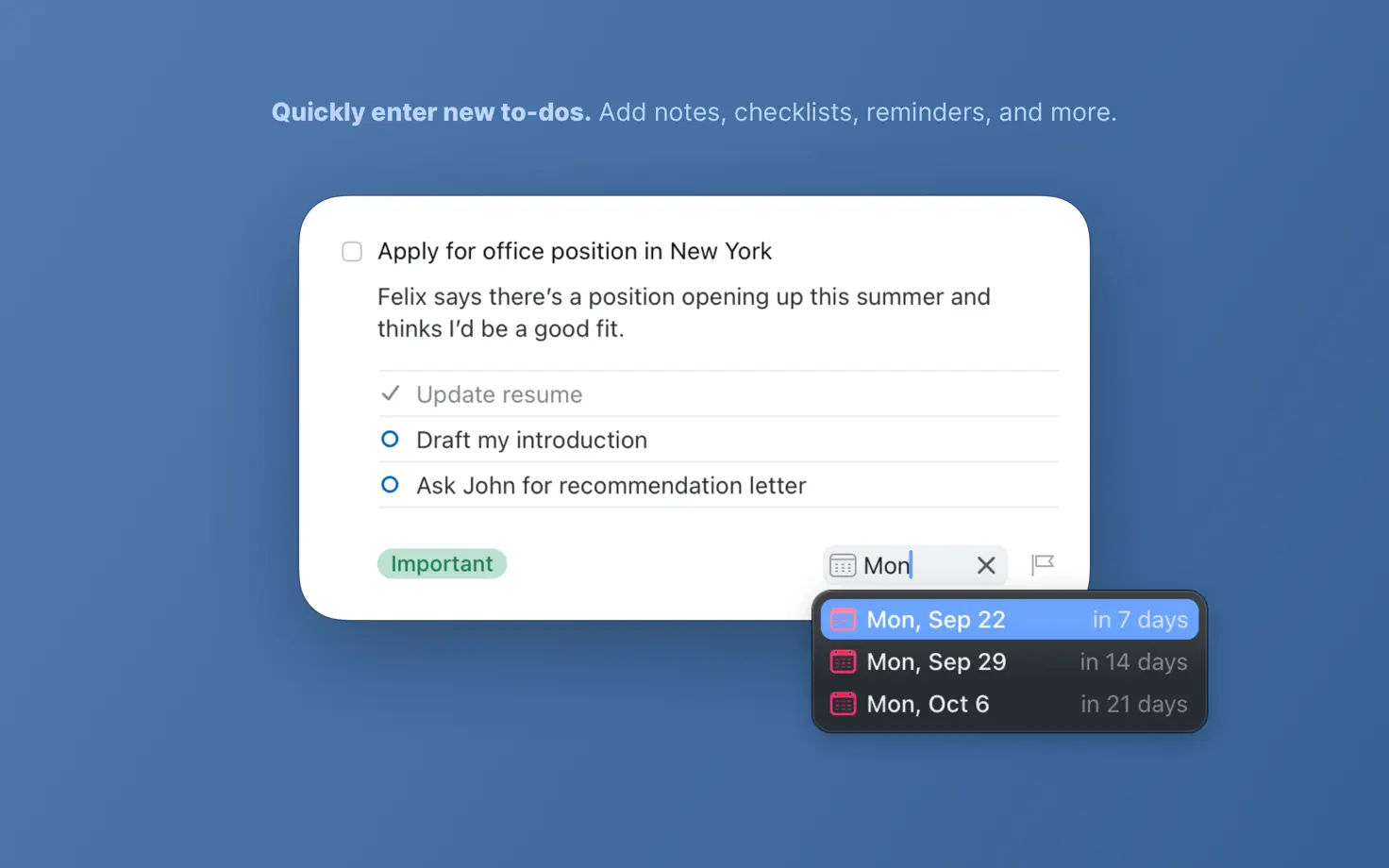
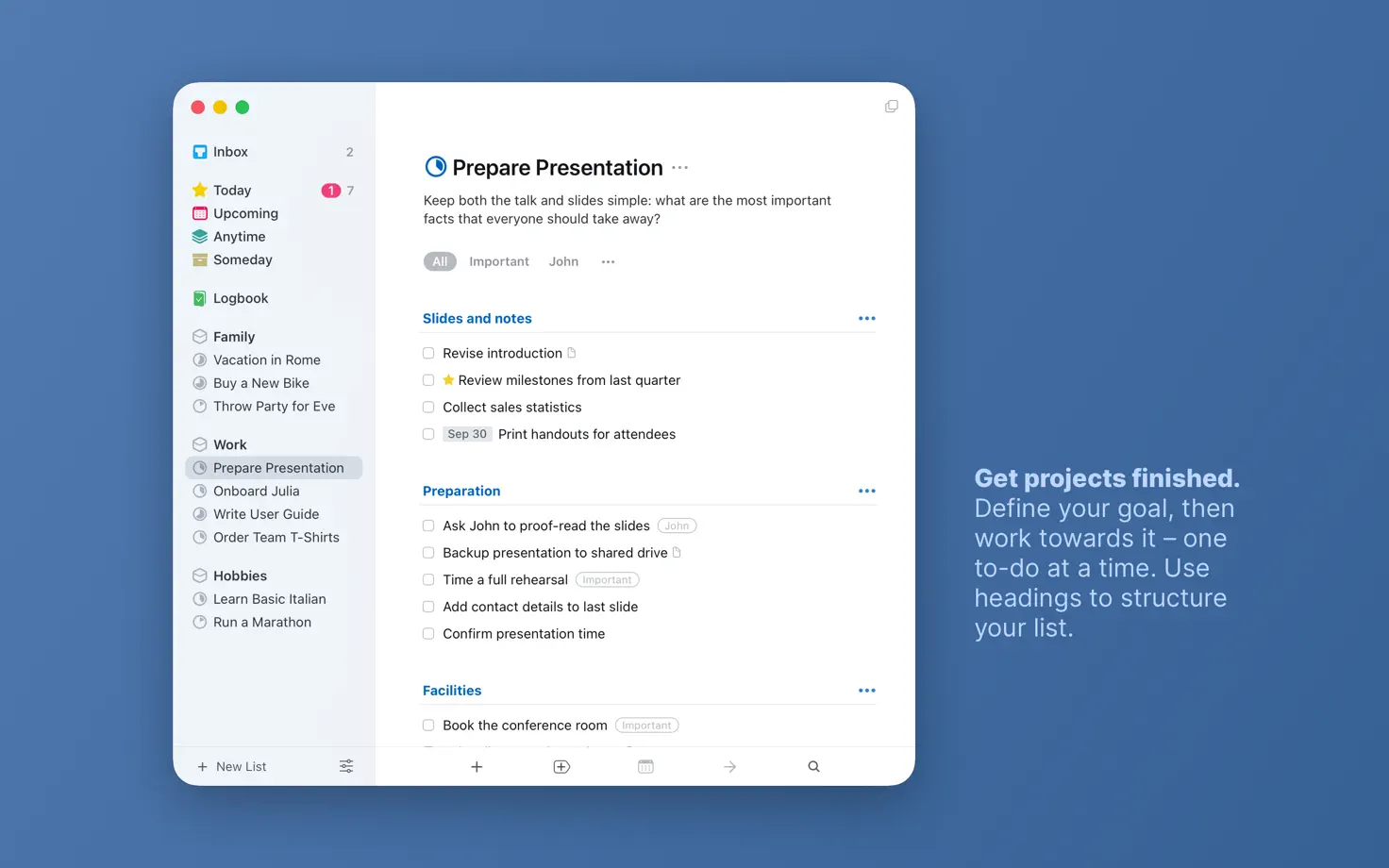
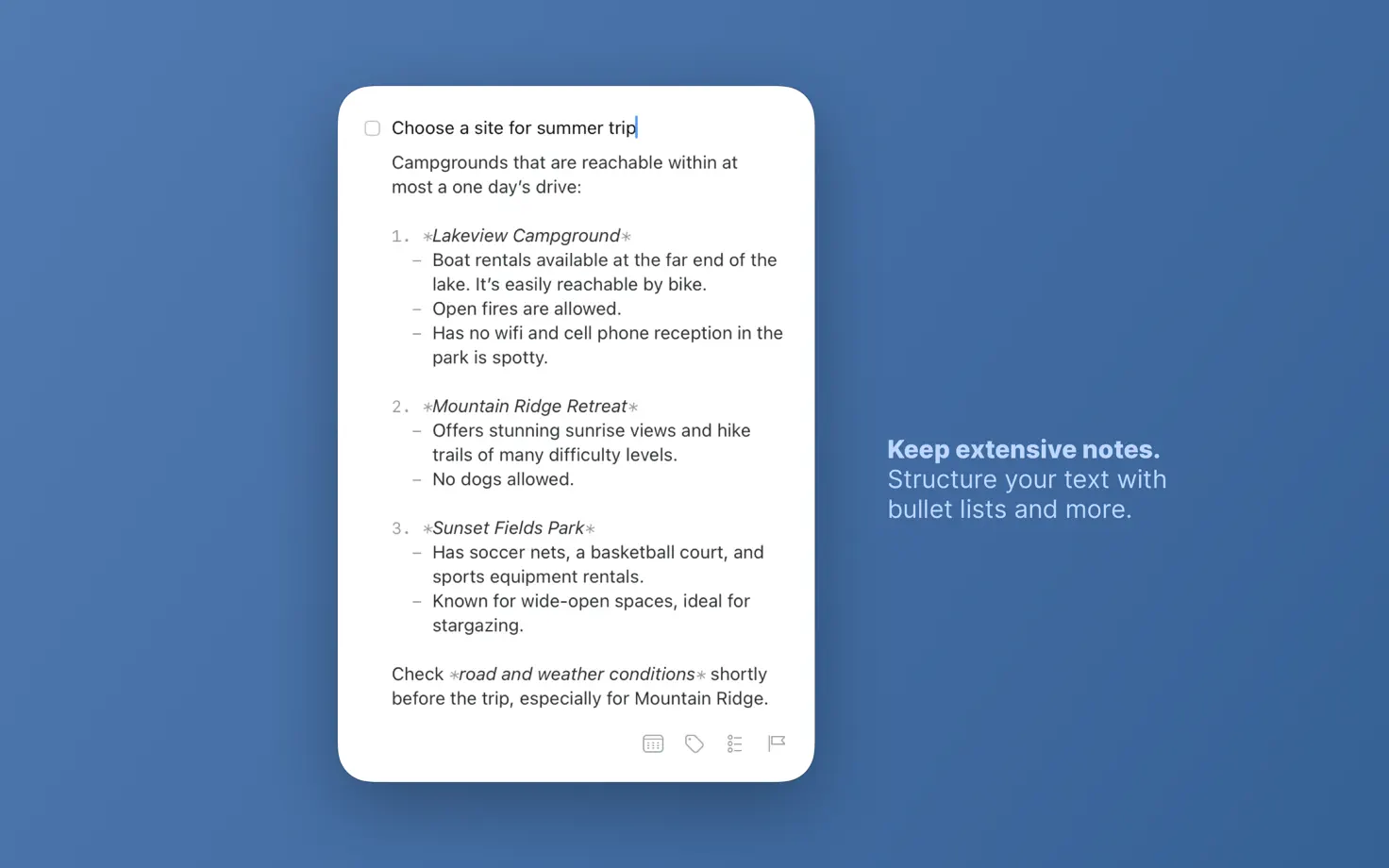
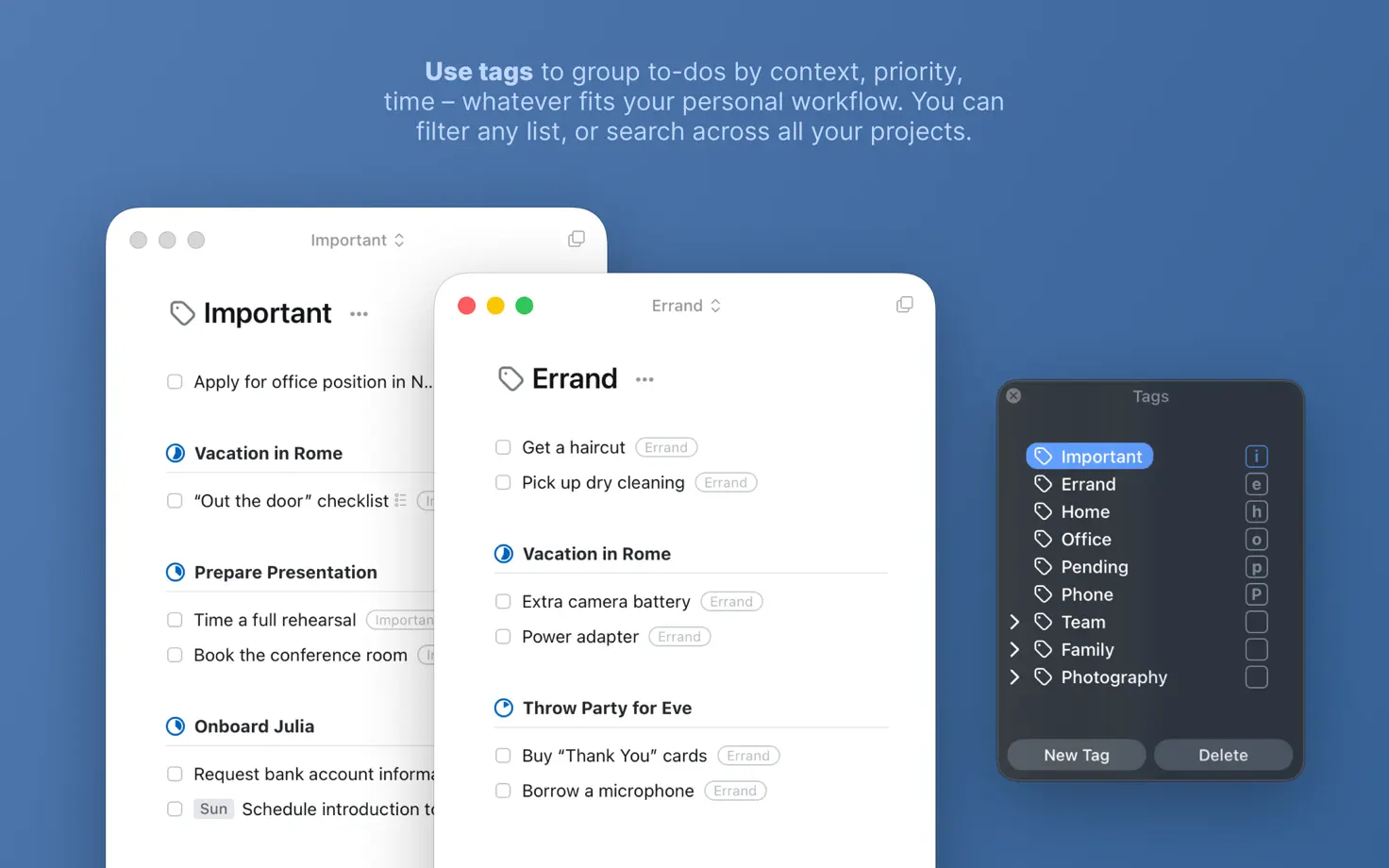
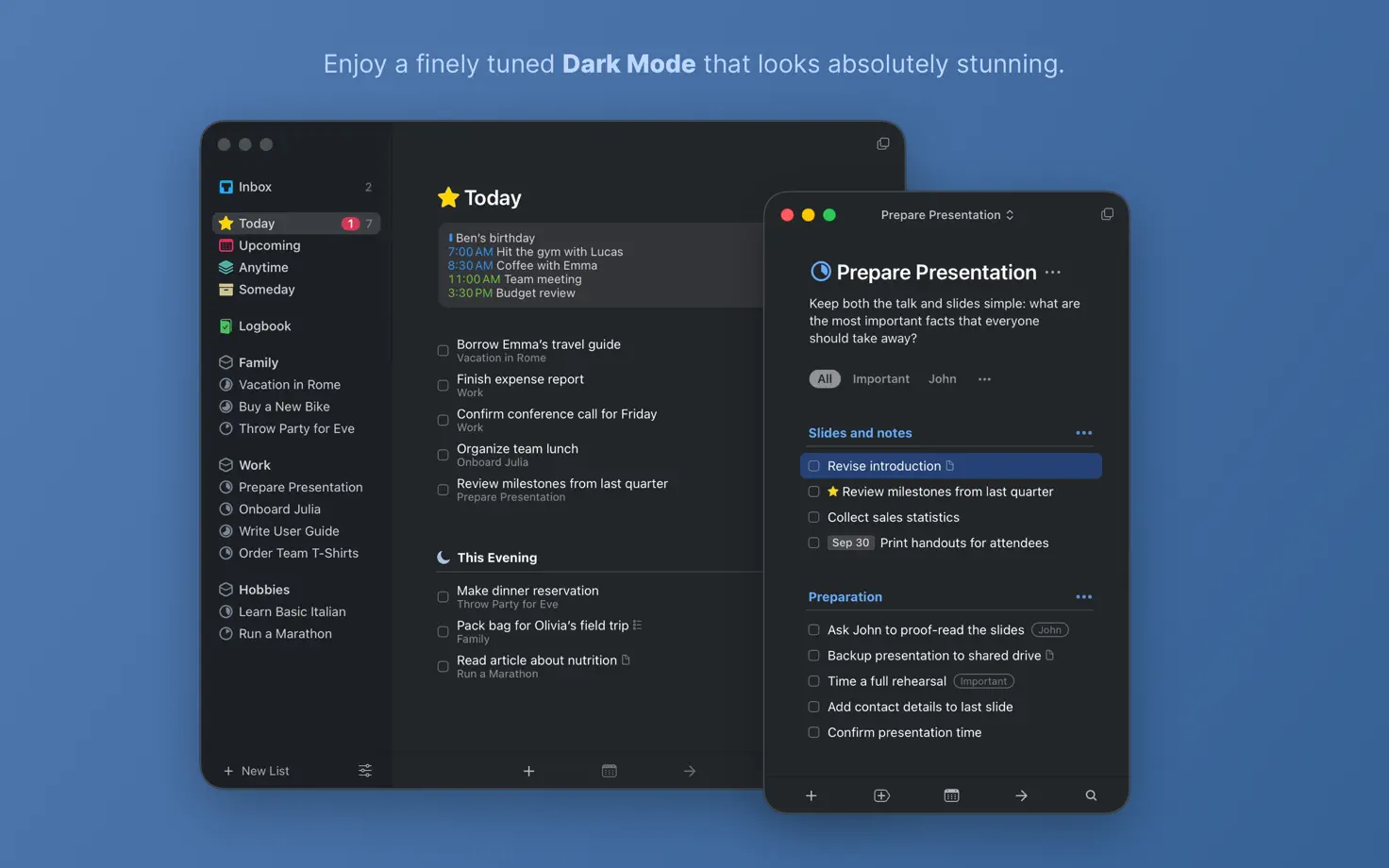
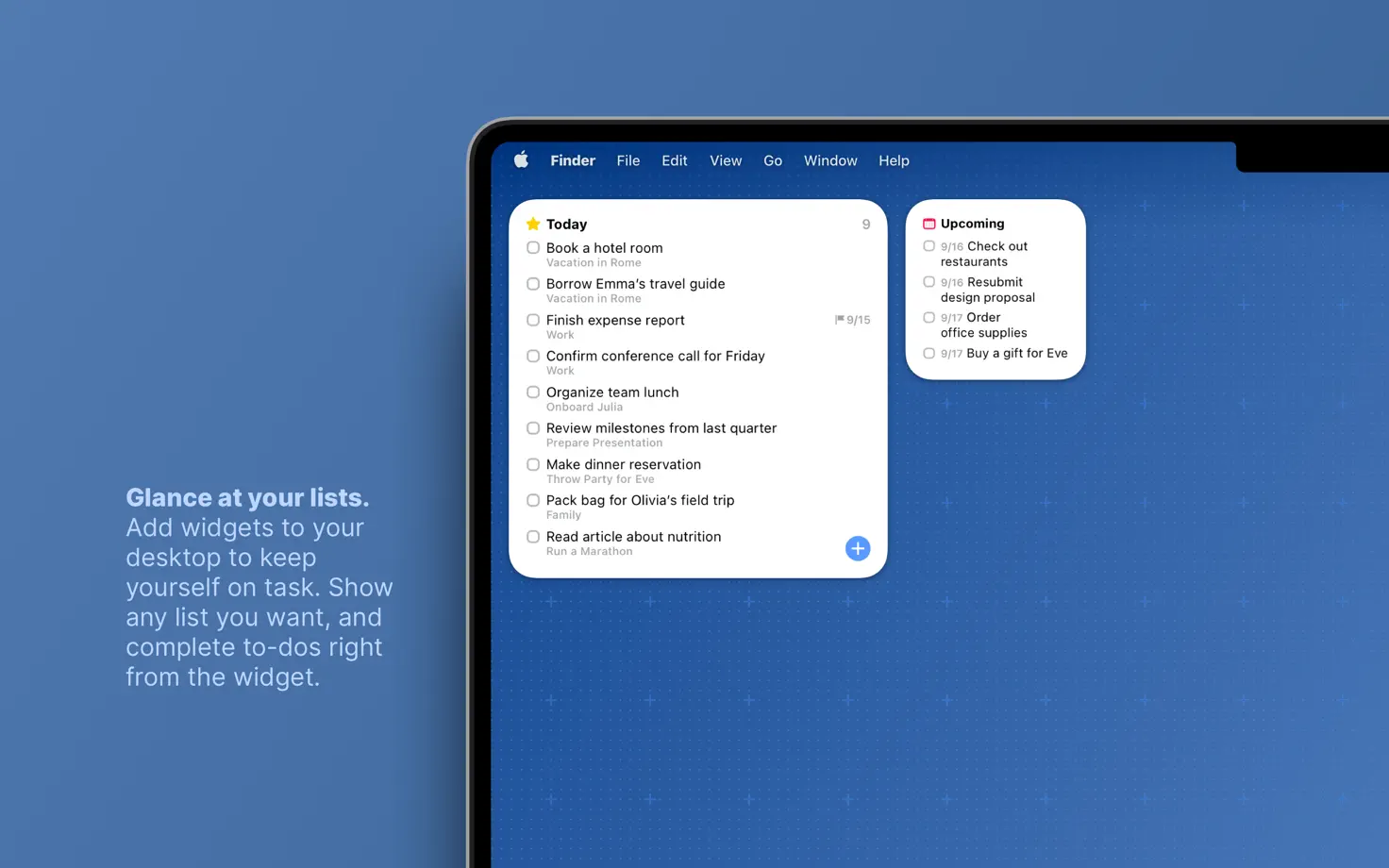
Small bold-lead captions float beside light windows on a flat blue field, shifting to Dark Mode and ending on a MacBook widget.


- Category
- Productivity
- Publisher
- Cultured Code GmbH & Co. KG
- Version
- 3.25
- Approach
- Interface-led
Around the world
More localized listings →
















What’s New
3.25
Introducing fully-optimized Touch support on Mac! With intuitive swipe gestures, smooth drag and drop, touch-optimized menus, and numerous refinements throughout, using Things on a touchscreen Mac feels natural, fluid, and effortless.
SWIPE
• Swipe right on a to-do to reveal the dialog for scheduling it.
• Swipe left on a to-do to toggle selection.
• With two fingers, swipe up/down in a list to select multiple items.
EXPAND TO-DOS
• Tap once to select a to-do, then tap again to expand it. Double-tapping also works.
DRAG & DROP
• Smooth, responsive dragging of individual to-dos and headings, or multiple selected items together.
• Touch-and-hold lifts all selected items, not just the one under your finger.
• Improved handling of large selections that extend beyond the visible screen.
MENUS & PICKERS
• Custom menus and date pickers now display taller rows and larger tap targets when opened via touch.
OTHER REFINEMENTS
• Touch and hold on a checkbox to cancel a to-do or checklist item.
• Improved sidebar resizing via touch.
• Improved drag-and-drop for checklist items inside a to-do.
• Larger tap targets for buttons throughout the app.
• Numerous smaller refinements and polish throughout.
Touch functionality requires a MacBook Pro with PROLED XDR display, but you can also try it out if you have an iPad connected as an external display (requires OS 27).
3.24.2
• Restored Today as the preselected date in the Add Deadline dialog for an expanded to-do.
• Restored the correct selection behavior in a list when collapsing a to-do after editing it.
• Improved the handling of undo in checklists.
• Increased the spacing between a project’s title and notes.
• Refined the size and spacing of disclosure triangles in the Tags window.
• Fixed a bug on macOS 27 where you couldn’t click to place the cursor on the final empty line of a text field.
• Fixed a bug where checklist text could reappear or merge incorrectly when splitting or deleting an item.
• Fixed a bug where a dialog such as Get Info in one window could block menu commands in other windows.
• Fixed a bug where toolbar buttons didn’t shrink correctly in narrow windows.
• Fixed the handling of the Complete and Cancel keyboard shortcuts in a project’s notes with Markdown checklists.
• Fixed the size of the selection highlight in the Tags window at larger font sizes.
• Fixed the background color of unselected tags while dragging.
• Fixed a rare crash that could occur on macOS 27 when editing text.
• Fixed several crashes that could occur when dragging and dropping.
• Fixed a crash that could occur when repeatedly deleting checklist items with Cmd+Delete.
• Fixed a crash that could occur when scrolling a to-do out of view while editing it.
THINGS 3.24
Things is ready for macOS 27 Golden Gate, with great new system integrations:
• Full integration with the new Siri (please check if it’s available on your device).
• Full integration with Spotlight, your device’s built-in search.
• More snoozing options for notifications, with more suitable durations.
• A new extra-tall widget to see longer lists.
• Various other compatibility improvements for the new OS.
See our blog for more information: www.things.app
3.24.1
• Added “Ask Siri” to the context menu when right-clicking a to-do or project in a list.
• Improved the appearance of results in the new Siri.
• Refined the spacing of the notes and checklist in an expanded to-do.
• Improved the performance of Quick Find.
• Improved the performance when selecting a to-do in Apple Shortcuts.
• Improved the timing of the haptic feedback when completing a checklist item.
• Tweaked the layout of the title bar in the Tags window on macOS 26 and later.
• Restored the behavior where deleting all checklist items leaves an empty item ready for typing.
• Fixed a bug where right-clicking a to-do’s checkbox didn’t show its context menu.
• Fixed a bug where Cmd+click on a checklist item’s reorder handle didn’t add the item to the selection.
• Fixed a bug where pasting a single line of text into a checklist also pasted the blank lines around it.
• Fixed a bug where dropping an email could create a to-do with missing spaces in its title.
• Fixed a bug where adding many tags to a project or area could make them overlap its notes.
• Fixed the wording of the repeat rule for a project that repeats after completion.
• Fixed a crash that could occur when deleting a project via Apple Shortcuts.
• Fixed a crash that could occur when clicking the ••• button in a tag list while editing an expanded to-do.
• Fixed a crash that could occur when dragging a project into another project.
THINGS 3.24
Things is ready for macOS 27 Golden Gate, with great new system integrations:
• Full integration with the new Siri (please check if it’s available on your device).
• Full integration with Spotlight, your device’s built-in search.
• More snoozing options for notifications, with more suitable durations.
• A new extra-tall widget to see longer lists.
• Various other compatibility improvements for the new OS.
See our blog for more information: www.things.app
3.24
Things is ready for macOS 27 Golden Gate, with great new system integrations:
• Full integration with the new Siri (please check if it’s available on your device).
• Full integration with Spotlight, your device’s built-in search.
• More snoozing options for notifications, with more suitable durations.
• A new extra-tall widget to see longer lists.
• Various other compatibility improvements for the new OS.
See our blog for more information: www.things.app
3.23.4
• Restored support for Cmd+Delete in Quick Entry’s checklists.
• Increased the draggable area along the top edge of the Quick Entry window.
• Fixed a bug where the clickable area of a to-do’s or project’s When button could extend too far to the left in a very wide window.
• Fixed the behavior of Cmd+Delete in the fields at the top of a project or area.
THINGS 3.23
Repeating to-dos just got far more flexible, with two highly requested improvements: You can now complete them early, and easily reschedule them when plans change! Plus many more refinements throughout.
COMPLETE REPEATING TO-DOS EARLY
Sometimes you’re ahead of schedule and want to tick something off early. Now you can! A repeating to-do now shows a normal checkbox – just like any other to-do – so you can complete it as soon as it’s done.
RESCHEDULE WITH EASE
Repeating to-dos can now be rescheduled, which makes it easy to adapt when plans change. Simply bump it to a new date. If it repeats on a fixed schedule, Things will ask whether you want to make a one-time exception, or update the rule going forward. If it repeats after completion, it simply moves to the new date.
MORE REFINEMENTS
We’ve made a number of other refinements to repeating to-dos:
• The repeating to-do setup dialog has received a visual refresh, and lets you more easily pick the next recurrence date.
• A copy of a repeating to-do now shows a little gray repeat icon to distinguish it from regular to-dos.
• If you want to start working on a repeating project early, you now can! As soon as you start editing its to-dos, Things will offer to create the next copy of the project ahead of time.
• You can manually create the next copy of a repeating to-do ahead of time by right-clicking it and choosing Repeat > Create Next Copy.
• You can now pause, resume, and stop multiple repeating to-dos at once.
• More bug fixes and improvements – see our website for the full release notes.
---
Last but not least, this update includes a big change under the hood that we’ve been working on for some time: the display and editing of to-dos – both inside lists and when you expand them – is now driven by the same code on Mac and iOS.
---
Things now requires macOS 13.3 or later.
3.23.3
• Restored support for using the Cut command on selected checklist items.
• Restored the Cmd+Delete shortcut for deleting the checklist item you’re editing.
• Restored the “Open in New Windows” option when right-clicking multiple projects at once.
• Improved handling of the Tab and Escape keys when typing with international input methods.
• Fixed a bug where pasting a line that contained only a Markdown checkbox into a checklist created an item titled “- [ ]” instead of an empty row.
• Fixed a bug where a to-do title could be cut off if it had many tags.
• Fixed a crash that could occur when changing the tag filter while editing a to-do.
THINGS 3.23
Repeating to-dos just got far more flexible, with two highly requested improvements: You can now complete them early, and easily reschedule them when plans change! Plus many more refinements throughout.
COMPLETE REPEATING TO-DOS EARLY
Sometimes you’re ahead of schedule and want to tick something off early. Now you can! A repeating to-do now shows a normal checkbox – just like any other to-do – so you can complete it as soon as it’s done.
RESCHEDULE WITH EASE
Repeating to-dos can now be rescheduled, which makes it easy to adapt when plans change. Simply bump it to a new date. If it repeats on a fixed schedule, Things will ask whether you want to make a one-time exception, or update the rule going forward. If it repeats after completion, it simply moves to the new date.
MORE REFINEMENTS
We’ve made a number of other refinements to repeating to-dos:
• The repeating to-do setup dialog has received a visual refresh, and lets you more easily pick the next recurrence date.
• A copy of a repeating to-do now shows a little gray repeat icon to distinguish it from regular to-dos.
• If you want to start working on a repeating project early, you now can! As soon as you start editing its to-dos, Things will offer to create the next copy of the project ahead of time.
• You can manually create the next copy of a repeating to-do ahead of time by right-clicking it and choosing Repeat > Create Next Copy.
• You can now pause, resume, and stop multiple repeating to-dos at once.
• More bug fixes and improvements – see our website for the full release notes.
---
Last but not least, this update includes a big change under the hood that we’ve been working on for some time: the display and editing of to-dos – both inside lists and when you expand them – is now driven by the same code on Mac and iOS.
---
Things now requires macOS 13.3 or later.
3.23.2
• Restored arrow key navigation between the title and notes fields in an expanded to-do.
• Fixed a bug where tag suggestions were listed in the wrong order in an expanded to-do.
• Fixed a bug where a deadline due today wasn’t shown in red in an expanded to-do.
• Fixed a bug that could prevent setting an end date for a repeating to-do.
• Fixed a crash that could occur when dragging content into a to-do’s notes.
• Fixed a crash that could occur when clicking the ••• button in a project or area while editing an expanded to-do.
• Fixed a crash that could occur when using the URL scheme’s add command with checklist items and Quick Entry.
THINGS 3.23
Repeating to-dos just got far more flexible, with two highly requested improvements: You can now complete them early, and easily reschedule them when plans change! Plus many more refinements throughout.
COMPLETE REPEATING TO-DOS EARLY
Sometimes you’re ahead of schedule and want to tick something off early. Now you can! A repeating to-do now shows a normal checkbox – just like any other to-do – so you can complete it as soon as it’s done.
RESCHEDULE WITH EASE
Repeating to-dos can now be rescheduled, which makes it easy to adapt when plans change. Simply bump it to a new date. If it repeats on a fixed schedule, Things will ask whether you want to make a one-time exception, or update the rule going forward. If it repeats after completion, it simply moves to the new date.
MORE REFINEMENTS
We’ve made a number of other refinements to repeating to-dos:
• The repeating to-do setup dialog has received a visual refresh, and lets you more easily pick the next recurrence date.
• A copy of a repeating to-do now shows a little gray repeat icon to distinguish it from regular to-dos.
• If you want to start working on a repeating project early, you now can! As soon as you start editing its to-dos, Things will offer to create the next copy of the project ahead of time.
• You can manually create the next copy of a repeating to-do ahead of time by right-clicking it and choosing Repeat > Create Next Copy.
• You can now pause, resume, and stop multiple repeating to-dos at once.
• More bug fixes and improvements – see our website for the full release notes.
---
Last but not least, this update includes a big change under the hood that we’ve been working on for some time: the display and editing of to-dos – both inside lists and when you expand them – is now driven by the same code on Mac and iOS.
---
Things now requires macOS 13.3 or later.
3.23.1
Repeating to-dos just got far more flexible, with two highly requested improvements: You can now complete them early, and easily reschedule them when plans change! Plus many more refinements throughout.
COMPLETE REPEATING TO-DOS EARLY
Sometimes you’re ahead of schedule and want to tick something off early. Now you can! A repeating to-do now shows a normal checkbox – just like any other to-do – so you can complete it as soon as it’s done.
RESCHEDULE WITH EASE
Repeating to-dos can now be rescheduled, which makes it easy to adapt when plans change. Simply bump it to a new date. If it repeats on a fixed schedule, Things will ask whether you want to make a one-time exception, or update the rule going forward. If it repeats after completion, it simply moves to the new date.
MORE REFINEMENTS
We’ve made a number of other refinements to repeating to-dos:
• The repeating to-do setup dialog has received a visual refresh, and lets you more easily pick the next recurrence date.
• A copy of a repeating to-do now shows a little gray repeat icon to distinguish it from regular to-dos.
• If you want to start working on a repeating project early, you now can! As soon as you start editing its to-dos, Things will offer to create the next copy of the project ahead of time.
• You can manually create the next copy of a repeating to-do ahead of time by right-clicking it and choosing Repeat > Create Next Copy.
• You can now pause, resume, and stop multiple repeating to-dos at once.
• More bug fixes and improvements – see our website for the full release notes.
---
Last but not least, this update includes a big change under the hood that we’ve been working on for some time: the display and editing of to-dos – both inside lists and when you expand them – is now driven by the same code on Mac and iOS.
---
Things now requires macOS 13.3 or later.
Listing history
New icon
New icon
New icon
New icon
New icon
Compare with


Browse similar
Source: App Store listing by Cultured Code GmbH & Co. KG, United States storefront. Captured 26 Nov 2026. The artwork belongs to its publisher and is shown here for reference.