3.10.1023 Nov 2026
– Improved AI integrations with Grok Bot setup and example prompts.
– Create a new trip while moving activities or reservation emails.
– Improved onboarding, demo trip labels, map pins, and overnight layover ordering.
– More reliable trip reminders, faster app startup, and other stability improvements.
3.10.918 Nov 2026
– Fixed a crash that could occur when Tripsy goes into the background on iPhone or iPad.
– Added an option to sort activities by most recently added.
– Made reservation email syncing more reliable.
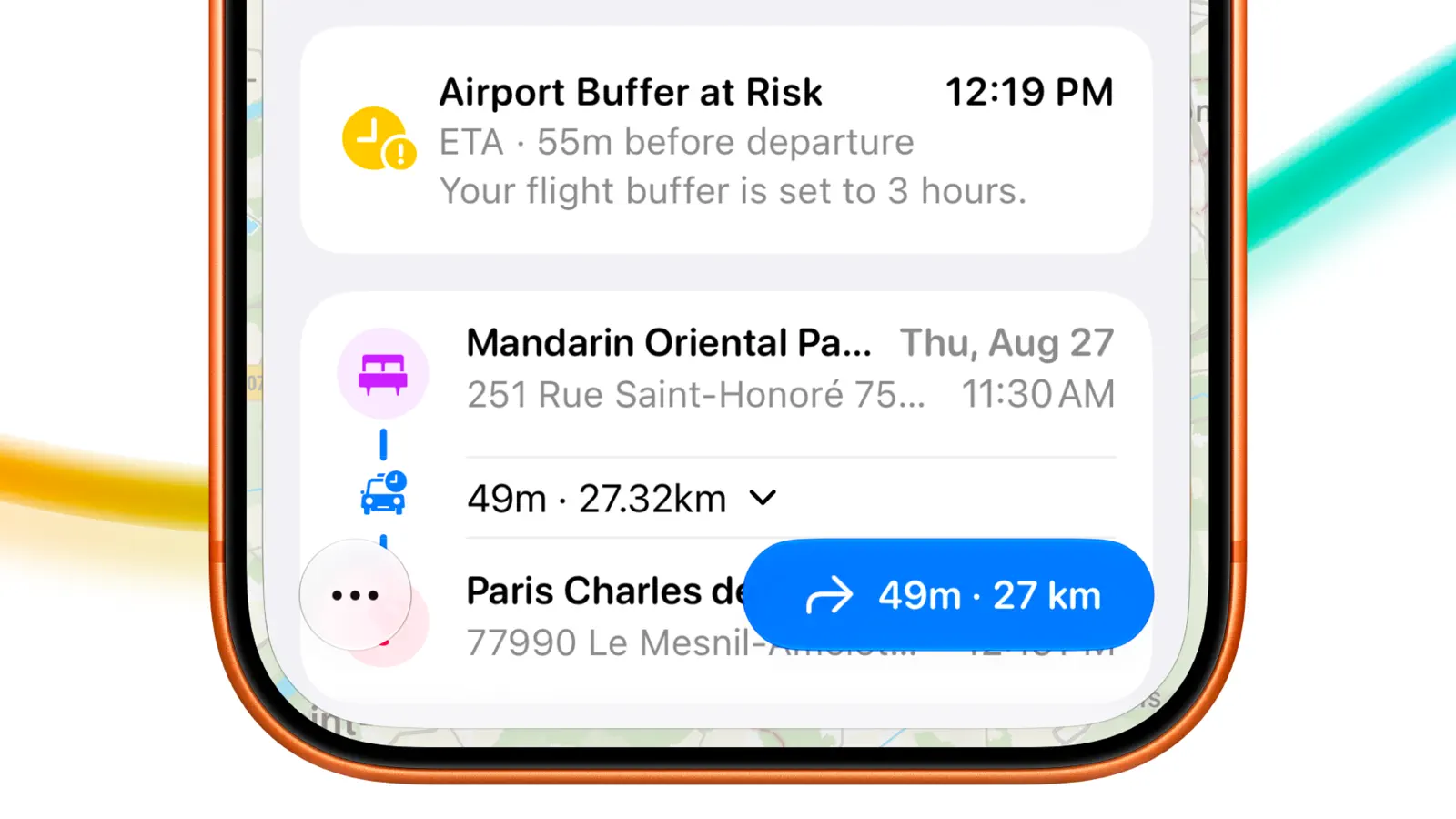
– Made route calculations more reliable.
– Improved stability when viewing activity details and selecting places on the map.
3.10.811 Nov 2026
– Improved trip and activity search, with smoother navigation and clearer search layouts.
– Fixed duplicate reservation attachments and made document previews more reliable.
– Refined activity layouts, dashboard shortcuts, and calendar accessibility. Entered times now keep the exact minutes you choose.
– Improved startup responsiveness, subscription reliability, and recovery when device storage is low.
3.10.731 Oct 2026
– You can now edit activity descriptions, including details added through Smart Import.
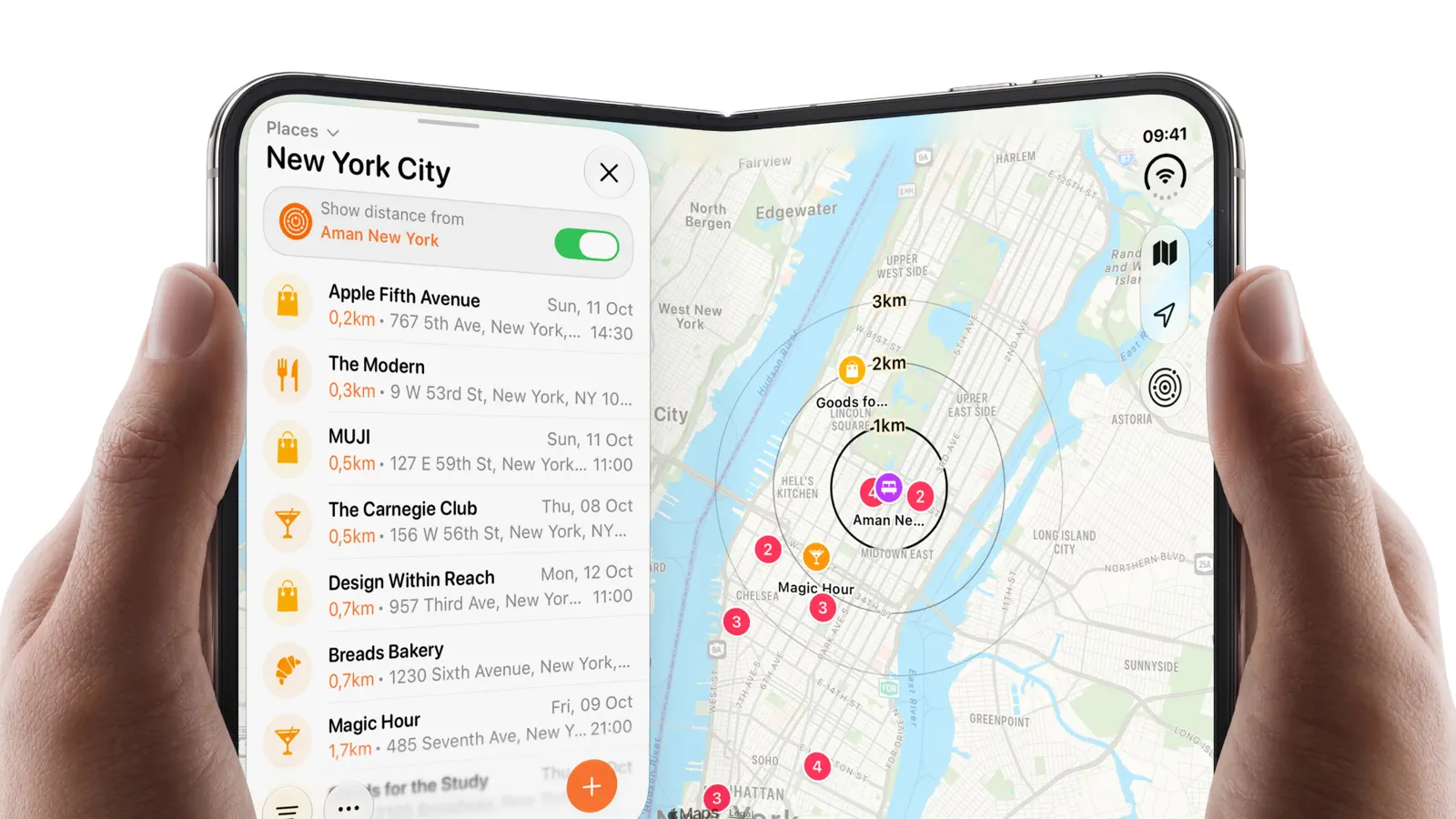
– Improved iPhone Duo layouts, landscape map interaction, trip cards, and review prompts.
– Smoother Smart Import transitions, clearer trip-start notifications, and more consistent guest avatars.
– Improved sign-out reliability and import security, plus additional stability fixes.
3.10.627 Oct 2026
– Redesigned AI integrations settings with clearer setup guides and examples for ChatGPT, Claude, and other AI tools.
– Smoother performance when browsing trips and itineraries, using maps, viewing emails, and sharing trip covers.
– Improved trip date displays and activity end-time selection.
– More reliable guest invitations and clearer sync status messages.
– Improved translations for activity categories and location descriptions.
– Smoother screen transitions and more reliable document processing, with additional fixes for freezes and crashes.
3.10.523 Oct 2026
– Several improvements to iPhone Duo layouts and navigation, making trip planning, calendars, notes, and activity details easier to use.
– Tripsy trip links now open directly in the app when the trip is available in your account.
– More reliable saving and syncing for activities, notes, imports, and expenses, including changes made through Shortcuts.
– Improved handling of dates, time zones, calendar events, and travel notifications.
– Smoother trip sharing, guest invitations, and favorite guest management.
– Better trip and flight search, map accuracy, and navigation from Spotlight.
– More reliable widgets and Apple Watch updates, plus improvements to regional formatting, expense exports, and overall stability.
3.10.418 Oct 2026
– Fixed itinerary day grouping across time zones, “Today” around daylight saving changes, and date selections that could change unexpectedly.
– Fixed cleared dates on activities and expenses, preserved pending expense edits during sync, and improved handling of very large amounts.
– Trip search now includes activities without map coordinates, and copied activities appear correctly in the itinerary.
– Improved Shortcuts document imports, preserved currencies when editing costs, and fixed editing permissions on shared trips.
– Restored images in forwarded emails and improved removal of registered email addresses.
3.10.39 Oct 2026
– Added iPhone Duo support with adaptive layouts, toolbars, and navigation.
– Smart Insights now finds place-specific tips in attached web and social links, including dining suggestions and visiting advice, on devices with Apple Intelligence.
– Improved Smart Insights accuracy for meal details and booking information, and preserved existing insights during temporary refresh failures.
– Improved Smart Import for Google Maps lists and shared links, with browser recovery when needed.
– Simplified activity actions and removed automatic clipboard import prompts.
– Routes created from an itinerary day now start on that day, and date pickers reliably save your selection.
– Updated airport information and improved currency conversion reliability.
– Improved widget loading and made travel statistics smoother to scroll.
– Improved accessibility for selection controls, switches, and activity lists.
– Improved startup recovery and fixed issues with email previews, shared itineraries, and pinned category edits.
– Improved layouts and navigation on iPad, including sheets, toolbars, and map controls.