
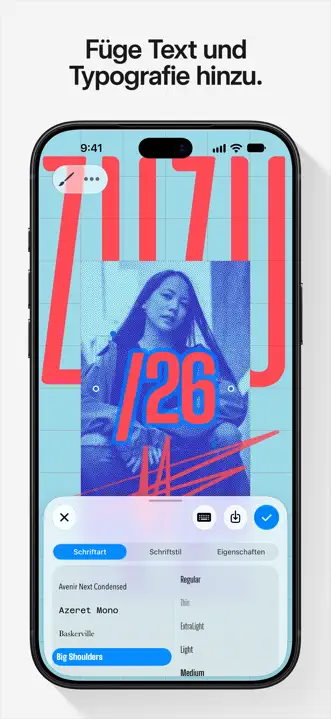
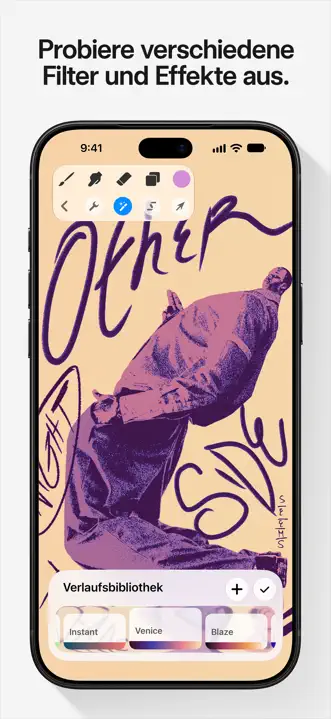
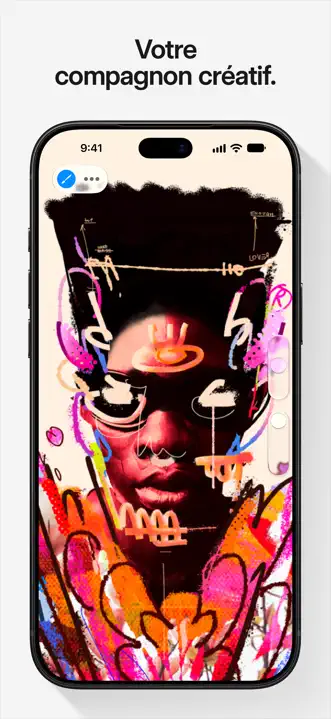
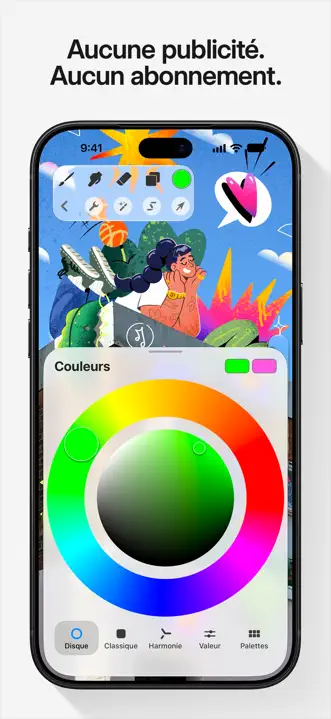
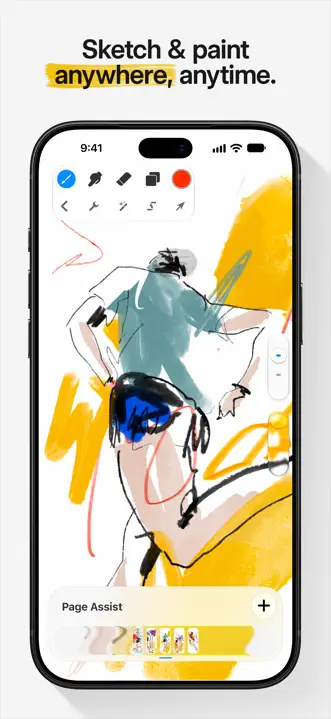
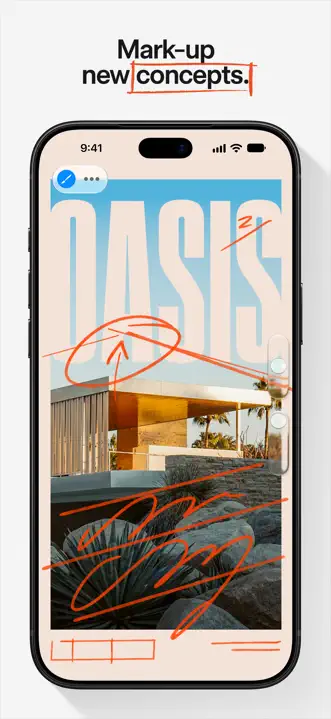
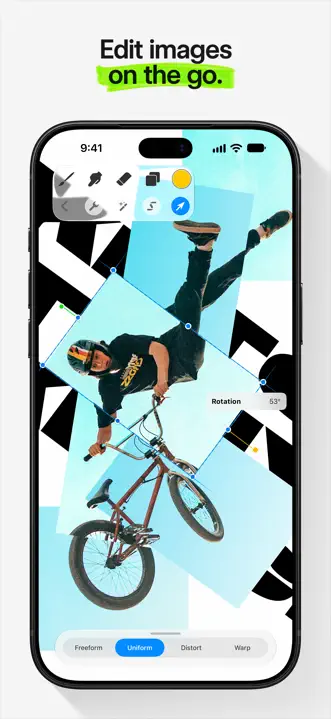
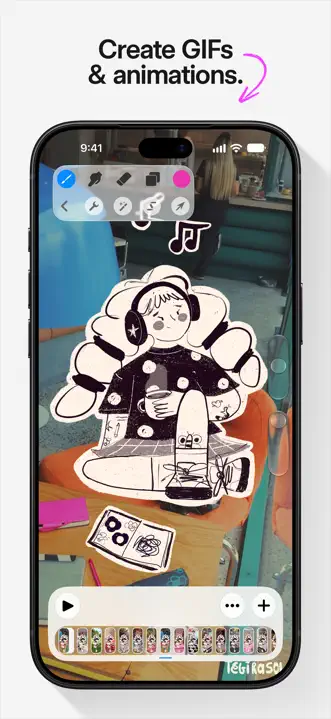
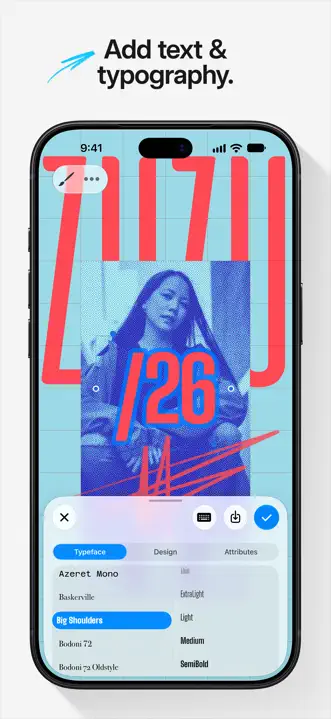
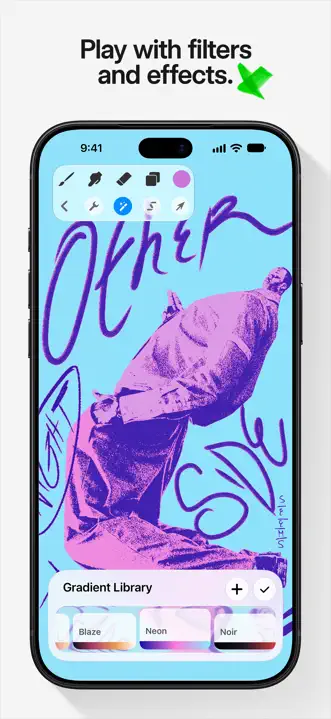
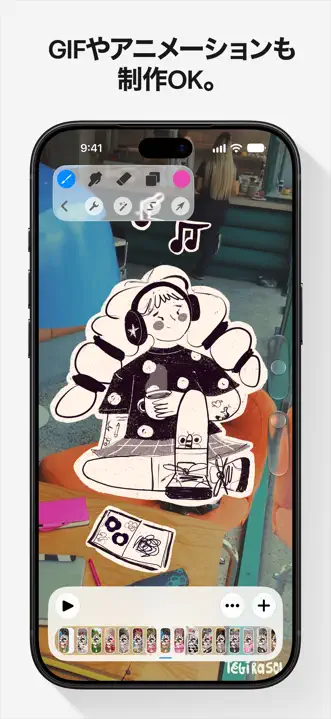
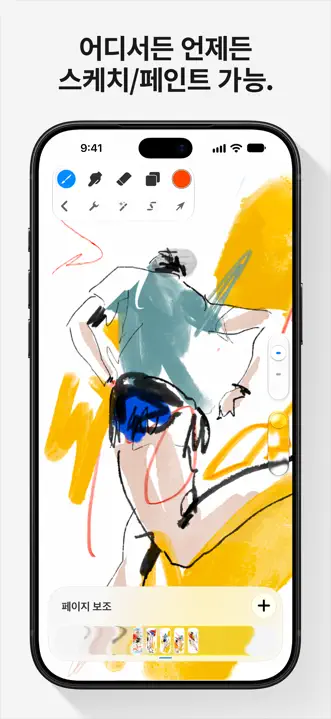
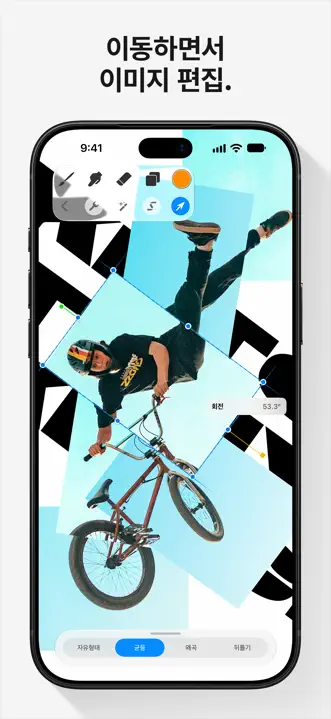
Original artwork and drawing controls fill complete phones on black, without additional promotional headings.


- Category
- Creativity
- Publisher
- Savage Interactive Pty Ltd
- Version
- 5.0.2
- Approach
- Illustrated
Around the world
More localized listings →















What’s New
5.0.2
Great things come to those who wait. There's a fresh new look and so many features in Procreate Pocket 5, including brush libraries, Page Assist, and exciting hardware compatibility, that we better get into it.
New Brushes
There's over 150 new brushes in the Procreate Library created by our in-house Brush Developer Kyle T. Webster. It’s like being handed the keys to your own fully stocked art store; one that’s filled with brushes and styles that combine real-world familiarity with the endless possibilities of digital art. The beloved Classic brush library is still available by pinching inwards, or tapping ... and Show all libraries.
Brush Search
Find just the brush you need by swiping down in the brush library and start typing text or emoji.
Brush Libraries
Add another level of organisation to your brushes. Build collections of the brush sets you need for a project or art style. To access, create, edit, or share libraries, use the pinch gesture in the Brushes panel.
Stroke Stabilisation
Combine standard Stabilisation with Motion Filtering for ultra smooth and stable stroke creation. Set stabilisation app-wide, or apply to individual brushes in Brush Studio.
Page Assist
Ideal for creating storyboards, comics, books or use it as a sketchbook. Keep your focus on a single page or quickly flick through to where you need to be. Import PDFs and mark up your documents.
Colour History
Quickly jump back to your most recently used colours.
Recent Brushes
All of the brushes you've been using are now just a tap away. Plus you can pin your favorites so they’re always available.
Brush Size Memory
Save your chosen brush size or opacity by tapping + in the preview. Creatives, tattoo artists and inkers can now keep every line beautifully even and consistent as you save up to four size or opacity memories within any brush across paint, smudge and erase.
Brush file management
Sleep better at night by protecting your precious brush collection. Backup, organize and share them right in the Files app. Choose from storing your brushes On My iPhone or in iCloud Drive, and if you change your mind, you can move them later in the Actions menu.
New Brush Studio settings
Procreate Pocket brush settings are now fully compatible with iPad. You can remove anti-aliasing with alpha threshold; perfect for pixel art. We’ve also added more controls for spacing, shape roundness, stroke jitter, and per brush pressure curves. With the new Preview tab in Brush Studio, you can make further adjustments to how your brush thumbnails appear in the brush library.
Colour Cards
Name each swatch in your palette automatically by shade and colour, or customise the name by tapping on it. You can also turn on colour naming notifications in Settings for a description every time you pick a colour.
So much more:
- VoiceOver Support
- Customisable onion skin colours
- Feedback sounds
- Dynamic brush scaling
It's fabulous to see Procreate Pocket back to its former glory. Now go make something on the train with the new brushes #ProcreateArtist
5.0.1
Great things come to those who wait. There's a fresh new look and so many features in Procreate Pocket 5, including brush libraries, Page Assist, and exciting hardware compatibility, that we better get into it.
New Brushes
There's over 150 new brushes in the Procreate Library created by our in-house Brush Developer Kyle T. Webster. It’s like being handed the keys to your own fully stocked art store; one that’s filled with brushes and styles that combine real-world familiarity with the endless possibilities of digital art. The beloved Classic brush library is still available by pinching inwards, or tapping ... and Show all libraries.
Brush Search
Find just the brush you need by swiping down in the brush library and start typing text or emoji.
Brush Libraries
Add another level of organisation to your brushes. Build collections of the brush sets you need for a project or art style. To access, create, edit, or share libraries, use the pinch gesture in the Brushes panel.
Stroke Stabilisation
Combine standard Stabilisation with Motion Filtering for ultra smooth and stable stroke creation. Set stabilisation app-wide, or apply to individual brushes in Brush Studio.
Page Assist
Ideal for creating storyboards, comics, books or use it as a sketchbook. Keep your focus on a single page or quickly flick through to where you need to be. Import PDFs and mark up your documents.
Colour History
Quickly jump back to your most recently used colours.
Recent Brushes
All of the brushes you've been using are now just a tap away. Plus you can pin your favorites so they’re always available.
Brush Size Memory
Save your chosen brush size or opacity by tapping + in the preview. Creatives, tattoo artists and inkers can now keep every line beautifully even and consistent as you save up to four size or opacity memories within any brush across paint, smudge and erase.
Brush file management
Sleep better at night by protecting your precious brush collection. Backup, organize and share them right in the Files app. Choose from storing your brushes On My iPhone or in iCloud Drive, and if you change your mind, you can move them later in the Actions menu.
New Brush Studio settings
Procreate Pocket brush settings are now fully compatible with iPad. You can remove anti-aliasing with alpha threshold; perfect for pixel art. We’ve also added more controls for spacing, shape roundness, stroke jitter, and per brush pressure curves. With the new Preview tab in Brush Studio, you can make further adjustments to how your brush thumbnails appear in the brush library.
Colour Cards
Name each swatch in your palette automatically by shade and colour, or customise the name by tapping on it. You can also turn on colour naming notifications in Settings for a description every time you pick a colour.
So much more:
- VoiceOver Support
- Customisable onion skin colours
- Feedback sounds
- Dynamic brush scaling
It's fabulous to see Procreate Pocket back to its former glory. Now go make something on the train with the new brushes #ProcreateArtist
5.0
Great things come to those who wait. There's a fresh new look and so many features in Procreate Pocket 5, including brush libraries, Page Assist, and exciting hardware compatibility, that we better get into it.
New Brushes
There's over 150 new brushes in the Procreate Library created by our in-house Brush Developer Kyle T. Webster. It’s like being handed the keys to your own fully stocked art store; one that’s filled with brushes and styles that combine real-world familiarity with the endless possibilities of digital art. The beloved Classic brush library is still available by pinching inwards, or tapping ... and Show all libraries.
Brush Search
Find just the brush you need by swiping down in the brush library and start typing text or emoji.
Brush Libraries
Add another level of organisation to your brushes. Build collections of the brush sets you need for a project or art style. To access, create, edit, or share libraries, use the pinch gesture in the Brushes panel.
Stroke Stabilisation
Combine standard Stabilisation with Motion Filtering for ultra smooth and stable stroke creation. Set stabilisation app-wide, or apply to individual brushes in Brush Studio.
Page Assist
Ideal for creating storyboards, comics, books or use it as a sketchbook. Keep your focus on a single page or quickly flick through to where you need to be. Import PDFs and mark up your documents.
Colour History
Quickly jump back to your most recently used colours.
Recent Brushes
All of the brushes you've been using are now just a tap away. Plus you can pin your favorites so they’re always available.
Brush Size Memory
Save your chosen brush size or opacity by tapping + in the preview. Creatives, tattoo artists and inkers can now keep every line beautifully even and consistent as you save up to four size or opacity memories within any brush across paint, smudge and erase.
Brush file management
Sleep better at night by protecting your precious brush collection. Backup, organize and share them right in the Files app. Choose from storing your brushes On My iPhone or in iCloud Drive, and if you change your mind, you can move them later in the Actions menu.
New Brush Studio settings
Procreate Pocket brush settings are now fully compatible with iPad. You can remove anti-aliasing with alpha threshold; perfect for pixel art. We’ve also added more controls for spacing, shape roundness, stroke jitter, and per brush pressure curves. With the new Preview tab in Brush Studio, you can make further adjustments to how your brush thumbnails appear in the brush library.
Colour Cards
Name each swatch in your palette automatically by shade and colour, or customise the name by tapping on it. You can also turn on colour naming notifications in Settings for a description every time you pick a colour.
So much more:
- VoiceOver Support
- Customisable onion skin colours
- Feedback sounds
- Dynamic brush scaling
It's fabulous to see Procreate Pocket back to its former glory. Now go make something on the train with the new brushes #ProcreateArtist
4.0.19
This compatibility update helps you get the best out of Procreate Pocket on every supported device and operating system version.
4.0.18
This update includes fixes and improvements to keep Pocket running smoothly.
4.0.17
This update includes fixes and improvements to keep Pocket running smoothly.
4.0.16
This update has compatibility for the newest devices and 25 new fonts for customising your text, including brand new choices for Arabic, Hindi, Thai, and Japanese.
The fonts Eina and Jack Armstrong BB are no longer available, but you can continue to edit your image layers, or rasterise your text layer to keep your exact design. You can also choose to replace these fonts with a similar option.
Did you know you can import your own fonts into Procreate Pocket? Tap the + button on the text Edit Style keyboard, drag and drop, or place them into your On My iPhone → Pocket → Fonts folder.
4.0.15
This is a compatibility update to get you ready for everything new coming your way.
Listing history
New icon
New icon
New preview video
New iPhone screenshots
New icon
New preview video
New preview video
Compare with


Browse similar
Source: App Store listing by Savage Interactive Pty Ltd, United States storefront. Captured 25 Nov 2026. The artwork belongs to its publisher and is shown here for reference.