
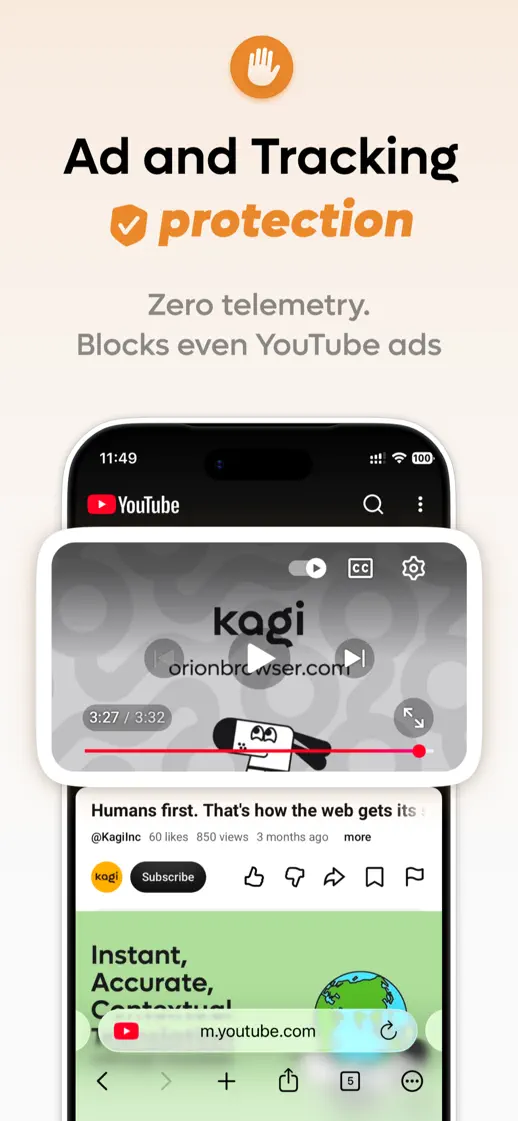
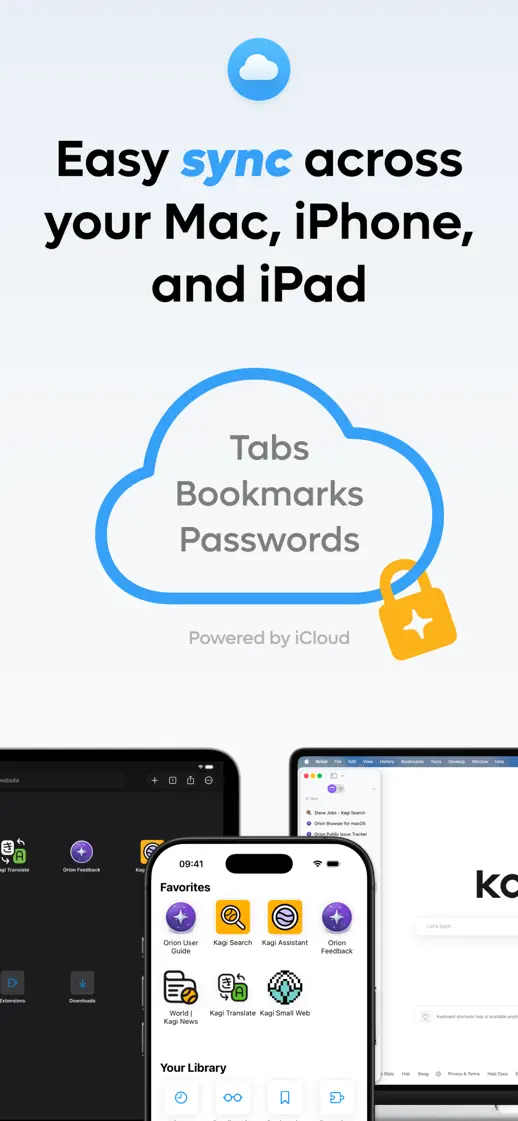
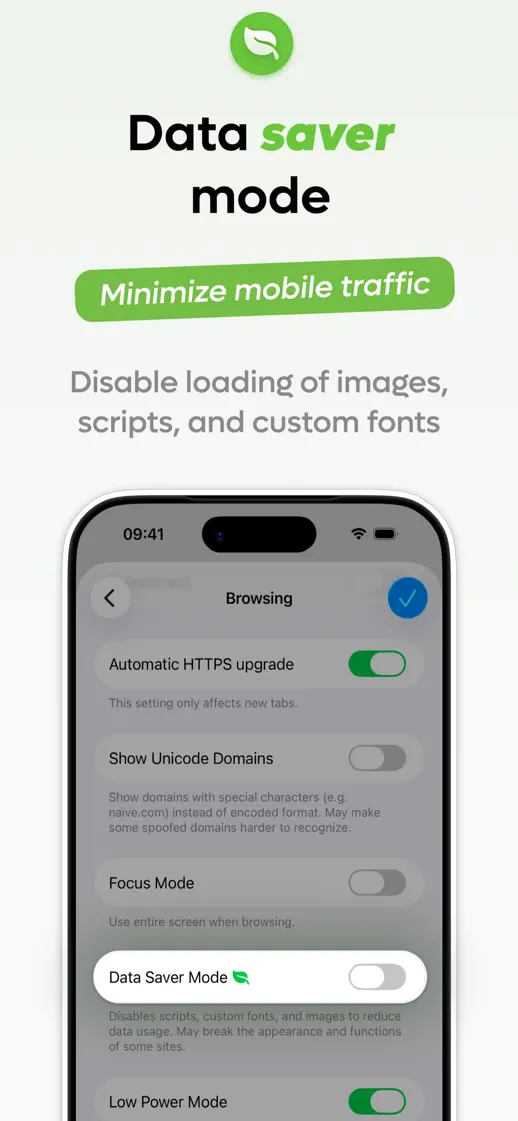
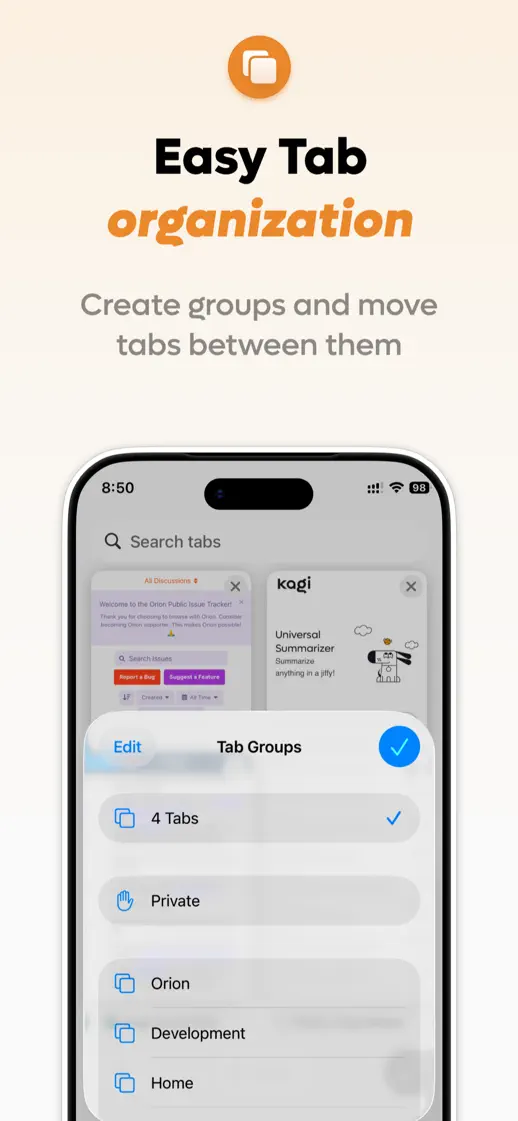
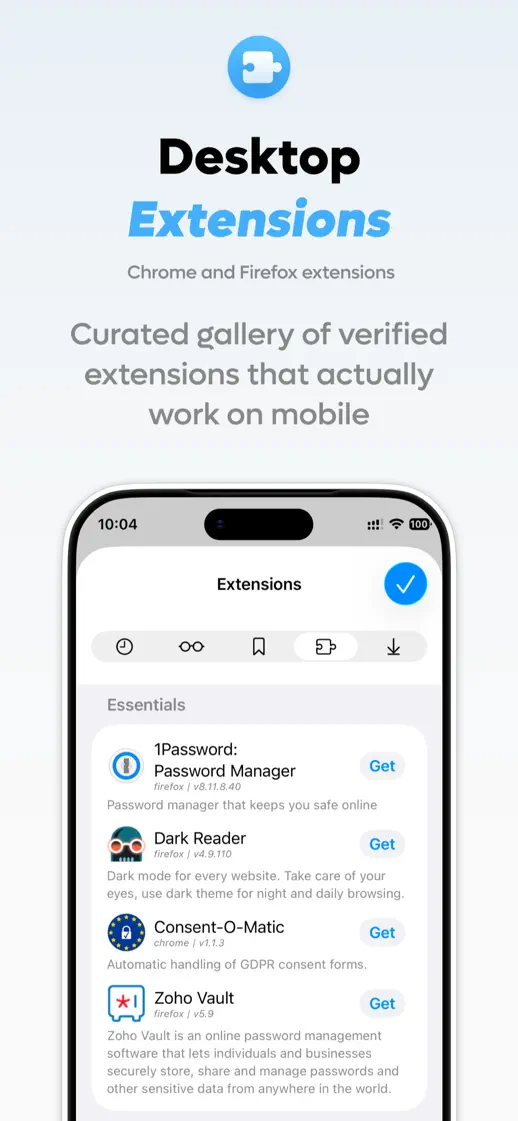
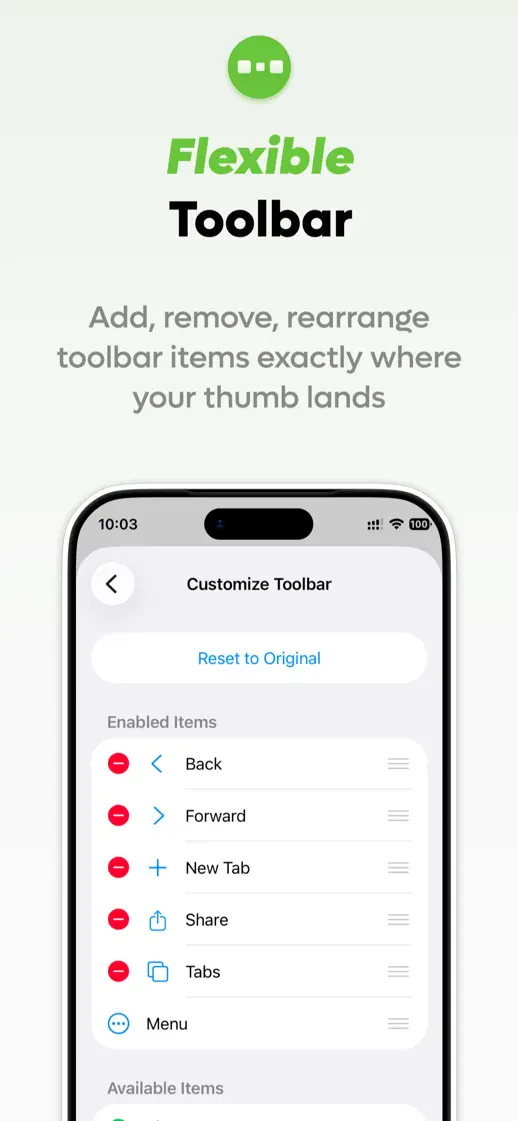
Pastel panels change color with each feature, using a small icon and an italic accent word above generous device crops.




- Category
- Utilities
- Publisher
- Kagi Inc.
- Version
- 1.5.6
- Approach
- Interface-led
What’s New
1.5.5
New
- Complete rework of how we handle Universal Links, improved UI (Prompt *before* opening a 3rd party app [#14363 by @What])
- Arrow keys to choose address bar suggestions with a hardware keyboard on iPad
Improvements
- Current tab highlighted in the tab grid
Fixes
- Cannot export bookmarks, other issues [#14544 by @BlakeSun]
- Keyboard shortcuts do not work while address bar is focused on iPad [#14425 by @dtinth]
- URL cut off in the collapsed address bar on iPad when there is room to show it
- Address bar text cut off when opening a new tab from the tab grid on iPad
- Login popup for extension not responsive [#14373 by @Willythehutjunior]
- Migaku Extension doesn't show anything on load [#2249 by @osdiab]
- Extension toolbar icons set from image data not showing
- No Tab Button in Landscape, three dot button without function [#14593 by @nightmare28]
- Crash when opening a link from another app in landscape at launch
- Crash while start page icons load
- Crash when network settings change on iOS 27
1.5.4
Improvements
- Hagezi Light DNS Blocklist removed from the default content blocker lists
- Lower memory use while extensions are running
- Hungarian and Vietnamese translations
Fixes
- Filter rules with inverse options like $~image blocking whole pages instead of subresources
- Calling action.setIcon({variants}) resolves without applying icon [#14331 by @jeurissen]
- Lang reactor extension on iPad not working with YouTube [#14534 by @Zarr]
- Extension can’t add even if correct format [#14561 by @koraka]
- Websites aren't rendered properly when using landscape mode on iPad [#14549 by @smftko]
- Request Mobile Website label never changing on iPad
1.5.3
Orion+ is now accessible directly into Orion on iOS! You can purchase or manage your Orion+ membership directly into the app.
Orion+ members can enroll in the TestFlight beta and customise the app icon.
Improvements
- Translation updates for several languages
- iOS Extension Update Button Persistence [#14469 by @FourKneez]
Fixes
- Notch in landscape mode hides content [#14334 by @overshoot8914]
- Tab titles lost when reopening a tab group
- Address bar truncation hiding the real domain of a long hostname
- Orion Browser keeps crashing due to tab number [#13924 by @KoroKara]
- Extension name crowding its icon on iOS 27
- Keyboard overlaps bottom of Custom filters input section [#14267 by @clemcloum]
- One unsupported filter breaks all other filters for that site [#14385 by @clemcloum]
- Website menu invisible on latest iOS UI/UX [#14497 by @bzgnyc]
- Turn off adblocker screen breaks search bar [#14492 by @roundpigeon]
- Incorrect website thumbnail on new tab page [#14511 by @Sammu]
- Address bar not autocompleting m. and www. subdomains
- Address bar disappears randomly [#14506 by @broncodev]
- Orion unresponsive on iOS when reactivating [#14460 by @Drirdr]
- Grammar in the Orion+ benefits list
- Toolbar spacing and address bar placement in landscape on iOS 27
- Address bar contents staying small and bunched after fast scrolling
- Settings screens missing top padding, with a doubled search field background
- Empty autocomplete box left open on iPad
1.5.2
- Redesigned the toolbar options, Website Settings, and Reader Mode menus for Liquid Glass, with smoother tab-grid zoom animations
- Improved the iPad tab ribbon with a narrower minimum tab width and auto-scroll when opening a background tab
- Fixed tab sidebar layout and button alignment in landscape and near the safe area
- Tab order is rearranged when app is re-opened [#14186 by @Kooldude93]
- Orion becomes unresponsive when opening fresh tab [#14291 by @kanisama]
- Session resume frequently restores a last closed tab [#14051 by @wesinator]
- Close Tabs and Clear Data doesn't always remove website data [#12311 by @frank]
- Keyboard overlaps so I can't see what I am typing when I type [#14274 by @qxcv13]
- Tab bar and bookmarks bar disappear from top of screen in iPad portrait mode [#14284 by @Olli]
- Status Bar Overlaps Focus Mode on iPad [#14379 by @peterpan42o]
- Download progress indicator in top-right toolbar causes action buttons to stretch (iPad) [#14380 by @peterpan42o]
- Make interstitial loading page as a black background, not white [#13537 by @leono]
- Fixed an incorrect iOS 27 User-Agent that triggered "update your browser" error pages on some sites
- Fixed a crash caused by broken layout constraints
- Fixed extension fetch handling that made some sites misidentify Orion as the Honey extension
- Fixed Focus Mode not hiding the tab bar on iPad
1.5.1
- Tapped links don't provide been-tapped indication [#14268 by @isocat]
- Fixed tab sidebar buttons and tabs sitting too low on iPhones without a notch
1.5.0
- Adopted the Liquid Glass design on iPad
- Redesigned the tab sidebar with Liquid Glass buttons, a scrollable search field, and refreshed tab selection styling
- Added a new Liquid Glass app icon
- IPad new tab behavior [#14041 by @highbrick7089]
- IPadOS Thumbnails Cache is 5GB and can't be deleted [#14112 by @browzer]
- App crashes before it even opens due to tab number [#14073 by @KoroKara]
- Fixed top crashes related to the Liquid Glass address bar and toolbar
- Fixed the tab sidebar opening blank when reopened right after closing the last tab
- Lowered the iPad URL-editing popover so scrubbing text no longer drags the window
- Fixed square cursor hover highlight on round toolbar buttons
1.4.21
- Fixed top crashes related to the Liquid Glass address bar
- LibRedirect extension not working on Orion mobile [#7124 by @0xChain]
- Fixed an issue with broken layout in the Liquid Glass address bar
- Updated the featured Bitwarden extension and enabled it on iOS
- Visual Bug in Start Page Swipe [#14002 by @joem]
1.4.20
- Website Tinting - Status Bar Color Conflicts [#11021 by @YuriySamorodov]
- Dismiss keyboard when navigating to library item [#14046 by @laiz]
- iOS Bookmarks and reading list sync spinner stuck [#11402 by @Arzyk]
- Fixed bookmark and reading list sync spinner getting stuck
- Renamed "Translate with Kagi" to "Open in Kagi Translate"
- Fixed recently closed tabs not being cleared when resetting history
- Fixed iOS device tabs to open in a new tab instead of navigating the current one
Listing history
New icon
Compare with


Browse similar
Source: App Store listing by Kagi Inc., United States storefront. Captured 19 Oct 2026. The artwork belongs to its publisher and is shown here for reference.