
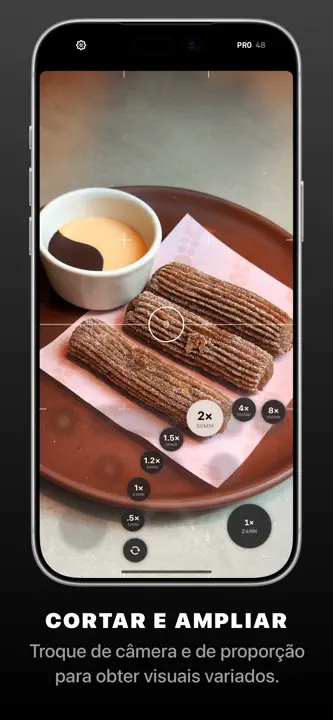
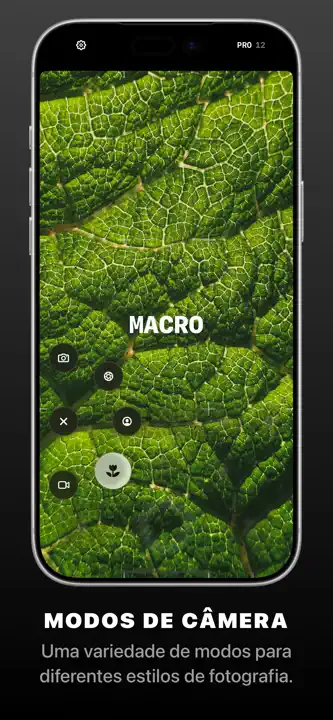
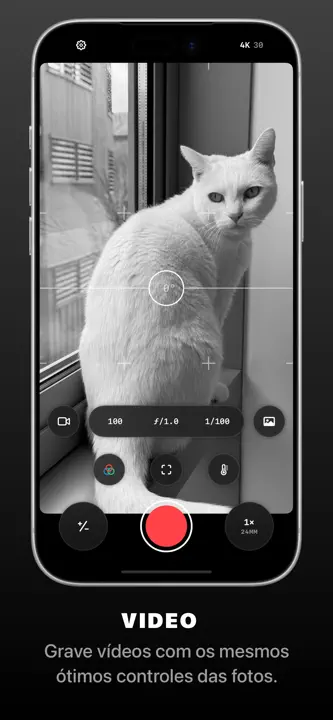
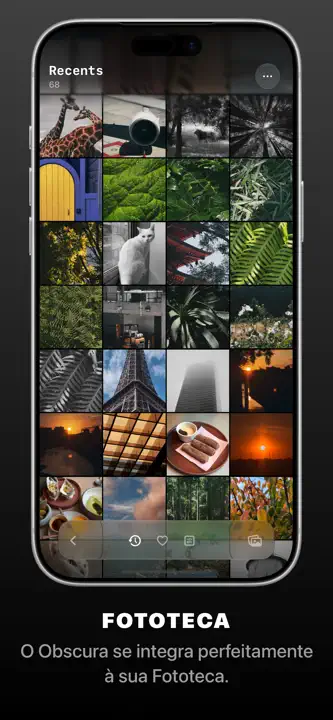
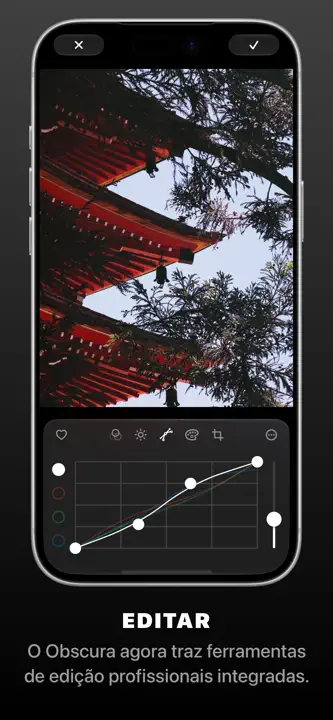
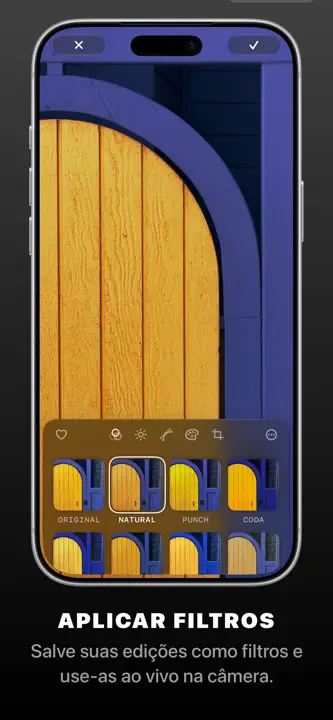
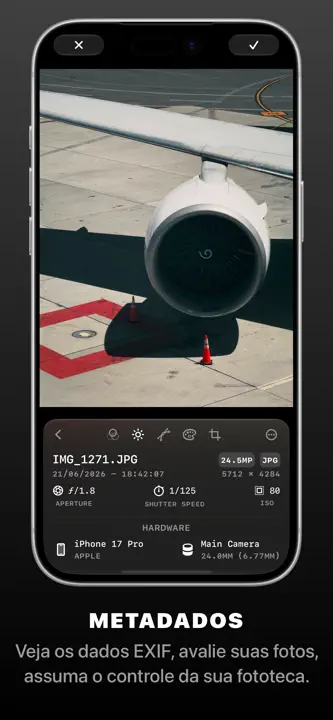
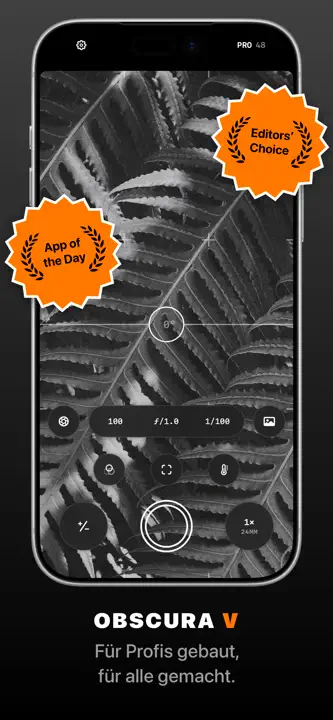
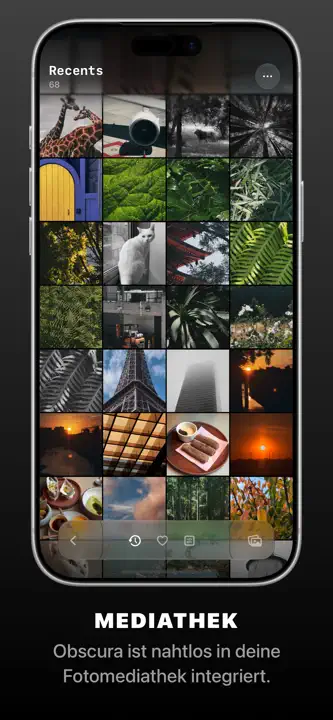
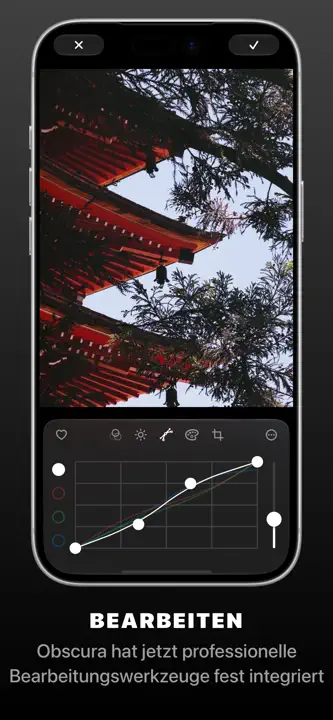
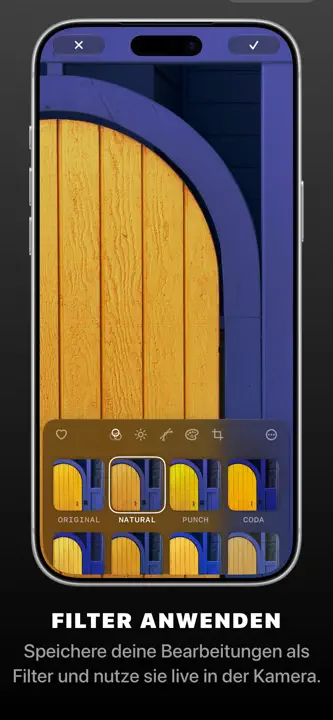
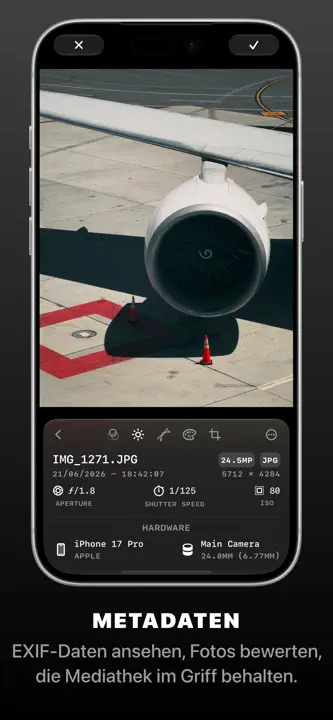
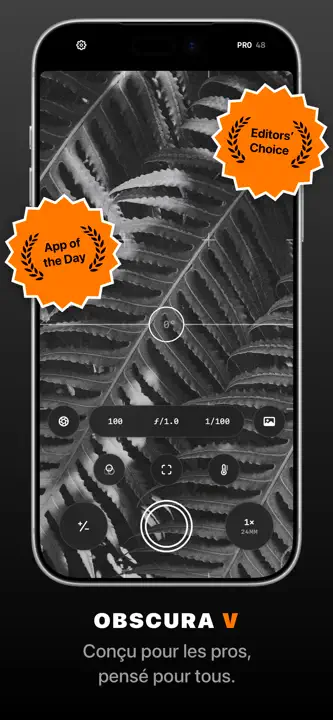
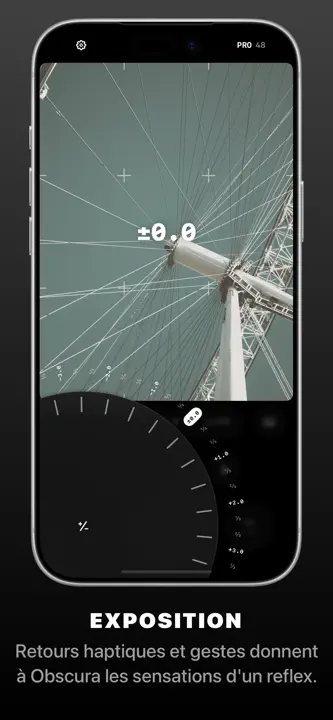
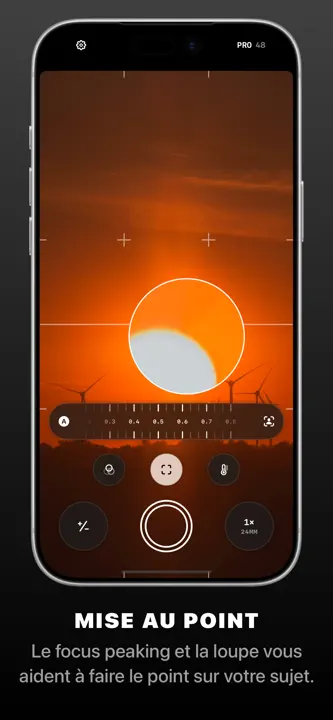
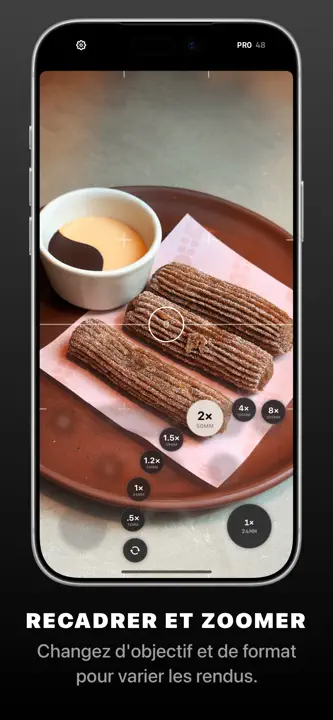
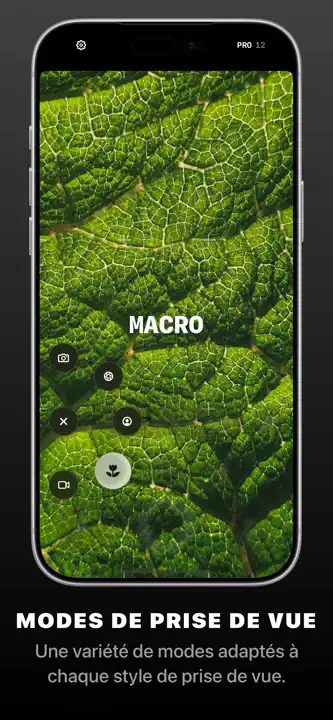
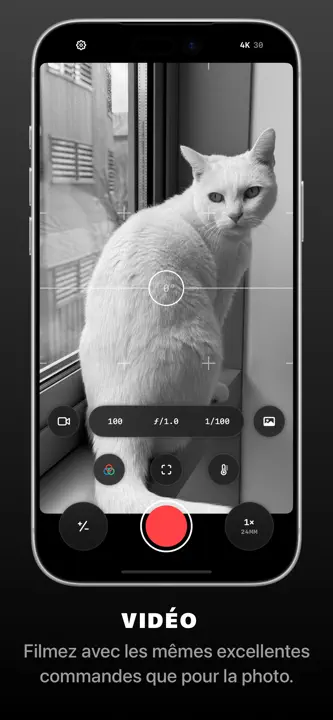
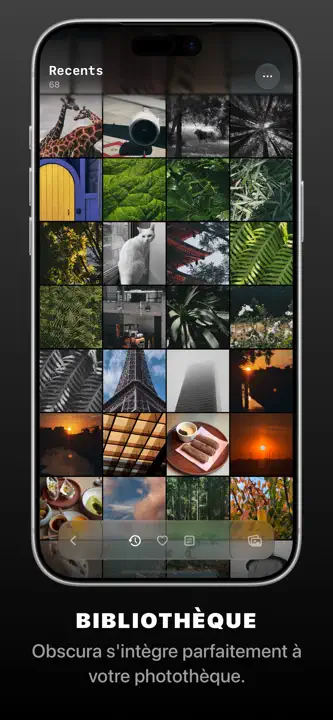
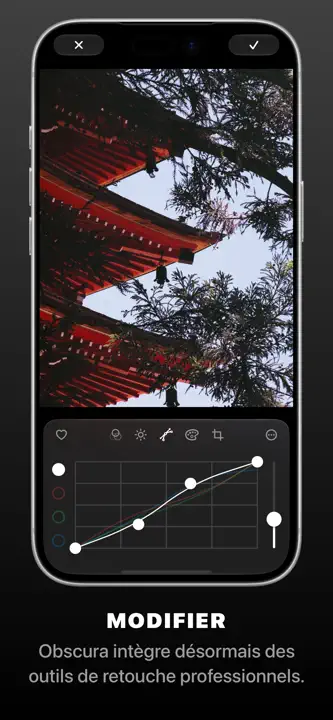
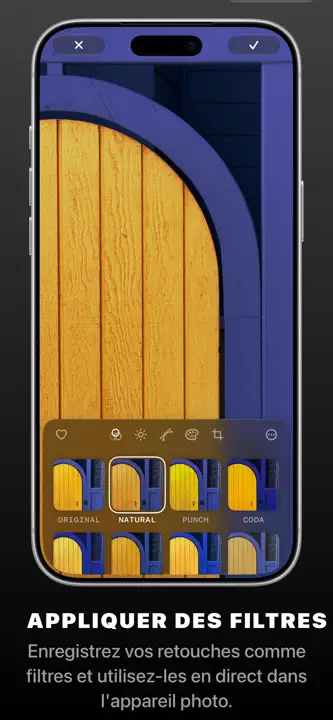
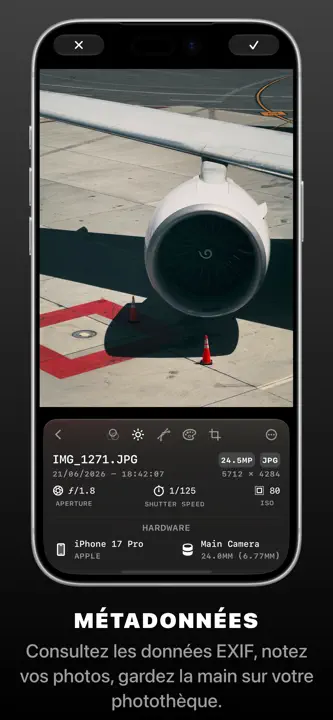
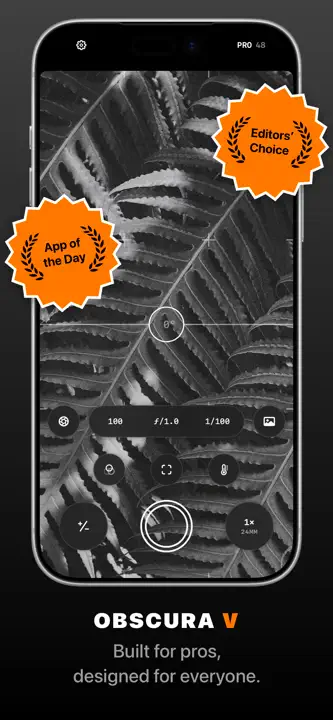
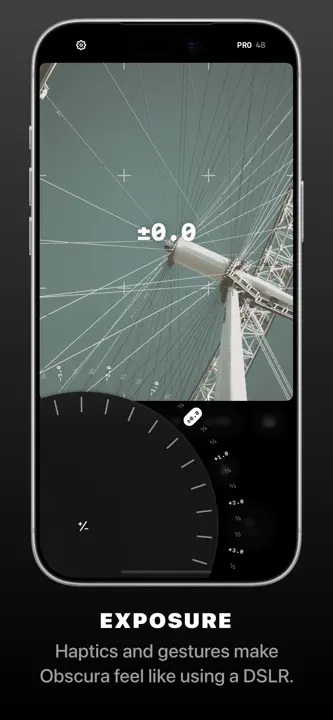
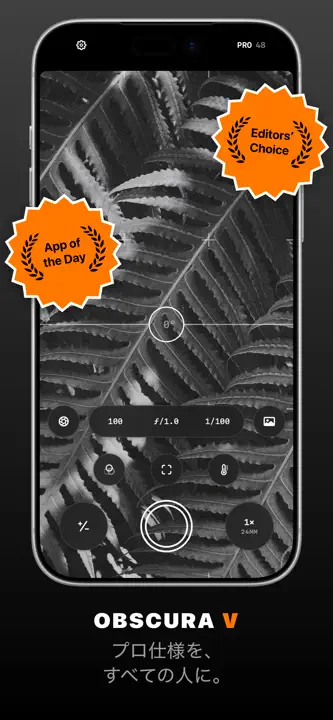
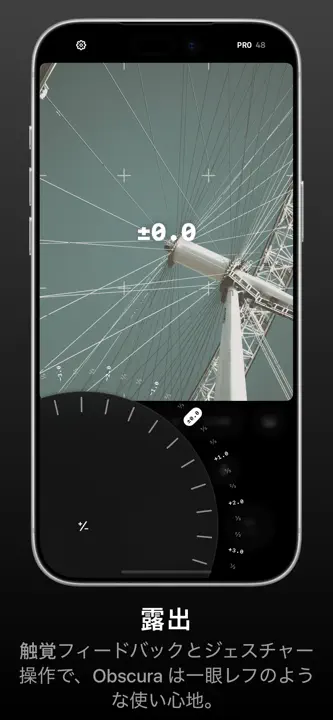
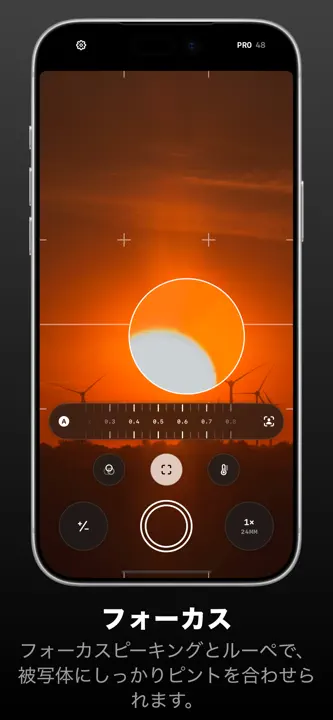
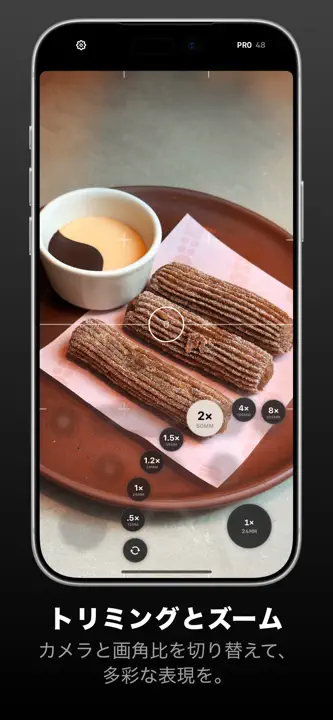
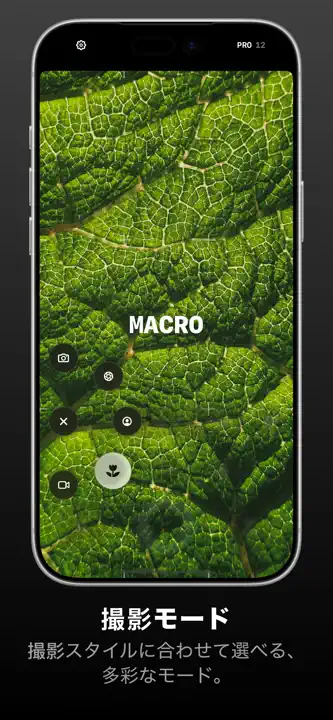
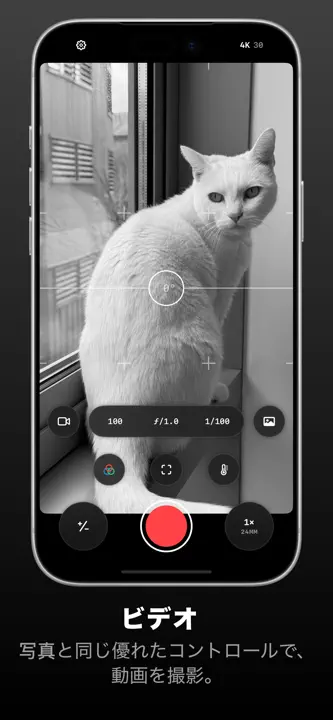
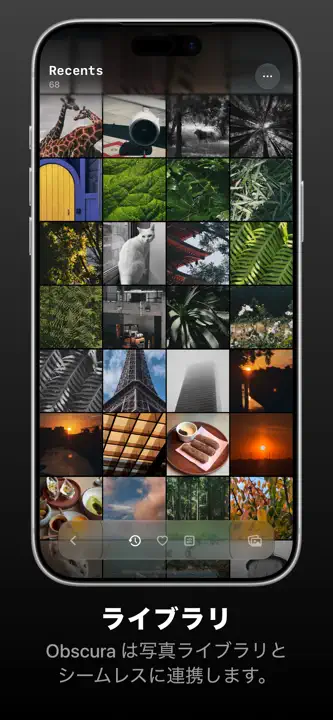
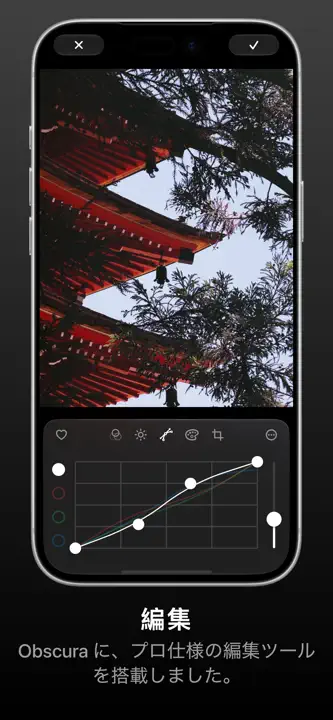
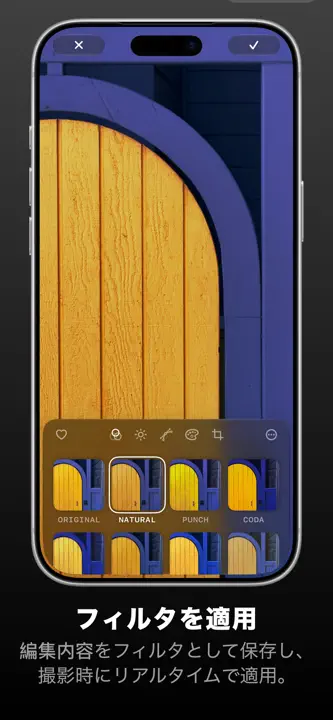
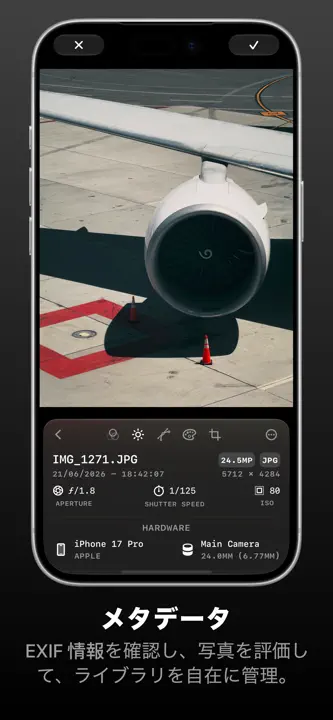
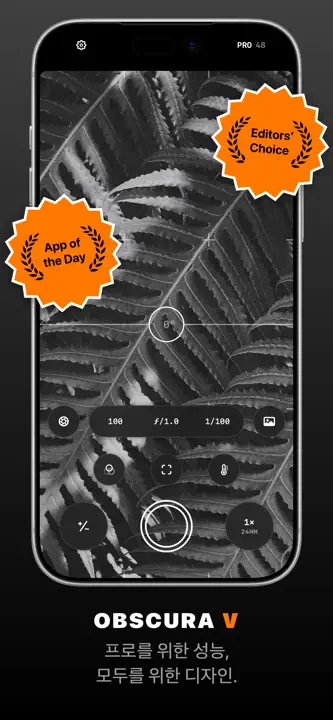
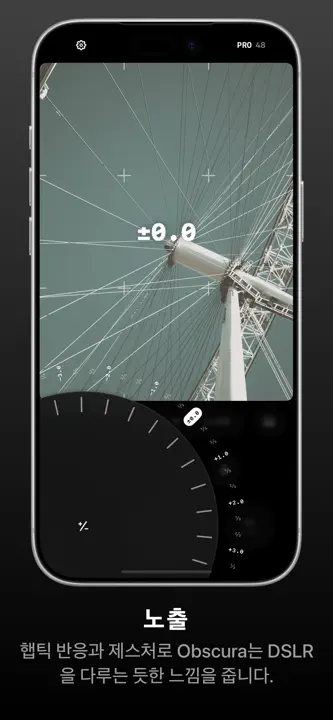
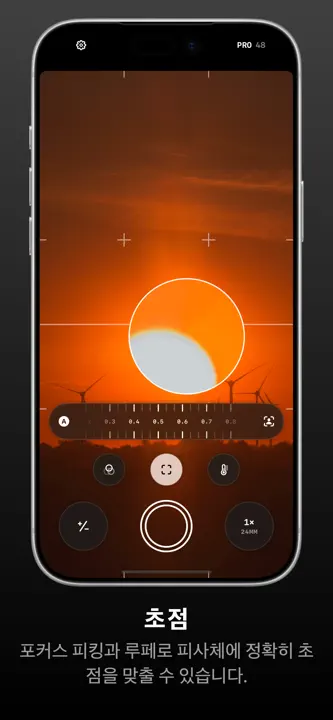
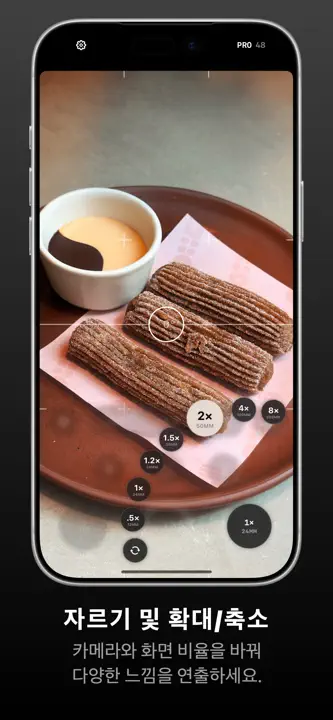
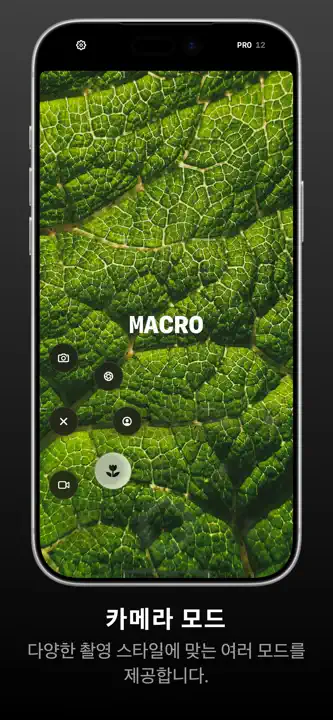
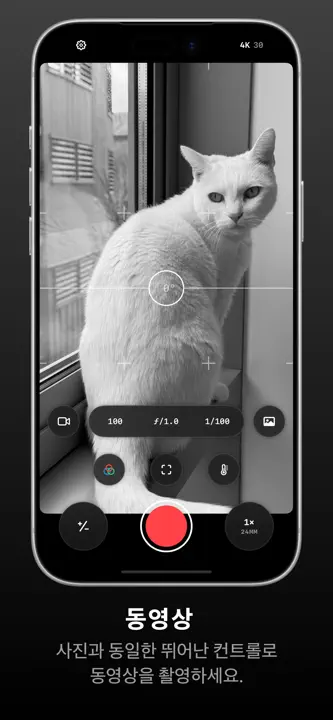
Black frames repeat a large phone with the photograph as the whole screen, and a spaced uppercase label and caption below.




- Category
- Photo & video
- Publisher
- Ben McCarthy
- Version
- 2026.9
- Approach
- Photography-led
Around the world
More localized listings →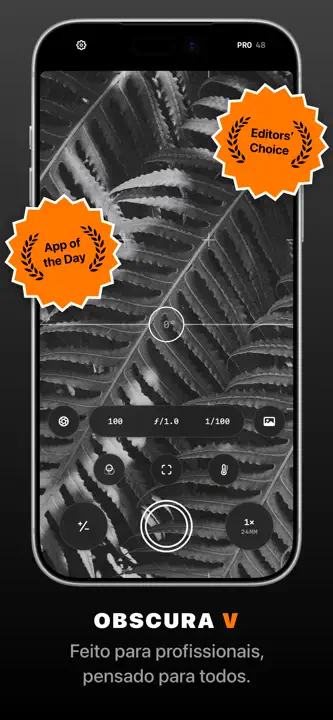
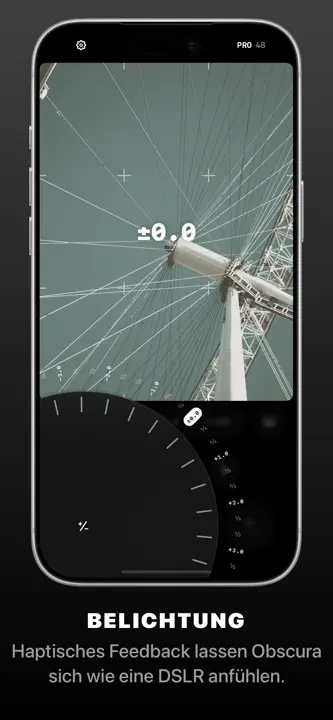
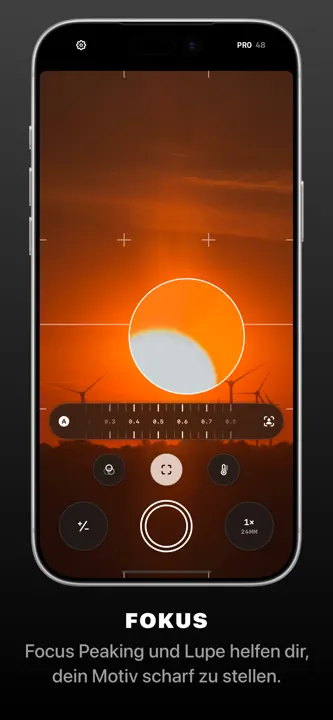
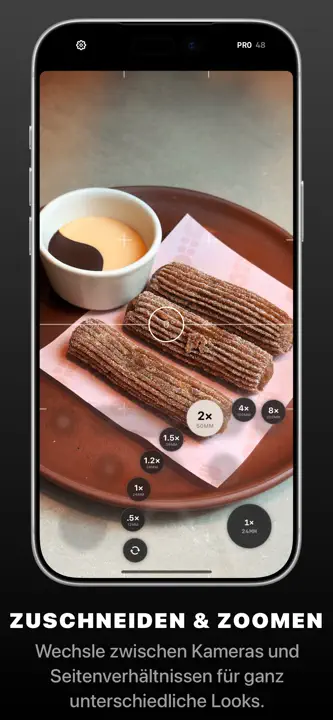
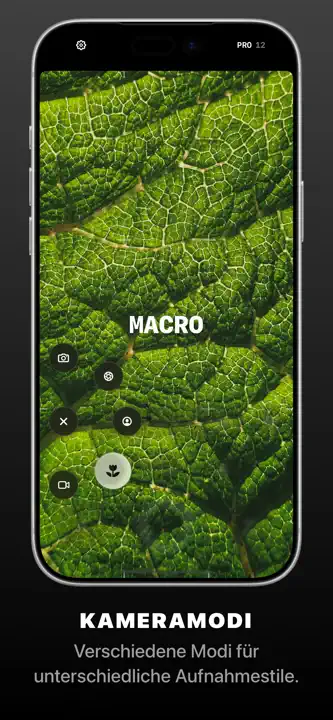

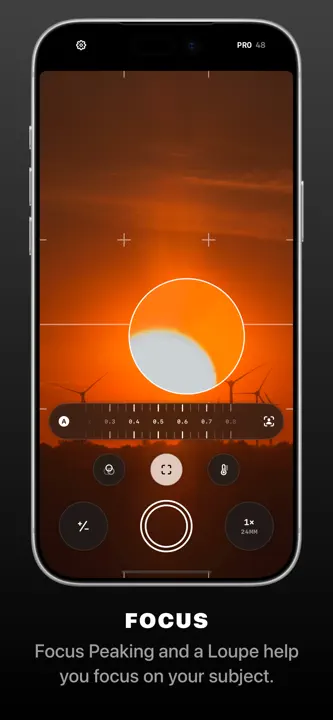
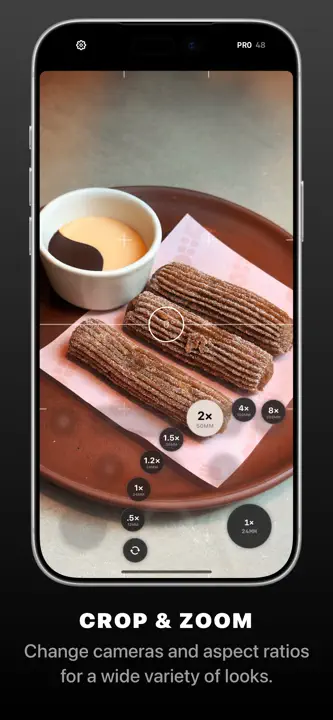
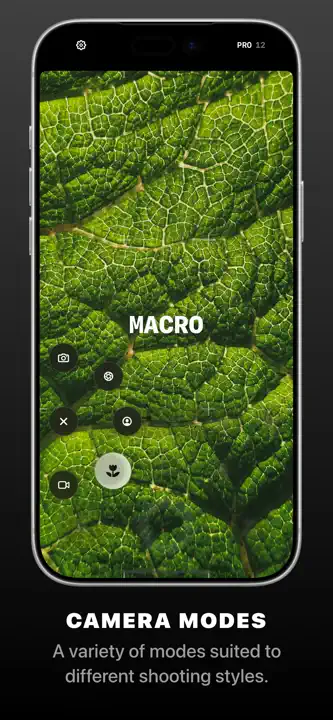
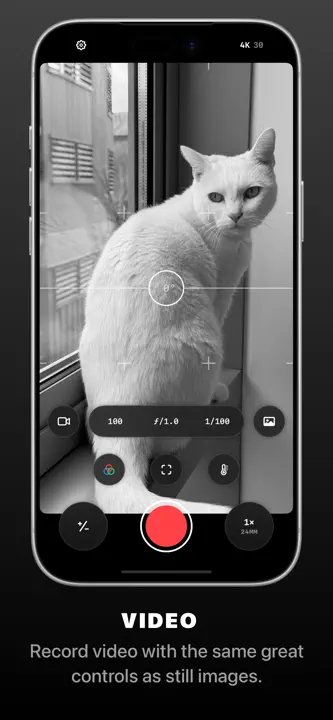
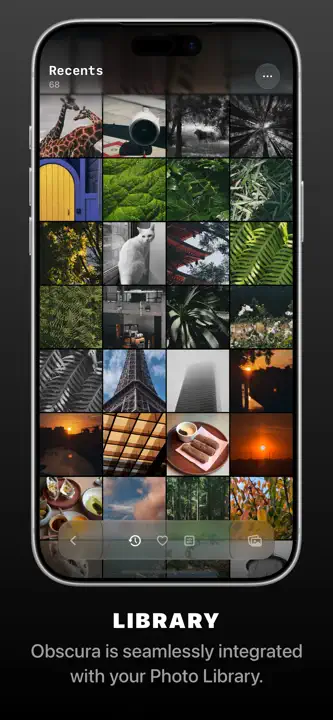
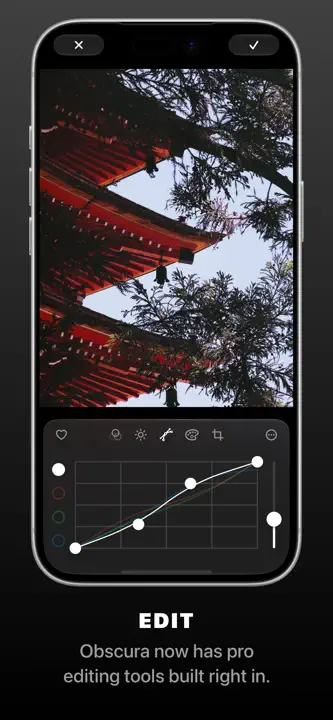
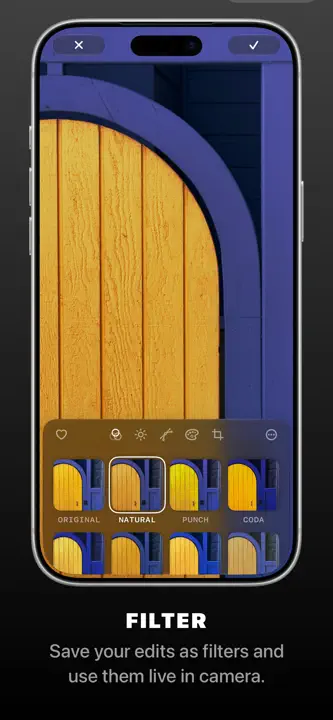
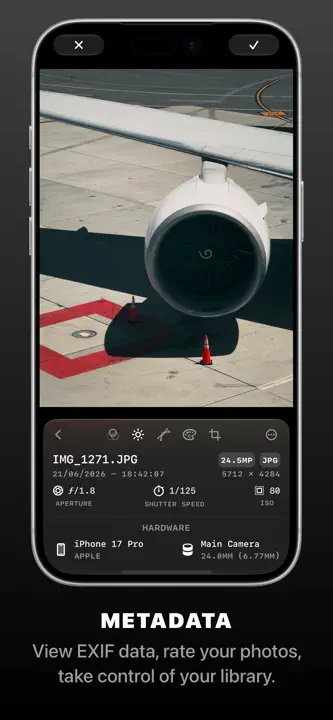
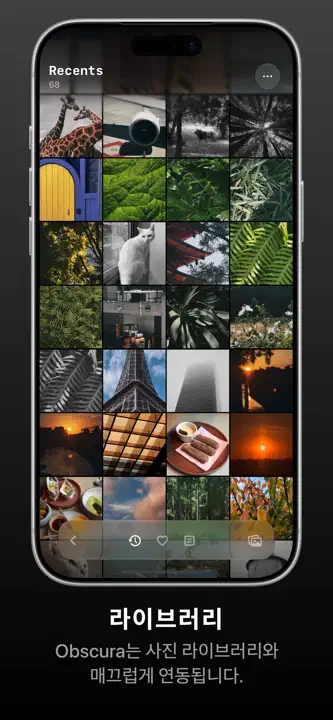
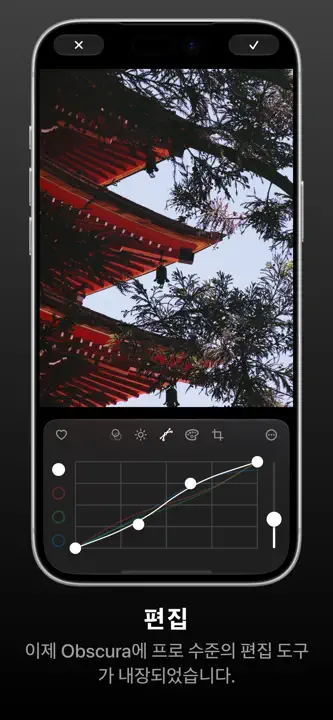
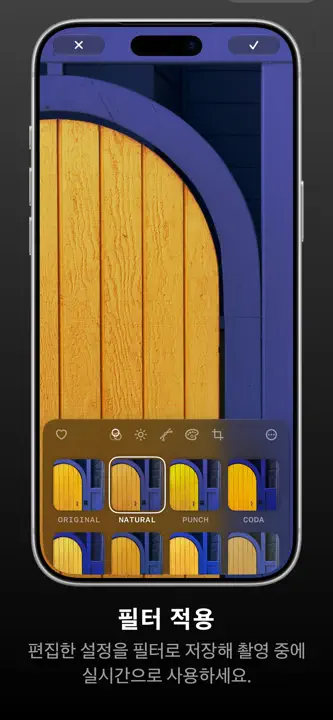
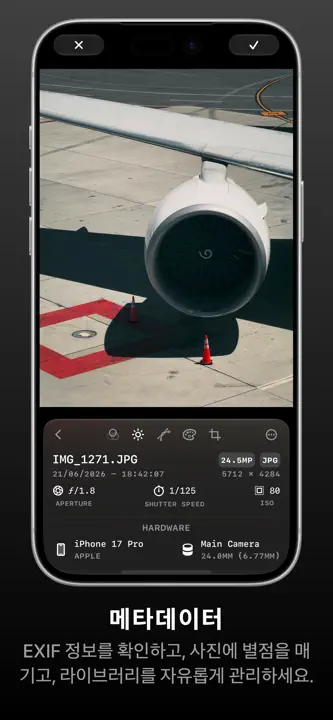
What’s New
2026.9
A fix for iPad viewfinder orientation. My apologies, iPad photographers.
2026.8
- A fix for incorrectly mirrored video on the iPhone Duo’s outer display when in camera accessory mode.
2026.7
Improvements:
- Added App Store Screenshots for iPhone Duo
- Improved recovery of interrupted filtered captures
If you’re liking Obscura, don’t forget to leave a review, it would be a huge help.
All the best,
Ben
2026.6
Features:
- Aperture and Shutter Priority modes
- Support for upcoming devices
Improvements:
- Updated the walkthrough
- Updated some localisations
If you’re liking Obscura, don’t forget to leave a review, it would be a huge help.
All the best,
Ben
2026.5
Fixes for the latest devices.
2026.4
Features:
Apple Watch Complications
Fixes:
Fixed the free capture limit incrementing for some users incorrectly.
2026.3
Support for the latest hardware and its cool new variable aperture.
2026.2
# Obscura V — What’s New
Obscura V is a huge update. The entire camera system has been improved, from how quickly it launches to how captures are saved in stages to be more reliable. There are a bunch of improvements that might not seem obvious at first, but you’ll feel them in use.
New Camera Modes
Obscura’s modes have been changed around a little:
- Photo Mode is now Fusion Mode, to more clearly demonstrate that it’s using a fusion camera system. (Fusion is hidden if your device only has a single rear camera)
- Live Photo Mode is no more! You can take Live Photos in Fusion and Manual Mode.
- There’s a new Macro Mode, if your device has an ultrawide camera.
Camera Controls
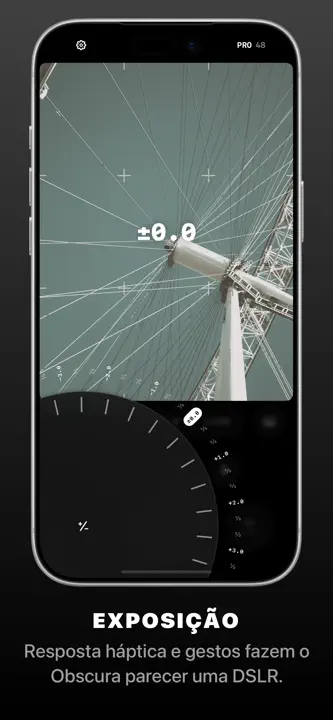
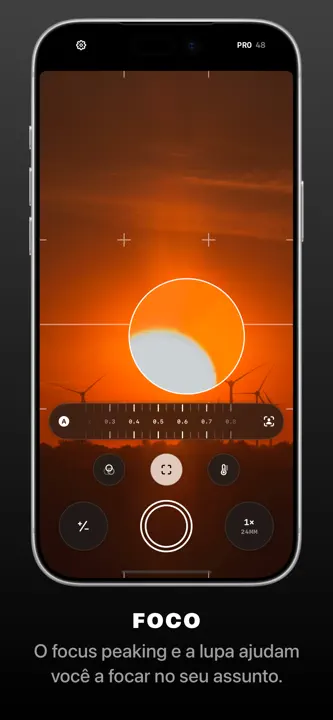
Obscura’s incredible camera controls have been tweaked to be even easier to use one handed, offering larger dials and improved quick settings.
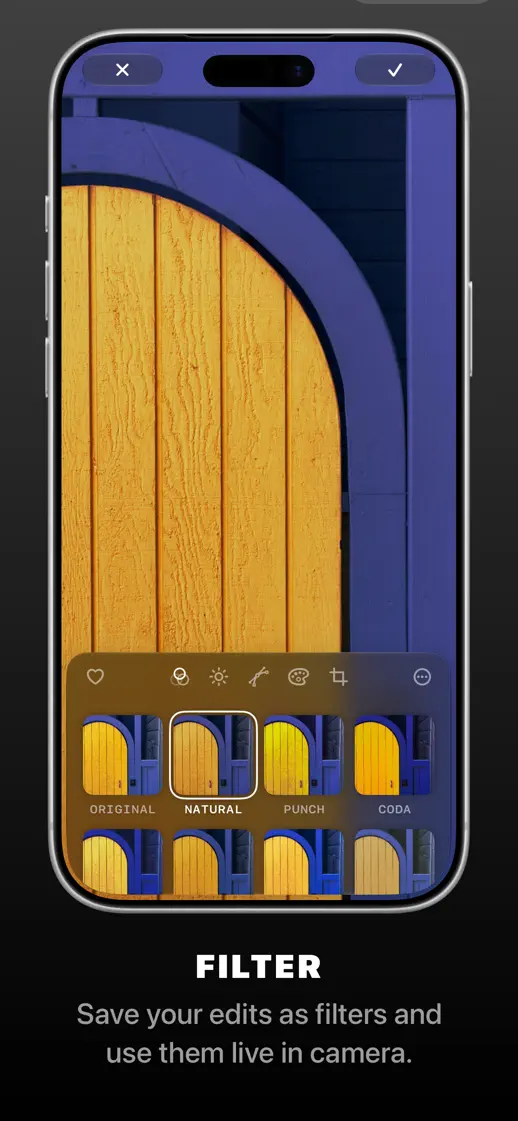
Filters
Obscura’s whole image processing system has been completely revamped. Building on the photo editing tools built for Obscura Studio, filters are now comprised of those same editing parameters. This means:
You can now create Custom Filters and use them live in-camera!
It’s an incredibly flexible and powerful system, allowing for more personalization than ever before. You can find your own style and apply it consistently across images.
Library
Obscura’s Library interface has also been improved, you can now perform batch actions, and the album picker is even nicer than before.
Photo Editing
Obscura now has all the great Editing features and tools from Obscura Studio built right in and your edits are synced between both apps and across devices. This makes it a breeze to capture a photo on your phone, start editing it, move to your iPad and continue where you left off.
————
There’s so much more that’s been improved, polished and made more performant across the app. I hope you like all the work that’s gone into it.
Please remember to leave a review if you haven’t already, or share it with a friend.
All the best,
Ben
Listing history
New icon
New icon
New Watch screenshots
New iPad screenshots
New iPhone screenshots
New icon
New icon
New icon
Compare with


Browse similar
Source: App Store listing by Ben McCarthy, United States storefront. Captured 26 Nov 2026. The artwork belongs to its publisher and is shown here for reference.