2.11.223 Nov 2026
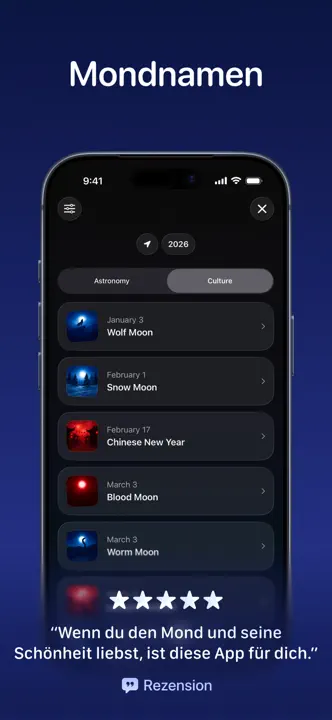
The Moon is shared by everyone, but the ways we follow its cycles, mark dates, and celebrate traditions vary across cultures.
With Moonlitt 2.11, we’re taking another step toward making Moonlitt feel more familiar and relevant to people around the world.
* Calendars *
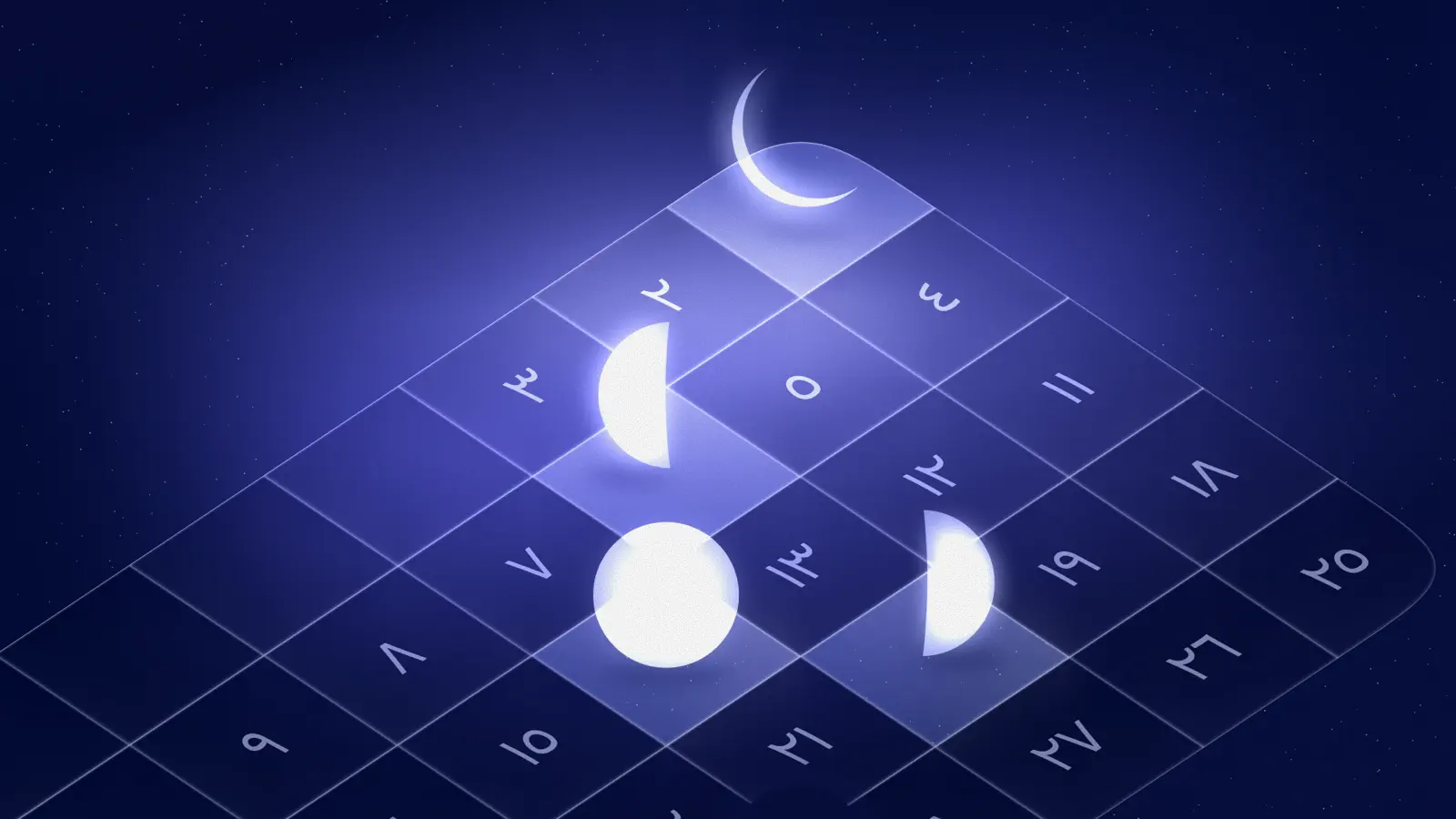
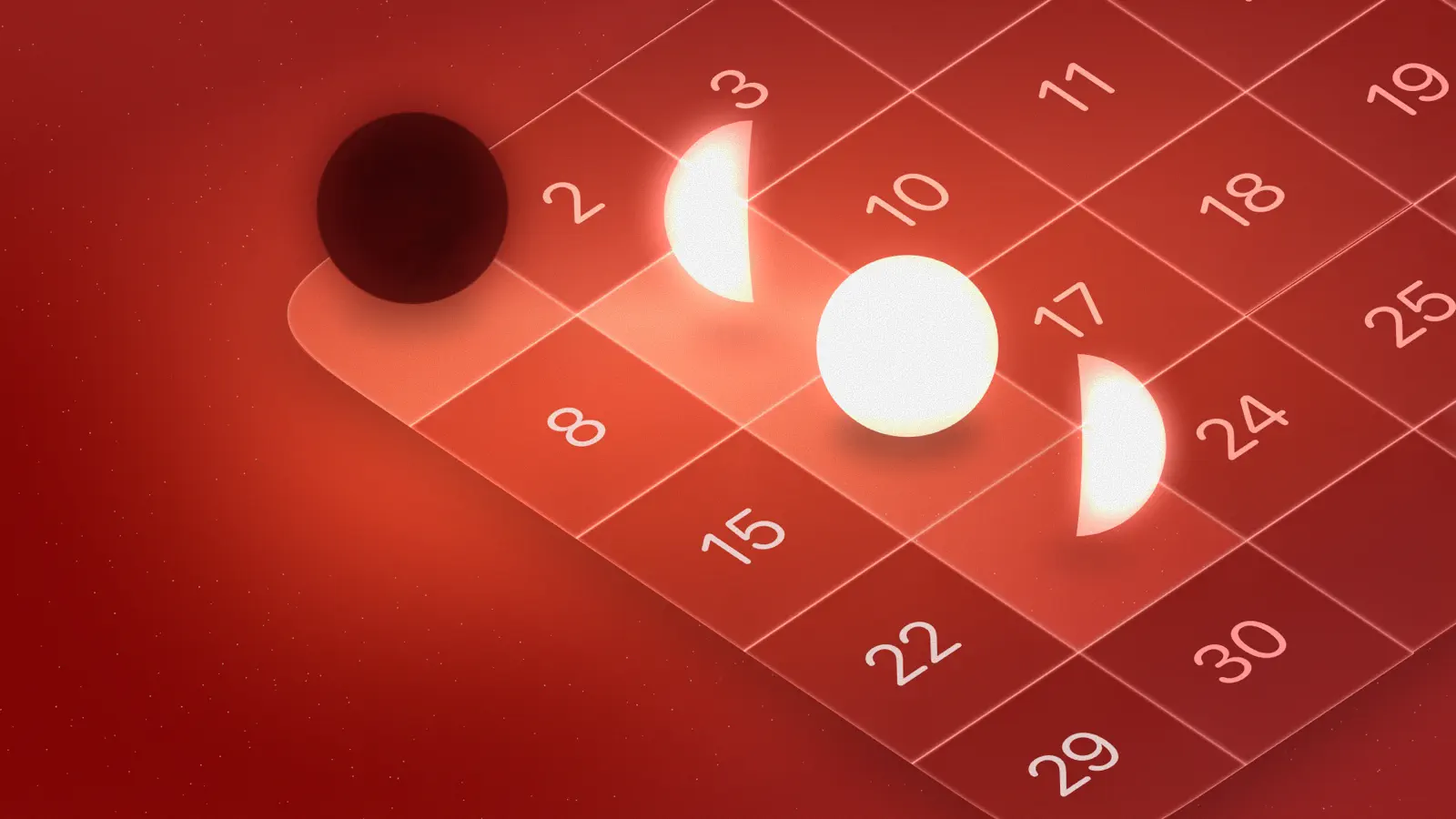
- Primary Calendar: choose the primary calendar used throughout Moonlitt! Select the Chinese, Islamic Civil, or Hebrew calendar (plus many others), and all dates, months, years, and date pickers will automatically adapt to your preferences.
-Alternate Calendar: display a second calendar alongside the primary calendar, making it easier to follow two calendar systems at once.
* Units & Formats *
- Customize how data is displayed throughout Moonlitt: measurement system, time format, and first weekday.
- Choose to display a full, expanded date picker when selecting dates, or the more compact, wheel picker.
And much more:
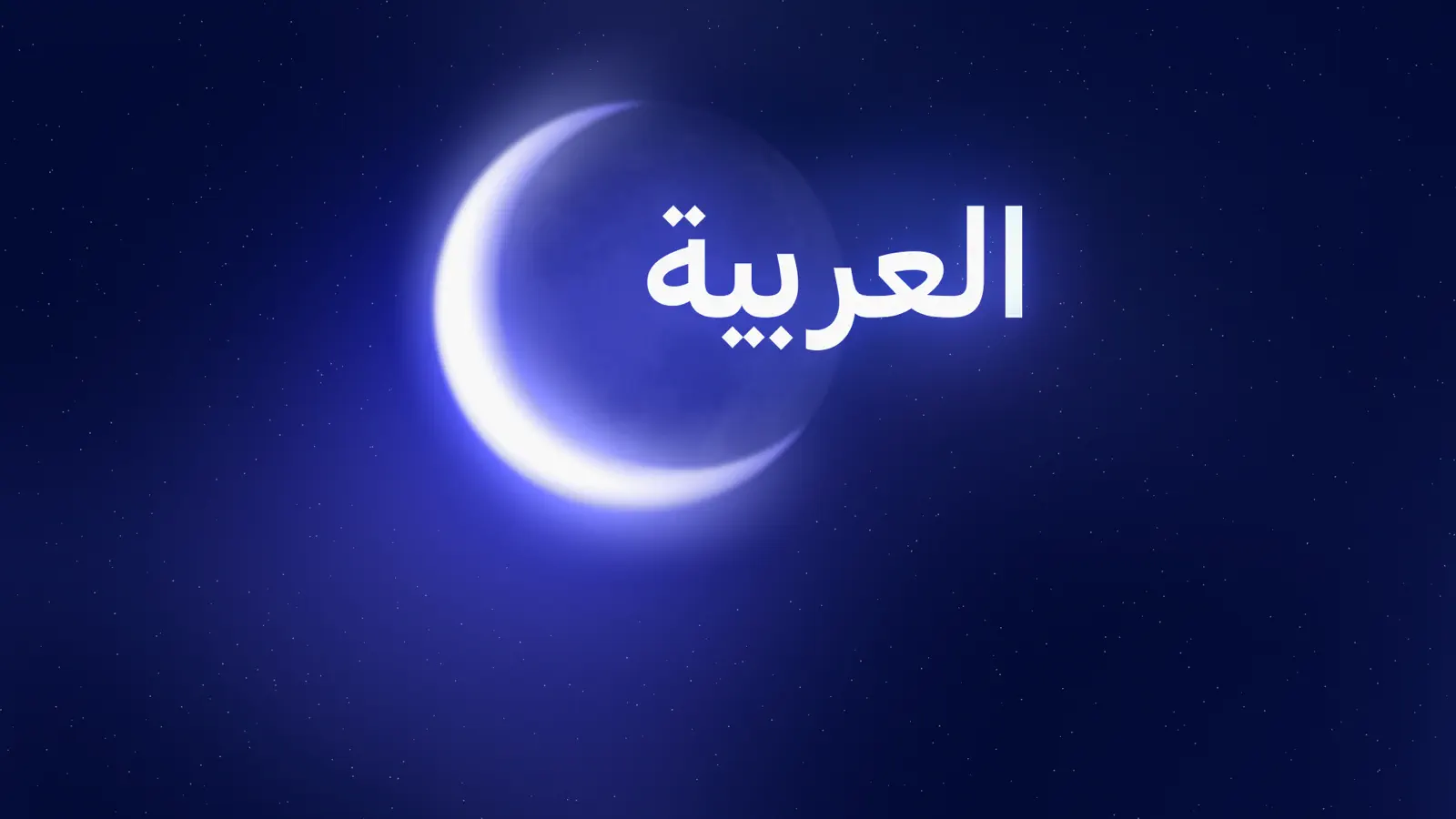
- Added Arabic localization, with a fully localized interface.
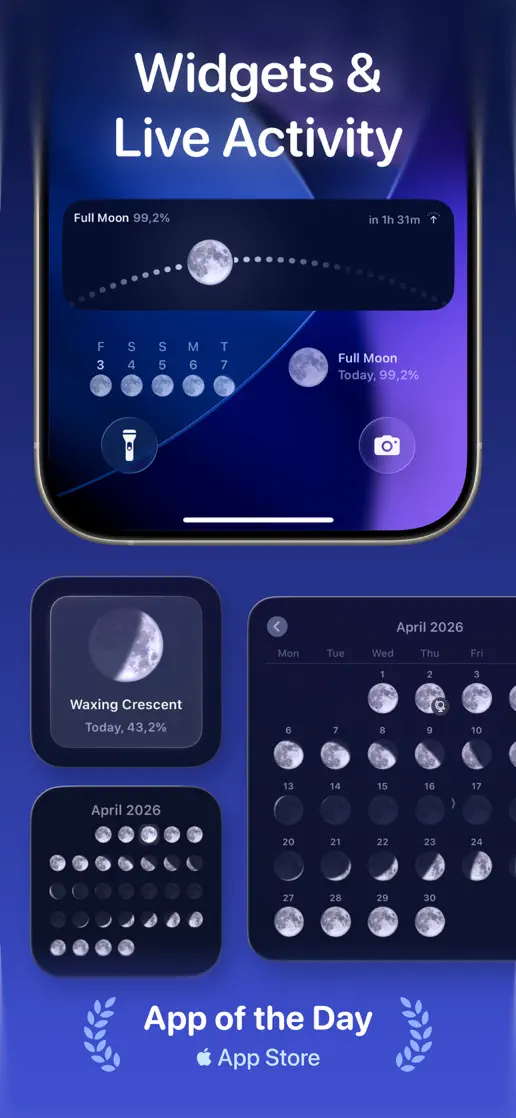
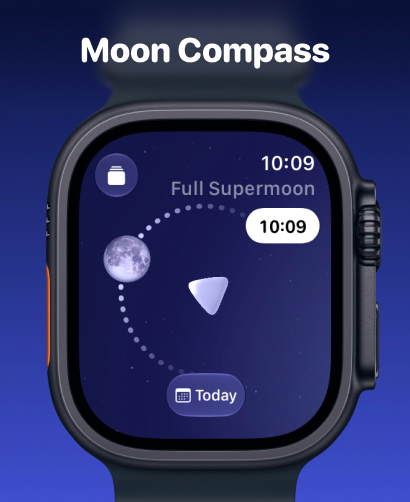
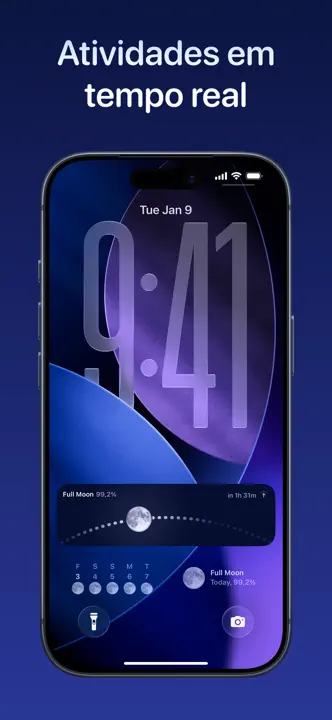
- Most calendar and format customizations are shared with Widgets, Live Activities, Apple Watch app, and Spotlight results.
- Moonlitt’s lunar algorithms have been completely enhanced for top-notch accuracy, improved performance, and many corrections for polar and other extreme location and moon traditions dates.
- Eclipse maps now load instantly.
- We’ve made moon visuals slightly more accurate.
- We’ve made an internal overhaul to make Moonlitt faster and smoother than ever.
- We’ve fixed many bugs throughout the app, especially in lunar data computation and display, notifications, and 3D components.
- We’ve fixed some localizations and Voice Over labels.
- We’ve redesigned the Settings for a more organized navigation.
- Updated internal components.
2.11.118 Nov 2026
The Moon is shared by everyone, but the ways we follow its cycles, mark dates, and celebrate traditions vary across cultures.
With Moonlitt 2.11, we’re taking another step toward making Moonlitt feel more familiar and relevant to people around the world.
* Calendars *
- Primary Calendar: choose the primary calendar used throughout Moonlitt! Select the Chinese, Islamic Civil, or Hebrew calendar (plus many others), and all dates, months, years, and date pickers will automatically adapt to your preferences.
-Alternate Calendar: display a second calendar alongside the primary calendar, making it easier to follow two calendar systems at once.
* Units & Formats *
- Customize how data is displayed throughout Moonlitt: measurement system, time format, and first weekday.
- Choose to display a full, expanded date picker when selecting dates, or the more compact, wheel picker.
And much more:
- Added Arabic localization, with a fully localized interface.
- Most calendar and format customizations are shared with Widgets, Live Activities, Apple Watch app, and Spotlight results.
- Moonlitt’s lunar algorithms have been completely enhanced for top-notch accuracy, improved performance, and many corrections for polar and other extreme location and moon traditions dates.
- Eclipse maps now load instantly.
- We’ve made moon visuals slightly more accurate.
- We’ve made an internal overhaul to make Moonlitt faster and smoother than ever.
- We’ve fixed many bugs throughout the app, especially in lunar data computation and display, notifications, and 3D components.
- We’ve fixed some localizations and Voice Over labels.
- We’ve redesigned the Settings for a more organized navigation.
- Updated internal components.
2.1117 Nov 2026
The Moon is shared by everyone, but the ways we follow its cycles, mark dates, and celebrate traditions vary across cultures.
With Moonlitt 2.11, we’re taking another step toward making Moonlitt feel more familiar and relevant to people around the world.
* Calendars *
- Primary Calendar: choose the primary calendar used throughout Moonlitt! Select the Chinese, Islamic Civil, or Hebrew calendar (plus many others), and all dates, months, years, and date pickers will automatically adapt to your preferences.
-Alternate Calendar: display a second calendar alongside the primary calendar, making it easier to follow two calendar systems at once.
* Units & Formats *
- Customize how data is displayed throughout Moonlitt: measurement system, time format, and first weekday.
- Choose to display a full, expanded date picker when selecting dates, or the more compact, wheel picker.
And much more:
- Added Arabic localization, with a fully localized interface.
- Most calendar and format customizations are shared with Widgets, Live Activities, Apple Watch app, and Spotlight results.
- Moonlitt’s lunar algorithms have been completely enhanced for top-notch accuracy, improved performance, and many corrections for polar and other extreme location and moon traditions dates.
- Eclipse maps now load instantly.
- We’ve made moon visuals slightly more accurate.
- We’ve made an internal overhaul to make Moonlitt faster and smoother than ever.
- We’ve fixed many bugs throughout the app, especially in lunar data computation and display, notifications, and 3D components.
- We’ve fixed some localizations and Voice Over labels.
- We’ve redesigned the Settings for a more organized navigation.
- Updated internal components.
2.10.123 Oct 2026
- Redesigned Lunar Calendar on Apple Watch to match the new style used on iOS.
- Made several improvements to visuals and animations on Apple Watch.
- Fixed several bugs.
2.1012 Oct 2026
Moonlitt lands on iPhone Duo!
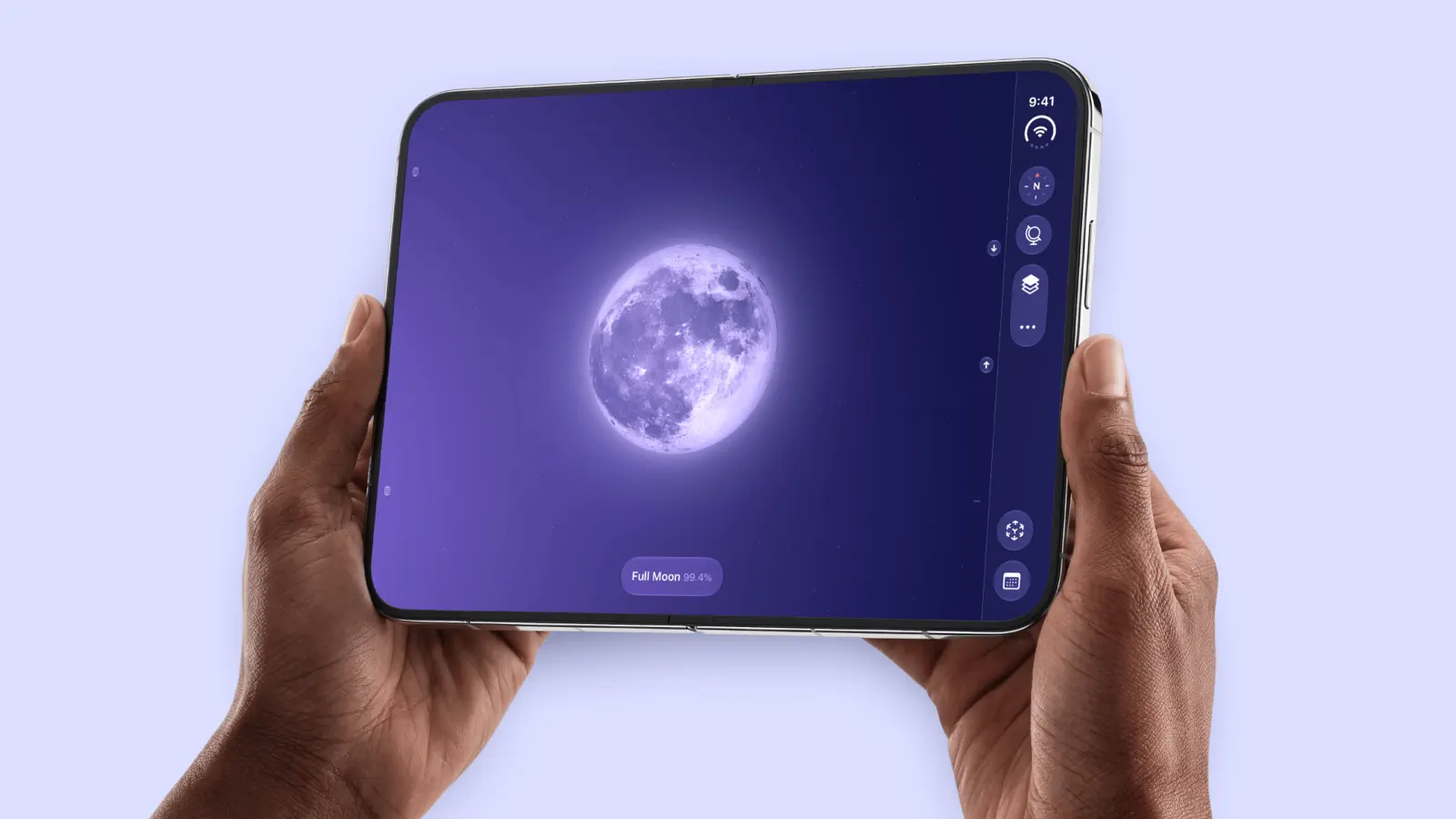
Moonlitt 2.10 expands the previous work on resizable window frames support to adapt naturally to the iPhone Duo poses and split arrangements. We’ve also refined all our Liquid Glass components to look and feel even more polished and more alive than ever. Finally, a complete rework of the Lunar Calendar and 3D scenes.
iPhone Duo
- Made sure the interface beautifully adapts to all folded states and split arrangements.
- Used more system buttons, toolbars, and navigation components for a familiar, consistent experience.
- Deeply integrated the vertical bar into Moonlitt’s interface, using its boundaries to carry our custom time slider.
- Refined widgets, Live Activities, and StandBy for the new displays.
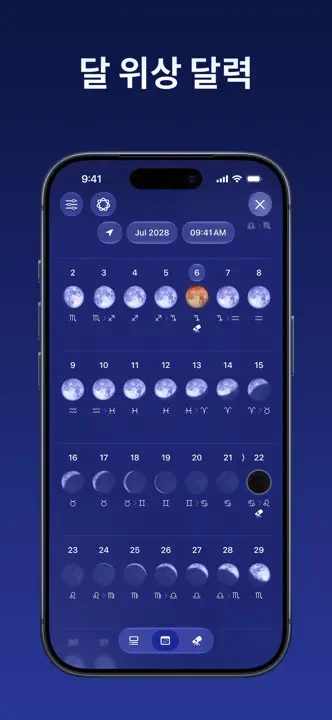
Lunar Calendar
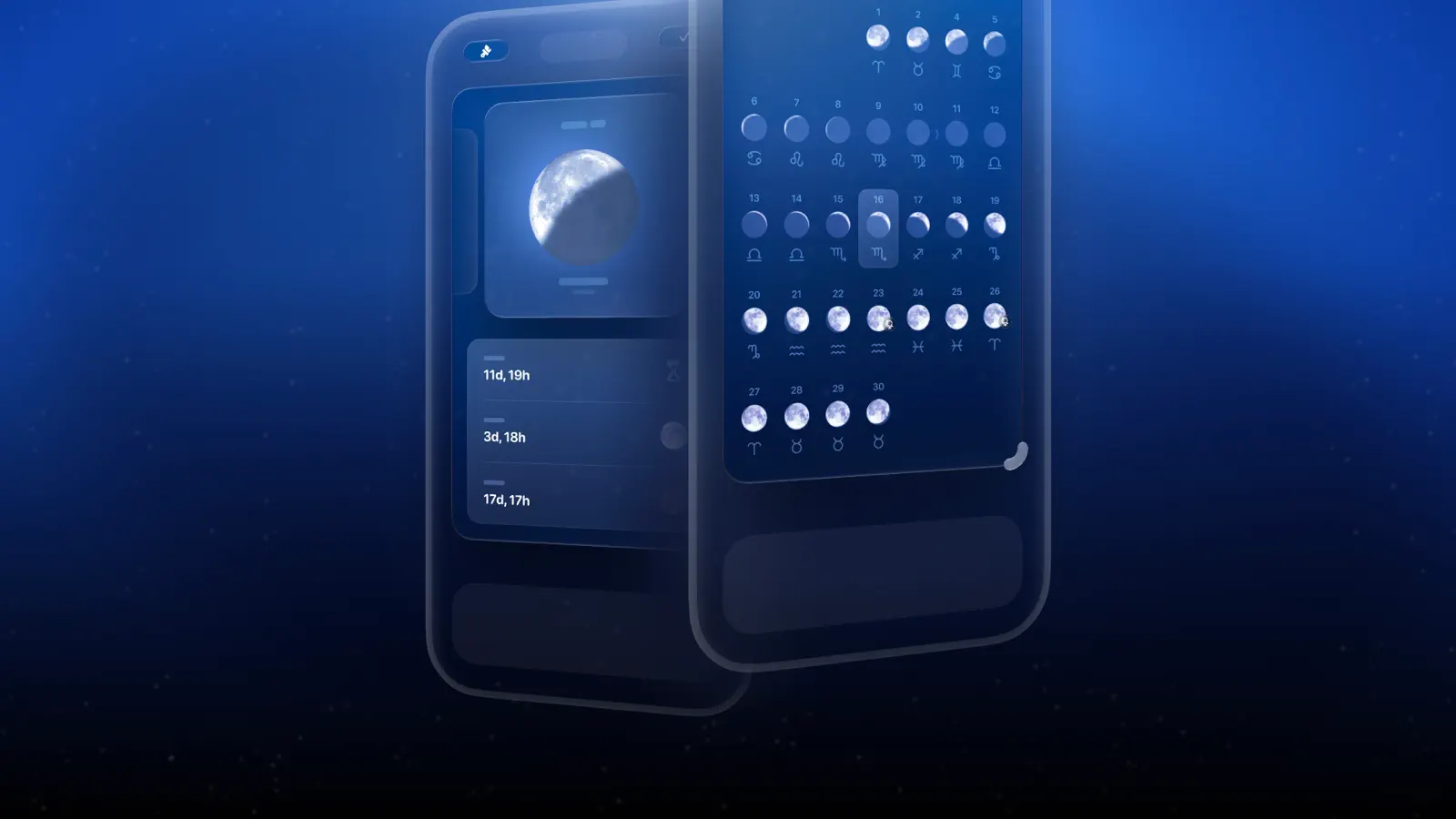
- Reworked the Lunar Calendar from the ground up, improving performance, smoothness while scrolling through months, and memory usage.
- Completely redesigned the Lunar Calendar, making it clearer and including more information with less UI clutter and unneeded transitions and animations.
What’s more…
- Moonlitt now supports landscape on iPhone too!
- Moonlitt now consumes fewer resources and battery, while feeling much smoother and polished.
- Refined all buttons and menu look&feel and behavior.
- Removed clutter and unneeded components from the info screen.
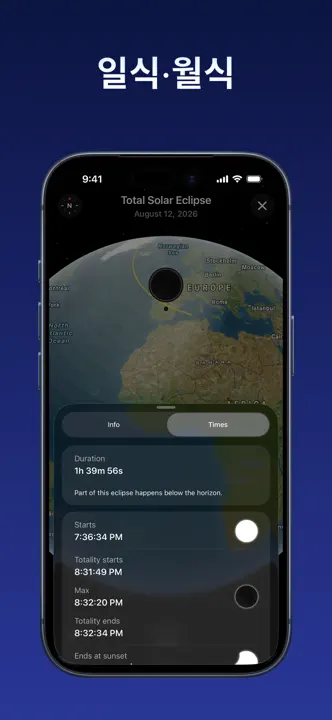
- Eclipse maps now load hugely faster.
- The date and time sliders now feel much smoother, fixing all stutters and frame drops when using them heavily.
- Reworked all sheets and popovers for a smoother experience and transitions.
- Added even more zoom transitions!
- 3D scenes are now slightly smoother and use less memory.
- Fixed a bug causing notifications to be scheduled for locations other than the user’s.
- Fixed many bugs throughout the app.
- Updated internal components.
2.910 Sept 2026
Moonlitt is ready for OS27!
With this update we are bringing a much deeper integration in the system, extended support for larger screen size and formats, and a huge set of quality of life improvements and bug fixes.
What’s new in Moonlitt 2.9:
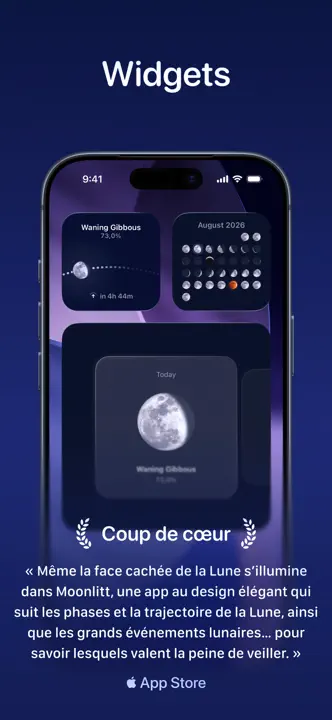
- Extra Large Widgets
Two new sizes for Moonlitt’s widgets:
• Lunar Calendar: Bigger Moon visuals with configurable info for each date, such as constellation or moonrise time.
• Moon Phase: Moon visuals with configurable info, including rise, culmination, set times, and Moon age.
- Resizable iPhone App
We’ve made Moonlitt’s interface even more flexible and future-ready, expanding the app to seamlessly adapt to any window size and aspect ratio.
- Siri AI & On-Screen Awareness
Ask about lunar cycles, traditions, or eclipses, then share discoveries or add reminders for them—all through Siri.
- Spotlight
Moonlitt’s entire lunar content is now indexed in Spotlight. Search for lunar events and info, then jump directly to the relevant section in Moonlitt.
What’s more:
- Deeply improved the moon appearance and accuracy throughout the app.
- Largely improved performance in the Lunolitt mode.
- Largely improved behavior of the endless date and time sliders.
- Added minor visual adjustments and fixed visual nuances.
- Fixed moon surface tilt being rotated by 90° degrees in some days.
- Fixed crashes in the moon path widgets.
- Fixed several other bugs throughout the app.
- Updated internal components.
2.8.429 Aug 2026
Added Polish localization.
Special thanks to Maciej Durczak (@maciej_durczak) for helping us add support for a new language to Moonlitt.
2.8.319 Aug 2026
- Fixed eclipse details not updating when selecting a location in the same time zone of the previous selected location.
- Fixed eclipse details screen closing when returning to the app after it went in background.
- Fixed a minor visual glitch in the eclipse preview animation when selecting a new location.
- Improved performance inside the info screen.
- Updated internal components.