
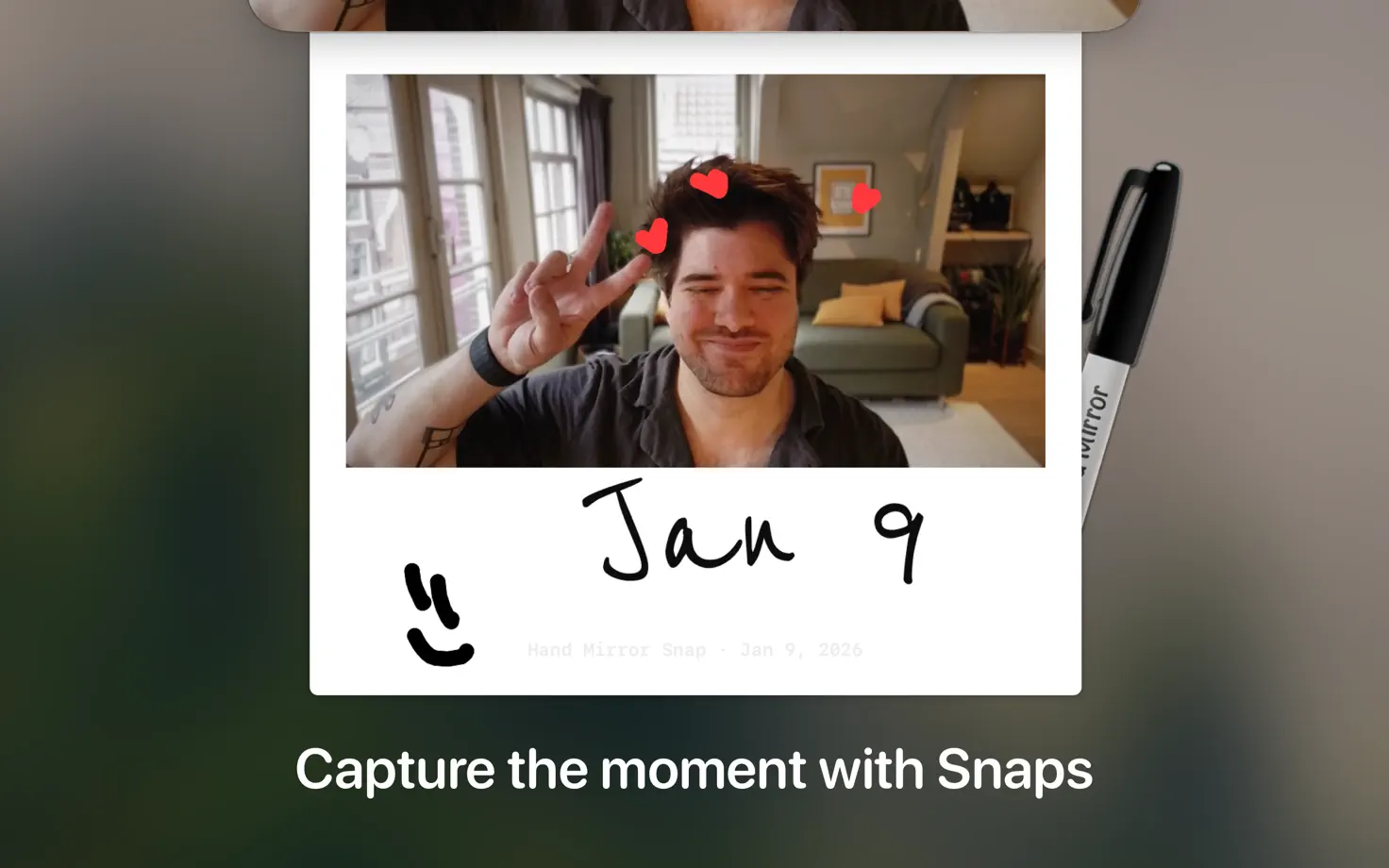
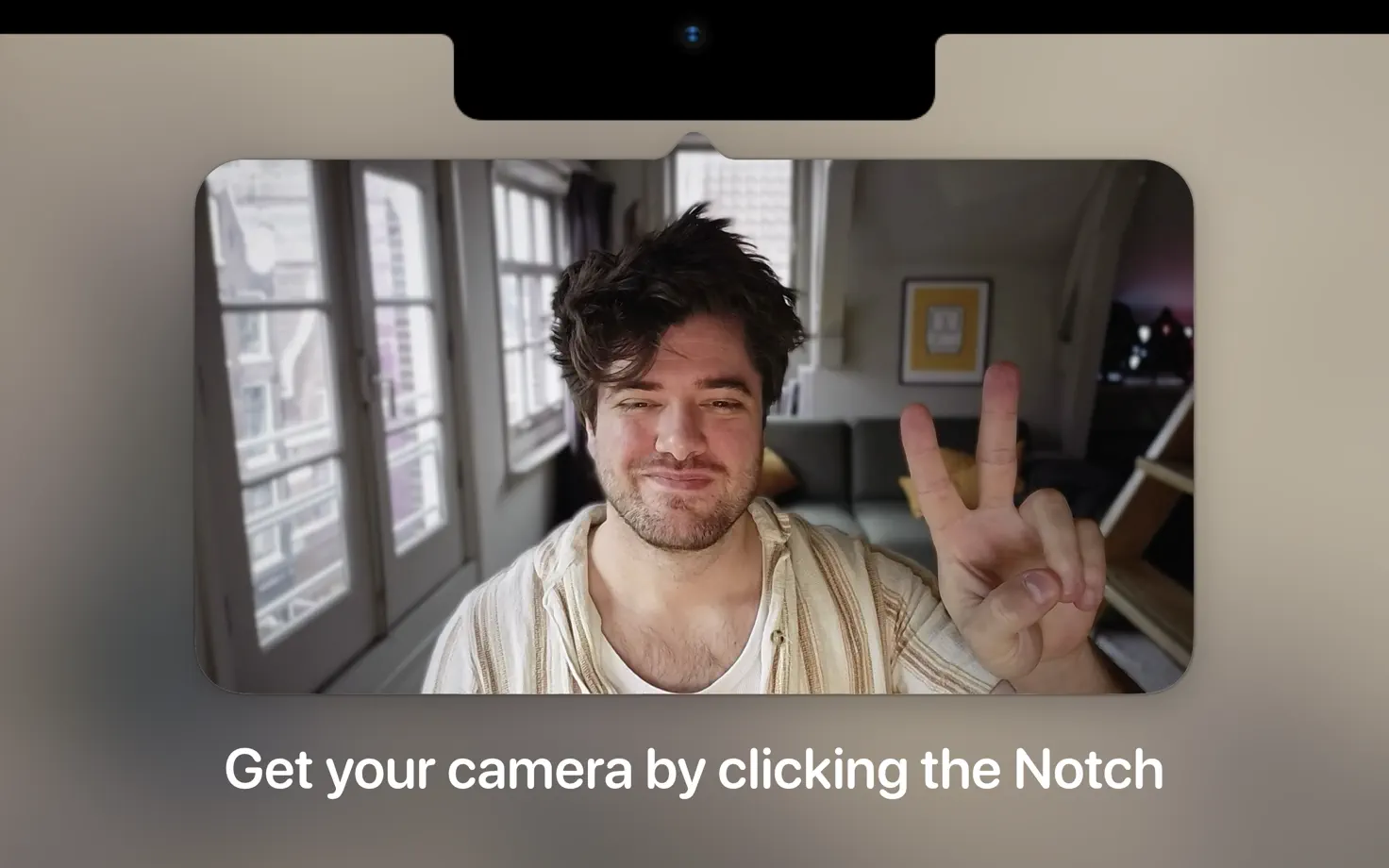
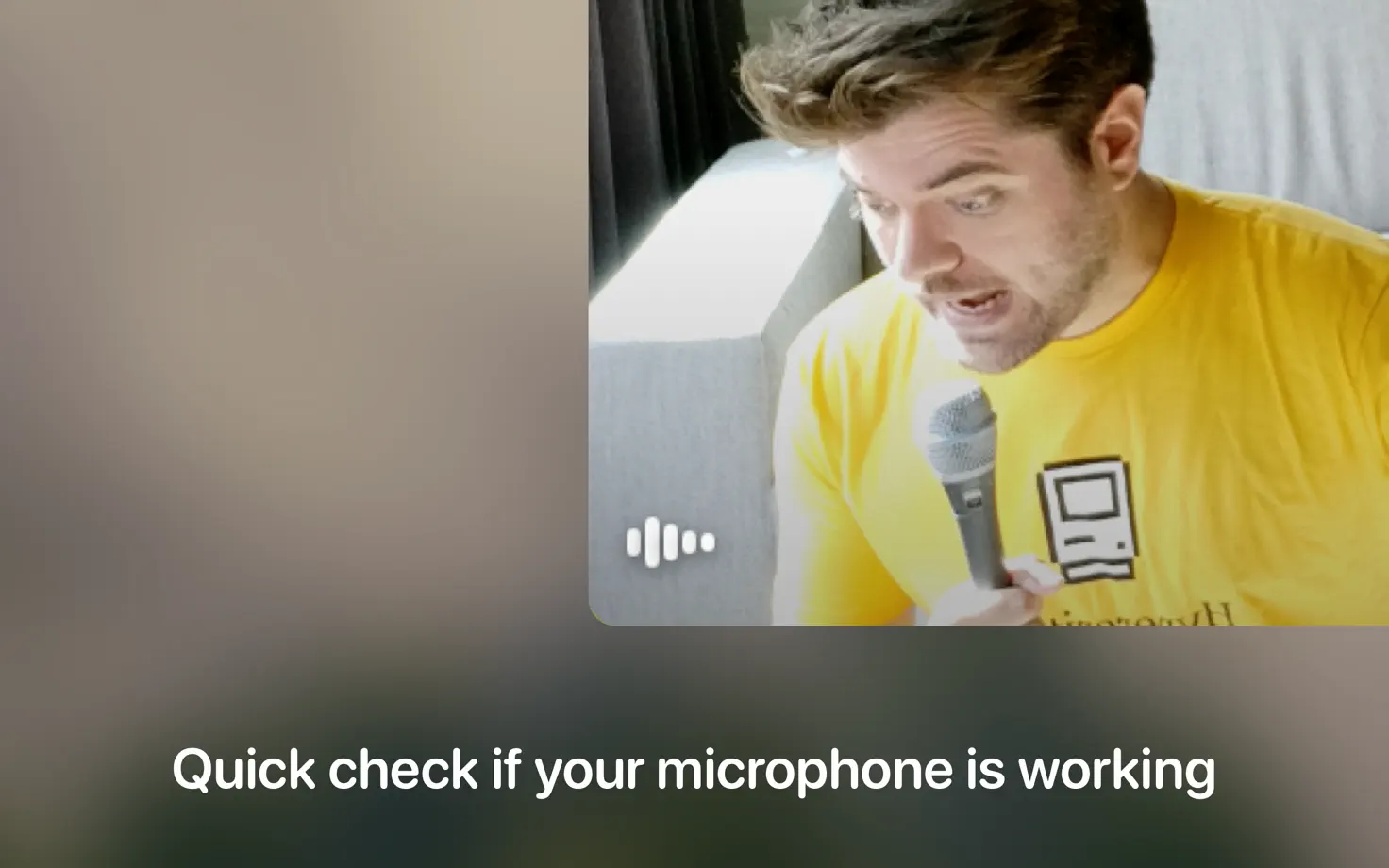
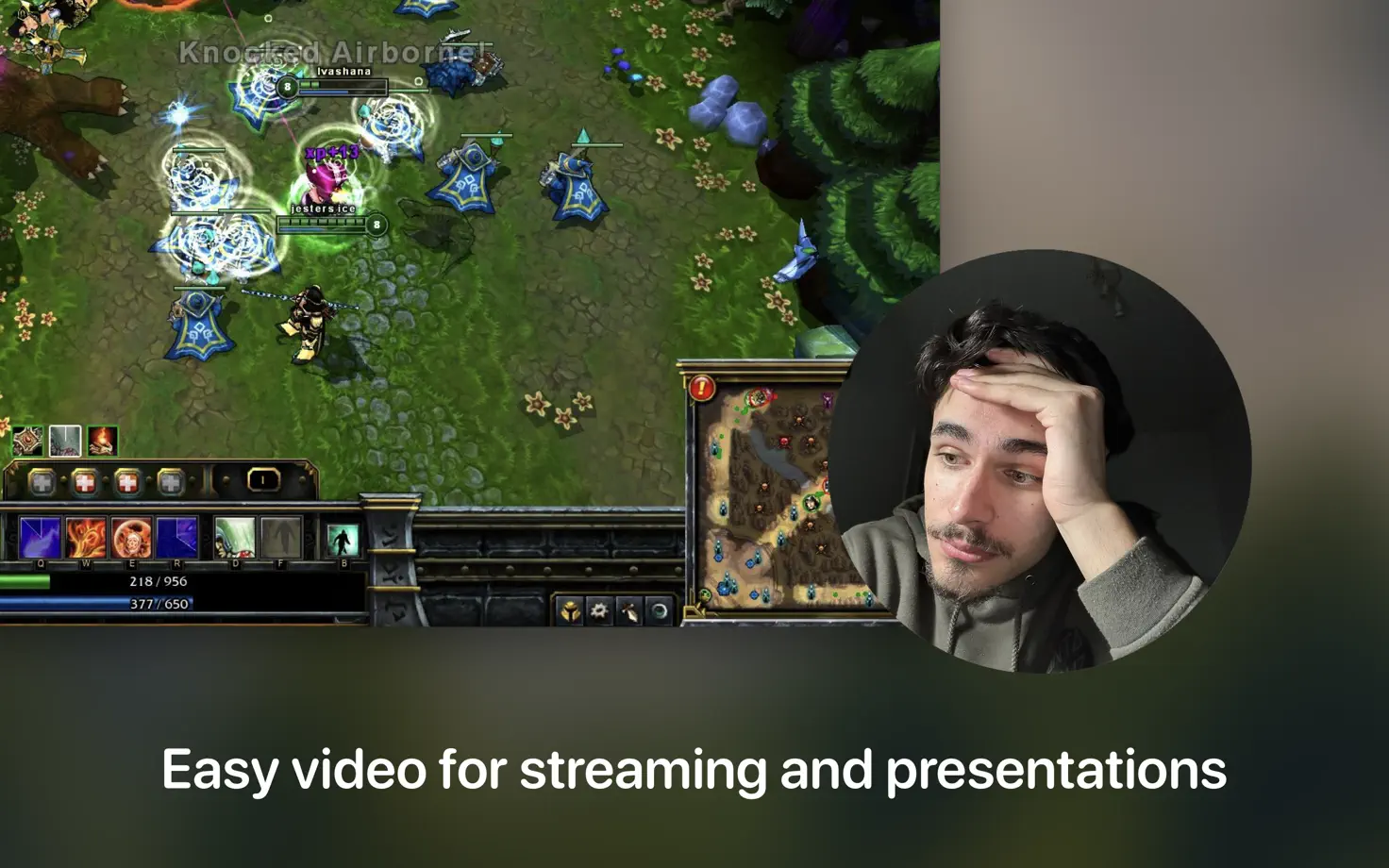
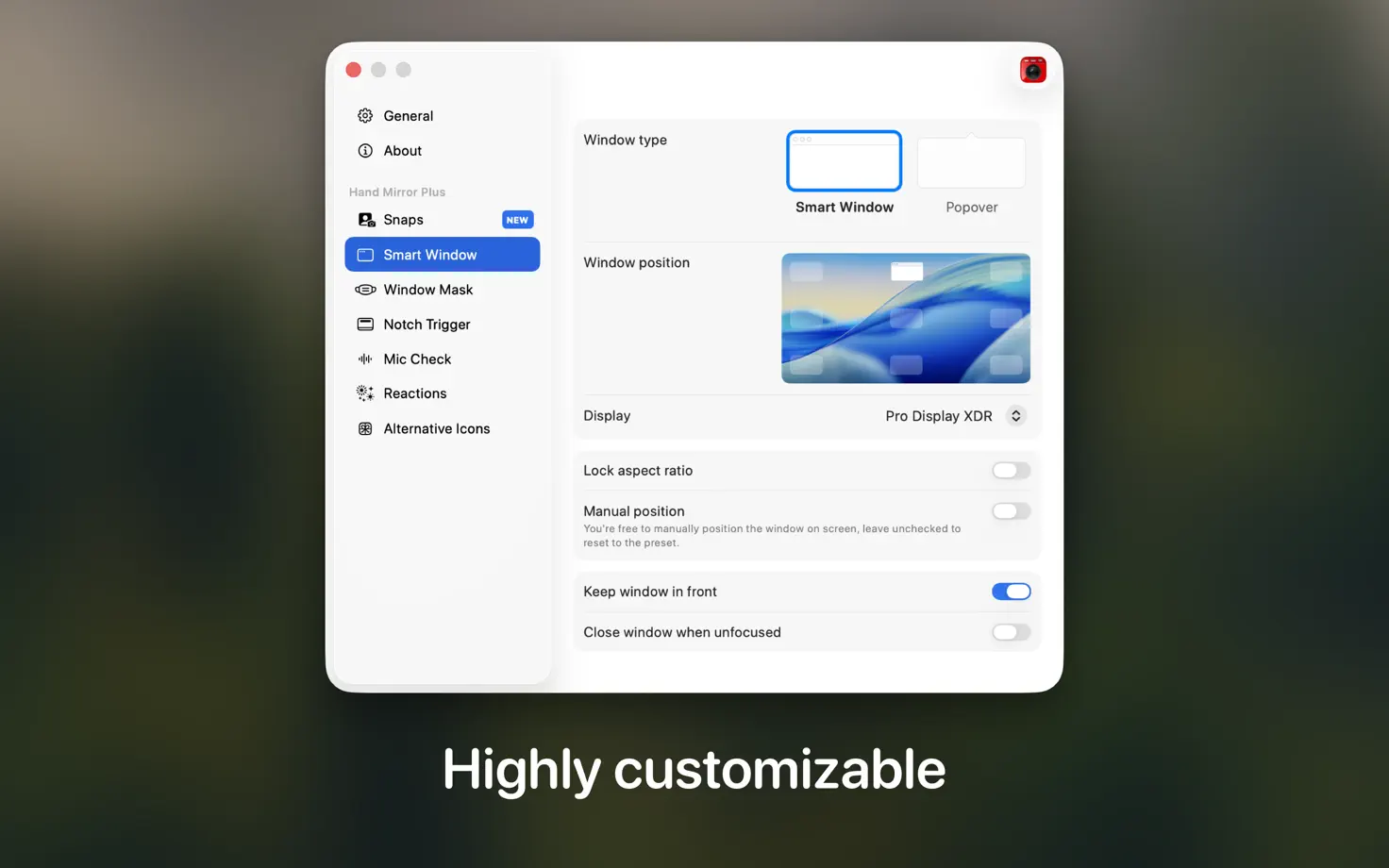
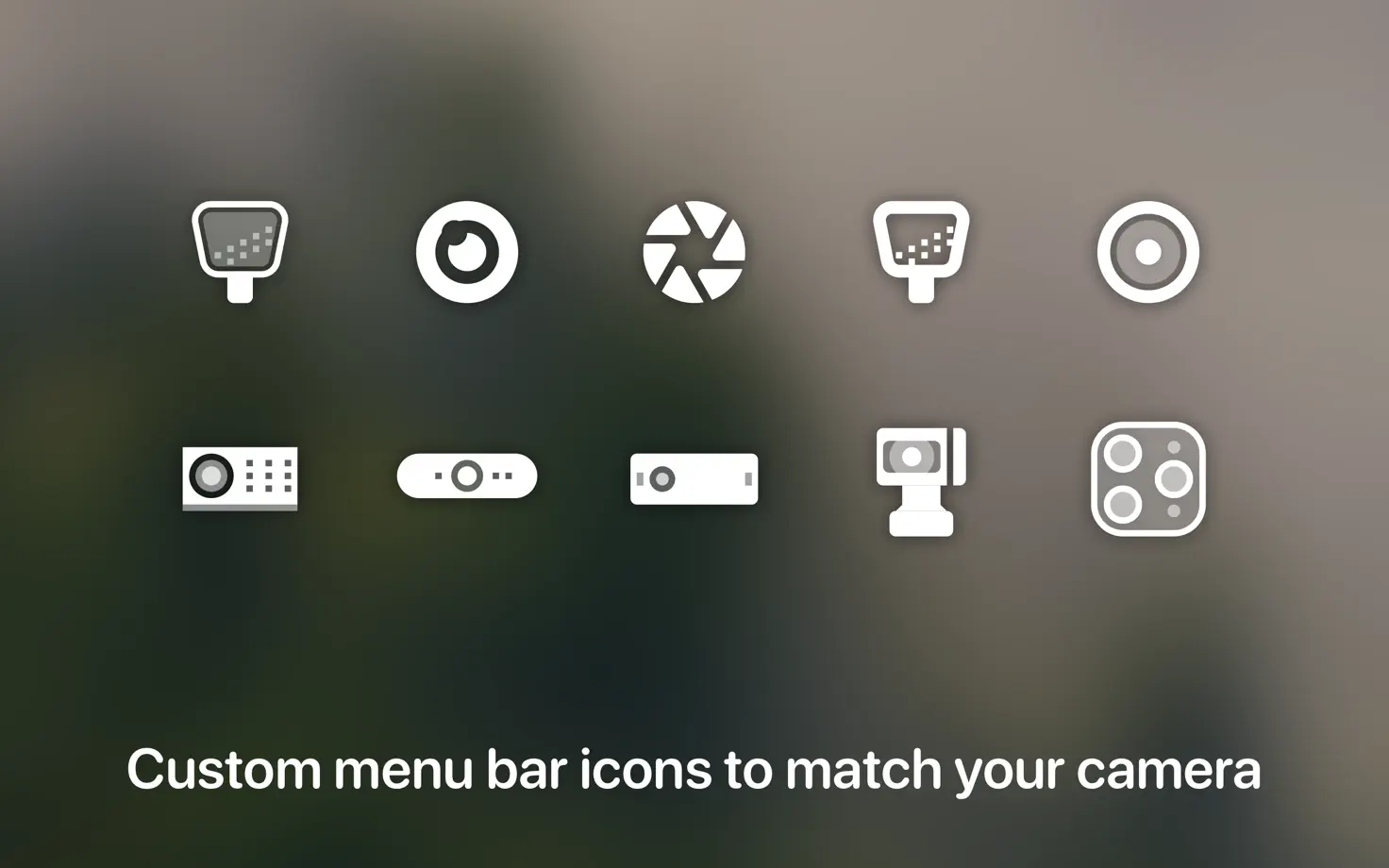
Blurred dark room photography backs cropped camera previews, a notch detail and a menu bar, each captioned with one short line at the bottom.

- Category
- Utilities
- Publisher
- Rafael Conde
- Version
- 4.0.6
- Approach
- Photography-led
What’s New
4.0.6
• When your free snaps run out, hovering over the camera shows "Get Snaps with Hand Mirror Plus" instead of the Snap button disappearing
• Your window mask (square or circle) is kept when you switch between Smart Window and Popover
• External cameras that show a black feed at their advertised resolution, such as some GoPro and webcam-mode cameras, now drop to a lower resolution automatically. Built-in and iPhone cameras always stay at full resolution
Fixed
• Picking a Sharpie color now works. Clicking a color used to close the picker without changing the ink, and could close the snap along with it
• The snap preview stays behind the camera window when you click it, draw on it, or open the color picker
• With auto-save on, taking two snaps in quick succession now saves both. The second one could previously save a copy of the first "Saved" only appears when a snap was actually saved. If saving fails, the preview says "Couldn't save" and the Save buttons come back
• With Manual position on, the Smart Window stays where you put it when you change other settings
• A Smart Window you dragged into place no longer moves down each time a setting changes
• Fixed the Smart Window opening in the bottom-left corner when your selected display couldn't be found
• Fixed a closed Smart Window reappearing after taking a snap
• Fixed an empty bubble window appearing when closing the popover by clicking the menu bar icon after taking a snap
4.0.5
Improvements
• You can once again drag the popover away from the menu bar to keep it around as a floating window.
• A lot of performance improvements
Fixes
• Opening Hand Mirror with the keyboard shortcut while another app was in front could instantly close the window. Not anymore.
• Fixed a hang when opening the camera.
• Switching microphones now sticks reliably — it no longer occasionally reverts to the previous mic.
• Your saved microphone choice is no longer forgotten if it's temporarily unplugged.
• Space and Escape now only work in the camera window — pressing Space in Settings no longer takes a surprise Snap.
• With "Close window when unfocused" enabled, clicking the floating window no longer closes it.
• Fixed a crash when no camera is connected to your Mac.
• A failed Snap no longer counts against your free Snaps.
• The Reactions section in Settings now correctly reflects whether your Mac supports Reactions.
• Fixed several small memory leaks for better long-run stability.
4.0.4
- Fixed a crash that could occur when dragging the popover
- Fixed a crash that could occur when closing the camera while it was still shutting down
- Restoring purchases no longer resets your Hand Mirror Plus settings
- Your chosen display for the Smart Window is now remembered reliably across monitor changes, sleep/wake, and app restarts
- The Snaps setting now stays off when you explicitly turn it off — it will no longer re-enable itself on launch
- Fixed the annotations color picker not being visible in popover and Smart Window modes
- More stable display handling when connecting and disconnecting monitors — windows now follow your preferred display correctly
- Displays with identical names are now labeled by position (e.g. "Dell U2720Q (Left)" and "Dell U2720Q (Right)") in the display picker
- The camera window now opens on the Space you're currently using, including over full-screen apps
- Snap previews now stay neatly tucked behind the camera window instead of covering it
4.0.3
∙ Fixed an issue where the Smart Window could appear on the wrong display after restarting the app
∙ Fixed an issue where the Snaps setting would turn itself back on after restarting the app
∙ Fixed an issue where the annotation tools and color picker could be hidden or appear empty when taking a snap
∙ Stability and performance improvements
4.0.2
∙ Restores the ability to click outside the window to close popover
∙ On your first Snap, the app now gives you the option to save to Photos, or a Folder
∙ Fixes unavailable "Tip the Developer" option (thank you)
∙ Fixes crash when changing Window Mask shapes
∙ Fixes Smart Window resetting to Popover when App Store servers aren't reachable
∙ Fixes some buttons not looking correctly on older versions of macOS
∙ Fixes some other small typos and bugs
Thank you so much for the feedback and reaction to 4.0 — I'm already working hard on some of the bugs and suggestions you all found!
4.0
This is the biggest update to Hand Mirror since the first version, hope you have fun with it!
‣ Snaps: New feature available for Hand Mirror Plus is the ability to take a picture, annotate it with a Marker, and save it to your Photo Library or File System. If you’re not subscribed you can still try it out for free, 5 snaps, on the house!
‣ Complete Redesign: Now optimized for macOS Tahoe, every single pixel got a clean up and redesign.
‣ New App Icon(s): New dynamic app icon, as well as a brand new Hand Mirror Plus icon that better reflects the new Snaps feature.
‣ New "What's New" view, that is made to look like the old CD boxes, you know, those round things? You DON'T?!
‣ To address the number one issue that you folks write me about, Hand Mirror now tries to detect if the Menu Bar icon is not visible and suggest a way to fix it (say if you run out of space because of a notch or something).
‣ The app should be a LOT snappier.
‣ A LOT of bug fixes and long standing improvements that I finally got a chance to address
‣ For Hand Mirror subscribers, I've added a way to tip the developer, if you're looking for extra karma points and would like to do something nice to me, I really truly appreciate it, you legend.
3.2
• macOS Sequoia support
• Fixed buttons being clipped by window mask
• Include localized currency code in IAP prices
• Bugs and Fixes™
3.1
• Rotate Video: new option for you fancy lads who have a camera sideways, you fancy.
• Lock Aspect Ratio: new option for when resizing but you want to make sure you're not cropping.
• Improved System Setting audio input handling.
• There's a new option to "Extend Content to Arrow Tip" for the Popover look, I think it looks nicer!
• Fixed a bug where Reactions would turn itself on
• After 4 years, Hand Mirror will politely ask if you'd like to leave a review, just the one time, if you're using it a lot. I hope it's okay, and that I've earned it!
Listing history
New icon
Compare with


Browse similar
Source: App Store listing by Rafael Conde, United States storefront. Captured 26 Nov 2026. The artwork belongs to its publisher and is shown here for reference.