
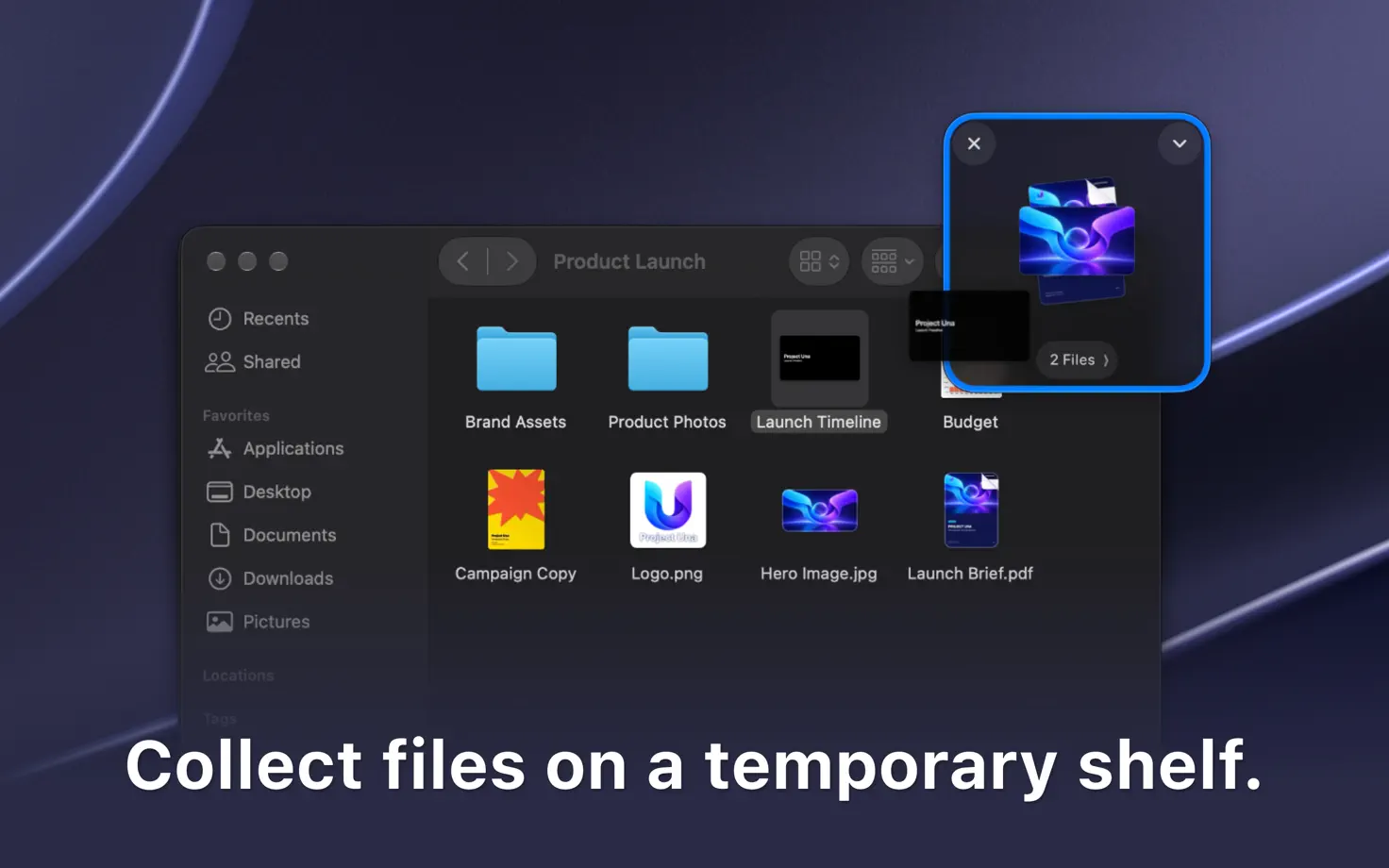
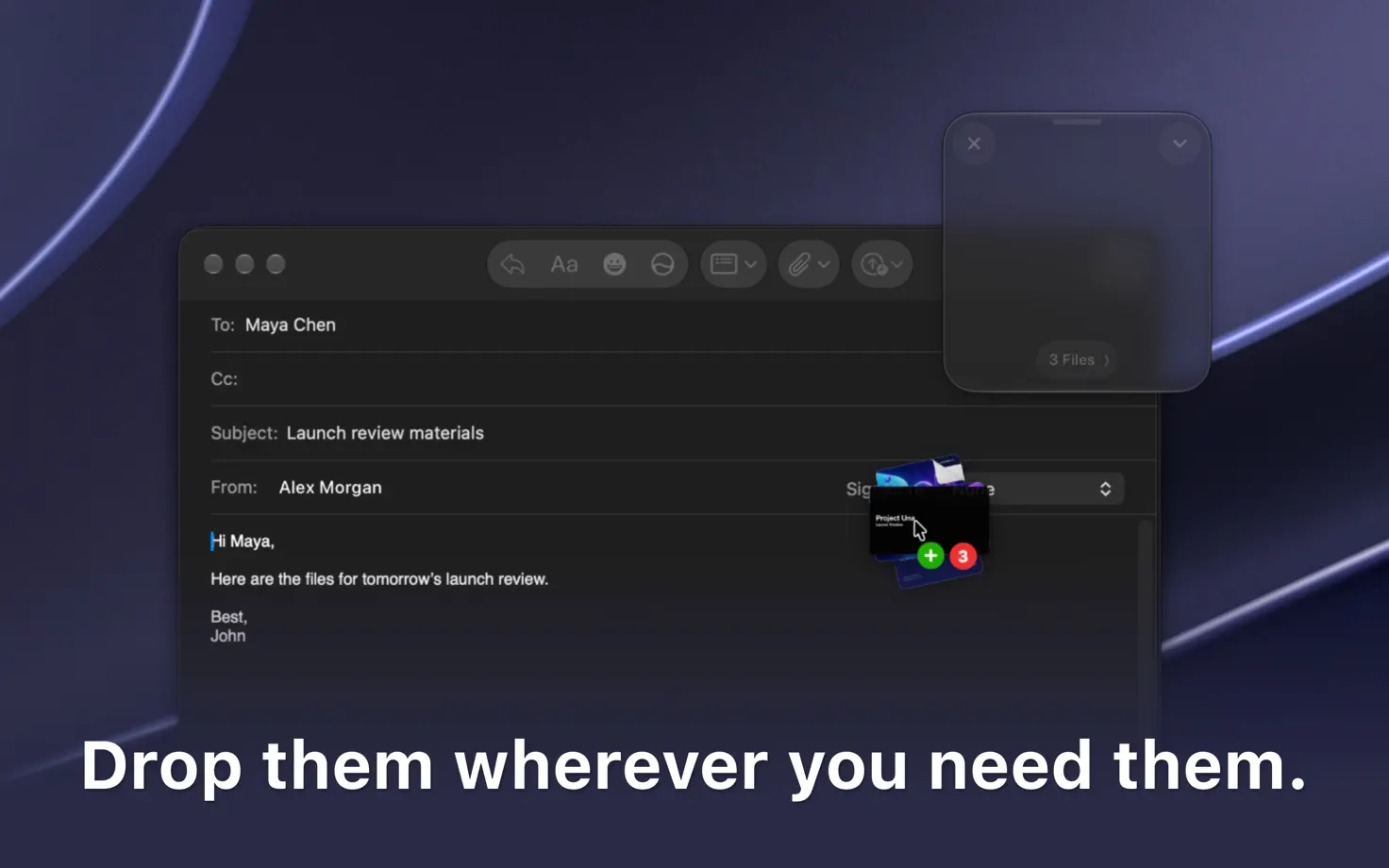
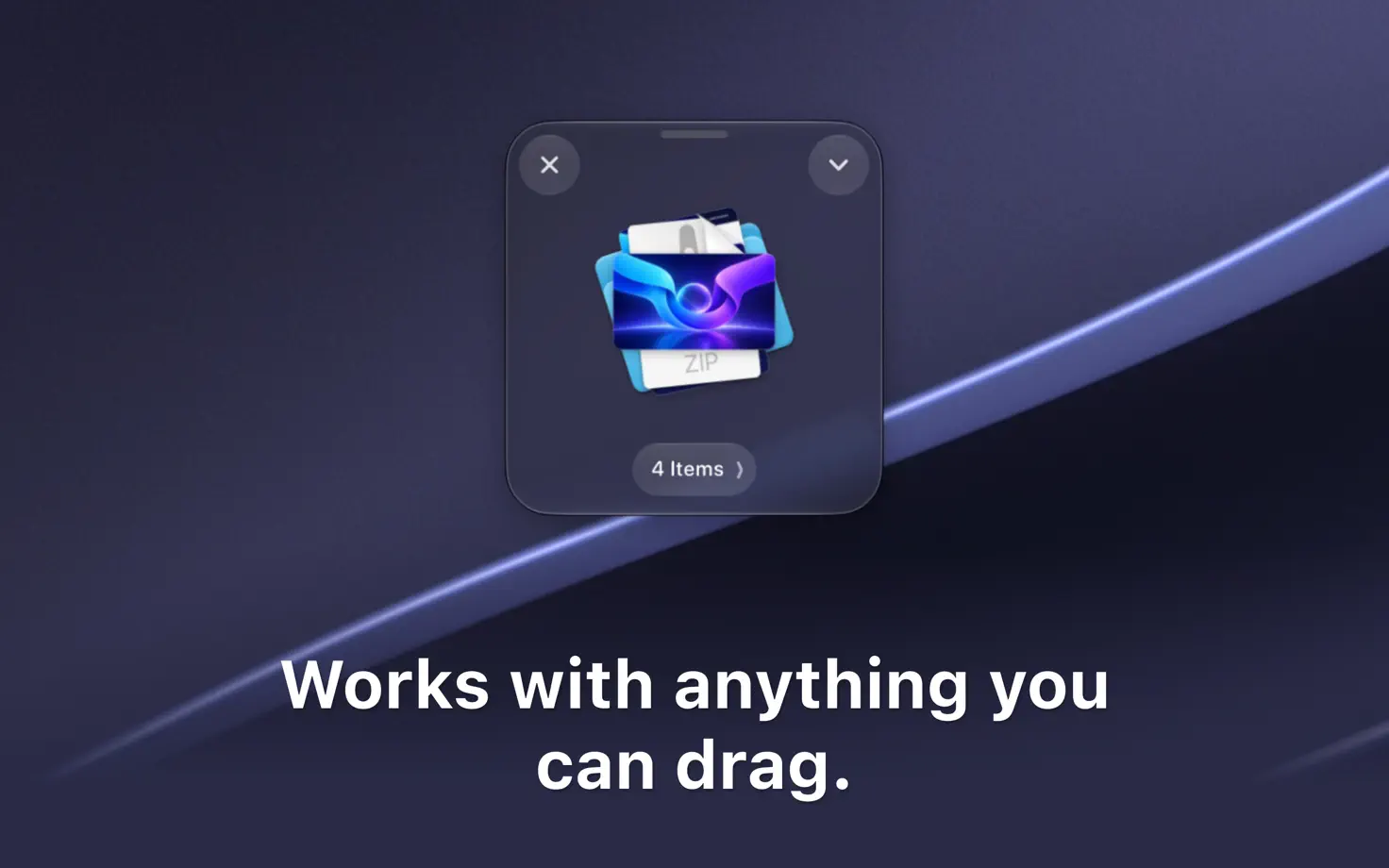
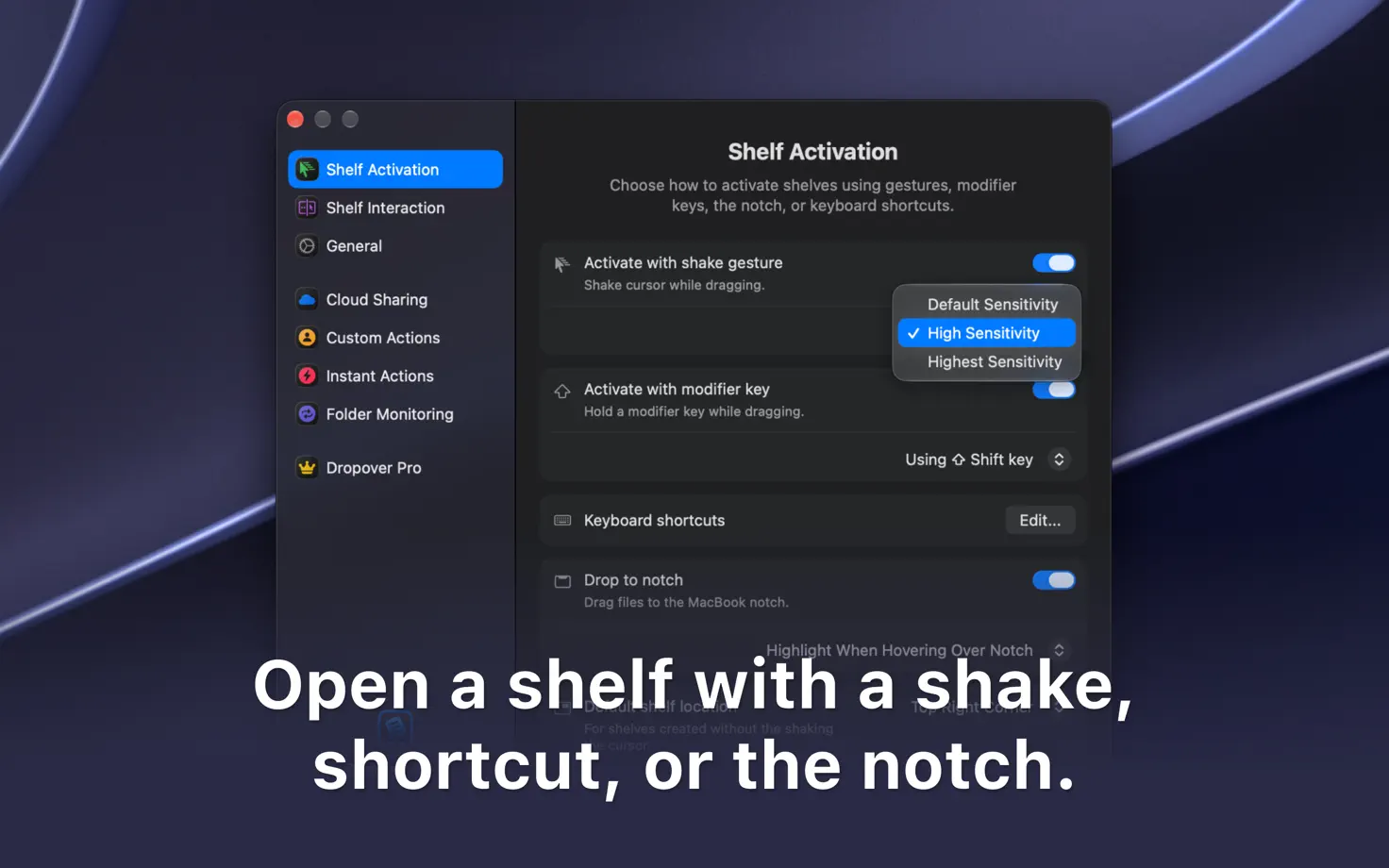
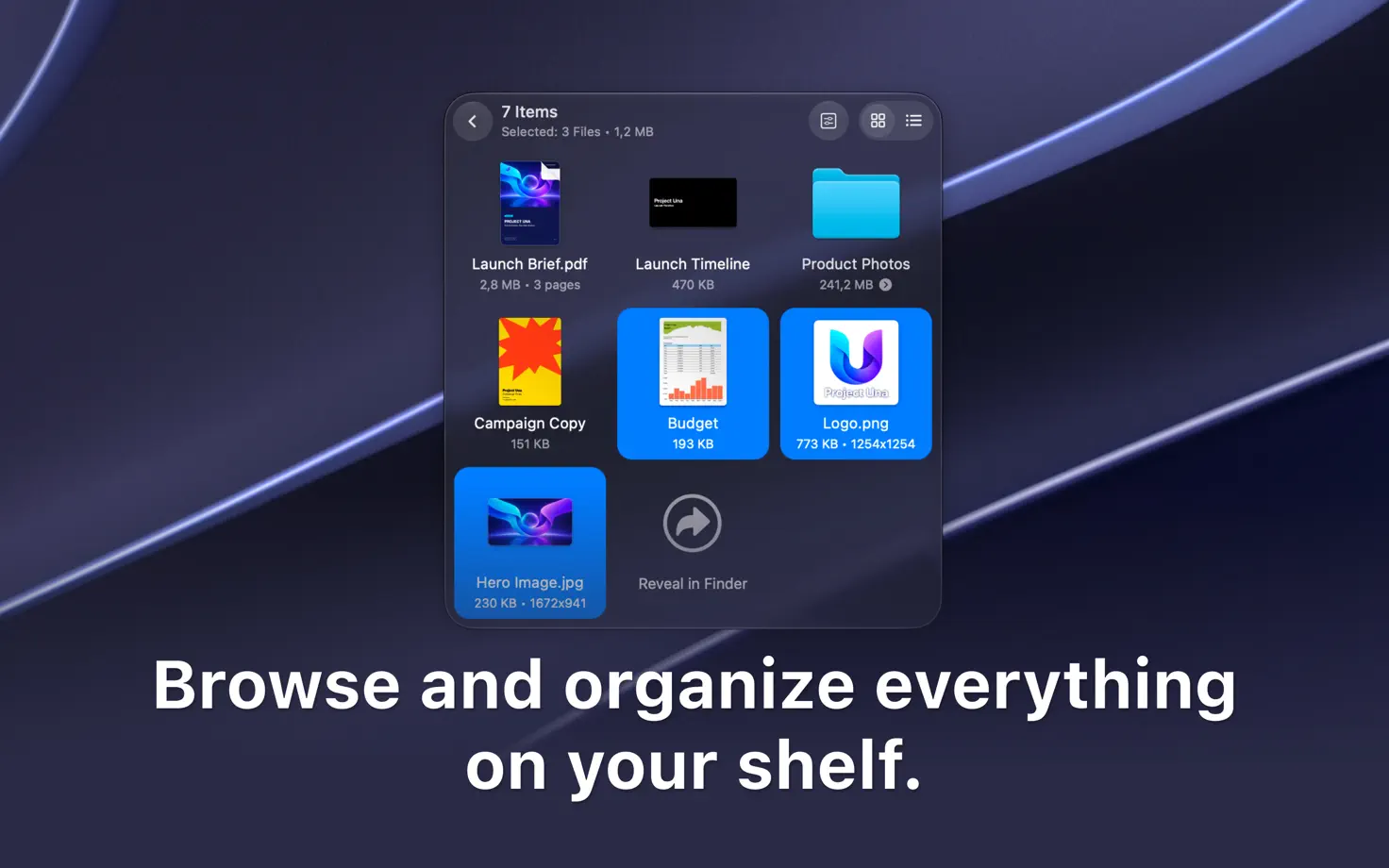
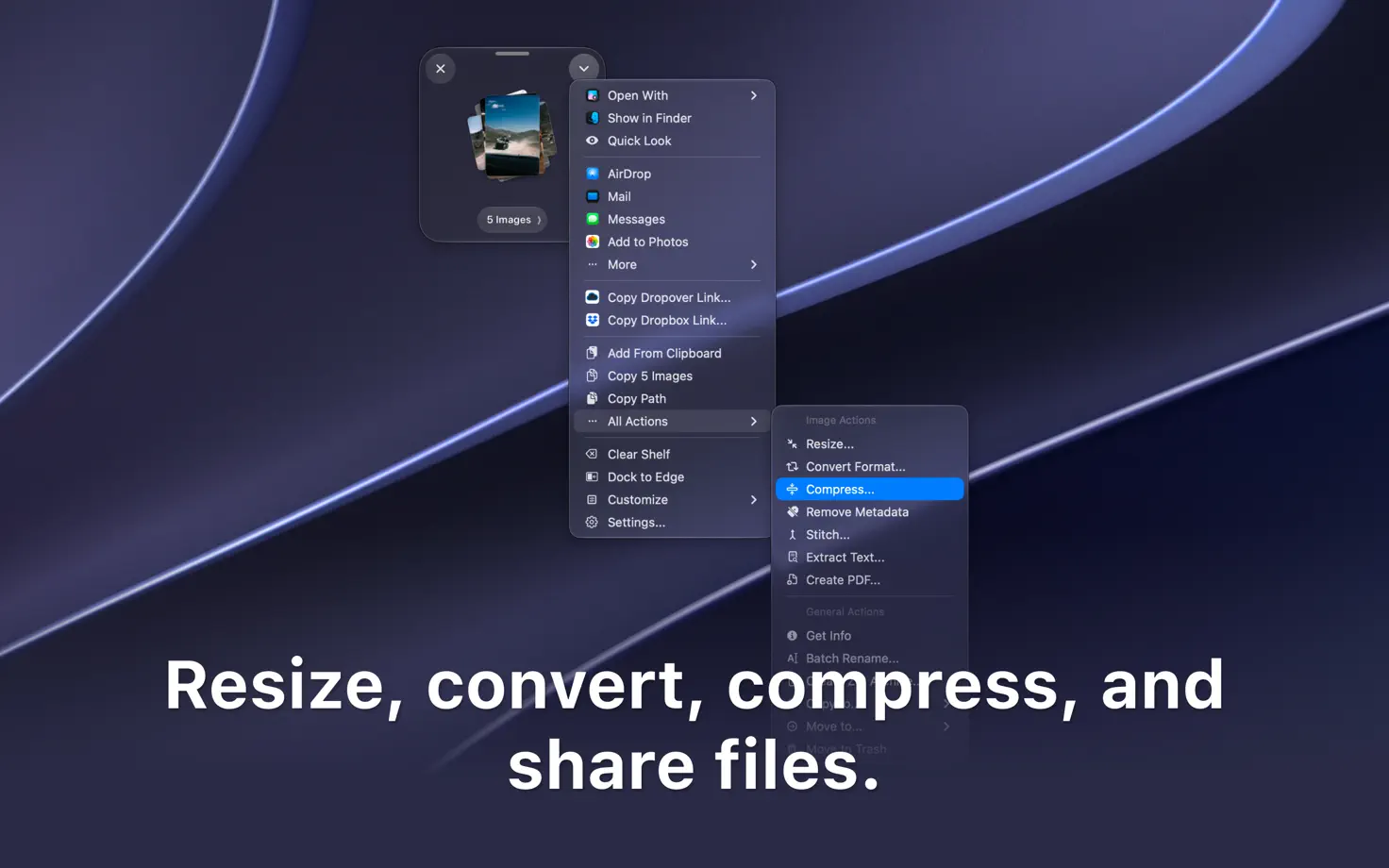
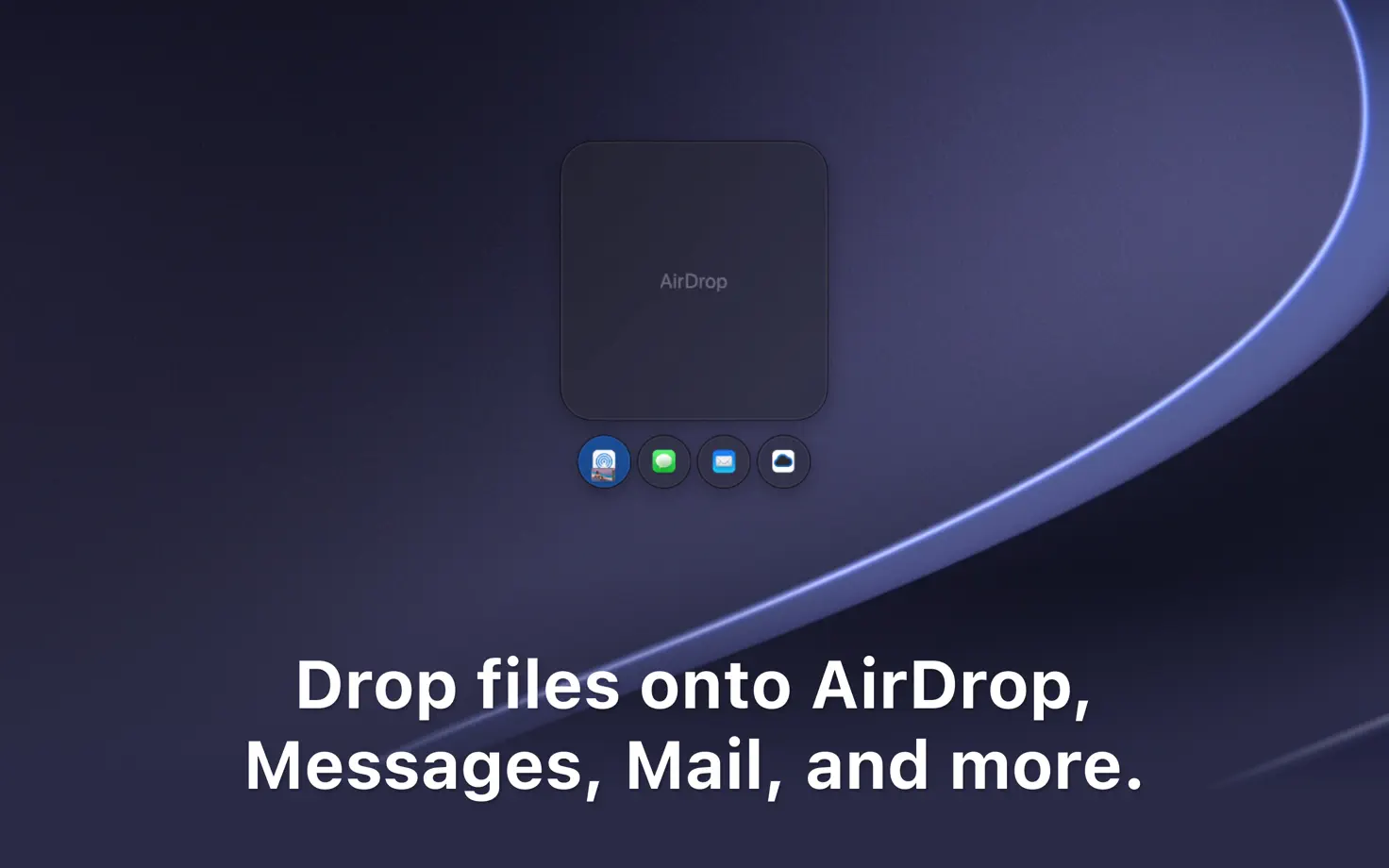
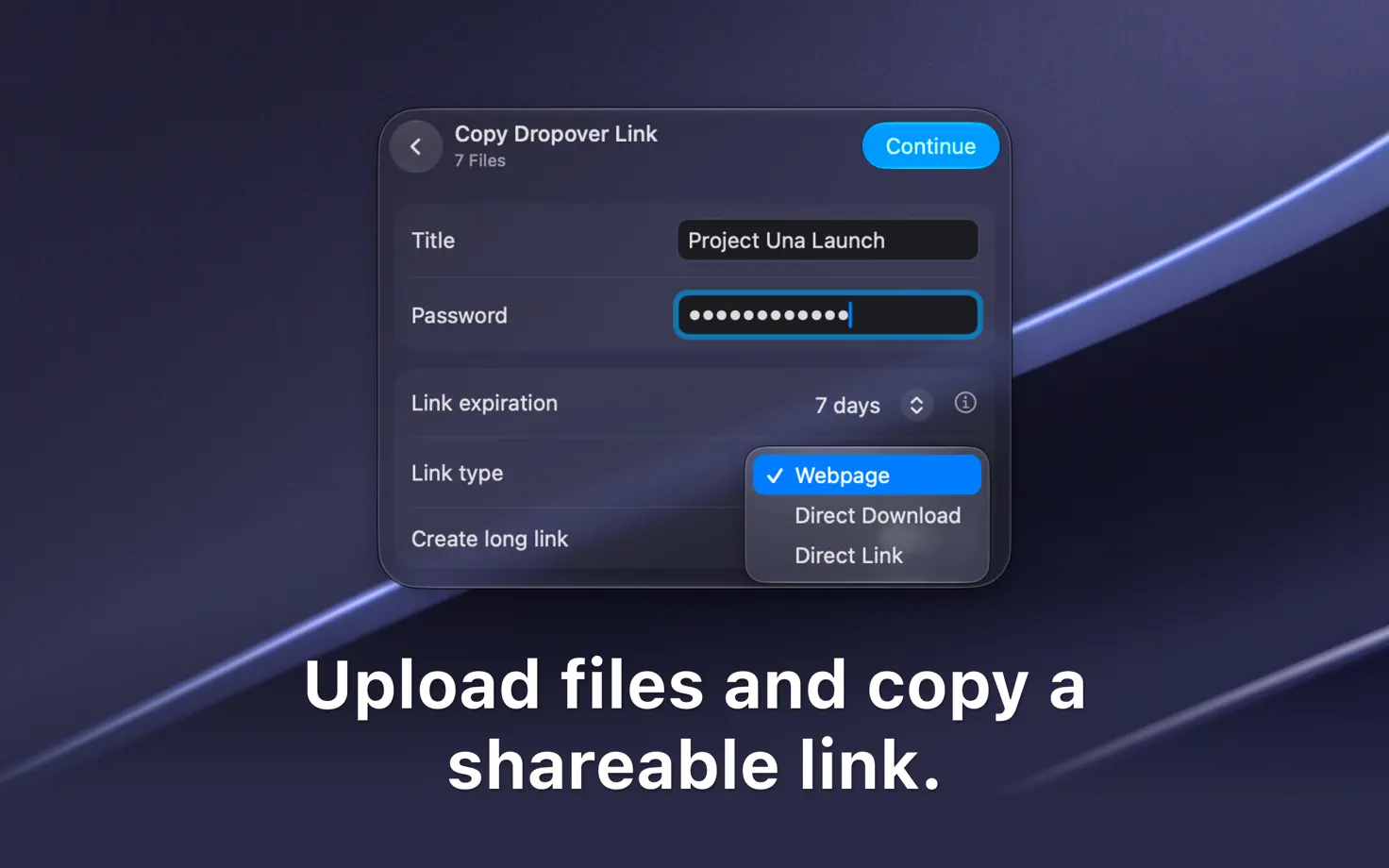
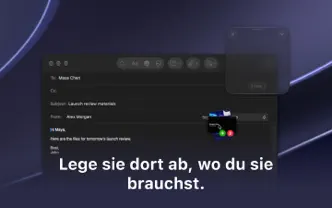
Cropped dark windows and floating shelves drift over the same purple-gray macOS wallpaper, each paired with a centered bottom caption.
- Category
- Utilities
- Publisher
- Tappable Software
- Version
- 5.4.0
- Approach
- Interface-led
Around the world
More localized listings →




What’s New
5.4.0
NEW:
* Added integrated screenshot capture for windows, selected areas, and entire screens, with screenshots added directly to a new or existing shelf.
* Added sorting for files in a shelf by date added, name, kind, or size. Right click files in a shelf or use the Sort By button in the shelf detail view to change the order. You can also choose the default sort order for new shelves in the Shelf Interaction settings.
IMPROVED:
* Changing a shelf's color now tints its backdrop as well as its indicator, making shelves easier to distinguish on macOS 26 or later.
* Custom actions can now be reordered.
* Added support for custom domains in S3 settings.
* Updated file stacks to more closely match stacks on the macOS desktop.
* Improved animations when adding files to a shelf or cancelling a drag out of a shelf.
* Manually running the "Move to Trash" action no longer displays a notification saying that a file was deleted.
* Added an option to move individual files to the Trash from the shelf detail view.
* Added a transparent menu bar icon option in Settings → General.
* Added support for HEIC and WebP images in Dropover Cloud.
FIXED:
* Fixed an issue on macOS Tahoe where right clicking a shelf could sometimes fail after moving it.
* Fixed an issue where the action menu could show actions for outdated shelf items.
* Fixed an issue where shelves triggered with the shake gesture or modifier key might not appear after running a Dropover action with Siri or Shortcuts.
* Fixed a crash that could occur if Dropover failed to prepare a ZIP archive.
* Fixed several crashes that could occur while files were being added to or removed from a shelf.
* Fixed several crashes that could occur while generating stacked file previews.
* Fixed crashes that could occur when sharing certain files using macOS sharing services.
* Fixed an issue that could prevent uploads to Microsoft OneDrive.
* Fixed an issue where folders stopped in Folder Monitoring incorrectly reported a problem after restarting Dropover.
* Fixed an issue where Folder Monitoring continued to use outdated authorization after a folder was reauthorized.
* Fixed shelves occasionally appearing empty after being hidden at the edge of the screen.
* Fixed an issue where shake and modifier key triggers could stop working when dragging from a Dock stack after the Dock restarted.
* Fixed an issue where files saved to a monitored folder might not appear on a shelf until another file was added.
* Fixed an issue that caused the Dropover Cloud Siri Shortcut to fail.
5.3.1
- Fixed an issue where shelves created through integrations such as the "Add to Dropover" service or Alfred could show the "Purchase Dropover Pro" button and stop accepting further drag events.
- Fixed a crash on older macOS versions when displaying action input.
- Fixed a contrast issue that could make status messages and Instant Actions icons difficult to see against certain backgrounds.
- Added support for HDR screenshots in screenshot monitoring.
- Improved screenshot detection when macOS takes longer to add screenshot metadata.
5.3.0
New:
- Adds support for macOS Golden Gate, including an updated appearance for shelves and controls.
- Adds Action Suggestions. Hold Option while a shelf is active to see and repeat recently used actions.
- Adds Intelligent Shelf Names, which use on-device intelligence to name shelves based on their contents. The feature is available on supported Macs and can be turned off in Settings > Shelf Interaction.
- Adds support for dragging messages directly from Mail.
- Adds support for Italian and Spanish.
Improvements:
- Moves action and sharing settings into panels attached to the shelf. Panels stay open when you switch apps, resize to fit their content, and offer improved keyboard navigation.
- Shows completion messages below the shelf so you can keep working without dismissing them. Adds haptic feedback on supported Macs.
- Makes pinned and recent shelves directly accessible from the menu bar, without opening a submenu.
- Adds a processing delay option to Folder Monitoring to collect files that arrive together and give other apps time to finish writing them.
- Improves reliability when accessing previously selected files and folders.
- Improves action handling, shelf visibility, and overall reliability.
- Improves app detection and management in Ignored Applications.
Fixes:
- Fixes an issue that prevented PNG files from being compressed on Intel-based Macs.
- Fixes a crash and reduces memory usage when opening the detail view.
- Fixes an issue where apps in Ignored Applications might not be recognized when their process name differed from their app name.
- Fixes blurry text in the button below a shelf's contents.
- Fixes an issue that could cause Dropover to quit unexpectedly when opening S3 settings.
- Fixes an issue where actions could not be canceled while being prepared.
- Fixes an issue where opening files with Dropover could ignore the Adding Files Behavior setting.
- Fixes an issue where Snap into place could move a shelf downward unexpectedly.
- Fixes an issue where a shelf could appear too close to the notch.
- Fixes an issue where batch renaming did not correctly include the counter in previews or renamed file names.
- Fixes several shelf layout issues, including overflowing titles and incorrect spacing.
5.2.5
- Added an option to keep shelves open after dragging items out, available in Settings under Shelf Interaction.
- Added a warning when available disk space is critically low.
- Improved handling of files moved, renamed, or deleted outside Dropover.
- Improved feedback and reliability when loading items, performing actions, and managing files.
- Improved cleanup of temporary files created by Dropover.
- Fixed an issue where Drop to Notch could stop working after disconnecting a display or waking your Mac.
- Fixed an issue where shelves could appear behind Open and Save dialogs.
- Fixed a layout issue that could cause the shelf detail view to display too few columns and excessive spacing between items.
- Fixed an issue where renaming a file could cause it to disappear from the shelf detail view.
- Fixed an issue where Option-clicking items in the shelf detail view might not work.
- Fixed an issue where Option-clicking inside a shelf might not open the context menu.
- Fixed an issue where selecting or acting on items after deleting a file from the shelf detail view could affect the wrong file.
5.2.4
- Fixed an issue where Dropover Cloud could incorrectly report that the maximum number of files had been exceeded.
- Fixed an issue where some Siri Shortcuts could unexpectedly open Dropover’s settings.
- The settings window now shows when a new app update is available.
- Other minor improvements in settings.
5.2.3
- Updated the bundled Alfred workflow.
- Fixed a localization issue where a Settings title could appear incorrectly.
- Fixed an issue where Dropover could stop responding to events from extensions, including widgets.
- Fixed an issue where dropping certain files with special characters in their names could lead to unexpected behavior.
- Addressed an issue in the Quick Start Guide where the demonstration drop might not work as expected.
5.2.2
- Fixes several issues that could cause Dropover to quit unexpectedly.
- Improves reliability with files whose names contain non-standard characters.
- Fixes a crash that could occur while Dropover was launching.
- Improves reliability when sharing items and presenting menus.
- Fixes a layout issue in the share sheet.
- Fixes an issue where Launch at Login in Settings could display the wrong state.
- Adds more guidance when Launch at Login is not working as expected.
- Fixes an issue where the default expiration date for Dropover Cloud uploads was not applied correctly.
5.2.1
* Adds a new way to keep the shelf open when you drag items out. Hold the Shift key while dragging to force the shelf to stay open. A Keep Open indicator appears while you drag.
* Fixes an issue that could cause the menu bar app to quit unexpectedly when creating Recent Shelves.
* Addresses an issue where, in rare cases, a failed drop to an external disk could move the original file to the Trash.
* Improves reliability when dragging items out so the shelf doesn’t close unexpectedly.
* Makes minor updates to Advanced shelf settings.
Listing history
New icon
New icon
New icon
New icon
Compare with


Browse similar
Source: App Store listing by Tappable Software, United States storefront. Captured 26 Nov 2026. The artwork belongs to its publisher and is shown here for reference.