6.0.79 Nov 2026
Bug fixes and improvements
6.0.64 Nov 2026
Bug fixes and improvements
6.0.521 Oct 2026
Bug fixes and improvements
6.0.412 Oct 2026
Detail now supports iPhone Duo. You can record with all three of its cameras: the outer camera, the inner camera and the rear camera. When iPhone Duo is open, Flip Cameras cycles through all three. When it’s closed, it switches between the outer and rear cameras.
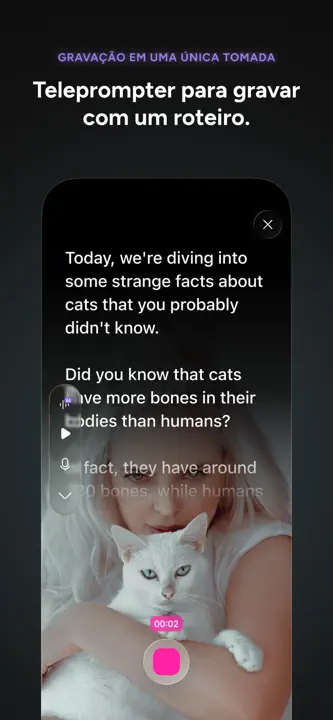
Recording selfie-style with the rear camera? Tap the Outer Display button to show your live preview on that screen, so you can frame yourself. If the teleprompter is open, your script appears there too, right by the lens.
A new Book Mode shortcut in the library opens a split-screen recording with the outer and rear cameras together, so you can film yourself and what’s in front of you at the same time.
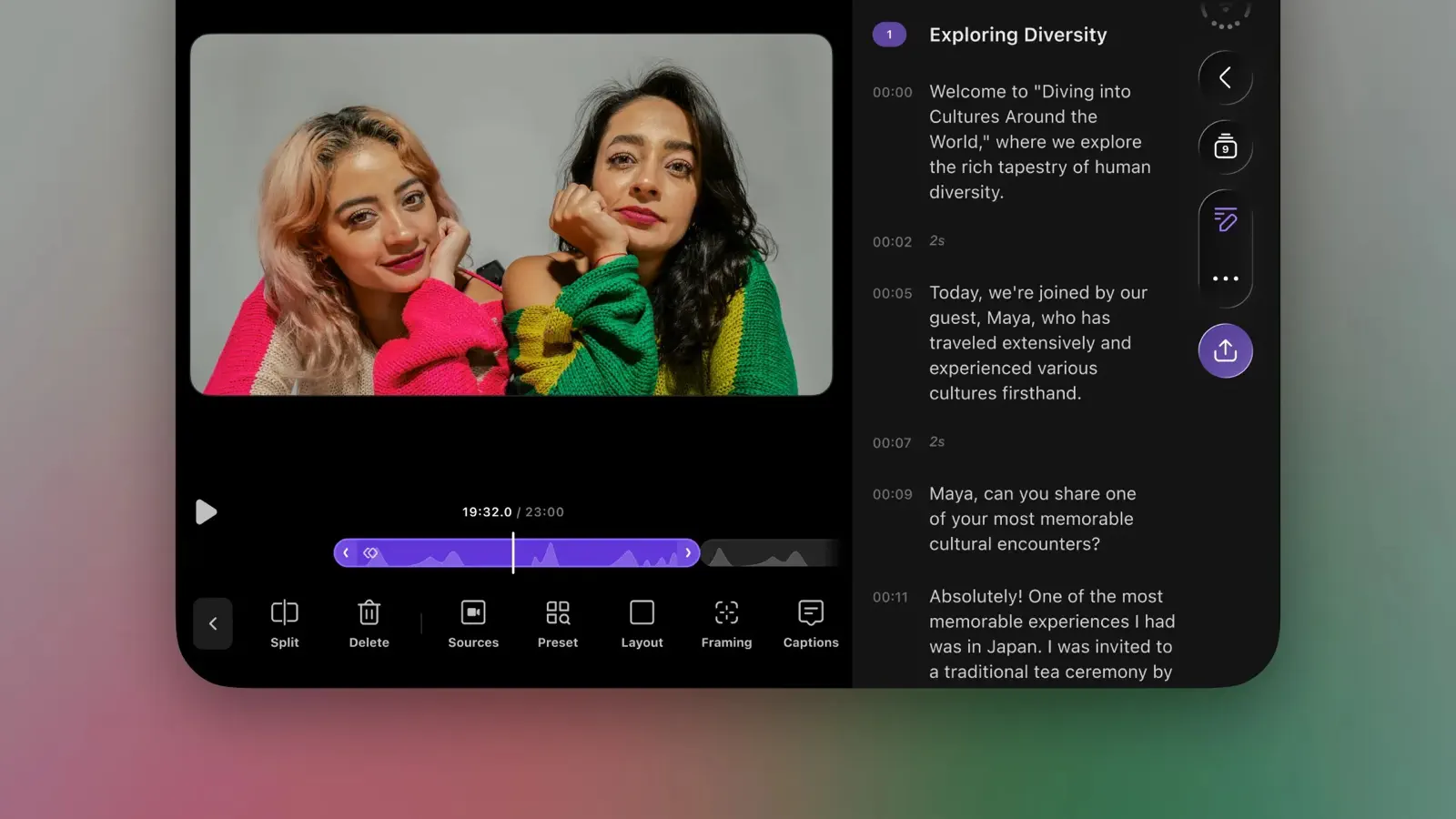
We refreshed the timeline, too. The playhead grows while you scrub, the timeline and menus now extend to the edges of the display, and colors update right away when you switch between light and dark mode.
Also in this update: small bug fixes and improvements.
Questions or feedback? Send us a note with the "Contact Us" option in the settings. Need help? Check out our Help screen for quick walkthroughs.
6.0.39 Oct 2026
Detail now supports iPhone Duo. You can record with all three of its cameras: the outer camera, the inner camera and the rear camera. When iPhone Duo is open, Flip Cameras cycles through all three. When it’s closed, it switches between the outer and rear cameras.
Recording selfie-style with the rear camera? Tap the Outer Display button to show your live preview on that screen, so you can frame yourself. If the teleprompter is open, your script appears there too, right by the lens.
A new Book Mode shortcut in the library opens a split-screen recording with the outer and rear cameras together, so you can film yourself and what’s in front of you at the same time.
We refreshed the timeline, too. The playhead grows while you scrub, the timeline and menus now extend to the edges of the display, and colors update right away when you switch between light and dark mode.
Also in this update: Camera Control zoom works properly when zoom levels change and we fixed issues with the text editor.
Questions or feedback? Send us a note with the "Contact Us" option in the settings. Need help? Check out our Help screen for quick walkthroughs.
6.0.226 Sept 2026
Bug fixes and improvements
6.0.116 Sept 2026
Bug fixes and improvements to Auto Edit.
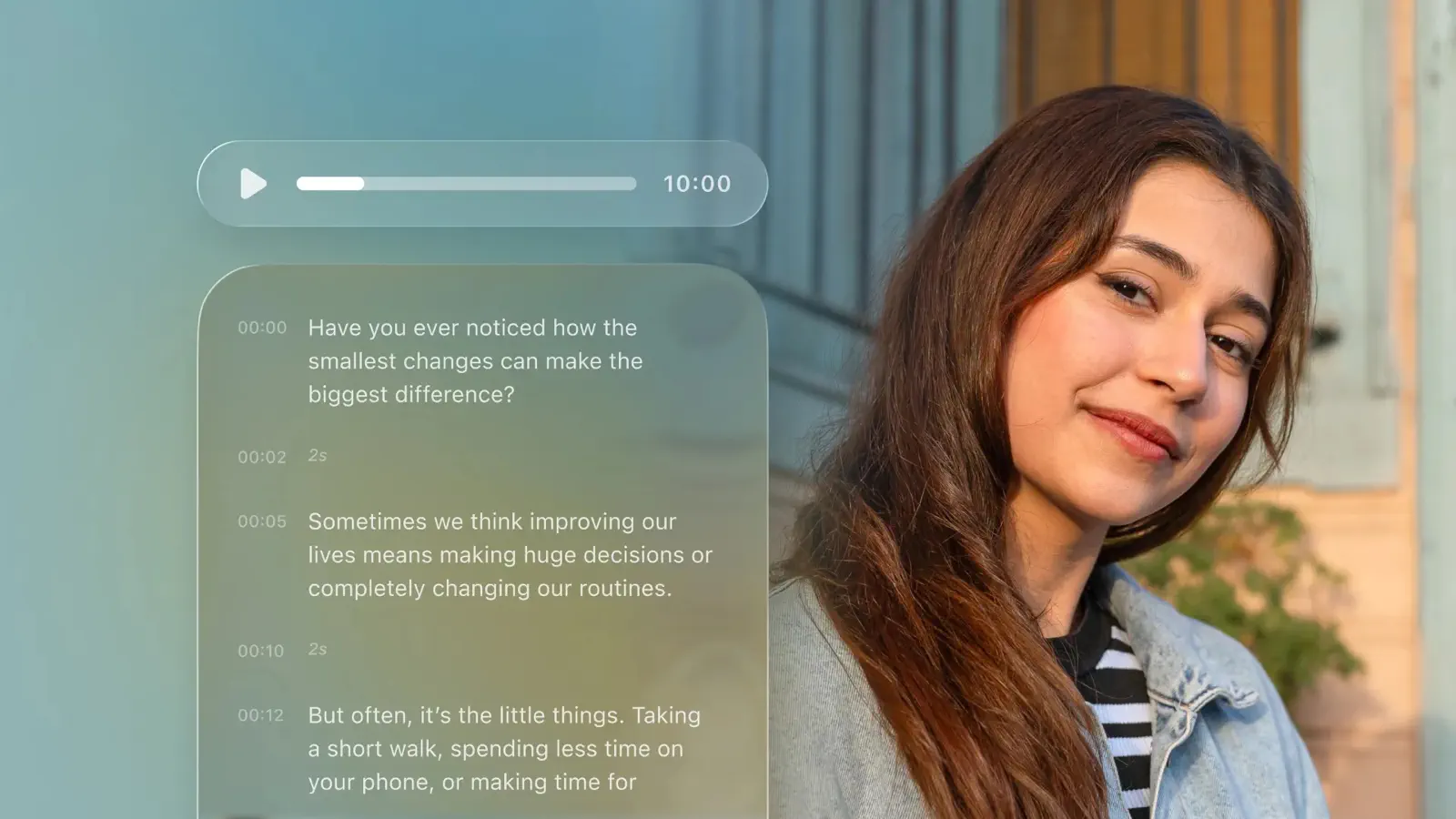
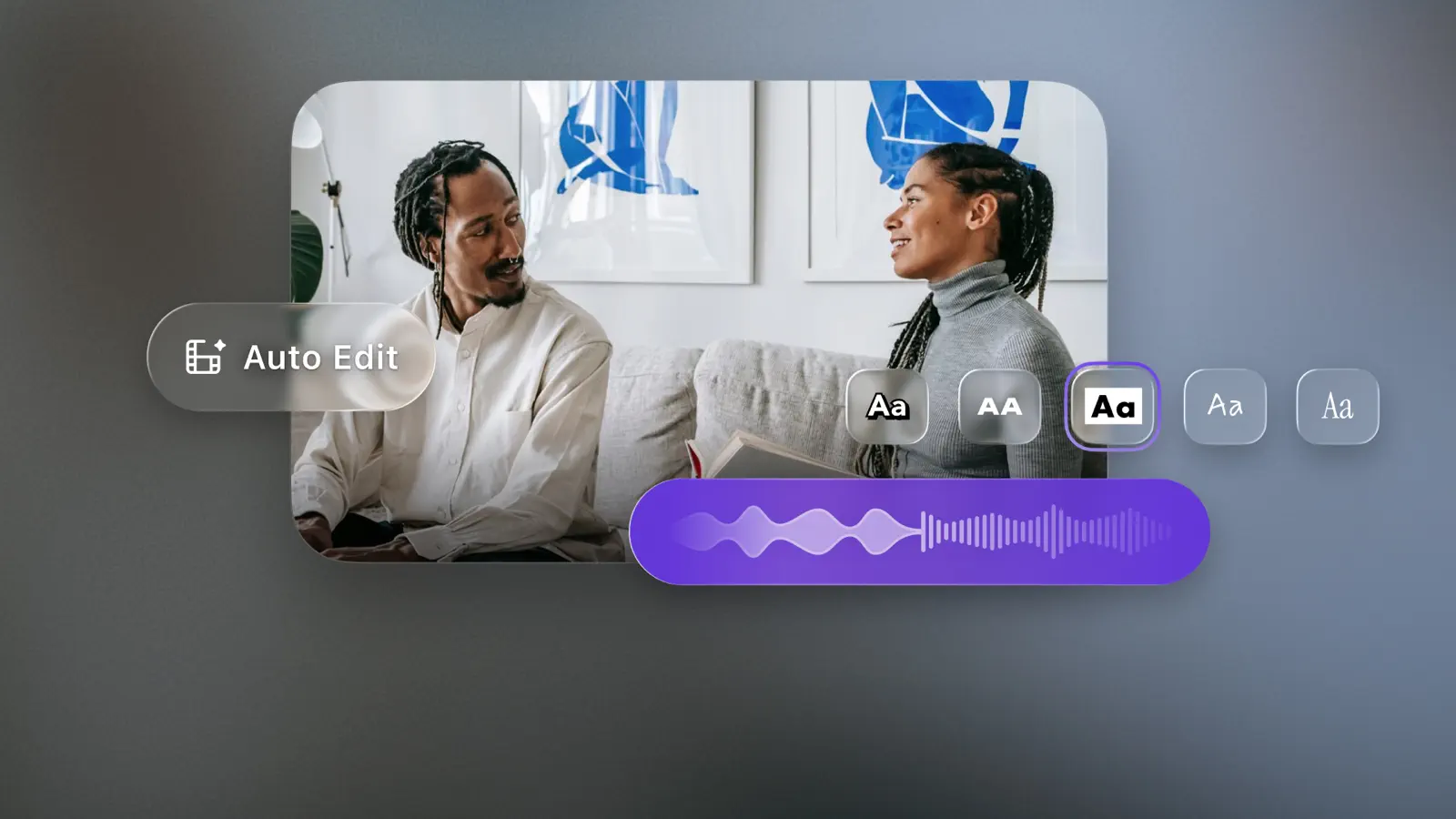
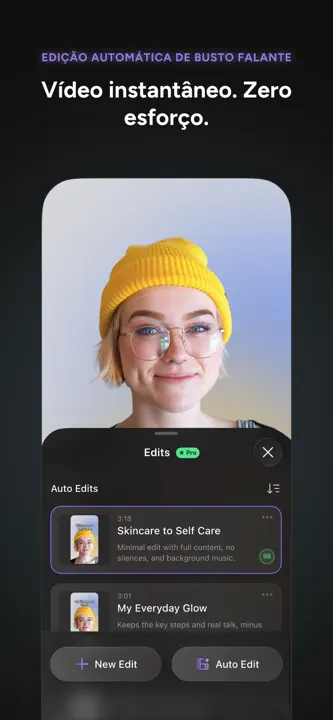
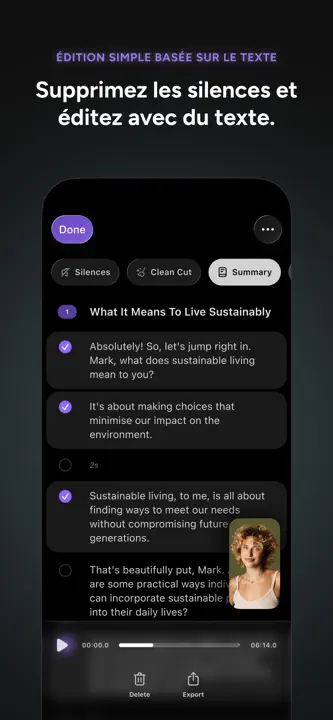
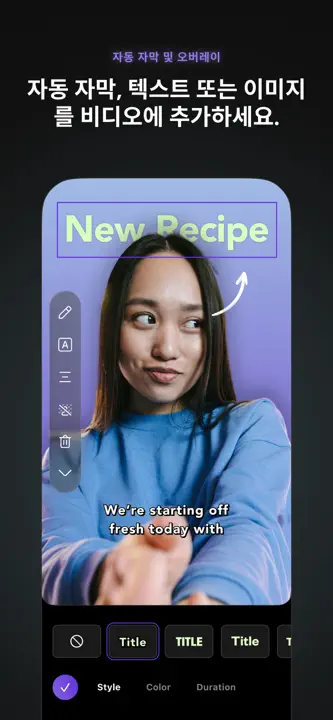
Our new Auto Edit runs on your device now: faster, better and private. Record or import a video, tap Auto Edit, and we'll write the transcript, clean up the audio, cut the filler words, add captions, and pick the moments worth turning into short clips.
A 10 minute video takes about 14 seconds on an iPhone 17 Pro. That is six to eight times faster than before. And nothing leaves your phone. Auto Edit works on a plane or anywhere with no signal.
Transcription got simpler too. Detail listens to a few seconds of your recording and picks the language, so there is one setting left instead of three engines to choose between.
The models that power these new features this work are optimized for the Apple Neural Engine. Detail downloads them once and then works offline. Auto Edit needs an iPhone or iPad with an A13 chip or later.
613 Sept 2026
Our new Auto Edit runs on your device now: faster, better and private. Record or import a video, tap Auto Edit, and we'll write the transcript, clean up the audio, cut the filler words, add captions, and pick the moments worth turning into short clips.
A 10 minute video takes about 14 seconds on an iPhone 17 Pro. That is six to eight times faster than before. And nothing leaves your phone. Auto Edit works on a plane or anywhere with no signal.
Transcription got simpler too. Detail listens to a few seconds of your recording and picks the language, so there is one setting left instead of three engines to choose between.
The models that power these new features this work are optimized for the Apple Neural Engine. Detail downloads them once and then works offline. Auto Edit needs an iPhone or iPad with an A13 chip or later.
Questions or feedback? Send us a note with the "Contact Us" option in the settings. Need help? Check out our Help screen for quick walkthroughs.