
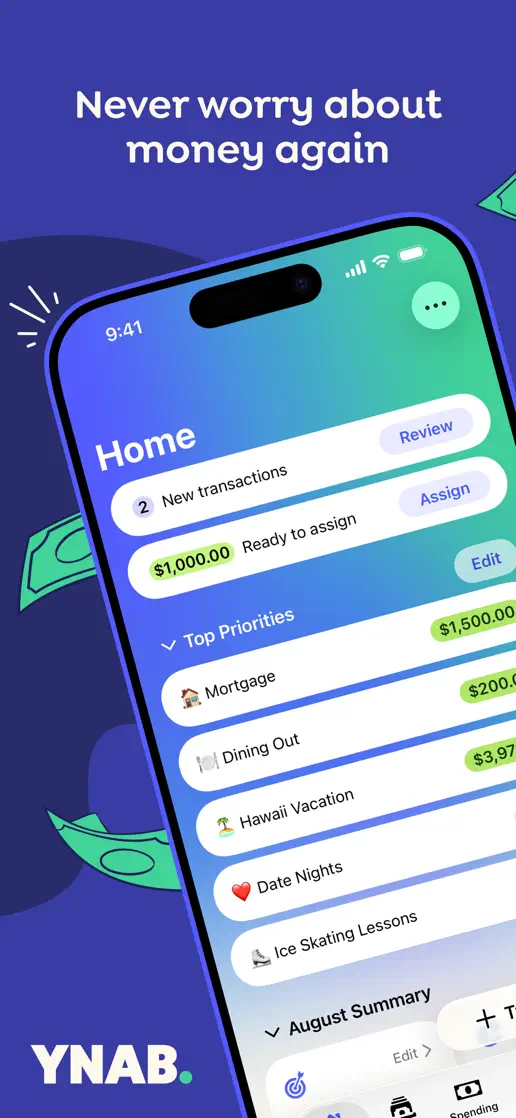
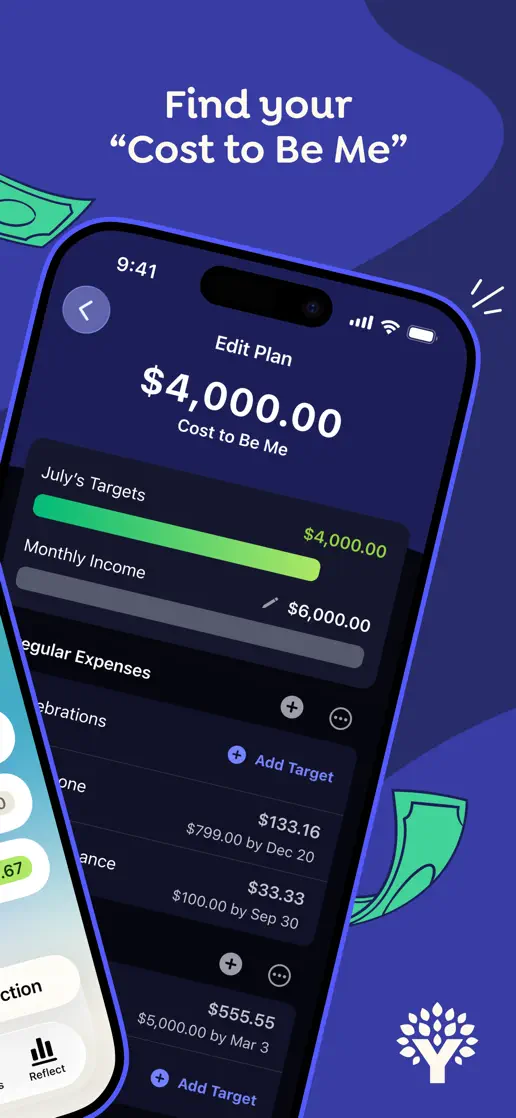
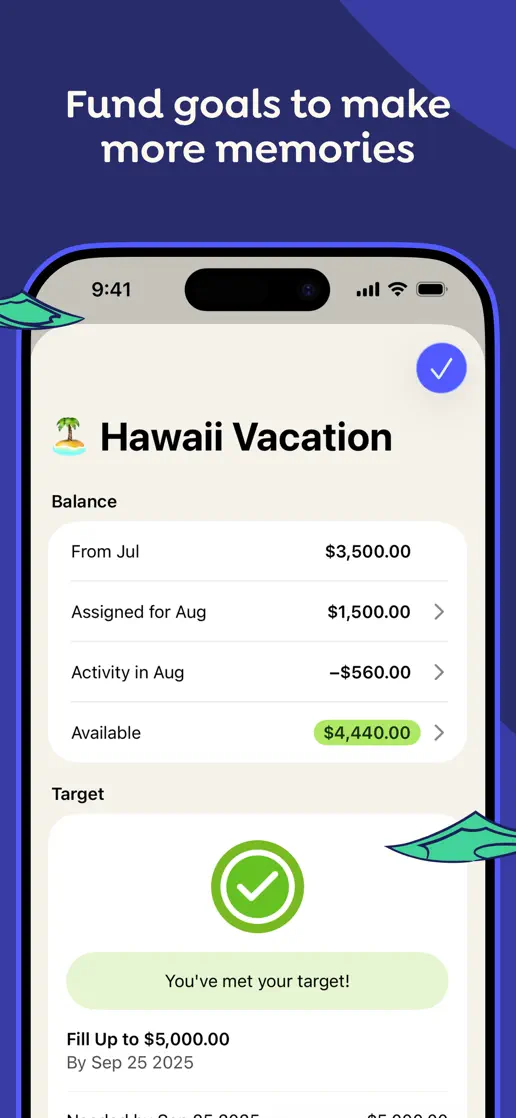
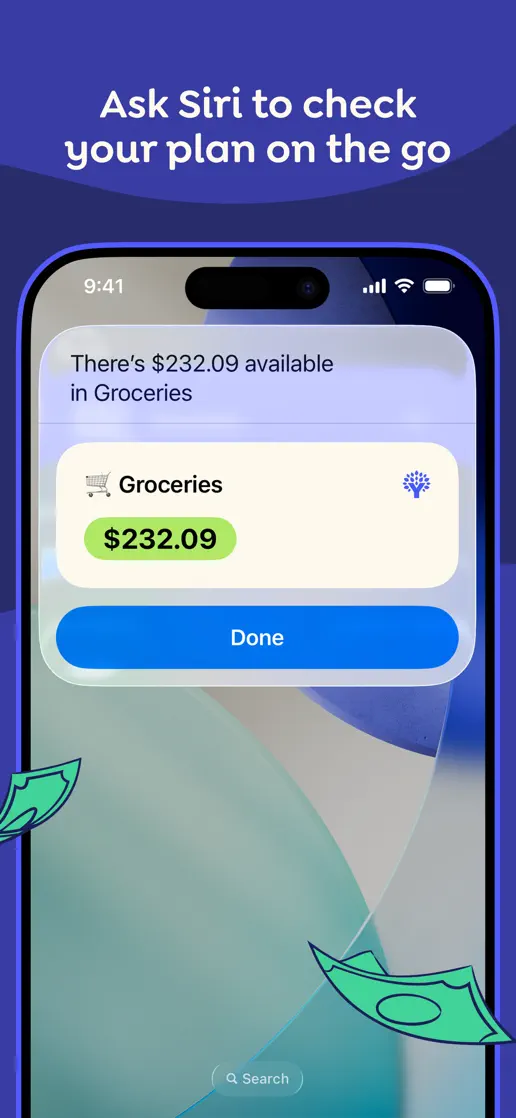
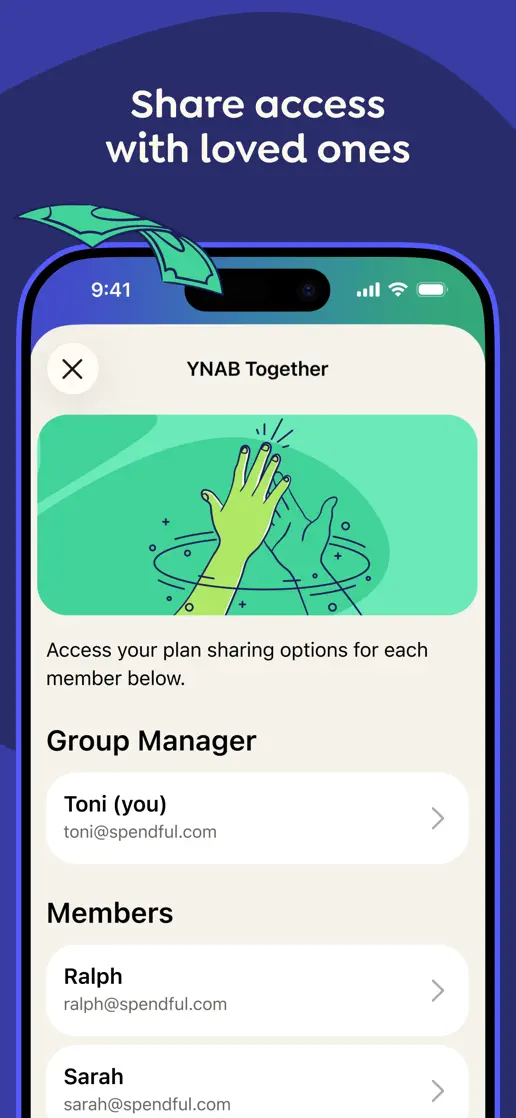
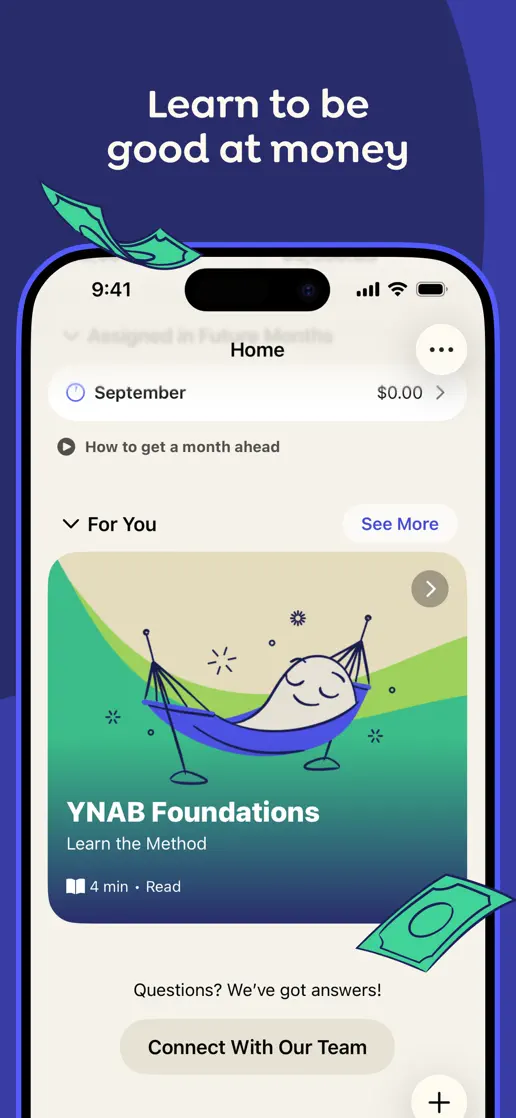
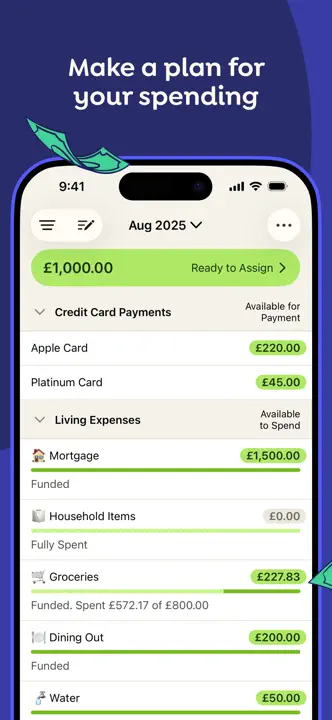
Deep indigo backgrounds with lighter blob shapes frame tilted phones, while flying green dollar bills cross frame edges throughout the sequence.





- Category
- Finance
- Publisher
- You Need A Budget LLC
- Version
- 26.45
- Approach
- Illustrated
App preview
Around the world
More localized listings →




What’s New
26.45
Life is short, spend it well. Here’s how we’re helping you this week:
• The Review Transactions list on iOS now has filters that make that catch-up faster. Group transactions by payee, payments or transfers, or anything that still needs a category. When you finish with one group, we’ll take you straight to the next until you’re all caught up.
• Cover Overspending now covers the full overspent amount, even when it’s more than the category’s target.
26.44
Life is short, spend it well. Here’s how we’re helping you this week:
- Preview the new assign mode before it comes to everyone. Whether you fly through assigning or like to take your time, the new assigning experience brings you even more tools for deciding what your money is for—including some common feature requests: Auto-assign by group, Add Half, and Undo, plus fixes for the small hiccups we’ve seen via countless live usability studies. We’ll be testing this over the next couple of months and you can switch between the new and classic assign mode anytime during this period.
- We also fixed a couple of things: on iPhone Duo, Reconcile and your other account actions no longer get tucked into a nested menu when a Live Activity is running, and the photo menu now opens next to the Photo button instead of the middle of the screen.
26.43
Life is short, spend it well. Here's how we're helping you this week:
Spending Breakdown is easier to filter. Search for any category by name or select and deselect them all in one tap.
26.42
Life is short, spend it well. Here’s how we’re helping you this week:
• Know someone who’d love to stop stressing about money? Now you can give them the gift of getting good at money without leaving the app. Just tap the gift icon in the top right corner to find this option (US only)!
• We also fixed an issue where the Add New Transaction shortcut could fill in the wrong amount.
26.41
Life is short, spend it well. Here’s how we’re helping you this week:
• Card Mode now shows when a scheduled transaction is still uncleared.
26.40.1
Life is short, spend it well. Here’s how we’re helping you this week:
• Got a new iPhone Duo? Your plan unfolds right along with it. We’ve tuned the app for both the outer screen and the larger inner display, so everything fits, however you choose to position it.
• We recently improved the matching logic for credit card payments. Now, that same logic applies to all transfer transactions. Smarter matching based on date and amount, even when the payees from your bank are less than clear.
26.40
Life is short, spend it well. Here’s how we’re helping you this week:
• We recently improved the matching logic for credit card payments. Now, that same logic applies to all transfer transactions. Smarter matching based on date and amount, even when the payees from your bank are less than clear.
26.39
Life is short, spend it well. Here's how we're helping you this week:
• Credit card interest now has a proper home! Categorize interest charges as Credit Card Interest—a new category you'll find on transactions in your credit card accounts. You'll see exactly what interest is costing you in your Credit Card Payment Category details, and can cover it by assigning money directly there.
Listing history
New subtitle
New Watch screenshots
New iPad screenshots
New iPhone screenshots
Renamed
New icon
New icon
New icon
New icon
New icon
New icon
New Watch screenshots
New iPad screenshots
New iPhone screenshots
New icon
New Watch screenshots
New iPad screenshots
New iPhone screenshots
New icon
New icon
New icon
New icon
New icon
New preview video
New icon
New preview video
New icon
Compare with


Browse similar
Source: App Store listing by You Need A Budget LLC, United States storefront. Captured 26 Nov 2026. The artwork belongs to its publisher and is shown here for reference.