
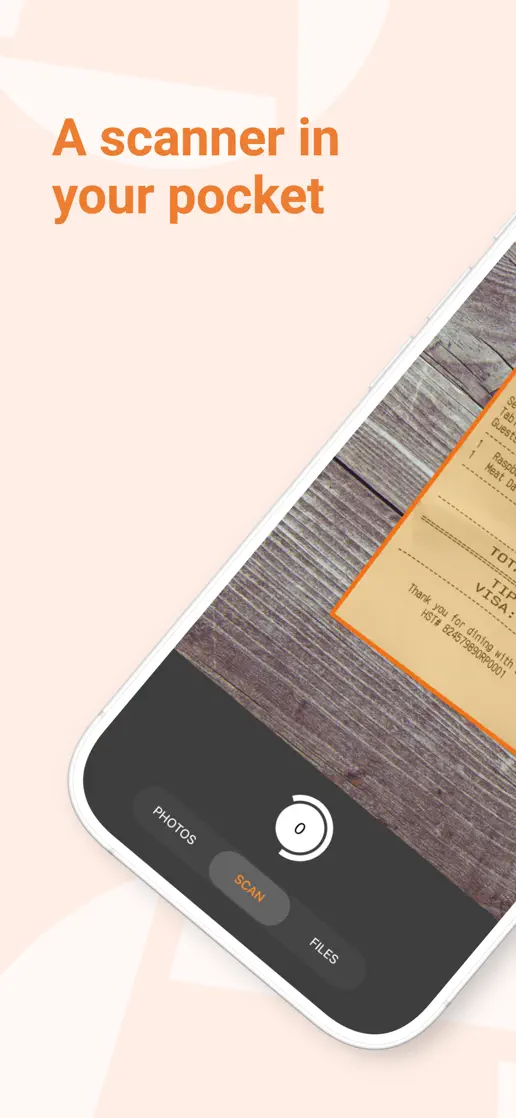
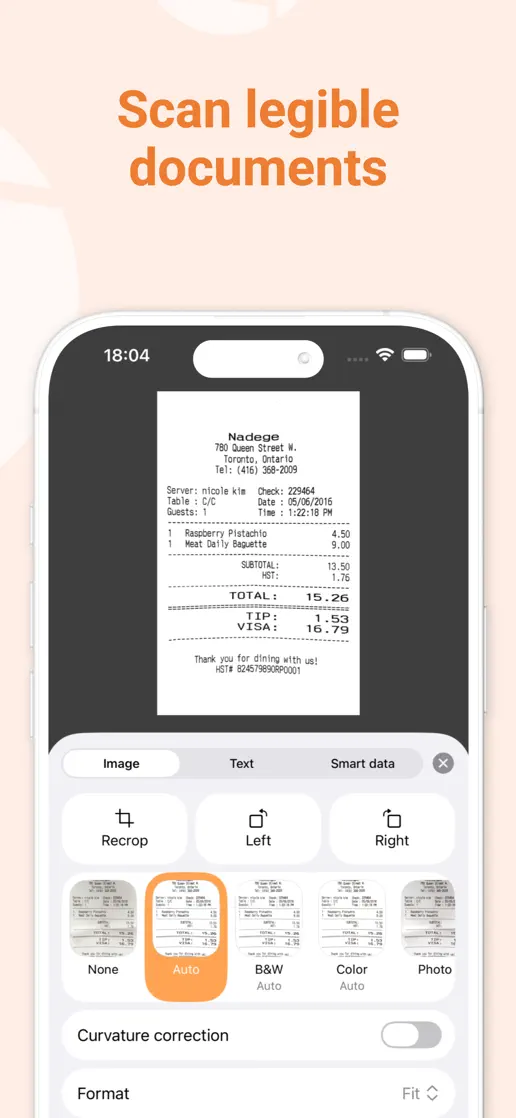
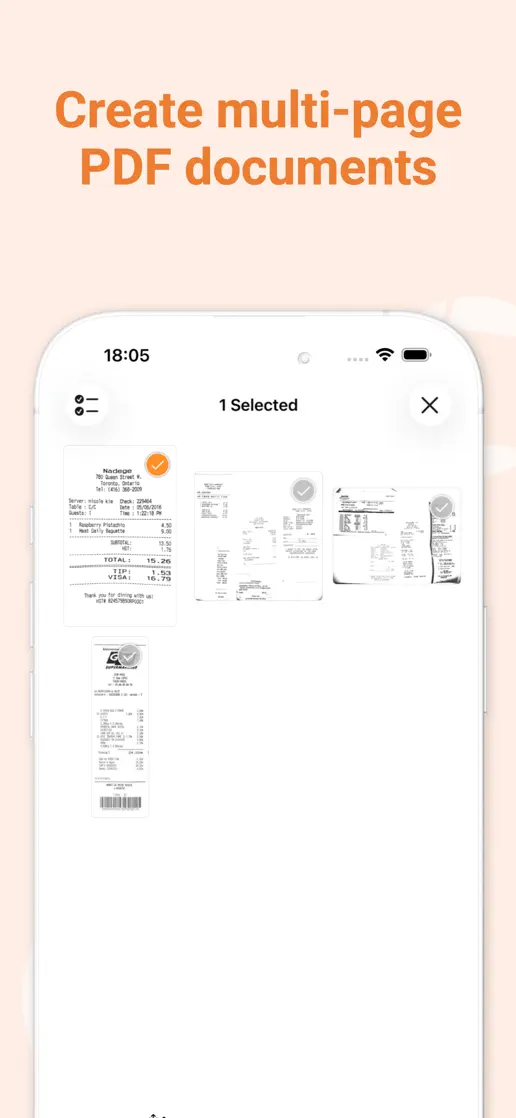
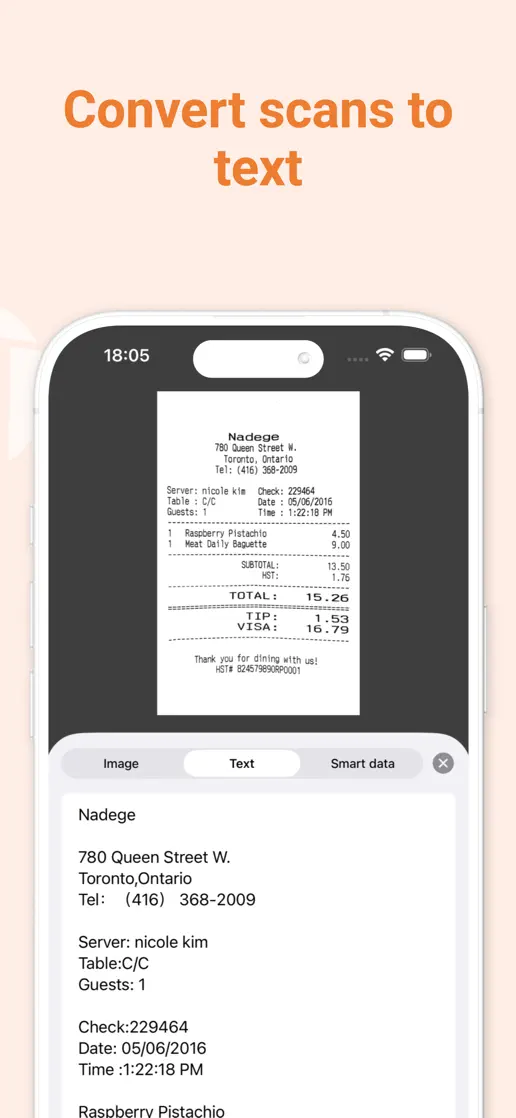
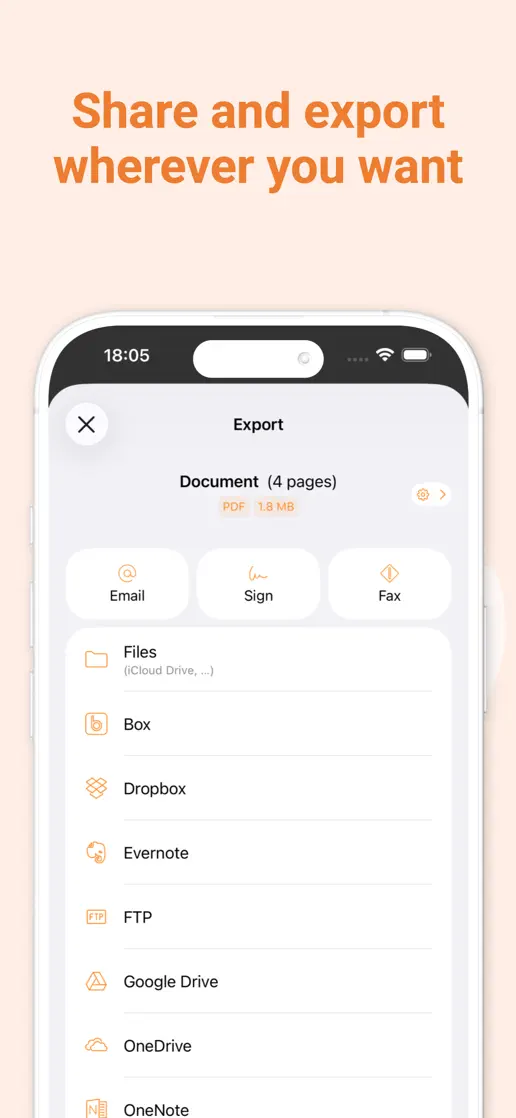
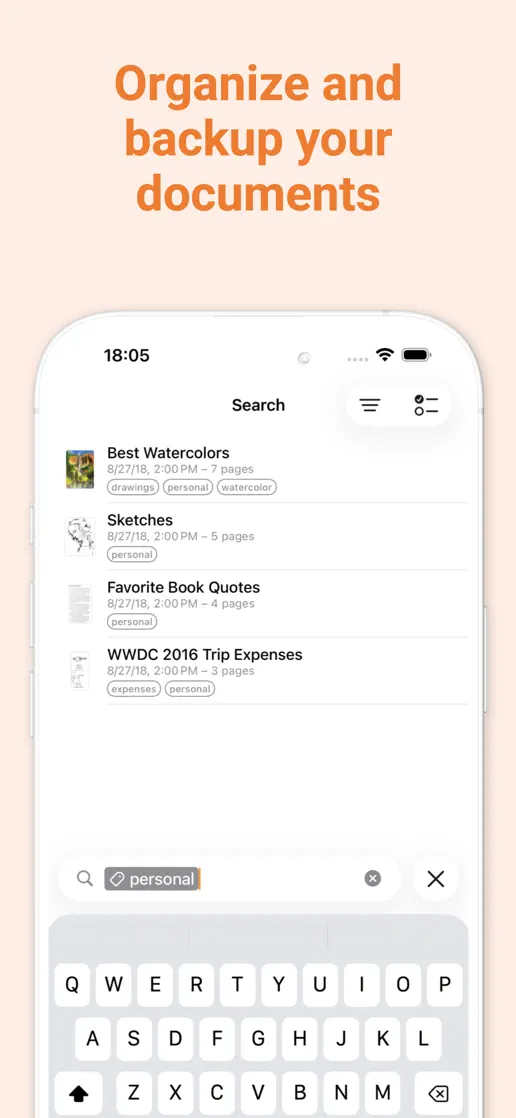
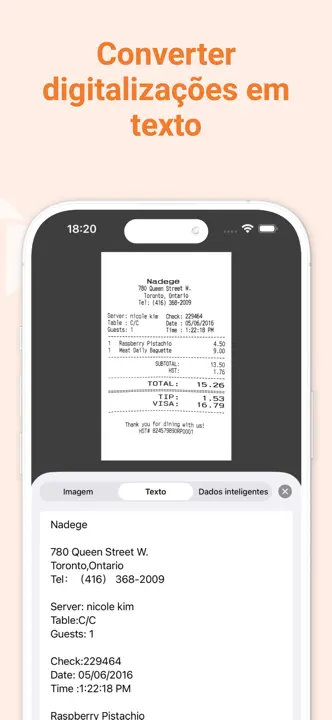
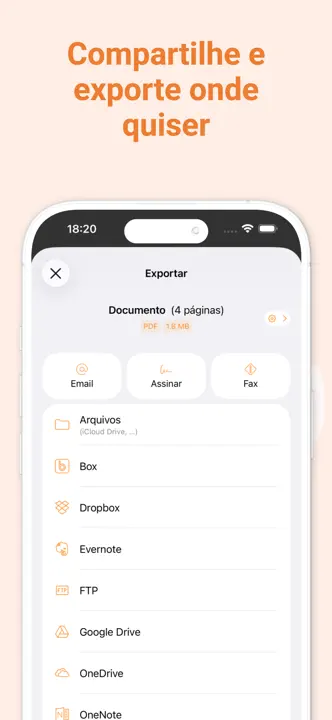
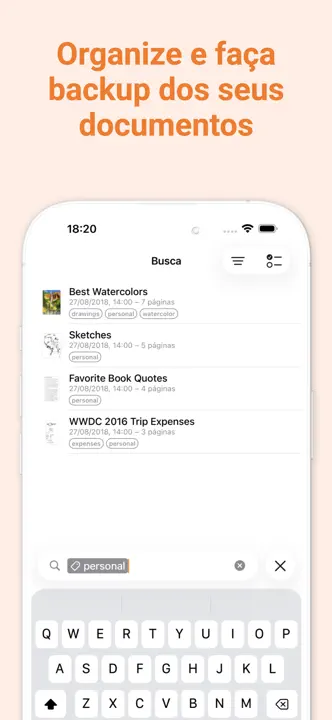
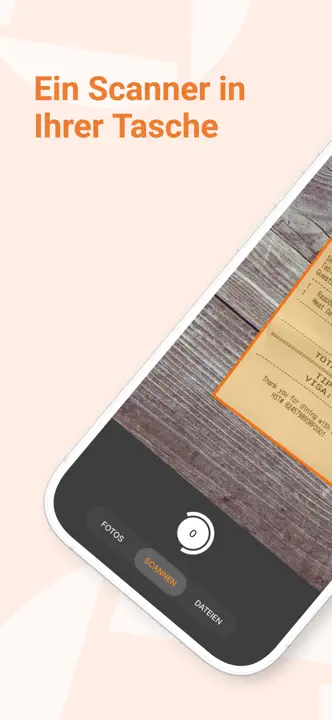
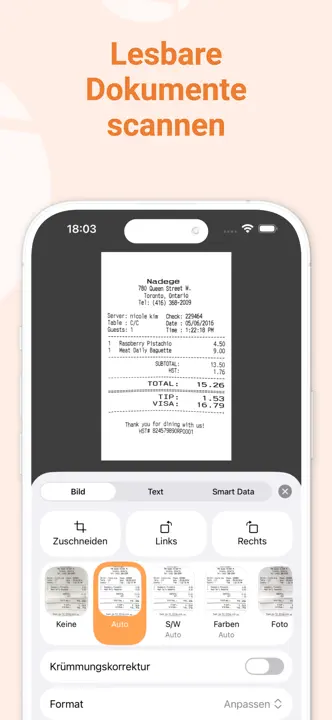
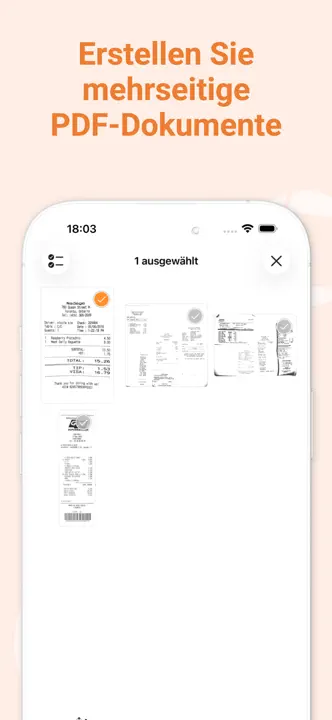
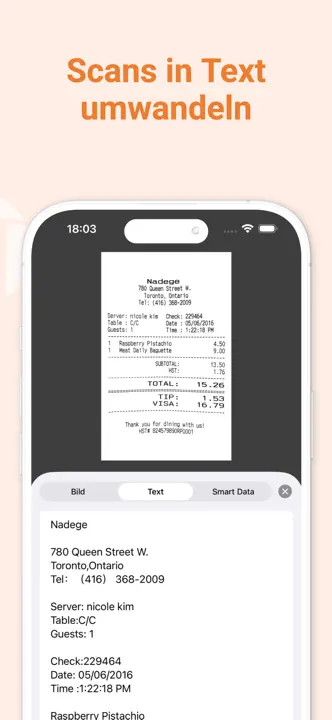
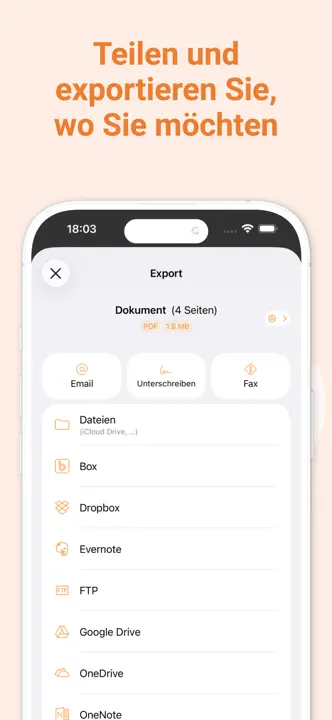
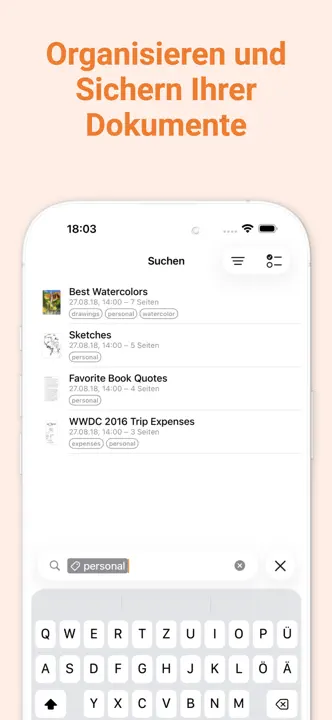
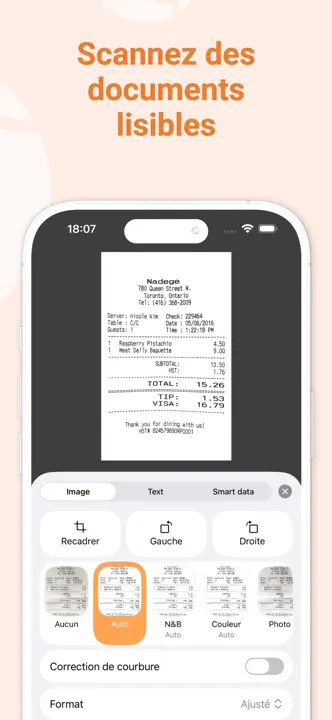
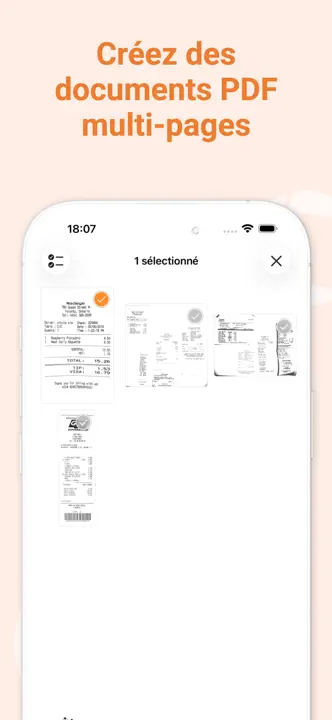
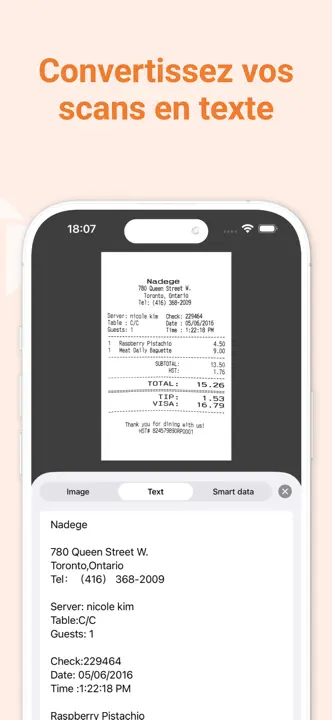
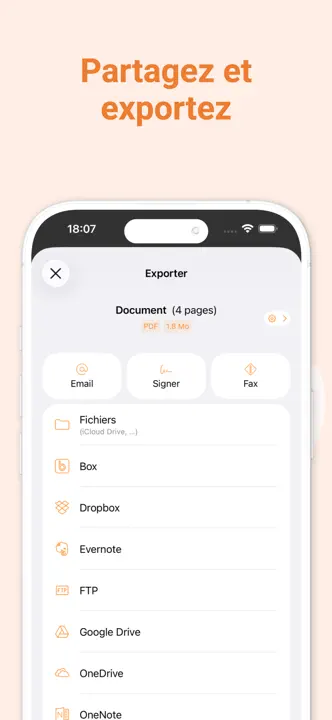
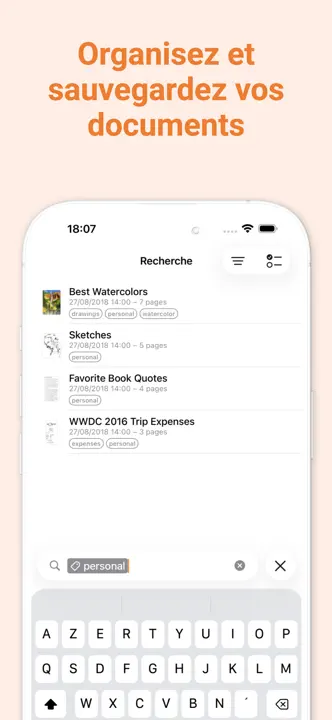
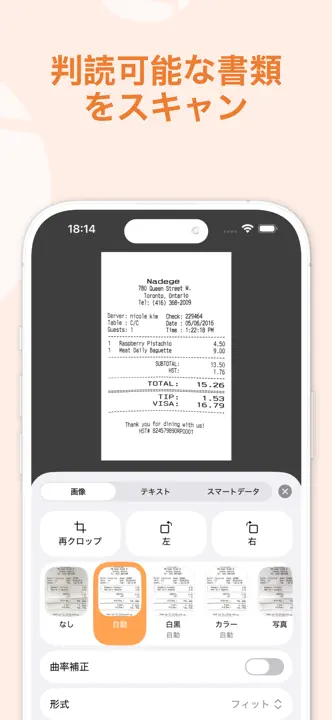
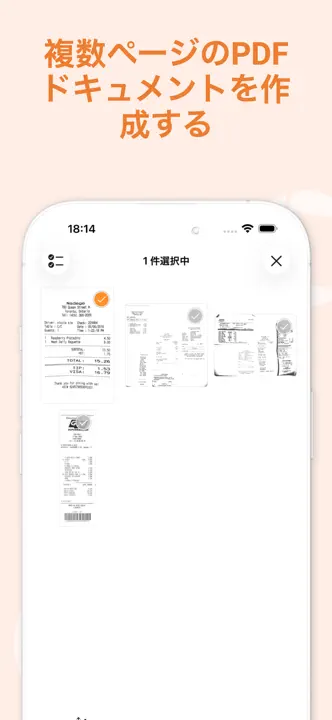
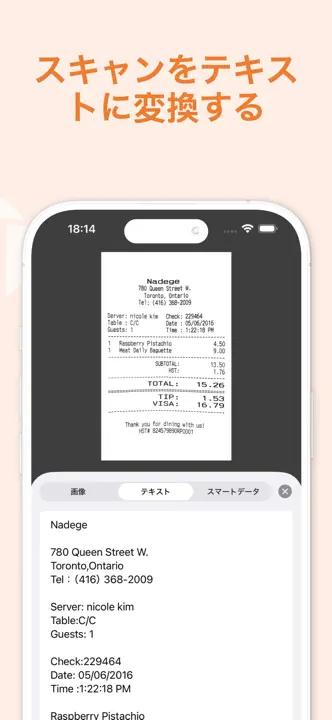
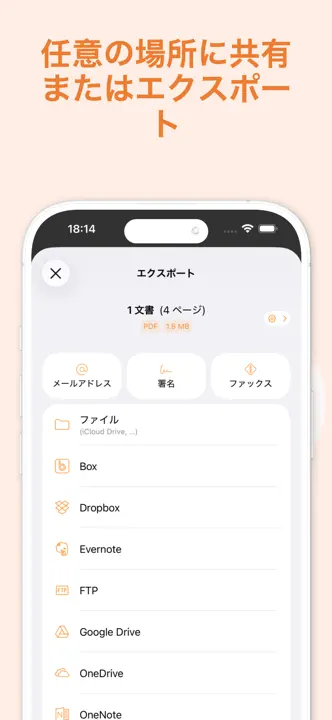
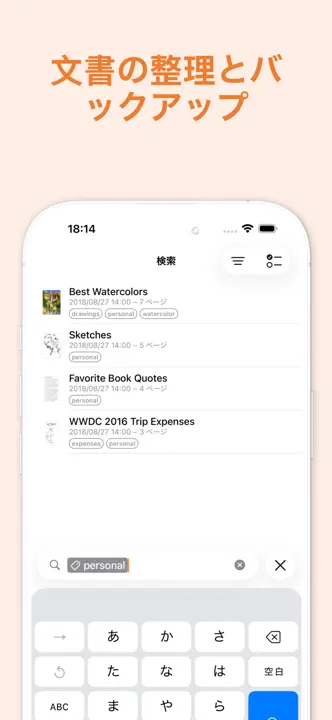
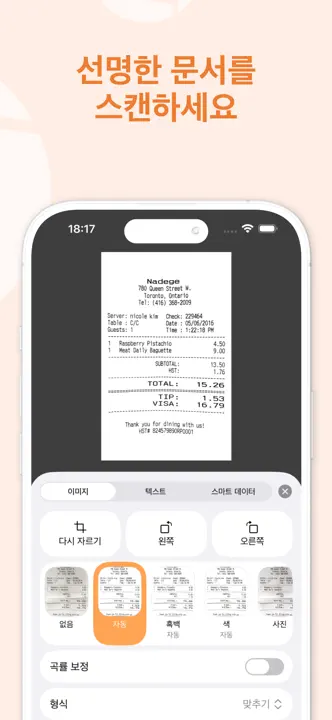
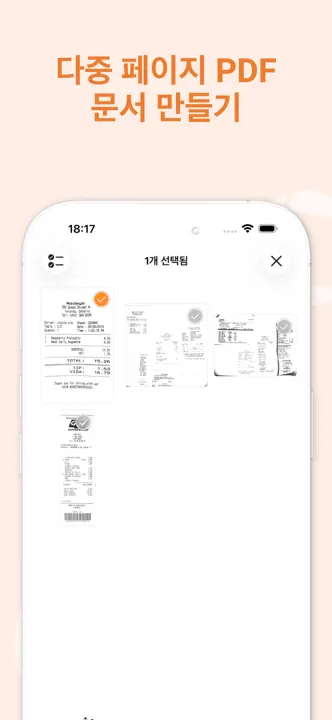
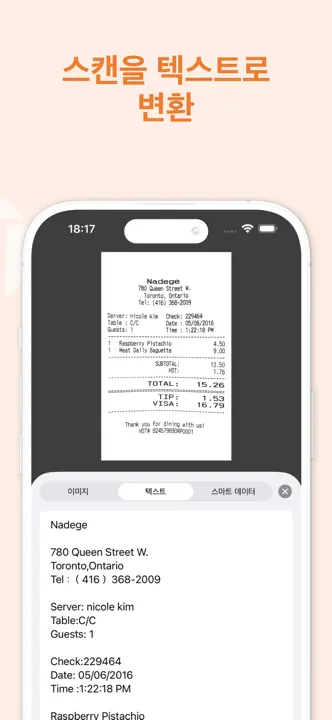
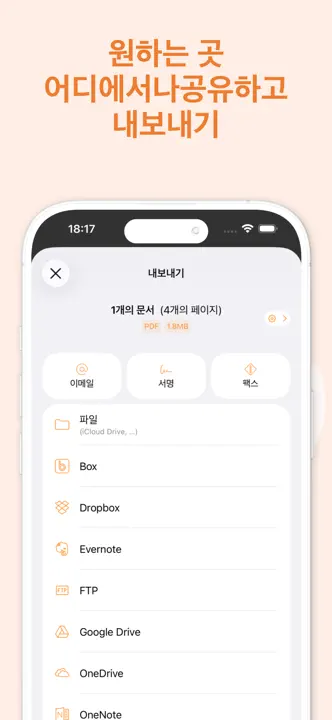
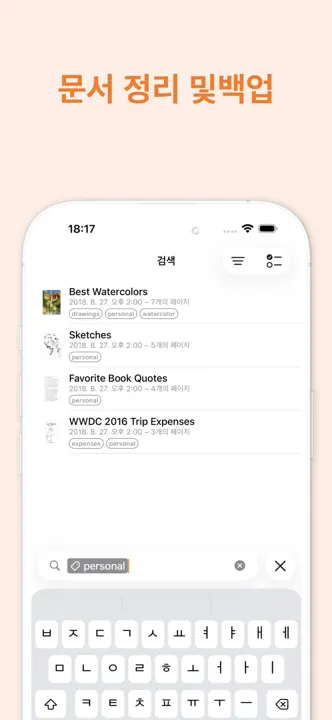
Warm backgrounds and orange headings frame large document previews, with a phone spanning the opening pair.




- Category
- Business
- Publisher
- The Grizzly Labs
- Version
- 8.15.1
- Approach
- Interface-led
Around the world
More localized listings →













What’s New
8.15.1
We're always making changes and improvements to Genius Scan. Install this new update to get the latest new features and bug fixes.
8.15
EXPORT IMPROVEMENTS
- A4 PDF exports now use the exact ISO page dimensions.
- Export shortcuts no longer delete the original document when exporting individual pages.
- Documents whose names contain slashes or colons can now be dragged to the Files app.
- Export shortcut and Auto-Export rule names now have surrounding spaces removed and default to the destination name when left blank.
TEXT RECOGNITION
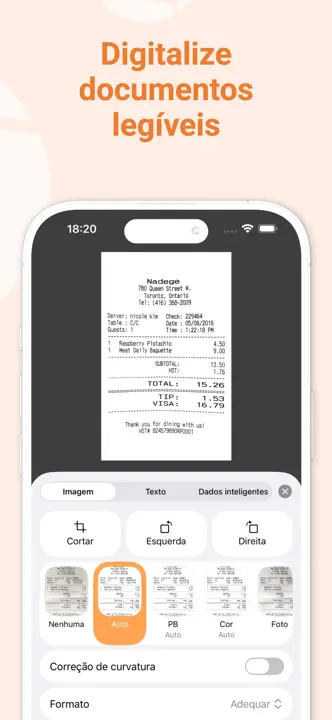
- Recognized text from separate pages is now separated with line breaks.
SUPPORT
- You can now attach documents, photos, and videos when contacting support.
- The support form now explains which required information is missing before sending a message.
RELIABILITY
- Fixed a crash that could affect users with a legacy Email Auto-Export configuration.
- Fixed a rare issue that could prevent Genius Scan from opening on some devices.
8.14.1
FIXES
- Fixed a crash that could occur while logging in to your Genius Cloud account.
- Fixed an issue that prevented finding documents by their text content on iOS 27.
- Fixed an issue that could prevent offloaded documents from being found with Spotlight search
8.14
SIRI, SHORTCUTS, AND SPOTLIGHT
- You can start a new scan from Control Center, the Lock Screen, the Action Button, Siri, and Shortcuts.
- Genius Scan documents can now be found, opened, and shared through Siri, Spotlight, and the Shortcuts app.
SCANNING IMPROVEMENTS
- When another scan is already in progress, you can choose whether to continue it or start over.
- Document name template selection can now be canceled.
OTHER IMPROVEMENTS
- Toolbar buttons in the Document screen now adapt better to small screens and languages with longer labels.
- Improved VoiceOver support in onboarding.
- Improved the reliability of receipt metadata synchronization.
8.13.1
We're always making changes and improvements to Genius Scan. Install this new update to get the latest new features and bug fixes.
8.13
SCANNING
- You can now scan documents directly from the Messages app and attach the generated PDF or JPEG file to a conversation. To get started, open a conversation in Messages, tap +, then choose Genius Scan.
SUPPORT
- We refined the support experience to make it easier to get immediate, interactive help. Genius Scan now includes an AI chat assistant that can answer common questions, guide you to the relevant help page, and suggest helpful actions. You can still contact us at any time if you need email support.
IMPROVEMENTS
- Account and subscription screens have been polished to make plan details, upgrade options, and the login process clearer.
- The app now better handles iPad window sizing.
8.12.1
FIXES
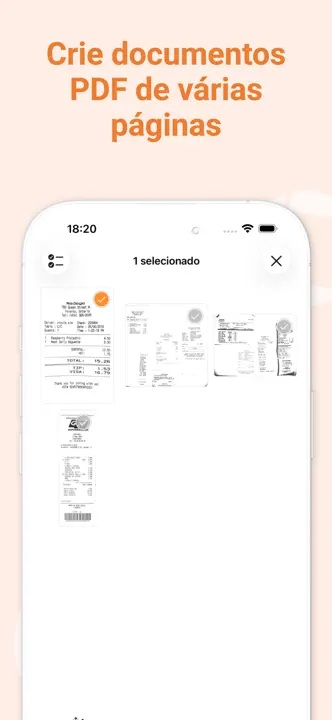
Fixed a bug where moving a page to another document could cause the app to crash.
8.12
GENIUS CLOUD FIXES AND ENHANCEMENTS
- Genius Cloud account details now refresh automatically in settings, so email changes made outside the app appear without signing in again.
- Fixed an issue preventing the synchronization between Android and iOS of documents containing PNG images.
- Fixed an issue where active Ultra subscribers could briefly see a Genius Cloud backup reminder after a subscription renewal.
OTHER FIXES
- Renaming a folder from search results now updates the displayed name immediately.
- Navigating through a OneDrive account now shows a clearer message when Personal Vault is opened, since it requires extra access and cannot be used as a regular export folder.
Listing history
New icon
New icon
Compare with


Browse similar
Source: App Store listing by The Grizzly Labs, United States storefront. Captured 17 Oct 2026. The artwork belongs to its publisher and is shown here for reference.