
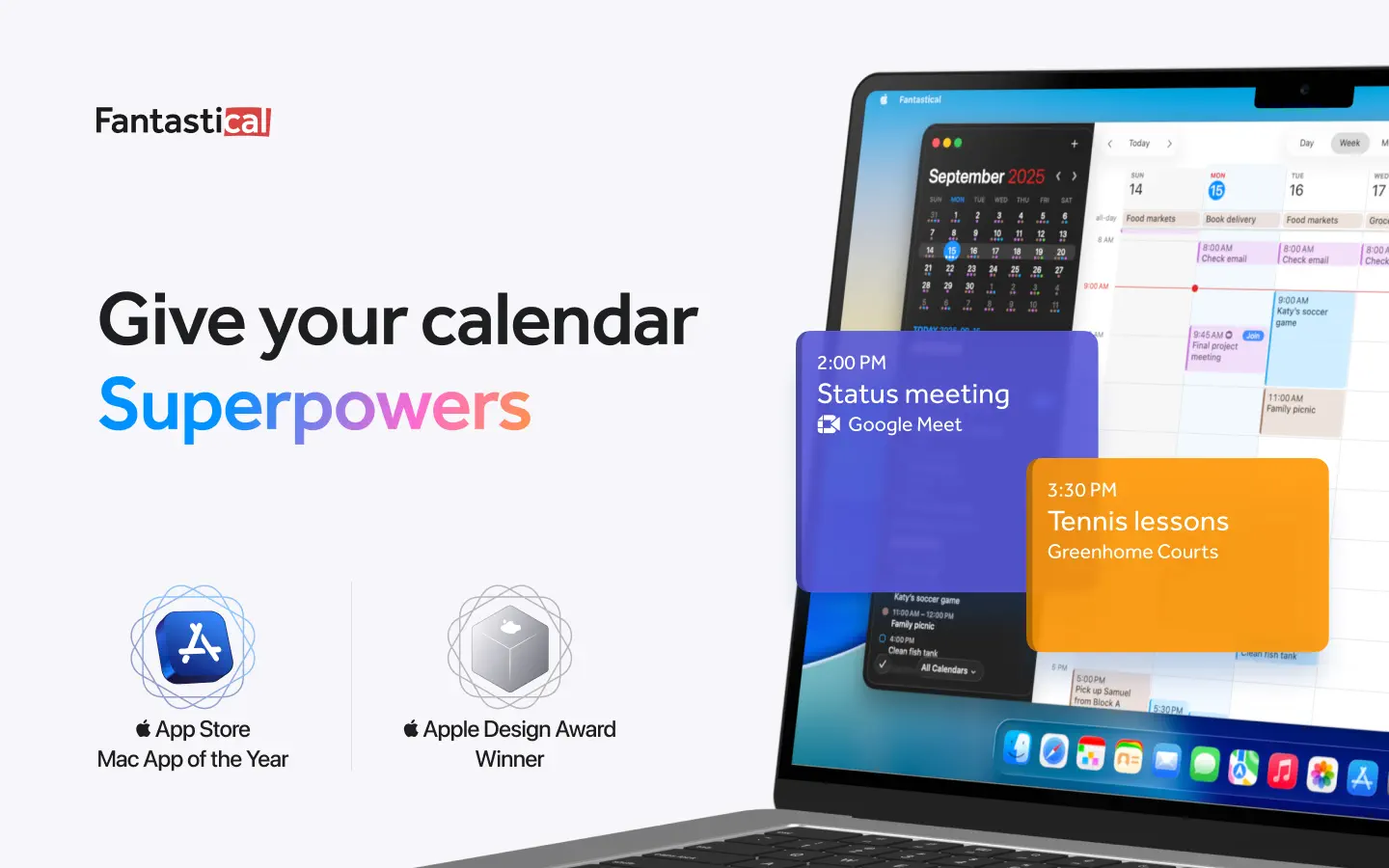
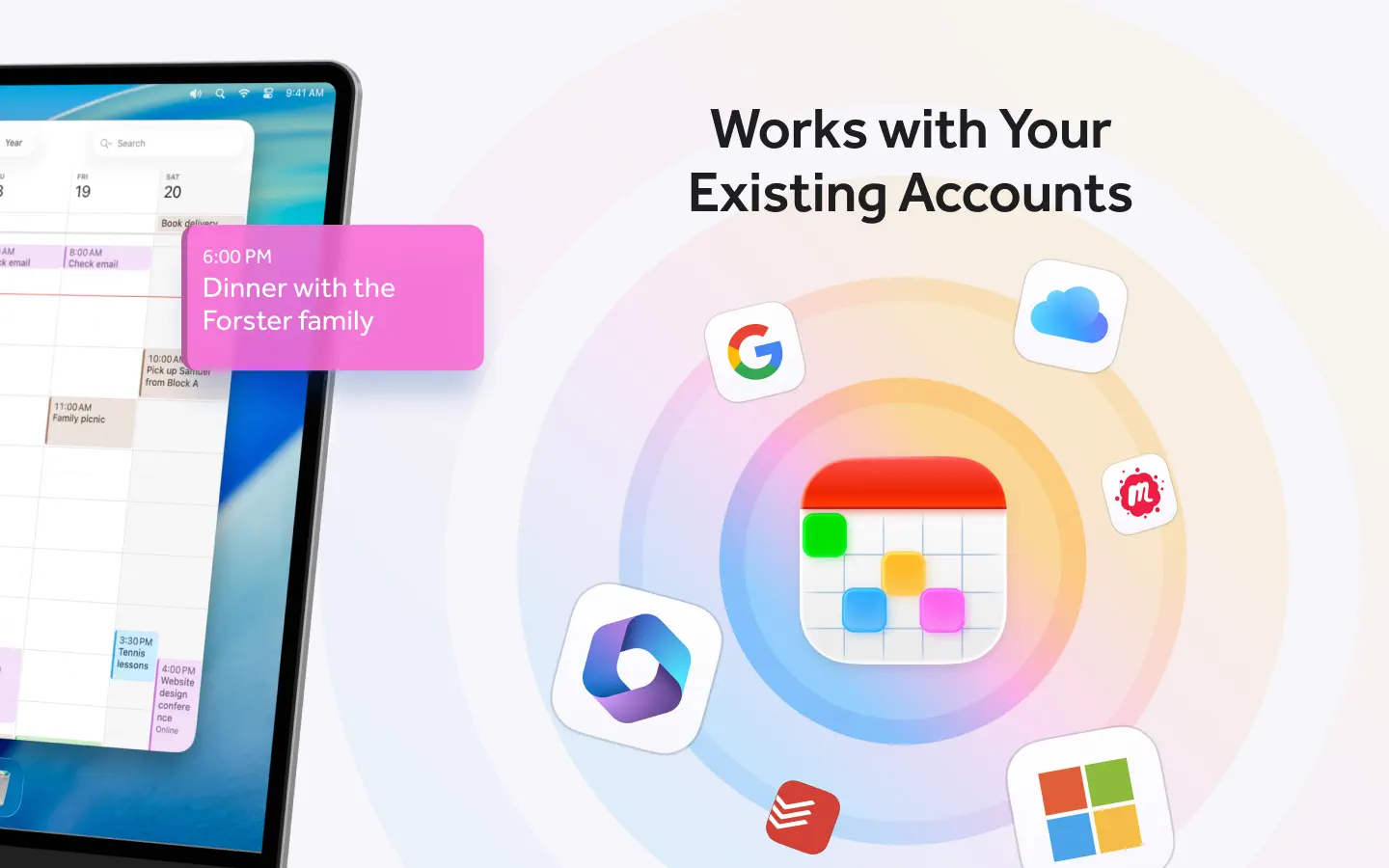
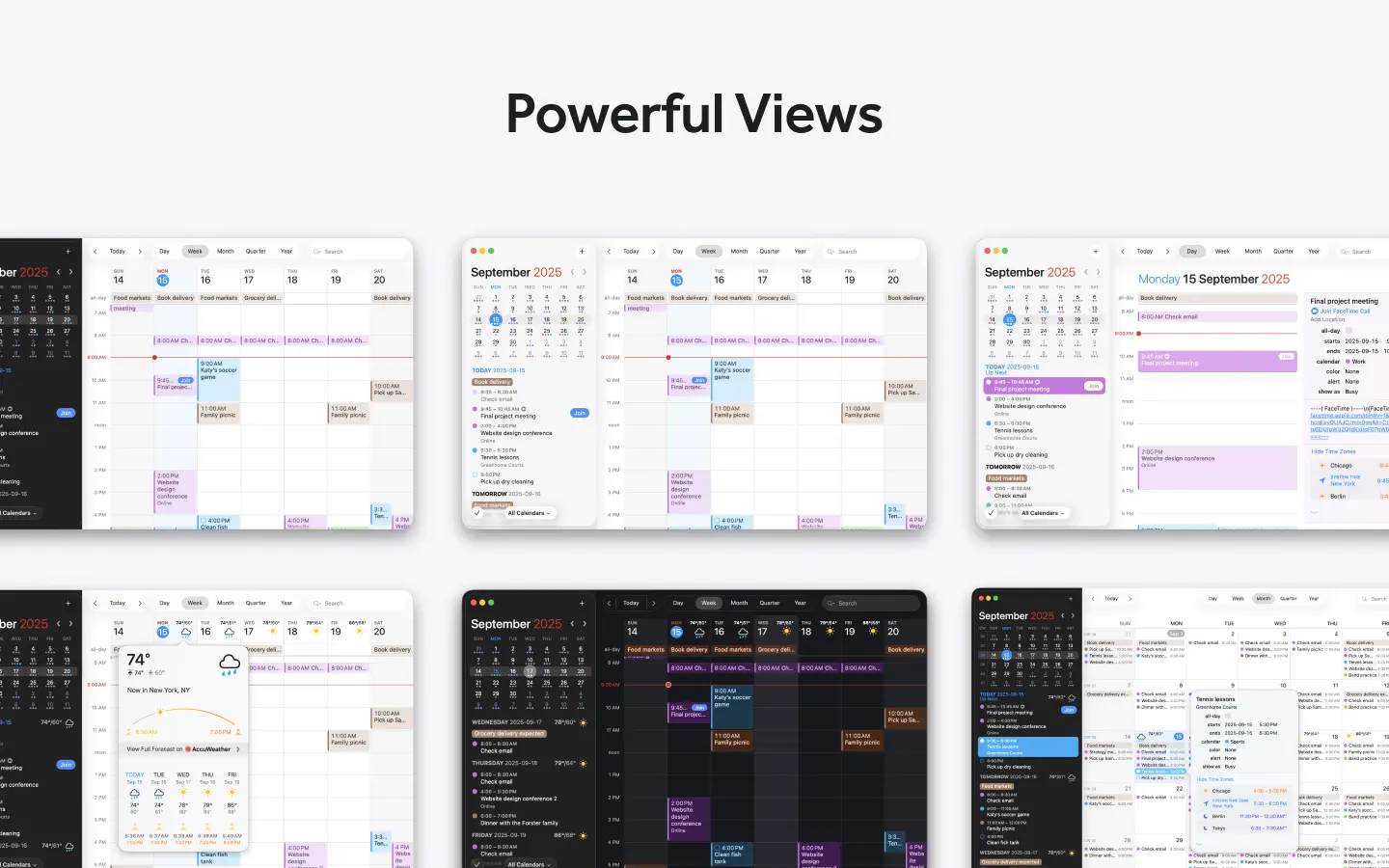
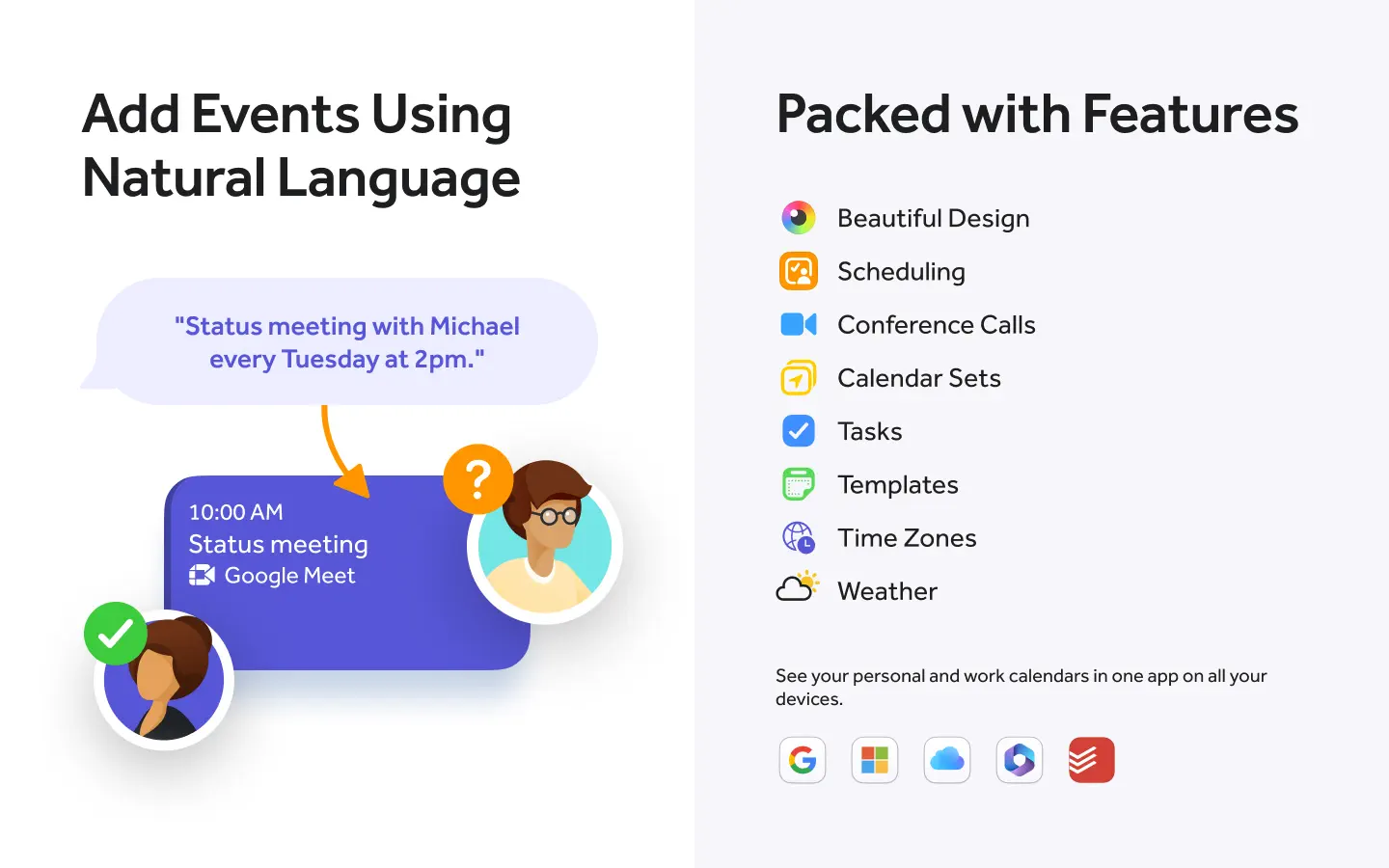
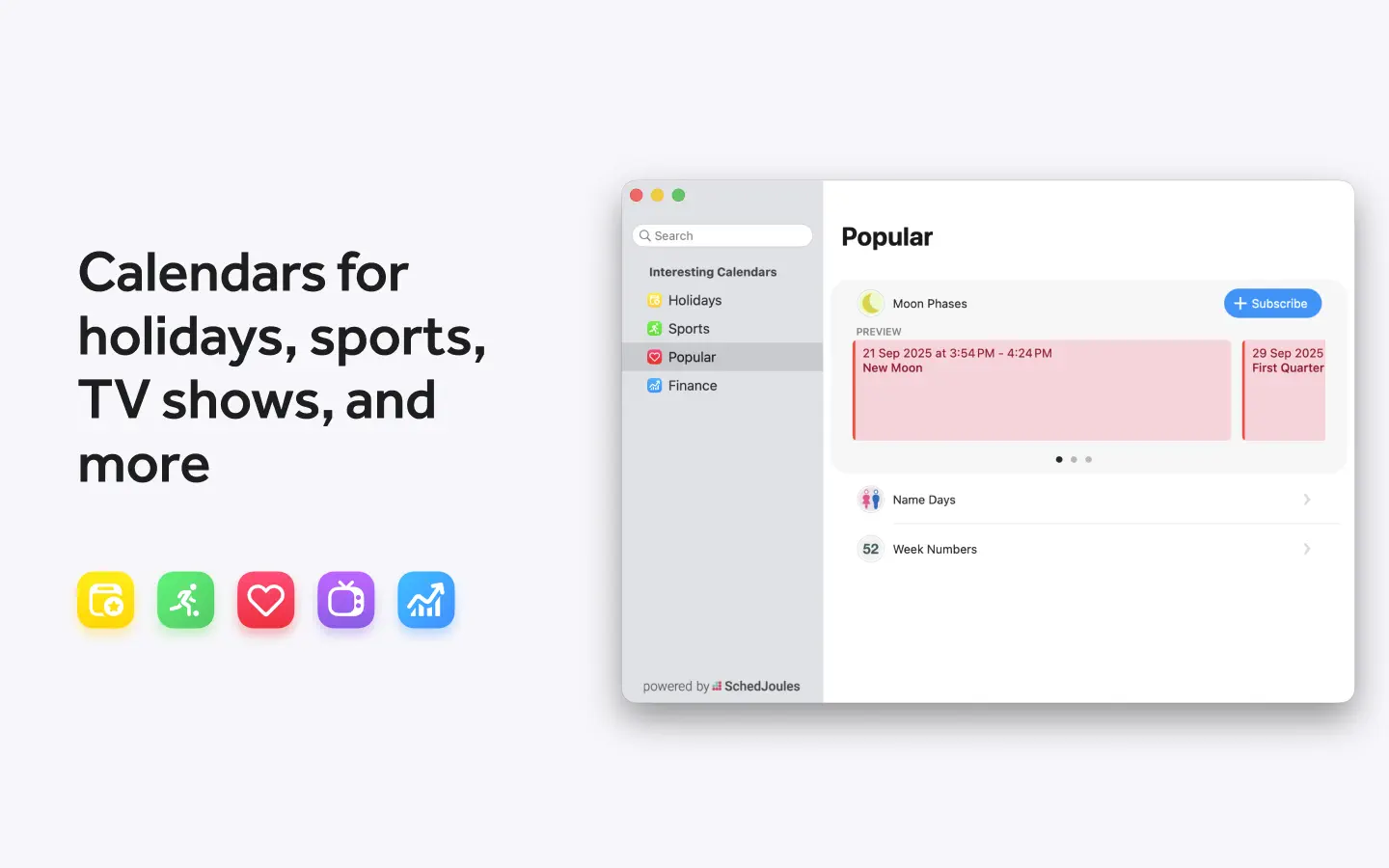
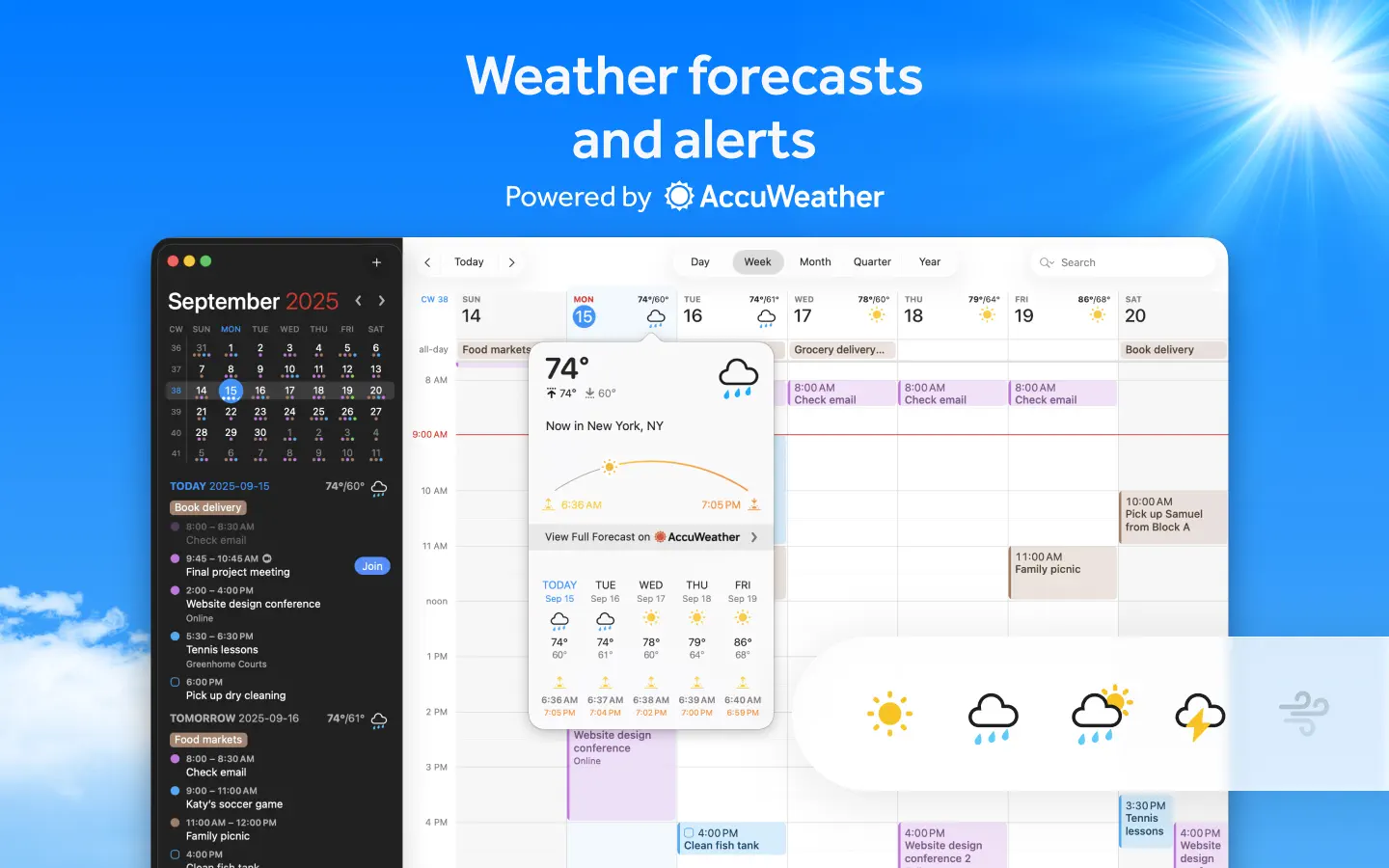
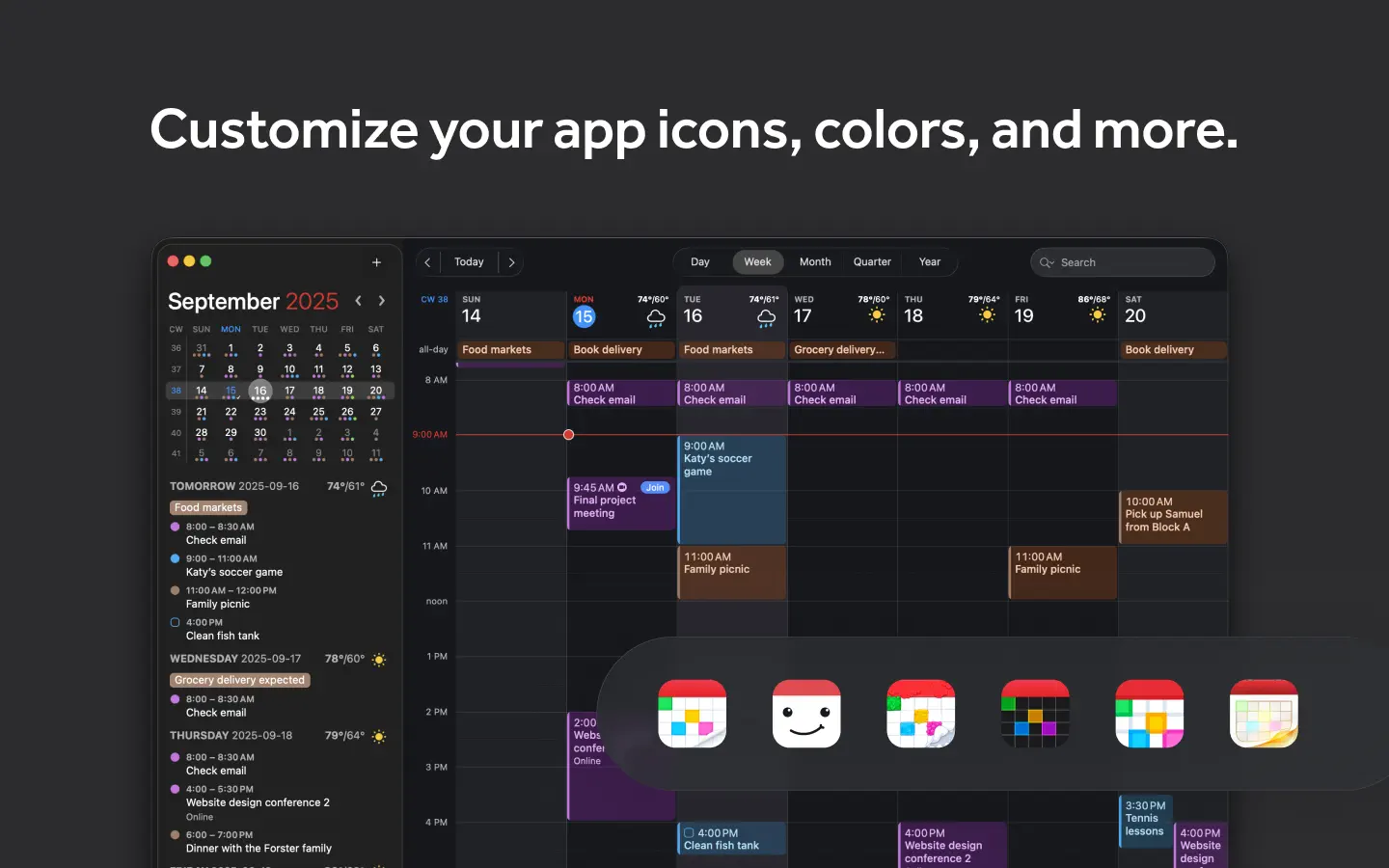
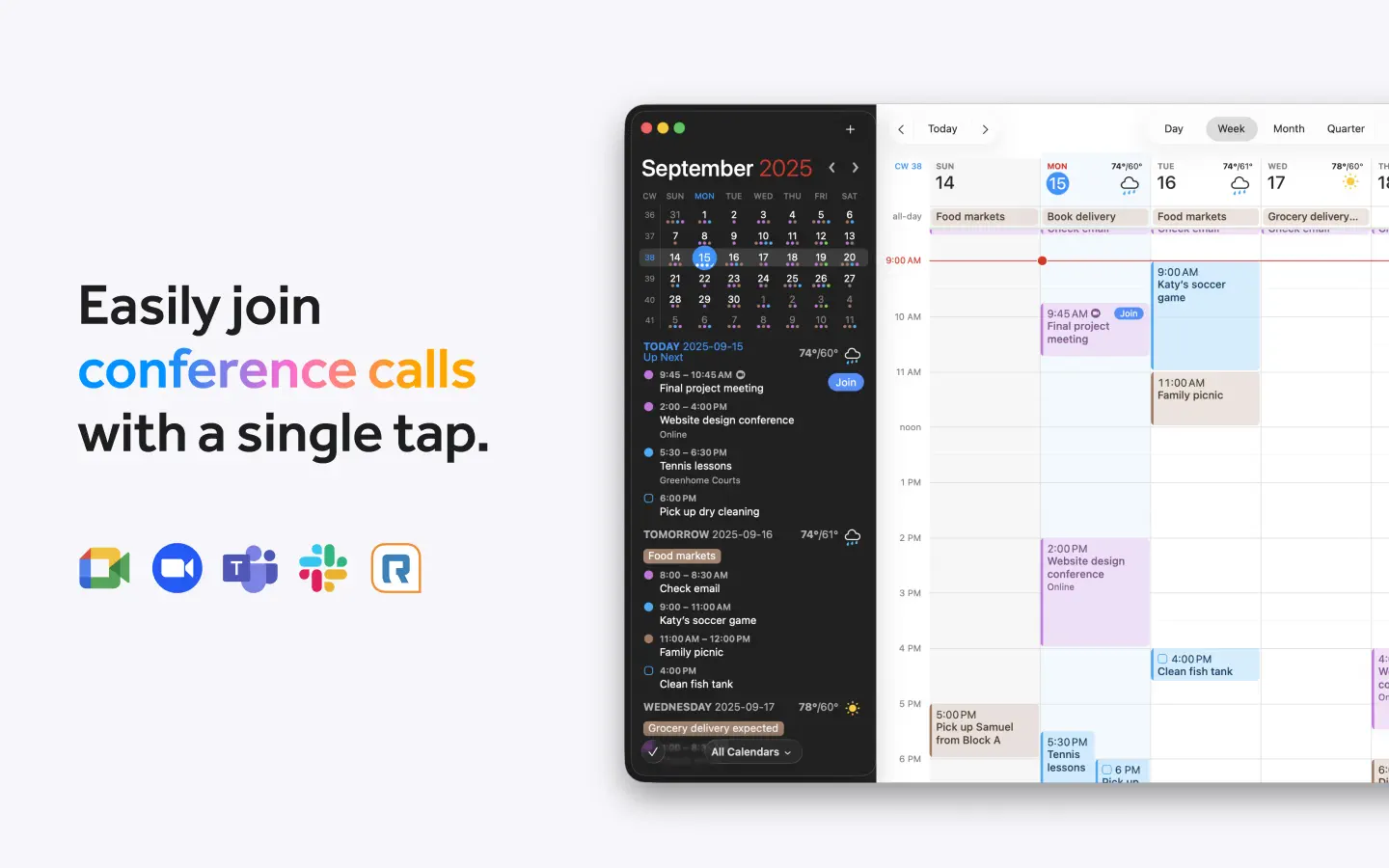
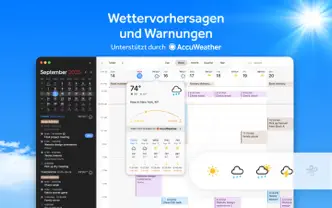
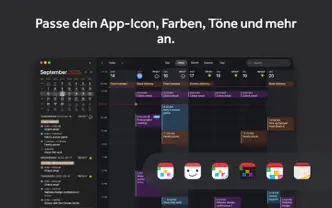
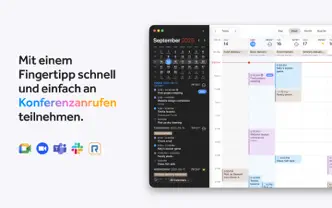
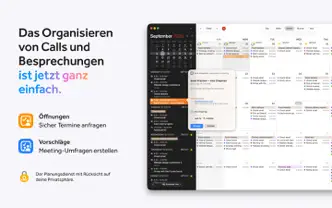
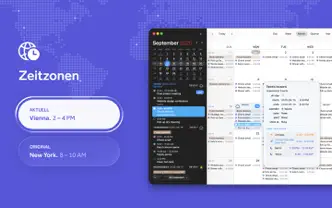
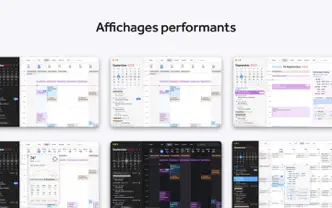
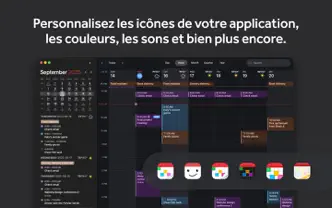
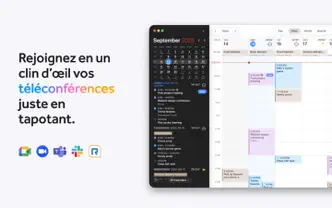
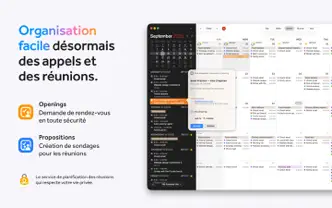
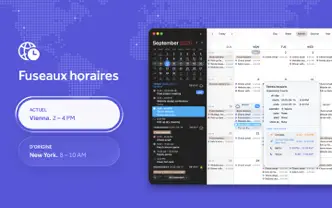
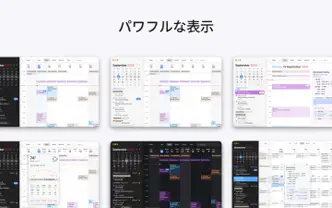
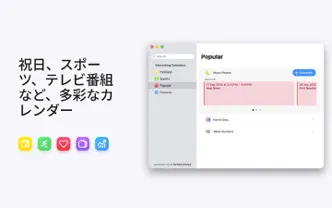
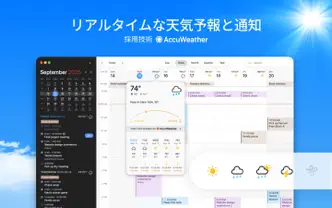
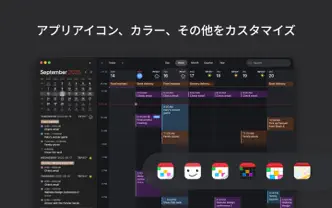
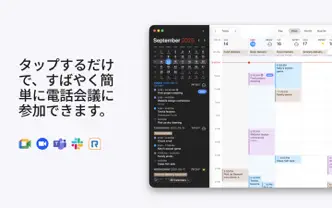
A MacBook opening with award badges gives way to varied layouts of floating event cards, service logos, weather and Dark Mode calendar windows.
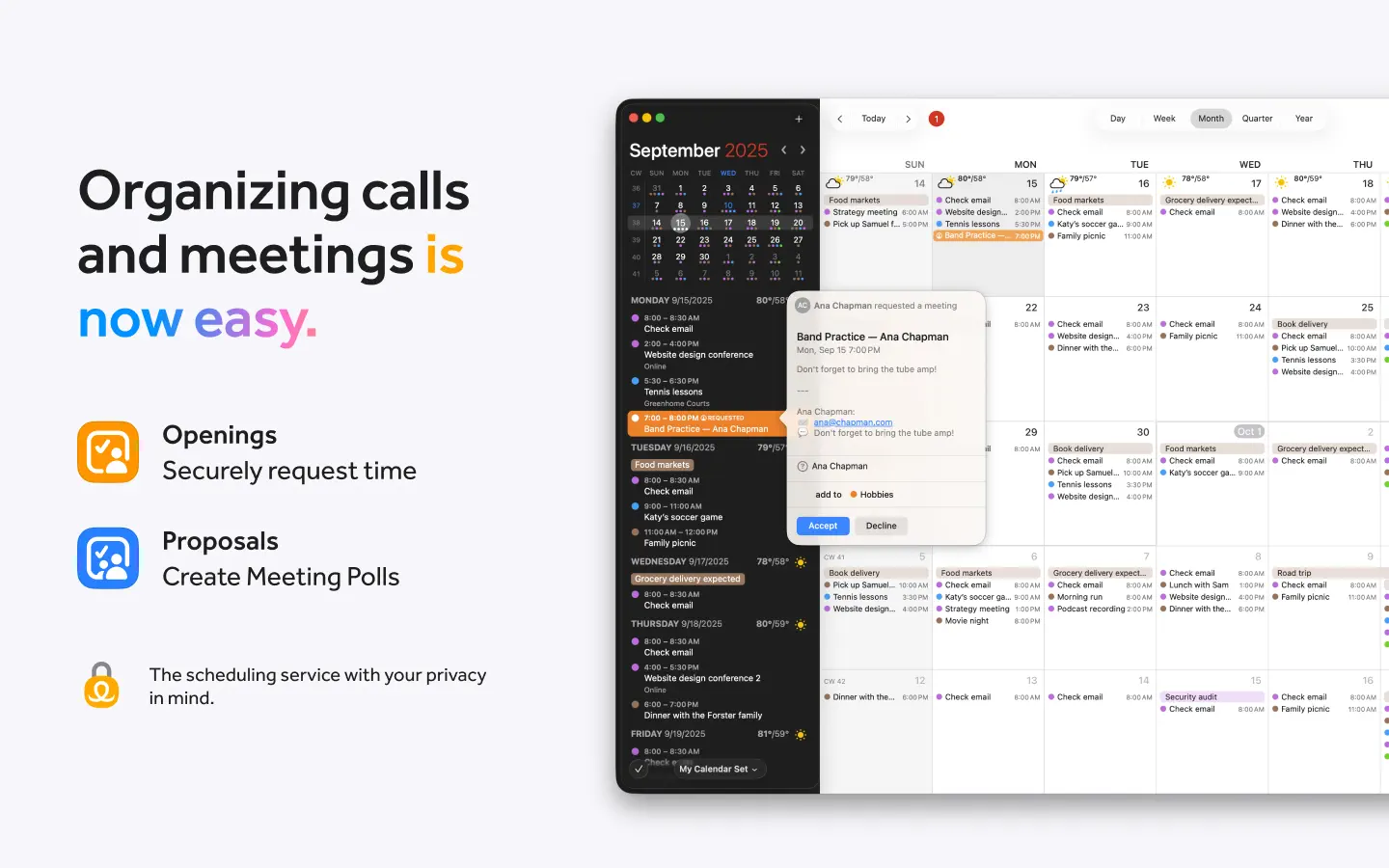
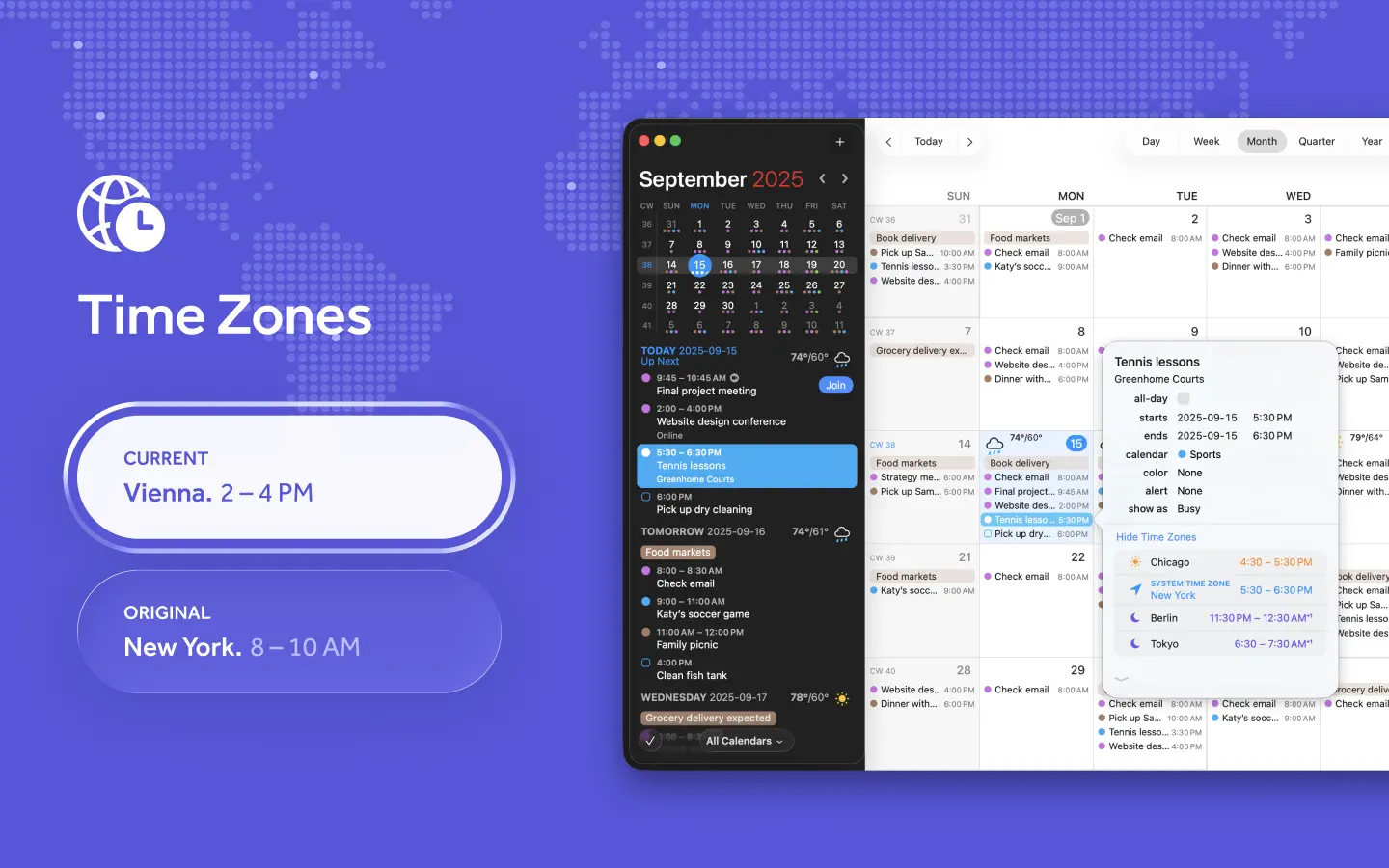
- Category
- Productivity
- Publisher
- Flexibits Inc.
- Version
- 4.2.4
- Approach
- Interface-led
App preview
Around the world
More localized listings →


















What’s New
4.2.4
- Improved sizing of task previews when switching from event to task mode
- Improved duration handling for tasks created with the parser in a Todoist list
- Fixed an issue with date handling over MCP when using multiple languages at once (such as working in English with the system set to French)
- Fixed an issue where creating a task in Todoist would add an extra alarm
- Fixed an issue where calendar mirroring could trigger rate limiting from the calendar service
- Various fixes and improvements
By the way, App Store reviews are very helpful to us. If you think Fantastical is worthy, would you mind taking a moment to write a nice review? We'd greatly appreciate it. Thanks for using Fantastical! :)
4.2.3
- Added support for Microsoft 365 calendars shared with your whole organization rather than directly with you
- Improved searching for invitee email addresses
- Fixed issues when syncing with Microsoft Graph GCC High
- Fixed an issue where importing an .ics file that cancels an event would show an error even though the import succeeded
- Fixed a crash that could occur in some cases when using emoji in calendar set titles
- Fixed a rare crash when adding an item with the sidebar hidden
- Fixed an issue where calendar items with multiple categories didn't use the first enabled category to determine their color
- Fixed additional time zones covering events in Day and Week views when the window is narrow
- Fixed an issue where the Up Next widget showed an event twice when it ended on the following day
- Fixed an issue that prevented setting a location for calendar sets and travel time
- Fixed an issue where the MCP server didn't respect the "Show mirrored events" setting
- Various fixes and improvements
By the way, App Store reviews are very helpful to us. If you think Fantastical is worthy, would you mind taking a moment to write a nice review? We'd greatly appreciate it. Thanks for using Fantastical! :)
4.2.2
- Added the option to drop an image onto the menu bar icon to start event extraction
- Added link detection to invite responses
- Improved detection of when repetition ends for events in emails and images
- Improved search to deliver results more quickly
- Improved syncing of Graph accounts
- Updated Fantastical to use new Canadian time zones for Microsoft 365 accounts
- Fixed an issue where mirrored events could be copied at the wrong time
- Fixed an issue where mirrored events would not update when the original event was changed on an Exchange or Microsoft 365 account
- Fixed an issue where all-day events could incorrectly get truncated in the list
- Fixed an issue where Meet With account discovery did not probe accounts in the order shown in Accounts settings
- Fixed an error that could appear when updating through the App Store
- Fixed time zone information to account for the change in Alberta, Canada
- Fixed an issue where you couldn't create recurring tasks on Microsoft 365 accounts
- Various fixes and improvements
By the way, App Store reviews are very helpful to us. If you think Fantastical is worthy, would you mind taking a moment to write a nice review? We'd greatly appreciate it. Thanks for using Fantastical! :)
4.2.1
- Added support for creating events from images to the mini window
- Improved the "Show Completed" tasks inline toggle to follow the setting
- Improved support for IceWarp accounts
- Fixed an MCP compatibility issue with the ChatGPT desktop application
- Fixed a crash when encountering invalid location data
- Fixed a crash on launch on macOS 12
- Fixed an issue where creating an event using the URL scheme would not validate the provided availability
- Fixed an issue where typing in the middle of an invitation response message would move the cursor to the end of the text
- Fixed an issue where creating a new task with a due date would automatically set a due time
- Various fixes and improvements
By the way, App Store reviews are very helpful to us. If you think Fantastical is worthy, would you mind taking a moment to write a nice review? We'd greatly appreciate it. Thanks for using Fantastical! :)
4.2
- Added support for Siri AI to work with Fantastical calendars
- Added the ability to set invitee options on Graph events
- Added the ability to ignore an invite notification for all events in a series
- Improved search to handle different punctuation variants
- Improved de-duplication of recent locations
- Improved the reliability of Calendar Mirroring when using calendars from your device's accounts
- Improved Calendar Mirroring and Openings so canceled events are no longer mirrored or included in availability
- Improved moving timed tasks off Todoist so the due date no longer changes unexpectedly
- Improved email ingest by adding support for tasks
- Improved MCP results so mirrored events are no longer included
- Fixed an issue where search results would be slow to appear when performing multiple searches back to back
- Fixed an issue where changing an all-day event to a timed event would fail between 11 PM and midnight
- Fixed the text field not updating immediately when setting a reminder location
- Fixed an issue where removing a reminder time would also remove the reminder location
- Fixed not being able to edit the color of delegated calendars on Microsoft 365 accounts
- Fixed an issue where days with an all-day event wouldn't show up in Up Next
- Fixed deleting specific instances of special repeating events on Google accounts
- Fixed repeating events being mirrored as separate individual events for rules using local calendars
- Fixed an issue where the location couldn't be edited after modifying other fields
- Fixed a crash that could occur when searching for people to add as a delegate on a Microsoft account
- Fixed an issue where changing the recurrence rule of a task would also change its due date
- Fixed the URL field not appearing
- Various fixes and improvements
By the way, App Store reviews are very helpful to us. If you think Fantastical is worthy, would you mind taking a moment to write a nice review? We'd greatly appreciate it. Thanks for using Fantastical! :)
4.1.19
- Added the option to extract events from images
- Fixed a sync error when deleting or declining an already-removed Outlook event
- Fixed an issue where Fantastical might open the wrong location in Maps
- Fixed the Add button appearing dimmed for items forwarded to Fantastical
- Fixed the Migration Assistant showing a scrollbar unnecessarily
- Fixed conference calls, urgent alarms, and emojis in templates
- Fixed the selected date jumping in certain situations when editing events or tasks
- Fixed an issue where all-day events would not mirror to some calendars
- Fixed the notes parameter not working in x-fantastical parse URLs
- Fixed an issue where pressing Tab in the Mini Window would not move focus from the parser to the title field
- Various fixes and improvements
By the way, App Store reviews are very helpful to us. If you think Fantastical is worthy, would you mind taking a moment to write a nice review? We'd greatly appreciate it. Thanks for using Fantastical! :)
4.1.18
- Added the option to show Internet Account calendars and task lists
- Added support for Google Labels
- Improved search to find items by partial word matches
- Improved performance when loading events at launch or when changing dates
- Improved alarm handling when switching calendars or toggling All Day
- Improved the item editor to prevent picking duplicate alarms
- Improved the clipping of search results when using a bigger text size
- Fixed an issue where calendars from Microsoft 365 accounts could disappear when Microsoft 365 is overloaded
- Fixed dropping an event into Finder from the list
- Fixed some tasks showing the wrong alert time in search results
- Fixed an issue that could cause duplicate mirrored events when mirrored events were hidden
- Fixed an issue where existing Exchange calendar events couldn't be modified or deleted using MCP or Siri
- Fixed a crash when syncing events from Microsoft 365 that were using the America/Edmonton time zone
- Fixed the custom color of an event being lost when moving it to another calendar of the same account
- Fixed a rare issue where a multi-day all-day event would collapse to a single hour when turning off All Day
- Fixed an issue where opening locations from Fantastical in Citymapper would only show the coordinates in some cases
- Fixed an issue where saving an event required pressing Done twice when a date picker was open
- Fixed a crash when adding new Todoist accounts
- Fixed an issue where events created using the natural language parser would sometimes have the wrong end date
- Fixed the time zone override menu not working in Day or Week view when the sidebar is hidden
- Various fixes and improvements
By the way, App Store reviews are very helpful to us. If you think Fantastical is worthy, would you mind taking a moment to write a nice review? We'd greatly appreciate it. Thanks for using Fantastical! :)
4.1.17
- Added emoji to templates
- Added emoji badges to notifications
- Added a setting to control the visibility of events created using Calendar Mirroring
- Improved the appearance of some calendar colors in dark mode
- Improved support for displaying multiple additional time zones in Day and Week views
- Improved sync reliability for shared iCloud calendars
- Improved birthday and anniversary notifications so dismissing one on a device also dismisses it on your other devices
- Improved the drag and drop experience in the list view
- Improved detection of conference call URLs that don't start with https
- Improved Fantastical's MCP server, which is now included and can be used by any AI app that supports MCP
- Fixed an issue that prevented item selection in Day view and Week view when using VoiceOver
- Fixed some issues that could cause tasks to show up on the wrong day in Month view
- Fixed an issue where Zoho accounts could not be added
- Fixed some shared calendars not syncing all events with Graph
- Fixed Room availability for Graph accounts
- Fixed an issue where Meet With wouldn't load more than 500 events for a person on Google
- Fixed an issue preventing Calendar Mirroring from working for non-premium users
- Fixed an issue where certain events would show an incorrect location of zero degrees latitude and longitude
- Fixed the window controls not working on the availability window on macOS Sequoia
- Fixed an issue where Fantastical might make too many Zoom API requests and exceed the API limit
- Fixed a visual issue in Calendar Mirroring settings when many rules are created
- Fixed an issue where people with really long email addresses couldn't be removed from Meet With
- Fixed an issue where moving a recurring event past its recurrence end date with drag and drop could make it disappear
- Fixed a hang in Month view if there are hundreds of events per day
- Various fixes and improvements
By the way, App Store reviews are very helpful to us. If you think Fantastical is worthy, would you mind taking a moment to write a nice review? We'd greatly appreciate it. Thanks for using Fantastical! :)
Listing history
New icon
New icon
New icon
New icon
New icon
Compare with


Browse similar
Source: App Store listing by Flexibits Inc., United States storefront. Captured 26 Nov 2026. The artwork belongs to its publisher and is shown here for reference.