7.725 Nov 2026
New
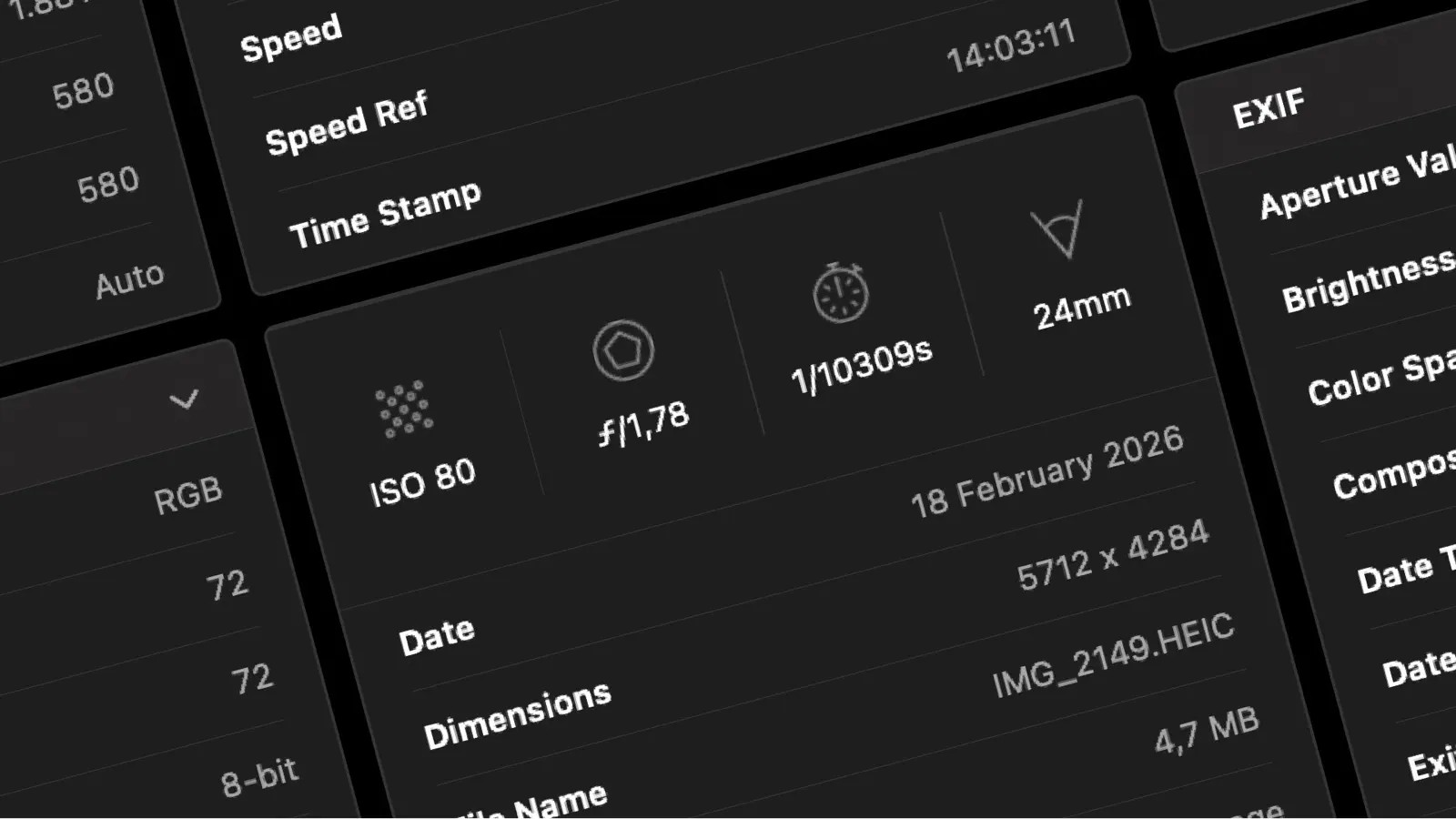
- Edit metadata for many photos at once. Change dates, locations, camera details and more for a batch of photos in one save.
- Redesigned Settings on iPhone and iPad, with a cleaner layout. New options include an Appearance menu (Dark, Light or System), a Show Photo Strip switch, and a copyright email and website for exported photos.
Improvements and Fixes
- Badges and video durations are hidden on very small thumbnails.
- Fixed crashes on iPad (7th generation) when opening and editing photos and videos.
- Fixed a crash on iPad when sharing from an in-app announcement.
- Fixed a crash when importing a file Darkroom can’t identify. These files are now skipped.
- Fixed “Edit With Darkroom” in Shortcuts failing with an unknown error for some photos.
- Fixed Undo and Redo in History not updating the crop until the photo was reopened.
- Fixed the first row of small albums sliding under the header in landscape.
- Fixed alignment in Copy Options.
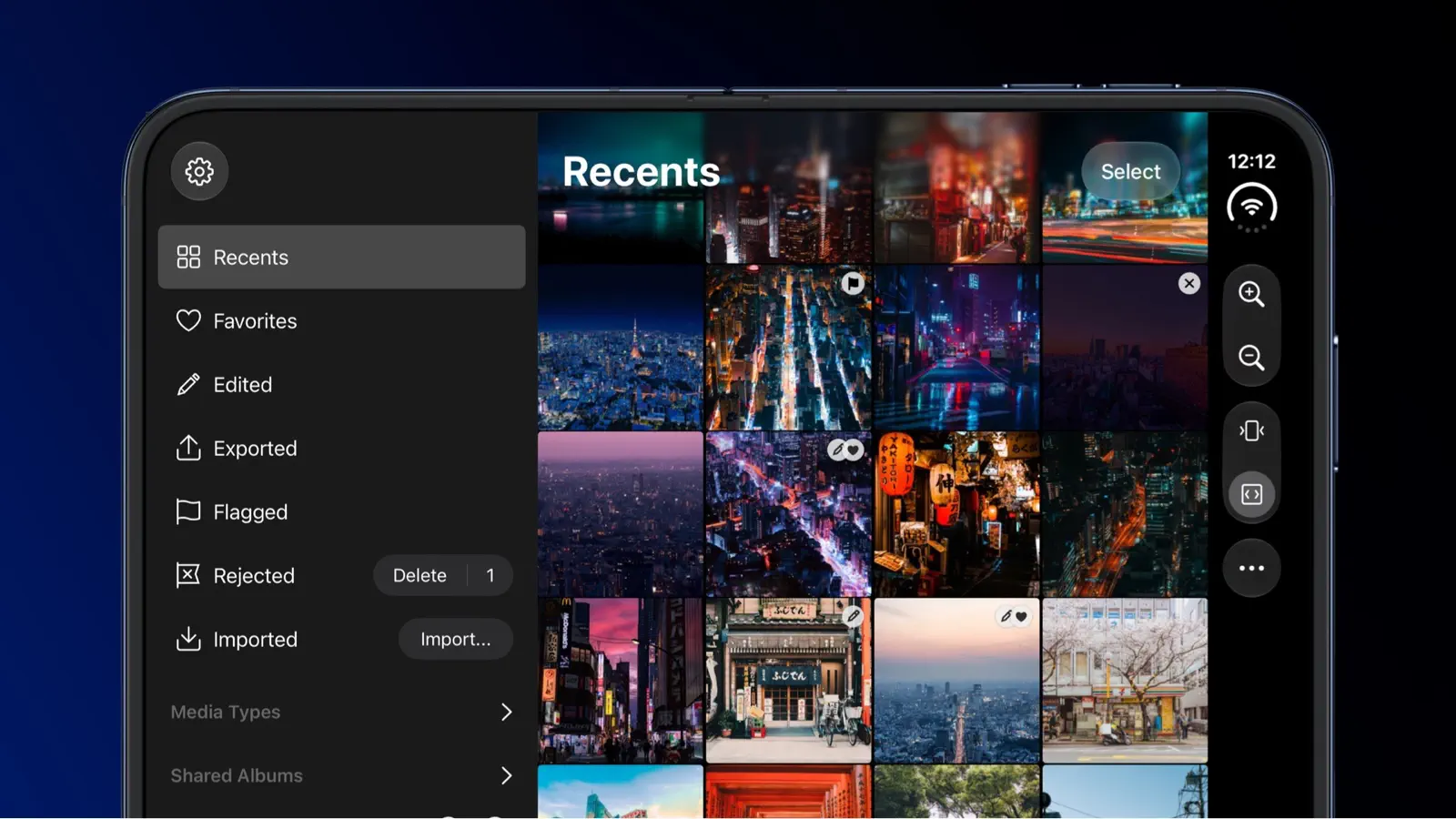
- On iPhone Duo, the album list no longer runs under the vertical controls.
7.6.513 Nov 2026
New
- Show or hide the library sidebar. A new toolbar button shows and hides the sidebar on iPad and Mac. Darkroom remembers your choice when you leave the editor and across editing sessions.
Improvements
- Saving metadata saves auxiliary data in the photo. HDR gain maps, depth data, Portrait mattes and spatial photo data are no longer lost when you edit a photo's metadata.
- Faster metadata saves for photos taken in portrait orientation. These no longer need a full re-render to save.
- Photos opened from other apps (such as Leica FOTOS and Halide) now open in your library with a back button. Going back takes you to the photo in the grid instead of a separate editor.
- Faster editing for Selective Color, Curves and Color Grading tools.
- Library sidebar polish: consistent section headers and spacing, Shared Albums now appear below My Albums, and the iPad sidebar is back to its usual width.
- Transform tool labels now use the same text style as Adjustments and Presets.
- Preset options now extend to the edges of the screen on iPhone Duo.
- In landscape on iPhone Duo, floating editing tools are centered vertically on the screen.
Fixes
- Fixed crashes caused by presets that couldn't be read or imported. They are now skipped.
- Fixed the photo strip selecting the wrong photo when it first appeared, or when the library changed while you were editing.
- Fixed preset pack headers sometimes showing the wrong pack.
- On iPhone Duo, the histogram no longer overlaps the vertical status bar.
7.6.44 Nov 2026
This update brings the following fixes and improvements:
- Fixes a bug causing the “Edit” button in the Mac toolbar too be unresponsive.
- Improves rendering of Color Tool to fix issues with banding
- Improves the quality of the HSL curves to be more accurate
- Fixes a bug where the edit interface gets stuck and refuses to close
- RAW exposure and the histogram appear when they’re ready at the beginning of the editing tool animation rather than at the end.
7.6.33 Nov 2026
This update brings the following fixes and improvements:
- Fixed a disabled Subject option in the Add Mask menu on iPhone and iPad.
- iPad: The photo strip now works like on iPhone, with the current photo centered and scrubbing to move between photos. It now also shows in portrait.
- iPad: In landscape, the photo strip now follows the photo after you flag or reject.
- iPad: Fixed the photo strip jumping to the first photo when you tap the top of the screen, and stuttering when you tap a thumbnail.
- After you flag or reject, Darkroom moves on in the direction you were browsing. On the last photo, it moves to the previous one.
- iPad: Finer control when dragging Curves points with your finger.
- iPad: In portrait, sliders and tool buttons no longer stretch across the full screen.
7.6.230 Oct 2026
This update includes some bug fixes to keyboard navigation on macOS and some crash fixes and other small improvements.
7.6.128 Oct 2026
New in Darkroom: Magic Select Masks
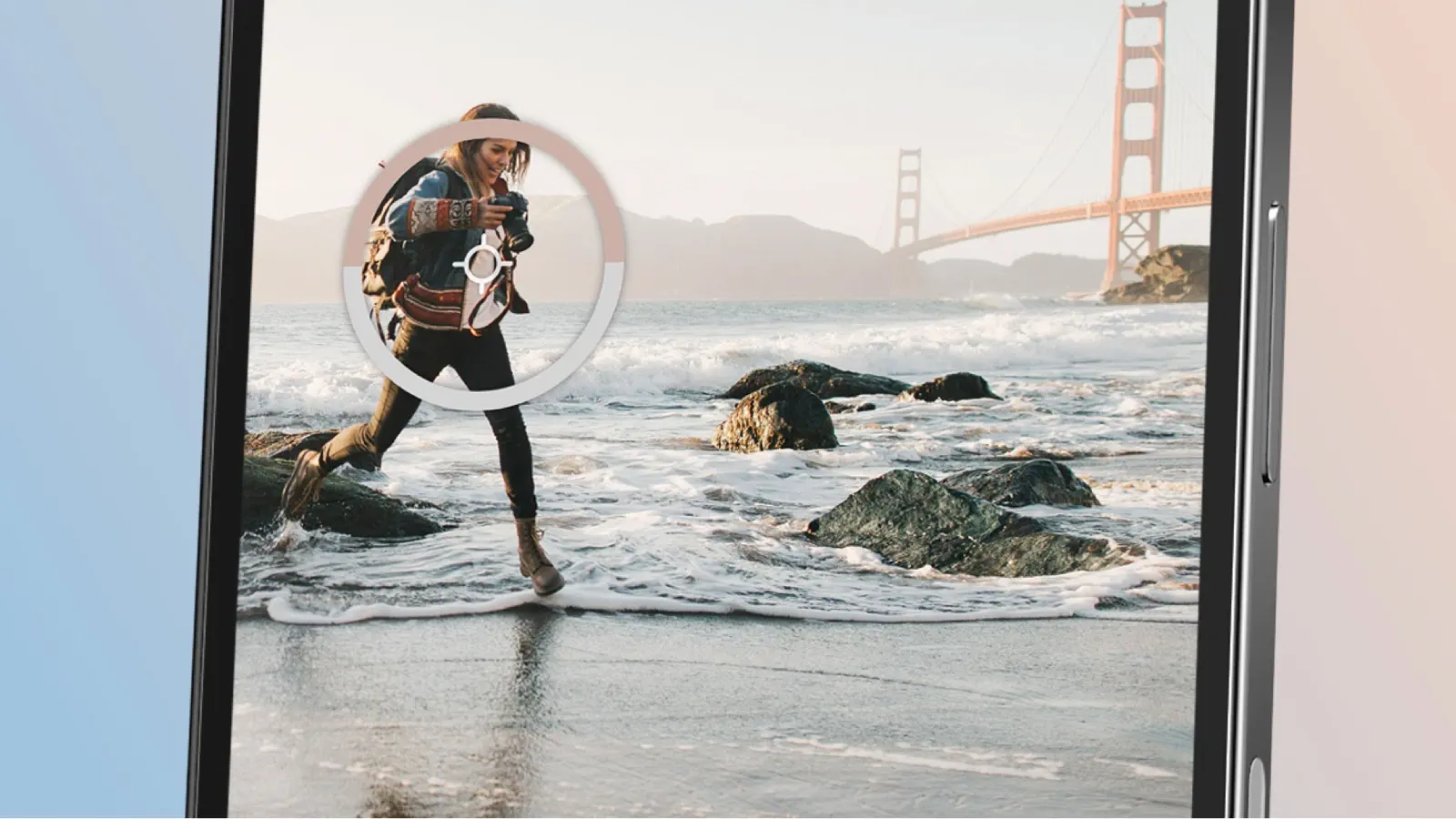
Magic Select Masks allow you to tap, draw, or drag on the image to select objects in the photo. You can select multiple objects, and refine the edges of your selection using the “Edge Tools”.
When combined with our recent iPhone Duo support and the large set of performance, stability and other improvements, Darkroom has never been as powerful, and fast.
7.627 Oct 2026
New in Darkroom: Magic Select Masks
Magic Select Masks allow you to tap, draw, or drag on the image to select objects in the photo. You can select multiple objects, and refine the edges of your selection using the “Edge Tools”.
When combined with our recent iPhone Duo support and the large set of performance, stability and other improvements, Darkroom has never been as powerful, and fast.
7.5.124 Oct 2026
Darkroom is now available for the iPhone Duo with an optimized and responsive interface that takes full advantage of the form factor and poses.
We’re also releasing a massive set of performance and stability improvements to address much of the app’s loading delays and memory-related crashes. The app has never been this fast, stable, or responsive before. Lots of errors, flashes, low-resolution previews, and delays have been fixed.
The improvements are most acutely felt when editing RAW photos or using Darkroom on older devices.
Beyond the bug fixes, these performance upgrades also allow us to add support for 100MP RAW photos, clarity on Video.
Visit darkroom.co for more details.
—
Version 7.5.1 includes crash fixes and improvements.