
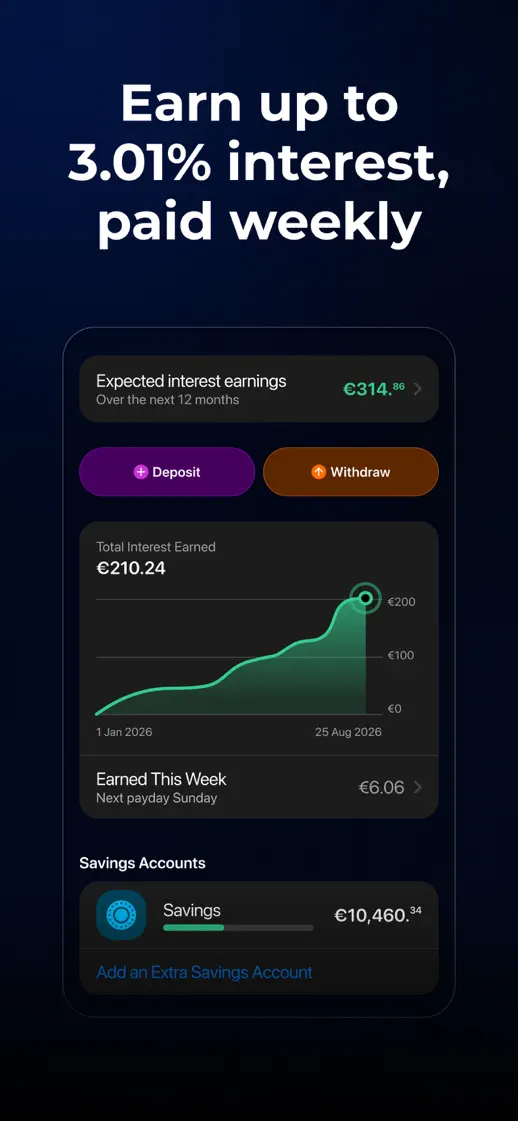
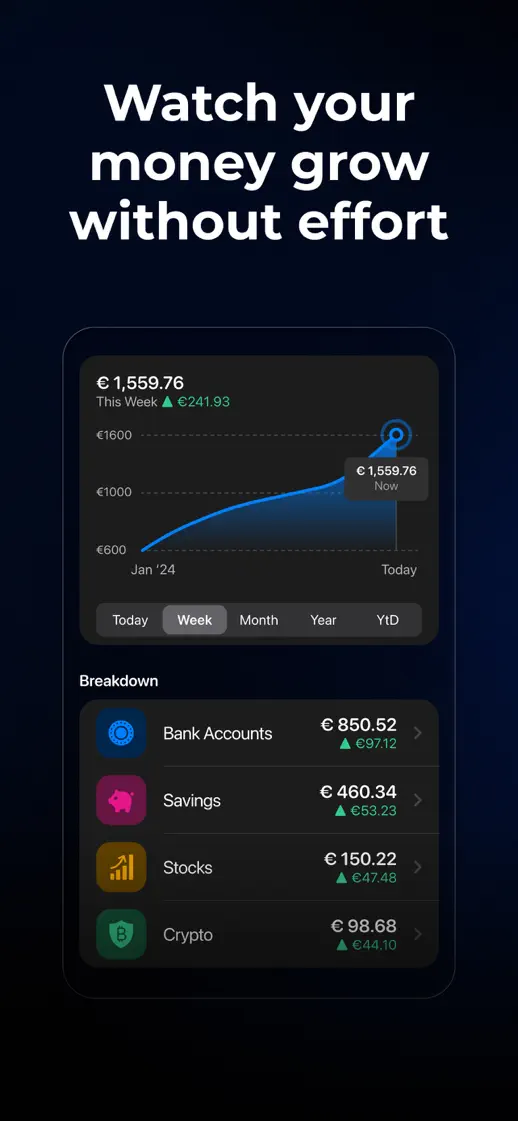
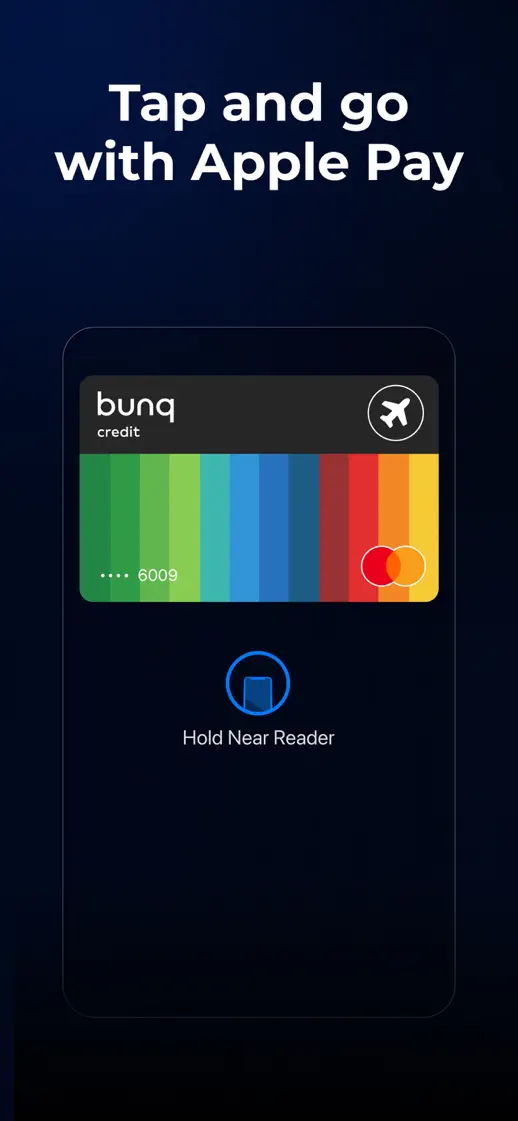
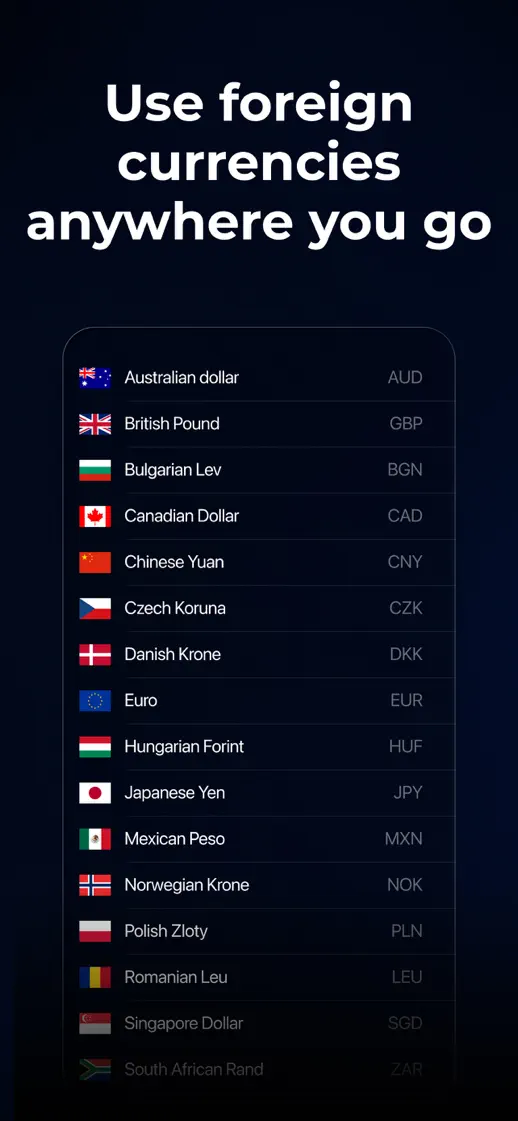
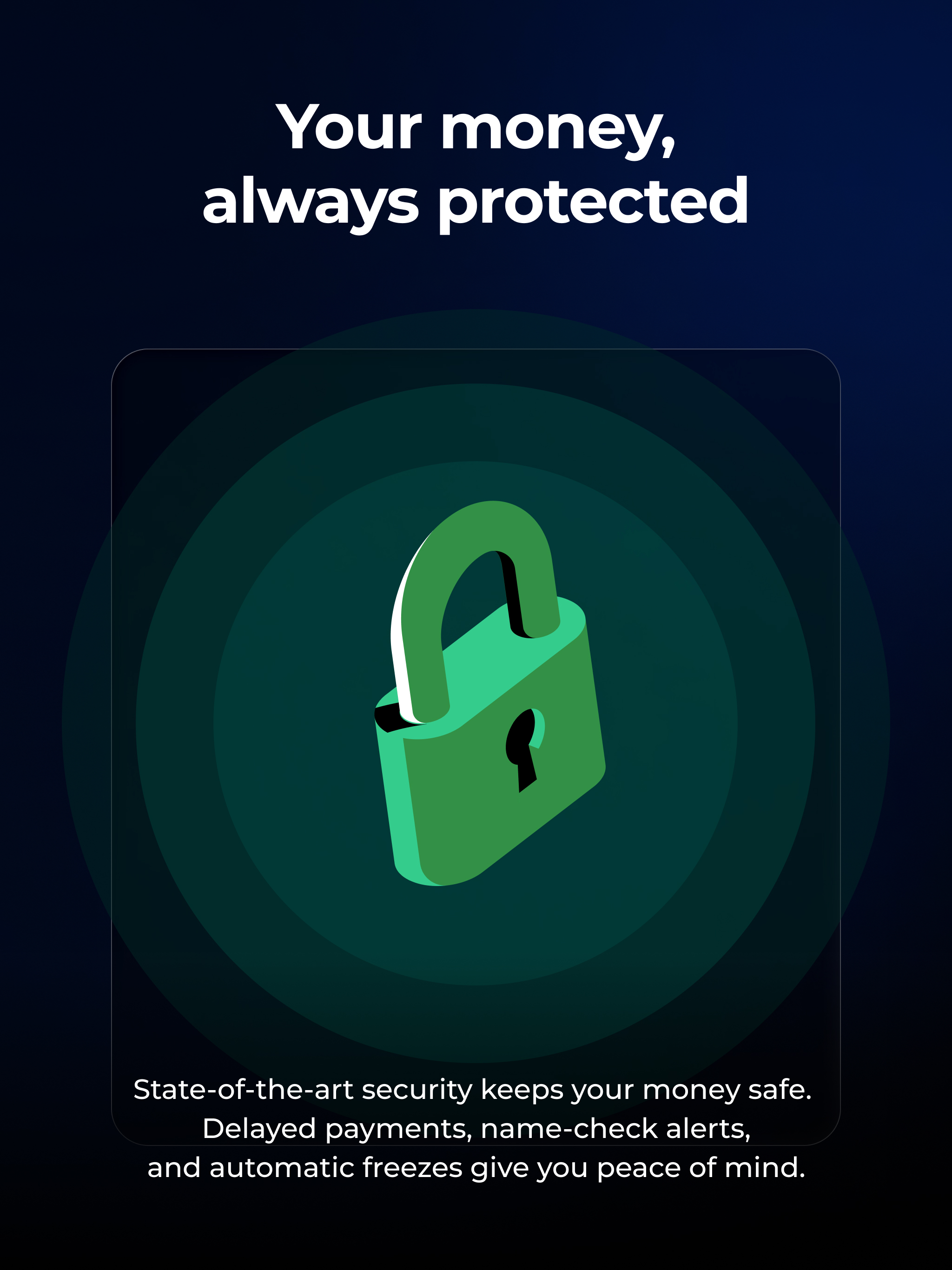
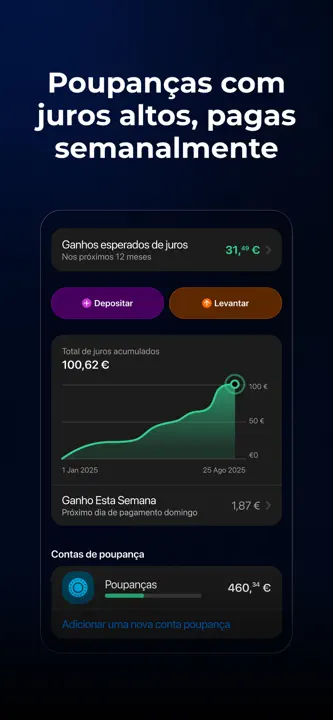
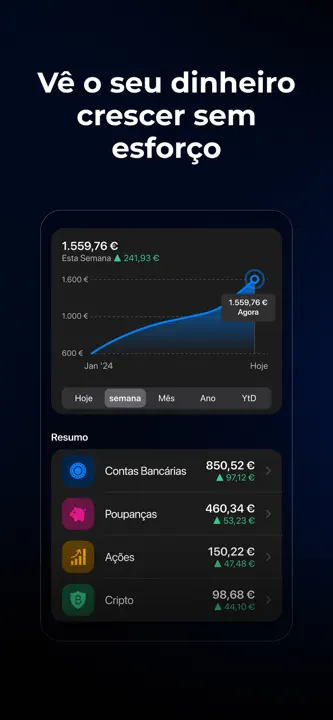
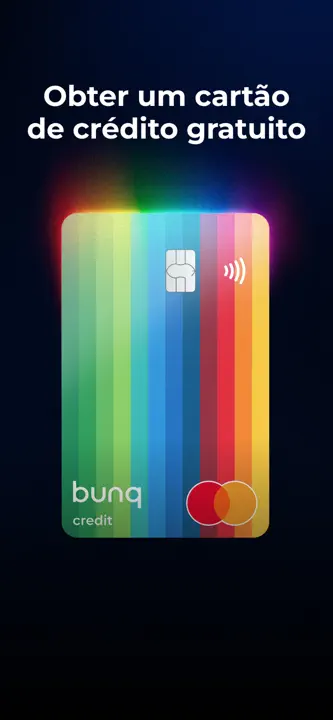
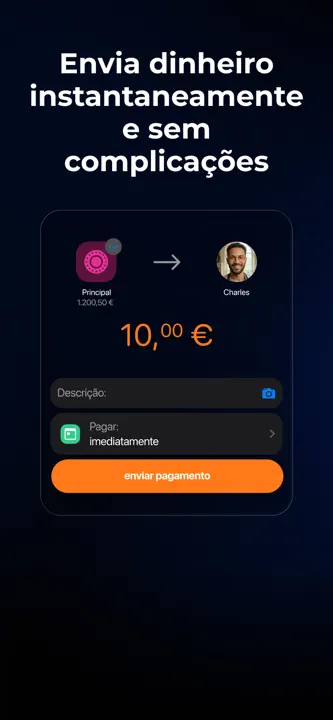
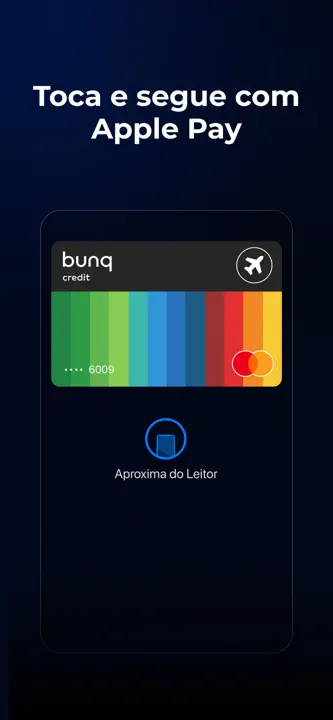
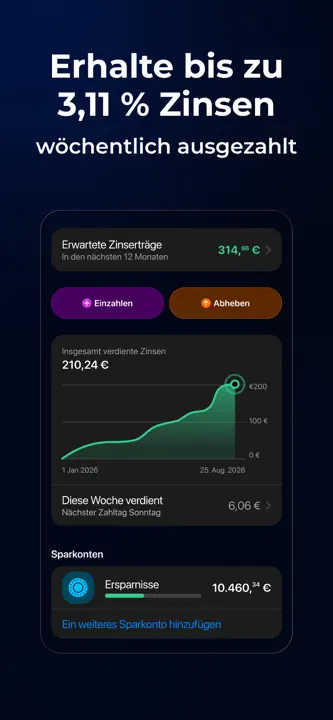
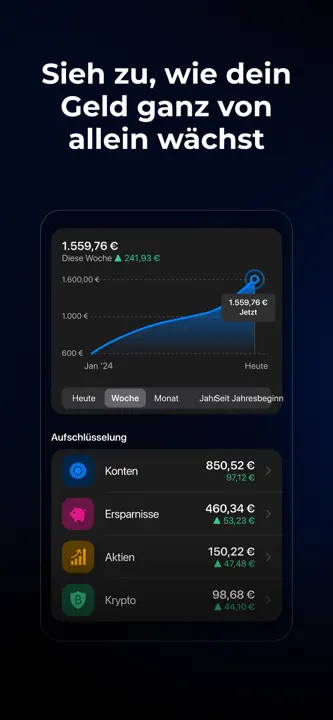
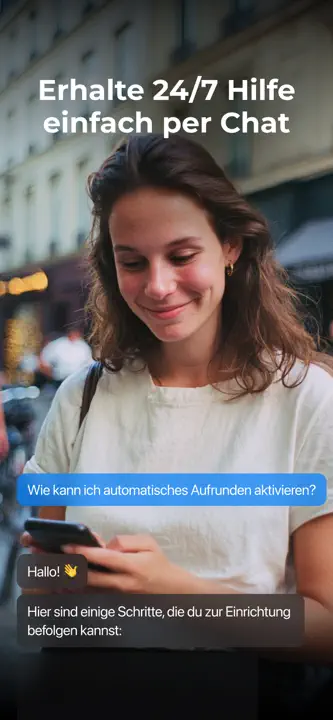
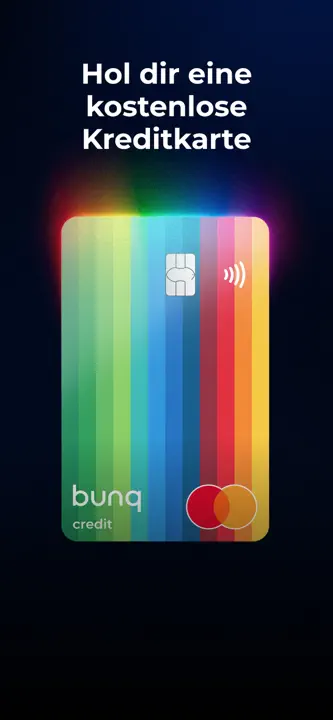
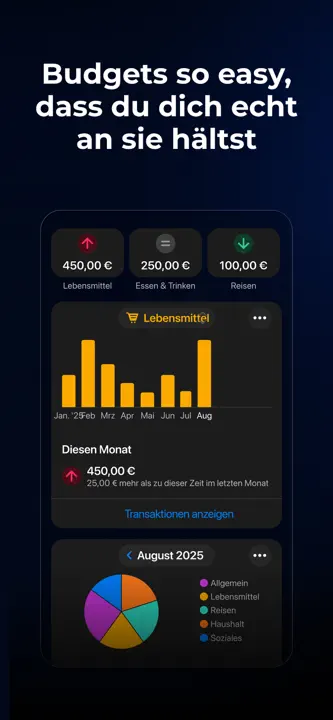
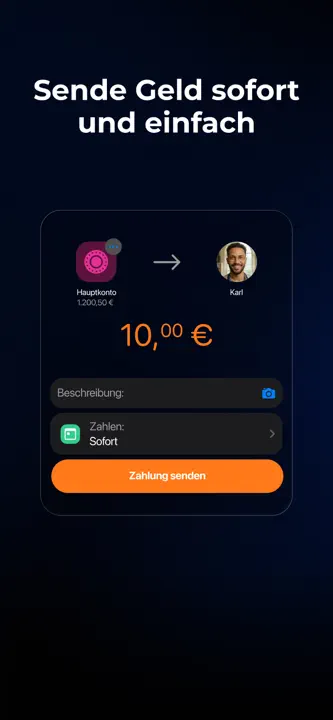
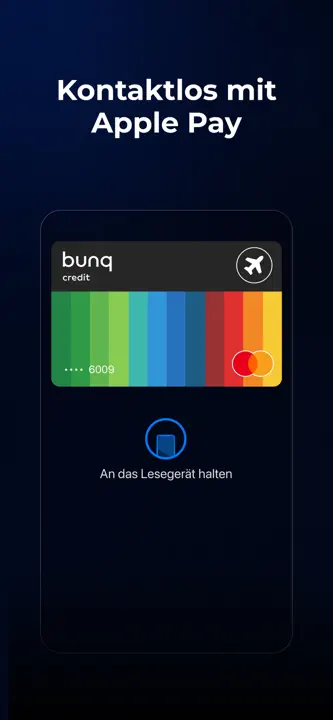
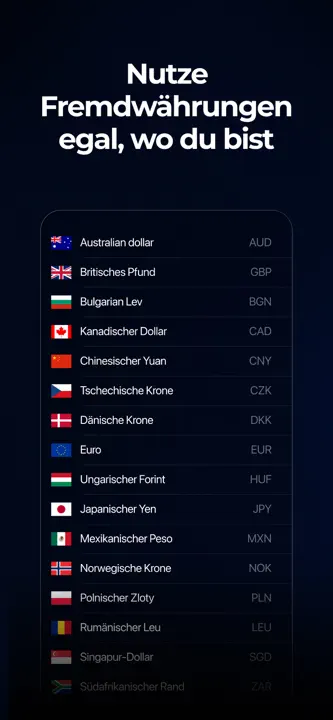
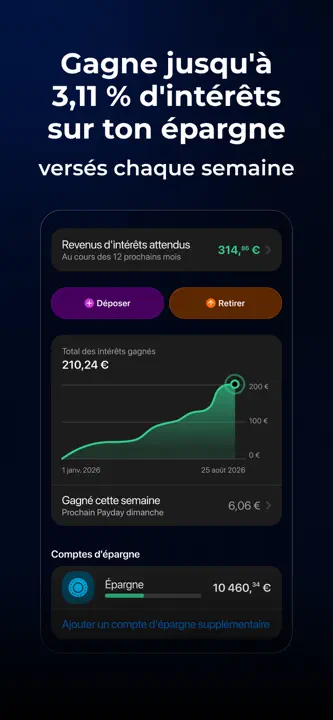
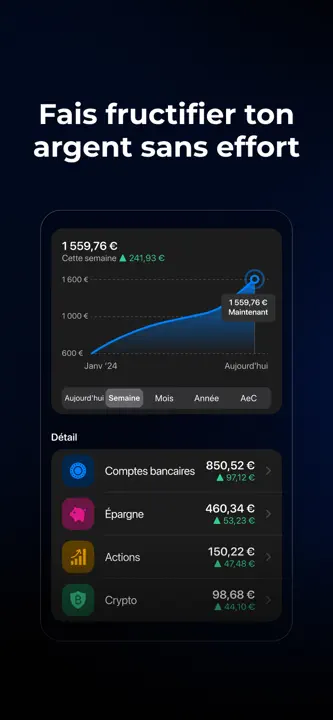
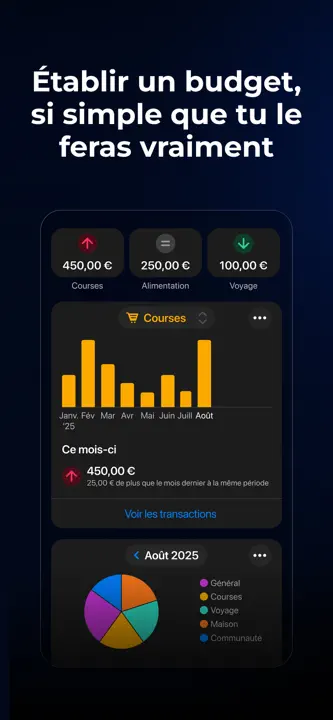
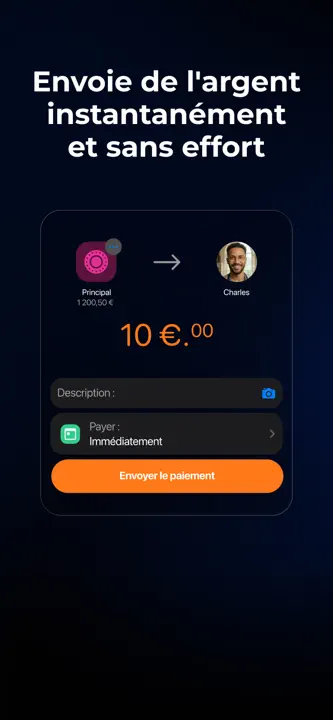
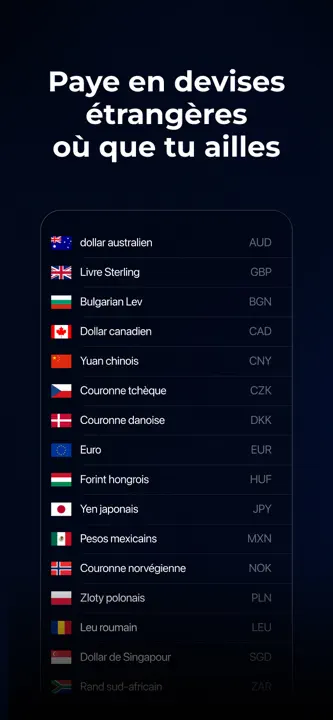
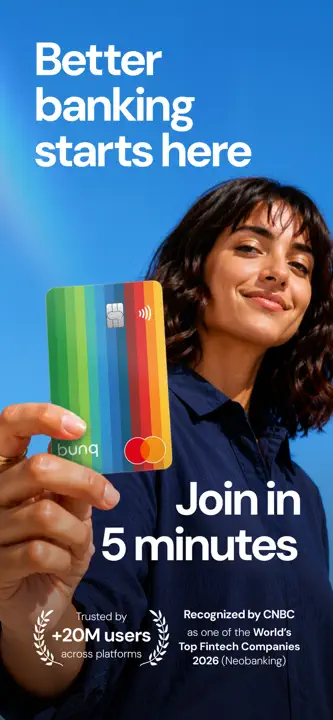
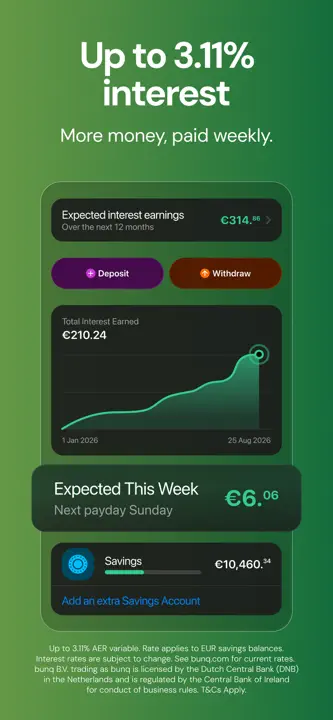
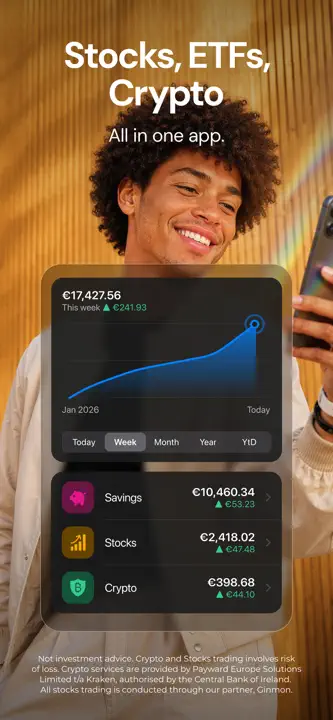
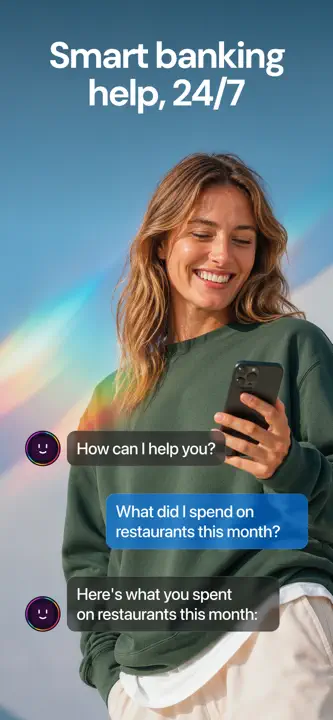
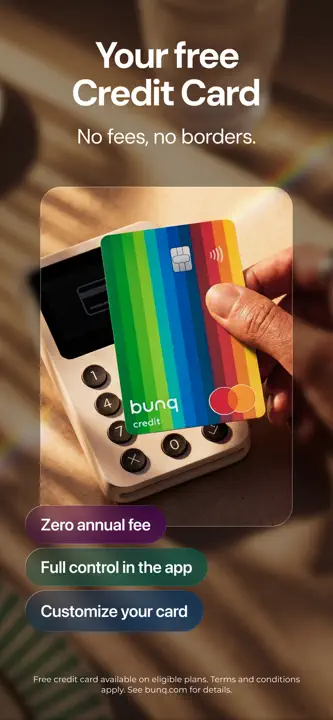
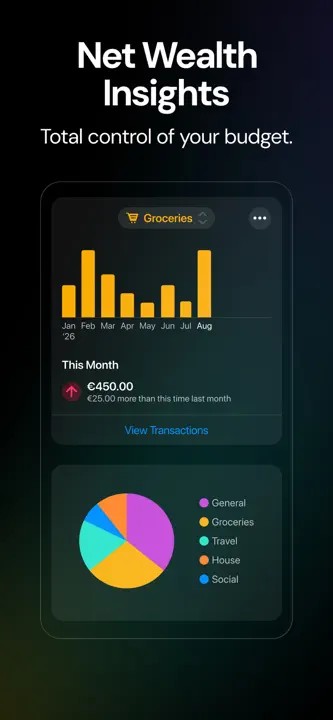
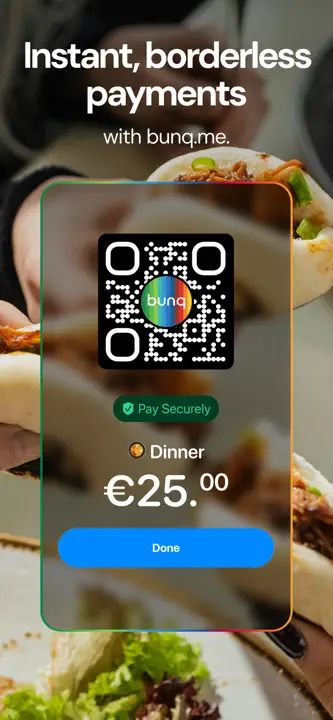
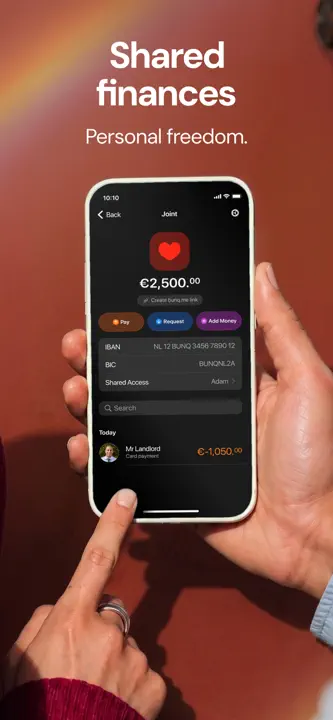
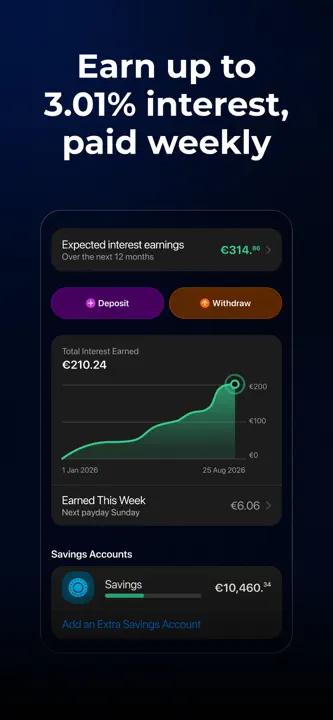
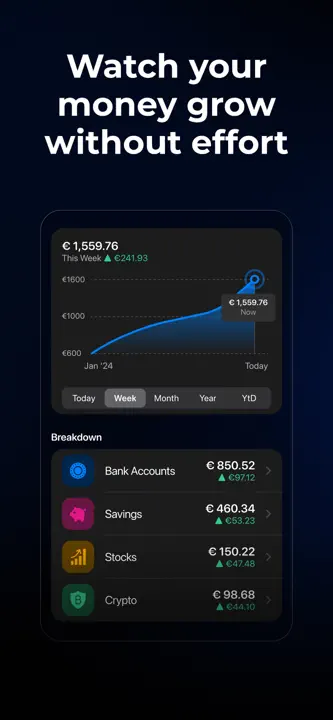
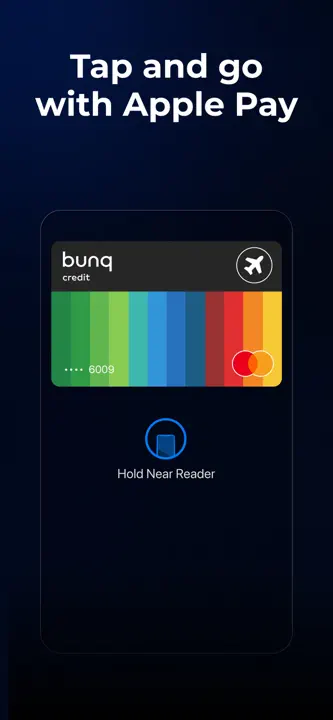
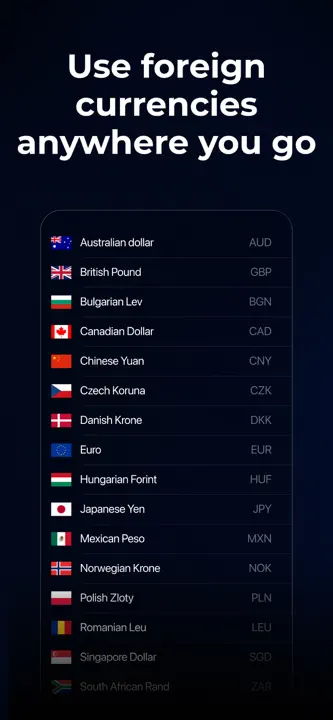
A dark blue sequence uses brightly colored charts and card artwork, interrupting the interface tour with two full-height lifestyle photographs.






- Category
- Finance
- Publisher
- bunq
- Version
- 32.3.0
- Approach
- Photography-led
Around the world
More localized listings →
















What’s New
32.3.0
Here's what's new:
• Earn 3.11% Bonus Interest (up from 3.01%) on balances above your personal savings threshold, 1.61% on your balances below your threshold up to €10,000, and 1.51% on the rest up to €100.000.
Here's what's fixed:
• Turn off the feedback prompt that appears when you take a screenshot, directly from the feedback page.
• Pick people from your phone’s address book reliably, every time.
• Invite friends from your contacts and share your referral details without interruptions.
• A bunch of other small fixes and improvements to upgrade your overall experience.
32.2.0
What's new:
• Get the chance to have your daily deposits doubled with our new savings campaign and find all the details in your Savings Tab.
• Sign up and verify your identity with clearer translations in your language.
• Open your Payments Map faster with the new button next to your Recent Transactions.
• See accurate business activity details when opening an account for your unregistered business.
• A bunch of other small fixes and improvements to upgrade your overall experience.
32.1.0
Here's what's new:
• Get a daily chance to double your savings deposits up to €10,000.
• Keep using the app after a failed top-up, even if a payment doesn't go through.
• Add a card to your digital wallet or activate mobile payments without the screen stopping.
• Your profile QR code now displays correctly.
• Your bunq Elite discounts are clearly displayed next to the original price to instantly see how much you benefit.
• Check your child's Savings Account settings from your parent account reliably.
• A bunch of other small fixes and improvements to upgrade your overall experience.
32.0.1
Here’s what’s new in bunq Update 32:
• Order a replacement card from anywhere in the world and receive it within days, with real-time delivery updates.
• Earn more interest on your Foreign Currency Savings Account with updated, higher rates.
• Get a Security Alert when you're on a phone call and using bunq—a reminder that bunq will never call you.
• Track where you paid on the Payments map, and share those spots with friends.
• Sign up for your Business Account faster with a more reliable document upload process.
• A bunch of other small fixes and improvements to upgrade your overall experience.
32.0.0
Here’s what’s new in bunq Update 32:
• Order a replacement card from anywhere in the world and receive it within days, with real-time delivery updates.
• Earn more interest on your Foreign Currency Savings Account with updated, higher rates.
• Get a Security Alert when you're on a phone call and using bunq—a reminder that bunq will never call you.
• Track where you paid on the Payments map, and share those spots with friends.
• Sign up for your Business Account faster with a more reliable document upload process.
• A bunch of other small fixes and improvements to upgrade your overall experience.
31.20.0
What's new:
• Find payments faster by filtering your transactions by type.
What's fixed:
• Invite friends from your contacts, even if you've only given the bunq app limited access to your contacts.
• Blocked a merchant and changed your mind? You can easily unblock them directly from the blocked payment.
• Your home screen widgets now load reliably, letting you see your balances, loyalty cards, and quick actions at a glance.
31.18.0
What's new
• Request official signed documents, like a bank reference, directly from your account and receive them automatically.
• Pay online with Wero from your Business Account.
• See the merchant's logo on your Wero e-commerce payments, so you can tell at a glance where a payment was made.
What's fixed
• Expired payment requests keep their original creation date, so you can always see when you first sent them.
• Search your Recent Transactions by Paid, Received, or Requested — including requests still waiting to be paid.
31.17.0
What's new:
• Review all payment details — account, merchant, and amount — directly on the card payment confirmation screen before approving.
• Know exactly which device is requesting access before approving a web login via QR code.
Listing history
New iPad screenshots
New iPhone screenshots
New icon
Compare with


Browse similar
Source: App Store listing by bunq B.V., United States storefront. Captured 17 Oct 2026. The artwork belongs to its publisher and is shown here for reference.