
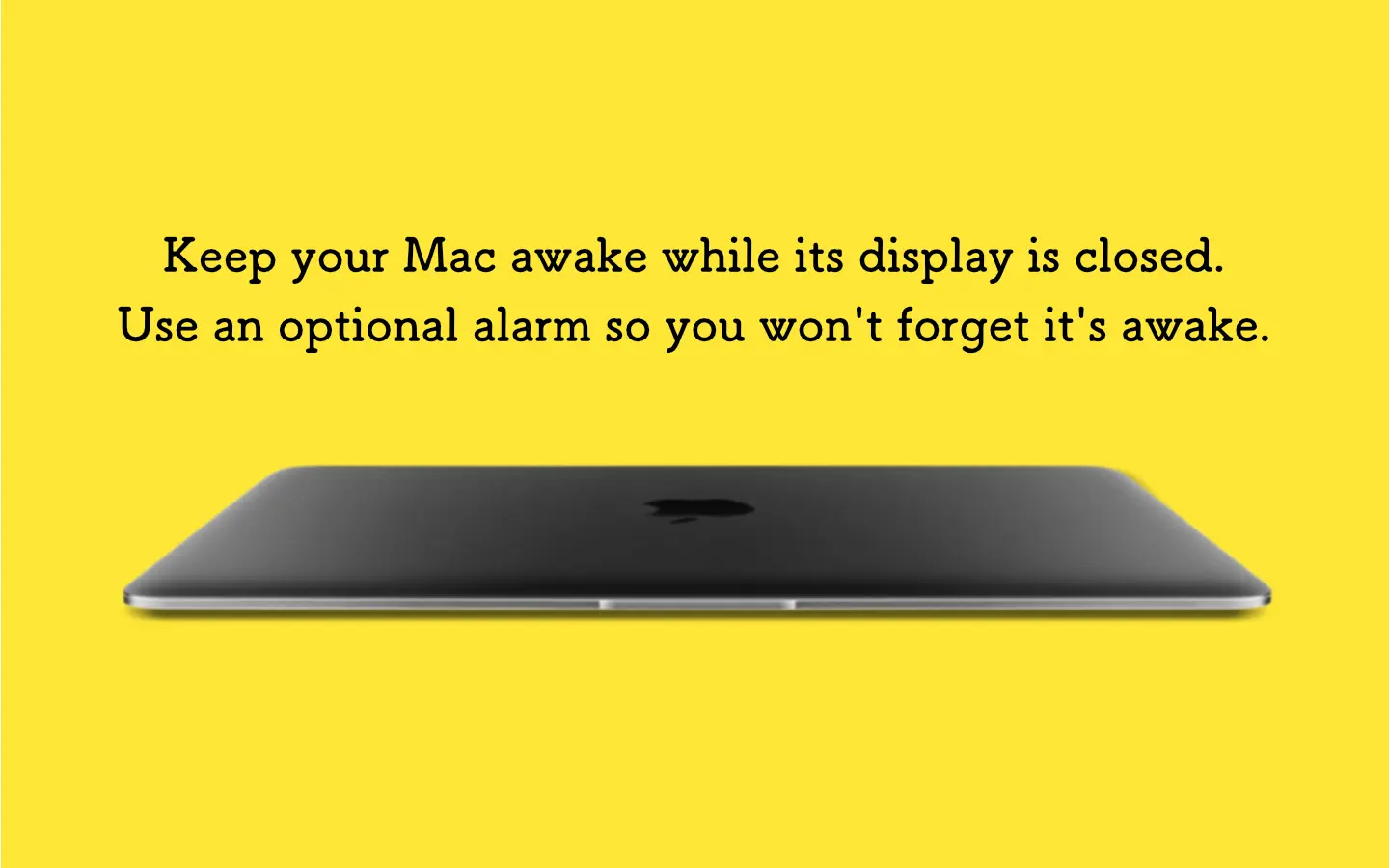
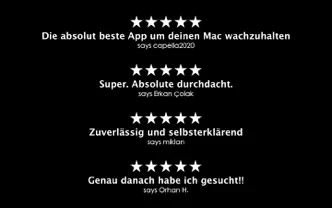
Each frame switches to a saturated solid color behind a MacBook or dark preference window, ending on a black frame of star-rated user quotes.




- Category
- Utilities
- Publisher
- William Gustafson
- Version
- 5.3.2
- Approach
- Interface-led
Around the world
More localized listings →




What’s New
5.3.2
=== Introducing Power Protect ===
In Amphetamine 5.3, a Closed-Display Mode script was introduced to address an issue on Apple Silicon Macs where connecting or disconnecting your Mac laptop from an external power source could cause unexpected session behavior. Running this script required use of Touch ID or an administrator's password.
Thanks to members of the Amphetamine community (Pitor and Joe), a way to run the script without authentication has been identified and implemented in Amphetamine 5.3.1. To run the script without authentication, you must download and install both the script and a configuration file. This feature is now known as Power Protect and is only needed/available on Apple Silicon Mac laptops.
Please note that Power Protect is not included directly in Amphetamine and requires a separate download and installation. When you start a Closed-Display Mode session on an Apple Silicon Mac, Amphetamine will ask you if you would like to Learn More about Power Protect. If you choose Learn More, you will be directed to a website where you can read about Power Protect and choose to install it, if desired.
=== Fixes ===
• Fixed a crash on macOS Sonoma related to Bluetooth privacy settings access
• Added warning when Amphetamine is running using Rosetta
• Fixed an issue where some Apple Silicon Macs could be identified as Intel
• Fixed an issue for sessions that start at app launch don't enable Closed-Display Mode
• Fixed an issue where the session time remaining or other text would overlap Amphetamine's icon in the menu bar
• Fixed an issue with a -50 Application Can't be Opened error that appeared on some older macOS versions
• Added additional logic/code around creating and releasing power assertions in an attempt to fix an issue where Amphetamine causes a Mac to sleep, disconnect from external displays and/or WiFi, or create a "flash" on external displays
• Added ability to uninstall scripts via Amphetamine (menu bar icon) → Feedback & Support → Uninstall Scripts...
• Added Location Services request for current WiFi network name access for Trigger sessions in macOS Sonoma
• Configured all of Amphetamine's alerts to be floating windows (show on top of other windows)
• Fixed an issue where some menu text was clipped in French localization
• Fixed an issue with Triggers not activating on some non-laptop Macs
• Fixed an issue where some IP address-based Trigger sessions would not end when expected
• Added Debug Mode
5.3.1
=== Introducing Power Protect ===
In Amphetamine 5.3, a Closed-Display Mode script was introduced to address an issue on Apple Silicon Macs where connecting or disconnecting your Mac laptop from an external power source could cause unexpected session behavior. Running this script required use of Touch ID or an administrator's password.
Thanks to members of the Amphetamine community (Pitor and Joe), a way to run the script without authentication has been identified and implemented in Amphetamine 5.3.1. To run the script without authentication, you must install both the script and a configuration file. This feature is now known as Power Protect and is only needed/available on Apple Silicon Mac laptops.
=== Fixes ===
• Added warning when Amphetamine is running using Rosetta
• Fixed an issue where some Apple Silicon Macs could be identified as Intel
• Fixed an issue for sessions that start at app launch don't enable Closed-Display Mode
• Fixed an issue where the session time remaining or other text would overlap Amphetamine's icon in the menu bar
• Fixed an issue with a -50 Application Can't be Opened error that appeared on some older macOS versions
• Added additional logic/code around creating and releasing power assertions in an attempt to fix an issue where Amphetamine causes a Mac to sleep, disconnect from external displays and/or WiFi, or create a "flash" on external displays
• Added ability to uninstall scripts via Amphetamine (menu bar icon) → Feedback & Support → Uninstall Scripts...
• Added Location Services request for current WiFi network name access for Trigger sessions in macOS Sonoma
• Configured all of Amphetamine's alerts to be floating windows (show on top of other windows)
• Fixed an issue where some menu text was clipped in French localization
• Fixed an issue with Triggers not activating on some non-laptop Macs
• Fixed an issue where some IP address-based Trigger sessions would not end when expected
• Added Debug Mode
5.3
=== Launch At Login for macOS 13+ ===
Apple changed the way apps request to launch at login in macOS 13. Amphetamine 5.3 adopts this new request process. If Amphetamine will not launch at login, please try:
1. Ensure you only have one copy of Amphetamine installed on your Mac and it is located in the /Applications folder
2. Disable the setting in Amphetamine Settings → General → Launch and Wake Behavior,
3. Open the macOS Login Items settings from Apple icon→ System Settings → General → Login Items, and remove Amphetamine from the Open at Login list
4. Re-enable the Launch at Login setting in Amphetamine Settings → General → Launch and Wake Behavior
5. Confirm you see Amphetamine reappear in the Apple icon → System Settings → General → Login Items list
=== Closed-Display Mode on Apple Silicon Macs ===
Apple changed the way Closed-Display Mode works on Apple Silicon Macs. In Amphetamine versions prior to 5.3, Closed-Display Mode on Apple Silicon Macs would fail if you connected/disconnected your Mac from an external power source (charger, display with power delivery, etc.). In Amphetamine 5.3, this issue has been fixed, however, Closed-Display Mode sessions now require 1) installation of a script that Amphetamine will run whenever a Closed-Display Mode session starts/ends, and 2) admin user authentication (Touch ID, Apple Watch, etc.). If you do not want to authenticate each Closed-Display Mode session, choose Skip when prompted to install the script. Closed-Display Mode will still work without the script, but you will experience a Closed-Display Mode session failure if you connect/disconnect your Mac to/from an external power source.
On Apple Silicon Macs, Amphetamine 5.3 will force the built-in display on MacBooks to sleep when folded closed. This is done to prevent display burn-in. Depending on your Mac's security settings, upon waking (opening/unfolding) your Mac's display you may be required to authenticate back in to your user account. Your Mac will stay awake when the built-in display is folded and asleep.
=== Enhanced Process Monitoring on Apple Silicon Macs ===
Previously only available via the companion app, Amphetamine Enhancer, Enhanced Process Monitoring (now called Process Discovery) is included in Amphetamine itself. To enable Process Discovery, go to Amphetamine's menu and choose While App Is Running from the Start New Session menu. Then, click the ( ? ) button, and then the Install the Process Discovery Script button. Once installed, Amphetamine will be able to "see" additional processes running on your Apple Silicon Mac, for use with app/process-based sessions and Triggers.
=== Battery-Related Functions on Apple Silicon Macs ===
Amphetamine's way of detecting whether a Mac was a laptop/had a built-in battery stopped working with the M2 series MacBooks. This issue has been fixed.
=== Other ===
- Changed "Preferences" to "Settings" for macOS 13+
- Added French language (completed by Mathieu Martin)
- Changed shell used for tasks to ZSH for macOS 10.15+ (Catalina)
- Fixed an issue with some process/app-based Trigger sessions not starting
- Fixed an issue with some process/app-based Trigger sessions consuming lots of CPU
- Updated app icon
- Other minor improvements
5.2.2
Improvements:
• Fixes an issue with the Idle Time Trigger criterion not functioning as expected
• Fixes an issue with the Schedule Trigger criterion not functioning as expected
• UI adjustments for all localizations/languages
Localization Mania!
New languages continue to be added to Amphetamine. Give these folks a pat on the back if you know them!
• Dutch - completed by Mitch Goos
• German - completed by Gerhard Koschany & Lorenz Stocker
If you would like to help translate Amphetamine into a new language, please visit https://github.com/x74353/Amphetamine_Localization
5.2.1
• Fixes an issue with Other Time/Until sessions ending immediately after starting
• Adds a preference to the Closed-Display Mode Failure dialog to disable this feature
About Closed-Display Mode Session Failures:
Prior to the 5.2 update, it was believed that ALL Macs experience an issue with closed-display mode failure when the Mac's power source changes during the session. It is now apparent that only some Macs experience this issue. Since there is no reliable (at this time) way for Amphetamine to determine which Macs are affected by this issue, a preference has been added to the failure dialog to disable automatic closed-display mode termination. For help testing whether your Mac is affected by this issue, submit a request at iffy.freshdesk.com.
LOCALIZATION MANIA:
The kind folks who have helped to translate Amphetamine into new languages deserve a HUGE thank you and round of applause! Thank you so much to each of you!
• Brazilian Portuguese - completed by Victor @ BR Lingo
• Japanese - completed by Yuri HARUNA
• Korean - completed by @reading_snail
• Vietnamese - completed by Joe Pham
If you would like to help translate Amphetamine into a new language, please visit https://github.com/x74353/Amphetamine_Localization
5.2
Bug Fixes:
• Fixed an issue that caused mouse movement to occur at the incorrect interval
Improvements:
• Added ability to extend a timed session's duration
• Redesigned help/informational message delivery
• Amphetamine will now auto-end closed-display mode sessions under certain conditions
• Added new dialog for failed closed-display mode sessions
• Sound/Alert tones now use the output for Sound Effects defined in System Preferences
Localization Mania!
Amphetamine has been localized into 4 new languages with the help of some really awesome people. If you would like to help localize Amphetamine into additional languages, please visit github.com/x74353/Amphetamine_Localization.
• Brazilian Portuguese - completed by Victor @ BR Lingo
• Korean - completed by @reading_snail
• Vietnamese - completed by Joe Pharm
• Japanese - completed by Yuri HARUNA
5.1.1
• Fixes an issue that caused mouse movement interval to be limited to 30 seconds or more
• Fixes an issue that could cause Amphetamine's menu bar item to not remember its position in between launches
• Fixes some text cropping that appeared in Preferences
5.1
• Initial macOS Big Sur support *
• Amphetamine is now a Universal app **
• Moved While App Is Running & Other Time/Until windows out of popover and into submenus for macOS Big Sur and beyond
• Fixed an issue with AppleScript not accepting 0 as an interval when trying to start an indefinite session
* This update provides initial macOS Big Sur support, but there is still more work to be done. Due to significant visual changes in macOS Big Sur, some of Amphetamine's visuals and UI are not fully optimized. For example, alerts may contain more text than can fit in the new maximum alert window size and may require scrolling to view all content.
** I do not yet have an Apple Silicon MacBook. I cannot confirm that all features, especially closed-display mode, function as expected on Apple Silicon Macs. I don't know when I will be able to purchase a new MacBook to fully test Amphetamine on the Apple Silicon platform.
Listing history
Kit checks this listing every day, most recently on 26 Nov 2026. Changes to its screenshots, icon, subtitle, videos and events will show up here.
Compare with


Browse similar
Source: App Store listing by William Gustafson, United States storefront. Captured 26 Nov 2026. The artwork belongs to its publisher and is shown here for reference.