
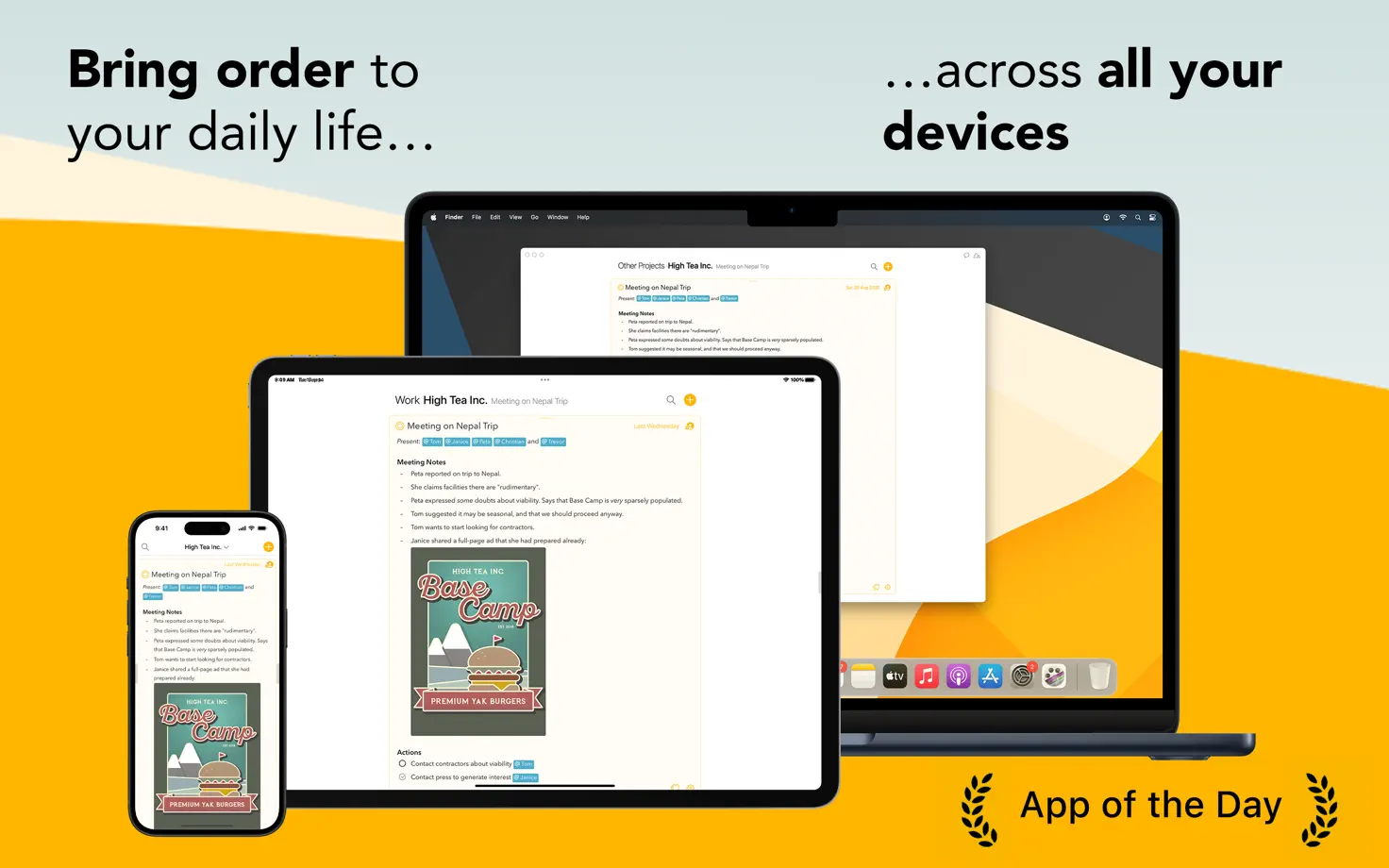
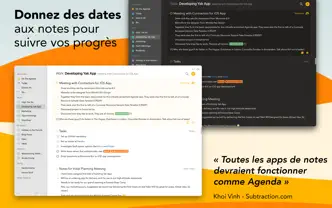
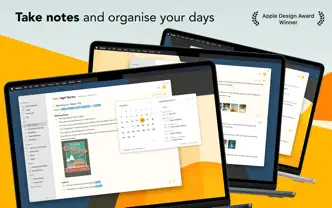
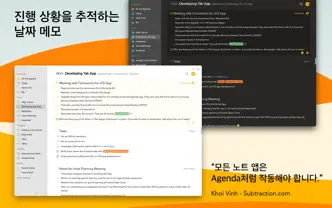
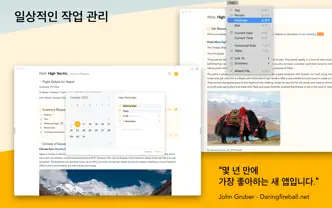
Bold two-weight headlines and orange paper-like waves frame overlapping note windows, with press quotes and award laurels, closing on MacBook, iPad and iPhone.


- Category
- Productivity
- Publisher
- Momenta B.V.
- Version
- 24.0
- Approach
- Interface-led
Around the world
More localized listings →












What’s New
24.0
Introducing the Desk: today's events, relevant notes and the days ahead, in one place. Plus calendar control for AI agents.
NEW PREMIUM
- Daily Briefing: today's events, active notes and what's coming up.
- Wrap Up the Day: what you did, and what is still open.
- Scratchpad: catch thoughts from the menu bar.
- Note themes: choose a look, or make your own.
- Read Only notes: no accidental edits.
- Link previews: links become cards with a title and picture.
- People: every note about a person, in the sidebar.
- Default templates for each project or category.
- Claude can summarize your Daily Briefing and improve Ask Agenda answers.
- The Claude options are opt-in, and need macOS 27 and a current license.
NEW
- AI agents like Claude can now manage your calendar via Agenda MCP.
- The Desk: Inbox, Daily Briefing, Relevant Now and Ask Agenda in one place.
- Hide sidebar sections you don't use.
- Hide archived projects.
- Choose which built-in overviews to show.
- Shortcuts can now manage calendar events.
- New Tags and Colors sections in the sidebar.
- Agenda is now available in Finnish.
IMPROVED
- Ask Agenda now answers in seconds.
- Ask Agenda is now on the Desk.
- Ask Agenda and Relevant Now follow your Focus filter.
- Edit a saved overview's search.
- A Back button appears after you follow a link.
- Clearer text with Increase Contrast.
- Pick the Inbox wherever you choose a project.
- Hide the Collaborate button on notes.
FIXED
- Pasting a table into a table no longer crashes.
- Inserting a table over a selected table no longer crashes.
- Links now work after parentheses, brackets, quotes, and Chinese, Japanese or Korean text.
- Two tables with a blank line between them no longer merge into one.
- Pasted nested lists no longer turn into checkboxes.
23.4.5
This update makes sync more reliable and keeps typing smooth in large projects.
IMPROVED
- An edit no longer disappears during a sync and comes back later
- A note that you deleted no longer comes back
- Typing no longer lags after a sync in large projects
- Text in locked notes and projects no longer shows in Spotlight
- When you turn off sync, your data in iCloud or Dropbox is deleted only after you confirm it
- A failed sign-in tells you why, and what to try next
- A locked project asks for Touch ID as soon as you come back to Agenda
FIXED
- A change from a device whose clock runs ahead now reaches your other devices
- An attachment that you edit in another app, such as Word or Preview, no longer loses your edits
- The Premium window no longer stays stuck while a purchase is in progress
- A Markdown file or pasted text with several tables now keeps every table
- Text Color and Highlight work in a note that is open in its own window
- Five rare crashes
23.4.4
FIXED
- Agenda could crash at launch when it had access to Reminders and a reminder had no list, for example after you deleted it.
- In a table, the row and column buttons select on the first click and show their menu on the second click again.
- In a table, a centered cell keeps its width, height and alignment when you press Return at the end of the cell.
- Highlight > Accent Color applies the highlight again.
23.4.3
FIXED
- An attachment that you edited could stop opening, because it lost its file. Agenda now keeps the file and repairs the link. It also finds lost files when it can.
- A new device could fail to sync and show a sync error again and again. This happened after Agenda cleaned up old projects in iCloud.
- In search, Return moves to the next match in the note again.
- A folded paragraph stays folded after Move Text Up or Move Text Down.
23.4.2
FIXED
- Clicking a file link no longer shows a permission alert. If Agenda cannot open the file, it shows it in Finder.
- Color swatches and project markers show in menus again on macOS 27.
- The text and highlight color menus in the formatting palette work again.
- A saved overview's "…" menu no longer offers to make a new note that would not show in that overview.
- On macOS 27, the right-click menu in a note no longer shows a Writing Tools item that did nothing. Use Ask Siri at the top of the menu instead.
23.4.1
IMPROVED
- Ask Agenda answers faster and more reliably on macOS 27.
- Web Clipper now works when Safari's website access is set to "Ask".
- Pictures you clip with Web Clipper now show inline in your note.
FIXED
- A plain click on a file link opens the file again.
- Logging in to the Agenda Community no longer shows an error page.
23.4
NEW
- Overviews with more than 100 notes get a Show All button
- MCP: an assistant can list the attachments of a note and get the original file
IMPROVED
- New sample projects to explore
- A new reminder in a note dated today gets a daytime due time
FIXED
- The first row of the sidebar is no longer hidden under the window buttons in full screen
- Overviews with a relative due date, such as #due(3 days), now update each day
- The Inbox is in the New Note project picker
- Text actions such as \on-the-agenda work in Send to Agenda emails
- In Today, a day you go to with the arrows stays that day
- A search for a date range, such as "1 Oct - 15 Oct", finds all the days
- Category headers in the sidebar are readable in light mode on macOS 27
- Popover buttons follow a theme change
- No grammar marks on checkboxes
- Checkboxes no longer crash on the macOS 27.2 beta
- Two crashes: a search link with more than one action, and dragging a project onto the Inbox
23.3.4
FIXED
- Links to notes copied on one device now paste as links on your other devices.
- Ask Agenda no longer shows a technical error when a question is too long.
- The line you are typing now stays fully visible at the bottom of the window.
- The Inbox is no longer hidden under the window buttons on macOS 27.
- The calendar no longer jumps when you scroll back to earlier days.
- Spell checking and automatic capital letters work again in your notes.
Listing history
New icon
New icon
New icon
New icon
New icon
New icon
New icon
New icon
New icon
New icon
New icon
New icon
New icon
Compare with


Browse similar
Source: App Store listing by Momenta BV, United States storefront. Captured 26 Nov 2026. The artwork belongs to its publisher and is shown here for reference.