
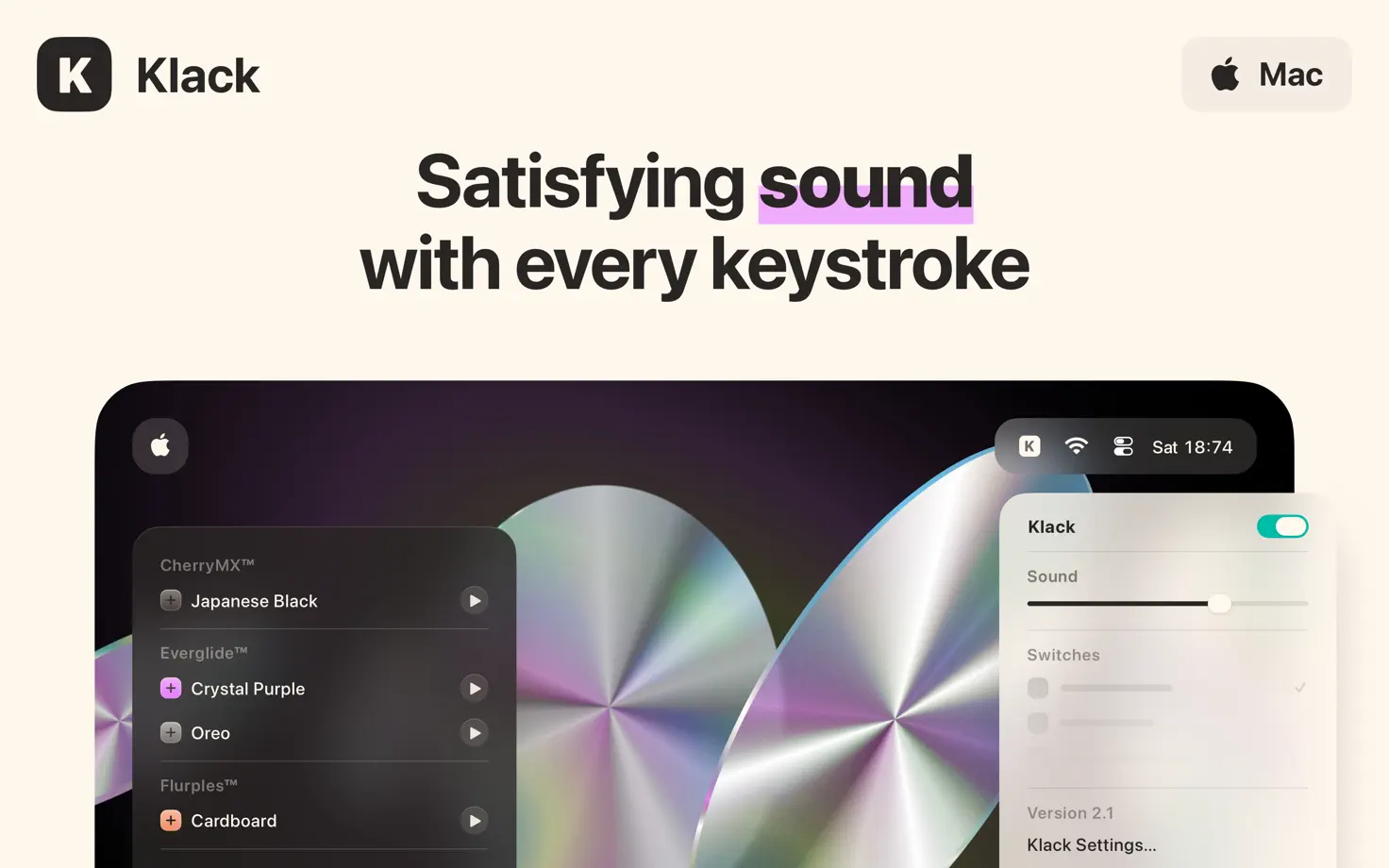
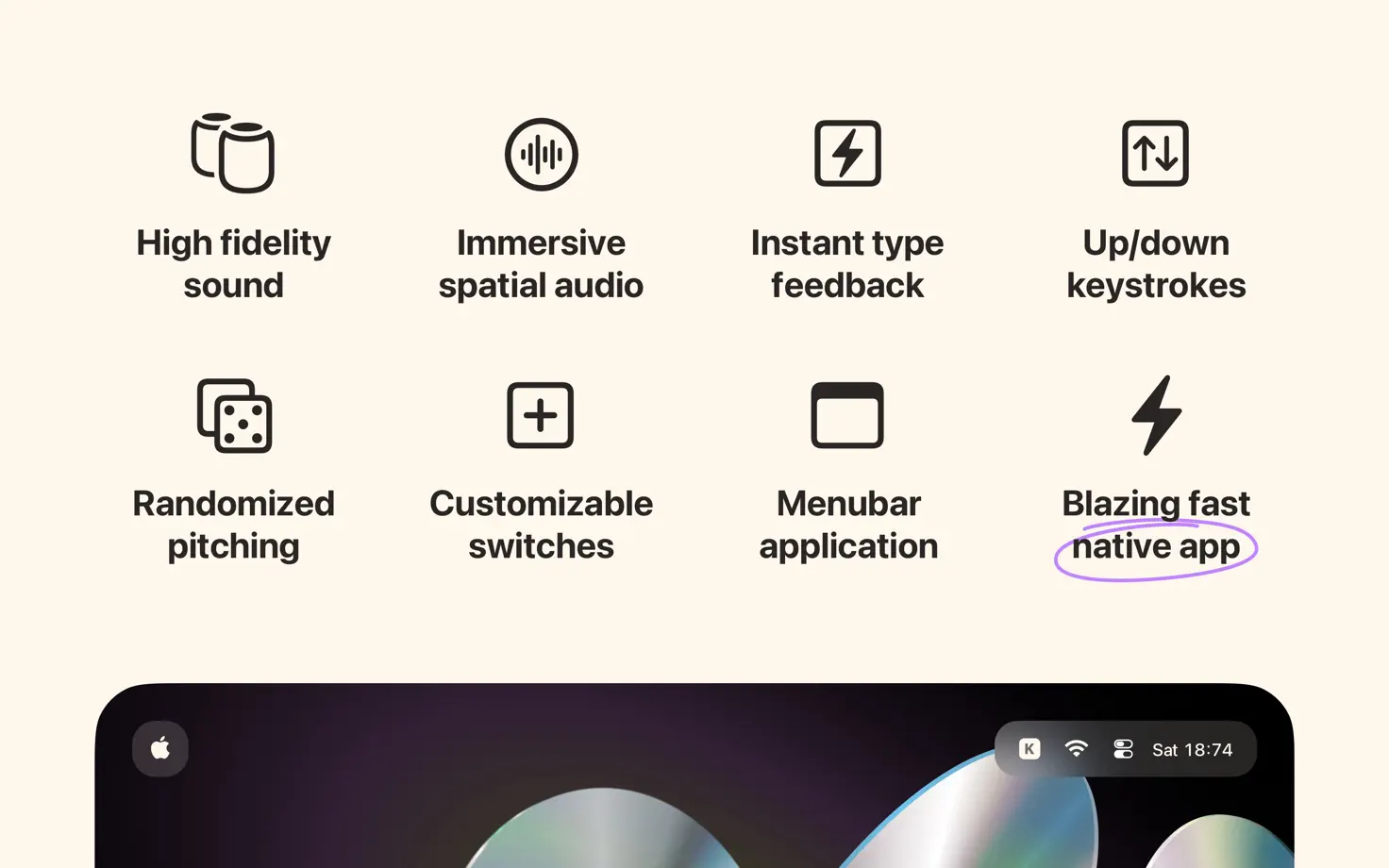
Three cream frames run from a centered headline over an iridescent window to a line-icon feature grid, closing on a Forbes badge.
- Category
- Utilities
- Publisher
- Henrik Ruscon
- Version
- 2.1.4
- Approach
- Interface-led
What’s New
2.1.4
- New! Added sleep to menu bar options
- New! Added stats to AppleScript
- Disabled notifications when Klack is disabled
- Prevented menu from closing on switch change
- Removed toggle to notify on switch change
- Reworked sleep volume UI
- Changed default hotkey
- Fixed accent color in about tab
- Changed to mute Klack based on volume feedback
2.1.2
- New! Added support for specific calendar trigger
- New! Added show in menu bar options
- Fixed freeze caused by output
- Fixed default system output
- Changed sleep trigger to act on system output
- Renamed selected output to system
- Fixed output related crash
- Improved Japanese Black right arrow sound
- Improved Cardboard sound variations
- Changed AppleScript volume changes to audibly trigger
- Improved output handling
- Improved music permission handling
2.0.1
Tip Klack button should now work properly. Thank you to those who reached out wanting to support! It's much appreciated and will feed the continued updates of Klack.
- Added sleep to AppleScript
- Added missing symbol for LG UltraFine models
- Improved hotkey tap sound
- Improved to cancel hotkey select with escape
- Improved to only show audible tap when taps are enabled
- Improved Japanese Black right shift sound
- Improved Super Red modifier keys (left-side)
- Improved haptic feedback on tone pad
- Improved visuals for tone pad in light mode
- Fixed default output reliability
- Fixed stale notification permission
- Fixed Super Red in AppleScript
- Fixed AppleScript switch change preview
- Fixed sound output crash
- Fixed notification sound
- Fixed duplicate fn key emit
- Prevented sound spam on app icon tap
2.0.0
- New! Redesign, complete remade to fit macOS Tahoe perfectly, a brand new app basically
- New! Super Red, a very thocky switch set that complements the existing ones perfectly
- New! Tone Pad, tune any switch set to your individual liking, enjoy a unique variation each time
- New! Spatial Audio, Klack now plays in 3D sound while using AirPods, and 2D sound otherwise
- New! Selected Outputs, select exactly which output you want Klack to play through
- New! Sleep Triggers, Klack sleeps based on multiple automations, you never have to manually disable Klack again
- New! Stats, track your usage of Klack in a fun and visual way
1.7.2
- Improved output preference to work better for speakers
- Fixed missing modifier key sounds
1.7.1
- Fixed audio engine sometimes failing to load certain keys
- Fixed preview ding sound in settings
- Fixed app icon appearance being incorrect on start
1.7.0
The app now requires macOS 14
- Added new switch set called Milky Yellow
- Added mouse click sounds
- Added ding sound on return key press option
- Added volume slider in dropdown menu when overriding presets
- Added idle mode (Klack no longer prevents sleep)
- Added support for dynamic app icon
- Decreased latency even further
- Decreased resource usage
- Updated What's new screen
- Changed app to use symbolic teal color accent
- Changed so that the app icon shows in dock during onboarding
- Changed shift sounds for Japanese Black
- Redesigned switches symbol
- Reworked Introduction screen UI
- Reworked Settings UI entirely
- Improved sound effect device output logic to be more reliable
- Fixed issue where volume was incorrect on initial launch
1.6.1
- Fixes unauthorized visual bug in settings
Listing history
Kit checks this listing every day, most recently on 26 Nov 2026. Changes to its screenshots, icon, subtitle, videos and events will show up here.
Compare with


Browse similar
Source: App Store listing by Henrik Ruscon, United States storefront. Captured 26 Nov 2026. The artwork belongs to its publisher and is shown here for reference.